How to Fix Cypress cy.request() Not Working
Fix Cypress cy.request() failures by checking URL resolution, baseUrl, status handling, timeouts, retries, and Node-versus-browser behavior.
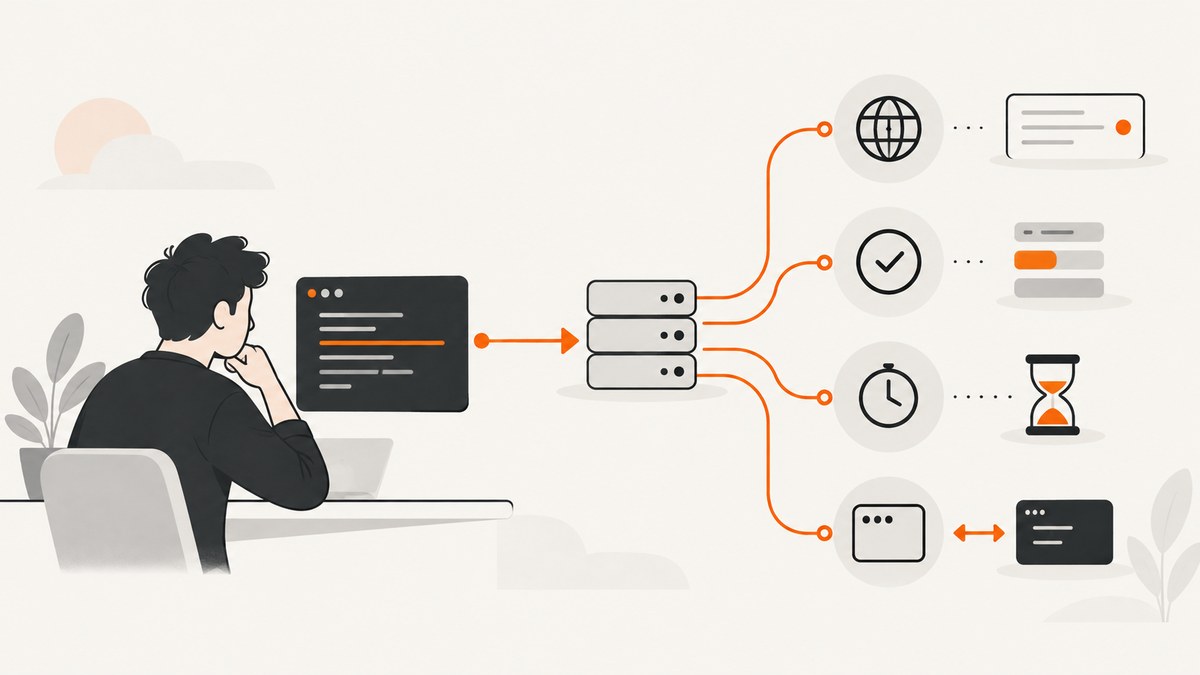
Most cy.request() failures come from one of five causes: Cypress cannot resolve the URL, the configured server is unavailable, the endpoint returns a status Cypress treats as failure, the request times out, or the request is being inspected in the wrong place. Start by checking the effective URL and baseUrl, confirm the server is reachable from the Cypress process, and use failOnStatusCode: false only when an error response is the result you intend to test.
cy.request() runs from Cypress’s Node process. It is not browser application traffic, so cy.intercept() will not match it and the browser Network tab will not contain it. Use the Cypress Command Log to inspect the request and response.
1. Run a known-good request first
Use a complete URL while diagnosing. This removes uncertainty about relative URL resolution.
describe('API smoke test', () => {
  it('gets a health response', () => {
    cy.request({
      method: 'GET',
      url: 'https://example.test/health',
      timeout: 30000,
    }).then((response) => {
      expect(response.status).to.be.within(200, 399)
      cy.log(`Received ${response.status}`)
    })
  })
})
Replace the endpoint with a server you control. If this fails, the problem is probably URL resolution, DNS, connectivity, TLS, or the server itself rather than an assertion.
2. Fix URL resolution and baseUrl
A relative URL such as /api/users uses the host from the most recent cy.visit(). If the test has not visited a page, Cypress uses the active E2E baseUrl. Without either a known visit host or a configured base URL, Cypress cannot determine where to send the request. A fully qualified URL is explicit and useful for diagnosis.
// cypress.config.js
const { defineConfig } = require('cypress')

module.exports = defineConfig({
  e2e: {
    baseUrl: 'http://localhost:3000',
  },
})
it('uses the configured API host', () => {
cy.request('/api/health').its('status').should('eq', 200)
})Check that the configuration file is the one Cypress is loading and that the baseUrl is under the correct e2e configuration. In CI, print or inspect the environment-specific configuration and make sure the server has started before Cypress begins.
3. Confirm the server is reachable from Cypress
- Open the exact URL from the machine or container running Cypress.
- Check DNS, proxy, VPN, firewall, and TLS certificate access in that environment.
- Verify the service is listening on the expected port.
- Run Cypress only after the application server is ready.
A browser on your workstation reaching an endpoint does not prove that a Cypress container or CI runner can reach it. A configured baseUrl whose server cannot be verified produces a configuration or startup error; fix the server address or startup order before changing test assertions.
4. Handle expected 4xx and 5xx responses
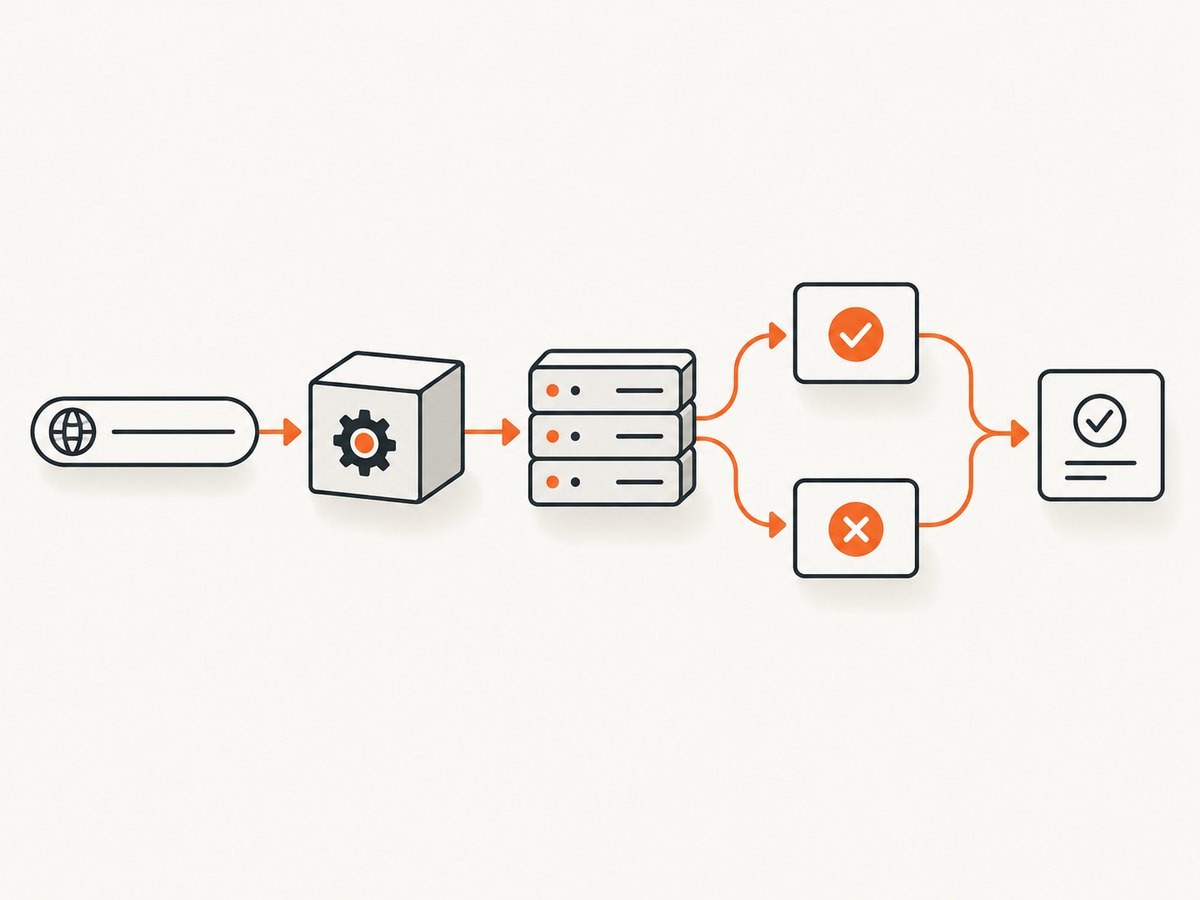
failOnStatusCode defaults to true. Cypress fails the command when the response is outside the 2xx and 3xx ranges. For a test that deliberately checks validation, authorization, or not-found behavior, disable that automatic failure and assert the response yourself.
it('returns a validation error for an empty order', () => {
  cy.request({
    method: 'POST',
    url: '/orders',
    body: { lineItems: [] },
    failOnStatusCode: false,
  }).then((response) => {
    expect(response.status).to.eq(422)
    expect(response.body.errors[0].field).to.eq('lineItems')
  })
})
Do not use this option to hide an unexpected outage. Assert the exact status and response fields that define the scenario.
5. Check method, body, headers, and query parameters
The default method is GET. Cypress automatically JSON-serializes an object or boolean body and sets an application/json content type. A string body is sent as-is and does not receive an automatically assigned content type. The form option sends URL-encoded form data. Verify that the endpoint expects the method and encoding you are sending.
cy.request({
  method: 'POST',
  url: '/login',
  qs: { redirect: '/dashboard' },
  body: { email: 'dev@example.com', password: 'secret' },
  headers: {
    Authorization: `Bearer ${Cypress.env('API_TOKEN')}`,
    'X-Test-Run': 'cypress',
  },
}).then((response) => {
  expect(response.status).to.eq(200)
})
Useful request options include:
| Option | Use it for |
|---|---|
method |
HTTP method; GET is the default. |
url |
Relative endpoint or complete URL. |
qs |
Query-string parameters. |
body |
JSON object, boolean, or raw string payload. |
form |
URL-encoded form submission. |
headers |
Request headers, authentication, and content negotiation. |
auth |
HTTP authentication credentials when supported by the endpoint. |
failOnStatusCode |
Whether non-2xx/3xx responses fail the command; defaults to true. |
followRedirect |
Control redirect following when redirect behavior is part of the test. |
encoding |
How response data is decoded, including binary response handling. |
timeout |
Maximum wait for a response; defaults to Cypress responseTimeout. |
retryOnNetworkFailure |
Retry transient network errors; defaults to true, up to four retries. |
retryOnStatusCodeFailure |
Retry status-code failures; defaults to false, up to four retries. |
Extra headers are sent for the initial request, not automatically for every subsequent request. If a redirect or a follow-up request needs credentials, verify the endpoint’s redirect and authentication behavior separately.
6. Diagnose timeouts
The request timeout is the time Cypress waits for the server to respond. It defaults to responseTimeout. First check endpoint health and reachability; increasing the timeout only helps when the endpoint is slow but healthy.
cy.request({
  method: 'GET',
  url: '/reports/daily',
  timeout: 60000,
}).then((response) => {
  expect(response.status).to.eq(200)
})
Keep timeout changes local to genuinely slow operations when possible. A high global timeout can make a dead service take much longer to fail.
7. Understand retries and side effects
retryOnNetworkFailure is enabled by default and retries transient network failures up to four times. retryOnStatusCodeFailure is disabled by default; enabling it permits up to four retries for status-code failures.
cy.request({
  method: 'GET',
  url: '/unstable-health-check',
  retryOnNetworkFailure: true,
  retryOnStatusCodeFailure: true,
})
Retries are request-level behavior. Chained assertions run once and are not retried. Be cautious with retries on mutating methods such as POST or DELETE: repeating a request can create duplicate records or repeat an irreversible operation. Prefer idempotent setup endpoints or explicit cleanup.
8. Know when to use cy.intercept()
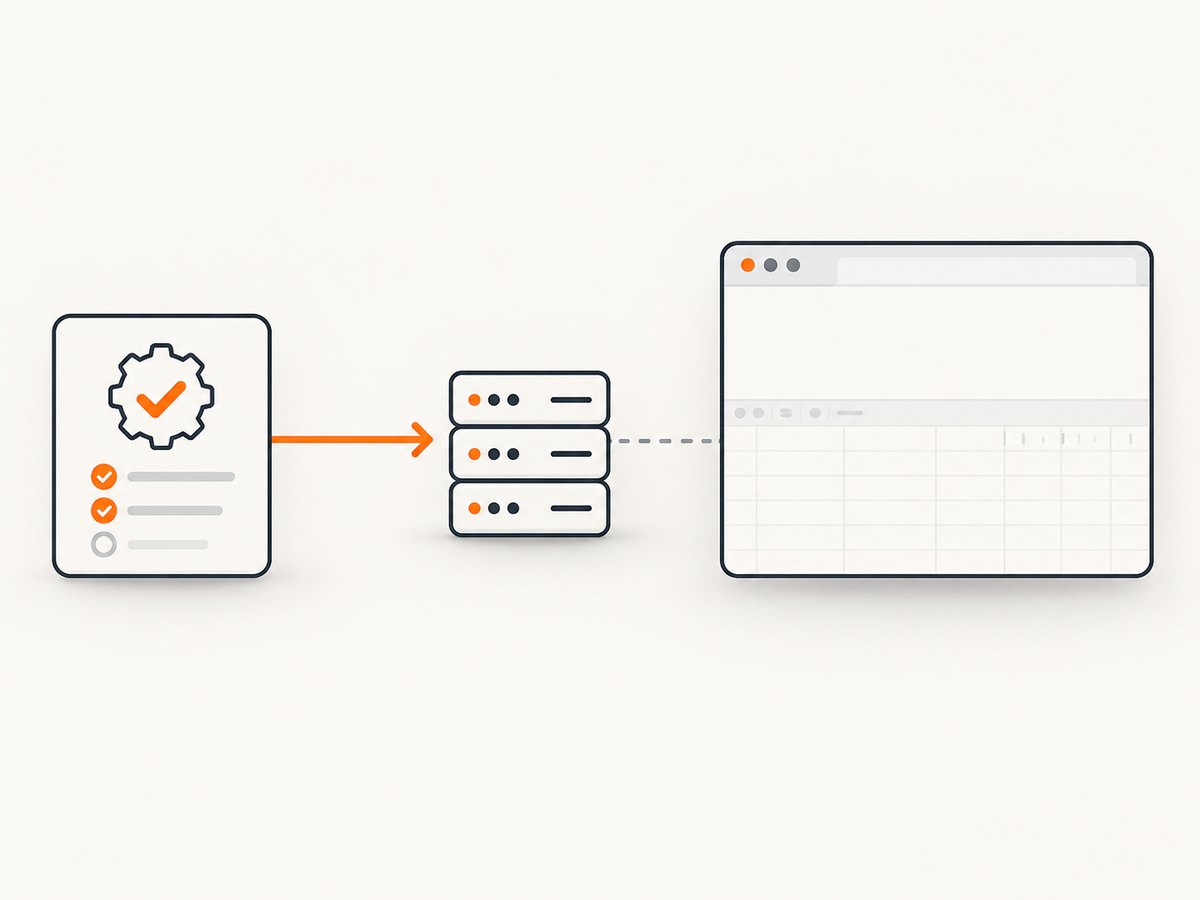
Use cy.request() when the test itself should call an endpoint and assert on the yielded response. Use cy.intercept() when the browser application makes the request and you need to observe, wait for, or stub that traffic.
// Browser application traffic: intercept this request
cy.intercept('GET', '/api/profile').as('profile')
cy.visit('/account')
cy.wait('@profile').its('response.statusCode').should('eq', 200)

// Test-originated traffic: request this endpoint directly
cy.request('/api/profile').its('status').should('eq', 200)
cy.request() calls originate in Cypress’s Node process, so they do not appear in the browser’s Network tab and cannot be matched by browser interception.
9. Inspect the right diagnostics
- Open the Cypress Command Log and click the
requestentry. - Inspect the resolved URL, method, headers, body, status, and response.
- Use the browser console output from that command entry for the yielded request and response details.
- Compare the actual payload with a known-good request made by
curlor another client.
The browser Network panel is the wrong diagnostic surface for a cy.request() call because the browser did not originate it. See the official Cypress cy.request() API reference and Cypress FAQ for the documented behavior.
10. Common errors and fixes
| Symptom | Likely cause | Fix |
|---|---|---|
| “Cannot determine where to send request” | No complete URL, prior visit host, or active baseUrl. |
Set E2E baseUrl or pass a fully qualified URL. |
Server at baseUrl cannot be verified |
Wrong host/port, server not started, or inaccessible CI environment. | Start the server first and verify connectivity from the Cypress runtime. |
| Command fails on 401, 404, 422, or 500 | failOnStatusCode is still true. |
Set it false only for an expected error and assert the exact status and body. |
| Request is missing in Network tab | cy.request() runs in Node. |
Click the Cypress Command Log entry; use cy.intercept() for browser traffic. |
cy.intercept() never matches |
The request was made by cy.request(), not the application. |
Choose the command that matches the traffic source. |
| Timeout waiting for response | Slow, hung, unreachable, or incorrectly addressed endpoint. | Check health and connectivity, then raise the local timeout if the delay is expected. |
| Server rejects payload | Wrong method, JSON/form encoding, query string, or required header. | Inspect the Command Log and align the request with the API contract. |
| Duplicate data after a retry | A mutating request was repeated. | Disable inappropriate retries or make setup operations idempotent. |
11. A repeatable debugging checklist
- Write down the exact URL Cypress should call.
- Use a complete URL while isolating the failure.
- Confirm the active E2E
baseUrland environment. - Verify the server is running and reachable from the Cypress machine or container.
- Check method, query string, body encoding, headers, cookies, and authentication.
- Decide whether the response status is expected; use
failOnStatusCode: falseonly for intentional error assertions. - Inspect the Command Log and console, not the browser Network panel.
- Separate request retries from Cypress test retries.
- Review side effects before enabling status-code retries.
12. Performance, reliability, and cost considerations
Keep API checks focused: call the endpoint directly instead of loading a full UI when the behavior under test is an API contract. Reuse authenticated setup carefully, and clean up records created by mutating requests. Use realistic but bounded timeouts, and avoid retries that conceal a degraded service or duplicate writes. Cypress’s default test retry configuration is separate from the request-level retry options described above.
Or skip the browser setup
If your goal is to create website screenshots while debugging or documenting a page, ScreenshotNeo provides a direct capture API. It accepts a URL and returns a PNG, JPEG, WebP, or PDF. Cookie and consent banners, newsletter popups, and chat widgets are removed before capture; bot checks, blank pages, failed loads, timeouts, and cache hits are not billed. The response identifies the result with X-Page-Verdict and X-Billed headers. ScreenshotNeo also provides an MCP server for Claude, Cursor, and other MCP clients, with take_screenshot, get_page_info, and capture_pdf tools.
curl -G "https://api.screenshotneo.com/v1/shot" -d access_key=YOUR_API_KEY --data-urlencode url=https://stripe.com -o shot.webpimport requests
r = requests.get("https://api.screenshotneo.com/v1/shot", params={"access_key": "YOUR_API_KEY", "url": "https://stripe.com"}, timeout=90)
open("shot.webp", "wb").write(r.content)const q = new URLSearchParams({ access_key: 'YOUR_API_KEY', url: 'https://stripe.com' });
const res = await fetch(`https://api.screenshotneo.com/v1/shot?${q}`);See the ScreenshotNeo API documentation for the full option set, including full-page and element capture, device presets, dark mode, custom CSS and JavaScript, waits, request blocking, headers and cookies, geolocation, PDF settings, caching, signed links, asynchronous jobs, bulk capture, and usage reporting. The free plan includes 1,000 screenshots a month with no card; paid plans start at $5 for 3,000. Create a free ScreenshotNeo account.
FAQ
Does cy.request() use the browser session?
It runs from Cypress’s Node process. Provide the cookies, headers, or authentication the endpoint requires and do not assume browser DevTools will show the call.
Should every API test set failOnStatusCode: false?
No. Keep the default for unexpected failures. Disable it only when the test intentionally verifies a 4xx or 5xx response.
Why did my chained assertion run only once?
Cypress retries certain request failures according to request options, but assertions chained to cy.request() are not retried.
Can I stub a cy.request() call with cy.intercept()?
No. Intercept the browser application’s request, or replace the direct request in the test with a controlled fixture or test endpoint.


