How to Fix Drag-and-Drop Tests That Fail in Cypress
Fix Cypress drag-and-drop tests by matching the app's event model, supplying DataTransfer or pointer data, and diagnosing actionability failures.
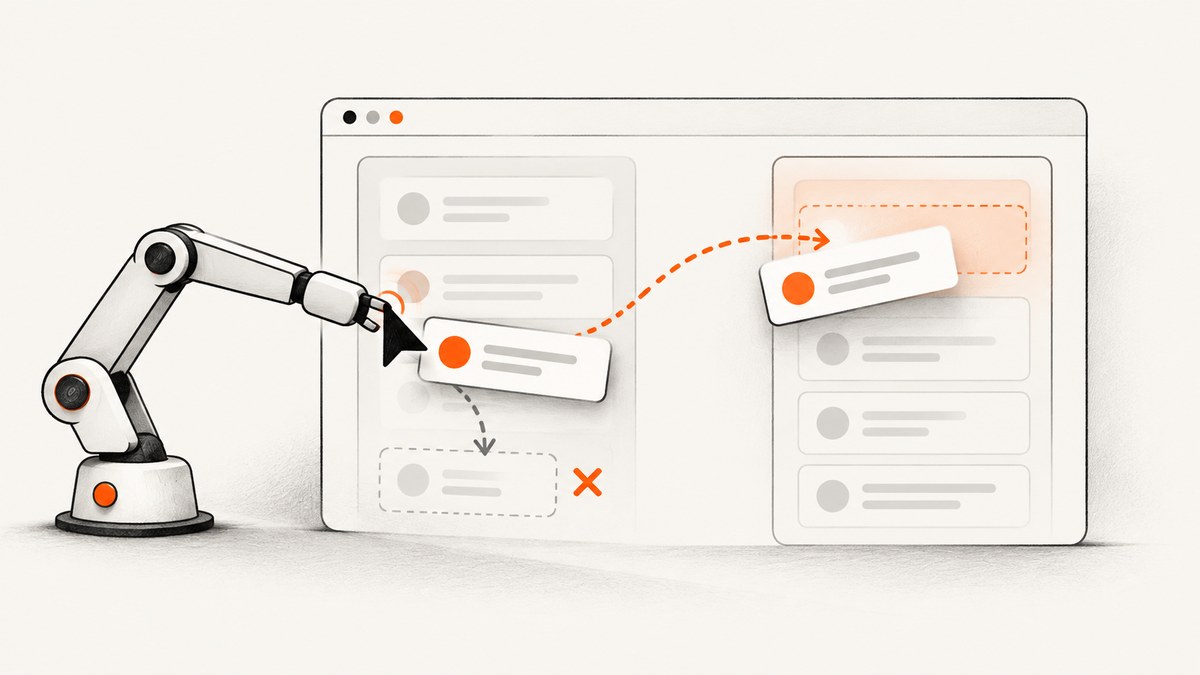
Most Cypress drag-and-drop failures come from an event mismatch. The application may listen for HTML5 events such as dragstart, dragover, and drop, while the test sends mouse events such as mousedown, mousemove, and mouseup. Cypress can dispatch either sequence, but cy.trigger() does not reproduce the browser’s complete default drag behavior for you.
First inspect the component, choose the event model it actually uses, and then provide the properties its handlers read: commonly dataTransfer, which: 1, and coordinates.
1. Identify the drag implementation
Search the source component and its dependencies for these handlers and properties:
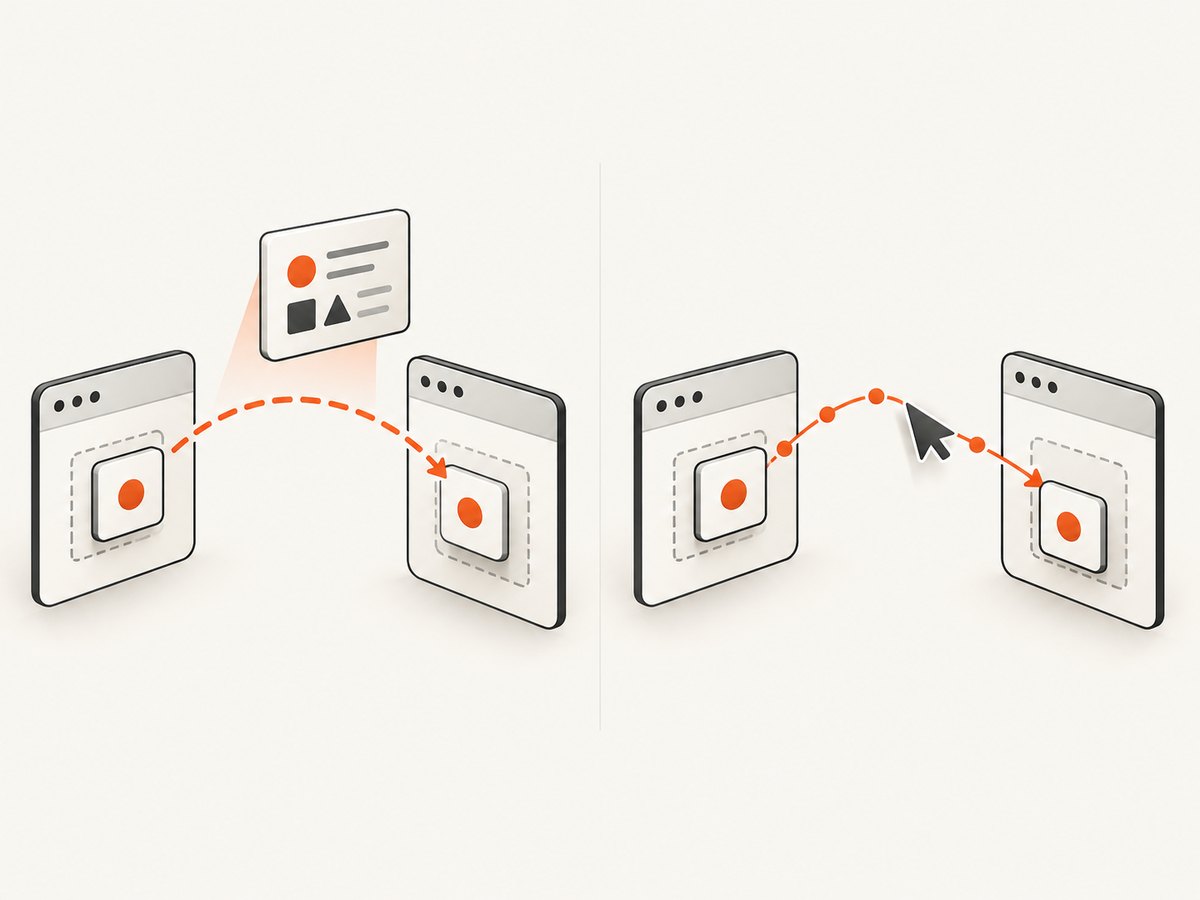
- HTML5 drag events:
dragstart,dragenter,dragover,drop,dragend - Mouse-driven sorting:
mousedown,mousemove,mouseup - Pointer-driven sorting:
pointerdown,pointermove,pointerup - Reads of
event.dataTransfer,event.which,clientX,pageX, orpageY
Use one model consistently. Sending dragstart to a widget that only responds to mousedown will not move anything, and a mouse gesture will not satisfy code that reads dataTransfer.
2. Make selectors and state deterministic
Use stable data-* selectors instead of classes that describe styling. Assert that both elements exist and are visible before the gesture. If the list is animated, wait for the animation to finish or disable it in the test environment.
cy.get('[data-cy=source]').should('be.visible')
cy.get('[data-cy=target]').should('be.visible')
Also assert the starting order or state. A failed drag can otherwise look like a successful gesture when the application was already in the expected state.
3. Test a mouse-driven sortable widget
Sortable lists often consume a left-button press, movement over the destination, and release. Include which: 1 and explicit coordinates. The destination coordinates must be over the target, not left at the source.
describe('sorting cards', () => {
  it('moves the source card into the target column', () => {
    cy.visit('/board')

    cy.get('[data-cy=source]')
      .should('be.visible')
      .trigger('mousedown', {
        which: 1,
        pageX: 100,
        pageY: 100
      })

    cy.get('[data-cy=target]')
      .should('be.visible')
      .trigger('mousemove', {
        which: 1,
        pageX: 500,
        pageY: 300
      })
      .trigger('mouseup')

    cy.get('[data-cy=target]').should('contain', 'Source card')
  })
})
Adapt the coordinates to the rendered layout. If the library checks several movement thresholds, trigger intermediate mousemove events between the source and target.
When coordinates are calculated at runtime
Hard-coded coordinates become fragile when viewport size, fonts, or responsive layout changes. Read element rectangles and derive points from them:
cy.get('[data-cy=source]').then(($source) => {
  const sourceRect = $source[0].getBoundingClientRect()
  const start = {
    pageX: sourceRect.left + sourceRect.width / 2,
    pageY: sourceRect.top + sourceRect.height / 2
  }

  cy.wrap($source).trigger('mousedown', { which: 1, ...start })

  cy.get('[data-cy=target]').then(($target) => {
    const targetRect = $target[0].getBoundingClientRect()
    cy.wrap($target)
      .trigger('mousemove', {
        which: 1,
        pageX: targetRect.left + targetRect.width / 2,
        pageY: targetRect.top + targetRect.height / 2
      })
      .trigger('mouseup')
  })
})
4. Test an HTML5 drag-and-drop handler
HTML5 handlers commonly require a real DataTransfer object. Create it in the Cypress test window and pass the same object through the event sequence.
describe('HTML5 drag and drop', () => {
  it('drops the item on the target', () => {
    cy.visit('/kanban')

    cy.window().then((win) => {
      const dataTransfer = new win.DataTransfer()

      cy.get('[data-cy=source]')
        .should('be.visible')
        .trigger('dragstart', { dataTransfer })

      cy.get('[data-cy=target]')
        .should('be.visible')
        .trigger('dragenter', { dataTransfer })
        .trigger('dragover', { dataTransfer })
        .trigger('drop', { dataTransfer })

      cy.get('[data-cy=source]').trigger('dragend', { dataTransfer })
    })

    cy.get('[data-cy=target]').should('contain', 'Source card')
  })
})
Some applications require a payload. Set the same type and value that the production dragstart handler expects:
cy.window().then((win) => {
  const dataTransfer = new win.DataTransfer()
  dataTransfer.setData('text/plain', 'card-123')
  dataTransfer.effectAllowed = 'move'

  cy.get('[data-cy=source]').trigger('dragstart', { dataTransfer })
  cy.get('[data-cy=target]')
    .trigger('dragover', { dataTransfer })
    .trigger('drop', { dataTransfer })
  cy.get('[data-cy=source]').trigger('dragend', { dataTransfer })
})
Call preventDefault() in the application’s dragover handler when the browser’s drop contract requires it. If the handler checks dropEffect, set that value on the transfer object or adjust the application test seam.
5. Pointer-event implementations
Libraries built around Pointer Events may ignore both HTML5 and mouse sequences. Reproduce the properties the library checks, including pointerId, pointerType, buttons, and coordinates.
cy.get('[data-cy=source]')
  .trigger('pointerdown', {
    pointerId: 1,
    pointerType: 'mouse',
    button: 0,
    buttons: 1,
    clientX: 100,
    clientY: 100
  })

cy.get('[data-cy=target]')
  .trigger('pointermove', {
    pointerId: 1,
    pointerType: 'mouse',
    buttons: 1,
    clientX: 500,
    clientY: 300
  })
  .trigger('pointerup', {
    pointerId: 1,
    pointerType: 'mouse',
    button: 0,
    buttons: 0,
    clientX: 500,
    clientY: 300
  })
Check the library’s source before choosing this sequence. Pointer implementations differ in their threshold, capture, and cancellation behavior.
6. Actionability failures are a separate problem
Cypress checks whether an element is actionable before delivering a command. A hidden, covered, detached, or still-animating element can fail before your drag handler receives any event.
- Use
.should('be.visible')and confirm the element is attached. - Wait for overlays, loading indicators, and transitions to finish.
- Scroll the source and target into view when the layout requires it.
- Inspect whether another element covers the target.
- Use
{ force: true }only when the test intentionally models an interaction Cypress cannot prove actionable; it skips useful safety checks.
cy.get('[data-cy=target]')
  .scrollIntoView()
  .should('be.visible')
  .trigger('mousemove', { which: 1, pageX: 500, pageY: 300, force: true })
7. Diagnose application errors
A thrown exception can interrupt the gesture and make the symptom look like a Cypress drag failure. Temporarily observe failures while debugging:
Cypress.on('uncaught:exception', (error) => {
  console.error('Application exception during drag:', error)
  return true
})

Cypress.on('fail', (error, runnable) => {
  console.error('Cypress failure:', error.message, runnable.title)
  throw error
})
Do not call cy.* commands inside these listeners. They run outside Cypress’s normal command queue. Remove or narrow temporary exception handling after finding the underlying bug so real regressions still fail the test.
8. Common errors and fixes
| Symptom | Likely cause | Fix |
|---|---|---|
dragstart runs but no drop occurs |
The app requires dragover, preventDefault, or a payload. |
Send the complete sequence and pass a populated DataTransfer. |
Cannot read properties of undefined (reading 'dataTransfer') |
The event was triggered without the expected transfer object. | Create new win.DataTransfer() and include it on every relevant event. |
| The test finishes but the card does not move | The widget listens for mouse or pointer events, not HTML5 events. | Inspect handlers and send the matching gesture with button and coordinates. |
| Mouse drag starts but immediately cancels | Movement never crossed the widget threshold, or which/buttons changed. |
Send intermediate moves while holding the left button and use target coordinates. |
| Cypress says the element is covered or not visible | Overlay, animation, scrolling, or responsive layout issue. | Wait, scroll, remove the overlay in test setup, or use force only deliberately. |
| Events target a stale element | The framework re-rendered the list after the first event. | Re-query the element after each state-changing step and avoid detached aliases. |
| Works in one browser but not another | Native drag behavior and event support differ. | Prefer the app’s supported event model; verify browser and Cypress versions before adding a native-event plugin. |
9. When to use native-event plugins
Synthetic events are deterministic and easy to inspect, but they do not run every part of the browser’s native drag pipeline. If the application depends on native behavior and the matching synthetic sequence remains unreliable, evaluate a maintained plugin such as cypress-real-events or cypress-real-dnd. Treat this as a compatibility decision: check the plugin’s Cypress and browser support, update cadence, and behavior with the specific drag library before standardizing it.
10. Reliability and performance checklist
- Use stable
data-cyselectors and assert source and target state. - Choose one event model based on production handlers.
- Supply every property the handler reads.
- Keep coordinates inside the actual target rectangle.
- Disable irrelevant animations and network variability.
- Use one focused drag per test when diagnosing failures.
- Capture screenshots or video on failure to distinguish actionability from event problems.
- Prefer deterministic synthetic events for broad suites; reserve native automation for flows that truly require it.
Short, targeted gestures run faster and fail with clearer causes. Native-event plugins can improve fidelity but add dependency, browser, and maintenance costs.
Or skip the browser setup
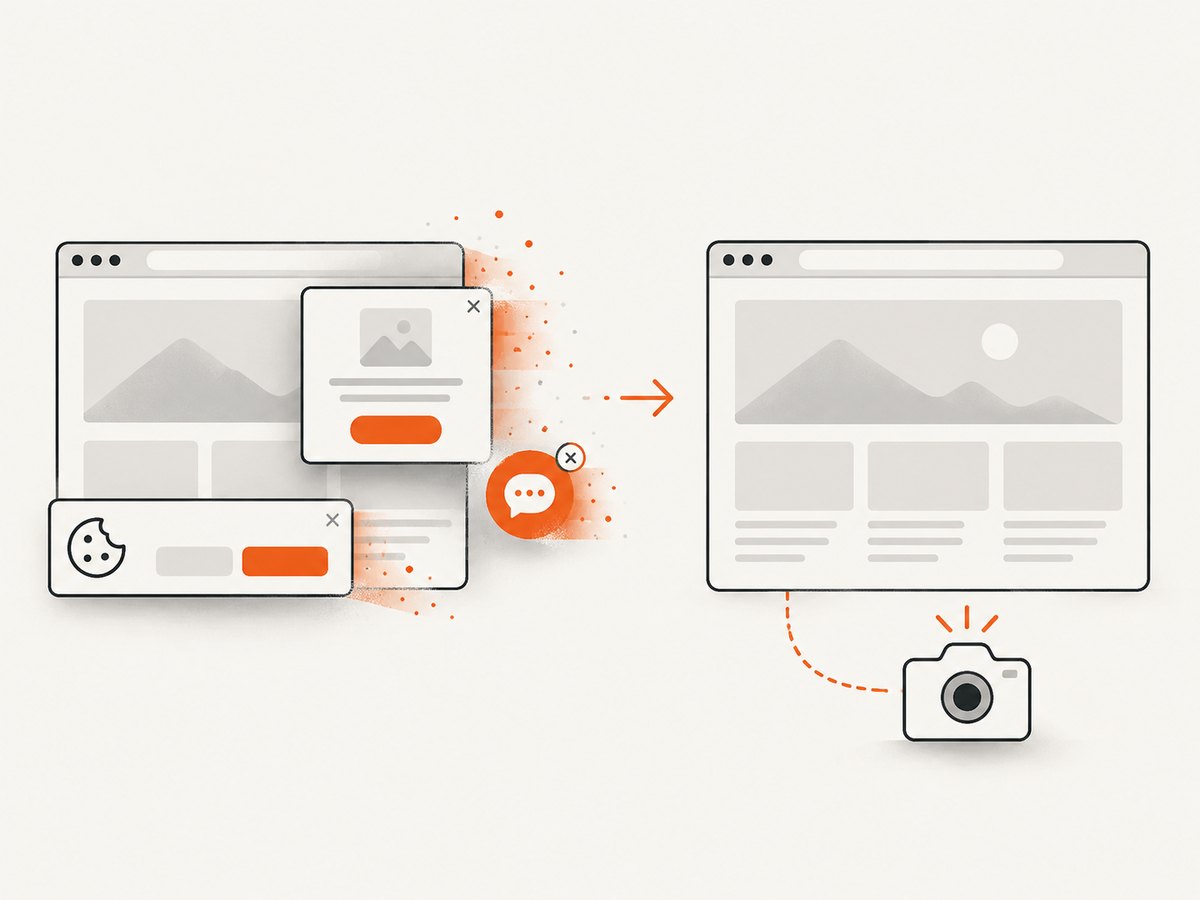
If your goal is to capture a page for visual review or a test artifact rather than exercise the drag interaction itself, ScreenshotNeo provides a single screenshot request. It accepts consent banners before capture and removes more than 60 known consent platforms, newsletter popups, and chat widgets. Bot checks, blank pages, timeouts, failed loads, and cache hits are not billed, and the response identifies the result with X-Page-Verdict and X-Billed headers. Its MCP server also lets Claude, Cursor, and other MCP clients call take_screenshot, get_page_info, and capture_pdf.
See the ScreenshotNeo API documentation for all options.
curl -G "https://api.screenshotneo.com/v1/shot" -d access_key=YOUR_API_KEY --data-urlencode url=https://stripe.com -o shot.webpimport requests
r = requests.get("https://api.screenshotneo.com/v1/shot", params={"access_key": "YOUR_API_KEY", "url": "https://stripe.com"}, timeout=90)
open("shot.webp", "wb").write(r.content)const q = new URLSearchParams({ access_key: 'YOUR_API_KEY', url: 'https://stripe.com' });
const res = await fetch(`https://api.screenshotneo.com/v1/shot?${q}`);The free plan includes 1,000 screenshots each month with no card. Paid plans start at $5 for 3,000 shots, and every feature is available on every plan. Create a free ScreenshotNeo account.
FAQ
Why does cy.trigger('dragstart') not move the item?
It dispatches an event but does not perform the browser’s default drag behavior. The widget may also require mouse or pointer events, a DataTransfer object, or additional coordinates.
Do I always need force: true?
No. Use it only after confirming the element is intentionally difficult for Cypress to prove actionable. Fix visibility, coverage, attachment, and animation issues first.
Should I use cypress-real-events or cypress-real-dnd?
Use a native-event plugin only when the application’s native drag behavior cannot be modeled reliably with synthetic events. Verify current compatibility with your Cypress version and drag library.
Can I test a drag without a visible browser?
Yes, Cypress can run headlessly, but the same event and actionability requirements apply. A headless run does not turn synthetic events into native browser dragging.


