How to Fix Cypress ‘Expected to Find Element but Never Found It’ Errors
Fix Cypress “Expected to find element, but never found it” errors by checking selectors, timing, scope, DOM boundaries, and re-rendering.

Short answer: Cypress is reporting a timed-out query. The selector matched no element before the applicable timeout expired. Check the live selector, the application state that should render the element, the query scope, iframe or Shadow DOM boundaries, document validity, and whether the page replaced the node. Increase the timeout only after those checks.
The typical message is:
Timed out retrying after 4000ms: Expected to find element: '[data-cy=todo-item]', but never found it.The 4000ms value is Cypress’s example timeout, not a universal limit. It comes from defaultCommandTimeout or an explicit timeout on the command. Cypress retries queries and chained assertions while they are retryable; a callback passed to .then() runs once. See the official cy.get() documentation and Cypress common error messages.
1. Reproduce the failure with a retryable assertion
Start with a small test that describes the state you actually need. Put the assertion on the query so Cypress can retry the complete condition while the application is still rendering.
describe('todo list', () => {
  it('shows three todos', () => {
    cy.visit('/todos')

    cy.get('[data-cy=todo-item]')
      .should('have.length', 3)
  })
})
This retries until three matching elements exist or the command times out. It is different from checking once inside .then():
// The callback runs once after the first matching query succeeds.
// It does not keep retrying while more items arrive.
cy.get('[data-cy=todo-item]').then(($items) => {
  expect($items).to.have.length(3)
})
2. Verify the selector against the live DOM
Open the Cypress Command Log and browser DevTools at the failing step. Confirm all of the following:
- The element has the expected tag, attribute, text, and state.
- The selector is spelled exactly as rendered, including hyphens, casing, and dynamic values.
- The page under test is the route you think it is.
- The element is in the current document, rather than another frame or an old DevTools context.
Prefer a dedicated test attribute when the application can provide one:
<button data-cy="save-profile">Save</button>cy.get('[data-cy=save-profile]').should('be.visible')Cypress documents data attributes as a stable choice because styling and user-facing text can change independently of test intent.
Use the selector that matches the rendered structure
// Attribute selector
cy.get('[data-cy=search-results]')

// Form control by label, when the label is part of the rendered document
cy.get('label').contains('Email').invoke('attr', 'for').then((id) => {
  cy.get(`#${id}`).should('be.visible')
})

// Avoid selecting an implementation detail that changes with CSS classes
// cy.get('.sc-bdfBwQ.jNbQbW')
3. Check when the element is rendered
Ask what event creates the element: an API response, a click, a route transition, authentication, a feature flag, or another asynchronous task. Then assert the resulting state rather than adding arbitrary sleeps.
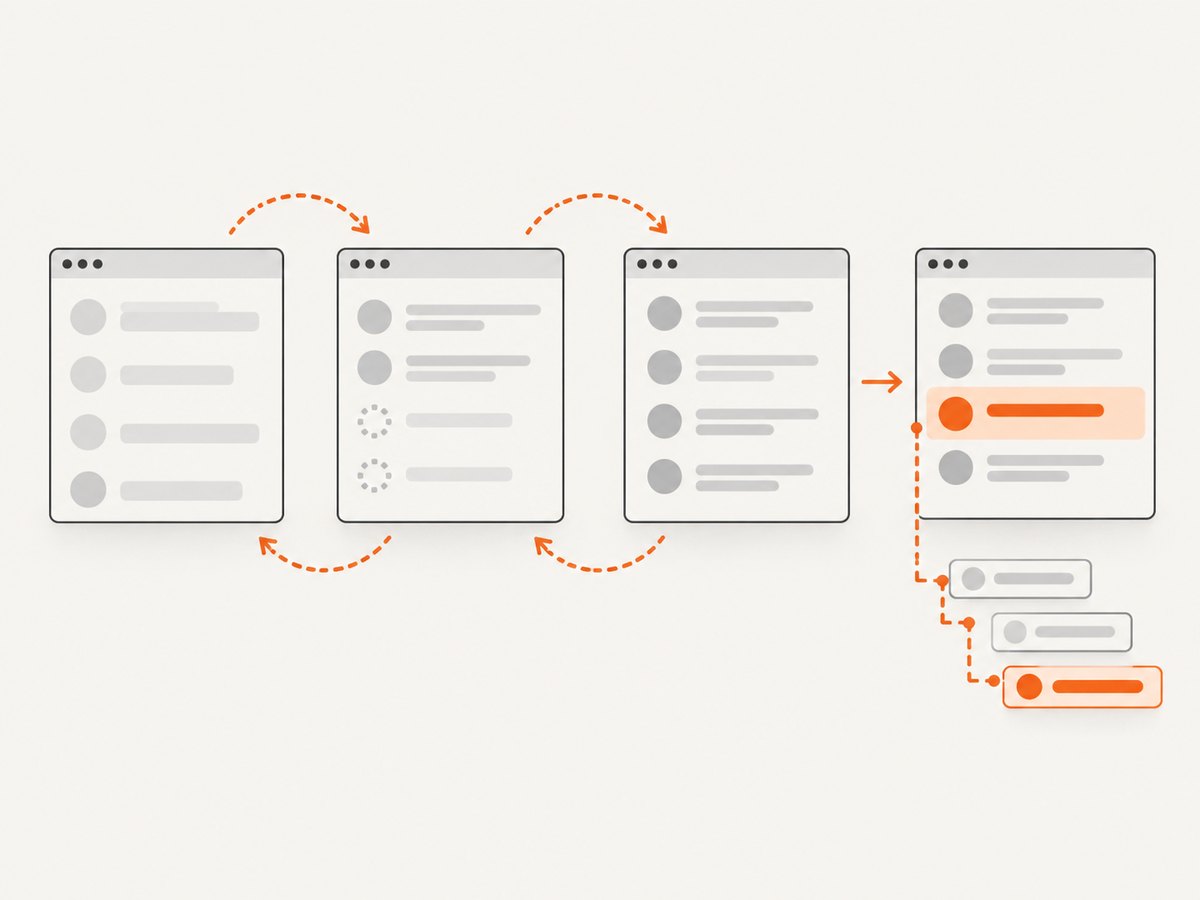
cy.intercept('GET', '**/api/search*').as('search')
cy.visit('/search?q=cypress')
cy.wait('@search')
cy.get('[data-cy=search-results]').should('be.visible')
cy.get('[data-cy=result]').should('have.length.at.least', 1)
If the result is legitimately slow, set a targeted timeout on the slow query:
cy.get('[data-cy=search-results]', { timeout: 10000 })
  .should('be.visible')
A longer timeout addresses latency only. It does not repair a wrong selector, missing application state, or incorrect query root.
4. Understand Cypress query scope
A new cy.get() normally starts at cy.root, usually the document. .find() searches descendants of its current subject. Inside .within(), queries are scoped to that subject.
<section id="comparison">
  <div data-cy="plan-card">Starter</div>
</section>
// Starts from the document
cy.get('[data-cy=plan-card]')
// Starts from #comparison and searches descendants
cy.get('#comparison').find('[data-cy=plan-card]')
// All queries inside the callback are scoped to the form
cy.get('[data-cy=profile-form]').within(() => {
cy.get('[data-cy=email]').type('dev@example.com')
})If a selector works globally but fails inside .within(), inspect whether the target is actually a descendant of the scoped subject. If a descendant selector fails after chaining, confirm that the previous command yielded the container you expect.
5. Check iframe and Shadow DOM boundaries
Iframes
cy.get() does not descend into an iframe document. A selector for content visible inside an iframe can therefore time out even when the browser shows that content. The iframe document has a separate browsing context and needs an iframe-aware approach or a test hook that operates within that context.
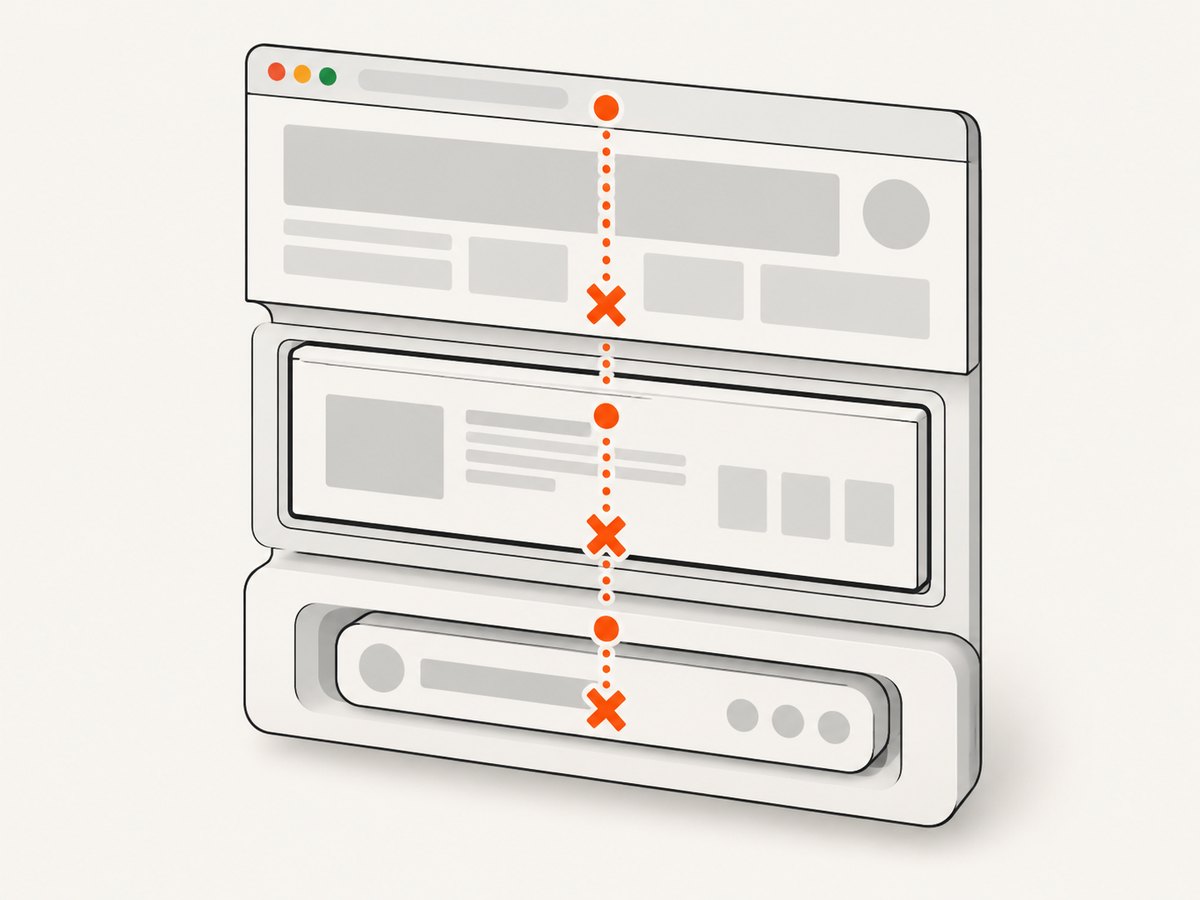
// This searches the top-level document only
cy.get('[data-cy=payment-field]')
First confirm whether the target belongs to the top document or to an iframe. Do not treat an iframe boundary as a Shadow DOM problem; they are different document boundaries.
Shadow DOM
For open Shadow DOM content, enable Shadow DOM searching for the query:
cy.get('user-profile', { includeShadowDom: true })
  .find('[data-cy=name]', { includeShadowDom: true })
  .should('be.visible')
You can also configure Shadow DOM inclusion for queries generally in Cypress configuration. Use the narrowest setting that matches your application and verify the component exposes an open shadow root.
6. Inspect malformed HTML and the current document
Cypress’s common-errors guidance identifies malformed HTML as a possible cause when an element appears present but document.querySelector() cannot reach it. Browser parsing can relocate or discard nodes after invalid nesting, an unclosed tag, or broken markup.
// Run in the browser console on the page under test
 document.querySelector('[data-cy=target]')
If this returns null, inspect the generated HTML and the component that owns the target. Also verify that the element is not rendered only in a different route, popup, frame, or stale tab.
7. Separate a missing-element timeout from a detached element
These failures are related but distinct:
| Symptom | What it means | Typical fix |
|---|---|---|
| Expected to find element, but never found it | No selector match before timeout | Check selector, state, scope, boundaries, markup, and timing |
| Detached from the DOM | A previously found node was replaced after an action | Break the chain and query the current DOM again |
When a click or other action causes a framework to re-render, do not keep using the old subject:
// Query again after the action can replace the button
cy.get('button[data-cy=save]').click()
cy.get('button[data-cy=save]').parent()
Cypress documents this pattern as breaking up a chain after a command that can update the page.
8. A diagnostic checklist
- Read the exact selector and timeout in the error.
- Inspect the live DOM at the failing step.
- Confirm the route, authentication state, feature flags, and test data.
- Check whether an API response or user action must happen first.
- Attach the final assertion to the query so it can retry.
- Check whether
.within(),.find(), or a previous subject changed the search root. - Determine whether the target is inside an iframe or Shadow DOM.
- Validate the generated HTML and current document.
- If an earlier command re-rendered the page, start a fresh chain.
- Only then add a targeted timeout for known slow behavior.
9. Common errors, causes, and fixes
| Error pattern | Likely cause | Fix |
|---|---|---|
| Selector never matches | Typo, changed attribute, or wrong component | Copy the selector from the live DOM and prefer a stable data-cy attribute. |
| Works locally, fails in CI | Different seed data, route, authentication, viewport, or timing | Log the URL and relevant state; make setup deterministic; wait for the real response or UI state. |
| Element appears after loading | Query runs before asynchronous rendering completes | Use a retryable query and assertion, optionally after an aliased network request. |
| Element is visible in the browser but not found | Iframe, Shadow DOM, different document, or malformed markup | Identify the boundary and use the corresponding remedy. |
Assertion in .then() fails intermittently |
The callback ran once while content was still filling | Move the assertion into .should() or another retryable query chain. |
| Next command reports a detached subject | Framework replaced the node after an action | End the chain and query the current DOM again. |
| Longer timeout still fails | Timeout is hiding a selector, scope, state, or boundary mistake | Return to the checklist; keep timeout changes local and evidence-based. |
10. Performance and reliability considerations
- Prefer stable selectors. They reduce retries caused by markup and styling changes.
- Wait on meaningful state. An aliased API request or visible result is more deterministic than a fixed sleep.
- Keep retries local. A per-command timeout limits the impact of one slow screen; changing
defaultCommandTimeoutglobally can make unrelated failures slower. - Make test data deterministic. Empty responses, feature flags, and authentication redirects can make a correct selector appear broken.
- Re-query after re-rendering. A fresh query follows the current DOM and avoids stale subjects.
- Use the smallest search scope that is correct. Scoped queries communicate intent and reduce accidental matches.
11. Capture a failing page for debugging
A screenshot can show whether the test reached the expected route, whether a consent banner covers the target, or whether the page is blank in a failing environment. Capture the state near the failure and correlate it with the Cypress command log and network information.
For a local Cypress run, the built-in screenshot command is often enough:
cy.screenshot('element-not-found-debug')For repeatable URL captures outside the test runner, ScreenshotNeo provides a website screenshot API at ScreenshotNeo. Its documentation is at screenshotneo.com/docs.
Or skip the browser setup
When you need a clean capture of a page while investigating a Cypress failure, one request can return a PNG, JPEG, WebP, or PDF:
curl -G "https://api.screenshotneo.com/v1/shot" -d access_key=YOUR_API_KEY --data-urlencode url=https://stripe.com -o shot.webpimport requests
r = requests.get(
"https://api.screenshotneo.com/v1/shot",
params={"access_key": "YOUR_API_KEY", "url": "https://stripe.com"},
timeout=90,
)
open("shot.webp", "wb").write(r.content)const q = new URLSearchParams({ access_key: 'YOUR_API_KEY', url: 'https://stripe.com' });
const res = await fetch(`https://api.screenshotneo.com/v1/shot?${q}`);ScreenshotNeo accepts the cookie or consent banner like a visitor and removes more than 60 known consent platforms, newsletter popups, and chat widgets before the capture; each step can be turned off. Bot checks, blank pages, timeouts, failed loads, and cache hits are not billed, and the response identifies the result with X-Page-Verdict and X-Billed headers. Its MCP server lets Claude, Cursor, and other MCP clients use take_screenshot, get_page_info, and capture_pdf.
The Free plan includes 1,000 screenshots per month with no card. Paid plans start at $5 for 3,000 screenshots. Create a free ScreenshotNeo account.
FAQ
Does Cypress wait automatically for an element?
Yes. Cypress retries queries until they find a match and retries chained assertions while the command is within its timeout. A .then() callback itself is not a retry loop.
Should I set defaultCommandTimeout to a large value?
Usually no. Use a targeted timeout for a known slow operation after confirming the selector and application state. A global increase can make genuine failures take longer to report.
Why does cy.get() fail when I can see the element?
Check whether it is inside an iframe or Shadow DOM, belongs to another document, was replaced during a re-render, or is unreachable because the generated HTML is malformed.
Is a detached-element error the same as this timeout?
No. The timeout means no match was found. A detached-element error means Cypress found a node and that node was later removed or replaced.
What selector should I use for Cypress tests?
Use a dedicated, stable test attribute such as data-cy when possible. Keep selectors tied to user intent rather than generated class names or layout details.


