How to Fix Cypress Element Timeouts That Occur Only in Jenkins
Diagnose Cypress element timeouts that happen only in Jenkins by comparing browsers, build inputs, readiness, resources and test synchronization.

Direct answer: A Cypress element timeout in Jenkins means the query or assertion did not reach its expected state within its retry window. The timeout alone does not identify why. Compare the failing command, browser, build, environment, application readiness, network timing and agent resources; then fix the cause and use a longer timeout only when the element is legitimately slower to appear.
Cypress supports Jenkins, and its documentation lists browser behavior, CI build changes, slower network requests, machine resources and environment variables among possible reasons tests pass locally but fail in CI. Start with evidence from the failing run instead of assuming Jenkins itself is incompatible.
1. Identify what timed out
Record the exact Cypress error, command, selector, assertion, timeout value and run artifacts. “Element not found” and “timed out retrying” are not enough to diagnose the failure without knowing which command was waiting and what the application was doing.
- Query failure: a query such as
cy.get()did not find the matching element before its timeout. - Assertion failure: the query returned a subject, but an assertion such as
be.visibleorhave.textnever passed in time. - Actionability timeout: an action such as
.click()waited for Cypress’s built-in actionability conditions and could not safely act on the element.
Cypress retries DOM queries until it finds elements and retries assertions until they pass. Action commands wait for their actionability conditions before attempting the action. A timeout can therefore mean that an element was absent, present but not ready, hidden or obstructed, or that the expected application state never arrived. Check the command log and the command’s documented timeout behavior before changing configuration.
Save the Jenkins screenshot and video, if available, and inspect the Command Log around the failure. Note whether the target element is absent, appears late, has changed text, is hidden, or sits behind a loading layer. These observations separate a timing problem from a changed selector, failed request or application-state problem.
2. Compare the Jenkins run with local
Make the comparison concrete. A test that passes locally may not be running against the same inputs in CI.
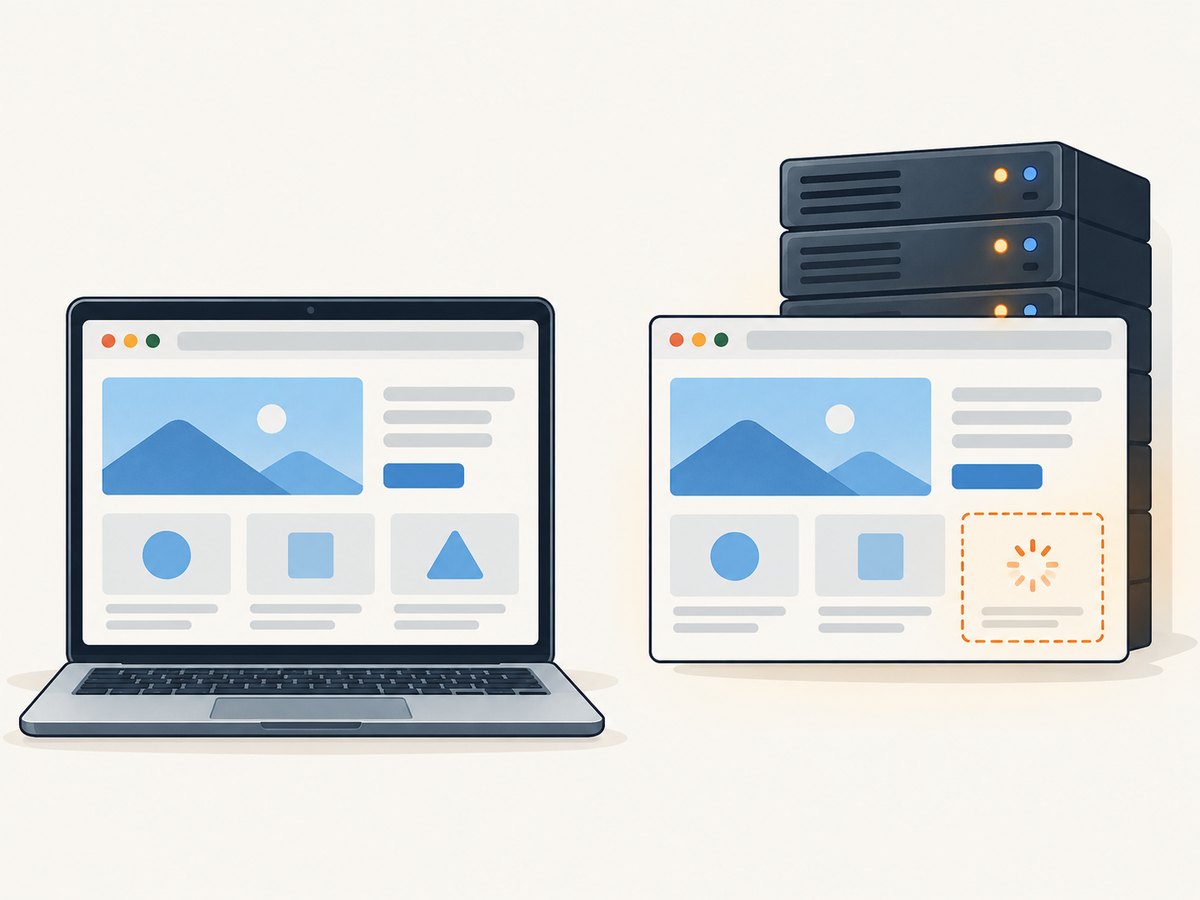
- Commit and build: confirm Jenkins checked out the expected commit and built the same application version and assets. Check whether the pipeline changed, whether the app build completed successfully, and whether the test points to the expected deployed or local server.
- Cypress and browser: compare the Cypress version, browser name and browser version. Check whether Jenkins uses the default Electron browser or a browser selected explicitly in the pipeline. Run locally with the same browser where possible.
- Runtime configuration: compare Node version, Cypress configuration, environment variables, base URL, feature flags, credentials and other settings that affect the application or tests.
- Test state and data: check that Jenkins has the expected account, records, permissions and seeded data. Confirm tests do not depend on local browser state, prior test order or data that another parallel job can change.
- Application readiness and network: verify the server and required services are ready before Cypress starts. Look for slow or failed requests in Jenkins logs and browser artifacts, especially requests that control when the target is rendered.
- Agent resources: check whether the Jenkins agent is constrained or contended. The browser, application and server all use memory and CPU, and Cypress notes that CI hardware requirements depend on their resource needs.
Jenkins is a supported CI provider, but supported does not mean every agent, browser, pipeline or application behaves identically. Use the comparison to narrow the source of the difference. If the selector changed or the expected data is missing, a longer timeout cannot correct it.
3. Check for browser or headless differences
cypress run launches browsers headlessly by default. If the Jenkins failure appears specific to headless execution, Cypress documents reproducing the run locally with a visible browser:
npx cypress run --headed --no-exit --browser chromeChrome must be installed or provided by the environment. Compare the visible run’s final state and Command Log with Jenkins screenshots and video. Also run headless locally using the same browser and, as far as possible, the same application build and environment. That helps distinguish headless behavior from a Jenkins-only difference.
If the visible run passes and the headless run fails, inspect when the element becomes available, whether layout or rendering affects visibility, and whether the test relies on a visual transition or timing assumption. The result narrows the investigation; it does not establish a single cause by itself.
4. Synchronize on the application state
Prefer a retried query and assertion that describe the state the test needs. For example, if results load asynchronously, wait for the results area to become visible rather than pausing for an arbitrary number of seconds:
cy.get('[data-testid="results"]')
  .should('be.visible')

cy.get('[data-testid="result-row"]')
  .should('have.length.greaterThan', 0)
Use an assertion that reflects the actual condition needed by the next step. If the test needs a particular message, assert that message. If it needs a control enabled, assert that. A visibility check alone does not prove that results have loaded or that the control is ready.
When the relevant signal is a network response, wait for that request and then assert on the resulting UI:
cy.intercept('GET', '/api/results*').as('loadResults')
cy.visit('/search')

cy.wait('@loadResults')
cy.get('[data-testid="results"]')
  .should('be.visible')
cy.get('[data-testid="result-row"]')
  .should('have.length.greaterThan', 0)
Adapt the route and selector to the application. A response completing does not guarantee the UI has finished rendering, so keep the UI assertion when the next action depends on rendered state. Avoid using a fixed cy.wait(5000) as a general synchronization strategy: it can waste time on fast runs and still fail on slower ones.
5. Use a scoped timeout when evidence supports it
Cypress’s documented default command timeout is four seconds. If artifacts show that the correct element appears eventually and the application is behaving as intended, give the affected query or assertion a longer window:
cy.get('[data-testid="results"]', { timeout: 10000 })
  .should('be.visible')
This changes the retry window for that query, which also governs the chained assertion. Choose a value based on the observed delay and the test’s acceptable run time; the example’s ten seconds is an illustration, not a universal setting. Keep the timeout close to the command that depends on the delayed state.
Cypress also documents CYPRESS_DEFAULT_COMMAND_TIMEOUT for slower CI machines. Consider a global timeout only if evidence shows many commands need the same longer window. Broad changes can make unrelated failures take longer to report and can hide the fact that an element never appears. A scoped timeout makes the specific dependency easier to review.
6. Treat retries as a diagnostic signal
A small, deliberate run-mode retry count can help identify flaky tests or provide a temporary safety net while you investigate. A test that passes only after retry is still evidence of instability. Cypress retries rerun the test and its beforeEach and afterEach hooks, so retries add run time and may repeat test side effects without fixing the underlying timing, data or environment problem.
When a retry succeeds, compare the first and later attempt’s logs and artifacts. Did a request recover? Did shared data change? Did the application become ready later? Use that clue to fix the dependency rather than treating green status after retry as proof of reliability.
7. Troubleshooting common Jenkins-only failures
| Symptom | Likely cause to investigate | Next step |
|---|---|---|
| The selector never appears | Changed markup, wrong page, missing test data or failed application request | Inspect the Jenkins screenshot, URL, response logs and test data; verify the selector against the built application. |
| The element appears after the timeout | Legitimate CI delay, slow service or resource pressure | Find what controls its appearance; wait for a meaningful state or response. Use a scoped timeout if the measured delay is expected. |
| The element exists but the assertion fails | Wrong expected text/state, hidden element or incomplete rendering | Inspect the assertion subject and final page state; assert the application condition the next test step actually requires. |
.click() times out although the element exists |
Actionability condition is not met, such as the element being covered, disabled or not yet interactable | Inspect the screenshot and Command Log; wait for the real UI state that makes the action possible. |
| Only one browser or headless run fails | Browser-specific behavior or a headless-visible difference | Reproduce locally in the same browser and compare headless/headed artifacts. |
| Failures occur across unrelated tests | Agent contention, shared service instability, environment-variable drift or a pipeline/build change | Compare agent load, versions, build inputs, server readiness and environment configuration. |
| Reruns pass inconsistently | Flaky timing, mutable shared data, request variability or order dependence | Compare attempts, isolate test data and remove assumptions about test order or prior browser state. |
8. Performance, reliability and cost of the fix
A longer timeout does not make an element load faster; it lets Cypress keep retrying for longer before failing. Scope it so a genuinely slow dependency can complete without making every missing element expensive to diagnose. Fixed sleeps also consume time on every run, while condition-based retries can proceed as soon as the state is ready.
Retries can increase CI duration because each attempt reruns test logic and hooks. If a suite needs frequent retries to pass, investigate the first failing attempt and the environment it ran in. For reliability, preserve useful screenshots, videos and command logs, keep browser and build inputs consistent, and make test data reproducible. The dossier provides no Jenkins-specific failure-rate benchmark, so timeout settings should be chosen from the behavior of your own application and agent.
9. Capture a page while investigating a visual state
For a reproducible page state you want to inspect or share, a screenshot can supplement Cypress’s own run artifacts. It is useful for looking at whether an element appeared, whether an overlay covers it, or how a page renders in a given browser environment. A screenshot does not explain a failed request or replace the Command Log, so use it alongside the test evidence.
Or skip the browser setup
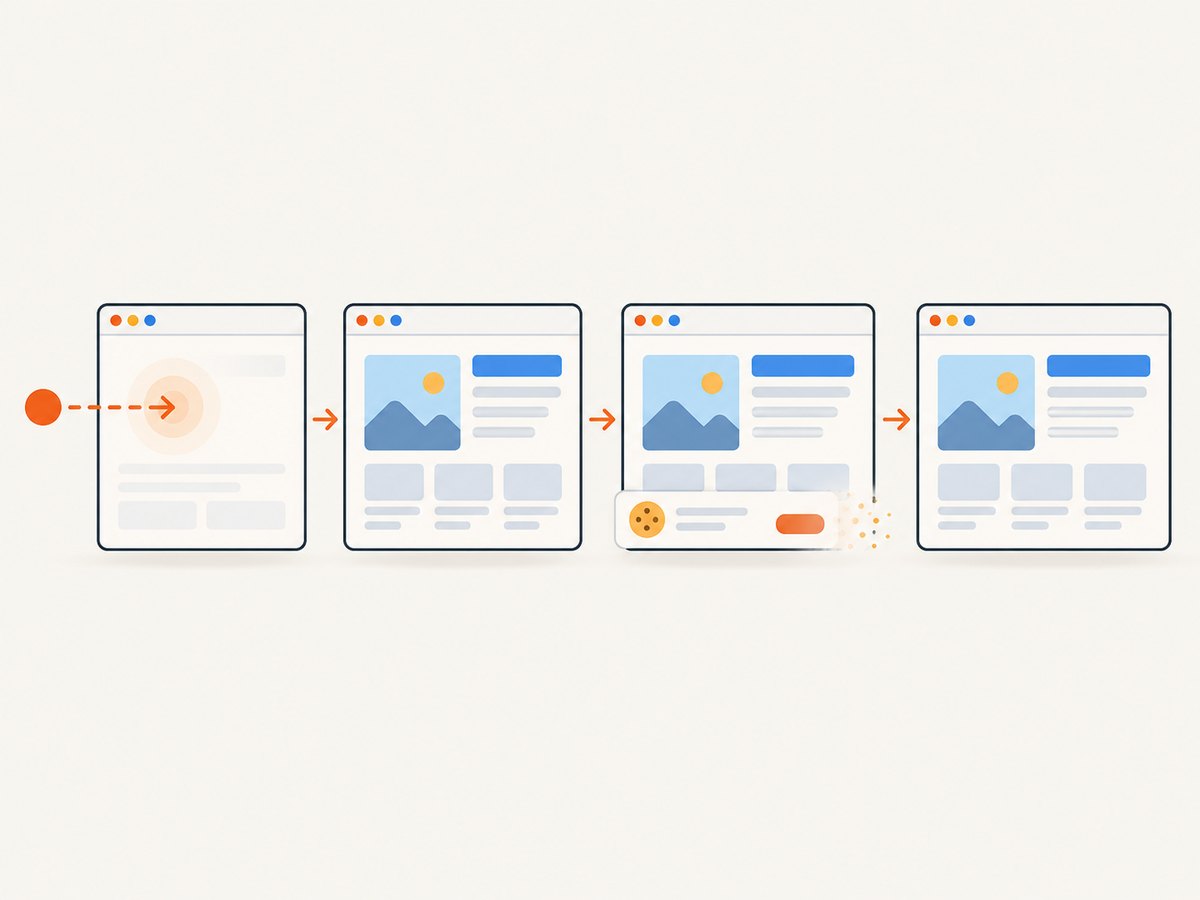
If you need a standalone website capture while debugging, ScreenshotNeo takes a screenshot from one GET request. Cookie banners, popups and chat widgets are removed before the shot; bot checks, blank pages and failed loads are never billed. Its MCP server lets AI agents take screenshots, and 1,000 screenshots a month are free with no card; paid plans start at $5 for 3,000.
See the ScreenshotNeo API docs for the request options. This cURL example captures the Stripe page as WebP:
curl -G "https://api.screenshotneo.com/v1/shot" \
  -d access_key=YOUR_API_KEY \
  --data-urlencode url=https://stripe.com \
  -o shot.webp
Sign up for 1,000 free screenshots a month, with no card.
10. A concise diagnostic checklist
- Save the exact error, selector, command, timeout and Jenkins artifacts.
- Confirm the built app, commit, Cypress version, browser, Node version and environment match the intended test inputs.
- Check server readiness, requests, test data and Jenkins agent resources.
- Compare the same browser locally; investigate headless differences when the artifacts suggest them.
- Replace fixed sleeps with a relevant assertion or network signal plus a UI-state assertion.
- Increase only the affected timeout when the element is demonstrably delayed but expected to appear.
- Treat retry-only passes as flaky-test evidence and investigate the first failed attempt.
Frequently asked questions
Is Jenkins incompatible with Cypress?
No. Cypress lists Jenkins as a supported CI provider. A failure confined to Jenkins still needs diagnosis against that job’s browser, build, environment, network and resources.
Should I set every command timeout to 10 seconds?
Usually, begin with a scoped timeout for the command that depends on delayed state. Use a global setting only when multiple commands share a demonstrated need.
Does a passing retry mean the test is fixed?
No. It means a later attempt passed. Compare the attempts and address the condition that made the first run fail.
What if the element never appears?
Check whether the page, selector, data and request are correct. A longer timeout helps only when the expected element eventually appears.


