How to Fix Cypress Elements Missing After Adding a className
Fix Cypress element-not-found errors after a className change by checking selectors, rerenders, scope, timing, and stable data-cy attributes.
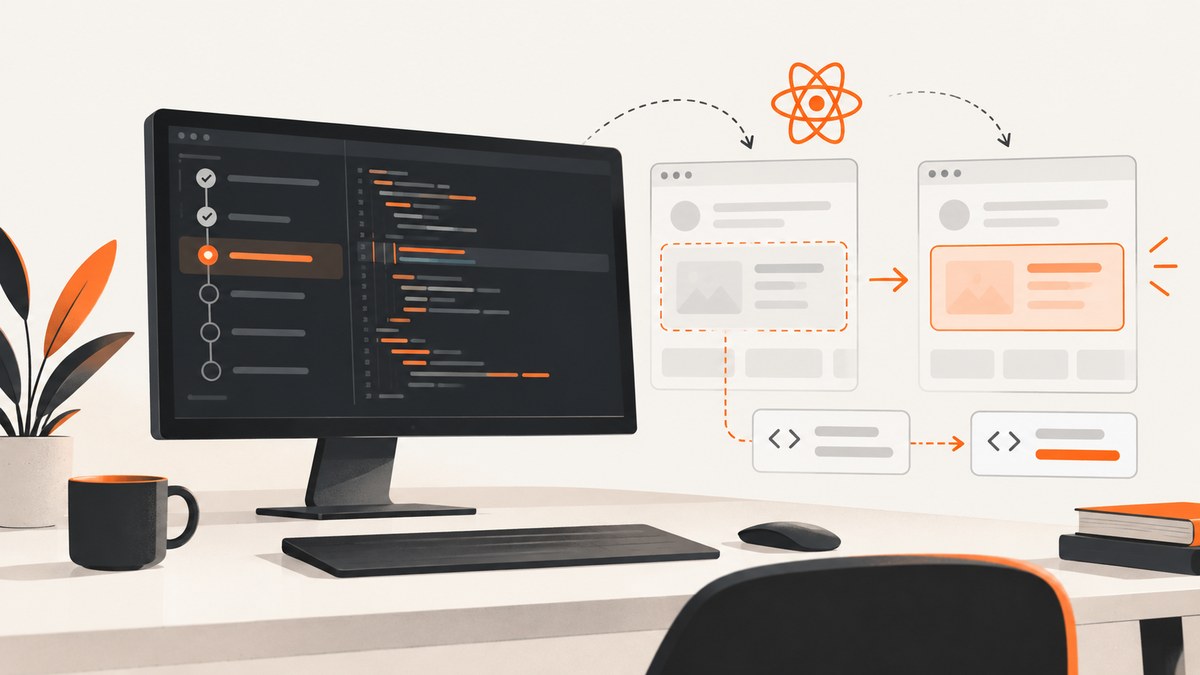
When Cypress cannot find an element after you add or change a React className, inspect the rendered DOM first. Confirm the selector still matches, check whether a rerender replaced the node, verify that a .within() scope still contains it, and re-query after updates. Keep a stable data-cy attribute for locating the element, then assert the class separately.
1. Confirm what the browser rendered
React’s JSX prop is className; the browser exposes a class attribute. A conditional or composed class may emit a different final string than expected.
- Open the page under test and inspect the element in DevTools after the state change.
- Record its tag, complete
classvalue, location in the DOM, and anydata-cy, role, label, or ID. - Run the exact selector in the console, for example
document.querySelector('[data-cy="save-button"]'). - Compare the live result with the selector in Cypress.
cy.get() queries the application DOM and retries until matching elements exist or the command timeout is reached. See the cy.get() documentation.
2. Use a stable locator and assert the class separately
Styling classes often change as the UI evolves. Cypress recommends dedicated test attributes because they express a testing contract. Keep the locator stable and test the visual or behavioral state independently.
cy.get('[data-cy="save-button"]')
  .should('be.visible')
  .and('have.class', 'enabled')
Example React component:
function SaveButton({saving, saved, onSave}) {
  const stateClass = saving ? 'saving' : saved ? 'enabled' : 'idle'
  return (
    <button
      data-cy='save-button'
      className={stateClass}
      onClick={onSave}
      disabled={saving}
    >
      {saving ? 'Saving…' : saved ? 'Saved' : 'Save'}
    </button>
  )
}
cy.get('[data-cy="save-button"]').click()
cy.get('[data-cy="save-button"]').should('have.class', 'enabled')This avoids failing during lookup merely because the expected class is the class that changed. The Cypress best-practices guide explains the rationale for data-* selectors.
3. Re-query after a React rerender
React can remove a DOM node and insert a replacement when state or props change. The replacement may look identical, but a Cypress subject yielded before the update can now be detached. Cypress documents this behavior in Interacting with elements and its common error messages.
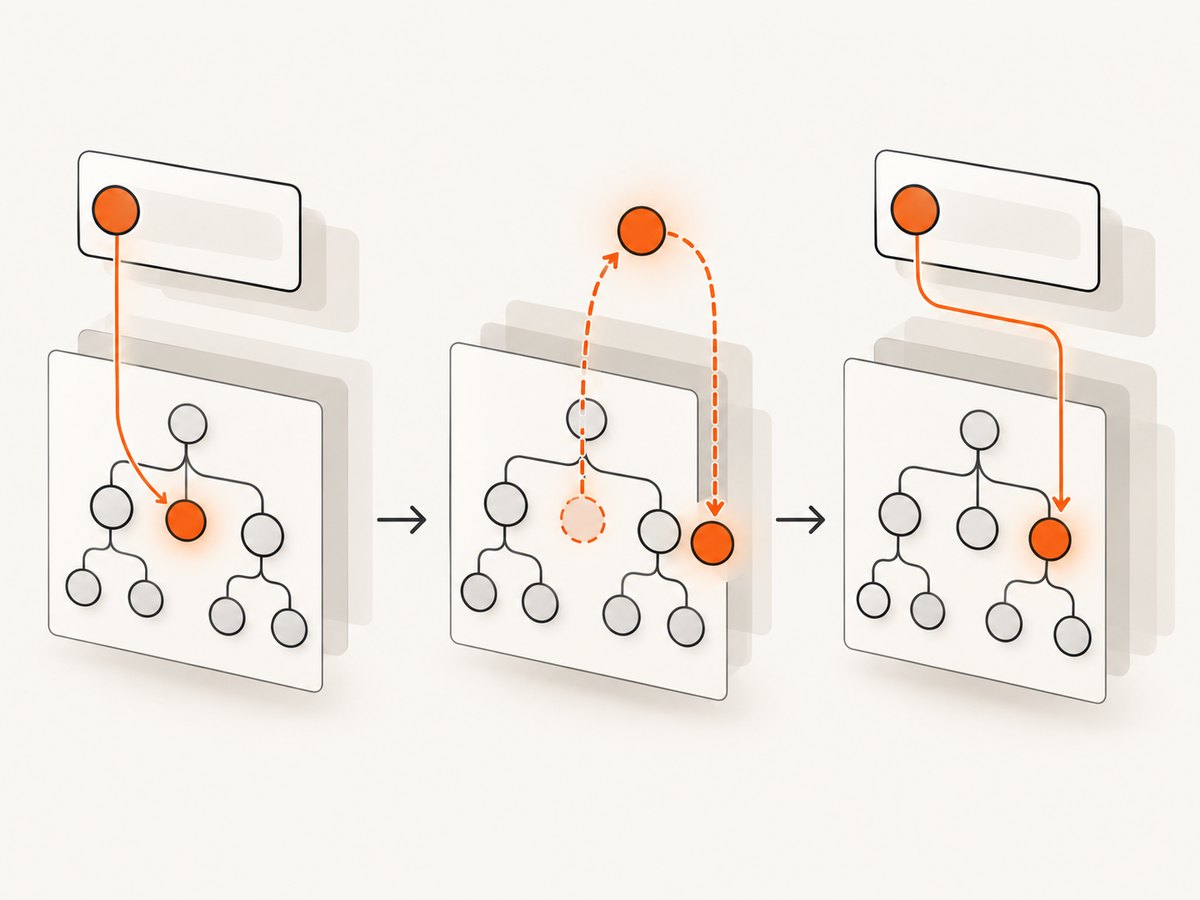
// Fragile when the click triggers a replacement node
cy.get('[data-cy="save-button"]')
.click()
.should('have.class', 'enabled')
// Re-query from the document after the update
cy.get('[data-cy="save-button"]').click()
cy.get('[data-cy="save-button"]').should('have.class', 'enabled')End a chain after an action that can rerender. Start a new top-level query so Cypress obtains the current element.
4. Check conditional rendering and asynchronous appearance
A class change may accompany insertion, removal, or a delayed state transition. Verify that the component is actually rendered for the test’s inputs.
function Panel({open}) {
  if (!open) return null
  return <section data-cy='panel' className='open'>Content</section>
}
cy.get('[data-cy="open-panel"]').click()
cy.get('[data-cy="panel"]').should('be.visible').and('have.class', 'open')Use a longer local timeout only when the application is expected to take longer than Cypress’s documented four-second default. A timeout cannot repair a selector that no longer matches, a node outside the scope, or a detached subject.
cy.get('[data-cy="panel"]', {timeout: 10000})
  .should('have.class', 'open')
For retry behavior, see Cypress’s retry-ability documentation.
5. Verify .within() scope
Inside .within(), cy.get() is restricted to the yielded subtree. If the rerender moves the element elsewhere, the selector can be correct but still return nothing.
cy.get('[data-cy="editor"]').within(() => {
  cy.get('[data-cy="save-button"]').click()
})
After an update, inspect whether the button remains inside [data-cy="editor"]. If it moves, query from the document or scope to its new stable ancestor.
6. A complete Cypress component-test example
Cypress’s React component testing API provides mount(). Mount the component, interact with it, then query the current DOM node.
import SaveButton from './SaveButton'

describe('<SaveButton />', () => {
  it('shows enabled after saving', () => {
    let resolveSave
    const save = () => new Promise(resolve => { resolveSave = resolve })

    cy.mount(<SaveButton onSave={save} />)
    cy.get('[data-cy="save-button"]').click()
    cy.get('[data-cy="save-button"]').should('have.class', 'saving')

    cy.then(() => resolveSave())
    cy.get('[data-cy="save-button"]').should('have.class', 'enabled')
  })
})
Adapt the state transition to your component. The key points are a stable test attribute and a fresh query after each update that can replace the node. See the React component testing API.
7. Troubleshooting checklist
| Symptom | Likely cause | Fix |
|---|---|---|
Expected to find element: '.old-class' |
The emitted class changed or the class was removed. | Inspect the live class attribute; use data-cy to locate and assert the new class separately. |
| Element exists in DevTools but Cypress cannot find it | The test runs before insertion, or the query is inside the wrong .within() scope. |
Query the correct ancestor and assert the element; remove or adjust scope only after confirming the DOM structure. |
subject is no longer attached to the DOM |
A React rerender replaced the yielded node. | End the action chain and issue a new top-level cy.get(). |
| Increasing timeout changes nothing | The selector, scope, or expected class is wrong. | Test the selector in DevTools and inspect the final class string. |
| Duplicate matches | The class is shared by several elements. | Add a unique data-cy, role, accessible name, or a carefully chosen ancestor; avoid arbitrary .eq() indexes. |
| Works locally, fails in CI | Different data, viewport, feature flag, or delayed network response. | Make state deterministic, wait on the application condition, and capture the DOM or screenshot at failure. |
8. Debug the exact failure
- Read the complete Cypress error, including the selector and command that failed.
- Pause with
cy.pause()or add a temporarycy.log()around state changes. - Use the Cypress runner’s selector playground to inspect what matches at that moment.
- Check whether an animation, portal, iframe, or shadow root changes where the element lives.
- Replace broad class selectors with a stable test attribute and keep a separate class assertion.
If the element is inside an iframe or shadow DOM, use the appropriate Cypress setup for that boundary; a normal document query cannot cross it automatically.
9. Performance, reliability, and maintainability
- Prefer deterministic state: stub variable network responses where appropriate and wait for the UI condition rather than an arbitrary delay.
- Keep selectors cheap: a unique
data-cylookup is clearer and less brittle than a long CSS chain. - Use retries intentionally: Cypress retries queries and assertions, but actions are not a substitute for modeling the application’s state.
- Limit screenshots and video artifacts to diagnosis: they help explain CI failures but add storage and runtime cost.
- Separate contracts: locator attributes identify an element; class assertions verify state or styling behavior.
10. Or skip the browser setup
If you need a visual record of the page while diagnosing a Cypress failure, ScreenshotNeo can return a screenshot or PDF with one GET request. See the ScreenshotNeo API documentation.

curl -G "https://api.screenshotneo.com/v1/shot" -d access_key=YOUR_API_KEY --data-urlencode url=https://stripe.com -o shot.webpimport requests
r = requests.get("https://api.screenshotneo.com/v1/shot", params={"access_key": "YOUR_API_KEY", "url": "https://stripe.com"}, timeout=90)
open("shot.webp", "wb").write(r.content)const q = new URLSearchParams({ access_key: 'YOUR_API_KEY', url: 'https://stripe.com' });
const res = await fetch(`https://api.screenshotneo.com/v1/shot?${q}`);Cookie and consent banners, newsletter popups, and chat widgets are removed before the shot. Bot checks, blank pages, failed loads, timeouts, and cache hits cost nothing, and response headers report the page verdict and whether the shot was billed. An MCP server provides take_screenshot, get_page_info, and capture_pdf tools for Claude, Cursor, and other MCP clients. The Free plan includes 1,000 screenshots a month with no card; paid plans start at $5 for 3,000.
Create your free ScreenshotNeo account and start with 1,000 screenshots a month.
11. FAQ
Should I select by class or data-cy?
Use a stable data-cy (or another deliberate test attribute) for selection, then assert classes when class changes are the behavior under test.
Why does Cypress find the element before the click but not after it?
The click likely triggers a rerender that replaces or moves the node. Query it again from the document after the click.
Is a four-second timeout always enough?
It is Cypress’s documented default. Increase it locally only for a known slower render; first rule out a wrong selector, scope, or missing component.
Can a className change alone remove an element?
Changing a class does not inherently remove a node, but the same state update may conditionally render a different tree or cause React to replace the node.
What should I inspect when the test passes locally but fails in CI?
Compare viewport, feature flags, test data, network timing, and rendered DOM. Capture the failing state and assert application conditions instead of fixed delays.
12. Quick checklist
- Inspect the live DOM and final emitted
class. - Verify the selector and
.within()scope. - Check conditional rendering and asynchronous state.
- Use a stable
data-cylocator. - Re-query after actions that can trigger React rerenders.
- Use a longer timeout only for genuinely slow appearance.
- Capture a diagnostic screenshot when CI output needs visual evidence.


