How to Fix Cypress GitHub Actions Peer Dependency Conflicts
Resolve npm ERESOLVE and conflicting peer dependency errors in Cypress GitHub Actions with reproducible versions, lockfiles, and CI settings.
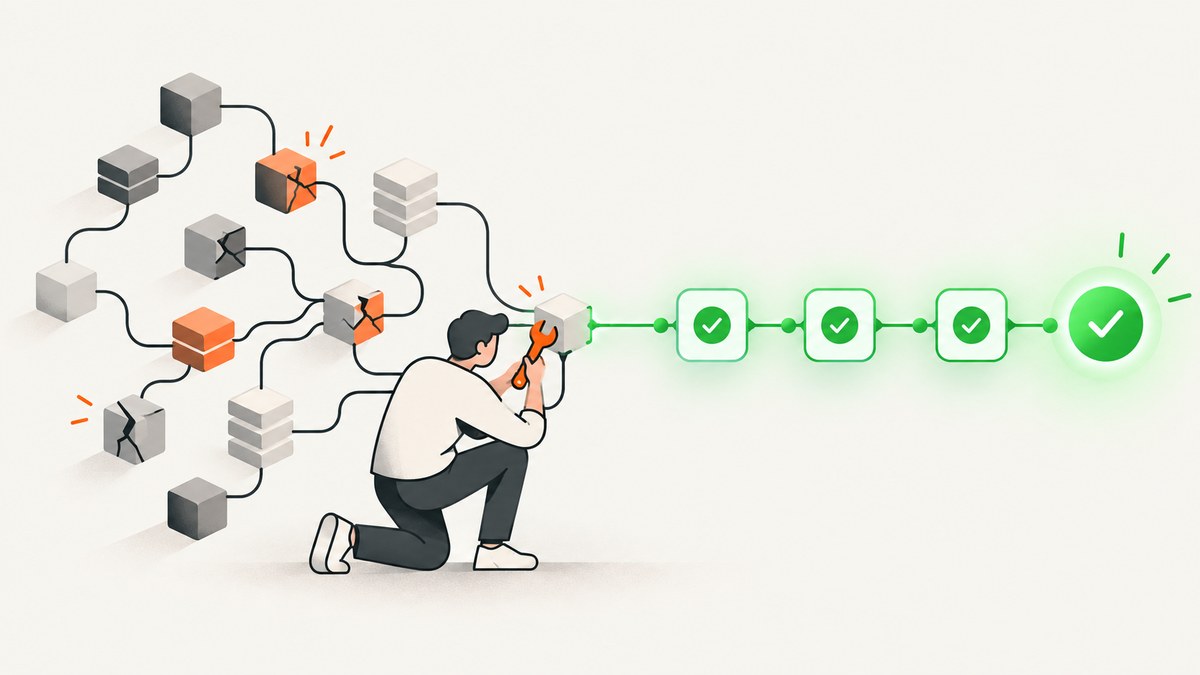
Short answer: An npm ERESOLVE error means two packages declare incompatible peer-version requirements. Read the complete error, align the package versions, regenerate and commit the lockfile, then run npm ci in GitHub Actions with the same Node and npm configuration used to create that lockfile. Use --legacy-peer-deps only when you have deliberately accepted the compatibility risk and persist that setting for both local lockfile creation and CI installation.
This guide covers errors such as ERESOLVE unable to resolve dependency tree, Conflicting peer dependency, and “npm ci works locally but fails in GitHub Actions.” It also separates peer conflicts from Cypress binary-installation and browser failures.
1. Read the error before changing the workflow
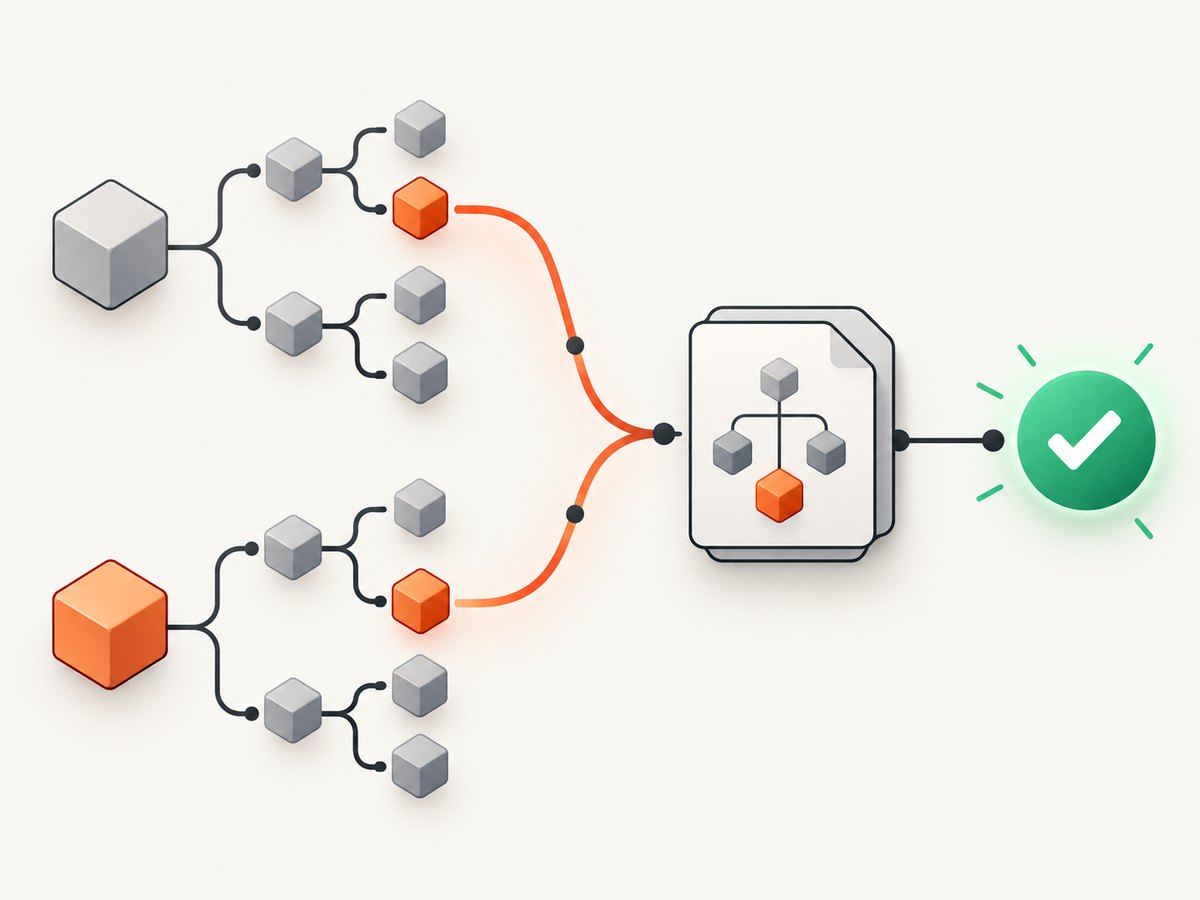
npm identifies the package that requires a peer, the package/version currently selected, and the peer range it requires. For example, one package may require react@^18 while the tree contains React 17. The failure is a constraint mismatch, not a Cypress-specific test failure.
- Save the full Actions log, including the first npm error and its report path.
- Record the requiring package, installed package/version, and required peer range.
- Inspect
package.json, the relevantpackage-lock.jsonentries, and recent dependency changes. - Check the Node and npm versions locally and in CI.
Do not begin by deleting the lockfile or adding --force. npm documents that peer conflicts can fail installation and that legacy-peer-deps changes how npm constructs the dependency tree: npm ci documentation.
2. Fix the dependency constraints
Preferred fix: choose overlapping peer ranges
Update the direct dependency that caused the conflict, or select a compatible version of the package declaring the peer. Then regenerate the lockfile with your project’s normal npm version and configuration.
# Show the dependency tree and why a package is installed
npm ls <package-name>
npm explain <package-name>

# After editing package.json, regenerate intentionally
npm install

# Verify the clean, lockfile-based install
rm -rf node_modules
npm ci
npm test
Review the manifest and lockfile diff together. Commit both. A lockfile should describe the dependency tree that CI is expected to install.
When a bypass is unavoidable
--legacy-peer-deps tells npm to ignore peer dependencies while constructing the tree. It can unblock an intentionally accepted combination, but it does not prove that the packages are compatible at runtime. If you use it, persist the setting in a committed project .npmrc so lockfile creation and CI consumption agree:
legacy-peer-deps=true# Create or refresh the lockfile with the persisted setting
npm install
# CI and local verification now use the same tree rules
npm ciDocument why the bypass exists, which packages are affected, and who will remove it when compatible releases are available. Avoid --force unless you have a specific, reviewed reason; it suppresses safety checks without resolving the underlying requirements.
3. Make GitHub Actions match the repository
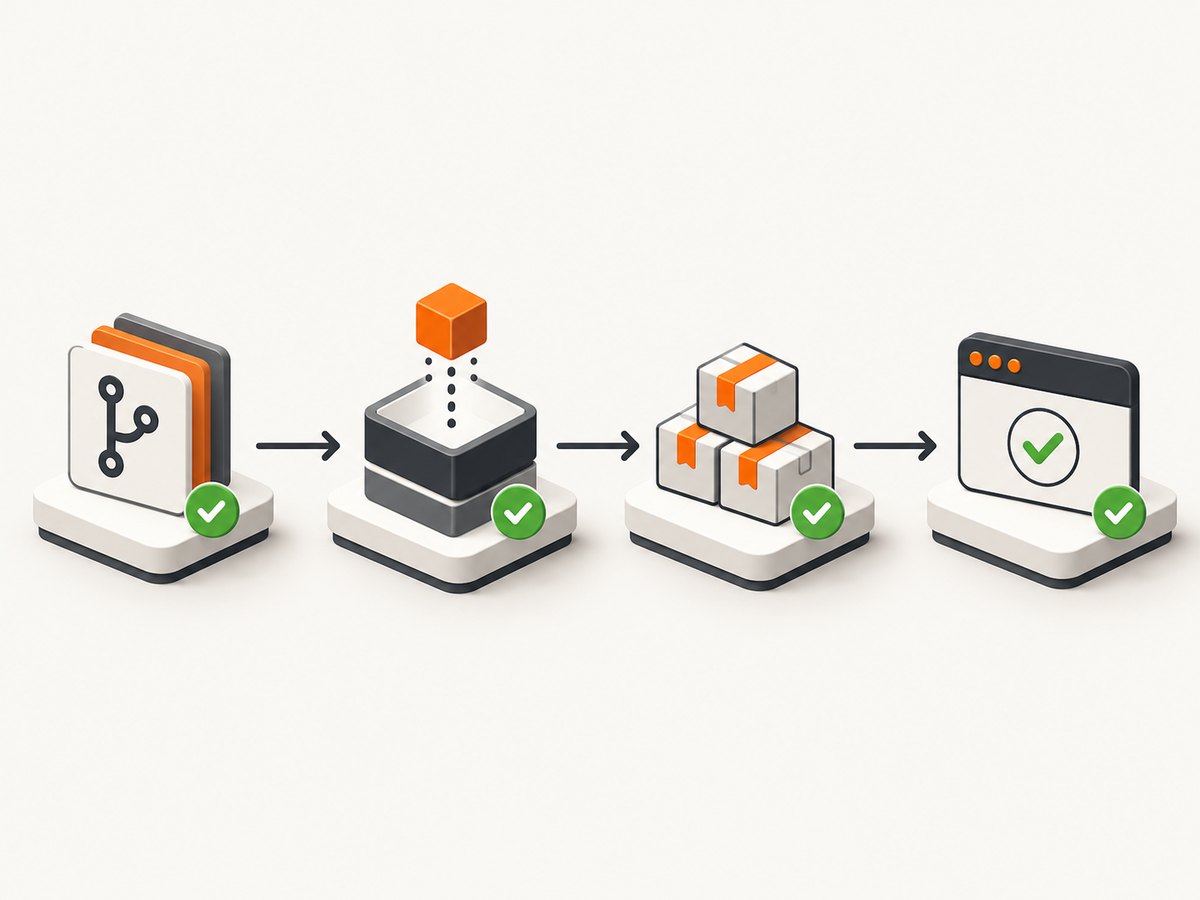
Use a deliberate Node version, check out the repository, install from the directory containing the intended lockfile, and run Cypress after installation. GitHub recommends actions/setup-node, committed lockfiles, and npm ci for npm CI installs. See setup-node lockfile and cache guidance and GitHub’s Node.js workflow guide.
name: Cypress

on:
  push:
  pull_request:

jobs:
  cypress:
    runs-on: ubuntu-latest
    steps:
      - uses: actions/checkout@v4

      - uses: actions/setup-node@v4
        with:
          node-version: '20' # select the version supported by your project
          cache: npm
          # For a monorepo, add:
          # cache-dependency-path: apps/web/package-lock.json

      - run: npm ci
      - run: npx cypress run
Replace the example action and Node versions with the versions your repository supports. In a monorepo, set the job’s working directory or use explicit paths so npm ci reads the correct package-lock.json:
- run: npm ci
  working-directory: apps/web
- run: npx cypress run
  working-directory: apps/web
The official Cypress GitHub Action can install dependencies, cache Cypress data, and run tests. It cannot remove incompatible peer constraints from your application’s dependency tree. The npm install step must succeed first.
4. Keep caches separate from dependency resolution
A package-manager cache can speed up downloads, but it does not make incompatible peer ranges compatible. Cypress advises against caching node_modules directly because that bypasses package-manager reconstruction and integrity checks. Cache npm data and Cypress’s binary cache as appropriate for your workflow, then diagnose the first failing command.
5. Distinguish peer errors from Cypress binary errors
Cypress’s npm package downloads its platform binary during its postinstall step. If scripts were skipped, the binary may be missing even though npm dependency resolution succeeded. That is a different failure category.
# Check whether the binary is available
npx cypress verify

# Install it when the required binary is missing
npx cypress install

# Then run the suite
npx cypress run
If the log fails during npm ci with ERESOLVE, fix the dependency tree first. If it fails later while downloading or verifying Cypress, inspect the Cypress cache, postinstall settings, network access, and browser availability. See Cypress CI documentation.
6. Troubleshooting checklist
| Symptom | Likely cause | Fix |
|---|---|---|
ERESOLVE unable to resolve dependency tree |
Peer ranges do not overlap | Align package versions, regenerate and commit the lockfile |
Local npm install passes but CI npm ci fails |
Different Node/npm versions, flags, or lockfile | Match tool versions and configuration; use the committed lockfile |
npm ci says the lockfile is out of date |
package.json and lockfile disagree |
Run npm install, review the diff, and commit both files |
Only CI fails after using --legacy-peer-deps locally |
The lockfile was shaped with a flag CI does not use | Persist legacy-peer-deps=true or pass the same deliberate option to CI |
| Cypress binary is missing | Postinstall was skipped or cache is incomplete | Run npx cypress install and inspect Cypress cache settings |
| Tests fail after installation | Browser, app startup, environment, or test issue | Read the first post-install failure; do not change peer settings blindly |
7. Performance, reliability, and cost considerations
- Performance: Lockfile installs and npm caching reduce repeated resolution and downloads. Avoid caching
node_modulesas a shortcut. - Reliability: Pin a supported Node version, commit manifest and lockfile changes together, and keep npm settings reproducible. Cypress documents pinning a specific action release when avoiding unforeseen action changes matters.
- Cost: Faster installs reduce GitHub Actions minutes. A peer bypass may save short-term debugging time but can create runtime failures and maintenance work.
- Monorepos: Point setup-node’s cache dependency path and each install command at the lockfile for the package being tested.
8. Or skip the browser setup
If your workflow also needs screenshots for visual checks, documentation, or failure artifacts, ScreenshotNeo provides a website screenshot API. It removes cookie and consent banners, newsletter popups, and chat widgets before capture. Bot checks, blank pages, failed loads, timeouts, and cache hits are not billed, and responses identify the page verdict and billing status. Its MCP server provides take_screenshot, get_page_info, and capture_pdf tools for Claude, Cursor, and other MCP clients.
See the ScreenshotNeo API documentation for all options. A single request is enough:
curl -G "https://api.screenshotneo.com/v1/shot" -d access_key=YOUR_API_KEY --data-urlencode url=https://stripe.com -o shot.webpimport requests
r = requests.get("https://api.screenshotneo.com/v1/shot", params={"access_key": "YOUR_API_KEY", "url": "https://stripe.com"}, timeout=90)
open("shot.webp", "wb").write(r.content)const q = new URLSearchParams({ access_key: 'YOUR_API_KEY', url: 'https://stripe.com' });
const res = await fetch(`https://api.screenshotneo.com/v1/shot?${q}`);Plans include 1,000 screenshots per month free with no card; paid plans start at $5 for 3,000 shots. Create a free ScreenshotNeo account.
9. FAQ
Should I delete package-lock.json?
Only when intentionally regenerating it as part of a reviewed dependency change. Do not delete a committed lockfile as a routine CI fix.
Does the Cypress GitHub Action fix npm peer conflicts?
No. It helps install, cache, and run Cypress, but your application’s dependency constraints still must resolve.
Is npm ci a dependency solver?
No. It enforces the committed lockfile. If the lockfile was created with tree-shaping flags, use the same flags or project configuration during CI.
Can a peer conflict be caused by Cypress itself?
Yes, if Cypress or a related package declares a peer range that conflicts with another dependency. Identify the exact package named by npm before changing versions.
Why does a workflow pass installation but fail at cypress run?
That is usually a separate binary, browser, application startup, environment, or test failure. Diagnose the first failing command in the log.


