How to Fix Cypress Intercept Fetch Request Timeouts
Fix Cypress fetch timeouts by identifying the request or response phase, registering intercepts early, matching the real request, and handling cache and Cypress 16 changes.
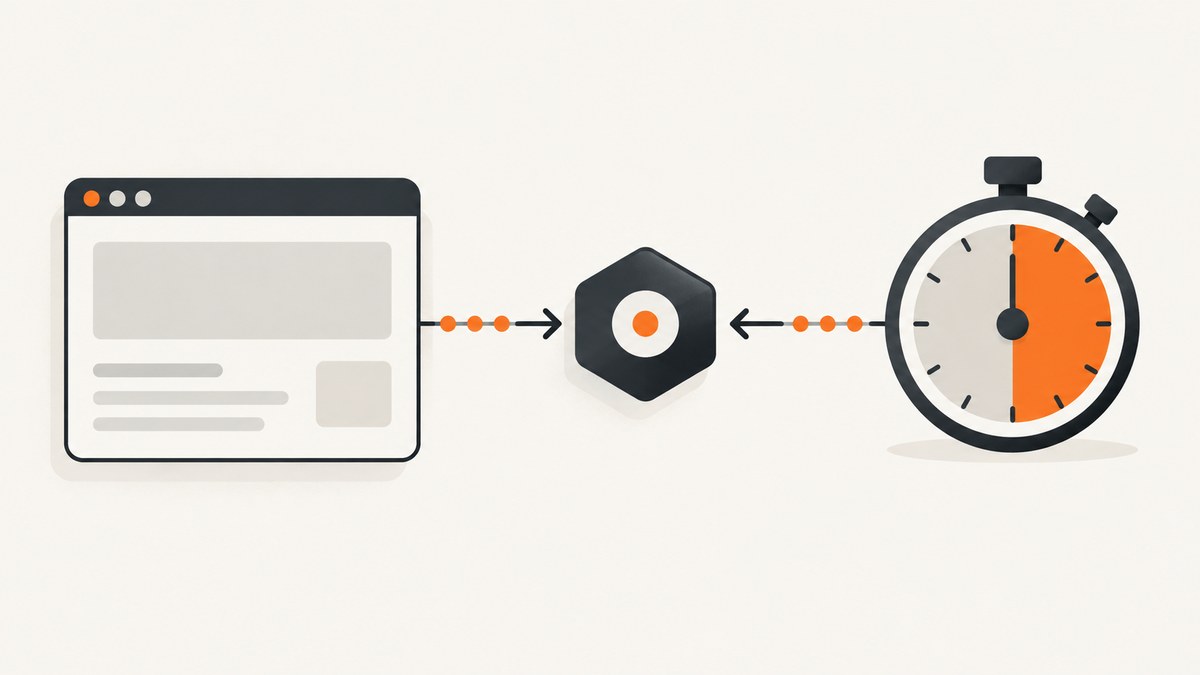
Start here: cy.wait('@alias') has two timeout phases. Cypress first waits for a matching request to leave the browser (the request phase, 5,000 ms by default), then waits for its response (the response phase, 30,000 ms by default). A timeout before Cypress sees a request usually means the intercept was registered too late or its matcher is wrong. A timeout after a request is visible usually points to server latency, a failed upstream request, cache behavior, or Cypress-version-specific interception behavior.
Register the intercept before the command that triggers fetch, use the real HTTP method and URL shape, and inspect the Command Log before increasing timeouts:
cy.intercept('GET', '**/api/users*').as('getUsers')
cy.visit('/users')
cy.wait('@getUsers')
1. Identify which timeout phase failed
The error message and Command Log tell you where to look.
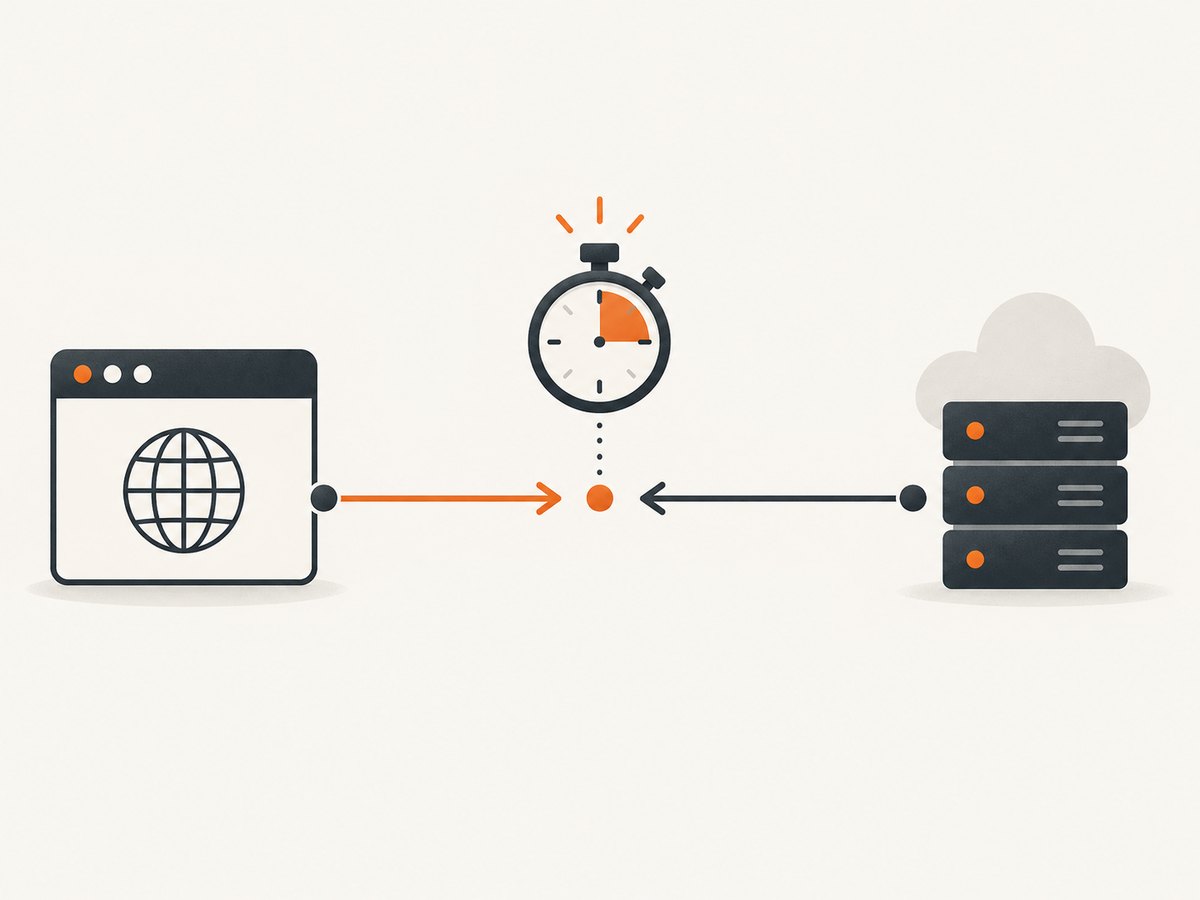
| What you see | Likely cause | First fix |
|---|---|---|
| No matching request within 5 seconds | Intercept registered after the request, wrong method, wrong host/path/query, or browser cache | Move cy.intercept() earlier and match the actual request |
| Request appears, but no response arrives | Slow or failing service, hanging response handler, network problem, or Cypress 16 behavior | Inspect the request, isolate the endpoint with cy.request(), and set a bounded wait timeout |
| Request appears immediately and has a response | Alias or assertion is wrong, or the application made a second request | Inspect URL, method, status, and response body returned by cy.wait() |
The defaults are configuration values, not guarantees about your API: requestTimeout defaults to 5,000 ms and responseTimeout defaults to 30,000 ms. A larger timeout cannot make an unmatched route match.
2. Register the intercept before the fetch
The most common mistake is visiting the page or clicking the button before defining the route. The request can finish before Cypress starts listening.
Page-load fetch
describe('users page', () => {
  it('waits for the users fetch', () => {
    cy.intercept('GET', '**/api/users*').as('getUsers')
    cy.visit('/users')
    cy.wait('@getUsers').its('response.statusCode').should('eq', 200)
  })
})
Click-triggered fetch
cy.visit('/users')
cy.intercept('POST', '**/api/users/search').as('searchUsers')
cy.get('[data-cy=search]').click()
cy.wait('@searchUsers').its('response.statusCode').should('eq', 200)
If the page sends a request during cy.visit(), define the intercept before cy.visit(). If a click or submit sends it, define the intercept immediately before that action.
3. Match the real fetch request
cy.intercept() can match an exact URL, a glob, a regular expression, or a route matcher with fields such as method, hostname, pathname, query, and headers. Start broad enough to prove that the request is present, then narrow the matcher when the test is stable.
Check the HTTP method
// These are different routes.
cy.intercept('GET', '**/api/users').as('getUsers')
cy.intercept('POST', '**/api/users').as('createUser')
A route declared as GET will not match a POST, even when the path is identical. Use the method shown in browser developer tools or in the application’s fetch wrapper.
Account for query strings
// Glob that permits any query string
cy.intercept('GET', '**/api/users*').as('getUsers')

// Structured matcher for a required query parameter
cy.intercept({
  method: 'GET',
  pathname: '/api/users',
  query: { page: '1' }
}).as('getFirstPage')
Use pathname when query parameters should not affect matching. Use query when a particular value matters.
Match a fully qualified host
cy.intercept({
  method: 'GET',
  hostname: 'api.example.test',
  pathname: '/v1/users'
}).as('getUsers')
This is useful when the application calls an API on a different origin or when several environments use different base URLs.
Use a regular expression for controlled variants
cy.intercept('GET', /\/api\/users(?:\?.*)?$/).as('getUsers')Keep regular expressions readable. A glob or structured matcher usually makes failures easier to diagnose.
4. Spy on the real response or stub a deterministic one
An intercept can observe traffic, modify it, or provide a stub. Decide which behavior the test needs.
Spy only
cy.intercept('GET', '**/api/users*').as('getUsers')
cy.visit('/users')
cy.wait('@getUsers').then(({ request, response }) => {
  expect(request.method).to.equal('GET')
  expect(response.statusCode).to.equal(200)
})
Stub a response
cy.intercept('GET', '**/api/users*', {
  statusCode: 200,
  body: {
    users: [{ id: 1, name: 'Ada' }]
  }
}).as('getUsers')

cy.visit('/users')
cy.wait('@getUsers')
cy.contains('Ada').should('be.visible')
Continue to the real server
cy.intercept('GET', '**/api/users*', (req) => {
  req.continue()
}).as('getUsers')
Call req.continue() when the request should reach the server. Call req.reply() when you intend to end it with a stub. If an intercept callback returns a Promise, Cypress waits for that Promise before continuing the request, so keep callback work finite.
5. Set a bounded timeout for genuinely slow services
When the route matches and the service is expected to take longer than the default, set the limit at the wait site:
cy.intercept('GET', '**/reports/monthly').as('monthlyReport')
cy.get('[data-cy=load-report]').click()
cy.wait('@monthlyReport', { timeout: 60000 })
cy.wait() also accepts requestTimeout and responseTimeout overrides:
cy.wait('@monthlyReport', {
  requestTimeout: 10000,
  responseTimeout: 60000
})
Keep the value tied to a known service budget. If a normal request occasionally needs 60 seconds, investigate the endpoint, test data, authentication, and environment instead of hiding the problem with an unlimited wait.
6. Cypress 16 response-handler behavior
Cypress 16 changed the network path used by native interception. The migration guidance states that responseTimeout does not apply to response handlers. The browser now makes the upstream request, and Cypress recommends bounding the test with cy.wait('@alias', { timeout: 10000 }). Cypress still gives up when no response arrives within a fixed 30-second condition.
cy.intercept('GET', '**/api/users*', (req) => {
  req.continue((res) => {
    // Keep response-handler work finite.
    res.headers['x-test-observed'] = 'true'
  })
}).as('getUsers')

cy.visit('/users')
cy.wait('@getUsers', { timeout: 10000 })
If a test changed behavior after upgrading Cypress, check whether the failure occurs inside a response handler. Remove unnecessary asynchronous work from the handler, bound the wait explicitly, and verify the request against the current Cypress migration guidance.
7. Check browser cache and service-worker behavior
cy.intercept() observes network requests. A response served directly from the browser cache never reaches that network layer, so no intercept event is produced.
- Open browser developer tools while the test runs.
- Check whether the fetch is marked as coming from memory or disk cache.
- Inspect service-worker activity if the application uses one.
- For test environments, disable caching or send cache-control headers that force a network request.
- If needed, add a top-level intercept that removes cache headers for the resources under test.
Do not increase requestTimeout to solve a cache hit. There is no request for Cypress to observe.
8. Inspect what Cypress actually received
The value yielded by cy.wait() includes request and response data. Log the URL, method, status, and body before changing configuration.
cy.wait('@getUsers').then((interception) => {
  cy.log(`URL: ${interception.request.url}`)
  cy.log(`Method: ${interception.request.method}`)
  cy.log(`Status: ${interception.response?.statusCode}`)
  cy.log(JSON.stringify(interception.response?.body))
})
In the Command Log, confirm that the route appears under Routes and that the request has a matching alias badge. If the route is absent, the problem is registration or matching. If it is present but pending, focus on the server or response path.
9. Isolate the endpoint with cy.request()
cy.request() bypasses the page’s browser fetch and is useful for separating API behavior from interception behavior. It has its own response timeout and accepts a per-request timeout.
cy.request({
  method: 'GET',
  url: `${Cypress.env('apiUrl')}/api/users`,
  headers: {
    Authorization: `Bearer ${Cypress.env('token')}`
  },
  timeout: 60000,
  failOnStatusCode: false
}).then((response) => {
  expect(response.duration).to.be.lessThan(60000)
  expect(response.status).to.be.oneOf([200, 401, 403])
})
This can reveal a wrong base URL, missing authentication, redirects, server errors, or genuine upstream slowness. A failing cy.request() means the endpoint needs attention before the page-level intercept can be reliable.
10. A complete fetch-interception example
describe('search', () => {
  it('waits for and validates the search request', () => {
    cy.intercept({
      method: 'GET',
      hostname: 'api.example.test',
      pathname: '/v1/search',
      query: { q: 'cypress' }
    }).as('search')

    cy.visit('/search')
    cy.get('[data-cy=search-input]').type('cypress')
    cy.get('[data-cy=search-submit]').click()

    cy.wait('@search', { timeout: 15000 }).then(({ request, response }) => {
      expect(request.method).to.equal('GET')
      expect(request.query.q).to.equal('cypress')
      expect(response.statusCode).to.equal(200)
      expect(response.body).to.have.property('results')
    })
  })
})
11. Troubleshooting checklist
| Symptom | Cause | Fix |
|---|---|---|
| “Timed out waiting for the request” | Route was registered after visit or the action |
Move cy.intercept() before the trigger |
| GET route never matches | Application sends POST, PUT, or another method | Match the actual method |
| Path looks right but alias is never hit | Different host, prefix, port, or query string | Use hostname, pathname, query, or a temporary glob |
| Request works manually but not in the test | Browser cache or service worker served the response | Disable cache or force a network request in the test environment |
| Request is visible but response times out | Slow API, server failure, or hanging callback | Run cy.request(), inspect server logs, and bound the wait |
| Failure began after Cypress 16 | Response-handler timeout semantics changed | Bound cy.wait() explicitly and simplify asynchronous handlers |
| Stubbed route still reaches production API | Matcher does not include the real URL or method | Inspect the request URL and tighten the matcher after proving it matches |
| Intermittent timeout under parallel runs | Shared test data, rate limits, or overloaded services | Use isolated data, deterministic stubs where appropriate, and a measured service budget |
12. Performance, reliability, and cost considerations
- Prefer deterministic stubs for unit-level UI behavior. They remove upstream latency and reduce test variance.
- Keep a smaller number of real-service tests for integration coverage. Give those tests an explicit, bounded budget.
- Register routes close to the trigger. This makes the test easier to read and avoids accidental matches from unrelated requests.
- Use specific matchers after diagnosis. Broad globs are useful while debugging, but can alias analytics or prefetch calls unintentionally.
- Do not retry blindly. Retries can conceal a broken API or a route that never matched.
- Measure server latency separately.
cy.request()and server logs distinguish application slowness from Cypress setup errors. - Cache affects reliability. A cache hit can bypass interception, while disabling cache can add real network time. Configure the test environment deliberately.

Or skip the browser setup
If the goal is a clean image of a page for documentation, visual review, or an agent workflow, ScreenshotNeo provides a direct capture request instead of maintaining browser interception code. Its API accepts a URL and returns PNG, JPEG, WebP, or PDF; the documentation is at screenshotneo.com/docs.
curl -G "https://api.screenshotneo.com/v1/shot" -d access_key=YOUR_API_KEY --data-urlencode url=https://stripe.com -o shot.webpimport requests
r = requests.get("https://api.screenshotneo.com/v1/shot", params={"access_key": "YOUR_API_KEY", "url": "https://stripe.com"}, timeout=90)
open("shot.webp", "wb").write(r.content)const q = new URLSearchParams({ access_key: 'YOUR_API_KEY', url: 'https://stripe.com' });
const res = await fetch(`https://api.screenshotneo.com/v1/shot?${q}`);Cookie banners, newsletter popups, and chat widgets are removed before the shot. Bot checks, blank pages, failed loads, timeouts, and cache hits are not billed, and response headers identify the page verdict and billing status. An MCP server lets Claude, Cursor, and other MCP clients call take_screenshot, get_page_info, and capture_pdf. The Free plan includes 1,000 screenshots a month with no card; paid plans start at $5 for 3,000.
Create a free ScreenshotNeo account.
13. FAQ
Should I increase requestTimeout or responseTimeout?
Only after confirming the route matches. Increase the request phase when the browser sends the request later than expected; increase the response phase for a legitimately slow service. A timeout does not repair a matcher.
Why does fetch fail while XMLHttpRequest tests pass?
Fetch itself is supported, but its URL, method, cache state, or timing may differ from the XHR request. Inspect the actual fetch in developer tools and match that request.
Can I wait for more than one request?
Yes. Alias each route and pass an array to cy.wait() when the page must complete several independent requests before assertions run.
What should a response-handler callback return?
Keep asynchronous work finite. Use req.continue() to reach the real server and req.reply() to provide a stub. Avoid leaving a Promise pending.
How do I prove the API is the problem?
Call the same endpoint with cy.request(), including the same authentication and base URL. Compare its status and duration with the browser request.


