How to Fix Cypress Intercepts When Files Are Cached on Disk
When files come from disk cache, cy.intercept() never sees a request. Learn how to diagnose cache hits and choose the right Cypress fix.

Direct answer: cy.intercept() only observes the network layer. When Chromium serves a file directly from its HTTP disk cache, no network request is made, so the intercept cannot fire. Confirm the cache hit in Developer Tools, then choose the fix that matches your test: disable cache headers in the test server, use a narrowly scoped middleware intercept to add cache-control: no-store, disable Chromium cache through the remote debugging protocol, or test the rendered result instead of waiting for a request. Use cy.request() when you need to inspect the server’s own cache response.
This guide covers Cypress’s documented behavior, including native network interception in Cypress 16 and the HTTPS certificate case that can leave the disk cache empty.
1. Confirm that the file is served from cache
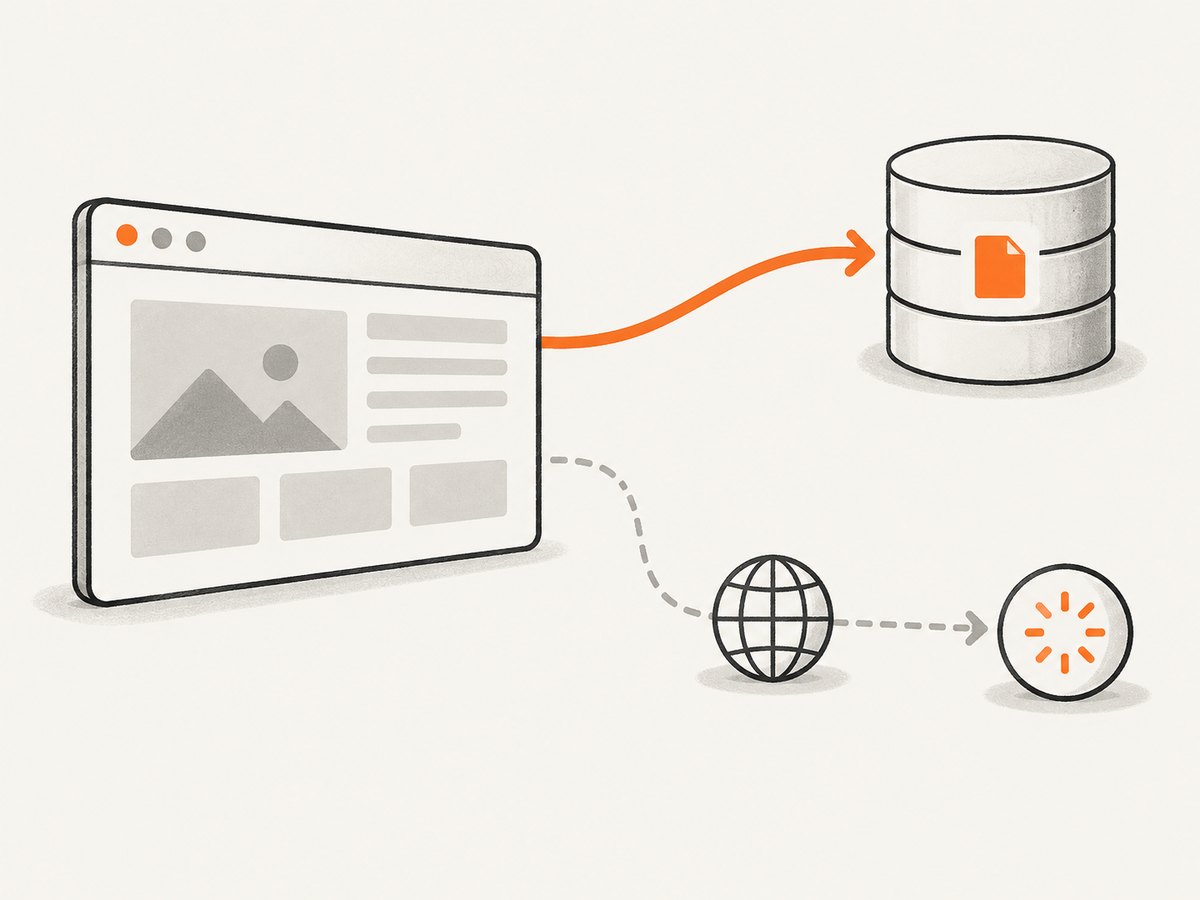
Start with evidence instead of changing route matchers. Open the browser’s Developer Tools during the Cypress run and inspect the request in the Network panel.
- Run the test in the same browser and mode used by CI.
- Open Network and reload or revisit the page.
- Inspect the file that should match your intercept.
- Look for an indicator such as from disk cache or from memory cache, and check whether the request has a normal network timing entry.
If the response is a browser-cache hit, changing the URL glob, alias, or assertion will not help. The request never reaches Cypress’s interception layer.
2. Pick the fix that matches your test’s goal
| Test goal | Recommended approach | Scope |
|---|---|---|
| Wait for or stub a fresh request | Disable cache headers in the test server, or add a focused middleware intercept that sets no-store |
Specific resources or the test environment |
| Verify what the user sees | Assert on rendered DOM or page state | No network assumption |
| Verify server cache behavior or a 304 | Call the endpoint with cy.request() |
Server response, independent of browser cache |
| Disable cache for Chromium-family runs | Use Cypress’s remote:debugger:protocol option |
Whole browser session; confirm current setup details |
| HTTPS assets never persist in disk cache | Configure trustedCertificates for Cypress 16.1.0+ |
Certificate trust and disk-cache storage |
3. Fix a fresh-request test with a middleware intercept
Register the intercept before the page action that triggers the request. The middleware: true handler can change response headers before Cypress completes the response.
beforeEach(() => {
  cy.intercept(
    'https://api.example.com/**/*',
    { middleware: true },
    (req) => {
      req.on('before:response', (res) => {
        res.headers['cache-control'] = 'no-store'
      })
    }
  )
})

test('loads the profile from the network', () => {
  cy.intercept('GET', 'https://api.example.com/profile').as('profile')
  cy.visit('/account')
  cy.wait('@profile').its('response.statusCode').should('eq', 200)
})
Replace the origin and path with the resource under test. Keep the middleware matcher narrow. Applying no-store to every request can hide real caching bugs and increase test time.
4. Disable cache headers in the test server
For a dedicated test environment, configure the development server to send non-cacheable responses for the files your tests must observe. The exact setting depends on your server, but the response should include:
Cache-Control: no-storeThis approach makes the browser issue a request on each navigation and keeps application behavior explicit. Use it only in the test environment when production caching is part of the feature being tested.
5. Use cy.request() for server cache assertions
A browser can send a conditional request, receive 304 Not Modified, merge the cached body, and expose a complete 200 response to Cypress. Therefore, a browser-side intercept is not a reliable way to assert that the server returned 304.
it('reports the server cache response', () => {
  cy.request({
    url: 'https://api.example.com/assets/app.js',
    failOnStatusCode: false,
    headers: {
      'If-None-Match': '"known-etag"'
    }
  }).then((response) => {
    expect([200, 304]).to.include(response.status)
    cy.log(`server status: ${response.status}`)
    expect(response.headers).to.have.property('cache-control')
  })
})
Use the exact validators and request headers your server emits. This checks the server path directly and avoids the browser’s cache merge behavior.
6. Disable Chromium cache through the debugging protocol
The cy.intercept() API reference lists remote:debugger:protocol as a Chromium-family workaround for disabling cache. The implementation depends on your Cypress version, browser, and launch configuration. Check the current Cypress documentation and issue guidance before adopting it.
This is a broad switch. Prefer a test-server header or focused middleware rule when only one API or asset needs to be observable.
7. Understand Cypress 16 native interception
Cypress 16 uses the browser’s native network for Chrome, Chromium, and Edge while keeping the same cy.intercept() API. The cache sits between the server and Cypress in some cases, so older assumptions about what an intercept observes may no longer hold.
- Responses handled inside Cypress are not cached by the browser. This includes responses stubbed before a network request, documents loaded from HTTP origins, and responses whose body is modified by a request or response handler.
- A second navigation can therefore issue another request and hit the intercept even when a stub declares cache headers.
- A server-side 304 may appear as a complete 200 response to Cypress after the browser merges it with the cached copy.
If a legacy test asserts a cached response or a visible 304, record the Cypress version and browser first, then move server-cache assertions to cy.request().
8. Handle the HTTPS certificate disk-cache case
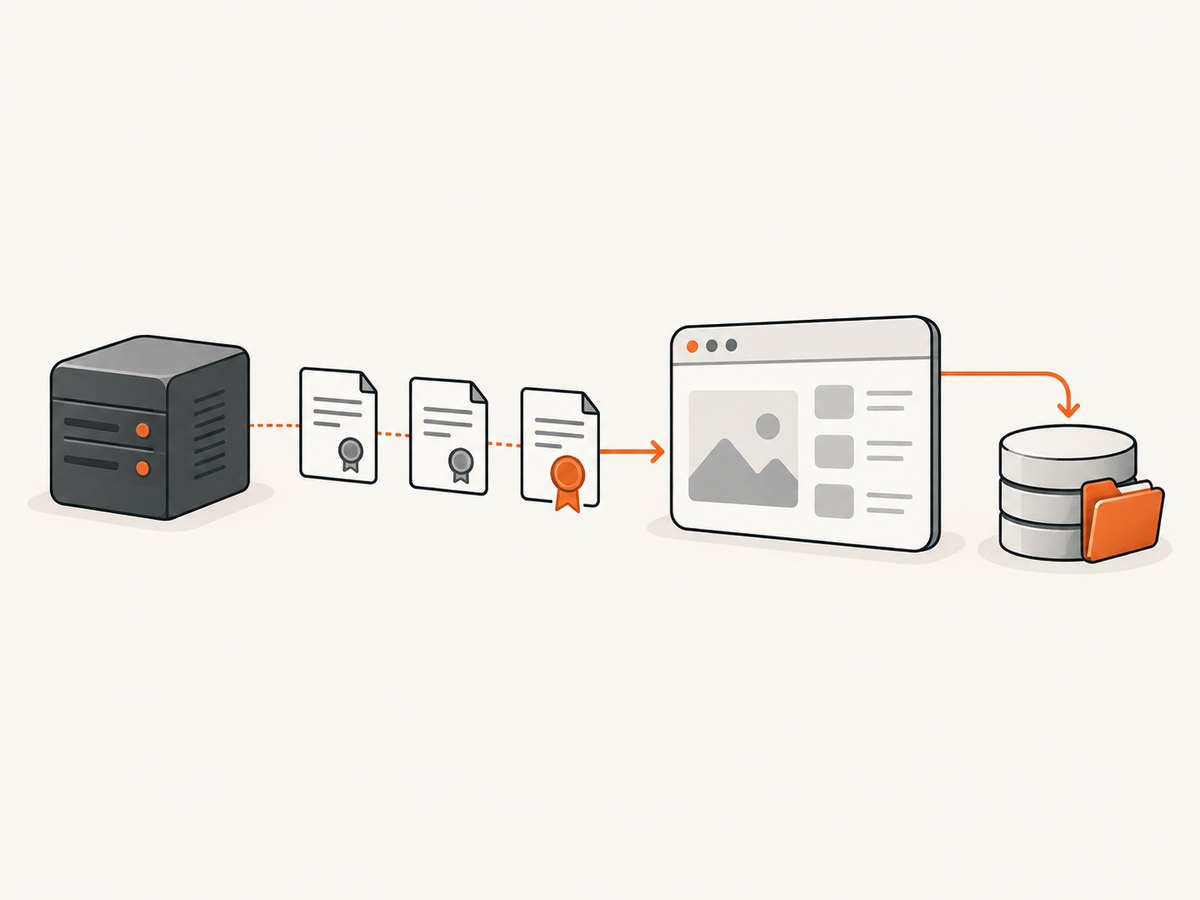
A separate problem occurs with HTTPS development servers using self-signed or private-CA certificates. Chromium can skip storing responses in its disk cache when Cypress merely ignores a certificate error. In Cypress 16.1.0 and later, configure the certificate as trusted:
const { defineConfig } = require('cypress')

module.exports = defineConfig({
  trustedCertificates: [{ filePath: 'certs/dev-server.crt' }],
})
Cypress passes the certificate fingerprint to Chromium’s trusted-SPKI option. Chromium matches certificates in the server’s TLS chain. If the server presents an intermediate or CA certificate, declare that certificate or the leaf; if it presents only the leaf, declare the leaf. Confirm which certificate the test server actually serves.
This setting addresses certificate trust preventing disk-cache storage. It does not replace no-store when your goal is to force every test request through an intercept.
9. A complete diagnostic workflow
- Record Cypress, browser, and headed or headless mode.
- Inspect Developer Tools and establish whether the resource is from memory cache, disk cache, or the network.
- Decide whether the test needs a network event, a rendered result, or a server cache status.
- For a network event, disable cache headers in the test server or add a focused top-level middleware intercept.
- For rendered behavior, remove the unnecessary
cy.wait()and assert on the DOM or application state. - For server cache behavior, use
cy.request()and inspect its status and headers. - For HTTPS assets that never persist, verify Cypress 16.1.0+ and configure
trustedCertificateswith the certificate actually in the TLS chain.
10. Common errors and fixes
| Symptom | Likely cause | Fix |
|---|---|---|
cy.wait('@alias') times out |
The browser served the resource from cache, or the intercept was registered too late | Confirm the cache status, register before cy.visit(), and use no-store for the required path |
| Changing the route pattern has no effect | No network request exists to match | Fix caching or assert on rendered output |
| Cypress sees 200 while server logs show 304 | Native interception merged the 304 with the cached response | Use cy.request() for the server status |
| Middleware changes unrelated requests | The matcher is too broad | Match the exact origin and resource prefix |
| Assets are never cached over local HTTPS | Chromium does not trust the ignored certificate for disk-cache storage | Use trustedCertificates in Cypress 16.1.0+ |
| Tests become slow after disabling cache | Every asset is downloaded on every navigation | Disable caching only for the API or file under test; keep normal caching elsewhere |
11. Performance, reliability, and maintenance
- Performance: Disabling cache increases requests, transfer time, and server load. Narrow matchers reduce the cost.
- Reliability: Register intercepts in
beforeEachbefore navigation, and avoid depending on a browser cache implementation when the assertion is about application output. - Isolation: Keep test-only cache headers out of production configuration. Make the environment switch visible in server setup.
- Version drift: Pin or record Cypress and browser versions in CI. Native interception behavior is especially relevant for Cypress 16 on Chrome, Chromium, and Edge.
- HTTPS setup: Treat certificate trust and response caching as separate controls. A trusted certificate can enable disk caching; it does not force a request to occur.
12. Or skip the browser setup
If your goal is to produce clean screenshots for documentation, visual checks, or release workflows, ScreenshotNeo provides a direct capture API and an MCP server. Cookie banners, newsletter popups, and chat widgets are removed before the shot. Bot checks, blank pages, timeouts, failed loads, and cache hits are not billed, and each response reports the page verdict and billing status.
See the ScreenshotNeo API documentation for all options. A one-call capture looks like this:
curl -G "https://api.screenshotneo.com/v1/shot" -d access_key=YOUR_API_KEY --data-urlencode url=https://stripe.com -o shot.webpimport requests
r = requests.get("https://api.screenshotneo.com/v1/shot", params={"access_key": "YOUR_API_KEY", "url": "https://stripe.com"}, timeout=90)
open("shot.webp", "wb").write(r.content)const q = new URLSearchParams({ access_key: 'YOUR_API_KEY', url: 'https://stripe.com' });
const res = await fetch(`https://api.screenshotneo.com/v1/shot?${q}`);ScreenshotNeo also includes an MCP server so Claude, Cursor, and other MCP clients can take screenshots, inspect pages, and capture PDFs. The Free plan includes 1,000 screenshots per month with no card; paid plans start at $5 for 3,000 shots. Create a free ScreenshotNeo account.
13. FAQ
Can cy.intercept() clear the browser cache?
No. It can modify responses that reach the interception layer, but a cache hit has already bypassed that layer. Change cache headers, use the Chromium debugging option, or clear cache through your browser setup.
Should every Cypress test disable caching?
No. Disable it only when the test needs a fresh request. Tests that model a normal user session should usually retain realistic caching.
Why does a stubbed response behave differently on the second visit?
Cypress-handled or body-modified responses are not stored in the browser HTTP cache under native interception, so a later navigation can make another request.
When should I use cy.request()?
Use it when the assertion concerns the server’s status, headers, validators, or cache policy rather than what the browser rendered.
Does trustedCertificates make requests interceptable?
No. It solves a certificate-trust condition that can prevent Chromium from storing HTTPS responses on disk. Use cache-control changes when you need a request to reach cy.intercept().


