How to Fix Invalid Characters in Cypress x-cypress-file-path Headers
Fix Cypress ERR_INVALID_CHAR errors by tracing x-cypress-file-path, encoding URL data, checking paths, and upgrading affected Cypress versions.
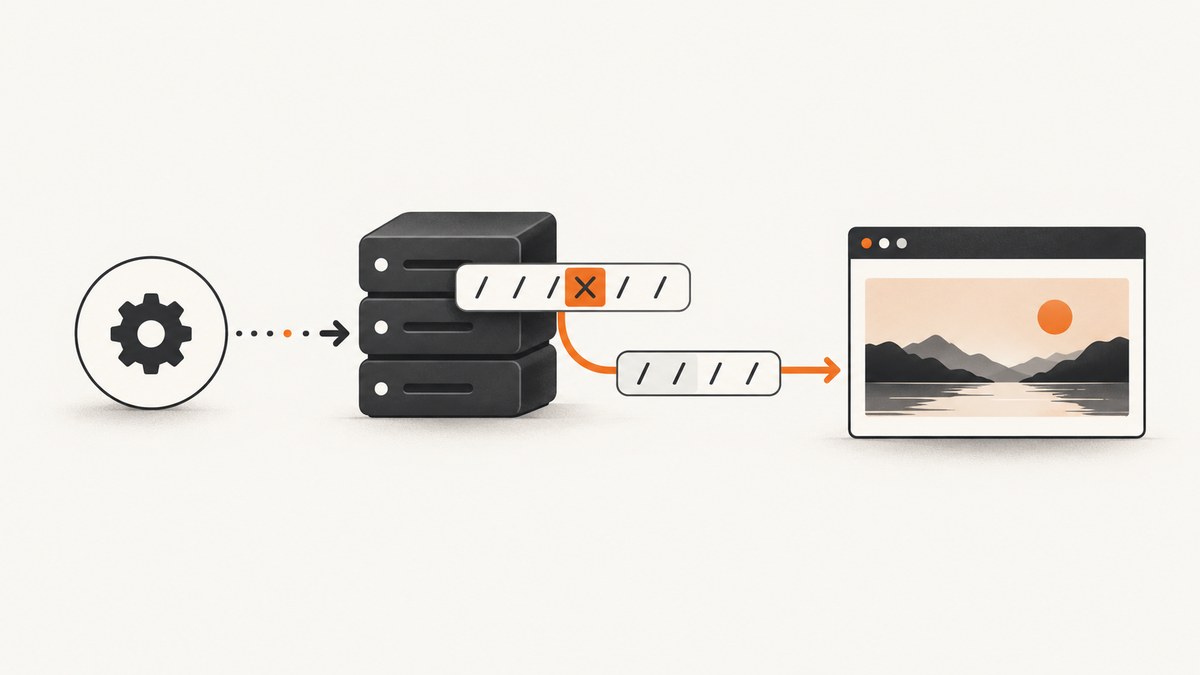
Short answer: Cypress is generating an x-cypress-file-path response header from your configured fileServerFolder and the incoming request URL. Node rejects the resulting value when it contains a header-invalid character. Find the exact request, inspect both path inputs, encode URL components correctly, remove control or smart punctuation, simplify filesystem names, and upgrade Cypress when the failure matches a known version regression.
This error commonly appears as:
TypeError [ERR_INVALID_CHAR]: Invalid character in header content ["x-cypress-file-path"]What the error means
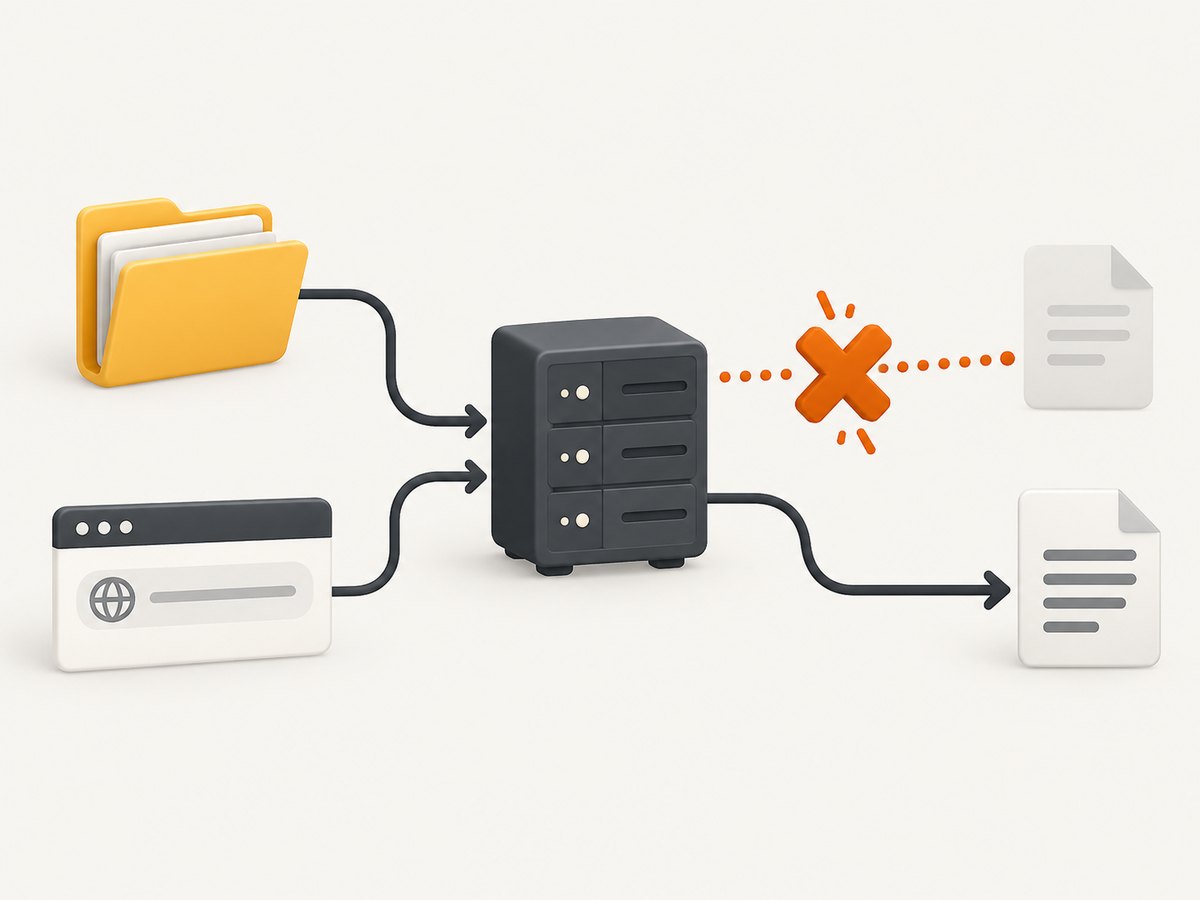
Cypress’s file server joins the configured fileServerFolder with the incoming request URL, decodes the URI, and passes the resulting filesystem path to Node’s res.setHeader(). If that path contains a character Node will not accept in an HTTP header, the response fails before the test can continue. Both the configured folder and the request URL can contribute the offending character.
A documented example is a typographic apostrophe (’, U+2019) in a URL path. An ordinary ASCII apostrophe did not fail in that report, which is why visually similar pasted characters can be difficult to spot. See Cypress issue #5274. Issue #25839 records the ServerResponse.setHeader stack trace and a reproduction on Cypress 8.3.1, Node 16.19.0, and Windows 11.
Fix it step by step
1. Capture the request that fails
Read the stack trace and Cypress runner or browser network details. Identify the URL or spec/support/fixture path processed immediately before the exception. Do not start by changing command order: an initial cy.visit() happened to avoid one reproduction, but it does not make the underlying value valid.
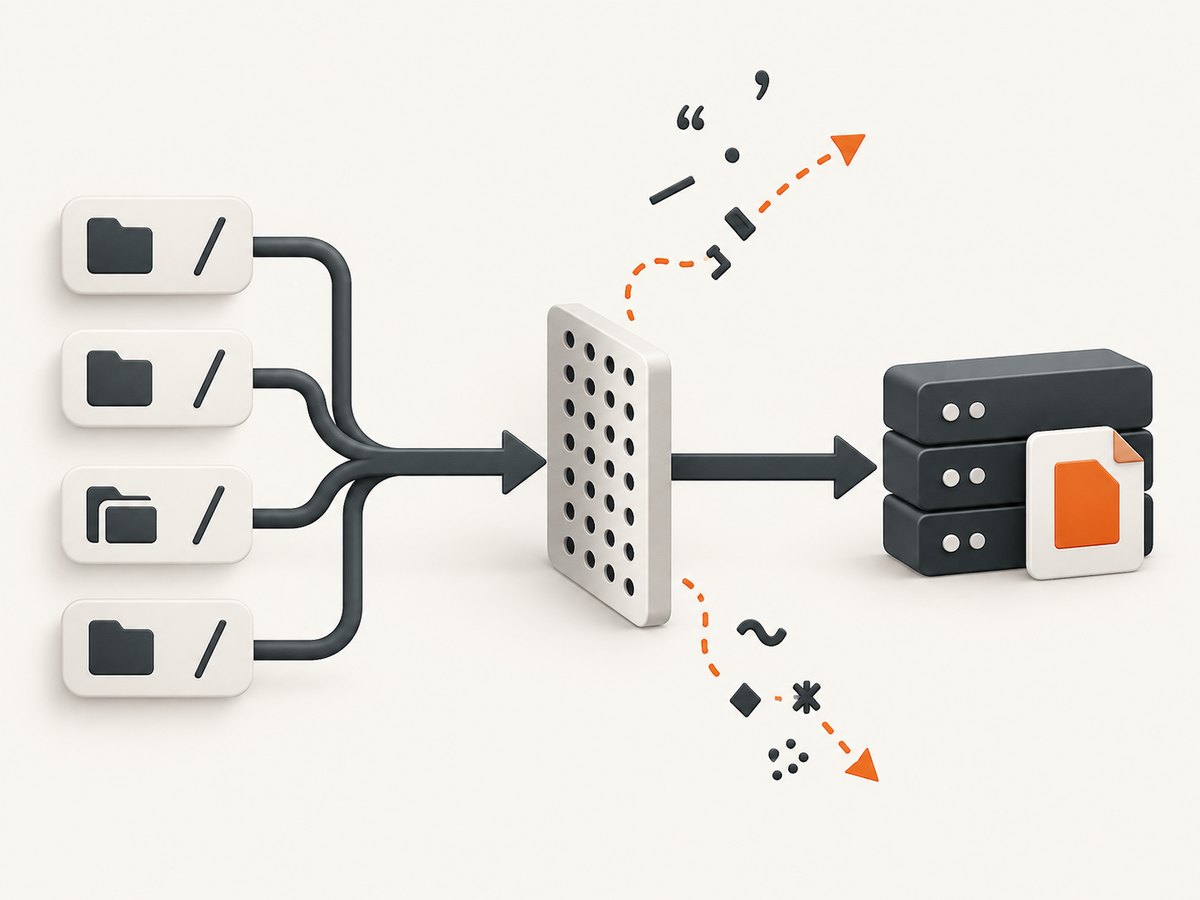
2. Inspect fileServerFolder and project paths
Check cypress.config.js (or cypress.config.ts) and every value used to derive the folder:
const { defineConfig } = require('cypress')

module.exports = defineConfig({
  e2e: {
    fileServerFolder: 'cypress',
  },
})
Look for:
- Smart quotes or apostrophes copied from documentation or issue trackers.
- Line breaks, tabs, null bytes, or other control characters.
- Unexpected percent escapes that decode into unsafe characters.
- Non-ASCII characters in a folder, spec, fixture, or support filename.
- A path assembled from environment variables or user input.
- Windows drive, junction, or network-share paths that differ between local and CI machines.
Temporarily move the project or rename the affected file to a simple ASCII name such as cypress/e2e/login.cy.js. If the error disappears, restore names one at a time to identify the value.
3. Log and validate URLs before Cypress receives them
Build URLs with the standard URL API. Encode data as a path segment instead of concatenating raw text:
function productUrl(productName) {
  const url = new URL('/products/', 'https://example.test')
  url.pathname += encodeURIComponent(productName)
  return url.href
}

const url = productUrl('Children’s books')
cy.visit(url)
For query parameters, use URLSearchParams:
const url = new URL('https://example.test/search')
url.searchParams.set('q', 'café & books')
cy.visit(url.href)
Do not blindly replace every unusual character. Percent-encode the component that carries user data while preserving the URL’s intended resource name. A global replacement can silently request a different page.
4. Detect invisible and non-ASCII characters
Print code points when a value looks normal but still fails:
function inspect(value) {
  return [...value].map((char, index) => ({
    index,
    char,
    codePoint: `U+${char.codePointAt(0).toString(16).toUpperCase()}`,
  }))
}

console.table(inspect(process.env.TEST_URL || ''))
Pay particular attention to U+2018, U+2019, U+201C, U+201D, CR/LF characters, tabs, and percent-decoded bytes. Compare the value printed in CI with the value used locally.
5. Rename or relocate header-sensitive files
If the failing request points to a spec, support file, fixture, or project directory, rename it with a predictable character set and retry. Keep fileServerFolder short and stable while isolating the cause. This is especially useful on Windows, where path handling and CI checkout locations can differ.
6. Check your Cypress version
Issue #31060 describes a Cypress 14.0.0 regression involving encoded spec/support filenames and cites a fix in 14.0.2. The same report notes that ampersand cases still exposed gaps, so version behavior remains edge-case-sensitive.
npm install --save-dev cypress@latest
npx cypress verify
npx cypress run --spec cypress/e2e/repro.cy.js
If your project must stay on an older release, pin it and apply the URL/path correction first. When upgrading, rerun a minimal reproduction and your normal CI suite because Cypress upgrades can affect other project behavior.
Minimal reproduction and corrected example
This reproduction keeps the URL data explicit and avoids smart punctuation in the path:
describe('safe URL path', () => {
  it('visits an encoded path segment', () => {
    const slug = encodeURIComponent('children-books')
    cy.visit(`https://example.test/products/${slug}`)
  })
})
When the value is supplied by a fixture or environment variable, validate it at the boundary:
function safeHttpUrl(raw) {
  const url = new URL(raw)
  if (!['http:', 'https:'].includes(url.protocol)) {
    throw new Error(`Unsupported protocol: ${url.protocol}`)
  }
  if (/[\u0000-\u001F\u007F]/u.test(url.href)) {
    throw new Error('URL contains a control character')
  }
  return url.href
}

cy.visit(safeHttpUrl(Cypress.env('TARGET_URL')))
Why common workarounds fail
| Attempt | Why it is incomplete | Better action |
|---|---|---|
Put cy.visit() first |
It masked the specific #25839 sequence but leaves the invalid path or URL unchanged. | Correct the value and verify the Cypress version. |
| Replace every punctuation mark | It can change the resource being requested. | Encode only path or query data with URL APIs. |
| Change only the browser | The exception is raised by Cypress’s Node file server response header. | Inspect Cypress paths, Node version, and CI checkout paths. |
| Ignore encoded filenames | Decoded request data is what reaches setHeader. |
Use safe names or upgrade past the affected regression. |
Troubleshooting checklist
- Still fails after URL encoding: inspect
fileServerFolderand filenames; the bad character may be local filesystem data. - Only CI fails: compare checkout directory, operating system, Node version, environment variables, and generated URLs.
- Only one spec fails: isolate its URL, fixture name, support import, and any data loaded before the first command.
- Failure began after an upgrade: test the smallest reproduction on the current release and review the 14.0.0/14.0.2 encoded-filename regression.
- Ampersand or percent-encoded paths remain broken: preserve the exact encoded form, test on the CI platform, and report a minimal reproduction if the current release still fails.
- The stack mentions
ServerResponse.setHeader: treat it as a generated-header value problem, not as an application response-header you can fix in the page.
Performance, reliability, and CI notes
URL construction and validation add negligible work compared with starting Cypress and loading a page. The reliability gain comes from making inputs deterministic: generate URLs from structured components, keep project paths stable, and run the same minimal reproduction on every operating system used in CI.
Keep a regression test for the exact character that caused the incident. Include both the decoded human text and the encoded URL in failure output, but avoid logging secrets embedded in query strings. Pin Cypress and Node versions in CI while evaluating an upgrade, then update them together only after the reproduction is green.
Or skip the browser setup
If your goal is to obtain clean screenshots rather than drive a Cypress browser, ScreenshotNeo provides a single screenshot request. Its capture flow accepts cookie and consent banners and removes more than 60 known consent platforms, newsletter popups, and chat widgets before the shot. Bot checks, blank pages, timeouts, failed loads, and cache hits are not billed, and the response identifies the result with X-Page-Verdict and X-Billed headers.
See the ScreenshotNeo API documentation for all options.
curl -G "https://api.screenshotneo.com/v1/shot" -d access_key=YOUR_API_KEY --data-urlencode url=https://stripe.com -o shot.webpimport requests
r = requests.get("https://api.screenshotneo.com/v1/shot", params={"access_key": "YOUR_API_KEY", "url": "https://stripe.com"}, timeout=90)
open("shot.webp", "wb").write(r.content)const q = new URLSearchParams({ access_key: 'YOUR_API_KEY', url: 'https://stripe.com' });
const res = await fetch(`https://api.screenshotneo.com/v1/shot?${q}`);ScreenshotNeo also has an MCP server with take_screenshot, get_page_info, and capture_pdf tools for Claude, Cursor, and other MCP clients. One thousand screenshots per month are free with no card; paid plans start at $5 for 3,000 shots. Create a free ScreenshotNeo account.
FAQ
Is this a Cypress test assertion failure?
No. The exception occurs while Cypress’s file server is constructing an HTTP response header.
Can an apostrophe really cause it?
Yes. The documented trigger is a typographic apostrophe U+2019 in a URL path; ASCII punctuation can behave differently.
Should I remove all non-ASCII characters?
Only if your project requires that policy. Prefer correct URL component encoding and safe filesystem names so valid resource names retain their meaning.
Does upgrading always solve it?
No. Cypress 14.0.2 is cited as fixing one encoded-filename regression, while ampersand cases show that edge conditions can remain.
Why does the error mention x-cypress-file-path?
That is the generated response header whose value contains the decoded path Node rejects.


