How to Fix Cypress Loading Errors Caused by Automatic Downloads
Fix Cypress loading errors by tracing the binary download, lifecycle scripts, proxy, TLS, mirrors, and CI cache step by step.
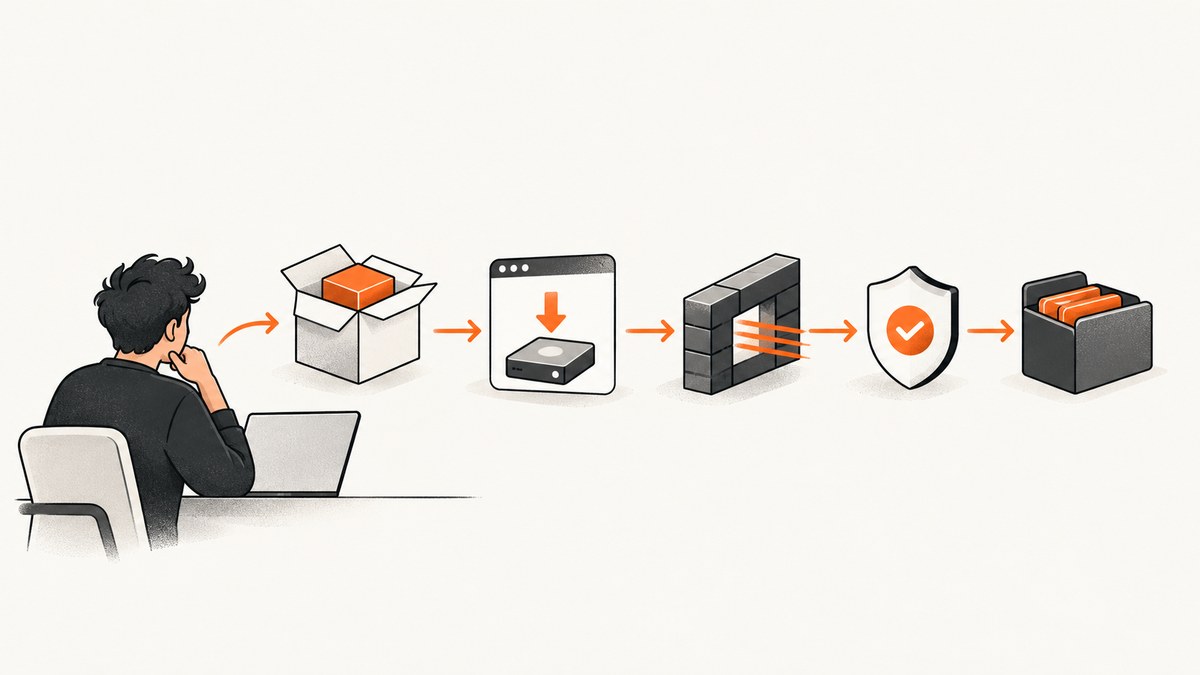
Cypress can appear to install successfully while still failing to load. The reason is that Cypress has two installation artifacts: the cypress npm package and a separate, platform-specific Cypress application binary. The package manager normally downloads that binary in a postinstall step and stores it in a global cache outside node_modules. A completed npm install therefore does not prove that the binary was downloaded, verified, or can launch. See the Cypress installation documentation.
Use this order: capture the complete error, identify the package manager and operating system, run the installer directly with debug logging, then branch into lifecycle-script, proxy/TLS, firewall, mirror, cache, or launch diagnostics. Do not change test code until the standalone binary installation works.
1. Identify which Cypress failure you have
Ask for four facts before changing configuration:
- Operating system and CPU architecture (for example, Ubuntu x64, macOS Apple Silicon, Windows x64).
- Package manager and version: npm, Yarn, pnpm, or Bun.
- Cypress version and the exact command that fails (
install,verify,open, orrun). - The complete terminal output, including the install log and any CI cache messages.
Classify the symptom:
| Symptom | Likely branch |
|---|---|
| Download URL, timeout, DNS, 403, or TLS error during install | Proxy, certificate, firewall, mirror, or registry access |
“A cached Cypress binary could not be found” during run or verify |
Missing global cache or CI cache restore |
| Archive extraction, checksum, or verification failure | Incomplete download, corrupted cache, permissions, or wrong artifact |
| Binary exists but the app will not launch | OS dependencies, architecture mismatch, permissions, or runtime launch issue |
2. Make the automatic download visible
Package managers often hide lifecycle-script output or run it in the background. Disable the automatic step, then execute the same operation explicitly with CLI debugging enabled.
npm
CYPRESS_INSTALL_BINARY=0 npm install cypress
DEBUG=cypress:cli* npx cypress install
npx cypress verify
npx cypress info
Yarn
CYPRESS_INSTALL_BINARY=0 yarn add --dev cypress
DEBUG=cypress:cli* yarn cypress install
yarn cypress verify
yarn cypress info
pnpm
CYPRESS_INSTALL_BINARY=0 pnpm add --save-dev cypress
DEBUG=cypress:cli* pnpm cypress install
pnpm cypress verify
pnpm cypress info
Bun
CYPRESS_INSTALL_BINARY=0 bun add --dev cypress
DEBUG=cypress:cli* bunx cypress install
bunx cypress verify
bunx cypress info
CYPRESS_INSTALL_BINARY=0 means “do not download during package installation.” It does not disable Cypress permanently; the explicit cypress install command performs the download in a visible step. The CLI command and debug namespace are documented in the advanced installation and CLI references.
3. Check whether lifecycle scripts were blocked
If the package is present but no download attempt appears, inspect the package-manager log for skipped or ignored scripts. Organization policy, a CI flag, or a package-manager security setting may have prevented Cypress’s postinstall hook. Cypress’s package-manager guidance covers the supported approval and foreground-install flows: installing Cypress.
Permit the dependency script using your package manager’s documented mechanism, or keep scripts disabled and run the explicit install command in a controlled CI step. Avoid globally disabling package-manager protections as a default fix. After the policy change, run:
DEBUG=cypress:cli* npx cypress install
npx cypress verify
For CI, make the explicit install step occur on the same machine and in the same job that runs Cypress. A package cache hit can skip the lifecycle hook while leaving the global Cypress binary cache empty.
4. Fix proxy and certificate errors at install time
The binary downloader needs network settings during cypress install. Set the proxy for that command, not only for the test runner:
HTTPS_PROXY=http://proxy.example:8080 \
HTTP_PROXY=http://proxy.example:8080 \
DEBUG=cypress:cli* npx cypress install
For a TLS-intercepting corporate proxy, configure the issuing CA in npm configuration:
npm config set cafile /absolute/path/company-ca.pem
DEBUG=cypress:cli* npx cypress install
Cypress’s proxy documentation explains the phase distinction: install-time downloads read npm’s cafile or ca settings, exposed as npm_config_cafile and npm_config_ca. NODE_EXTRA_CA_CERTS alone does not repair the binary download, although it can affect runtime Node connections. Read Proxy configuration in Cypress.
Run npx cypress info (or the equivalent Yarn, pnpm, or Bun command) to see the proxy values Cypress detects. Check NO_PROXY as well: an over-broad entry can bypass the required proxy, while an under-broad entry can route internal hosts through it.
5. Allowlist the correct hosts or use a mirror
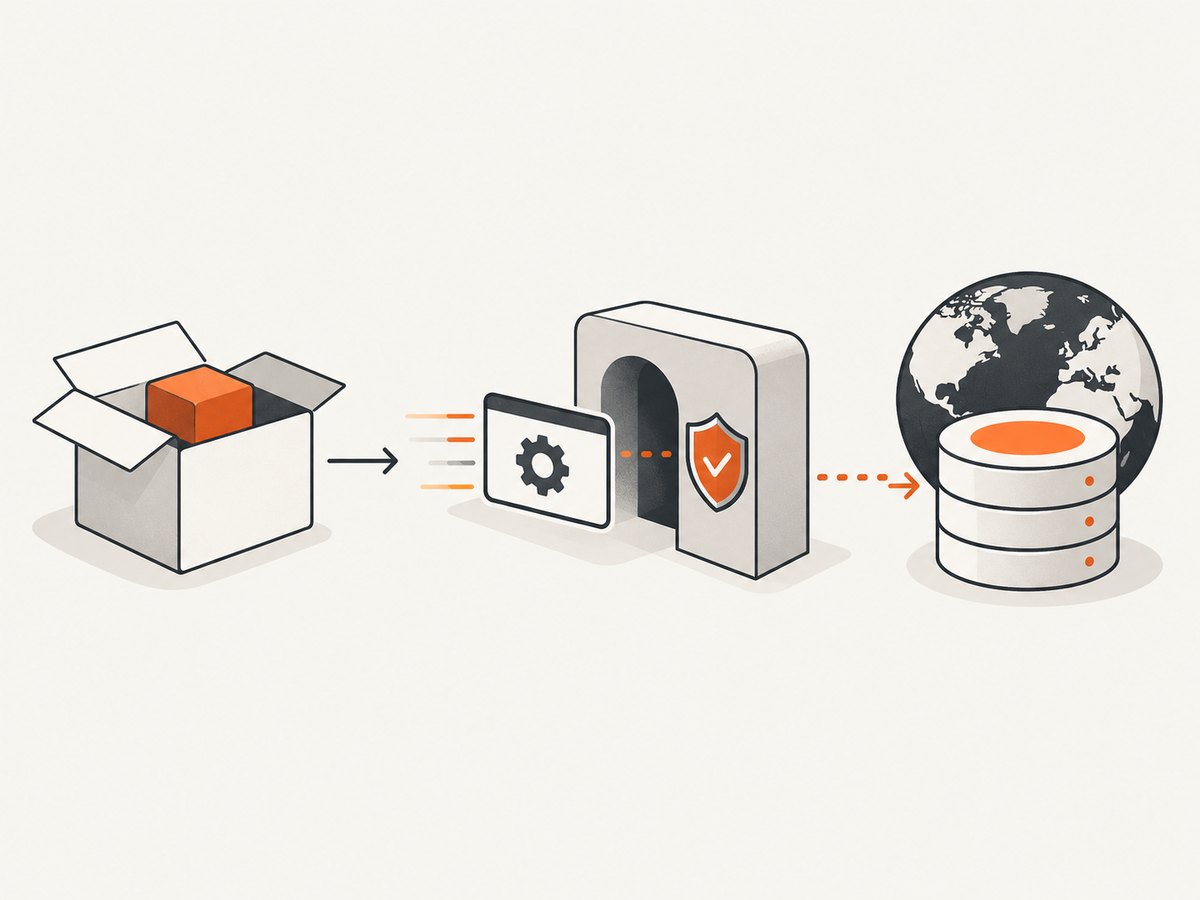
A restricted network commonly needs all three official services:
download.cypress.ioresolves the requested Cypress version and platform.cdn.cypress.ioserves the binary payload.registry.npmjs.orgserves the npm package.
If policy permits public access, allow those hosts for the build agent. If it does not, Cypress supports a trusted URL, local ZIP, mirror, or custom path template.
Install from a URL or local ZIP
# Trusted internal URL
CYPRESS_INSTALL_BINARY=https://artifacts.example/cypress/15.16.0/cypress.zip \
npx cypress install

# Air-gapped machine with a transferred ZIP
CYPRESS_INSTALL_BINARY=/opt/artifacts/cypress.zip npx cypress install
Keep the ZIP’s Cypress version, operating system, and architecture compatible with the npm package and runner.
Use a mirror with the official URL layout
CYPRESS_DOWNLOAD_MIRROR=https://cypress-mirror.example \
npx cypress install
The mirror must serve the platform-specific ZIP at the layout Cypress expects. For a repository with a different layout, use CYPRESS_DOWNLOAD_PATH_TEMPLATE with placeholders such as ${platform}, ${arch}, and ${version}. A full mirror is easier to operate for many projects; a custom template fits an existing artifact store. Cypress documents both options in Advanced installation.
6. Repair the binary cache and CI restore
The Cypress binary is stored in a global cache, separate from the project dependency directory. The machine that runs cypress run must have that cache. In CI, restore it before verification and save it after installation.
npx cypress cache path
npx cypress cache list
npx cypress verify
Set CYPRESS_CACHE_FOLDER when the default location is ephemeral or not writable:
export CYPRESS_CACHE_FOLDER="$PWD/.cache/Cypress"
npx cypress install
npx cypress verify
Cache the chosen folder with a key that includes the Cypress version, operating system, and architecture. Do not assume a cached node_modules directory contains the binary. Cypress notes that a dependency-cache hit can bypass postinstall while the global binary cache is absent. See Common error messages and Troubleshooting the Cypress App.
If the cache is corrupted, clear it and reinstall:
npx cypress cache clear
DEBUG=cypress:cli* npx cypress install
npx cypress verify
Clearing removes cached Cypress versions and causes fresh downloads, so use it after checking logs and preserving any required offline artifact.
7. If installation succeeds but Cypress still will not launch
At this point, stop treating the issue as a download failure. Run cypress verify and capture the exact OS error. Check these branches:
- Linux shared libraries: locate the installed binary with
npx cypress cache path, then runlddon the executable when the error reports a missing library. Install the distribution package named by the loader. - Architecture: confirm the downloaded artifact matches the host. Apple Silicon, Intel macOS, Linux ARM64, Linux x64, and Windows have different binaries.
- Permissions: ensure the cache and executable are readable and executable by the CI user. A root-owned cache often fails when a non-root job launches it.
- Verification timeout: use
CYPRESS_VERIFY_TIMEOUTonly when startup is slow; it does not fix a missing library or corrupted archive.
CYPRESS_SKIP_VERIFY=true is a narrow workaround for a verification permission issue with a custom binary location. It is not a general loading fix: skipping verification can defer the same failure until open or run.
8. A repeatable CI installation pattern
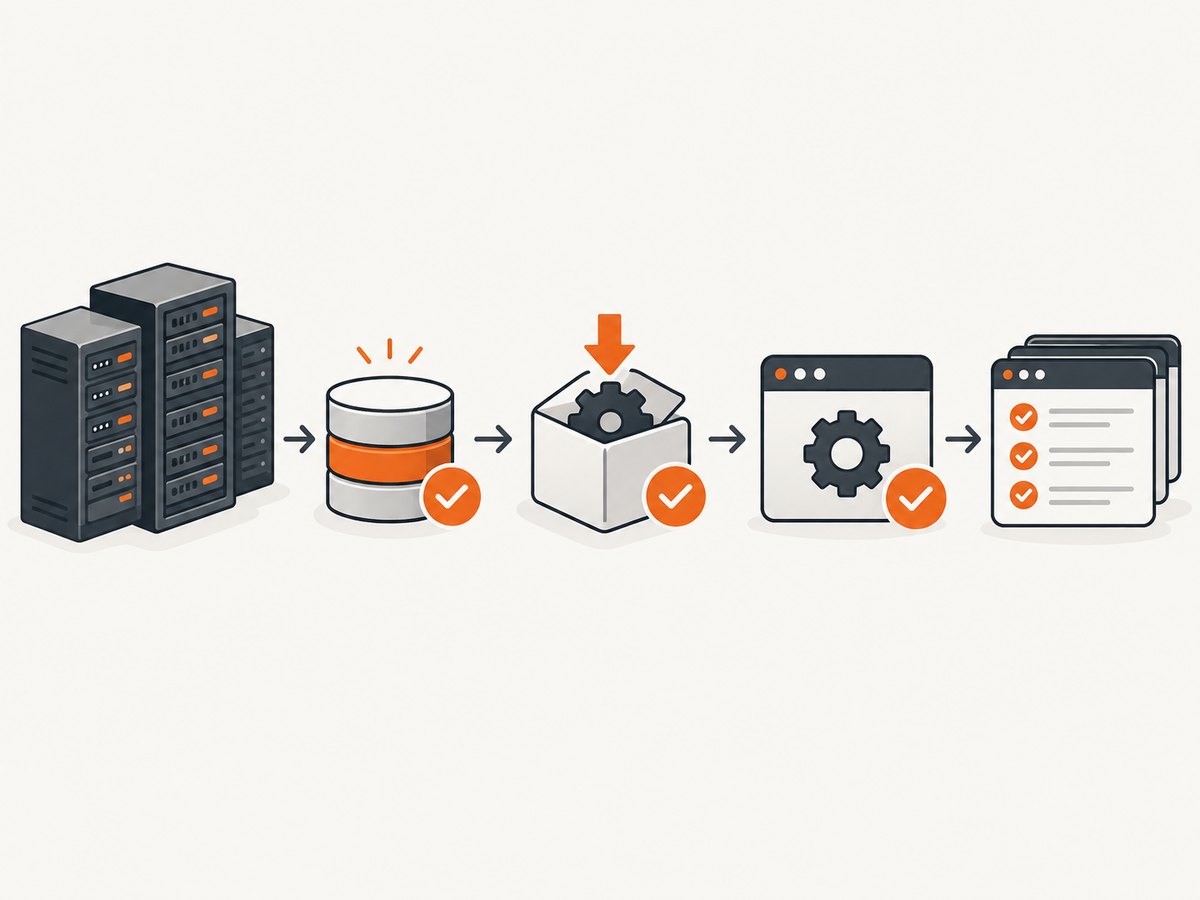
- Install dependencies with lifecycle output visible or explicitly approve the Cypress script.
- Restore a cache keyed by Cypress version, OS, and architecture.
- Run
DEBUG=cypress:cli* npx cypress installas a separate step. - Run
npx cypress verifyand fail the job if verification fails. - Run tests only after verification succeeds.
- Save the Cypress cache for the next job.
set -euo pipefail
npm ci
DEBUG=cypress:cli* npx cypress install
npx cypress verify
npx cypress run
This separation makes logs actionable: a failed resolver, blocked script, missing cache, extraction problem, and launch dependency produce different evidence.
9. Performance, reliability, and cost considerations
A persistent binary cache avoids downloading the same platform artifact on every CI run, but the cache must be invalidated when the Cypress version or architecture changes. A mirror reduces repeated external downloads and gives a restricted network a controlled source. A local ZIP is the most deterministic option for air-gapped builds, at the cost of maintaining artifact distribution yourself.
Do not infer download speed or reliability from a single run. Measure your own CI duration, cache-hit rate, and failure logs. Keep proxy and CA configuration in the build environment that performs installation; runtime browser settings cannot retroactively fix a failed download.
Or skip the browser setup
If your goal is to generate website screenshots rather than run browser tests, ScreenshotNeo returns a screenshot or PDF with one GET request. It removes cookie banners, newsletter popups, and chat widgets before capture; bot checks, blank pages, timeouts, failed loads, and cache hits are not billed. Responses identify the page verdict and billing status with X-Page-Verdict and X-Billed headers. An MCP server provides take_screenshot, get_page_info, and capture_pdf for Claude, Cursor, and other MCP clients.
See the ScreenshotNeo API documentation for all options. cURL:
curl -G "https://api.screenshotneo.com/v1/shot" -d access_key=YOUR_API_KEY --data-urlencode url=https://stripe.com -o shot.webpPython:
import requests
r = requests.get("https://api.screenshotneo.com/v1/shot", params={"access_key": "YOUR_API_KEY", "url": "https://stripe.com"}, timeout=90)
open("shot.webp", "wb").write(r.content)
Node.js:
const q = new URLSearchParams({ access_key: 'YOUR_API_KEY', url: 'https://stripe.com' });
const res = await fetch(`https://api.screenshotneo.com/v1/shot?${q}`);
Free usage includes 1,000 screenshots each month with no card. Paid plans start at $5 for 3,000 shots, and every feature is included on every plan. Create a free ScreenshotNeo account.
FAQ
Why does npm install cypress finish but cypress run fail?
The npm package and desktop binary are separate. The lifecycle download may have been skipped, failed, or installed into a cache that the test machine cannot access.
Will NODE_EXTRA_CA_CERTS fix a Cypress download?
No. For the install-time download, configure npm’s cafile or ca. The extra-cert variable alone does not apply to that phase.
Should I delete node_modules?
Not as a first step. Inspect the global Cypress cache and run the explicit installer. Clear the Cypress cache when logs indicate corruption or an incomplete archive.
Which setting moves the binary cache?
CYPRESS_CACHE_FOLDER changes the Cypress binary cache location. It does not relocate npm, Yarn, pnpm, or Bun’s dependency cache.
Can I use Cypress offline?
Yes, if a compatible ZIP is available locally or from a trusted internal artifact host and selected with CYPRESS_INSTALL_BINARY.


