How to Fix Cypress “Missing X Server or $DISPLAY”
Fix Cypress’s “Missing X server or $DISPLAY” error on Linux, CI, containers, WSL and Dev Containers with the right Xvfb setup.
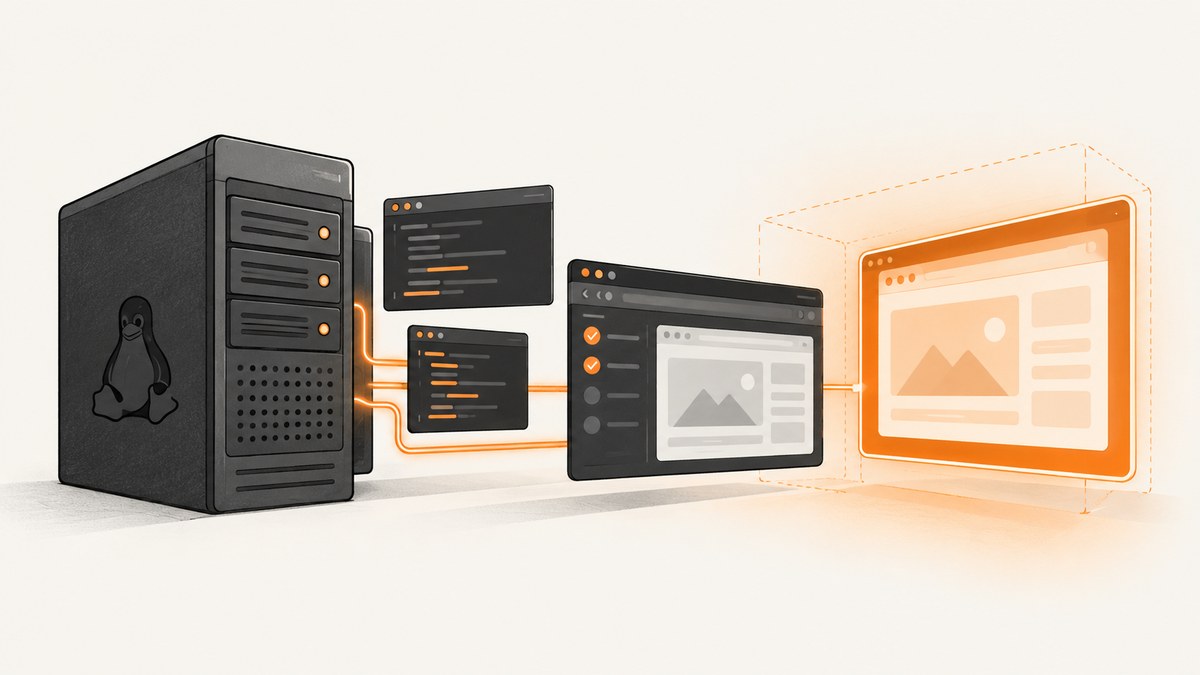
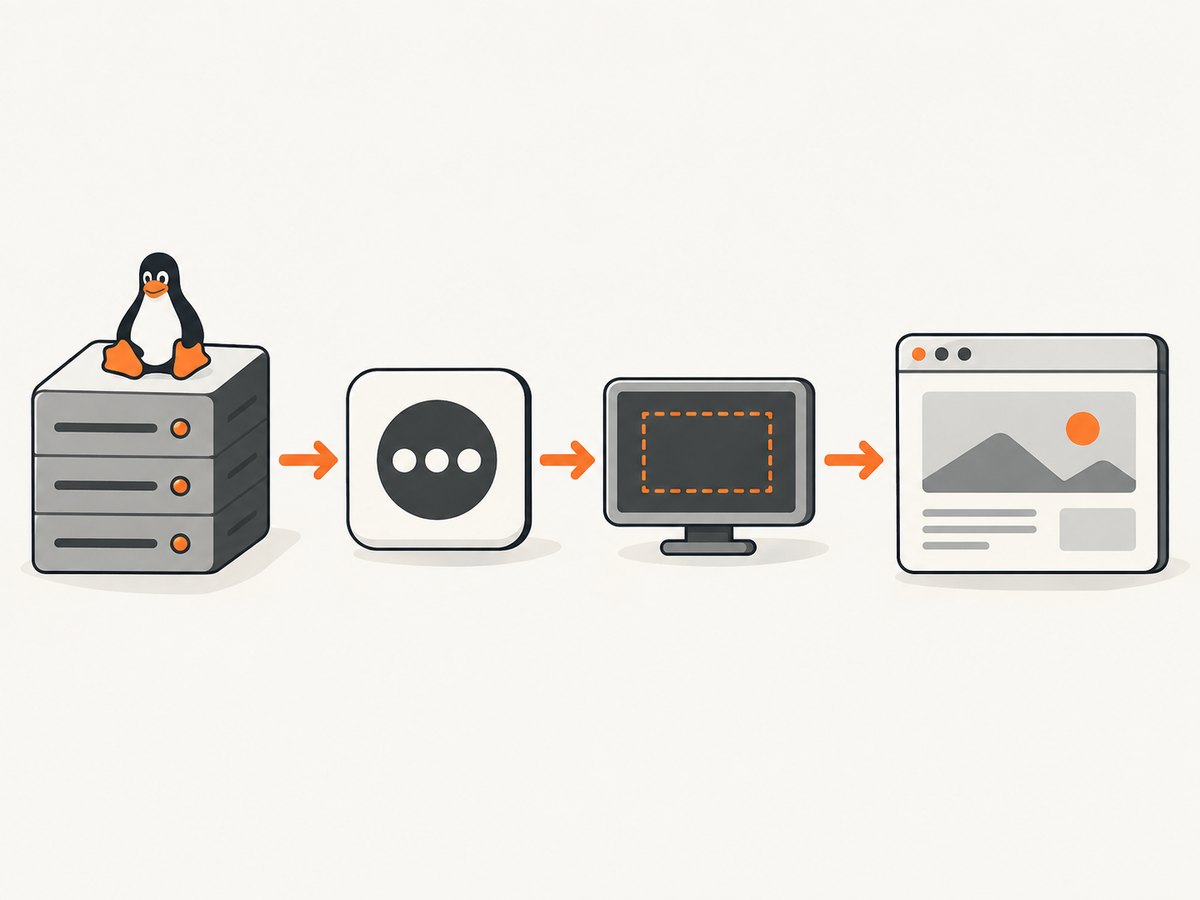
Cypress needs an X11 server on Linux. The CLI normally starts Xvfb for cypress run, but the automatic setup can be unavailable, misconfigured, or conflicting with another process. The documented fallback is to install the packages for your exact Linux release, start Xvfb, export a display such as :99, and run Cypress in that same environment.
cypress open is different: it always launches a headed browser and needs an interactive graphical display. A headless CI job should normally use cypress run. See the Cypress CI documentation and browser-launch documentation.
1. Identify which display problem you have
Before changing configuration, record:
- The command:
cypress runorcypress open. - Operating system and release.
- Cypress version and browser.
- Whether the process runs on a host Linux machine, CI runner, container, WSL or Dev Container.
- The exact error and the current value of
DISPLAY.
Run these checks in the same shell or job that launches Cypress:
node --version
npx cypress version
printf 'DISPLAY=%s\n' "${DISPLAY:-<unset>}"
command -v Xvfb || true
2. Install the Linux dependencies for your release
Do not copy one package list to every distribution. Cypress publishes different names for current Ubuntu and Debian releases. The package instructions are in its advanced installation guide.
Ubuntu 22.04 and Debian
sudo apt-get update
sudo apt-get install -y \
  libgtk-3-0 libgbm-dev libnotify-dev libnss3 libxss1 \
  libasound2 libxtst6 xauth xvfb
Ubuntu 24.04 (and the documented Debian 13 variant)
sudo apt-get update
sudo apt-get install -y \
  libgtk-3-0t64 libgbm-dev libnotify-dev libnss3 libxss1 \
  libasound2t64 libxtst6 xauth xvfb
If your distribution is different, use the Cypress list for that release instead of guessing package names. A missing shared library can look like a display startup problem, so keep dependency diagnosis separate from DISPLAY diagnosis.
3. Start Xvfb explicitly in Linux CI
Cypress can start Xvfb automatically, and many CI images work without extra commands. If automatic startup is unavailable or unreliable, use the documented fallback:
set -eu
Xvfb :99 &
XVFB_PID=$!
trap 'kill "$XVFB_PID" 2>/dev/null || true' EXIT
export DISPLAY=:99
npx cypress run
Start Xvfb and run Cypress in the same job or container. The DISPLAY value must point to a live server that the Cypress process can access.
When Chrome or Electron still reports an X11 connection error
Some environments need an explicit 24-bit screen:
set -eu
Xvfb -screen 0 1024x768x24 :99 &
XVFB_PID=$!
trap 'kill "$XVFB_PID" 2>/dev/null || true' EXIT
export DISPLAY=:99
npx cypress run
The screen-depth argument is a documented workaround for environments where Chrome or Electron crashes or cannot connect with the default settings.
4. Handle parallel Cypress processes
Starting several X11 servers at the same time can cause failures for some parallel instances. Start one server, then give every Cypress process the same display:
Xvfb -screen 0 1024x768x24 :99 &
XVFB_PID=$!
trap 'kill "$XVFB_PID" 2>/dev/null || true' EXIT
export DISPLAY=:99

npx cypress run --browser chrome --spec 'cypress/e2e/a.cy.js' &
PID_ONE=$!
npx cypress run --browser chrome --spec 'cypress/e2e/b.cy.js' &
PID_TWO=$!
wait "$PID_ONE" "$PID_TWO"
In a CI matrix with separate machines or containers, each isolated job can have its own display number. Inside one machine, sharing a known Xvfb display avoids races caused by concurrent server creation.
5. Choose the right setup for your environment
| Environment | Recommended command or setup | Display requirement |
|---|---|---|
| Linux CI | cypress run; use automatic Xvfb or the explicit fallback |
Virtual X11 server, usually Xvfb |
| Interactive Linux debugging | cypress open |
Real desktop display or accessible X server |
| Official Cypress Docker image | Use the image matching your Cypress/browser needs | Prerequisites are included; configure display for headed sessions |
| Minimal custom container | Install Cypress’s release-specific packages and Xvfb | Required even though cypress run is headless |
| WSL2 | Install Linux dependencies and verify WSLg/display forwarding | Current WSL2 with WSLg includes X11 support; Cypress does not specifically support WSL |
| Dev Container | Use a documented desktop feature such as desktop-lite for interactive work |
Needed for cypress open; support is environment-specific |
The official Cypress Docker images include the required Linux prerequisites. Dev Containers and Codespaces have documented setup options, but Cypress does not describe them as universally supported environments.
6. Verify dependencies when the error persists
If Xvfb is running and DISPLAY is correct, check whether Cypress can load all shared libraries. Cypress recommends a smoke test and ldd against the Cypress binary.
npx cypress verify
CYPRESS_BINARY="$(npx cypress cache path)/$(npx cypress cache list | tail -n 1)"
ldd "$CYPRESS_BINARY" | grep 'not found' || true

npx cypress cache path
npx cypress cache list
The exact binary path differs by Cypress version and cache layout, so use the paths printed by the cache commands. Any library reported as not found needs the package that provides it for your distribution.
7. Troubleshooting checklist
| Symptom | Likely cause | Fix |
|---|---|---|
Missing X server or $DISPLAY during cypress run |
No usable X11 server or DISPLAY is unset |
Install xvfb, start Xvfb :99, export DISPLAY=:99, then run Cypress in that shell. |
The same message during cypress open |
The command is headed and has no graphical session | Run it from a desktop session, connect to an accessible X server, or use cypress run for CI. |
Can't open display :99 |
Xvfb is not running, exited, or is inaccessible | Check ps output and the Xvfb log; start it before Cypress and keep both processes in the same container/user context. |
| Chrome or Electron crashes after Xvfb starts | Incompatible screen settings | Retry with Xvfb -screen 0 1024x768x24 :99. |
| Only parallel jobs fail | Several jobs are spawning conflicting X11 servers | Start one shared Xvfb server and pass its display to each Cypress process. |
ldd prints not found |
A Linux shared library is missing | Install the package from Cypress’s release-specific dependency list, then rerun verification. |
Container reports binary_state.json or permission errors |
Separate non-root Cypress cache or binary permission issue | Fix writable cache ownership/permissions or follow the container image’s documented verification option. This is not an X11 error. |
| WSL window never appears | WSLg/X11 integration is unavailable or not forwarded | Verify the WSL2 installation and WSLg/display integration before changing Cypress settings. |
8. CI reliability and performance
- Prefer
cypress runin CI because it is headless by default and does not require a physical monitor. - Pin the Cypress Docker image or Linux base image when reproducibility matters, and keep the package list aligned with the image’s distribution release.
- Start one Xvfb process per isolated job, or one shared process per machine when running multiple Cypress instances.
- Clean up Xvfb with a shell trap so failed tests do not leave stale servers for later jobs.
- Use a fixed screen size and color depth when browser rendering must be consistent across runners.
- Cache Cypress’s verified binary according to your CI provider’s cache rules, but ensure the cache is writable by the user running Cypress.
Xvfb itself is lightweight, but startup failures and repeated dependency installation add more time than the display server. The biggest reliability gains come from using a matching prebuilt Cypress image, validating dependencies once, and making the display lifecycle explicit in the job.
9. Or skip the browser setup
If your goal is to capture a webpage rather than run a Cypress test, ScreenshotNeo provides a hosted screenshot API. It accepts one GET request and returns PNG, JPEG, WebP or PDF, so your process does not need to install Cypress, Chrome or Xvfb.

See the ScreenshotNeo API documentation for all options.
cURL
curl -G "https://api.screenshotneo.com/v1/shot" -d access_key=YOUR_API_KEY --data-urlencode url=https://stripe.com -o shot.webpPython
import requests
r = requests.get("https://api.screenshotneo.com/v1/shot", params={"access_key": "YOUR_API_KEY", "url": "https://stripe.com"}, timeout=90)
open("shot.webp", "wb").write(r.content)
Node.js
const q = new URLSearchParams({ access_key: 'YOUR_API_KEY', url: 'https://stripe.com' });
const res = await fetch(`https://api.screenshotneo.com/v1/shot?${q}`);
ScreenshotNeo removes cookie and consent banners, newsletter popups and chat widgets before capture. Bot checks, blank pages, timeouts, failed loads and cache hits are not billed, and response headers report the page verdict and billing status. Its MCP server provides take_screenshot, get_page_info and capture_pdf for Claude, Cursor and other MCP clients. The Free plan includes 1,000 screenshots per month with no card; paid plans start at $5 for 3,000.
Create a free ScreenshotNeo account to start with 1,000 screenshots per month and no card.
10. FAQ
Does headless mean Cypress needs no display?
No. cypress run is headless, but Linux browser dependencies and an X11 server may still be required. Cypress normally manages Xvfb for the run.
Should I always export DISPLAY=:99?
No. Export it when you start a separate Xvfb server and need Cypress to use that server. If Cypress’s automatic startup works, an extra display setting can be unnecessary or point to the wrong server.
Can I fix this by attaching a monitor to the CI machine?
Usually no. The documented solution is a usable X11 server such as Xvfb, plus the required Linux packages.
Why does only one browser fail?
Different browsers can require different shared libraries or display settings. Check the browser-specific log, then run Cypress verification and ldd checks to separate dependency failures from X11 failures.
Is a Cypress Cloud account required?
No. Cypress Cloud can add CI workflow features, but it does not provide the missing X server. Fix the runner’s display and dependency setup first.


