How to Fix Cypress Navigation After Clicking a Button
Fix Cypress button navigation with retryable URL assertions, request intercepts, and a practical troubleshooting checklist.
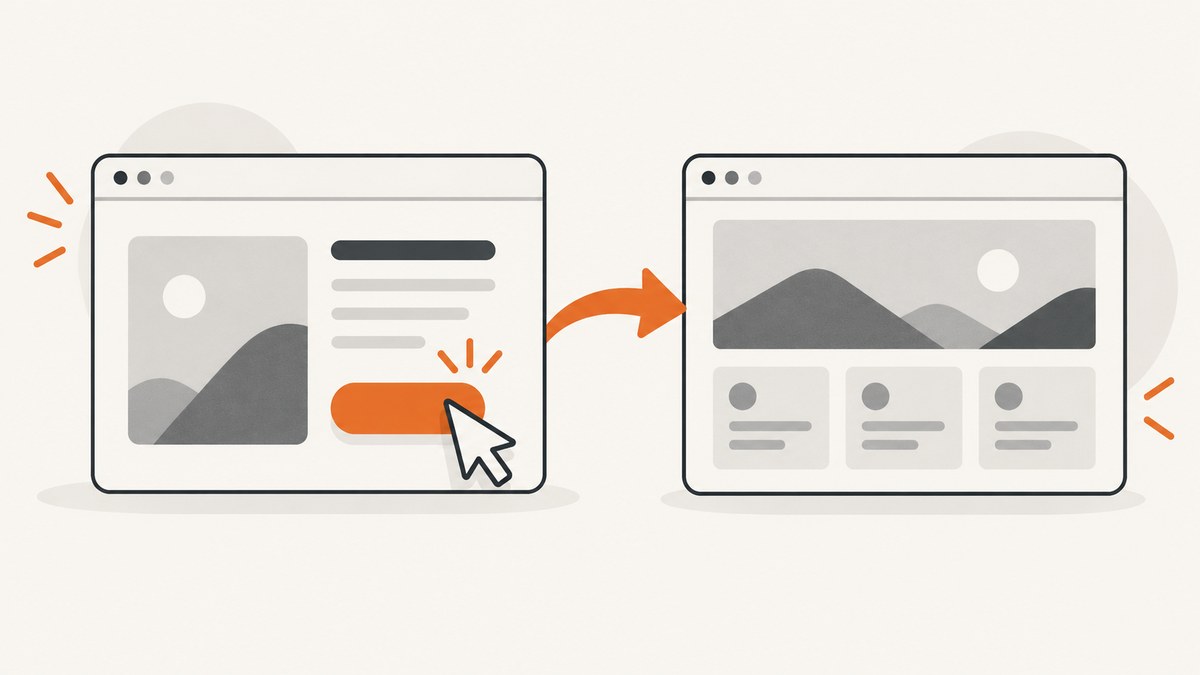
Direct answer: click the button, then start a new Cypress chain and assert the destination. Use cy.location('pathname') for a path, cy.url() for a complete URL, or cy.location('hash') for hash routing. If navigation waits for an API response, register cy.intercept() before the click, wait for its alias, and then assert the location. Avoid fixed sleeps and avoid chaining commands that rely on the clicked element after it can be replaced.
cy.contains('button', 'Continue').click()
cy.location('pathname').should('eq', '/next')
This follows Cypress guidance for first end-to-end tests, cy.url(), cy.location(), cy.click(), and cy.wait().
1. Choose the right URL assertion
| Expected change | Assertion | Example |
|---|---|---|
| Exact path | cy.location('pathname') |
cy.location('pathname').should('eq', '/next') |
| Complete URL | cy.url() or cy.location('href') |
cy.url().should('eq', 'https://app.example.test/next') |
| Query string | cy.location('search') |
cy.location('search').should('eq', '?step=2') |
| Hash router | cy.location('hash') |
cy.location('hash').should('eq', '#/next') |
Use an exact value when the destination is fixed. Use include only for a stable fragment, such as cy.url().should('include', '/checkout'). Configure Cypress baseUrl so hostnames can vary by environment.
2. Complete Cypress patterns
Immediate client-side navigation
describe('continue navigation', () => {
  it('opens the next step', () => {
    cy.visit('/start')
    cy.contains('button', 'Continue').click()
    cy.location('pathname').should('eq', '/next')
  })
})
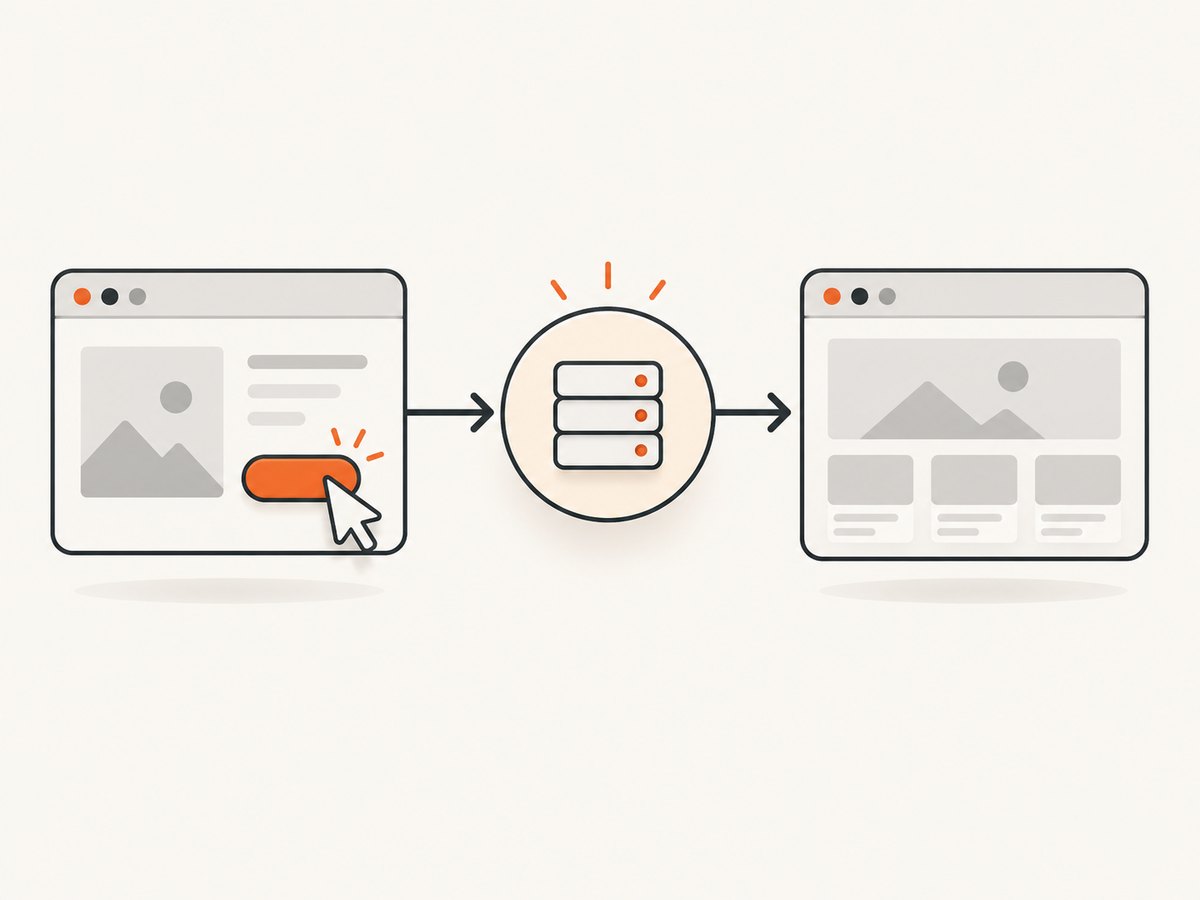
Navigation after a request
describe('continue navigation', () => {
  it('waits for the save before routing', () => {
    cy.intercept('POST', '/api/continue').as('continue')
    cy.visit('/start')
    cy.contains('button', 'Continue').click()
    cy.wait('@continue')
    cy.location('pathname').should('eq', '/next')
  })
})
/api/continue is illustrative. Replace it with your application’s actual method and route. Register the intercept before click().
Assert the response and destination
cy.intercept('POST', '/api/continue').as('continue')
cy.get('[data-cy=continue]').click()
cy.wait('@continue').its('response.statusCode').should('eq', 200)
cy.location('pathname').should('eq', '/next')
Query, hash, and href examples
cy.get('[data-cy=details]').click()
cy.location('search').should('include', 'tab=details')

cy.get('[data-cy=section]').click()
cy.location('hash').should('eq', '#section')

cy.get('[data-cy=external-link]').click()
cy.location('href').should('eq', 'https://example.test/complete')
Back and forward navigation
cy.go('back')
cy.location('pathname').should('eq', '/start')
cy.go('forward')
cy.location('pathname').should('eq', '/next')
cy.go() handles full refreshes and history changes such as hash routing. See the cy.go() documentation.
3. Why a click appears not to navigate
The test checks too early
Replace cy.wait(2000) with a retryable URL/location assertion, or wait for the request that gates routing.
The assertion checks the wrong URL part
cy.url() aliases cy.location('href'). A path assertion ignores host, query, and hash; a hash assertion does not prove that a server route changed.
The request was not observed
An intercept added after the click misses the request. Define it first, then click and wait on the alias.
The clicked element was replaced
Framework rerenders can remove the button during navigation. Start a fresh chain:
cy.get('[data-cy=continue]').click()
cy.get('[data-cy=next-page]').should('be.visible')
Cypress warns: “It is unsafe to chain further commands that rely on the subject after .click().” See the click API.
The click is blocked or times out
.click() waits for actionability and fires once. Check that the selector is unique, visible, enabled, and not covered. { force: true } bypasses those checks and can hide the defect. aria-disabled="true" is not the native disabled property; assert the attribute when appropriate.
4. Diagnosis checklist
- Confirm the starting route with
cy.visit()and a location assertion. - Use a stable unique selector, preferably
data-cy. - Inspect visibility, enabled state, overlays, and the command log.
- Add an intercept before clicking if a request controls navigation.
- Click once and start a new chain.
- Assert the path, href, query, hash, or a page landmark that represents the contract.
- Compare the actual URL, request, response, and browser errors with the expected behavior.
5. Common errors and fixes
| Failure | Cause | Fix |
|---|---|---|
| Location assertion times out | Wrong URL field, route never changed, or app error | Inspect the actual location and verify router behavior. |
cy.wait('@alias') times out |
Wrong method or URL, late intercept, or no request | Register first and copy the real route from the Network panel. |
| Element is covered or not actionable | Overlay, animation, disabled control, or duplicate selector | Wait for the overlay, assert state, and narrow the selector. |
| Detached element after click | Rerender replaced the subject | Start a fresh cy chain. |
| Unexpected query or hash | Router adds state or tracking parameters | Assert only the stable field, or include those parameters in the contract. |
| External navigation differs | Different origin or browser boundary | Assert the href before navigation or configure origin handling for your Cypress version. |
6. Reliability and performance
- Use retryable assertions instead of sleeps; tests finish as soon as the condition is true.
- Intercept only the request that gates routing so unrelated background traffic does not slow tests.
- Prefer stable
data-cyselectors over changing text or CSS structure. - Assert one navigation contract per test: destination plus request status or a page landmark when needed.
- Set realistic command and request timeouts instead of masking failures with long global waits.
7. Or skip the browser setup
If you need a rendered image of the destination, ScreenshotNeo captures a URL with one request. It can return PNG, JPEG, WebP, or PDF, accepts cookie banners, and removes more than 60 known consent platforms, newsletter popups, and chat widgets before capture.

cURL (see the ScreenshotNeo docs):
curl -G "https://api.screenshotneo.com/v1/shot" -d access_key=YOUR_API_KEY --data-urlencode url=https://example.com/next -o shot.webpPython:
import requests
r = requests.get("https://api.screenshotneo.com/v1/shot", params={"access_key": "YOUR_API_KEY", "url": "https://example.com/next"}, timeout=90)
open("shot.webp", "wb").write(r.content)Node.js:
const q = new URLSearchParams({ access_key: 'YOUR_API_KEY', url: 'https://example.com/next' });
const res = await fetch(`https://api.screenshotneo.com/v1/shot?${q}`);
Bot checks, blank pages, timeouts, failed loads, and cache hits are not billed as clean shots. Responses identify the result with X-Page-Verdict and X-Billed headers. ScreenshotNeo also provides an MCP server with take_screenshot, get_page_info, and capture_pdf tools for Claude, Cursor, and other MCP clients. One thousand screenshots per month are free with no card; paid plans start at $5 for 3,000. Create a free ScreenshotNeo account.
8. FAQ
Should I use cy.url() or cy.location()?
Use cy.url() for the complete href. Use cy.location() for pathname, search, hash, or another individual field.
Do I need cy.wait() after every click?
No. Use a direct location assertion for immediate routing. Wait on an intercept alias only when a known request controls the transition.
Can changing the object returned by cy.location() navigate?
No. It is a plain object for inspection; changing it does not change the browser location.
Why can force: true hide bugs?
It bypasses actionability checks, so the application may still be covered, disabled, or unready for a real user click.


