How to Fix Cypress Promise and Command Mixing Errors
Cypress commands are queued, not native Promises. Learn how to return values, await application Promises, and fix the common command-mixing errors.
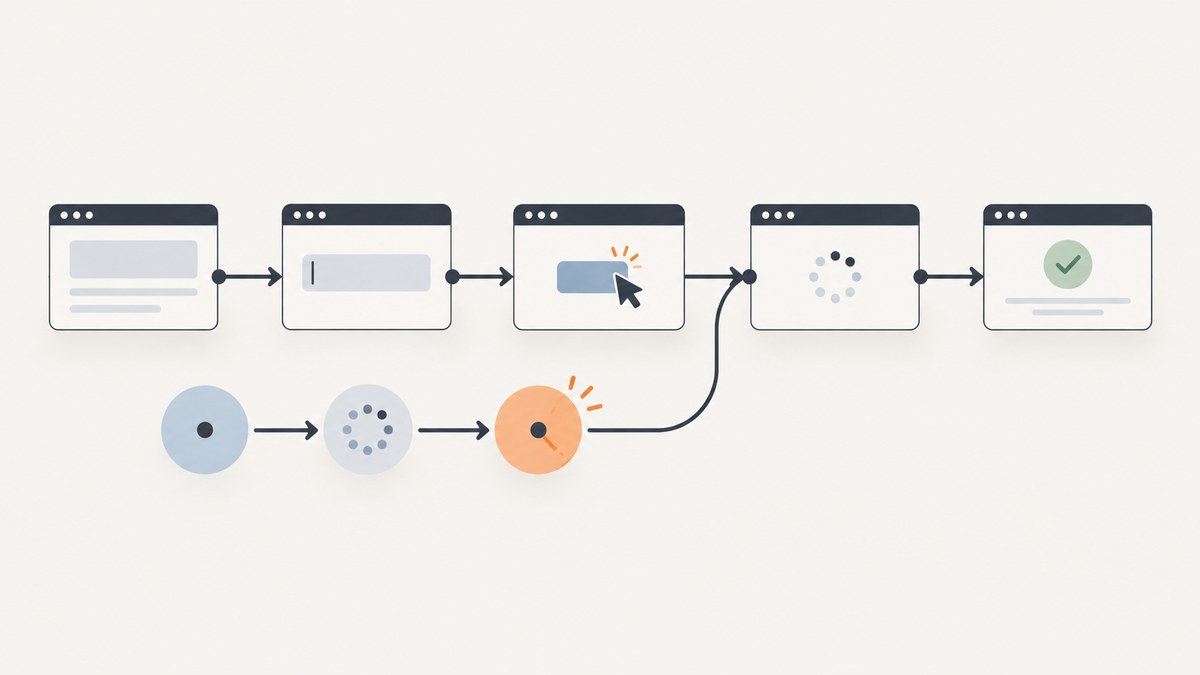
Direct answer: Cypress commands are queued commands, not native JavaScript Promises. Don’t assign a command to a variable expecting its result immediately, use await on a Cypress command, or make a Cypress test function async to await Cypress commands. Keep browser work in the Cypress chain. Use .then() to consume a yielded value or return application Promise, and use cy.wrap() when you need Cypress to wait for an application Promise.
Cypress describes its commands as serial commands placed in a central queue and run later, rather than Promises that return their subjects synchronously. That difference explains most Promise and command mixing errors. See the Cypress command queue guide.
1. Recognize the two kinds of asynchronous work
In a Cypress test, there are two related but different mechanisms:
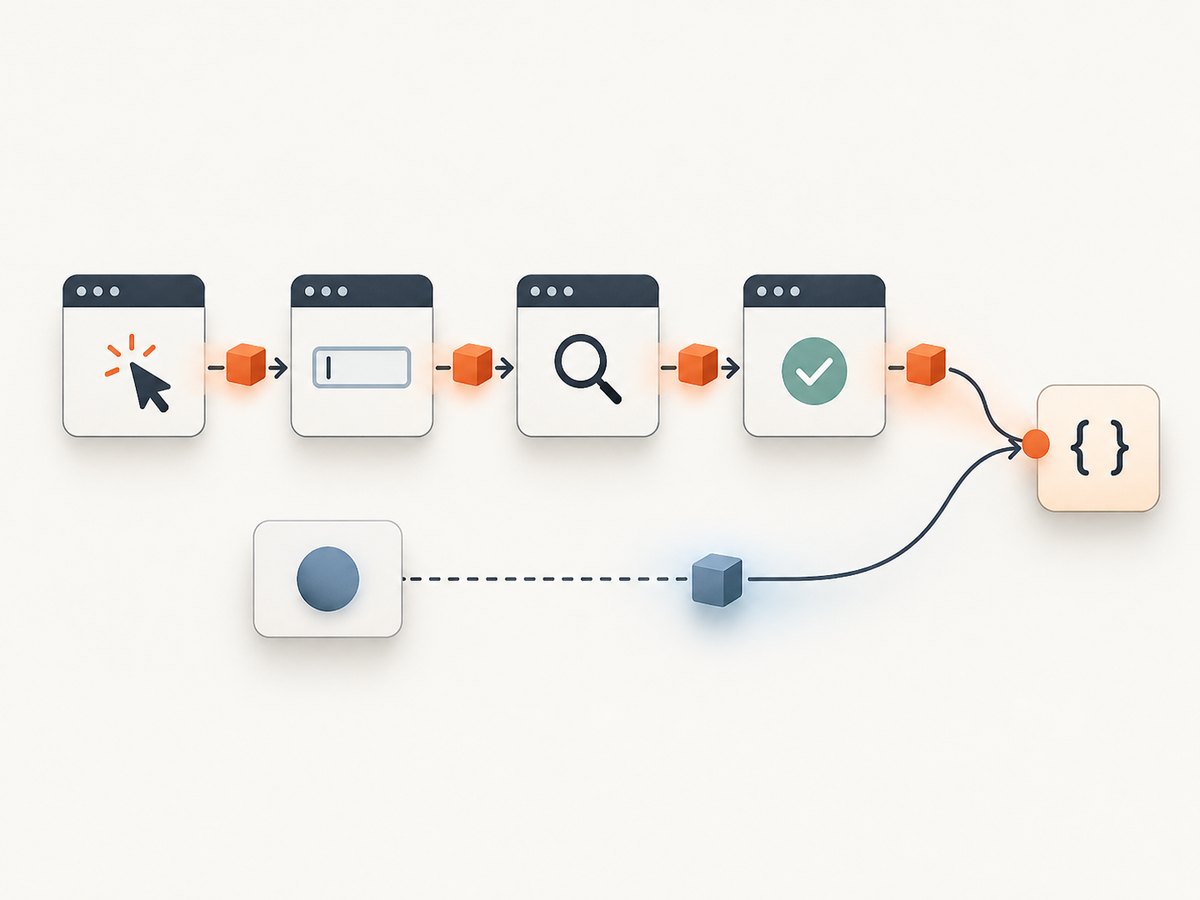
- Cypress commands, such as
cy.get(),cy.click(), andcy.request(), enqueue work. Cypress runs that work in order and passes each yielded subject to the next command. - JavaScript Promises, such as an application service method returning
Promise<User>, represent asynchronous work in JavaScript. Cypress can wait for a Promise when you return it from.then()or pass it tocy.wrap().
The important question is not simply “is this async?” Ask instead: Is this a Cypress command, or a JavaScript Promise? When is the function that creates the Promise invoked? What value should the next command receive?
| Code | What it is | How to use it |
|---|---|---|
cy.get('button') |
Cypress chainable command | Chain another Cypress command or consume its subject in .then(). |
service.loadUser() |
Usually a JavaScript Promise, if the method returns one | Return it from .then() or pass it to cy.wrap(). |
async () => ... |
A JavaScript function that returns a Promise | Use only when its Promise is composed correctly with Cypress; do not use it to turn Cypress commands into awaitable Promises. |
2. Don’t await Cypress commands or read their results immediately
This pattern is incorrect because cy.get() returns a Cypress chainable, not the element or a Promise that resolves to the element:
// Incorrect: this is a Cypress chainable, not the element.
const button = cy.get('[data-cy=save]')
button.click()

// Incorrect: Cypress commands cannot be awaited as native Promises.
const button = await cy.get('[data-cy=save]')
Keep the action in the chain. Read a yielded subject inside .then(), or give a subject an alias and retrieve it later:
// Consume the element after Cypress has yielded it.
cy.get('[data-cy=save]').then(($button) => {
  expect($button).to.have.attr('type', 'submit')
})

// Or save and retrieve the subject using an alias.
cy.get('[data-cy=save]').as('saveButton')
cy.get('@saveButton').should('be.visible').click()
Use normal synchronous JavaScript for values that are already available before Cypress runs the queued commands. For a value that depends on a Cypress command, keep the dependent work inside the chain.
3. Fix “cy.then() failed because you are mixing up async and sync code”
A .then() callback receives the prior command’s subject. Cypress waits if the callback returns a Cypress chain or a Promise, then uses the result as the next subject. The error commonly appears when the callback both queues Cypress commands and returns a separate, non-null synchronous value. The Cypress .then() reference explains this behavior.
Return the Promise when Cypress should wait for it
cy.get('[data-cy=save]').click().then(() => {
  // apiCall() returns a JavaScript Promise.
  return apiCall()
}).then((result) => {
  expect(result.status).to.equal('saved')
})
Returning the Promise tells Cypress to wait for it before running the next command. The resolved value becomes the next subject.
If the callback only queues Cypress commands, don’t return a separate value
cy.get('.user').then(($user) => {
  cy.wrap($user).should('be.visible')
  // No separate synchronous return here.
})
Separate a synchronous result from commands
If you need to produce a synchronous value after Cypress commands, make the value the subject of a Cypress command, or isolate the value in a nested .then() that does not also enqueue Cypress commands:
cy.get('[data-cy=save]').click().then(() => {
  // This callback queues one Cypress command and returns no other value.
  cy.get('[data-cy=status]').then(($status) => {
    // This inner callback has no Cypress commands to mix with its return.
    return $status.text().trim()
  })
}).then((statusText) => {
  expect(statusText).to.equal('Saved')
})
A .then() callback is not retried. If an assertion must be retried while the application updates, put it in .should() instead.
4. Wait for an application Promise with cy.wrap()
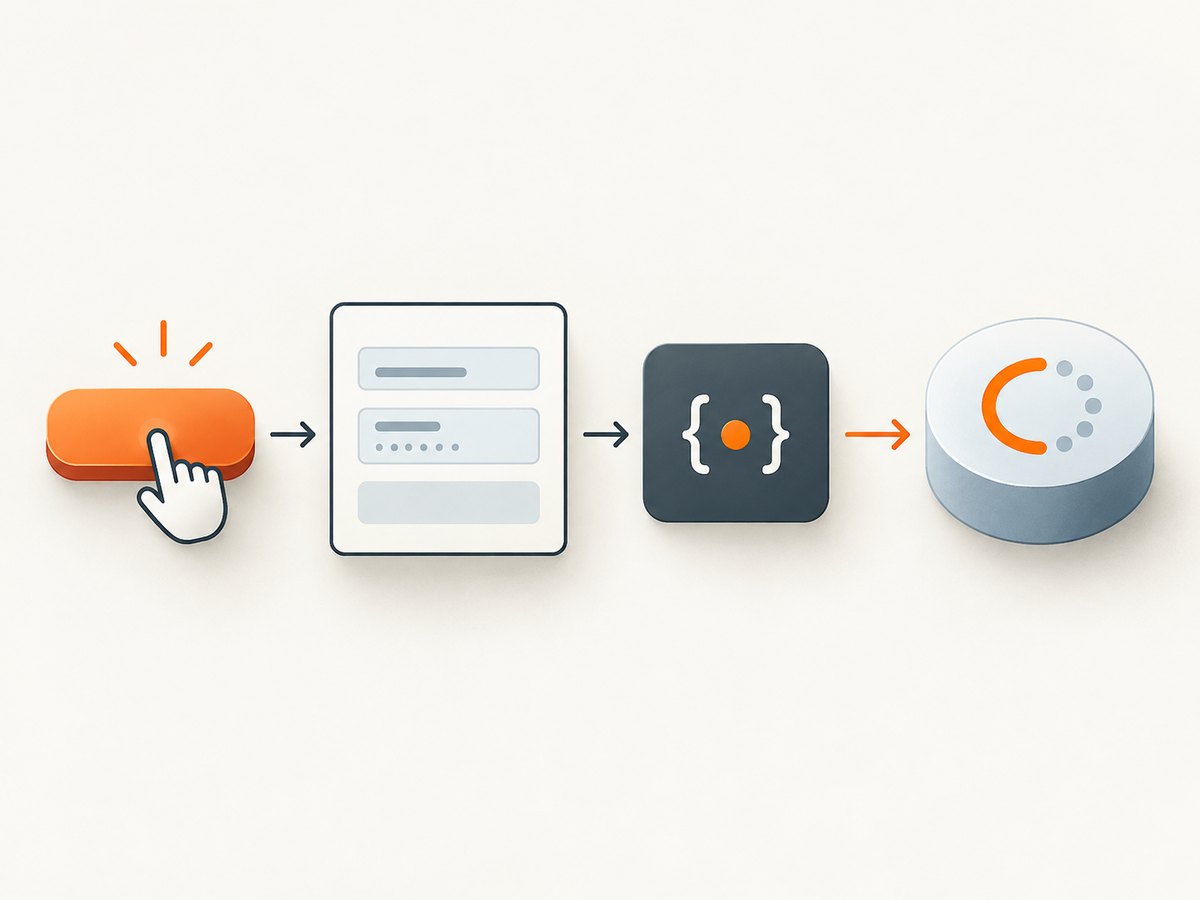
cy.wrap(promise) yields the Promise’s resolved value and makes Cypress wait for resolution. A rejection fails the test. This is the direct fix when you already have a Promise and want to continue in the Cypress chain. See the cy.wrap() reference.
const userPromise = userService.loadUser('u-123')

cy.wrap(userPromise).then((user) => {
  expect(user.id).to.equal('u-123')
})
That example is appropriate if creating the Promise at that point is safe. But calling a function creates its Promise immediately. cy.wrap() waits for the Promise it receives; it does not defer the function call until earlier queued commands have run.
Defer Promise creation when it depends on browser actions
This looks sequential but is not:
cy.wrap(foo())
cy.get('button').click()
cy.get('input').type('hello')
cy.wrap(bar()) // bar() is invoked now, while the commands above are still queued.
The bar() call happens as JavaScript evaluates the test function, before Cypress executes the queued click and typing commands. Start the dependent call from a callback that Cypress reaches after the last required browser command:
cy.wrap(foo())
cy.get('button').click()
cy.get('input').type('hello')
cy.get('submit').click().then(() => {
  return cy.wrap(bar())
}).then((barResult) => {
  expect(barResult).to.have.property('ok', true)
})
Here bar() is invoked when the chain reaches the callback. Returning the wrapped chain keeps Cypress waiting for the result.
5. Return custom Promises from a Cypress callback
When custom asynchronous work should finish before the next Cypress command, return its Promise from .then(). Cypress also provides Cypress.Promise, its bundled Bluebird implementation. The Cypress Promise documentation covers Promise handling and unhandled rejections.
cy.get('[data-cy=load]').click().then(() => {
  return new Cypress.Promise((resolve) => {
    setTimeout(() => resolve('ready'), 50)
  })
}).then((state) => {
  expect(state).to.equal('ready')
})
Prefer the Promise returned by the application API when it already provides the operation you need. Use a custom Promise only when you need to represent asynchronous work that is not already exposed as one.
Handle expected rejections explicitly where the test needs to assert failure behavior. Cypress documents Cypress.Promise.onPossiblyUnhandledRejection() and a test-window unhandledrejection listener for handling unhandled test Promise rejections. Don’t swallow a rejection just to make the test pass; assert the intended error or let an unexpected rejection fail the test.
6. Replace cy.invoke() for Promise-returning methods
The current cy.invoke() reference says it throws when the invoked function returns a Promise and recommends .then() for Promise-returning functions. Use the yielded object in a callback and return the asynchronous method’s Promise:
// Avoid invoking an async method through cy.invoke().
cy.wrap(service).then((svc) => {
  return svc.asyncMethod()
}).then((result) => {
  expect(result).to.have.property('ok', true)
})
See the cy.invoke() reference. For synchronous methods, .invoke() can still be useful; the restriction here is the Promise-returning method.
7. Keep commands out of .should() callbacks
Cypress retries a .should() callback until its assertions pass or time out. Because it may run more than once, Cypress prohibits Cypress commands inside that callback. Keep the callback focused on assertions; place actions and other commands in the outer chain or a .then(). See the .should() reference.
// Correct: retry the assertion while Cypress checks the subject.
cy.get('[data-cy=status]').should(($status) => {
  expect($status.text()).to.equal('Saved')
})

// Then perform the next command outside the retryable callback.
cy.get('[data-cy=continue]').click()
Use .should() for retryable assertions. Use .then() for a one-time callback, subject transformation, or Promise-returning operation.
8. Choose the right pattern
| Need | Use | Key detail |
|---|---|---|
| Read a value yielded by a Cypress command | .then((subject) => ...) or an alias |
The value is available when Cypress reaches that command. |
| Wait for an existing application Promise | cy.wrap(promise) |
The Promise begins when its creating function is called. |
| Call async work after earlier browser actions | Call it inside a reached .then(), then return its Promise or wrapped chain |
This defers invocation until the Cypress queue reaches the callback. |
| Retry an assertion as the page changes | .should() |
Do not put Cypress commands in its callback. |
| Call a Promise-returning object method | .then((object) => object.method()) |
Do not use cy.invoke() for the Promise-returning method. |
9. Troubleshooting common errors
| Symptom | Likely cause | Fix |
|---|---|---|
cy.then() failed because you are mixing up async and sync code |
The callback queued Cypress commands and also returned a separate non-null synchronous value. | Return a Cypress chain or Promise, return no separate value when queuing commands, or move the synchronous value into a nested callback without Cypress commands. |
await cy.get(...) does not give the element |
A Cypress chainable is being treated as a native Promise. | Use cy.get(...).then(...) or an alias. |
| A variable contains a chainable instead of text or an element | The test reads the variable before the queued command runs. | Read the yielded subject inside the chain, or alias it and retrieve it with cy.get('@alias'). |
| An API call starts before the click or typing it depends on | The function creating the Promise was invoked immediately while commands were only being enqueued. | Invoke it inside a .then() after the dependent Cypress commands and return its Promise. |
cy.invoke() fails for an async method |
The method returns a Promise and the documented command does not support that use. | Use cy.wrap(object).then((value) => value.asyncMethod()). |
A command inside .should() is rejected |
.should() callbacks are retried and cannot contain Cypress commands. |
Keep assertions in .should(); move commands outside or into an appropriate .then(). |
| A wrapped Promise fails the test | The application Promise rejected. | Check the rejection cause and test the expected failure explicitly if rejection is the behavior under test. |
| An assertion runs only once and misses a late update | The assertion is in .then(), whose callback is not retried. |
Use a retryable .should() assertion for state that may appear later. |
10. Reliability, timing, and performance
- Preserve one ordering model. Put browser actions and dependent reads in a single Cypress chain. This makes the intended sequence explicit.
- Defer dependent work. If an application call relies on a click, form entry, or page transition, invoke it only after Cypress reaches the corresponding point in the chain.
- Use retrying assertions for changing UI. A one-time
.then()read can observe a state before it changes; use.should()when Cypress should retry the assertion. - Avoid accidental duplicate work. A
.should()callback may run repeatedly. Keep it free of side effects and Cypress commands. - Keep waits tied to a condition. Waiting on the Promise that represents the operation is more informative than starting it early and hoping browser timing lines up. Avoid adding arbitrary delays when the chain or an assertion can express the dependency.
- Cost. These patterns do not require a separate Cypress service or screenshot API. Their practical cost is test runtime: Cypress must wait for returned asynchronous work to settle. Keep Promise operations bounded and ensure they resolve or reject so the chain can continue or fail clearly.
11. A compact working example
This example clicks a control, waits for an application Promise only after the click, and then retries a UI assertion:
describe('save profile', () => {
  it('waits for the save operation and checks the page', () => {
    cy.get('[data-cy=save]').click()
      .then(() => {
        // Start the app operation at this point in the Cypress chain.
        return cy.wrap(window.profileService.waitForSave())
      })
      .then((result) => {
        expect(result.ok).to.equal(true)
      })

    // Cypress retries this assertion while the UI updates.
    cy.get('[data-cy=status]').should('have.text', 'Saved')
  })
})
Adapt the service call to the application under test. The essential details are that the call is made inside the callback reached after the click, its Promise is returned through the chain, and the changing UI assertion uses .should().
12. Or skip the browser setup
If the task is to capture a page screenshot while debugging a browser flow, ScreenshotNeo is a website screenshot API and MCP server. One GET request returns a PNG, JPEG, WebP, or PDF. Its API is separate from Cypress: use it when you need a page capture without setting up a browser screenshot flow.
See the ScreenshotNeo documentation for API options.
curl -G "https://api.screenshotneo.com/v1/shot" -d access_key=YOUR_API_KEY --data-urlencode url=https://stripe.com -o shot.webpimport requests
r = requests.get(
"https://api.screenshotneo.com/v1/shot",
params={"access_key": "YOUR_API_KEY", "url": "https://stripe.com"},
timeout=90,
)
open("shot.webp", "wb").write(r.content)const q = new URLSearchParams({ access_key: 'YOUR_API_KEY', url: 'https://stripe.com' });
const res = await fetch(`https://api.screenshotneo.com/v1/shot?${q}`);- Cookie banners are accepted and removed before the shot, along with known newsletter popups and chat widgets; each cleanup step can be turned off.
- Bot checks, blank pages, failed loads, timeouts, and cache hits are not billed. Response headers report the page verdict and billing status.
- An MCP server provides
take_screenshot,get_page_info, andcapture_pdftools for AI agents and MCP clients. - The free plan includes 1,000 screenshots a month with no card; paid plans start at $5 for 3,000.
Sign up for 1,000 free screenshots a month, with no card required.
13. FAQ
Can I make a Cypress test function async?
That does not make Cypress commands native Promises or make them awaitable. Keep Cypress commands in the Cypress chain; use Promise handling for application asynchronous work.
Does cy.wrap() call my function later?
No. JavaScript evaluates the function call first to produce the Promise. To wait until earlier Cypress commands finish before invoking it, call the function inside a later .then().
Should I use .then() or .should()?
Use .then() for one-time work, transforming a subject, or returning a Promise. Use .should() for assertions Cypress should retry.
Can cy.then() return an ordinary value?
Yes, when the callback is not also queuing Cypress commands. The returned value becomes the next subject. Mixing a separate synchronous return with queued commands is the problematic case.


