How to Fix the Cypress Test Runner Getting Stuck on a New URL
Cypress usually stalls after cross-origin navigation because commands run in the wrong page context. Learn the cy.origin() fix, diagnostics, edge cases, and reliable alternatives.
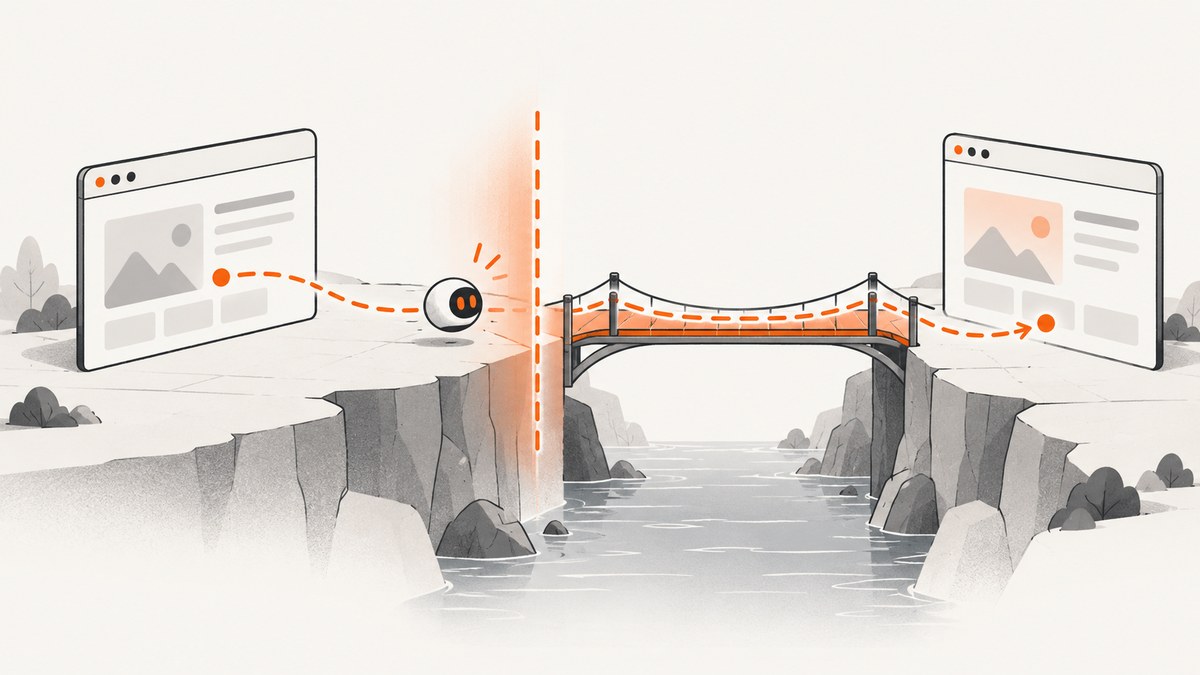
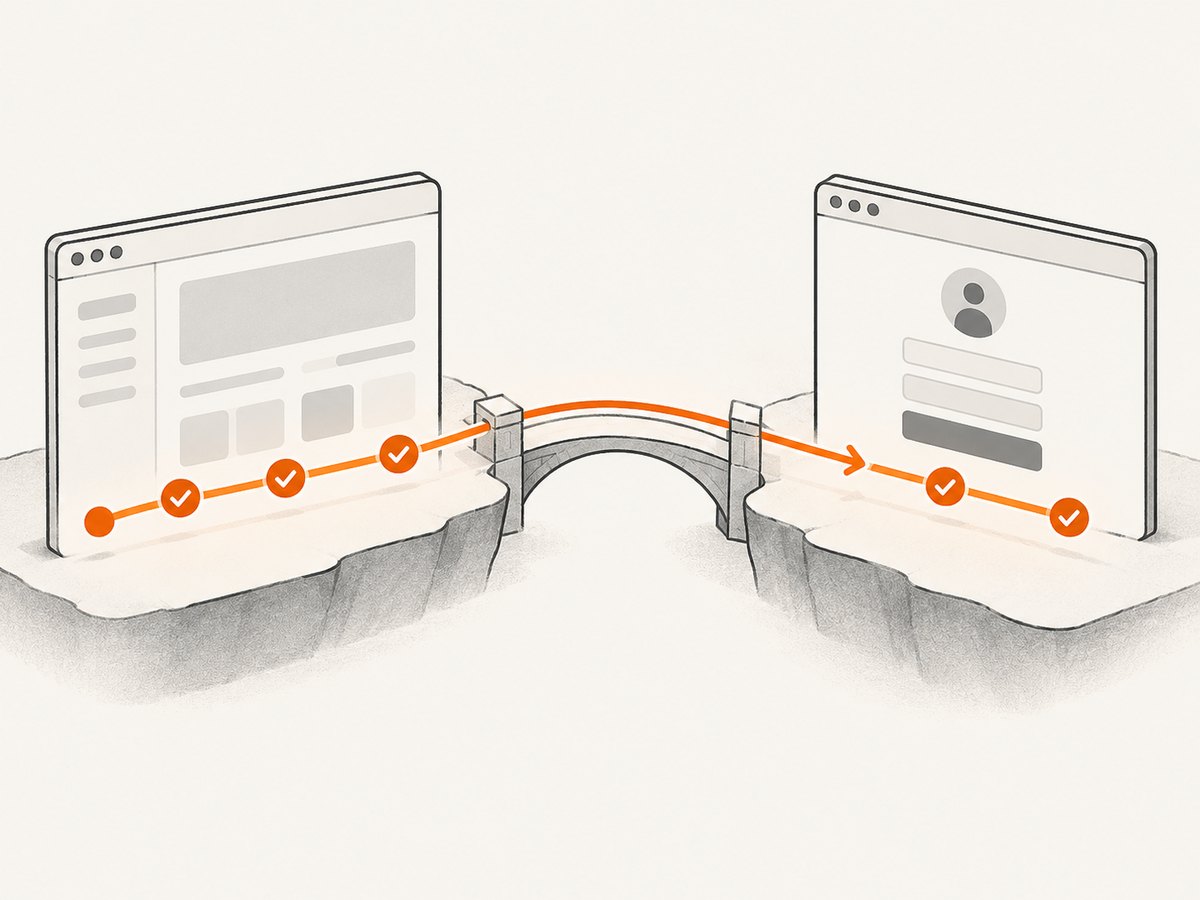
When a Cypress test appears to freeze immediately after opening a new URL, first check whether navigation changed the page’s origin. If the scheme, hostname, or port changed, Cypress commands that follow must run inside cy.origin() with the destination origin.
The smallest working pattern is:
cy.visit('https://app.example.test')
cy.get('a.external-login').click()

cy.origin('https://login.example.test', () => {
  cy.get('h1').should('contain', 'Sign in')
})
Without that boundary, Cypress can keep waiting for commands against the previous page context. The runner may look hung, while the actual symptom is a command timeout after navigation. Cypress documents this behavior in its cy.origin() API and cross-origin guide.
1. Confirm that the URL changed origin
An origin is the combination of:
- Scheme:
httpversushttps - Hostname:
app.example.testversuslogin.example.test - Port:
:3000versus:4000
A path-only change, such as https://example.test/account to https://example.test/settings, keeps the same origin. A subdomain, protocol, or port change creates a different origin even when the sites belong to the same company.
Write down the URL immediately before the navigation and the URL shown after it. Also record your Cypress version. Cypress v12 introduced support for visiting multiple domains in one test. Cypress v14 changed the default behavior so that cy.origin() is required between any two origins, including origins on the same superdomain. Older advice that says a second domain can never be visited in one test is obsolete for v12 and later.
2. Put destination commands inside cy.origin()
The callback passed to cy.origin() is the command context for the destination page. Include every Cypress command that targets that origin inside the callback.
Basic login redirect
describe('external login redirect', () => {
  it('shows the identity provider sign-in page', () => {
    cy.visit('https://app.example.test')
    cy.get('[data-cy="sign-in"]').click()

    cy.origin('https://login.example.test', () => {
      cy.get('h1').should('contain', 'Sign in')
      cy.get('input[name="email"]').should('be.visible')
    })
  })
})
Pass values with args
Do not rely on outer lexical variables inside the origin callback. Pass the values you need through the serializable args option.
const email = 'qa@example.test'

cy.visit('https://app.example.test')
cy.get('[data-cy="sign-in"]').click()

cy.origin(
  'https://login.example.test',
  { args: { email } },
  ({ email }) => {
    cy.get('input[name="email"]').type(email)
    cy.get('button[type="submit"]').click()
  }
)
Values in args should be data that Cypress can serialize, such as strings, numbers, booleans, arrays, and plain objects. Recreate functions, class instances, or application-specific objects inside the callback instead of trying to pass them across the boundary.
Complete two-origin workflow
describe('checkout handoff', () => {
  it('returns from the payment provider', () => {
    cy.visit('https://shop.example.test/cart')
    cy.get('[data-cy="checkout"]').click()

    cy.origin('https://payments.example.test', () => {
      cy.get('[data-cy="card-number"]').type('4242424242424242')
      cy.get('[data-cy="pay"]').click()
      cy.get('[data-cy="success"]').should('be.visible')
    })

    cy.url().should('include', '/order/complete')
  })
})
Commands after the callback run in the context Cypress has returned to. If the provider redirects to a third origin, add another cy.origin() block for that origin.
3. Decide whether cross-origin interaction is really required
Using cy.origin() is the right fix when one business workflow must interact with both origins. Other test designs are often simpler and less fragile.
| What you need to verify | Recommended design | Why |
|---|---|---|
| The destination page’s controls and content | cy.origin() |
Commands execute in the correct page context. |
| Only that an external link points to the right place | Assert its href |
No dependency on a third-party page or network. |
| Both sites, but no continuous user journey | Separate tests | Each test has one clear origin and failure scope. |
| A destination you do not control | Prefer an href assertion or a controlled test double |
External availability and markup can change independently. |
Assert the link instead of clicking
cy.visit('https://app.example.test')
cy.get('a.external-login')
  .should('have.attr', 'href', 'https://login.example.test/start')
This checks the behavior your application owns without making the test depend on the external service’s page.
4. A diagnostic sequence for a runner that still appears stuck
- Capture the last visible command. If the last command is after a cross-origin navigation, inspect whether it is outside
cy.origin(). - Compare complete URLs. Check scheme, hostname, and port, not only the path.
- Confirm the Cypress version. Version behavior matters, especially around v12 multi-domain support and the v14 default change.
- Reduce the test. Keep one visit, one navigation, and one assertion. Add commands back one at a time.
- Run headed and headless. Note whether the result differs between the interactive runner and CI.
- Record browser and environment details. Include browser family, operating system, Cypress version, exact URLs, and the runner or console error.
A minimal reproduction distinguishes an origin-context error from an application or browser problem. Historical Cypress issues have involved separate races and persistent-runner hangs, so a generic “Cypress hangs” report is not enough to identify a current defect.
5. Common errors, causes, and fixes
“Timed out retrying” after navigation
Cause: A command such as cy.get() is running outside the destination origin context.
Fix: Wrap destination commands in cy.origin('scheme://host[:port]', callback). Use the exact origin, including a non-default port.
The origin string does not match
Cause: The callback uses a path, trailing route, or different port instead of the origin.
Fix: Use values such as https://login.example.test or http://localhost:4000. Do not pass https://login.example.test/start as the origin.
Variables are undefined inside the callback
Cause: The callback is isolated from outer lexical scope.
Fix: Pass serializable data through args:
const target = 'qa@example.test'
cy.origin('https://login.example.test', { args: { target } }, ({ target }) => {
  cy.get('input[name="email"]').type(target)
})
A second origin works locally but fails in CI
Cause: The CI browser, environment variables, server ports, or network path differ. The destination may also be slower or unavailable.
Fix: Log the resolved URL, verify the destination is reachable from CI, and keep the exact origin string aligned with the CI port. Do not solve a URL mismatch by adding arbitrary waits.
The test hangs during an application request
Cause: Cypress documents synchronous XHR as another source of browser hangs, especially with a slow server or poor network conditions.
Fix: Inspect the request and application server separately. Check response timing, server logs, and whether the request is synchronous. Do not assume every apparent hang is a cross-origin issue.
Trying chromeWebSecurity: false as the first fix
Cause: Some older guidance presents this setting as a universal cross-origin solution.
Fix: Treat chromeWebSecurity: false as a limited Chrome-family workaround for matching cases. Cypress notes that it does not work in other browsers. Use cy.origin() for cross-origin commands first.
Using injectDocumentDomain for a new test
Cause: Older Cypress versions injected document.domain to make some same-superdomain cases appear same-origin.
Fix: Do not build a new test around injectDocumentDomain. Cypress documents it as deprecated and slated for removal. Use explicit cy.origin() blocks and plan migrations away from the compatibility setting.
6. Reliability and performance practices
- Keep origin blocks narrow. Put only destination-page commands inside the callback. This makes failures easier to locate.
- Use stable selectors. Prefer
data-cyor another test contract over text that changes with localization. - Avoid arbitrary sleeps. Wait on a visible state, URL, request, or selector that represents readiness.
- Control dependencies. If an external service is not under your control, assert the link or use a test double.
- Separate concerns. Keep a link-target test separate from a provider-integration test when the product behavior does not require one continuous journey.
- Make destinations deterministic. Use fixed test accounts, known ports, and environment-specific base URLs.
- Capture diagnostics on failure. Preserve screenshots, videos, browser logs, the final URL, and the Cypress command that timed out.
Cross-origin callbacks add a context boundary, but they do not make an unreliable destination reliable. Slow servers, bot checks, consent dialogs, redirects, and third-party outages can still delay or break a test. Design the test so it checks the behavior your team owns.
7. Screenshot a destination without maintaining browser capture code
When the goal is documentation, visual regression input, or a one-off artifact rather than interactive Cypress assertions, ScreenshotNeo can capture a URL through one HTTP request. It is a website screenshot API and MCP server. It accepts consent banners like a visitor and removes more than 60 known consent platforms, newsletter popups, and chat widgets before capture; each step can be disabled. Only clean shots are billed. Bot checks, CAPTCHAs, blank pages, timeouts, failed loads, and cache hits cost nothing, and the response reports the result through X-Page-Verdict and X-Billed headers.

Or skip the browser setup
See the ScreenshotNeo API documentation for all options. The basic call is:
curl -G "https://api.screenshotneo.com/v1/shot" -d access_key=YOUR_API_KEY --data-urlencode url=https://stripe.com -o shot.webpimport requests
r = requests.get("https://api.screenshotneo.com/v1/shot", params={"access_key": "YOUR_API_KEY", "url": "https://stripe.com"}, timeout=90)
open("shot.webp", "wb").write(r.content)const q = new URLSearchParams({ access_key: 'YOUR_API_KEY', url: 'https://stripe.com' });
const res = await fetch(`https://api.screenshotneo.com/v1/shot?${q}`);ScreenshotNeo supports full-page capture with lazy images loaded, CSS-element capture, dark mode, 12 device presets plus custom viewports, retina scale, PDF output, custom CSS and JavaScript, clicks before capture, selector waits, delays, network-idle waits, request blocking, headers, cookies, user agents, authorization, timezone, geolocation, transparent backgrounds, image resizing, configurable caching TTLs, signed links, asynchronous jobs with signed webhooks, bulk capture for up to 100 URLs per call, a usage API, and an OpenAPI specification. Its parameter names also match those used by other screenshot APIs, which helps when switching.
An MCP server provides take_screenshot, get_page_info, and capture_pdf tools for Claude, Cursor, and other MCP clients. Plans include 1,000 screenshots per month free with no card; paid plans start at $5 for 3,000 shots. Create a free ScreenshotNeo account to try the capture without a card.
8. Cypress cross-origin checklist
- Did the scheme, hostname, or port change?
- Is every command for the destination inside
cy.origin()? - Does the origin string exactly match, including port?
- Are callback inputs passed with serializable
args? - Could an
hrefassertion replace an uncontrolled external visit? - Would separate tests make the workflow clearer?
- Are you relying on deprecated
document.domainbehavior? - Have you ruled out synchronous XHR, a slow server, or a CI-only network problem?
- Have you captured the Cypress version, browser, URLs, and a minimal reproduction?
FAQ
Does a different path require cy.origin()?
No. A path-only change on the same scheme, hostname, and port keeps the same origin. A protocol, hostname, subdomain, or port change does require it when you interact with the new page.
Can I use cy.origin() for every visit?
Use it when commands target a different origin. Same-origin commands do not need an unnecessary origin block.
Why did this start after upgrading Cypress?
Cypress v14 changed the default document-domain behavior, so tests that depended on implicit same-superdomain handling may now require explicit cy.origin().
Should I disable web security?
Only as a narrowly matched Chrome-family workaround. It is not a replacement for correct origin handling and does not work in other browsers.
What if the destination is a third-party service?
If the test only needs to verify the link, assert its href. If the integration itself is under test, isolate the provider interaction, use a stable test account, and keep the origin block small.
Can a screenshot API replace Cypress?
No. A screenshot API creates visual artifacts; Cypress verifies interactive behavior. Use the approach that matches the behavior you need to prove.


