How to Fix Different Cypress Screenshot Sizes Between Local and Jenkins Runs
Make Cypress screenshots match between local and Jenkins by pinning viewports, normalizing scale, using one environment, and checking CI overrides.
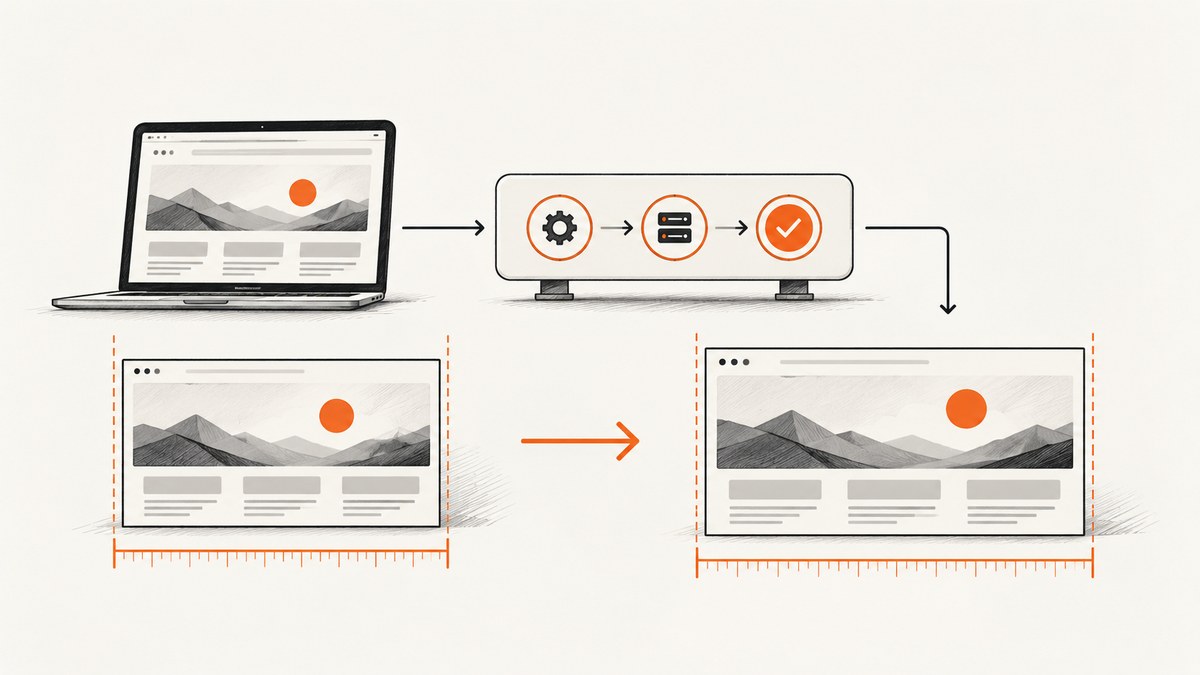
Cypress screenshots can have different pixel dimensions in Jenkins even when your test sets the same viewport as your local run. The usual causes are an overridden viewport, a different screenshot capture mode, Chrome’s device scale factor, or a different browser and operating-system image. Fix the rendering inputs first; only then investigate application layout.
The reliable sequence is:
- Set one explicit CSS viewport in Cypress.
- Check whether Jenkins injects
CYPRESS_VIEWPORT_WIDTHorCYPRESS_VIEWPORT_HEIGHT. - Use the same
capturemode andscalevalue everywhere. - Normalize Chrome’s device scale factor.
- Generate and compare baselines in the same browser and container image.
- Archive the actual PNG files and check their dimensions before comparing pixels.
1. Pin the Cypress CSS viewport
A CSS viewport is the page’s layout coordinate system. It is different from the physical bitmap size of the PNG. Define it in your project configuration so every test starts with the same dimensions. Cypress documents fixed viewports as a way to make tests consistent across CI machines (Cypress viewport configuration).
// cypress.config.js
const { defineConfig } = require('cypress');

module.exports = defineConfig({
  viewportWidth: 1280,
  viewportHeight: 720,
  screenshotsFolder: 'cypress/screenshots',
  e2e: {
    baseUrl: 'http://localhost:3000',
    setupNodeEvents(on, config) {
      return config;
    }
  }
});
Choose dimensions that represent the product state you want to protect. The values above are an example, not a universal standard. Do not rely on the host window size or a developer’s monitor.
You can also set the viewport per test or before a group of tests:
describe('checkout', () => {
  beforeEach(() => {
    cy.viewport(1280, 720);
  });

  it('matches the desktop baseline', () => {
    cy.visit('/checkout');
    cy.screenshot('checkout-desktop', {
      capture: 'viewport',
      scale: false
    });
  });
});
Use cy.viewport() when a test intentionally covers several device sizes. Otherwise, keep the project-level value as the single source of truth.
2. Find Jenkins values that override your configuration
Cypress configuration can be overridden by environment variables. Jenkins pipelines, shared libraries, Docker entrypoints, and shell scripts sometimes export values without making them obvious in the test repository. Search all of those locations for:
rg -n "CYPRESS_VIEWPORT_(WIDTH|HEIGHT)|viewportWidth|viewportHeight" . Jenkinsfile .jenkins docker scripts 2>/dev/null
If Jenkins sets CYPRESS_VIEWPORT_WIDTH or CYPRESS_VIEWPORT_HEIGHT, those values take precedence over the project configuration. Remove conflicting variables or deliberately set them to the same values as local runs.
Log the effective values in CI. This makes an accidental override visible in the build log:
// cypress/support/e2e.js
beforeEach(() => {
  cy.viewport().then((viewport) => {
    cy.task('log', {
      viewportWidth: viewport.width,
      viewportHeight: viewport.height
    });
  });
});
// cypress.config.js
const { defineConfig } = require('cypress');

module.exports = defineConfig({
  e2e: {
    setupNodeEvents(on) {
      on('task', {
        log(value) {
          console.log('[effective-cypress-config]', value);
          return null;
        }
      });
    }
  }
});
You can also print the variables directly in a Jenkins shell step:
echo "CYPRESS_VIEWPORT_WIDTH=${CYPRESS_VIEWPORT_WIDTH:-unset}"
echo "CYPRESS_VIEWPORT_HEIGHT=${CYPRESS_VIEWPORT_HEIGHT:-unset}"
3. Use the same screenshot capture mode and scaling
Cypress has three relevant capture modes:
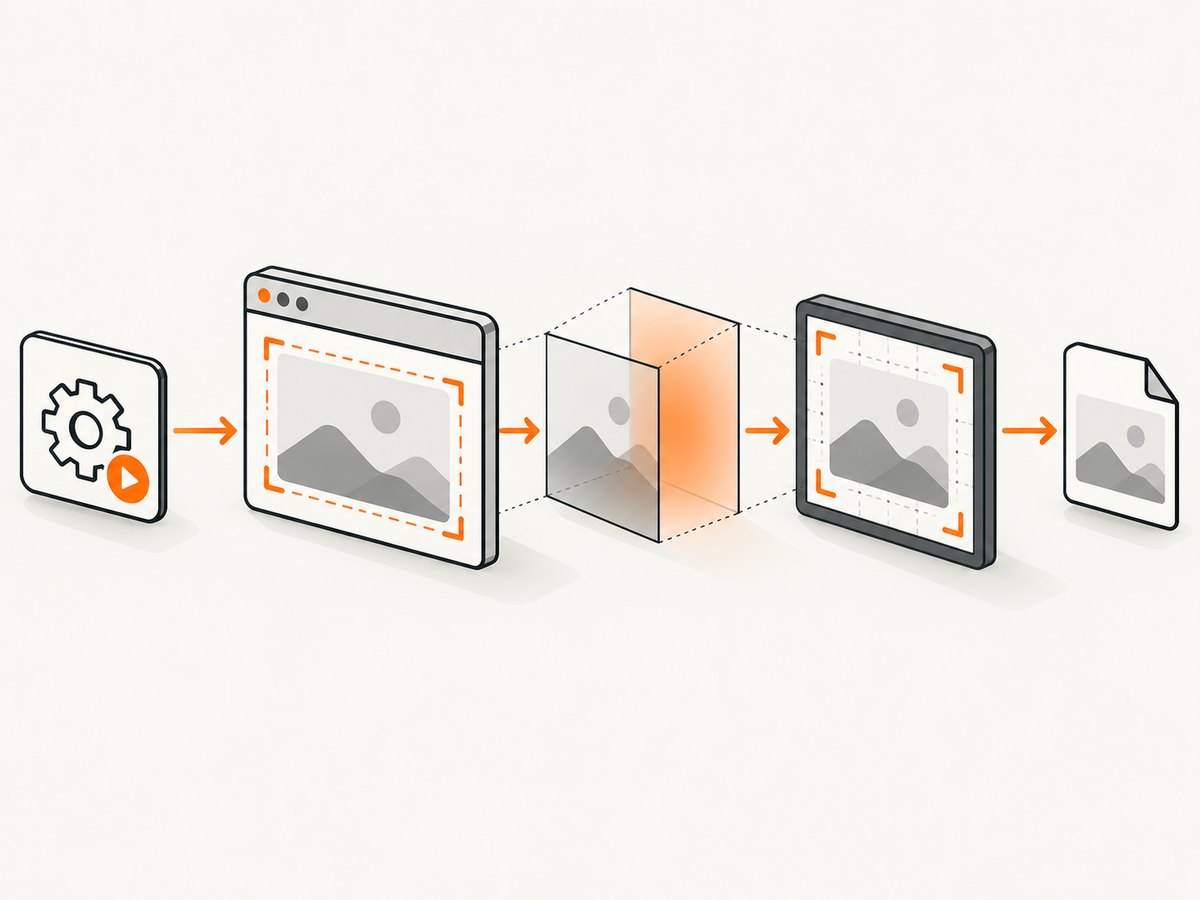
| Mode | What it captures | Typical use |
|---|---|---|
viewport |
The current application viewport | Stable visual baselines for a page state |
fullPage |
The complete scrollable document | Long-page regression checks |
runner |
The Cypress runner interface around the app | Debugging a failing test |
Viewport and full-page captures have scaling off by default. Runner captures force scaling on. Comparing a runner image with a viewport image, or allowing one command to use a different scale setting, produces different bitmap dimensions even when the CSS viewport is identical. Specify both options explicitly:
cy.screenshot('product-viewport', {
  capture: 'viewport',
  scale: false,
  overwrite: true
});

cy.screenshot('product-full-page', {
  capture: 'fullPage',
  scale: false,
  overwrite: true
});
Use capture: 'viewport' for a fixed-size baseline. Use fullPage only when document height is part of the requirement. Full-page output naturally changes when content, fonts, lazy-loaded images, or responsive breakpoints change.
4. Separate CSS dimensions from bitmap dimensions
Two runs can both report a 1280 × 720 CSS viewport while producing PNGs with different pixel dimensions. The browser’s device scale factor (often called DPR) maps CSS pixels to physical pixels. A factor of 2 can make a 1280-pixel CSS width render as a 2560-pixel bitmap width.
When Chrome is used in CI, normalize the factor with a launch argument:
// cypress.config.js
const { defineConfig } = require('cypress');

module.exports = defineConfig({
  e2e: {
    setupNodeEvents(on, config) {
      on('before:browser:launch', (browser, launchOptionsOrArgs) => {
        if (browser.family === 'chromium') {
          const args = launchOptionsOrArgs.args || launchOptionsOrArgs;
          args.push('--force-device-scale-factor=1');
          args.push('--window-size=1280,720');
        }
        return launchOptionsOrArgs;
      });
    }
  }
});
The exact launch-hook shape depends on your Cypress version and browser launcher. Keep the important behavior consistent: use the same browser family, pass a scale factor of 1 for Chrome, and use the same window-size arguments. Cypress’s high-resolution guidance uses --force-device-scale-factor=1 as a CI normalization example (Cypress browser and rendering guidance).
5. Match the browser and execution image
Generate visual baselines and compare them in the same browser version and operating-system or container image. A local Chrome build and a Jenkins Chrome build can rasterize text differently even when all dimensions match. Fonts, browser updates, OS font rendering, animation timing, loaded assets, and dynamic data can still change pixels.
A reproducible Jenkins setup usually includes:
- A pinned Cypress version in
package-lock.json,pnpm-lock.yaml, oryarn.lock. - A pinned browser version or Cypress Docker image.
- The same font files installed in local and CI environments.
- Identical timezone and locale settings when date or number formatting is visible.
- Stable fixtures instead of live, changing data.
- Animation and transition rules disabled during screenshot tests.
- Network waits that finish before the capture.
These controls follow the Cypress recommendation to generate and compare screenshots in the same environment with a fixed viewport (Cypress visual testing guidance). Project-specific font and animation controls still need validation against your application.
6. Standardize the capture command
Put capture behavior in a custom command so tests cannot drift:
// cypress/support/commands.js
Cypress.Commands.add('baselineScreenshot', (name, options = {}) => {
  cy.screenshot(name, {
    capture: 'viewport',
    scale: false,
    overwrite: true,
    ...options
  });
});
import './commands';

describe('account page', () => {
  it('has the expected desktop layout', () => {
    cy.viewport(1280, 720);
    cy.visit('/account');
    cy.get('[data-testid="account-ready"]').should('be.visible');
    cy.baselineScreenshot('account-desktop');
  });
});
Do not compare a local fullPage image with a Jenkins viewport image. Give the mode part of the baseline name when a project intentionally keeps both.
7. Archive and inspect the real Jenkins artifacts
Cypress writes screenshots to screenshotsFolder, which defaults to cypress/screenshots (Cypress screenshot configuration). Archive that directory so you can inspect the file produced by the failing build.
// Jenkinsfile
pipeline {
  stages {
    stage('Cypress') {
      steps {
        sh 'npx cypress run --browser chrome'
      }
      post {
        always {
          archiveArtifacts artifacts: 'cypress/screenshots/**/*.png',
            allowEmptyArchive: true
        }
      }
    }
  }
}
Check dimensions before opening a visual-diff tool. ImageMagick’s identify is convenient on a Jenkins agent:
find cypress/screenshots -type f -name '*.png' -print0 |
  xargs -0 -n1 identify -format '%f %wx%h\n'
If dimensions differ, continue with viewport, scale factor, capture mode, and environment checks. If dimensions match but pixels differ, investigate fonts, timing, assets, and data.
8. Troubleshooting common failures
| Symptom | Likely cause | Fix |
|---|---|---|
| Jenkins image is exactly twice as wide and tall | Chrome device scale factor or a high-DPI runner | Add --force-device-scale-factor=1; use the same browser launch arguments. |
| Only some tests have another size | A test calls cy.viewport() or uses a different screenshot option |
Search for viewport and screenshot calls; route captures through one custom command. |
| Configuration says 1280 × 720 but CI uses another size | CYPRESS_VIEWPORT_WIDTH or CYPRESS_VIEWPORT_HEIGHT is exported |
Print the variables, remove the override, or set matching values in Jenkins. |
| Full-page images have changing heights | Lazy content, fonts, ads, or dynamic data changes document height | Wait for a ready selector, stub changing data, block unnecessary resources, and use viewport capture when page height is not under test. |
| Runner screenshots are larger than application screenshots | capture: 'runner' includes Cypress UI and forces scaling |
Use capture: 'viewport' for application baselines. |
| Dimensions match but text differs | Different fonts, browser versions, or OS rasterization | Use one container image and browser version; install the same fonts and freeze animation. |
| Screenshot is blank or captures a loading state | Capture runs before the page is ready | Wait for a deterministic selector, API completion, or network-idle equivalent before calling cy.screenshot(). |
| Expected PNG is missing | Wrong screenshotsFolder, failed test setup, or archive glob |
Print Cypress configuration, list the folder after the run, and verify the Jenkins artifact pattern. |
9. A repeatable CI checklist
- Record the Cypress, browser, Node.js, and container versions.
- Set
viewportWidthandviewportHeightexplicitly. - Print effective viewport values and all
CYPRESS_VIEWPORT_*variables. - Choose
viewportorfullPagedeliberately. - Set
scaleexplicitly and use the same value locally and in Jenkins. - Normalize Chrome with
--force-device-scale-factor=1when Chrome is the test browser. - Use the same browser and OS/container image for baseline generation and comparison.
- Wait for fonts, images, and application data before capture.
- Archive
cypress/screenshotsand inspect PNG dimensions first.
10. Or skip the browser setup
If you need a consistent screenshot service instead of maintaining a browser in Jenkins, ScreenshotNeo provides a single GET request for PNG, JPEG, WebP, or PDF output. See the ScreenshotNeo API documentation for the complete parameter list.

curl -G "https://api.screenshotneo.com/v1/shot" -d access_key=YOUR_API_KEY --data-urlencode url=https://stripe.com -o shot.webp
import requests
r = requests.get("https://api.screenshotneo.com/v1/shot", params={"access_key": "YOUR_API_KEY", "url": "https://stripe.com"}, timeout=90)
open("shot.webp", "wb").write(r.content)
const q = new URLSearchParams({ access_key: 'YOUR_API_KEY', url: 'https://stripe.com' });
const res = await fetch(`https://api.screenshotneo.com/v1/shot?${q}`);
ScreenshotNeo accepts the parameter names used by other screenshot APIs, which can simplify migration. It can load lazy images for full-page captures, target one element by CSS selector, set dark mode and device presets, apply custom CSS or JavaScript, click or hide elements, wait for a selector, delay, or network idle, and set headers, cookies, user agents, authorization, timezone, and geolocation. It also supports blocking ads, trackers, requests, or resource types; resizing images; caching with a chosen TTL; signed links; asynchronous jobs with signed webhooks; bulk capture of up to 100 URLs per call; PDF options; HTML/CSS to image; a usage API; and an OpenAPI specification.
Before capture, ScreenshotNeo accepts cookie or consent banners like a visitor and removes more than 60 known consent platforms, newsletter popups, and chat widgets. Each step can be turned off. Bot checks or CAPTCHAs, blank pages, timeouts, failed loads, and cache hits are not billed as clean shots; response headers identify the page verdict and billing status with X-Page-Verdict and X-Billed.
For AI-driven workflows, its MCP server exposes take_screenshot, get_page_info, and capture_pdf tools to Claude, Cursor, and other MCP clients. The Free plan includes 1,000 screenshots per month with no card; paid plans start at $5 for 3,000 shots. Create a free ScreenshotNeo account.
11. Performance, reliability, and cost notes
Viewport screenshots are generally cheaper to reason about and faster to compare because their dimensions are bounded. Full-page captures require the browser to lay out and often scroll through the entire document; lazy images and late-loading widgets can increase run time and make heights unstable. Capture only what the regression test needs.
For Cypress, the main reliability cost is environment maintenance: browser downloads, fonts, OS updates, and parallel Jenkins agents can change rasterization. A pinned container and deterministic test data reduce that variability. For ScreenshotNeo, caching with a TTL you choose can avoid repeated captures, while asynchronous jobs and signed webhooks let a pipeline submit work without holding a browser process open. Check X-Billed and X-Page-Verdict when reconciling usage.
FAQ
Does setting viewportWidth guarantee identical PNG dimensions?
No. It fixes CSS layout dimensions. Device scale factor, capture mode, and scaling still determine physical bitmap dimensions.
Should visual tests use fullPage?
Use it when the whole document is the behavior under test. Use viewport when a fixed application viewport is the baseline.
Why do screenshots change after a Chrome update?
Browser versions can change font metrics, layout, and rasterization. Pin the browser or regenerate all baselines in the same controlled environment.
Can Jenkins use a different viewport for a mobile suite?
Yes, if that is intentional. Name the suite and baseline by device, set its viewport explicitly, and do not compare it with the desktop baseline.
Where should I start when only Jenkins is wrong?
Print effective viewport values, inspect CYPRESS_VIEWPORT_*, check the Chrome scale factor, and compare the browser and container versions before changing application CSS.


