How to Fix Cypress Tests That Run Locally but Skip on GitHub Actions
Find out why Cypress tests are pending, skipped, undiscovered, or never run in GitHub Actions—and fix each case with a repeatable checklist.
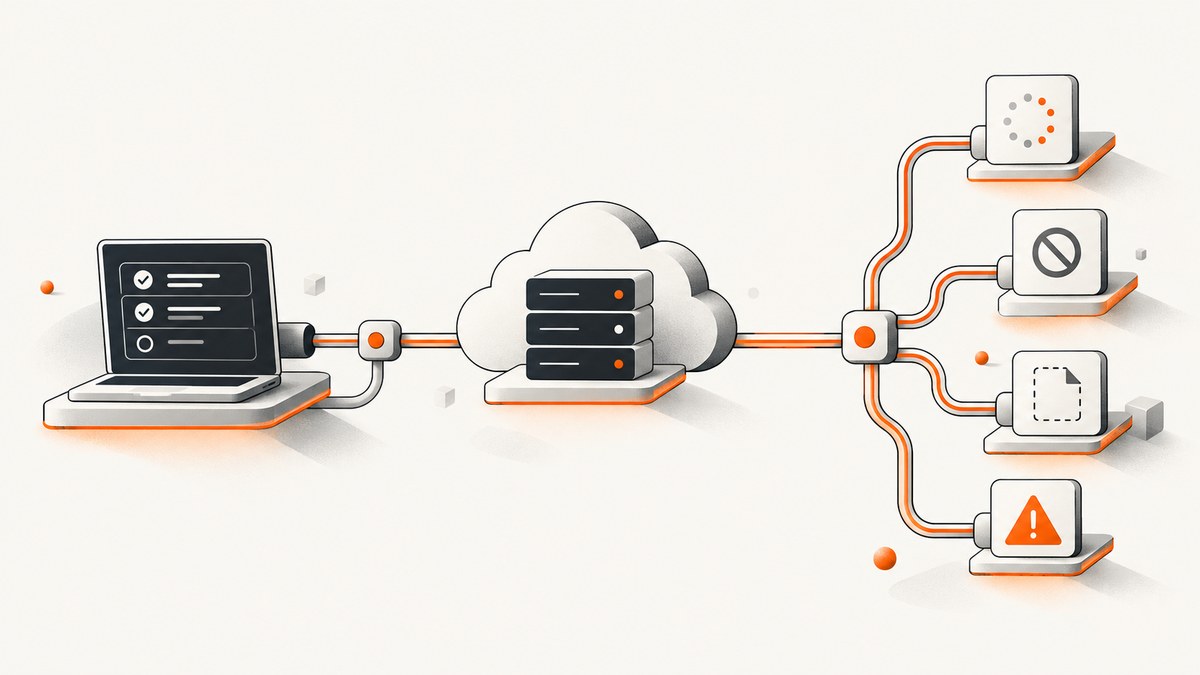
Start with the first meaningful event in the GitHub Actions log. If Cypress reports a failed before, beforeEach, or afterEach hook and then marks dependent tests as skipped, fix that hook. If tests are pending, inspect empty test bodies, .skip, xit, browser restrictions, and filters. If no specs appear, inspect the workflow command, checkout revision, working directory, specPattern, filenames, and --spec. If tests run but fail only in CI, compare the browser, build, server readiness, environment variables, timing, and runner resources.
The word “skip” describes several different states. The correct fix depends on which state your run actually shows.
1. Identify what “skipped” means in your run
| What the output shows | Likely cause | First inspection |
|---|---|---|
| No Cypress step or no Cypress command | The workflow never invoked tests | Job and step conditions, runTests: false, worker jobs, and the command |
| No expected specs found | Discovery or path mismatch | Checked-out files, working directory, specPattern, filename, and --spec |
| Pending tests | Intentional omission, browser restriction, or filtering | Empty bodies, .skip, xit, .only, browser, and grep settings |
| A hook failure followed by skipped tests | A shared hook prevented dependent tests | The earliest hook error and its stack trace |
| Tests execute but fail only in CI | Browser, build, server, timing, environment, or resource difference | The actual CI command and runtime configuration |
Cypress calls intentionally omitted tests pending. This includes a test with no body, a test marked with .skip or xit, and a test restricted to a different browser. Cypress uses skipped when a test was expected to run but a shared hook failed, so dependent tests could not proceed. See the official guidance on [writing and organizing tests](https://docs.cypress.io/app/core-concepts/writing-and-organizing-tests).
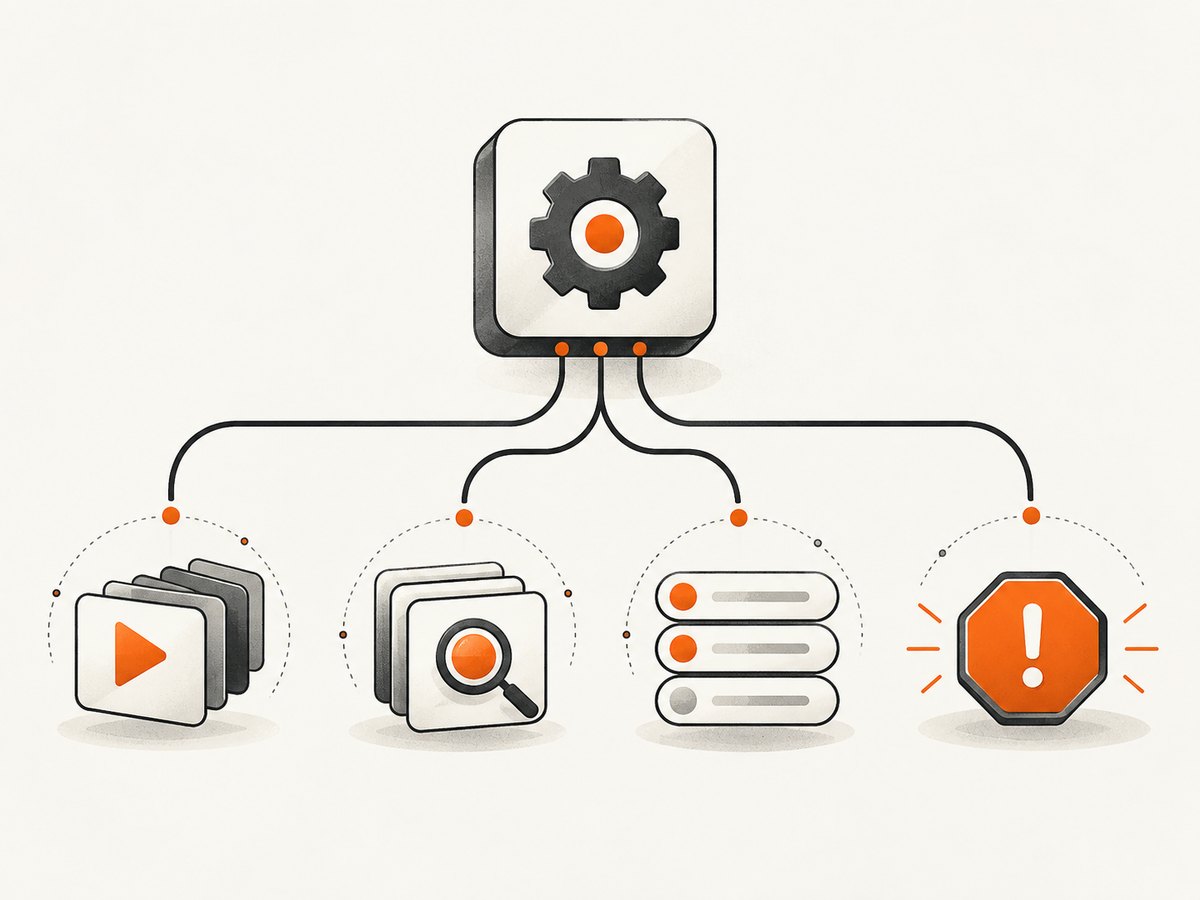
2. Confirm that GitHub Actions actually runs Cypress
Open the workflow that ran for the affected event and branch. Follow the job graph, matrix entries, conditions, and step output until you reach the Cypress command.
Check the action mode
The official Cypress GitHub Action supports installing dependencies without running tests. When runTests: false is set, the action installs and caches Cypress but does not execute the suite. That is valid for an install job only if a later worker job runs Cypress. A green install job is not a green test run.
name: E2E

on:
  push:
  pull_request:

jobs:
  cypress:
    runs-on: ubuntu-latest
    steps:
      - name: Check out repository
        uses: actions/checkout@v4

      - name: Set up Node
        uses: actions/setup-node@v4
        with:
          node-version: 20
          cache: npm

      - name: Install dependencies
        run: npm ci

      - name: Run Cypress
        uses: cypress-io/github-action@v7
        with:
          start: npm run start:test
          wait-on: http://localhost:3000
          browser: electron
Cypress recommends binding the action to its current major version, such as v7; verify the [GitHub Actions guide](https://docs.cypress.io/app/continuous-integration/github-actions) when you update a workflow.
Inspect conditions and matrices
- Check
if:expressions on the job and test step. - Confirm the matrix includes the expected browser, operating system, and test shard.
- Check whether a dependency job was skipped, which can prevent the Cypress job from starting.
- In split workflows, verify that worker jobs depend on the install job and contain an actual Cypress command.
- Confirm the workflow file in the checked-out commit is the one you edited locally.
3. Fix missing or undiscovered specs
Cypress discovers files through specPattern. The documented end-to-end default is cypress/e2e/**/*.cy.{js,jsx,ts,tsx}; component testing defaults to **/*.cy.{js,jsx,ts,tsx}. A different extension, directory, configuration file, checkout revision, or working directory can make a local spec invisible in CI. See [Cypress configuration](https://docs.cypress.io/app/references/configuration).
Verify the files in the Actions checkout
- name: Show test files and location
  run: |
    pwd
    git rev-parse HEAD
    find cypress -type f -maxdepth 4 | sort
    find . -name '*.cy.*' -type f | sort

- name: Show Cypress version and configuration
  run: npx cypress version

- name: Discover specs without running the full suite
  run: npx cypress run --browser electron --spec 'cypress/e2e/**/*.cy.{js,jsx,ts,tsx}'
Compare the commit SHA and file list with your local checkout. An uncommitted local file cannot be discovered by Actions.
Check --spec and the working directory
The --spec option narrows the run, but it does not bypass specPattern. The path must both exist in the checkout and match the configured pattern. In monorepos, make the working directory explicit:
- name: Run one spec from the package directory
  uses: cypress-io/github-action@v7
  with:
    working-directory: packages/web
    spec: cypress/e2e/checkout.cy.ts
If you invoke the CLI directly, quote glob patterns so the shell does not expand them before Cypress receives them:
npx cypress run --spec 'cypress/e2e/checkout.cy.ts'Review the configuration file
import { defineConfig } from 'cypress'

export default defineConfig({
  e2e: {
    specPattern: 'cypress/e2e/**/*.cy.{js,jsx,ts,tsx}',
    supportFile: 'cypress/support/e2e.{js,ts}',
    baseUrl: 'http://localhost:3000'
  }
})
Check for a CI-only config file, an environment variable that changes the config, or a package script that passes another --config-file.
4. Remove accidental pending tests and filters
Search committed code
rg -n "\.only\b|\.skip\b|\bxit\b|describe\.only|it\.only" cypress test .it.skip(...),it.xit(...), and an empty test body are pending by design.describe.skip(...)leaves every test in that suite pending..onlyfocuses execution and can make the rest of the suite appear absent.- A test restricted to another browser remains pending when CI runs a different browser.
Remove temporary focus and skip markers before committing. If you need a focused local run, pass a spec path or use a temporary branch instead of committing .only.
Compare the browser
npx cypress run --browser electron
npx cypress run --browser chrome
Use the same browser locally and in Actions while diagnosing. Cypress documents browser-specific test restrictions and recommends trying another browser to isolate browser behavior. The [CI overview](https://docs.cypress.io/app/continuous-integration/overview) also lists browser differences, build changes, timing, environment variables, and machine resources as causes of local/CI differences.
Audit grep and tag filters
If you use a grep plugin or another test filter, print the filter variables in the job and inspect the filter configuration. Cypress documents grepFilterSpecs for filtering spec files. Without grepOmitFiltered, nonmatching tests can appear as pending; with it, they are omitted from output. Decide which behavior you want and verify that the CI value is not empty, misspelled, or different from local.
5. Repair the first failing shared hook
When one before, beforeEach, or afterEach hook fails, Cypress marks dependent tests as skipped. Do not debug every later skipped test as an independent failure. Fix the first hook error, rerun, and then inspect any remaining failures.
describe('checkout', () => {
  beforeEach(() => {
    cy.visit('/checkout')
    cy.get('[data-testid="cart"]', { timeout: 10000 }).should('be.visible')
  })

  it('shows the order total', () => {
    cy.get('[data-testid="order-total"]').should('be.visible')
  })
})
Typical shared-hook areas include navigation, authentication, fixtures, API setup, and cleanup. Treat these as investigation points, not assumptions about your repository. Capture the command, URL, response, and stack trace that precede the skipped cases.
6. Make server startup deterministic
A background server and an immediate cypress run create a race. Cypress warns that there is no guarantee the server has booted before the first visit. Use the action’s start and wait-on options or an equivalent readiness tool rather than a fixed sleep. See the [official CI guide](https://docs.cypress.io/app/continuous-integration/github-actions).

- name: Run Cypress against a ready server
  uses: cypress-io/github-action@v7
  with:
    build: npm run build
    start: npm run start:test
    wait-on: http://localhost:3000/health
    wait-on-timeout: 120
    browser: chrome
Make the health URL return only when the application and required dependencies are ready. Compare local and CI build commands, modes, ports, API base URLs, and feature flags. A build that differs in CI can expose a real setup problem before any test assertion runs.
7. Compare runtime, environment, and resources
- Browser: Record the exact browser and version in both environments.
- Build: Confirm the same production or test build mode and asset output.
- Environment: Check required variables without printing secrets. Missing base URLs, credentials, feature flags, or time zones can alter setup.
- Timing: Replace arbitrary sleeps with assertions for visible state, network completion, or a readiness endpoint.
- CPU and memory: A slower runner can expose race conditions and resource-sensitive behavior.
- Parallelism: Parallel workers may use different browser versions during runner image rollouts. Cypress documents using a browser Docker image to keep versions consistent when that drift matters; container jobs require Linux.
Use the same browser locally, then reproduce with the CI build and environment. Change one variable at a time so the first difference remains visible.
8. Capture evidence from the failing run
Add temporary diagnostics that record:
- the job, matrix values, commit SHA, and working directory;
- the Cypress command and all selection options;
- the number and names of discovered specs;
- the first assertion or hook error;
- browser and Cypress versions;
- server readiness output; and
- screenshots, videos, or Cypress Cloud links when your project has enabled those artifacts.
- name: Print non-secret CI context
  run: |
    echo "SHA=$GITHUB_SHA"
    echo "OS=$RUNNER_OS"
    node --version
    npx cypress version
    npm run cypress:run -- --reporter spec
Cypress’s GitHub integration can provide run statistics and links to errors, stack traces, screenshots, and video depending on your project and recording configuration. Do not assume those artifacts exist unless the workflow enables them.
9. A repeatable repair checklist
- Open the exact Actions run and identify whether Cypress executed.
- Read the first error, especially a shared-hook failure.
- Confirm the checked-out SHA and list the spec files present.
- Compare
specPattern, working directory, and--spec. - Search for
.only,.skip,xit, empty tests, browser restrictions, and grep filters. - Print the browser, Cypress version, command, and relevant non-secret environment values.
- Use
startandwait-onfor server readiness. - Run the same browser against the same build locally.
- Rerun after fixing the earliest cause; only then investigate later failures.
10. Performance, reliability, and cost considerations
Fast local execution can hide CI races. Reliability improves when the workflow waits on a real readiness endpoint, uses deterministic fixtures, avoids fixed sleeps, and keeps browser versions consistent across workers. Parallelization reduces wall-clock time but increases the importance of identical configuration, artifacts, and checkout state on every worker.
For cost control, avoid rerunning an entire matrix while diagnosing one spec. Reproduce with a single browser and --spec, then restore the full matrix after the cause is fixed. Keep diagnostic logging temporary and redact secrets.
11. Or skip the browser setup
If your CI job only needs a clean image of a page for a report or artifact, ScreenshotNeo provides a single HTTP request instead of maintaining browser setup. Cookie and consent banners, newsletter popups, and chat widgets are removed before the shot. Bot checks, blank pages, failed loads, timeouts, and cache hits are not billed, and the response identifies the result with X-Page-Verdict and X-Billed headers. Its MCP server lets Claude, Cursor, and other MCP clients use take_screenshot, get_page_info, and capture_pdf.
See the ScreenshotNeo API documentation for request options.
cURL
curl -G "https://api.screenshotneo.com/v1/shot" -d access_key=YOUR_API_KEY --data-urlencode url=https://stripe.com -o shot.webpPython
import requests

r = requests.get(
    "https://api.screenshotneo.com/v1/shot",
    params={"access_key": "YOUR_API_KEY", "url": "https://stripe.com"},
    timeout=90,
)
r.raise_for_status()
open("shot.webp", "wb").write(r.content)
Node.js
const q = new URLSearchParams({ access_key: 'YOUR_API_KEY', url: 'https://stripe.com' });
const res = await fetch(`https://api.screenshotneo.com/v1/shot?${q}`);
if (!res.ok) throw new Error(`Screenshot failed: ${res.status}`);
const fs = await import('node:fs/promises');
await fs.writeFile('shot.webp', Buffer.from(await res.arrayBuffer()));
ScreenshotNeo includes 1,000 screenshots per month on the free plan with no card; paid plans start at $5 for 3,000. Create a free ScreenshotNeo account.
12. Troubleshooting quick reference
| Symptom | Cause | Fix |
|---|---|---|
| Install job passes, no tests appear | runTests: false or no worker command |
Add a worker job that invokes Cypress. |
| “No specs found” | Path, filename, checkout, or pattern mismatch | Print pwd, SHA, files, and effective config. |
| Most tests are pending | .skip, xit, empty body, browser restriction, or filter |
Search committed code and print filter/browser settings. |
| One hook fails, many tests skipped | Shared setup or cleanup failed | Fix the first hook error. |
| First visit fails intermittently | Server startup race | Use start and wait-on with a readiness endpoint. |
| Passes in Electron, fails in Chrome | Browser-specific behavior | Align browsers and isolate the browser-dependent command or assertion. |
| Only parallel runs differ | Worker configuration or browser drift | Compare matrix values and pin a suitable browser image if needed. |
13. FAQ
Does a skipped test always mean the assertion failed?
No. A skipped test can be blocked by a failed shared hook; a pending test can be intentionally omitted or restricted to another browser.
Does --spec override specPattern?
No. The selected file must still match the configured discovery pattern.
Should I add a longer sleep before Cypress?
Use a readiness check instead. A fixed delay can be too short on one runner and unnecessarily slow on another.
Why does a green GitHub Actions job contain no Cypress results?
The job may only install dependencies, or a condition may have skipped the test step. Confirm that the log contains the Cypress command and discovered specs.
Can I determine the repository-specific cause from the title alone?
No. You need the workflow YAML, Cypress configuration, checked-out commit, and run output. The diagnostic order above narrows the cause without assuming one universal failure.
Primary references: Run Cypress in GitHub Actions, Continuous Integration with Cypress, Writing and organizing tests, Cypress FAQ, Optimizing test performance, and Cypress CLI reference.


