How to Fix Cypress Verification Timeouts After 30000 Milliseconds
The 30000 ms message usually means Cypress binary verification timed out. Raise CYPRESS_VERIFY_TIMEOUT, then check installation, cache, and permissions if it persists.

If Cypress reports that verification timed out after 30000 milliseconds, it is usually timing out while verifying the installed Cypress binary. Cypress documents 30 seconds as the default verification timeout. To give verification more time, set CYPRESS_VERIFY_TIMEOUT to a larger number of milliseconds for the command that launches Cypress. For example:
CYPRESS_VERIFY_TIMEOUT=60000 npx cypress runThis changes the time allowed for binary verification; it does not fix a missing, incomplete, or unusable binary. If the timeout continues, check the installation, cache, runner environment, and permissions described below. See Cypress’s environment variable reference and CLI documentation for cypress verify.
1. Confirm which timeout you are seeing
The 30000-millisecond wording points to Cypress binary verification, but inspect the surrounding log lines before changing configuration. Verification checks the installed Cypress binary. A timeout reported while a test is running, waiting for an element, or making an assertion is a different problem and will not be fixed by CYPRESS_VERIFY_TIMEOUT.
Cypress runs verification as part of commands such as cypress open and cypress run. Set the variable in the environment of the process that starts that command. The official installation documentation describes the default and shows the 60000 ms example.
2. Raise the verification timeout
Use a longer timeout on a slow or heavily loaded machine. The value is in milliseconds; 60000 allows 60 seconds.
macOS or Linux
CYPRESS_VERIFY_TIMEOUT=60000 npx cypress verify
CYPRESS_VERIFY_TIMEOUT=60000 npx cypress open
CYPRESS_VERIFY_TIMEOUT=60000 npx cypress run
To apply it to several commands in the current shell session:
export CYPRESS_VERIFY_TIMEOUT=60000
npx cypress run
Windows PowerShell
$env:CYPRESS_VERIFY_TIMEOUT = "60000"
npx cypress run
Windows Command Prompt
set CYPRESS_VERIFY_TIMEOUT=60000
npx cypress run
Choose a value suited to the runner and the observed delay. Increasing it only gives verification more time to finish. If the binary is absent or cannot run, find and fix that underlying issue instead of continually raising the limit.
3. Check whether Cypress installed the binary
The npm package and the Cypress binary are separate parts of the installation. Cypress normally downloads the platform-specific binary during installation. A package manager setting, security rule, or explicitly skipped install step can leave the binary unavailable.
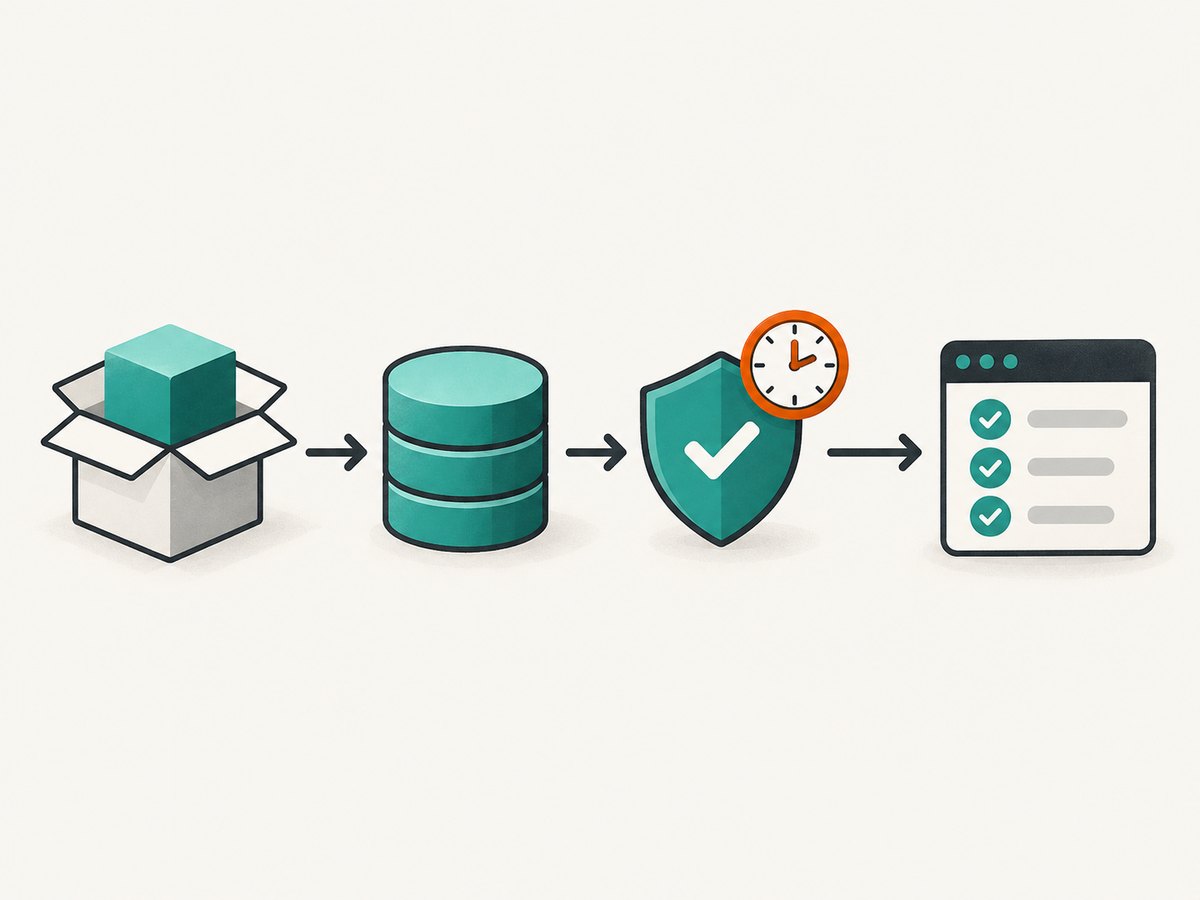
Check the cache location and its contents:
npx cypress cache path
npx cypress cache list
If the binary for the installed Cypress version is missing, install it explicitly:
npx cypress installThen retry verification:
npx cypress verifyUse the equivalent Cypress CLI invocation for your package manager if you do not use npx. See Cypress’s advanced installation guide for installation and cache details.
4. Diagnose CI cache and environment problems
Repeatedly downloading the Cypress binary can slow CI jobs and make installation more dependent on network and runner conditions. Cypress documents caching the binary to avoid repeated downloads. Configure your CI cache to preserve the Cypress cache directory between suitable jobs, and make sure the cached version matches the Cypress version being used. After restoring a cache, confirm the expected version appears in npx cypress cache list.
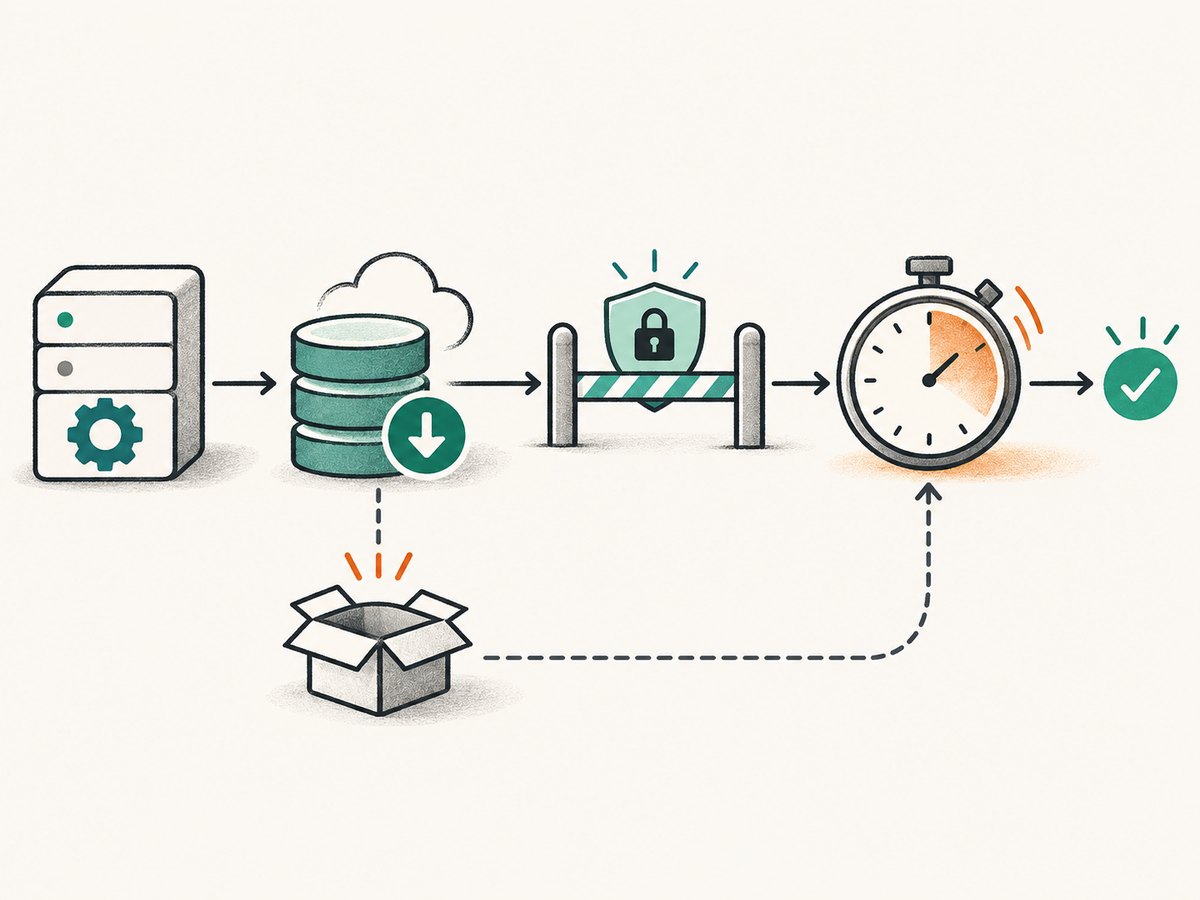
If the failure happens only in CI, compare the local and CI environments: Cypress version, operating system and architecture, package manager, install lifecycle scripts, cache contents, and available runner resources. Cypress’s CI documentation covers caching and environment troubleshooting. A cache hit alone does not guarantee the needed binary is present or usable.
For installation-level detail, enable Cypress CLI debug output and rerun the failing command:
DEBUG=cypress:cli* npx cypress installIn a CI job, set DEBUG=cypress:cli* in the job’s environment before running Cypress. Review the resulting logs for download, cache, and verification errors. Avoid publishing logs that contain secrets from your environment.
5. Check permissions and the binary path
Verification can fail if Cypress cannot write where it needs to, including when a binary location is read-only. First inspect the cache path from npx cypress cache path and correct the directory permissions or choose a writable cache location appropriate to the runner.
Cypress documents CYPRESS_SKIP_VERIFY=true as a workaround for verification problems such as a non-writable binary location. It skips the verification check; it does not establish that the binary works. Use it only when you understand why verification cannot complete, and prefer fixing the path or permissions when possible.
CYPRESS_SKIP_VERIFY=true npx cypress runDo not use this setting as a general timeout fix. If the binary is missing or unusable, skipping verification may only defer the failure until Cypress tries to launch it.
6. Choose the fix from the symptoms
| Symptom | Likely area to investigate | Next step |
|---|---|---|
| Verification eventually succeeds on a slow or busy machine | Verification window is too short | Raise CYPRESS_VERIFY_TIMEOUT, for example to 60000. |
| The expected version is absent from the cache | Install step was skipped or cache was not restored | Run npx cypress install; check the package manager’s lifecycle-script settings and CI cache. |
| Local works, CI fails | Different cache, permissions, environment, or runner resources | Compare versions and cache contents; inspect DEBUG=cypress:cli* output. |
| Verification cannot write to its binary location | Read-only path or incorrect permissions | Use a writable location or correct permissions; treat skip-verify only as a workaround. |
| The error occurs during a test or assertion | Test-level wait or assertion timeout | Inspect the test command and relevant Cypress test configuration; changing binary verification time will not address it. |
7. Troubleshooting common errors
The timeout remains after setting 60000
Confirm that the variable is set in the same shell, container, or CI step that starts Cypress, and that its value is milliseconds. If verification still does not finish, check whether the binary exists, whether the cache is writable, and what the CLI debug log reports. A longer timeout cannot repair an installation or permission failure.
cypress cache list does not show the required version
The cached binary may have been removed, the cache may belong to another user or location, or the install hook may not have run. Check npx cypress cache path, restore the appropriate CI cache if applicable, and run npx cypress install.
It works locally but not in CI
Compare the Cypress package version, operating system and architecture, package manager configuration, cache directory, and permissions. Check whether install lifecycle scripts were disabled and whether the CI job restores the expected binary version. Enable DEBUG=cypress:cli* to see where installation or verification stops.
Skipping verification lets the command start, but Cypress still fails
CYPRESS_SKIP_VERIFY=true bypasses verification; it does not download or repair a binary. Confirm installation and the binary’s location, then remove the bypass when verification can run normally.
The message appears after Cypress has started a test
Check the full error and identify which operation timed out. Binary verification has a dedicated environment variable; test command and assertion waits are configured and diagnosed separately. Do not assume every 30-second timeout is a verification timeout without checking the log context.
8. Performance, reliability, and cost considerations
Raising the verification timeout can prevent a false failure when a slow or heavily loaded runner simply needs more time. It can also make a real installation problem take longer to surface. In CI, caching the binary can avoid repeated downloads; verify that the cache contains the version required by the job rather than relying on the cache key alone.
Verification timeouts concern local or CI setup for Cypress. The remedies here do not change Cypress test runtime or test quality. No particular runner speed or time saving can be inferred without measurements from your own jobs. A longer timeout also does not guarantee successful verification if the binary is missing, corrupt, incompatible, or blocked by permissions.
Or skip the browser setup
If your task is to capture a website screenshot rather than run browser tests, ScreenshotNeo provides a one-request screenshot API. Its API can return PNG, JPEG, WebP, or PDF. See the ScreenshotNeo API documentation.
cURL
curl -G "https://api.screenshotneo.com/v1/shot" -d access_key=YOUR_API_KEY --data-urlencode url=https://stripe.com -o shot.webpPython
import requests

r = requests.get(
    "https://api.screenshotneo.com/v1/shot",
    params={"access_key": "YOUR_API_KEY", "url": "https://stripe.com"},
    timeout=90,
)
open("shot.webp", "wb").write(r.content)
Node.js
const q = new URLSearchParams({ access_key: 'YOUR_API_KEY', url: 'https://stripe.com' });
const res = await fetch(`https://api.screenshotneo.com/v1/shot?${q}`);
const bytes = new Uint8Array(await res.arrayBuffer());
await import('node:fs/promises').then(fs => fs.writeFile('shot.webp', bytes));
ScreenshotNeo accepts cookie and consent banners and removes more than 60 known consent platforms, newsletter popups, and chat widgets before capture; each step can be turned off. Bot checks, blank pages, timeouts, failed loads, and cache hits cost nothing, and responses include X-Page-Verdict and X-Billed headers. Its MCP server offers take_screenshot, get_page_info, and capture_pdf for AI agents. The free plan includes 1,000 screenshots a month with no card; paid plans start at $5 for 3,000 screenshots.
Sign up for 1,000 free screenshots a month, with no card required.
FAQ
What does 30000 milliseconds equal?
It equals 30 seconds, Cypress’s documented default binary verification timeout.
Does changing CYPRESS_VERIFY_TIMEOUT change test timeouts?
No. It controls the time allowed for Cypress binary verification. It is not a general test or assertion timeout setting.
Should I always set the timeout to 60000?
No. Use a longer value when the environment needs more time to verify the binary. If verification is failing because installation, cache, or permissions are wrong, address that cause.
What details help diagnose a persistent failure?
Collect the Cypress version, operating system and architecture, package manager, local or CI context, cache path and contents, and the surrounding verification output. CLI debug logs can show where installation or verification stops.


