How to Fix `cy.viewport()` Not Updating the Cypress Screen Size
Check whether Cypress changed the app’s viewport or only scaled its runner preview. Then fix runtime changes, configuration resets, and Cypress 16 behavior.

If cy.viewport() seems not to update the Cypress screen size, first check the Open Mode runner’s viewport size and scale indicator. Cypress can scale and center the app preview to fit the available window, so the preview may look smaller even when the app under test (AUT) has the requested dimensions. For a runtime size change, call cy.viewport(width, height); on Cypress 16 and later, changing viewportWidth or viewportHeight with Cypress.config() during a test is disallowed.
1. Identify which screen size looks wrong
There are two different things to check: the AUT’s viewport, which affects layout and media queries, and the runner preview, which Cypress may scale to fit its pane. In Open Mode, read the displayed AUT dimensions and scale before deciding the command failed. Cypress documents that scaling the preview should not change the app’s calculations or behavior. Cypress Open Mode documentation
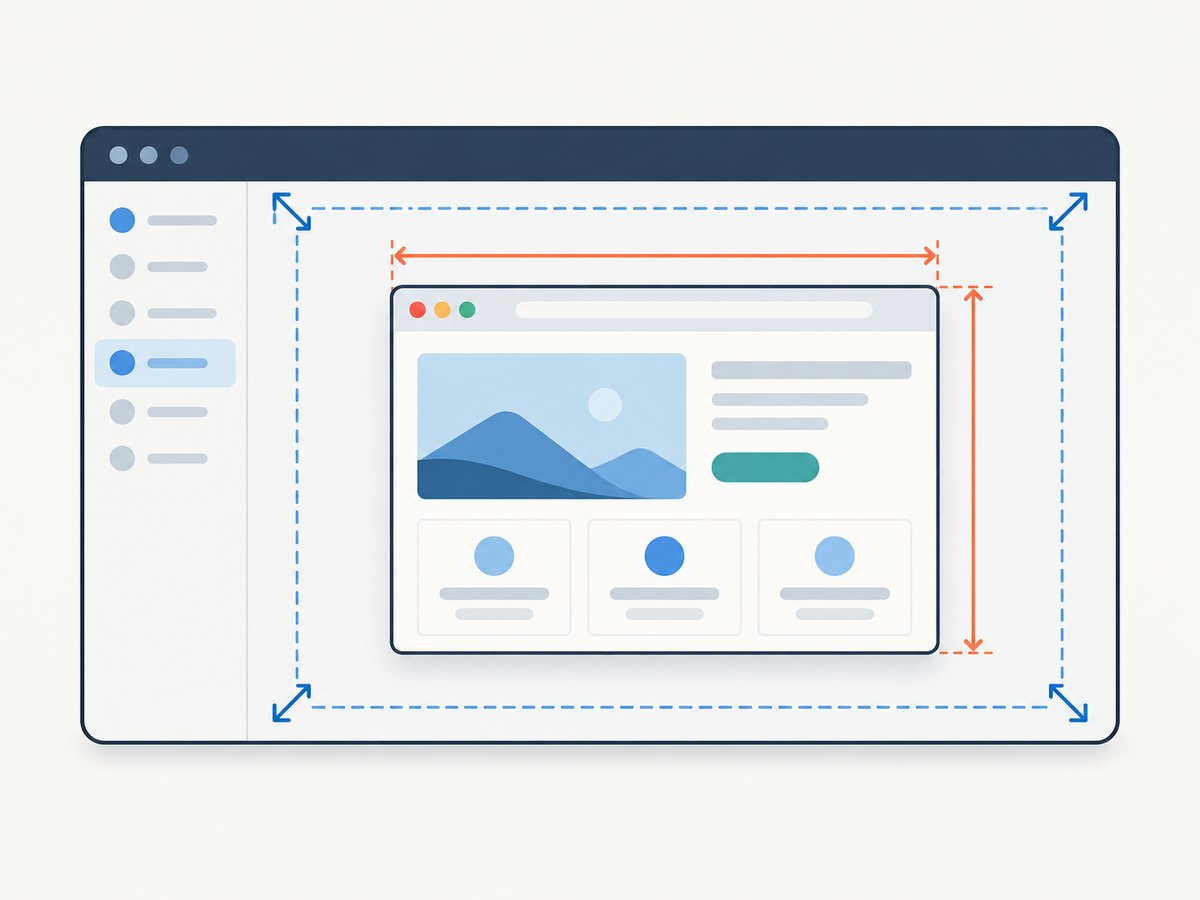
- Dimensions are correct, preview looks small: likely preview scaling. Make the runner window larger or use its displayed size and scale as your guide.
- Dimensions are wrong, or the responsive layout did not change: check the command, its position in the test, resets, and Cypress version as described below.
2. Set the viewport at runtime
Pass finite, non-negative width and height numbers, or use a supported preset. Put the command before navigation or assertions that depend on the viewport. The command yields null, so verify the page state rather than chaining an assertion against the command’s return value. See the Cypress cy.viewport() API reference for the current preset names and orientation options.

describe('responsive layout', () => {
  it('shows the mobile navigation at a narrow viewport', () => {
    cy.viewport(390, 844)
    cy.visit('/dashboard')

    cy.get('[data-cy=mobile-nav]').should('be.visible')
    cy.get('[data-cy=desktop-nav]').should('not.be.visible')
  })
})
A named device preset is useful when its documented dimensions match the case you want to cover. Orientation is optional where supported. For a layout breakpoint test, explicit dimensions make the intended boundary clear.
// Example preset form; use a preset listed in the Cypress API reference.
cy.viewport('iphone-6')

// Example with an explicit landscape orientation.
cy.viewport('ipad-2', 'landscape')
To test a breakpoint, cover the values immediately below and above it. CSS media queries use the AUT’s viewport dimensions; a visually scaled runner pane is not the dimension to use for the assertion.
it('switches navigation around the tablet breakpoint', () => {
  cy.viewport(767, 900)
  cy.visit('/dashboard')
  cy.get('[data-cy=mobile-nav]').should('be.visible')

  cy.viewport(768, 900)
  cy.get('[data-cy=desktop-nav]').should('be.visible')
})
3. Configure a stable size for a test or project
Cypress’s documented default viewport is 1000 × 660 pixels until a test sets another size. Cypress restores the default between tests, so a viewport change in one test does not establish the size for the next. Set project defaults for a consistent suite baseline, or use test or suite configuration when only a group of tests needs another initial size. Use cy.viewport() for a change during the test. Consult the API reference for the configuration syntax supported by your Cypress version.
// cypress.config.js — project-wide defaults
const { defineConfig } = require('cypress')

module.exports = defineConfig({
  e2e: {
    viewportWidth: 1280,
    viewportHeight: 800,
  },
})
Keep the distinction in mind: configured dimensions are a starting size; cy.viewport() is the command for an in-test change. A later test begins from the configured default again.
4. Cypress 16 and Cypress.config()
Starting with Cypress 16.0.0, changing viewportWidth or viewportHeight using Cypress.config() during test execution is disallowed and throws. Replace that runtime setting with cy.viewport(), or move the dimensions into project, test, or suite configuration. Cypress API reference
// Do this for a runtime change:
cy.viewport(1280, 800)

// Do not use Cypress.config() to change viewport dimensions during a test
// on Cypress 16 or later.
5. Troubleshoot “Cypress viewport not changing”
| Symptom | Likely explanation | What to do |
|---|---|---|
| The runner preview looks smaller, but its indicator shows the requested size. | The preview is scaled to fit the available runner window. | Check the displayed size and scale. Widen the runner if you need a larger visual preview. |
| The responsive layout does not change after the command. | The command may run after the relevant assertion, or the assertion may target the wrong element/state. | Place cy.viewport() before the navigation or assertions that depend on it, then assert on the rendered page. |
| The next test starts at a different size. | Cypress restores the default viewport between tests. | Set a project or test/suite baseline, or set the size in each test that needs it. |
A test throws while calling Cypress.config(). |
In Cypress 16+, runtime changes to viewportWidth and viewportHeight are disallowed. |
Use cy.viewport() for runtime changes or configure the dimensions before test execution. |
| The command errors on its arguments. | A numeric argument is invalid or unsupported. | Use finite, non-negative width and height values, or a documented preset and supported orientation. |
The preview appears to shrink after cy.visit(), but app behavior is unclear. |
A preview appearance report does not establish that the AUT viewport changed. | Check the runner indicator and page behavior separately. Reproduce with a minimal spec before attributing a cause. |
6. When the symptom persists
- Record the Cypress version, browser version, operating system, and whether the test runs in Open Mode or run mode.
- Write down the configured dimensions, the dimensions shown by the runner, and the exact point in the visit/navigation sequence where the appearance or layout changes.
- Reduce the case to one spec with one viewport command, one visit, and a direct assertion on the expected responsive state.
- Compare the runner’s reported size with AUT behavior. Do not treat preview appearance alone as proof that
window.innerWidthor CSS media queries received the wrong dimensions.
There are reports of intermittent viewport behavior, including one Cypress 10.11.0 issue report without a short reproducer or debug logs, and a separate discussion about a runner preview shrinking after navigation. They describe symptoms in particular environments; they do not establish a universal root cause or fix. Issue #25123 · Discussion #30216
7. Performance, reliability, and cost
cy.viewport() is a local test command, so changing dimensions does not itself add a paid screenshot service call. For reliable responsive tests, use explicit dimensions, set them before the dependent assertions, and avoid relying on how large the runner preview looks. Cover meaningful breakpoints instead of treating a long list of arbitrary sizes as proof of layout coverage.
8. Or skip the browser setup
If you need a screenshot artifact of a page while debugging a visual issue, ScreenshotNeo is a website screenshot API and MCP server. It does not change Cypress’s AUT viewport or repair a Cypress test; it gives you a separate way to capture the page.
One GET request returns an image or PDF. This cURL example saves a WebP screenshot:
curl -G "https://api.screenshotneo.com/v1/shot" \
  -d access_key=YOUR_API_KEY \
  --data-urlencode url=https://stripe.com \
  -o shot.webp
Equivalent Python and Node.js requests:
import requests

r = requests.get(
    "https://api.screenshotneo.com/v1/shot",
    params={"access_key": "YOUR_API_KEY", "url": "https://stripe.com"},
    timeout=90,
)
open("shot.webp", "wb").write(r.content)
const q = new URLSearchParams({ access_key: 'YOUR_API_KEY', url: 'https://stripe.com' });
const res = await fetch(`https://api.screenshotneo.com/v1/shot?${q}`);See the ScreenshotNeo API documentation for request options. Cookie and consent banners, newsletter popups, and chat widgets are removed before capture; each cleanup step can be turned off. Bot checks, blank pages, timeouts, failed loads, and cache hits are not billed, and response headers report the page verdict and billing status. An MCP server gives AI agents tools to take screenshots, inspect page info, and capture PDFs. The free plan includes 1,000 screenshots a month with no card; paid plans start at $5 for 3,000 screenshots.
Sign up free and get 1,000 screenshots a month with no card.
9. FAQ
Does cy.viewport() resize my monitor?
No. It changes the AUT’s test viewport, not the physical display. Cypress may scale the preview to fit the runner.
What is the default Cypress viewport?
The documented default is 1000 × 660 pixels until a test sets another size.
Why did my viewport setting disappear in the next test?
Cypress restores the default between tests. Set a baseline in configuration or set the needed size in each test.
Can I change viewportWidth with Cypress.config()?
Not during test execution in Cypress 16 or later. Use cy.viewport() for a runtime change.


