How to Fix DinkToPdf DLL Loading Errors in .NET Core
Fix DinkToPdf native library failures by checking the deployed files, process architecture, runtime dependencies, and hosting environment in order.

DinkToPdf fails to load when the .NET process cannot find a compatible native wkhtmltopdf library or one of that library’s dependencies. Installing the managed NuGet package is not enough: the deployed application also needs the right libwkhtmltox binary, for the operating system and process architecture, in a location the native loader can search.
Start with the complete exception, then inspect the actual published artifact and hosting process. A DllNotFoundException can mean the named file is missing, a dependent runtime is missing, or the loader cannot find the file. BadImageFormatException usually points to an architecture mismatch; PInvokeStackImbalance can indicate an incompatible native build or calling convention.
1. Identify what DinkToPdf is trying to load
DinkToPdf is a .NET Core P/Invoke wrapper around wkhtmltopdf, which uses WebKit to convert HTML to PDF. Its NuGet package, version 1.0.8, targets .NET Standard 1.6 and was last updated on April 18, 2017. Treat it and the native binaries you deploy with it as legacy components: pin the exact build and verify it in the environment where the application runs. NuGet package metadata · DinkToPdf source repository.
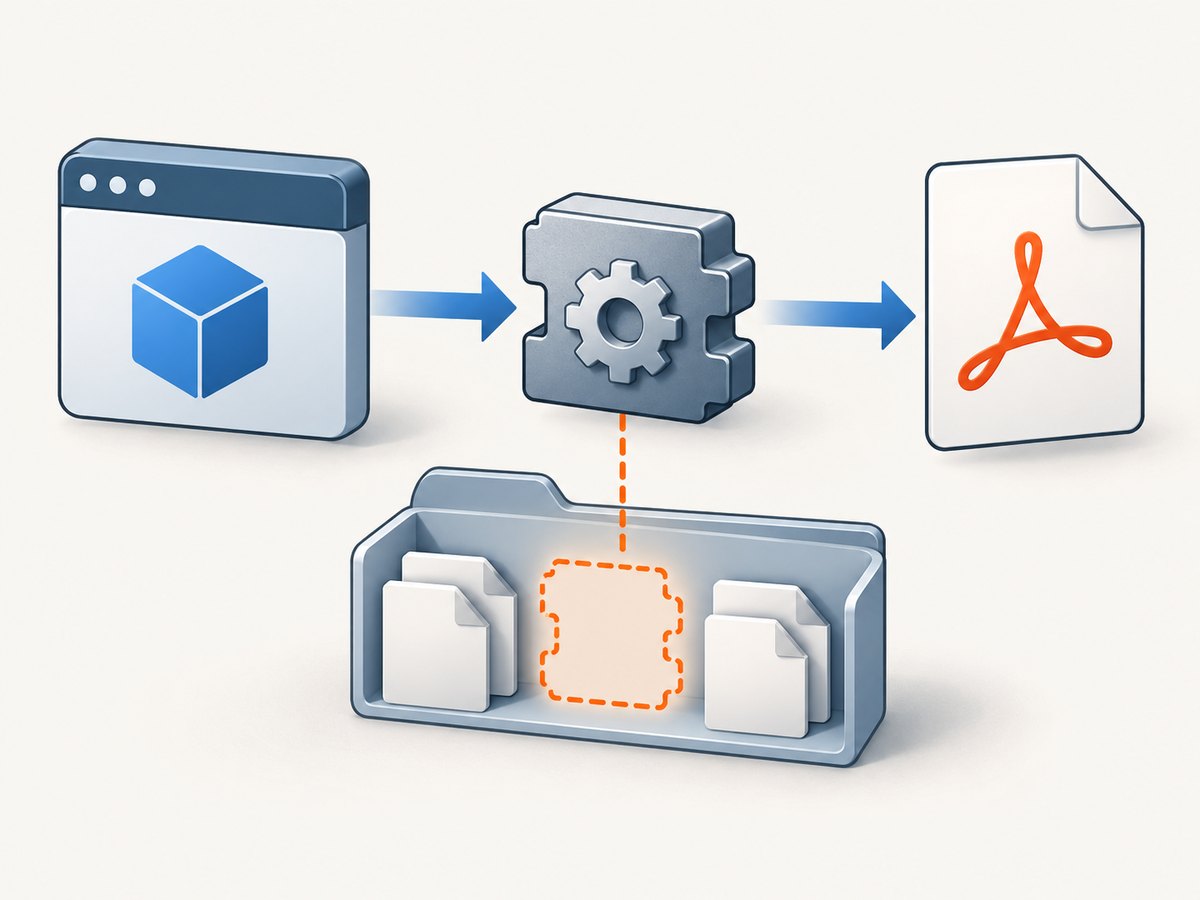
The key distinction is managed versus native code. The DinkToPdf assembly can load successfully while libwkhtmltox cannot. The managed wrapper then fails when it calls into native methods such as wkhtmltopdf_init. An issue report documents the exception path through WkHtmlToXBindings.wkhtmltopdf_init, PdfTools.Load, and BasicConverter.Convert. See the DinkToPdf issue report.
2. Read the full exception and classify it
Do not diagnose from the first line alone. Capture the complete exception, inner exception, stack trace, process architecture, operating system, and deployment path. The words “or one of its dependencies” matter: the requested DLL may be present even though a dependency it needs is absent.
| Symptom | Likely explanation | First check |
|---|---|---|
DllNotFoundException, file absent from publish directory |
Native asset was not copied or published. | Inspect the deployed output, not the NuGet cache. |
DllNotFoundException although the named file exists |
Missing dependent runtime/library, wrong filename or loader search path. | Inspect native dependencies and runtime environment. |
BadImageFormatException or “incorrect format” |
Process and native library have different architectures, or the binary is incompatible. | Compare worker-process bitness with the actual library. |
PInvokeStackImbalance |
Potential ABI, calling-convention, or native-build mismatch. | Use the native build expected by the wrapper. |
| Works locally, fails after deployment | Different published files, probing path, bitness, or server prerequisites. | Compare the deployed artifact and host settings to local ones. |
The DinkToPdf issue tracker includes reports of native loading failures and architecture or binary compatibility problems. Treat them as diagnostic examples, not proof that a particular cause applies to your deployment: DLL loading report · native compatibility report.
3. Inspect the published application
Look at the exact directory or artifact that IIS, Kestrel, a Windows service, systemd, a container, function host, or CI deployment runs. A developer machine’s NuGet cache is not necessarily a production loader path. Confirm the native file is present and named as expected: commonly libwkhtmltox.dll on Windows or libwkhtmltox.so on Linux.
On Windows, from the published application directory, run:
Get-ChildItem -Recurse -File | Where-Object { $_.Name -match 'libwkhtmltox|wkhtmltox' } | Select-Object FullName, LengthOn Linux, run:
find /app -type f \( -name 'libwkhtmltox.so' -o -name '*wkhtmltox*' \) -printReplace /app with the deployed application root. If neither command finds the library, fix packaging before changing application code. Ensure your publish and copy steps carry the correct native asset into the output. Avoid relying on the current working directory: service managers and web hosts can start a process from a different directory than your shell or IDE.
Make native content part of the deployment
Choose one deliberate approach and verify its result after publishing:
- Use a package variant that includes or embeds the required native library, and confirm its loader places the correct asset where the process can load it.
- Copy the selected native binary as publish content using your project or deployment pipeline, retaining the expected filename and a documented destination.
- For a custom loader, follow its documented extraction and probing behavior, then test from a clean deployment artifact.
The NuGet listing describes DinkToPdfAll as including x64 and x86 wkhtmltox libraries and lists variants that embed resources or use a custom assembly loader. Bundling may simplify copying, but it does not remove the need to match the runtime operating system and architecture.
4. Match operating system and process architecture
A 64-bit operating system can host a 32-bit process, so the machine’s OS label alone does not tell you which library the application needs. Match all three: the deployed native binary, the process that loads it, and the runtime identifier or publish target. A 32-bit worker needs a compatible 32-bit library; a 64-bit worker needs a compatible 64-bit library.
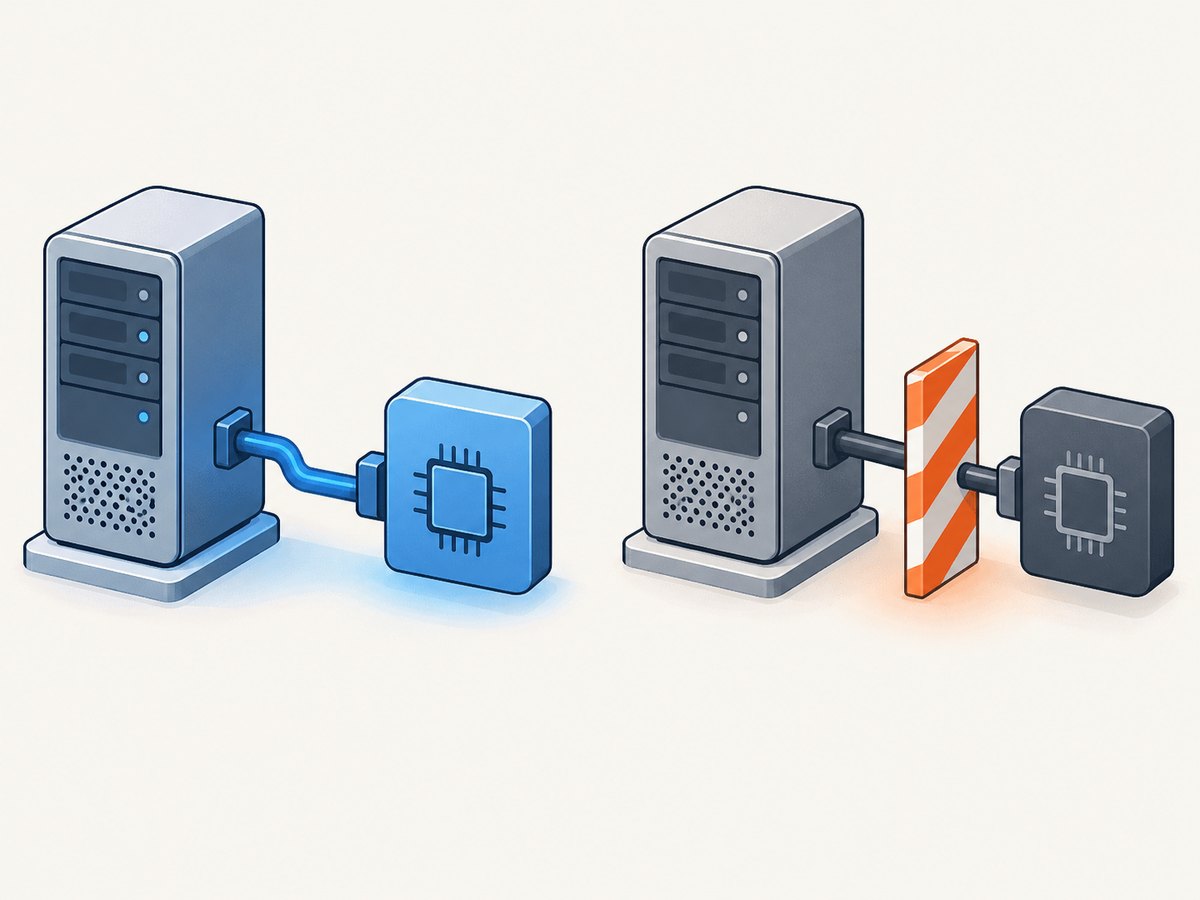
For IIS, inspect the application pool’s “Enable 32-Bit Applications” setting and the worker process actually serving the app. For a Windows service, inspect the deployed executable and service configuration. For Linux containers, check the image architecture and the architecture of the shared object. Also inspect your publish RID and CI artifact: a correct development build can be replaced by a mismatched deployment package.
Do not solve an architecture exception by randomly swapping DLLs. Select and pin a native build that matches the wrapper and target, then validate the process architecture after publishing. Mixing binaries from different wkhtmltopdf builds can change runtime prerequisites and compatibility; a Windows Server report describes different behavior across builds and Visual C++ toolchains. See the Windows Server deployment report.
5. Check native dependencies and server prerequisites
If the library is present and the architecture matches, inspect what the native binary itself needs. On Windows, the selected wkhtmltopdf build may depend on a Microsoft Visual C++ runtime. An issue report identifies a missing Microsoft Visual C++ 2010 redistributable as the cause of a server-side load failure. Install the runtime required by your selected build, using the matching architecture, and deploy it through your normal server-management process. Do not assume every wkhtmltox build has identical prerequisites. See the reported server dependency issue.
On Linux, verify the shared object’s dependent libraries are installed in the image or host and visible to the dynamic loader. A file copied from a different distribution or CPU architecture may not work in the target image. DinkToPdf issue reports discuss Linux shared-library loading and dependencies: issue 3 · issue 100.
Keep the dependency investigation tied to the exact binary you deploy. Record its source, version/build, architecture, and expected prerequisites alongside the application release. Replacing it with an untracked copy can trade one loader error for a harder-to-reproduce ABI failure.
6. Reproduce the production load in a small check
Run a minimal conversion from the same published directory, under the same account and architecture as the failing host. This separates native initialization failures from application-specific HTML, dependency injection, or request handling. The following C# method is a minimal use of the converter API; include your normal DinkToPdf package and a known local or accessible test page. Ensure your application has initialized its converter as it does in production.
using DinkToPdf;
using DinkToPdf.Contracts;
using System.IO;

public static byte[] ConvertTestPage(IConverter converter)
{
    var document = new HtmlToPdfDocument
    {
        GlobalSettings =
        {
            PaperSize = PaperKind.A4,
            Orientation = Orientation.Portrait
        },
        Objects =
        {
            new ObjectSettings
            {
                Page = "https://example.com/",
                WebSettings = { DefaultEncoding = "utf-8" }
            }
        }
    };

    byte[] pdf = converter.Convert(document);
    File.WriteAllBytes("smoke-test.pdf", pdf);
    return pdf;
}
If conversion fails before producing a PDF, focus on native loading and initialization. If the minimal conversion succeeds but a production page fails, investigate the page URL, network access, HTML, or wkhtmltopdf rendering options separately. Do not treat a successful local smoke test as deployment verification; execute it inside the real host or an equivalent deployment image.
7. Hosting-specific checks
IIS and Windows Server
- Confirm the publish directory configured for the IIS site contains the DLL, and that the deployed site points to that directory.
- Check application-pool bitness and recycle the pool after changing native assets or prerequisites.
- Install the required Visual C++ runtime for the selected wkhtmltopdf build.
- Compare the server DLL with the known build used in a working environment. Do not combine a wrapper and native files from unrelated package/build variants.
A Windows Server 2016 report says placing the library in the application root resolved that deployment’s loading problem, while a different wkhtmltopdf build behaved differently. This is useful evidence that layout and build matter, but the application root is not a universal loader rule: verify the actual probing behavior in your host. Issue report.
Linux, containers, and systemd
- Check that the image contains the Linux
.so, not a Windows DLL, and that the CPU architecture matches. - Inspect shared-library prerequisites inside the final image, not only on the build machine.
- Verify the service’s working directory and loader search configuration rather than assuming an interactive shell’s environment carries over.
- Rebuild and deploy the image after changing native packages; a running container does not gain libraries installed elsewhere on the host.
Linux reports in the project tracker include missing shared libraries and dependency issues; use them as examples, then check your distribution and exact binary. DinkToPdf Linux issue.
8. Troubleshooting checklist
- Save the full exception. Include inner exceptions and the native load message.
- Inspect the final publish output. Find the platform-specific
libwkhtmltoxfile and confirm the deployment actually contains it. - Verify architecture. Compare process bitness, native binary architecture, and publish target.
- Inspect dependencies. Install the specific Windows runtime or Linux shared libraries required by that build.
- Verify loader visibility. Check application layout, service working directory, and host-specific probing/search behavior.
- Pin the native build. Record its source and version; do not mix native files from unrelated builds.
- Run the smoke test in production-like hosting. Use the real service account, container image, and deployment artifact.
9. Performance, reliability, and maintenance
Once loading works, PDF generation still depends on the renderer and the page being converted. Large pages, remote assets, and slow network requests can extend conversion time. Keep a bounded timeout in the calling workflow where your application allows it, and avoid doing expensive conversions on request threads without considering your server’s concurrency and queueing model. Measure with representative pages in your own environment; the supplied project materials do not establish a general throughput benchmark.
For reliability, make the native runtime part of the versioned deployment artifact and validate it in CI or a staging environment that matches production. Include a conversion smoke test after publish, and preserve the exception details in logs without logging secrets embedded in page URLs or headers. When upgrading the wrapper or native library, test the OS/architecture matrix you actually deploy.
For cost and maintenance, account for server prerequisites, container image size, deployment verification, and time spent maintaining a legacy native dependency. DinkToPdf 1.0.8’s 2017 update date is a reason to pin and assess the dependency, not evidence by itself that it is unsuitable. Any replacement should be evaluated for OS and architecture coverage, native asset handling, exact build control, server prerequisites, and reproducible CI deployment.
10. Or skip the browser setup
If your goal is to capture a public web page as an image or PDF rather than maintain a local wkhtmltopdf runtime, ScreenshotNeo is a website screenshot API and MCP server from Yorker Media. It uses one GET request; see the API documentation for parameters and formats.
curl -G "https://api.screenshotneo.com/v1/shot" -d access_key=YOUR_API_KEY --data-urlencode url=https://stripe.com -o shot.webpimport requests
r = requests.get(
"https://api.screenshotneo.com/v1/shot",
params={"access_key": "YOUR_API_KEY", "url": "https://stripe.com"},
timeout=90,
)
open("shot.webp", "wb").write(r.content)const q = new URLSearchParams({ access_key: 'YOUR_API_KEY', url: 'https://stripe.com' });
const res = await fetch(`https://api.screenshotneo.com/v1/shot?${q}`);ScreenshotNeo removes cookie banners, newsletter popups, and chat widgets before the shot. Bot checks, blank pages, failed loads, timeouts, and cache hits are not billed, and the response identifies page verdict and billing status. Its MCP server lets AI agents use take_screenshot, get_page_info, and capture_pdf. The Free plan includes 1,000 screenshots a month with no card; paid plans start at $5 for 3,000 shots, and every feature is on every plan. Use it for web-page capture; it is not a drop-in local renderer for arbitrary HTML files or an answer to a required self-hosted PDF pipeline.
Start free with 1,000 screenshots a month and no card.
11. Frequently asked questions
Does installing DinkToPdf from NuGet install wkhtmltopdf?
Not necessarily. The managed wrapper and native runtime are separate deployment concerns. Check the package variant and the published output for the correct native asset.
Can I copy the DLL from another server?
Only if it is the exact compatible build for your target operating system, architecture, wrapper, and runtime prerequisites. Record and pin the source rather than copying an unknown binary.
Why does the error mention a dependency when the DLL exists?
Native loaders often report the requested library name when one of its dependent libraries is missing. Inspect the dependency chain and host runtime, not just the top-level file.
Will switching to x64 fix every BadImageFormatException?
No. It helps only when the process and native asset are mismatched. An incompatible build or other binary-format problem can still fail after changing bitness.
Is DinkToPdf obsolete?
The package metadata dates version 1.0.8 to 2017. That makes deliberate pinning and deployment testing prudent; decide whether to retain it based on your maintenance requirements and tested alternatives.


