How to Fix django-wkhtmltopdf Error 2: The System Cannot Find the File Specified
django-wkhtmltopdf Error 2 usually means the wkhtmltopdf executable is missing or unreachable. Install it, verify the path, and configure Django to launch it.
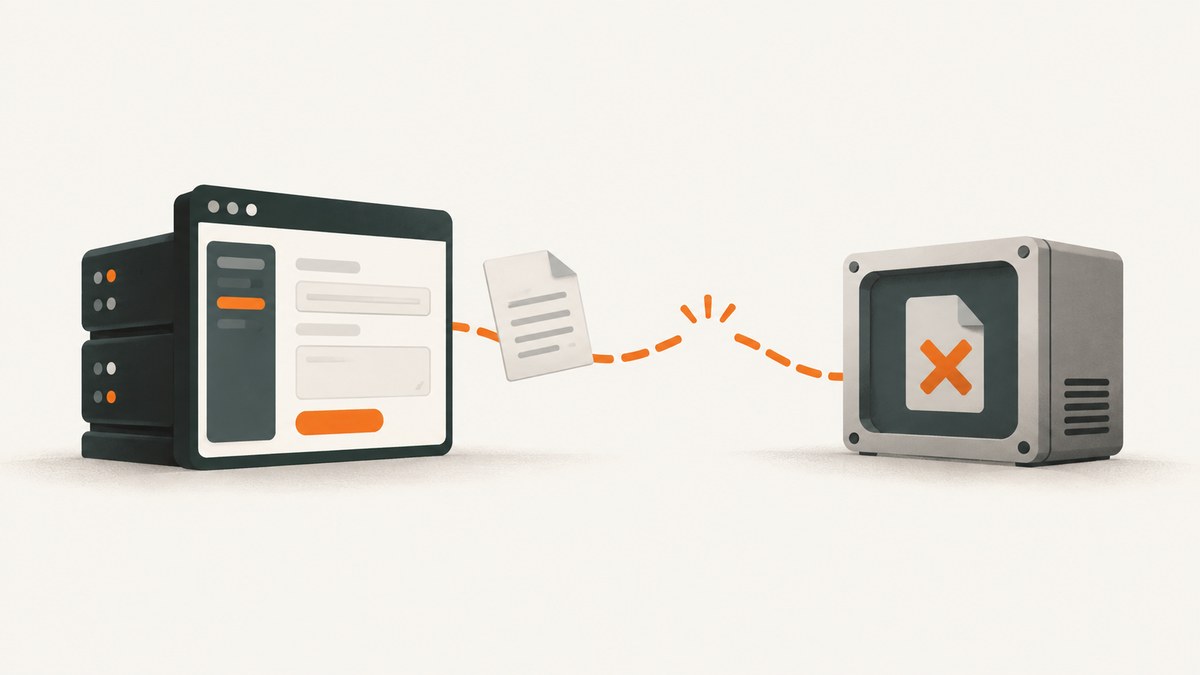
django-wkhtmltopdf Error 2 usually means Django cannot find or launch the wkhtmltopdf executable. Install the native program, confirm it runs from the same environment as your web process, then point WKHTMLTOPDF_CMD to its absolute path. The Python package alone is not the converter.
This guide covers Windows, Linux, and macOS, including service environments, permissions, dependencies, and the distinction between a missing executable and a later PDF rendering failure.
1. What Error 2 means
On Windows, “The system cannot find the file specified” is commonly surfaced when Python attempts to start a process whose executable path cannot be resolved. In a django-wkhtmltopdf setup, the missing file is usually wkhtmltopdf itself, or the path Django has been configured to use. The package documentation says it tries to execute the wkhtmltopdf command from PATH by default; it supports an absolute WKHTMLTOPDF_CMD setting when PATH is not suitable or a specific version is required. [django-wkhtmltopdf configuration](https://github.com/incuna/django-wkhtmltopdf#configuration)
This is different from a converter that starts but cannot load a URL, read an asset, or render the page. First establish that the operating system can start the binary; troubleshoot HTML and PDF output only after that check succeeds.
2. Install and locate the executable
- Install a platform-appropriate wkhtmltopdf build. The official downloads page lists the 0.12.6 stable series and platform-specific packages, with architecture and runtime dependency details. [Official wkhtmltopdf downloads](https://wkhtmltopdf.org/downloads.html)
- Open a terminal using the same machine or container that runs Django and check the executable version.
- If the command is unavailable, locate the installed binary and run it by its full path.
# Linux or macOS
wkhtmltopdf --version
which wkhtmltopdf

# Windows Command Prompt
wkhtmltopdf --version
where wkhtmltopdf

# Windows PowerShell
Get-Command wkhtmltopdf -ErrorAction SilentlyContinue
If the version command succeeds, note the path reported by the locator. If it fails, install the native binary or fix the PATH entry before changing Django code. python-pdfkit documents the same discovery commands and testing the located binary directly as troubleshooting steps. [python-pdfkit troubleshooting](https://github.com/JazzCore/python-pdfkit/wiki/How-to-use-Python-PDFKit-on-Windows)
3. Point Django at the right binary
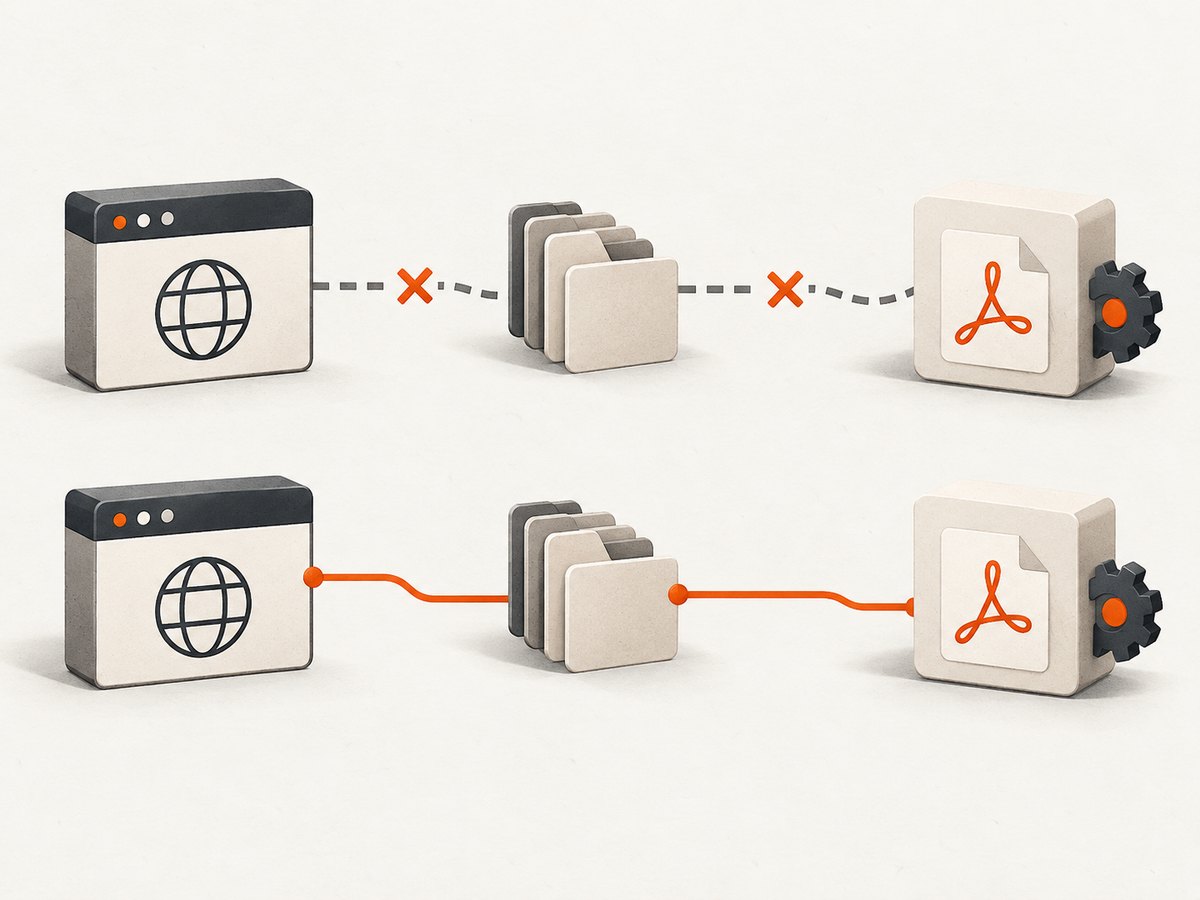
Using an absolute path makes configuration deterministic when the environment used by a service, container, task runner, or IDE differs from an interactive shell. Set the path in Django settings:
# settings.py
WKHTMLTOPDF_CMD = "/usr/bin/wkhtmltopdf"
Use the actual path on your host. A typical Windows installation path might resemble this, but confirm the installed location rather than copying it blindly:
# settings.py on Windows
WKHTMLTOPDF_CMD = r"C:\Program Files\wkhtmltopdf\bin\wkhtmltopdf.exe"
Raw strings avoid Python interpreting backslashes as escape sequences. Alternatively, use doubled backslashes. If the path contains spaces, keep it as one Python string; do not split it into separate tokens or add shell quotes inside the value. django-wkhtmltopdf invokes the executable as a process, and its setting is intended to identify the binary path.
You can also set the environment variable for the process that launches Django:
# Linux/macOS, for a one-off run
WKHTMLTOPDF_CMD=/usr/bin/wkhtmltopdf python manage.py runserver

# Windows PowerShell, for this shell session
$env:WKHTMLTOPDF_CMD = "C:\Program Files\wkhtmltopdf\bin\wkhtmltopdf.exe"
python manage.py runserver
Use the method your deployment actually loads and check the package version and settings conventions in your installed django-wkhtmltopdf release. Restart the web server, worker, or service after changing its environment; a running process does not inherit changes made later in a shell.
4. Configure PATH when you prefer command lookup
PATH-based lookup can be convenient when the same executable location is standard across development machines. It can be less predictable across service accounts and deployment environments, where PATH may be shorter or different from your login shell.
| Approach | Best fit | Trade-off |
|---|---|---|
PATH lookup |
Managed images or hosts with a standard installation | Depends on the launching process receiving the expected PATH |
Absolute WKHTMLTOPDF_CMD |
Services, containers, and hosts with multiple versions | Path must be updated if installation location changes |
On Linux/macOS, add the directory containing the executable to the PATH exported by the service manager, container, or shell that starts Django. On Windows, add the bin directory that contains wkhtmltopdf.exe to the system or service user’s PATH. Reopen the terminal or restart the service and run the discovery command again as that account. If a full path works but the bare command does not, the problem is PATH configuration rather than Django.
5. Check platform-specific runtime requirements
Windows
- Confirm the path ends with
wkhtmltopdf.exe, not a directory or an unrelated launcher. - Test the full executable path directly in Command Prompt or PowerShell. Quote it if the path includes spaces, for example
& "C:\Program Files\wkhtmltopdf\bin\wkhtmltopdf.exe" --versionin PowerShell. - For Django, set the path as one string in settings. Python does not need command-line quotes embedded in that string.
- Check that the Windows account running the web service can read and execute the file.
An upstream Windows troubleshooting example also resolves PATH failures by invoking the complete .exe path. [python-pdfkit Windows notes](https://github.com/JazzCore/python-pdfkit/wiki/How-to-use-Python-PDFKit-on-Windows)
Linux
- Verify the file exists and is executable:
ls -l /path/to/wkhtmltopdf. - If appropriate for the installation, grant execute permission with
chmod +x /path/to/wkhtmltopdf. Confirm ownership and access for the service account too. - Install the required runtime libraries for your distribution. The project documents fontconfig and freetype2 requirements; django-wkhtmltopdf package metadata also calls out
libfontconfigon Ubuntu. [Official downloads and dependencies](https://wkhtmltopdf.org/downloads.html) · [django-wkhtmltopdf package metadata](https://github.com/incuna/django-wkhtmltopdf/blob/master/setup.py) - In a minimal container, a binary can exist and be executable yet fail at launch because a shared library is absent. Run it directly and inspect the operating-system error.
macOS
- Locate the installed executable with
which wkhtmltopdfand configure its actual path. - Run the version command under the account that runs the app. A developer’s shell PATH may not be available to a service or process manager.
- If the binary is present but will not start, inspect the system’s reported architecture or library error and install a compatible official build.
6. Run a minimal conversion outside Django
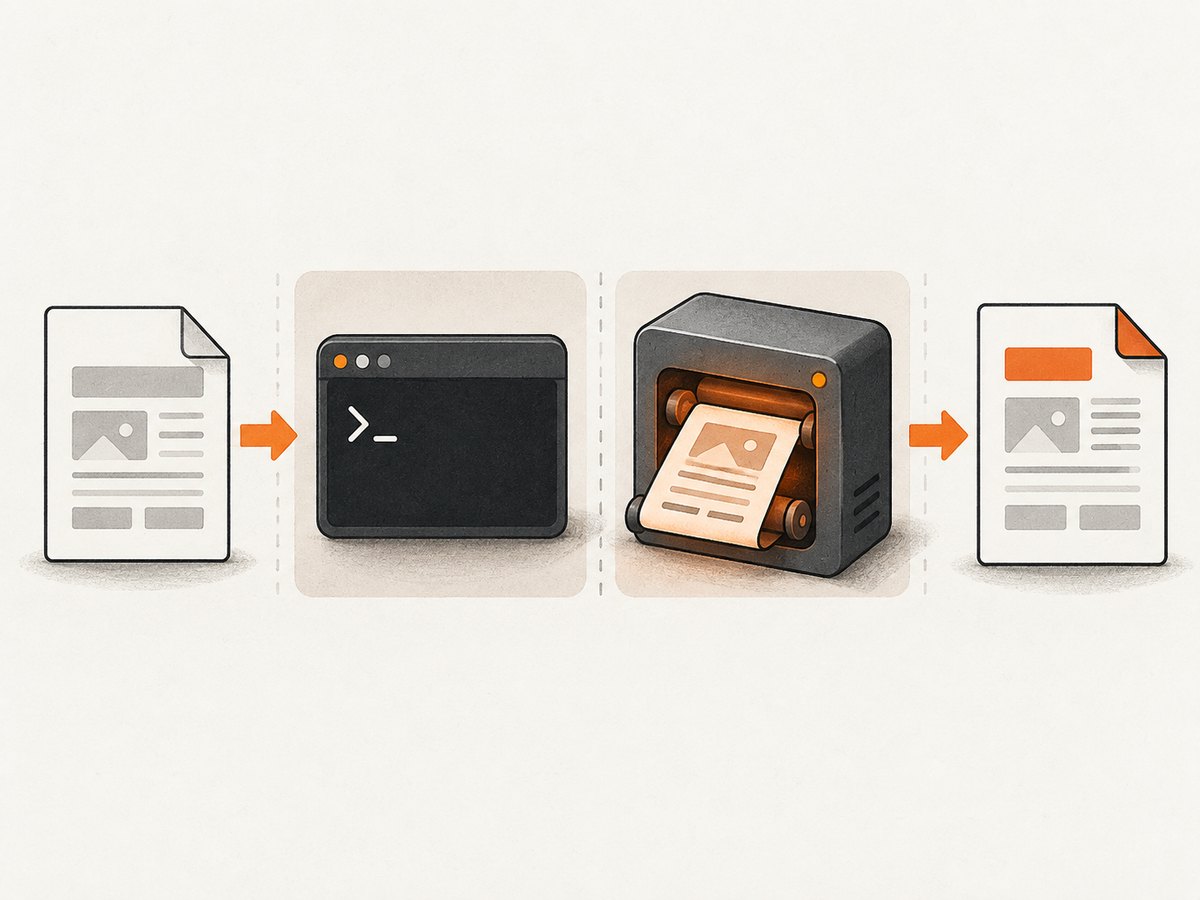
A direct conversion isolates executable discovery from Django views, templates, and response handling. Create a small HTML file, then ask the binary to create a PDF:
# Create a minimal local HTML file
printf '<!doctype html><html><body><h1>PDF check</h1></body></html>' > /tmp/wkhtmltopdf-check.html

# Linux/macOS
wkhtmltopdf /tmp/wkhtmltopdf-check.html /tmp/wkhtmltopdf-check.pdf

# Windows PowerShell (use a local file path that exists)
& "C:\Program Files\wkhtmltopdf\bin\wkhtmltopdf.exe" C:\temp\wkhtmltopdf-check.html C:\temp\wkhtmltopdf-check.pdf
On Windows, create the input HTML at the path you pass to the command. On any platform, use the full executable path in this test if PATH lookup is still in doubt. Check that the output PDF exists and is non-empty. The command-line documentation describes input/output arguments, local file access controls, and load-error handling. [wkhtmltopdf usage and options](https://wkhtmltopdf.org/usage/wkhtmltopdf.txt)
If this succeeds, the binary can launch and perform a basic conversion. Return to Django and verify its command configuration and service environment. If it fails, the diagnostic is now at the operating-system or converter layer; follow the message about missing libraries, permissions, input, URL, or local files.
7. Troubleshoot Django integration errors
| Symptom | Likely cause | Fix |
|---|---|---|
[Errno 2] No such file or directory |
Executable path is wrong or binary is absent | Run which/where; set the verified absolute path in WKHTMLTOPDF_CMD. |
| Works in terminal, fails in Django | Service PATH, account, or environment differs | Set the absolute setting; inspect the service environment and restart the process. |
| Windows path is not found | Missing .exe, bad slash escaping, or spaces parsed incorrectly |
Use a raw Python string ending in wkhtmltopdf.exe; verify the full path interactively. |
| Permission denied | Binary lacks execute permission or service user cannot traverse/read its directory | Correct executable mode and directory permissions; run as the intended service account. |
| Binary exists but reports missing shared library | Runtime dependency absent or incompatible build | Install the distribution’s required libraries or use a compatible package/build. |
| Executable starts, but PDF load fails | Input URL, DNS, TLS, authentication, or local file access issue | Run a direct conversion and inspect wkhtmltopdf’s own stderr and exit status. |
| HTML converts but images or CSS disappear | Resources are inaccessible from the converter, or local file access is disabled | Use reachable asset URLs or the documented local-file option where needed; verify access is appropriate. |
| Conversion hangs or exits on resource error | Slow/unreachable resource or load-error policy | Check the target URL and resource network path; use documented load-error options only when their behavior matches the application. |
Options such as --enable-local-file-access and --disable-local-file-access govern local file loading, while load-error options affect behavior when a page resource cannot be fetched. Use only the option required by the deployment and test against controlled inputs. Do not treat these flags as a fix for an executable-not-found error. [wkhtmltopdf command-line options](https://wkhtmltopdf.org/usage/wkhtmltopdf.txt)
8. Performance, reliability, and security
Process startup and page rendering both contribute to PDF latency. Once Error 2 is resolved, slow conversions are more often explained by complex pages, remote assets, or unreachable URLs than by executable lookup. Use a small reproducible input when measuring changes, and avoid loading unnecessary resources in PDF templates. A direct command test is also a useful deployment check after changing the binary package or container image.
For reliability, pin the expected installation path in deployment configuration, install compatible runtime libraries in the same image or host, and validate the binary as the service user. Keep environment and package changes together so a deploy does not point Django at a path that exists only on a developer machine. When upgrading, run the version check and a small conversion before enabling the new image in production.
Security: wkhtmltopdf’s official downloads page warns against using it with untrusted HTML and says user-supplied HTML/JavaScript must be sanitized because it can lead to server compromise. Treat HTML, URLs, and referenced local resources as untrusted inputs; do not enable local file access broadly without a justified, controlled use case. [wkhtmltopdf security warning](https://wkhtmltopdf.org/downloads.html)
Cost is mainly operational: the binary is software you install and maintain in your environment, while rendering consumes your application’s compute and can tie up workers while pages load. The dossier does not establish a benchmark or a universal cost figure. Measure with representative documents and bound concurrency and time spent on unreliable external resources in the surrounding application.
9. Or skip the browser setup
If the goal is a screenshot of a web page rather than a server-rendered PDF, ScreenshotNeo is a website screenshot API and MCP server. One GET request returns PNG, JPEG, WebP, or PDF. It removes cookie banners, newsletter popups, and chat widgets before the shot; bot checks, blank pages, timeouts, failed loads, and cache hits are not billed, with response headers indicating the page verdict and billing. Its MCP server lets AI agents use screenshot tools. It includes 1,000 screenshots a month free with no card; paid plans start at $5 for 3,000.
For a PDF response, use its documented format option; see the ScreenshotNeo API documentation for current request parameters.
curl -G "https://api.screenshotneo.com/v1/shot" \
  -d access_key=YOUR_API_KEY \
  --data-urlencode url=https://stripe.com \
  -d format=pdf \
  -o page.pdf
Create a free ScreenshotNeo account for 1,000 screenshots a month with no card.
10. FAQ
Does installing django-wkhtmltopdf install wkhtmltopdf?
No. The Django integration expects the native executable to be installed separately and available to the process.
Why does where wkhtmltopdf find nothing on Windows?
The executable directory is not on that shell’s PATH, or the binary is not installed. Locate the actual .exe and set its full path in Django.
Should I put quotes around WKHTMLTOPDF_CMD?
Use a quoted string as Python syntax in settings. The value itself should be the path, without extra shell quote characters.
When should I use an absolute path?
Use it when the command works in your terminal but not from Django, or when different machines need an explicitly configured binary location.
Is Error 2 the same as a PDF rendering error?
Usually no. Error 2 points first to process launch or file resolution. A direct CLI conversion helps reveal later input or rendering problems.


