How to Fix Django-wkhtmltopdf Non-Zero Exit Status 1 Errors
Fix django-wkhtmltopdf exit status 1 by reading stderr, checking the binary, repairing asset URLs, and reproducing the exact command.
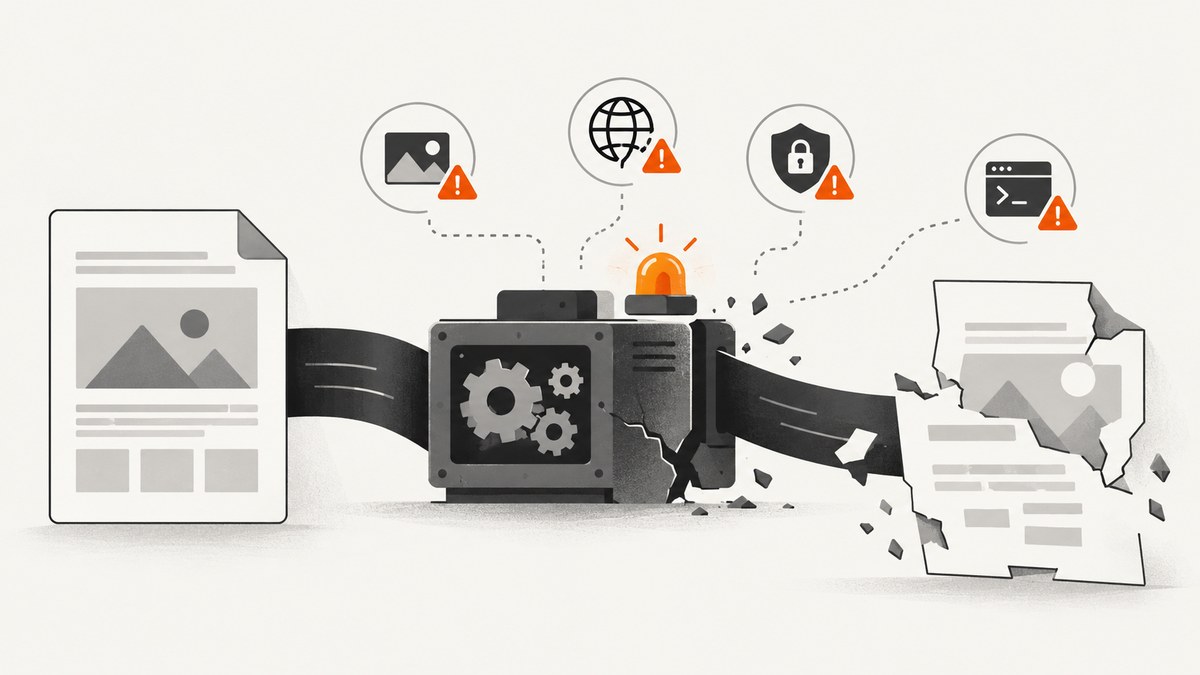
Exit status 1 is a symptom, not a diagnosis. In a Django application, wkhtmltopdf can return code 1 because it cannot find the executable, cannot resolve a host, cannot load a stylesheet or image, rejects a URL protocol, cannot read a local file, or cannot write the output PDF. The useful part of the error is the stderr suffix, such as ContentNotFoundError, HostNotFoundError or ProtocolUnknownError.
The fastest reliable workflow is:
- Expose the complete stderr output.
- Confirm the exact binary and version used by the Django worker.
- Render and save the generated HTML separately.
- Check every asset URL from the converter’s network and filesystem context.
- Run the exact command outside Django, then apply the smallest configuration fix.
This guide covers each failure layer, runnable Django configuration, command-line diagnostics, deployment differences, security, performance and alternatives.
1. What exit status 1 means
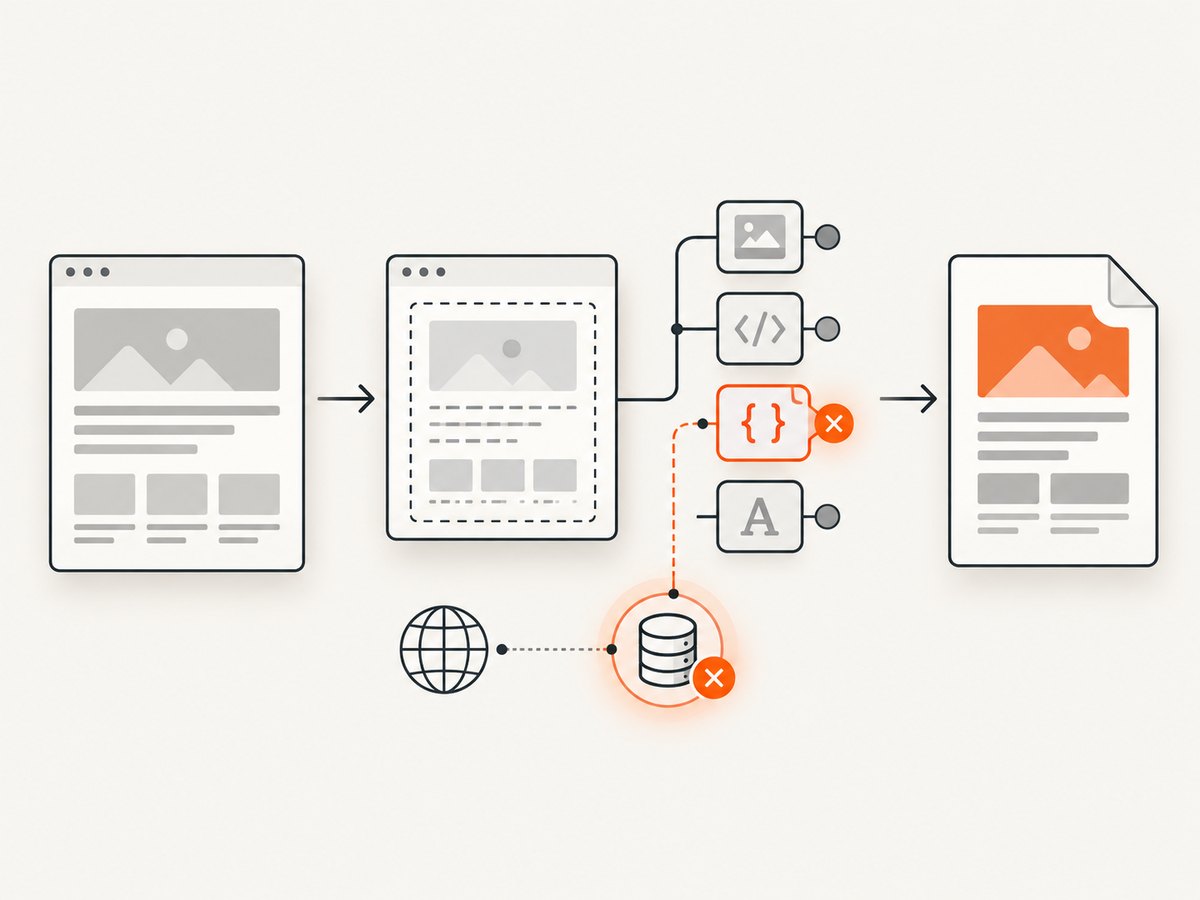
wkhtmltopdf is a separate process. Django creates HTML and starts that process; wkhtmltopdf then reads the input, loads referenced resources, renders the page and writes a PDF. A non-zero exit status means one of those stages failed. Code 1 does not identify which stage.
Do not treat a PDF file on disk as proof of success. wkhtmltopdf can produce a partial PDF while reporting that a stylesheet, image, font or script failed. Inspect stderr and the process return code together.
| Failure layer | Typical evidence | What to verify |
|---|---|---|
| Executable discovery | No executable found, command failed before rendering | Absolute path, permissions, worker PATH, architecture |
| Binary compatibility | Works on one host but not another | Version, OS libraries, Qt, OpenSSL, fontconfig, libc |
| HTML generation | Malformed or incomplete page | Template output, redirects, authentication, encoding |
| Resource resolution | ContentNotFoundError |
CSS, images, fonts, scripts and their HTTP responses |
| Network or protocol | HostNotFoundError or ProtocolUnknownError |
DNS, routing, URL scheme, proxy and local-file policy |
| Output | Cannot open or write output file | Directory ownership, disk space and temporary files |
2. Capture the real error first
Many production configurations set a quiet option and leave only a generic Python exception. Temporarily remove quiet from WKHTMLTOPDF_CMD_OPTIONS, reproduce one request, and retain the complete stderr text. The wkhtmltopdf project asks issue reports to include the version, operating system and a reproducible HTML/CSS/JavaScript case; record those values while diagnosing.
wkhtmltopdf --version
uname -a
python -m django --version
Run the command as the same Unix account used by Gunicorn, uWSGI, Celery or systemd. An interactive shell often has a different PATH, home directory, proxy configuration and filesystem permissions.
3. Confirm the binary Django is actually running
django-wkhtmltopdf uses the WKHTMLTOPDF_CMD setting. Set an absolute path when the executable is not discoverable in the web-worker environment. The package documents this setting and the PDFTemplateView interface in its documentation.
# settings.py
WKHTMLTOPDF_CMD = "/opt/wkhtmltox/bin/wkhtmltopdf"
WKHTMLTOPDF_CMD_OPTIONS = {
    "encoding": "utf-8",
    # Keep quiet disabled while diagnosing failures.
}
Check the path and permissions as the service account:
command -v wkhtmltopdf
ls -l /opt/wkhtmltox/bin/wkhtmltopdf
sudo -u www-data /opt/wkhtmltox/bin/wkhtmltopdf --version
If the final command fails, fix the executable path, execute permission, missing shared libraries or service sandbox before debugging HTML. In pdfkit, the equivalent override is:
import pdfkit

config = pdfkit.configuration(wkhtmltopdf="/opt/wkhtmltox/bin/wkhtmltopdf")
pdfkit.from_url("https://example.com", "out.pdf", configuration=config)
4. Reproduce outside Django
Separate template problems from converter problems. In development, expose the Django view as HTML (many projects use an ?as=html switch), save the response and run the converter against that saved file. Use the exact flags and output path used by Django.
curl -sS "http://127.0.0.1:8000/invoice/42/?as=html" -o /tmp/invoice.html
wkhtmltopdf --encoding utf-8 /tmp/invoice.html /tmp/invoice.pdf
If the saved HTML fails in the shell, inspect its resource references. If it succeeds in the shell but fails in Django, compare the user, current directory, environment variables, container namespace and command-line options. A reproducible HTML file also makes it easier to compare different wkhtmltopdf builds.
5. Fix ContentNotFoundError
ContentNotFoundError usually means a referenced CSS file, image, font or script returned 404 or could not be read. Relative URLs are the most common cause. A browser knows the page’s origin; a converter reading an HTML string or local file may not have the same base URL.
Use absolute URLs or valid file paths
<link rel="stylesheet" href="https://app.example.com/static/css/pdf.css">
<img src="https://app.example.com/media/logo.png" alt="Logo">
<script src="https://app.example.com/static/js/pdf.js"></script>
For local assets, use a real path that exists in the converter’s filesystem. Check each URL from the converter host and under the service account:
curl -I -L https://app.example.com/static/css/pdf.css
curl -I -L https://app.example.com/media/logo.png
sudo -u www-data test -r /srv/app/static/css/pdf.css
Also check redirects, authentication and host headers. A URL that works in your browser may redirect to a login page when wkhtmltopdf has no session cookie. Configure cookies or provide a publicly reachable, time-limited endpoint rather than assuming browser state is available.
Make Django static and media files reachable
In a container, localhost refers to the container itself. If Django and wkhtmltopdf run in different containers, use a service hostname on their shared network. Ensure the static server is listening on an address reachable from the converter, and that a firewall, reverse proxy or mandatory-access-control profile is not blocking it.
6. Fix HostNotFoundError
HostNotFoundError indicates DNS or network reachability failure. Verify the hostname from the same network namespace as the worker:
getent hosts app.example.com
curl -v https://app.example.com/health
cat /etc/resolv.conf
Common fixes include replacing an incorrect hostname, exposing the Django service on the container network, correcting split-horizon DNS, allowing outbound traffic, configuring the required proxy and replacing an unreachable localhost URL with the service’s resolvable name. If TLS fails, compare the certificate chain and OpenSSL libraries used by the wkhtmltopdf build.
7. Fix ProtocolUnknownError and blocked local files
ProtocolUnknownError commonly appears for malformed URLs, about:blank, unresolved relative references or local-file access that the build blocks. Remove invalid protocol values and provide a correct base URL. Do not enable broad local-file access merely to hide an unresolved path.
When local assets are required, review the version’s local-file-access options and restrict access to the smallest directory needed. The wkhtmltopdf project warns that untrusted HTML or JavaScript can lead to complete server takeover. Sanitize user-supplied HTML, isolate conversion and keep local-file access narrow.
8. Configure django-wkhtmltopdf safely
Global settings are useful for consistent defaults; a view can override options for one document:
# settings.py
WKHTMLTOPDF_CMD = "/opt/wkhtmltox/bin/wkhtmltopdf"
WKHTMLTOPDF_CMD_OPTIONS = {
    "encoding": "utf-8",
}
from wkhtmltopdf.views import PDFTemplateView

class InvoicePDF(PDFTemplateView):
    template_name = "billing/invoice.html"
    filename = "invoice.pdf"
    cmd_options = {
        "encoding": "utf-8",
        "print-media-type": True,
    }
Keep quiet out while investigating. Restore it only after the failure is fixed and logs still preserve enough context to diagnose future incidents. Use the documented option names for your installed package and verify the final generated command.
9. Check encoding, fonts and international text
Broken non-Latin text can be a missing font rather than a template bug. Add an explicit UTF-8 declaration:
<meta http-equiv="Content-Type" content="text/html; charset=utf-8">Install the required fonts in the same image or host as wkhtmltopdf, refresh fontconfig and verify that the service account can read them. A browser on your workstation may have fonts that are absent from a minimal production container.
10. Compare distribution packages and supported builds
Debian and Ubuntu repository packages can have reduced functionality compared with the documented upstream builds. When behavior differs between environments, compare architecture, libc, OpenSSL, Qt and fontconfig dependencies, as well as the installed version. The upstream project identifies the 0.12.6 series as stable and its repository is archived, so record the exact binary and operating-system image you deploy rather than assuming package names imply equivalent builds.
file "$(command -v wkhtmltopdf)"
ldd "$(command -v wkhtmltopdf)"
wkhtmltopdf --version
Choose a build that is supported on your operating system and keep it in the deployment image. Test representative HTML containing fonts, images, redirects and JavaScript after an image or package upgrade.
11. Deployment-specific causes
| Environment | What changes | Diagnostic |
|---|---|---|
| Gunicorn/uWSGI | Different PATH, user and working directory | Log executable path and run --version as the worker |
| Celery | Separate host or container network | Test DNS, URLs and permissions from the task worker |
| systemd | Sandboxing and restricted environment | Inspect unit settings, temporary directories and service logs |
| Docker | Missing libraries, fonts or service routing | Run the exact command inside the converter container |
| SELinux/AppArmor | Denied file or network access | Inspect policy audit logs and allow only required paths |
12. Performance and reliability practices
- Reuse a known binary and deployment image so conversions do not vary by host.
- Keep HTML, CSS and images small; large full-page documents increase memory and conversion time.
- Set an application timeout longer than the expected render time, but terminate stuck child processes and clean temporary files.
- Use a queue for expensive reports instead of tying up web workers.
- Cache immutable PDFs or source data when business rules allow it.
- Log the URL or document identifier, binary version, elapsed time, return code and stderr suffix. Avoid logging secrets embedded in URLs.
- Retry only transient network failures. Repeating a deterministic missing-file or malformed-URL error increases load without fixing it.
For reliability, add a small smoke document to deployment checks. It should include a local stylesheet, an image, a non-Latin string and one external URL. This catches missing fonts, asset routing and binary regressions before production traffic does.
13. A concise troubleshooting checklist
- Capture complete stderr with quiet mode disabled.
- Record
wkhtmltopdf --version, OS, architecture and the exact command. - Run
command -v wkhtmltopdfand setWKHTMLTOPDF_CMDto an absolute path. - Run that binary as the Django worker account.
- Save the rendered HTML and inspect every relative URL, redirect and authentication requirement.
- Test CSS, images, fonts and scripts from the converter host.
- Resolve DNS, container routing, firewall, proxy and TLS differences.
- Review protocol and local-file-access settings only when the input genuinely needs them.
- Compare the production binary and libraries with a known working build.
- Run the exact command outside Django, then restore view or global configuration.
14. Or skip the browser setup
If your requirement is simply to capture a reliable screenshot or PDF of a URL, ScreenshotNeo provides a hosted GET API and an MCP server, so your application does not need to package wkhtmltopdf, Qt libraries, fonts or a browser runtime.

cURL:
curl -G "https://api.screenshotneo.com/v1/shot" -d access_key=YOUR_API_KEY --data-urlencode url=https://stripe.com -o shot.webpPython:
import requests
r = requests.get("https://api.screenshotneo.com/v1/shot", params={"access_key": "YOUR_API_KEY", "url": "https://stripe.com"}, timeout=90)
open("shot.webp", "wb").write(r.content)
Node.js:
const q = new URLSearchParams({ access_key: 'YOUR_API_KEY', url: 'https://stripe.com' });
const res = await fetch(`https://api.screenshotneo.com/v1/shot?${q}`);
See the ScreenshotNeo API documentation for request options. Cookie banners, newsletter popups and chat widgets are removed before the shot; bot checks, blank pages and failed loads are never billed. Response headers identify the page verdict and whether the request was billed. An MCP server lets AI agents such as Claude and Cursor call take_screenshot, get_page_info and capture_pdf. The service supports full-page and element capture, custom CSS and JavaScript, device and viewport settings, PDF controls, headers, cookies, blocking rules, caching, signed links, asynchronous jobs, bulk capture and a usage API.
There are 1,000 screenshots per month on the free plan with no card. Paid plans start at $5 for 3,000 shots, and every feature is available on every plan. Create a free ScreenshotNeo account.
15. FAQ
Why does it work in Chrome but fail in Django?
Chrome has your cookies, DNS context, installed fonts and a page origin. wkhtmltopdf may run as another user, on another host, without authentication or with a local HTML file that has no base URL. Compare those contexts explicitly.
Should I use --load-error-handling ignore?
Use it only when you have assessed the missing resource. It may still return exit status 1 for some failures, and ignoring errors can create incomplete PDFs.
Is exit status 1 always a network problem?
No. It can occur before rendering because the executable is missing, or after rendering because output permissions, fonts or local-file policy are wrong.
How do I report an upstream issue?
Include the wkhtmltopdf version, operating system and version, complete stderr and a minimal HTML/CSS/JavaScript case that reproduces the failure.
Can I render user-submitted HTML?
Only after sanitization and isolation. Treat HTML and JavaScript as untrusted and restrict filesystem and network access to what the document needs.


