How to Fix dom-to-image Security Errors on iOS Browsers
Diagnose whether CORS or Safari’s SVG foreignObject rendering is breaking dom-to-image, then choose the right fix or server-side fallback.
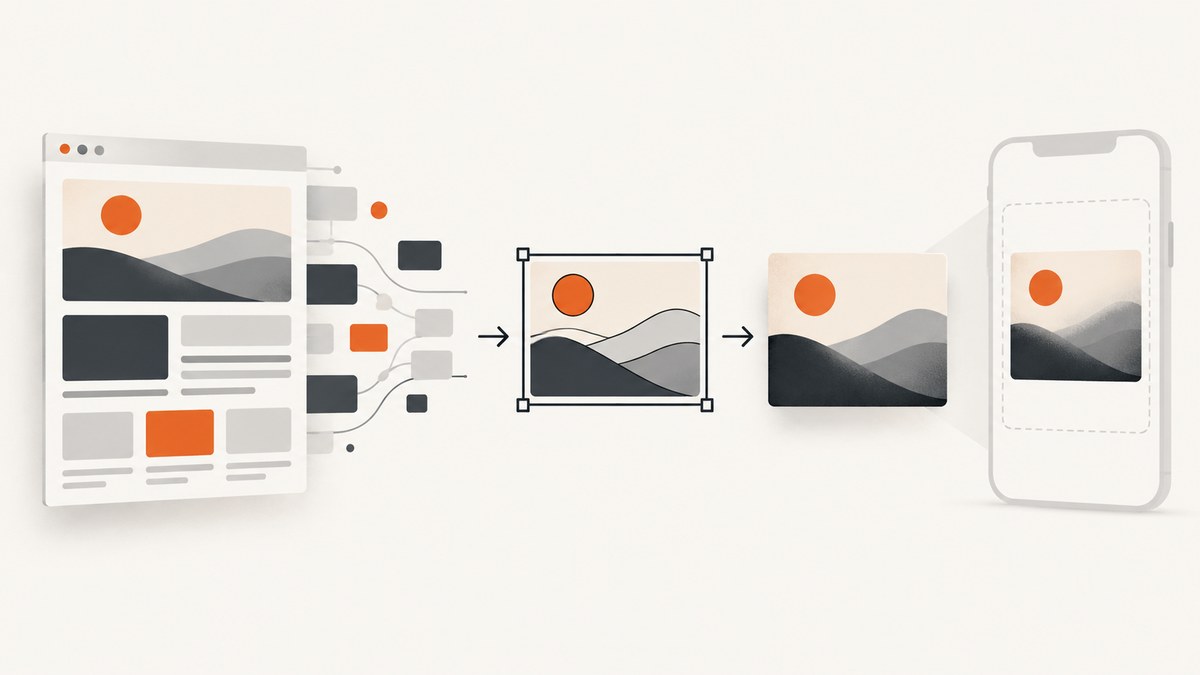
Short answer: there is no single client-side fix for every dom-to-image security error on iOS. First determine whether a cross-origin image or other resource tainted a canvas, or whether Safari failed to render the library’s SVG <foreignObject> output. Correct CORS on both the browser request and resource server for the first problem. If CORS is correct but Safari still produces blank or inconsistent output, use toSvg() and rasterize the SVG in a controlled server environment.
Those are different failure paths. A CORS fix does not make Safari’s foreignObject rendering reliable, and moving rasterization to a server does not automatically make inaccessible resources available. The dom-to-image-more project documentation describes the Safari limitation and recommends server-side rasterization for Safari support. This article uses its documented behavior; it does not claim a current iOS version compatibility matrix.
1. Identify which security error you have
Record the full exception, the export method that failed, the iOS version, the browser or in-app webview, and the installed dom-to-image package and version. “Security error” by itself does not identify the cause.
| Symptom | Likely path | First check |
|---|---|---|
SecurityError from toDataURL(), toBlob(), or a library raster export |
A canvas contains cross-origin data without CORS approval | Find cross-origin images and pre-existing canvases in the target |
| Blank image, inconsistent image, or rejection during rasterization on Safari | Safari SVG <foreignObject> handling or image decode timing |
Try SVG output; test rasterization outside Safari |
| Missing images, fonts, or styles | A resource could not be fetched, decoded, or inspected | Inspect network failures, stylesheet access, and font readiness |
| Partial output or blank large capture | Content was not ready, canvas limits were reached, or a WebGL buffer was unavailable | Reduce dimensions and verify loading before capture |
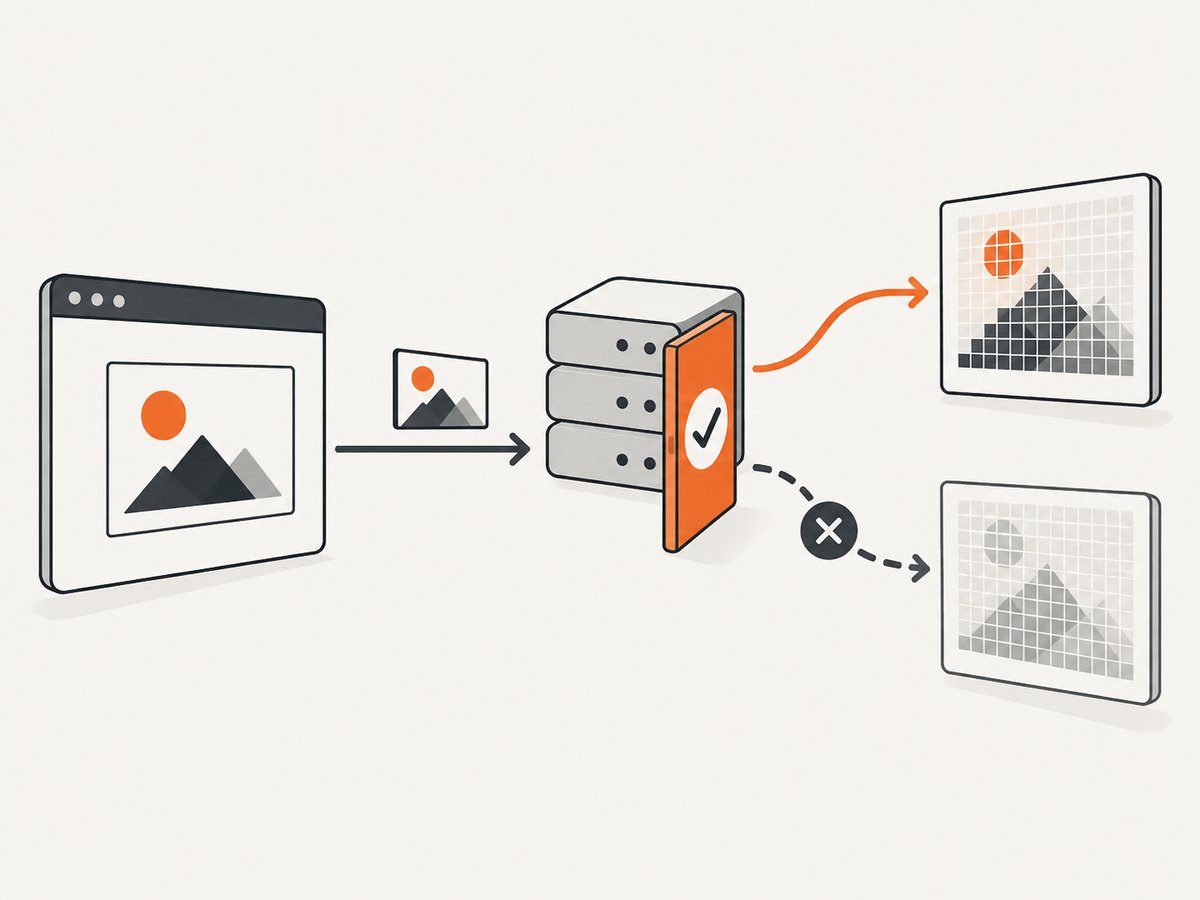
MDN explains that drawing cross-origin data without server permission taints a canvas. Readback and export methods then throw SecurityError. CORS requires a compatible request from the page and an Access-Control-Allow-Origin response from the resource server; adding an attribute in your own page cannot grant permission the server did not give. See MDN’s canvas CORS guide.
2. Reproduce the failure with a small capture
Isolate the node and the export method. This example assumes a browser page with an element whose ID is capture-target and a local copy of the library bundled as an ES module. It logs the error rather than hiding a rejected promise.
import domtoimage from 'dom-to-image-more';

const target = document.querySelector('#capture-target');
if (!target) throw new Error('Capture target not found');

try {
  const dataUrl = await domtoimage.toPng(target);
  const link = document.createElement('a');
  link.download = 'capture.png';
  link.href = dataUrl;
  link.click();
} catch (error) {
  console.error('dom-to-image export failed:', error);
  console.error({
    userAgent: navigator.userAgent,
    target: target.tagName,
    message: error?.message
  });
}
Keep the test target modest: one section, one background, and one image. If that works, add the original content back in groups. This can reveal a single remote image, embedded SVG, font, child canvas, or large dimension that triggers the failure. Save the exact exception and whether failure occurs in toPng(), toBlob(), or another method.
3. Fix cross-origin images at both ends
For an ordinary image element that you control, set crossOrigin before src, then wait for loading. The image host must also return an appropriate CORS response header for your page origin. With public, non-credentialed assets, that may be a specific origin or *, depending on the host’s policy.
function loadCorsImage(url) {
  return new Promise((resolve, reject) => {
    const image = new Image();
    image.crossOrigin = 'anonymous'; // set before src
    image.onload = () => resolve(image);
    image.onerror = () => reject(new Error(`Could not load ${url}`));
    image.src = url;
  });
}

const image = await loadCorsImage('https://assets.example.com/chart.png');
document.querySelector('#capture-target').append(image);
The host needs a response such as Access-Control-Allow-Origin: https://your-site.example (or a suitable wildcard policy for public assets). Check the actual response in the browser’s network inspector. If the image uses credentials, wildcard access is not an appropriate substitute for an explicit origin and credential-aware CORS configuration. Follow the resource host’s security policy.
dom-to-image-more clones and serializes a node, embeds resources, and uses SVG foreignObject in its rendering path. Changing an image after the original page has already drawn it into a tainted canvas does not repair that canvas: the clone cannot make previously unreadable pixels readable. Replace or recreate the source using a CORS-enabled request before drawing, or exclude that canvas from the export. See MDN for the browser’s canvas security model.
4. Check every resource in the target
Audit more than visible <img> elements. Background images in CSS, web fonts, inline or external SVG, stylesheets, and canvases can affect a capture. A resource may be visible on the screen while still being inaccessible to the library’s fetch, serialization, or canvas export steps.
- Images: check image URLs, redirects, response CORS headers, and whether they finished loading before capture.
- CSS backgrounds: find URLs in computed styles and verify the host permits the required access.
- Fonts: wait for required fonts to load; missing fonts can change layout or leave fallback text in the result.
- Stylesheets: cross-origin stylesheet rules may not be readable through
cssRules. A rendered page does not mean script can inspect every rule. - Child canvases: if another script drew an unapproved cross-origin image into one, that child canvas is already tainted.
- SVG: check nested images and foreignObject content, including SVG loaded as an image.
The project documents resource diagnostics, an image error callback, resource interception, placeholders, and a proxy option for cross-origin images. Use interception or a placeholder only when it is acceptable for the capture to omit or replace the resource. A proxy must fetch only assets you are authorized to access. Do not forward private cookies, authorization headers, or other credentials to an untrusted host.
5. Use SVG output when Safari rasterization is the problem
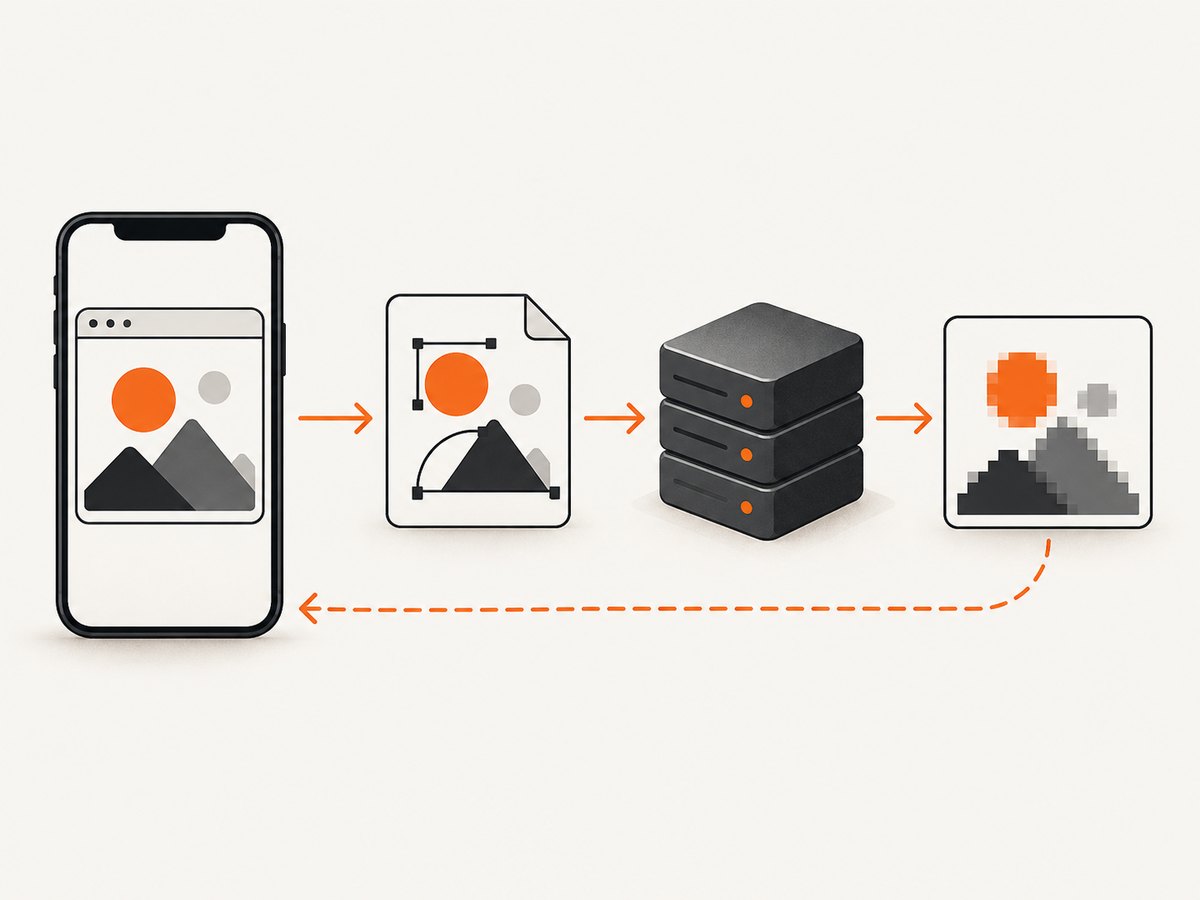
Safari may fail even after resource CORS is correct. dom-to-image-more documents Safari as an unreliable target because of stricter SVG foreignObject security and image decode timing, and suggests producing SVG with toSvg() before rasterizing it server-side. The returned SVG is a useful diagnostic artifact too: it separates DOM cloning/serialization from the browser’s final canvas rasterization.
import domtoimage from 'dom-to-image-more';

const target = document.querySelector('#capture-target');
if (!target) throw new Error('Capture target not found');

try {
  const svgDataUrl = await domtoimage.toSvg(target);
  const response = await fetch('/api/rasterize-svg', {
    method: 'POST',
    headers: { 'Content-Type': 'application/json' },
    body: JSON.stringify({ svgDataUrl })
  });
  if (!response.ok) throw new Error(`Rasterizer returned ${response.status}`);
  const png = await response.blob();
  const objectUrl = URL.createObjectURL(png);
  const link = document.createElement('a');
  link.href = objectUrl;
  link.download = 'capture.png';
  link.click();
  URL.revokeObjectURL(objectUrl);
} catch (error) {
  console.error('SVG capture or rasterization failed:', error);
}
/api/rasterize-svg is an application endpoint you must implement; the snippet deliberately does not assume a particular server library or deployment. Treat uploaded SVG as untrusted input. Limit request size and processing time, validate content, and control which external resources the rasterizer may fetch. Do not assume that every SVG becomes safe or self-contained merely because it was generated from your page.
A WebKit bug discussion records historical concern about foreignObject content and canvas data leakage. It helps explain why this area has security restrictions, but it is not evidence of behavior in every current iOS release. See WebKit Bug 156176; the dossier describes the report as historical and last modified in 2022.
6. Wait for content and reduce capture complexity
Some apparent security failures are readiness or size problems. Lazy images may not load until scrolled into view; fonts may still be pending; animations may move the target between clone and capture. Make the capture deterministic before changing security settings.
await document.fonts.ready;

const target = document.querySelector('#capture-target');
if (!target) throw new Error('Capture target not found');

const images = [...target.querySelectorAll('img')];
await Promise.all(images.map(image => {
  if (image.complete) return Promise.resolve();
  return new Promise(resolve => {
    image.addEventListener('load', resolve, { once: true });
    image.addEventListener('error', resolve, { once: true });
  });
}));

const png = await domtoimage.toPng(target);
For lazy content, scroll it into view or use an application-specific loading step before capture. If output is truncated or blank at large dimensions, capture a smaller region or lower render scale. Browser canvas limits vary, so avoid treating one device’s maximum as a universal threshold. For caller-created WebGL contexts, the project notes that snapshotting may require preserveDrawingBuffer: true when the context is created; code cannot retroactively change an existing context.
7. Options and practical trade-offs
| Approach | Use it when | Trade-off |
|---|---|---|
| Fix CORS on source image and server | You control the resource host or its configuration | Requires server cooperation; does not fix Safari foreignObject behavior |
| Replace or omit inaccessible resource | A placeholder or missing asset is acceptable | Capture differs from the displayed page |
| Authorized resource proxy | The browser cannot directly retrieve an allowed asset with needed access | Adds server work and security responsibility; restrict destination hosts and credentials |
| SVG then server rasterization | CORS is resolved but Safari client rasterization remains unreliable | Requires a server endpoint, resource policy, and processing limits |
| Smaller capture and readiness waits | Output is partial, blank, or inconsistent due to size or timing | May increase capture latency or omit content outside the region |
Choose based on root cause, whether you control the image server, whether an existing canvas is tainted, and whether the product must process everything client-side. There is no universal client-side switch that grants CORS or removes Safari’s rendering limitation.
8. Troubleshooting checklist
- “Tainted canvases may not be exported.” Identify all cross-origin inputs, including child canvases. Set
crossOriginbefore loading images and confirm the host’s response header allows your origin. - The CORS attribute is present but the image fails. The attribute only changes the request mode. Configure the image server’s CORS response, verify redirects and the final response, and inspect the network error.
- The image displays but export fails. Display permission is not canvas readback permission. Check the final resource response and whether some earlier script drew it into a canvas without CORS.
- Safari returns blank output but desktop browsers work. Reduce to a small target, test
toSvg(), wait for fonts and images, then use controlled server-side rasterization if the SVG is produced but Safari bitmap output is unreliable. - Some images or styles disappear. Check failed fetches, inaccessible cross-origin stylesheet rules, image decode errors, and font readiness. Use a documented callback or a deliberate placeholder when omission is acceptable.
- Only large or long pages fail. Reduce the area or scale, split the capture, and ensure lazy content has loaded. Large canvases can exceed browser limits.
- A WebGL area is empty. If you own the context creation, request
preserveDrawingBuffer: truewhen creating it. Otherwise, use an application-provided snapshot path. - It fails only in an in-app browser. Record the webview and iOS versions separately from Safari. The available evidence does not establish that all iOS browsers and embedded webviews behave identically.
9. Performance, reliability, and cost
DOM cloning, style inspection, resource fetching, image decoding, SVG serialization, and rasterization all consume time and memory. Large full-page captures and high-resolution output increase the work. Capture only the required node where possible, wait for assets once, and avoid repeating expensive exports when the page has not changed. A server rasterizer shifts processing away from the phone but adds a network request and server capacity cost; the appropriate limits depend on your implementation.
For reliability, log the browser context, package version, target dimensions, resource failures, export method, and exact error. Keep a small reproducible target and test it on the iOS releases and webviews you support. The research sources do not provide a failure rate or current iOS compatibility table, so do not infer one from the historical WebKit discussion.
Or skip the browser setup
ScreenshotNeo is a website screenshot API and MCP server from Yorker Media. One GET request returns an image or PDF, so you do not need to set up dom-to-image and browser-side rasterization for a website capture. Cookie banners, newsletter popups, and chat widgets are removed before the shot. Bot checks, blank pages, failed loads, timeouts, and cache hits are never billed; response headers report the page verdict and billing status. An MCP server lets AI agents using Claude, Cursor, or another MCP client take screenshots. The Free plan includes 1,000 shots a month with no card; paid plans start at $5 for 3,000.
See the ScreenshotNeo API documentation for request options. This one-call example saves the returned image:
curl -G "https://api.screenshotneo.com/v1/shot" -d access_key=YOUR_API_KEY --data-urlencode url=https://stripe.com -o shot.webpSign up free for 1,000 screenshots a month, with no card required.
FAQ
Does adding crossOrigin="anonymous" always fix the error?
No. The resource server must return a compatible CORS header, and this only addresses cross-origin resource access. It does not guarantee Safari will rasterize SVG foreignObject output reliably.
Can a proxy make any image safe to capture?
No. A proxy can help retrieve resources when you are authorized to fetch them, but it does not fix every source, security, or Safari rendering issue. Restrict what it can fetch and never pass credentials to an untrusted destination.
Is every iOS browser affected in the same way?
The sources reviewed do not establish that. Record the actual browser or embedded webview and iOS version, then verify your supported environments.
Should I replace dom-to-image with a different client library?
First isolate whether the cause is CORS, resource readiness, canvas size, or Safari foreignObject rasterization. Changing libraries does not itself grant cross-origin access; evaluate any replacement against the same resource and browser constraints.


