How to Fix Dompdf Not Rendering the INR Symbol
Fix Dompdf ₹ rendering problems by checking UTF-8, font glyph coverage, font loading, and cache permissions with a reproducible PHP test.

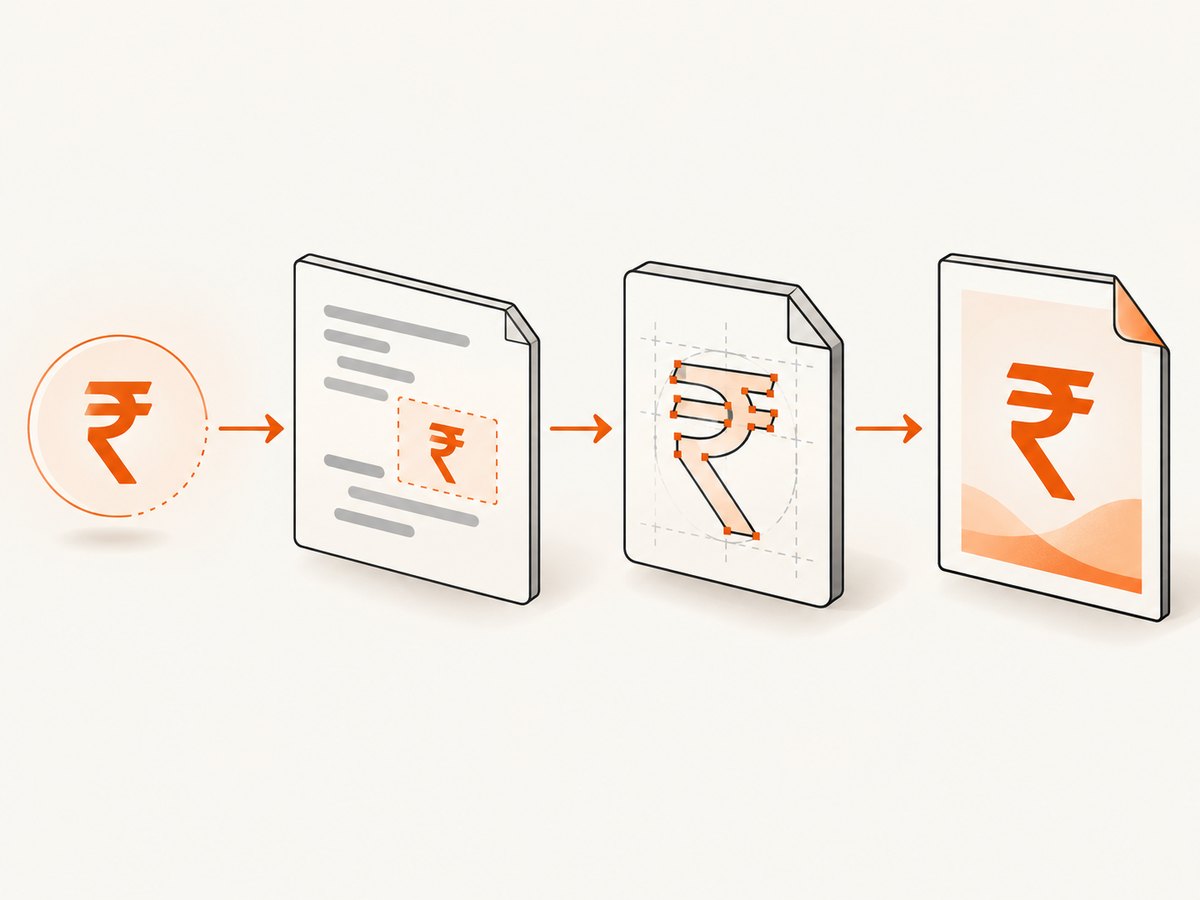
Use UTF-8 input and an embedded font that contains U+20B9. Dompdf’s core PDF fonts support Windows ANSI, so characters outside that range need an external font. Start with the bundled DejaVu Sans font, confirm that your deployed Dompdf package contains it, and test the generated PDF itself.
The rupee sign is Unicode code point U+20B9. A character reference such as ₹ changes how the character enters your HTML; it does not add a missing glyph to a font.
1. Reproduce the problem with a minimal PDF
Use the same Dompdf version, PHP runtime, font files, and configuration as production. This removes template and application variables from the diagnosis.
<?php
require __DIR__ . '/vendor/autoload.php';
use Dompdf\Dompdf;
use Dompdf\Options;
$options = new Options();
$options->setDefaultFont('DejaVu Sans');
$dompdf = new Dompdf($options);
$dompdf->loadHtml('<!doctype html>
<html lang="en">
<head>
<meta charset="UTF-8">
<style>
body { font-family: "DejaVu Sans", sans-serif; font-size: 16px; }
</style>
</head>
<body>
<p>Literal symbol: ₹1,250</p>
<p>HTML reference: ₹1,250</p>
</body>
</html>');
$dompdf->setPaper('A4');
$dompdf->render();
$dompdf->stream('inr-test.pdf', ['Attachment' => false]);
Install Dompdf with Composer if it is not already present:
composer require dompdf/dompdfOpen the resulting PDF in at least two viewers. A browser preview of the HTML is not evidence that Dompdf selected a font with the required glyph.
2. Make the document UTF-8 end to end
Check every boundary where the text is created, stored, or transformed:
- Save PHP, HTML, template, and translation files as UTF-8.
- Declare
<meta charset="UTF-8">in the HTML passed to Dompdf. - Keep database connections and tables configured for a Unicode character set.
- Use the literal
₹or₹consistently. - Do not apply a lossy conversion such as ISO-8859-1 encoding to the HTML.
$html = '<!doctype html>
<meta charset="UTF-8">
<style>body { font-family: "DejaVu Sans", sans-serif; }</style>
<p>Amount due: ₹1,250</p>';
// Equivalent character reference:
$html .= '<p>Amount due: ₹1,250</p>';
If the PDF contains garbled characters, inspect the string before rendering and log its bytes or Unicode code points. If it contains a square or replacement glyph while nearby Latin text is correct, suspect font coverage or font selection first.
3. Select a font with the rupee glyph
Dompdf’s README identifies the bundled DejaVu TrueType fonts as an option for broader Unicode coverage and shows selecting DejaVu Sans in CSS. The exact file available in your installed package and its rendered coverage still need verification. See the Dompdf README.
<style>
  body {
    font-family: 'DejaVu Sans', sans-serif;
  }
  .amount {
    font-family: 'DejaVu Sans', sans-serif;
  }
</style>

<p class="amount">Total: ₹1,250</p>
Set a default font in PHP as well when practical:
$options = new Dompdf\Options();
$options->setDefaultFont('DejaVu Sans');
$dompdf = new Dompdf\Dompdf($options);
A CSS declaration alone does not guarantee success. Confirm that the named family resolves to the intended TrueType file, that the file exists in the deployed package, and that the selected weight is available.
4. Load a custom TrueType font when needed
Use a custom font when your design requires a family other than DejaVu or when the deployed DejaVu file does not provide the appearance or glyph coverage you need. Dompdf supports loading fonts through CSS @font-face; follow the project’s documented font-loading procedure in its Unicode guide.
<style>
@font-face {
  font-family: 'InvoiceFont';
  src: url('/absolute/path/to/fonts/InvoiceFont.ttf') format('truetype');
  font-weight: normal;
  font-style: normal;
}
body {
  font-family: 'InvoiceFont', 'DejaVu Sans', sans-serif;
}
</style>
For a custom font, verify all of the following:
- The path is readable by the PHP process running Dompdf.
- The file is deployed in production, not only on your development machine.
- The font really contains U+20B9 and the required weight/style.
- The Dompdf font cache directory is writable.
- The CSS family name matches the family you use in the document.
Use an absolute, application-controlled path where your deployment requires it. Remote font URLs add another failure point and may require remote-resource settings; a local bundled font is easier to make deterministic.
5. Check font cache and deployment permissions
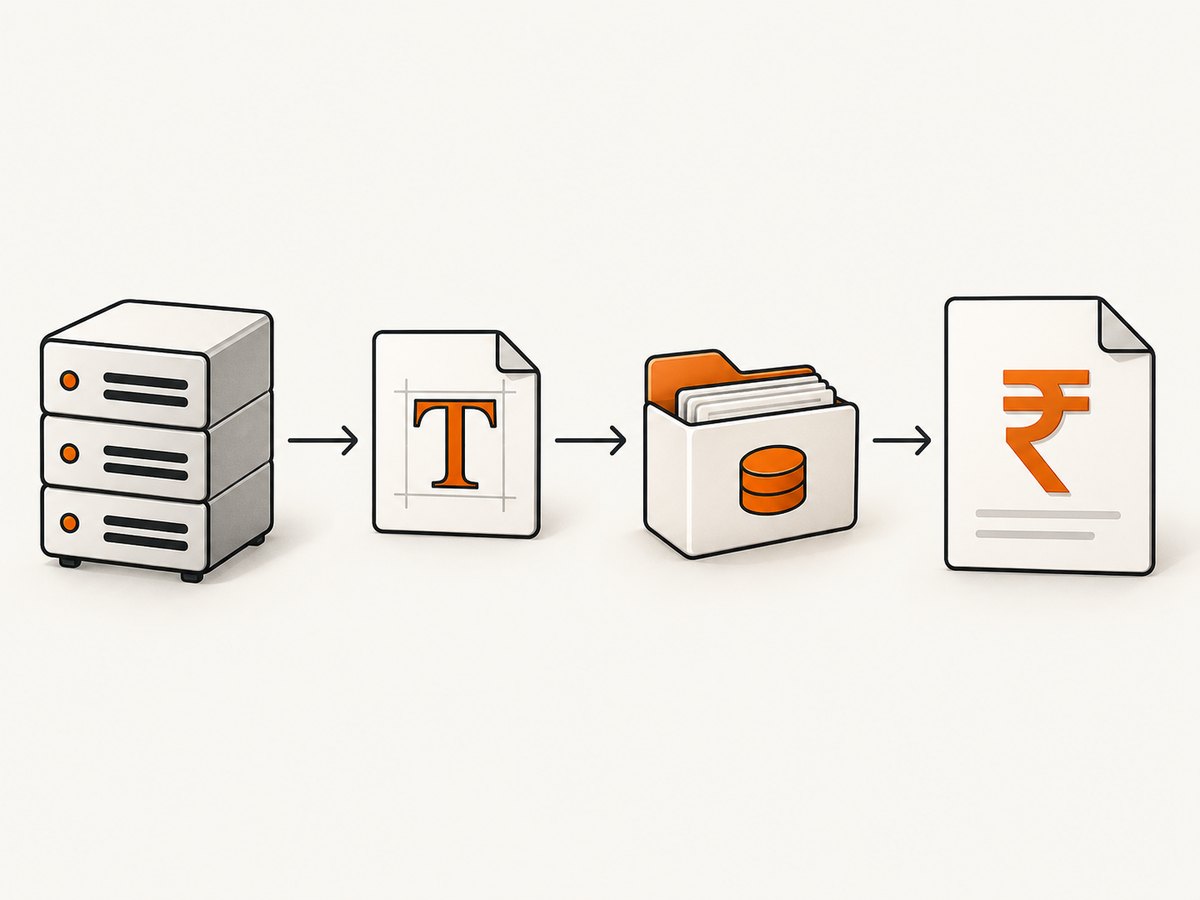
Dompdf must be able to read font files and write its font metrics/cache data. A read-only container, an incorrect ownership setting, or a cache directory mounted from the wrong location can make a font appear configured while preventing it from being registered.
$fontPath = __DIR__ . '/fonts/InvoiceFont.ttf';
if (!is_readable($fontPath)) {
    throw new RuntimeException("Font is not readable: $fontPath");
}

$cacheDir = __DIR__ . '/var/dompdf-font-cache';
if (!is_dir($cacheDir) && !mkdir($cacheDir, 0775, true)) {
    throw new RuntimeException("Cannot create cache directory: $cacheDir");
}
if (!is_writable($cacheDir)) {
    throw new RuntimeException("Font cache is not writable: $cacheDir");
}
Run this check as the same operating-system user used by PHP-FPM, Apache, a queue worker, or your CLI job. After changing a font, clear or rebuild the relevant Dompdf font cache according to the version and deployment procedure you use, then render a fresh PDF.
6. Diagnose the rendered output
| What you see | Likely cause | Fix |
|---|---|---|
| Empty square or tofu box | The selected font lacks U+20B9, or the intended font was not loaded. | Use a verified DejaVu or custom TrueType font and confirm the actual resolved family. |
| Question mark or replacement character | Input was converted through a non-Unicode encoding, or the glyph is unavailable. | Keep source, template, database value, and HTML UTF-8; then check glyph coverage. |
| Garbled multi-byte text | Encoding was decoded or encoded incorrectly before Dompdf received it. | Inspect the string before rendering and remove lossy conversions. |
| Latin text works but ₹ fails | Latin glyphs exist in the selected font while the rupee glyph does not. | Switch to a font with U+20B9 coverage. |
| Works locally, fails in production | Font files, cache permissions, or package contents differ. | Check deployed files and permissions using the production runtime user. |
| CSS names a font but output is unchanged | Dompdf could not resolve or register that family/weight. | Check the font path, family name, cache, and a minimal test document. |
| HTML preview works, PDF fails | The browser has a local fallback font that Dompdf does not. | Embed and explicitly select a font available to Dompdf. |
| Only bold or italic ₹ fails | The requested font variant lacks the glyph or was not registered. | Register the matching weight/style or use a supported fallback. |
| PDF viewers disagree | Font embedding or viewer fallback behavior differs. | Inspect the embedded font and verify with more than one viewer. |
7. Use a repeatable verification checklist
- Render a minimal page containing both literal
₹and₹. - Confirm the HTML is UTF-8 before calling
loadHtml(). - Set
DejaVu Sansexplicitly and render again. - Confirm the deployed font file exists and is readable.
- Confirm the Dompdf font cache can be written by the runtime user.
- Test the exact production Dompdf version and configuration.
- Open the generated PDF in more than one viewer.
- Only then reintroduce templates, loops, translations, and custom CSS.
8. Performance, reliability, and cost notes
Font registration and metric generation add setup work, especially on a cold cache. Reuse a stable font configuration and a persistent writable cache where your deployment allows it. Keep the minimal test page in a diagnostic command so a font or package deployment can be checked before processing a large batch.
Embedding a font increases PDF size compared with relying on a core font, but it makes Unicode output more predictable. Measure the result with your actual documents; the sources do not establish a universal size or speed figure.
Dompdf output is generated locally by your PHP process, so infrastructure cost and reliability depend on your application, filesystem, queue, and deployment configuration. A successful browser render does not validate those server-side conditions.
Or skip the browser setup
If your goal is a clean image or PDF capture of a web page rather than generating an invoice PDF with Dompdf, ScreenshotNeo provides a single HTTP request. Its capture API can return PNG, JPEG, WebP, or PDF, while removing cookie banners, newsletter popups, and chat widgets before capture.
See the ScreenshotNeo API documentation for request options.
curl -G "https://api.screenshotneo.com/v1/shot" -d access_key=YOUR_API_KEY --data-urlencode url=https://stripe.com -o shot.webpimport requests
r = requests.get("https://api.screenshotneo.com/v1/shot", params={"access_key": "YOUR_API_KEY", "url": "https://stripe.com"}, timeout=90)
open("shot.webp", "wb").write(r.content)const q = new URLSearchParams({ access_key: 'YOUR_API_KEY', url: 'https://stripe.com' });
const res = await fetch(`https://api.screenshotneo.com/v1/shot?${q}`);Bot checks, blank pages, failed loads, timeouts, and cache hits are not billed as clean shots, and the response reports the result through X-Page-Verdict and X-Billed headers. ScreenshotNeo also provides an MCP server for AI agents, including Claude and Cursor. The Free plan includes 1,000 screenshots per month without a card; paid plans start at $5 for 3,000 shots. Create a free ScreenshotNeo account.
FAQ
Does ₹ fix a missing rupee glyph?
No. It supplies the same Unicode character through HTML parsing. The selected font still needs a U+20B9 glyph.
Is DejaVu Sans guaranteed to work in every Dompdf installation?
No. Dompdf documents DejaVu as a broad Unicode option, but verify the exact installed file, version, configuration, and generated PDF.
Why does the symbol work in Chrome but not in Dompdf?
Chrome can use fonts installed on the workstation. Dompdf can use only fonts available and successfully loaded in the server environment.
Should I buy a special Indian font?
Not necessarily. The Dompdf project documents bundled DejaVu fonts as an available Unicode-coverage option. A custom font is useful when its coverage, appearance, or licensing fits your document.
What should I test after upgrading Dompdf?
Render the minimal UTF-8 page with both the literal symbol and character reference, then inspect the PDF in more than one viewer using the production font files and cache configuration.


