How to Fix Dompdf Size Reduction Differences Between Localhost and Production
Diagnose Dompdf layout, image, font, DPI, and PDF-size differences between localhost and production with a repeatable checklist and fixes.
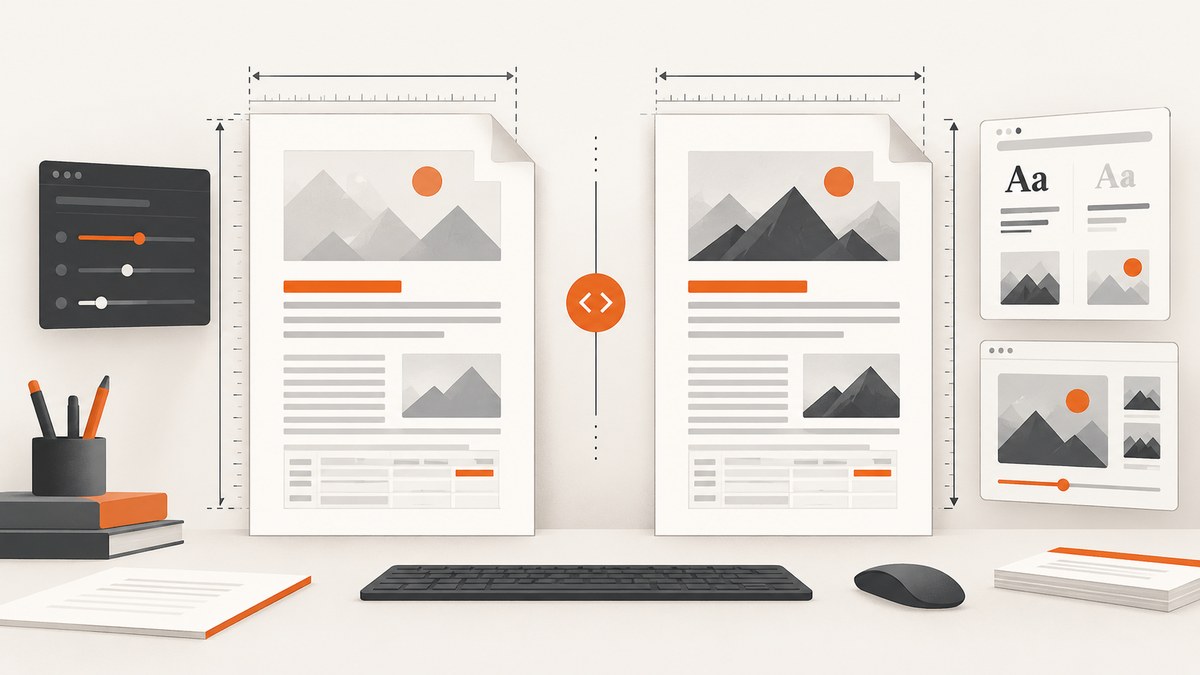
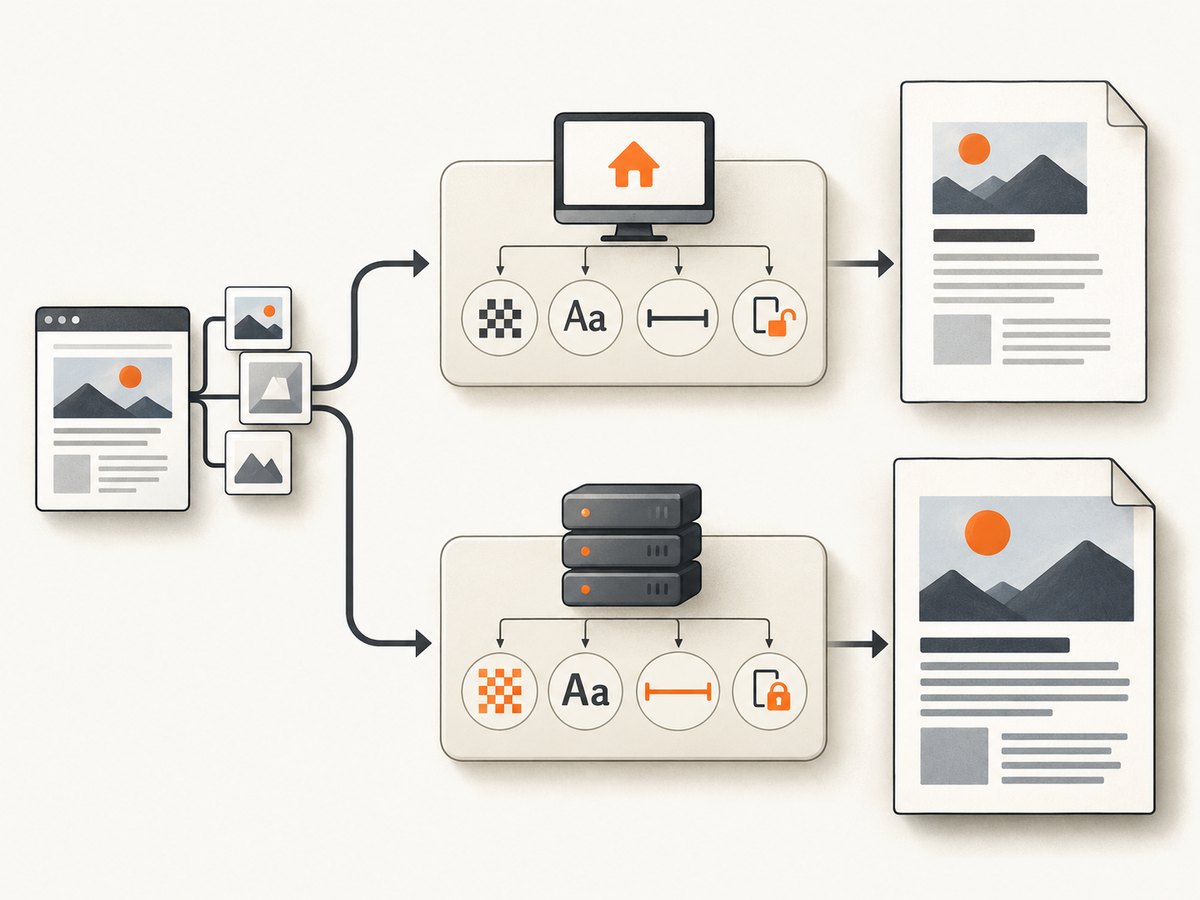
Start by comparing the environments, not by changing DPI. “Size reduction” can mean smaller CSS elements, a collapsed layout, softer images, fewer pages, or a different PDF file size. Those symptoms have different causes.
Use the same HTML, CSS, fonts, images, Dompdf version, PHP runtime, extensions, effective options, paper settings, and resource permissions in both environments. Then change one variable at a time and compare page dimensions, page count, element placement, image quality, and byte size separately.
1. Define what changed
Record the exact symptom before changing configuration:
| Observed difference | Likely area |
|---|---|
| Boxes, columns, or text are physically smaller | DPI, CSS units, paper size, orientation, margins, or viewport assumptions |
| Layout collapses or wraps differently | Unsupported CSS, missing stylesheet, different media type, or narrower usable width |
| Backgrounds or photos look soft | Source pixel dimensions, background sizing, image processing, or DPI |
| PDF has more or fewer pages | Usable page height, margins, fonts, line wrapping, or missing assets |
| PDF file is larger or smaller in bytes | Embedded images, PNG processing, fonts, metadata, or compression |
Save one local PDF and one production PDF from the same input. Inspect them independently: visual scale is not the same measurement as file weight.
2. Create a reproducible Dompdf baseline
Use a fresh Dompdf object for each document. The project README warns that one instance should not render multiple HTML documents because parsing and rendering artifacts can persist into later renders. See the Dompdf README limitations.
<?php
require __DIR__ . '/vendor/autoload.php';

use Dompdf\Dompdf;
use Dompdf\Options;

$html = file_get_contents(__DIR__ . '/fixture.html');

$options = new Options();
$options->set('dpi', 96);
$options->set('defaultPaperSize', 'a4');
$options->set('defaultPaperOrientation', 'portrait');
$options->set('defaultMediaType', 'screen');
$options->set('isRemoteEnabled', false);
$options->set('chroot', [__DIR__ . '/public']);
$options->set('tempDir', __DIR__ . '/var/dompdf-temp');
$options->set('fontDir', __DIR__ . '/var/dompdf-fonts');
$options->set('fontCache', __DIR__ . '/var/dompdf-fonts');

$dompdf = new Dompdf($options);
$dompdf->loadHtml($html, 'UTF-8');
$dompdf->setPaper('a4', 'portrait');
$dompdf->render();
file_put_contents(__DIR__ . '/output.pdf', $dompdf->output());
Run this fixture with the same committed asset files in both environments. Record:
- Dompdf and framework-wrapper versions
- PHP version and enabled extensions, especially DOM, MBString, GD, cURL, and URL-stream support
- Effective Dompdf options at render time
- Paper size, orientation, margins, and
@pagerules - Resolved paths or URLs for every stylesheet, font, and image
- PDF page count, page dimensions, visual differences, and byte size
3. Compare DPI and CSS units
Dompdf’s current options source documents a default DPI of 96 and explains the CSS-pixel to PDF-point conversion. Check the installed release source rather than assuming every wrapper has the same defaults: Dompdf Options.php.
At 96 DPI, a CSS pixel does not map one-to-one to a PDF point. Changing DPI can alter dimensions expressed in px and can change background-image resolution. It is a conversion and resolution setting, not a universal zoom control. A maintainer notes that 72 DPI makes the px-to-point translation one-to-one, while also warning that changing DPI changes pixel-defined element sizes.
/* Prefer physical or relative units for PDF layout where practical. */
@page { size: A4 portrait; margin: 18mm; }

.invoice {
  width: 174mm;       /* explicit usable width */
  font-size: 10pt;    /* point size is easier to reason about in PDFs */
}

.logo {
  width: 42mm;
  height: auto;
}
Diagnostic procedure:
- Log the effective DPI in both environments.
- Render at the same DPI with the same HTML and assets.
- If needed, change DPI alone and regenerate both PDFs.
- Compare CSS-pixel dimensions, point-defined text, and image sharpness separately.
4. Check paper size, orientation, margins, and usable width
The page is smaller than a browser viewport. Paper dimensions, orientation, margins, and @page rules define the usable area. An A4 page is 595.28 points wide; at 96 DPI, that corresponds to about 793.71 CSS pixels before margins. A Bootstrap layout designed around a 768-pixel browser viewport can therefore overflow once PDF margins and other constraints are applied.
use Dompdf\Dompdf;

$dompdf->setPaper('a4', 'landscape');
@page {
  size: A4 landscape;
  margin: 12mm 14mm;
}

/* Keep the main content inside the page's usable width. */
.page {
  width: 100%;
}
Compare wrapper configuration with core defaults. The core source currently shows Letter paper, portrait orientation, screen media, and 96 DPI as defaults; a Laravel wrapper configuration may choose A4 and other values. Confirm the versions you actually install.
5. Verify stylesheets, fonts, images, and remote resources
Dompdf does not load resources exactly like a browser. Local files must be inside the configured chroot. HTTP(S) resources require remote access and a supported PHP transport such as cURL or allow_url_fopen. A browser loading an asset successfully does not prove Dompdf can read it.
$options->set('chroot', [
    __DIR__ . '/public',
    __DIR__ . '/resources/fonts',
]);

$options->set('isRemoteEnabled', true);
$options->set('allowedRemoteHosts', [
    'cdn.example.test',
]);
For each asset, log the exact path or URL supplied to Dompdf and verify it from the PHP worker account. Keep chroot narrow; the options documentation warns that allowing the filesystem root can expose unrelated server files.
Prefer local, versioned assets for deterministic output:
<link rel="stylesheet" href="file:///var/www/app/public/pdf.css">
<img src="file:///var/www/app/public/images/logo.png" alt="">
If you use remote URLs, verify DNS, TLS, authentication, redirects, and the production allowlist. A missing stylesheet often appears as a size problem because default fonts and block flow produce different wrapping.
6. Fix production font and writable-directory problems
Confirm that the PHP worker can read every font file and write to temporary, font, and cache directories. Compare the deployed font files and generated metadata. A persisted installed-fonts.json can contain a path from a developer’s machine; if evidence points to stale metadata, remove the generated cache file so it can be rebuilt. Do not remove the distributed .dist file.
# Example deployment checks; adapt paths to your application.
php -r 'var_dump(is_readable("public/fonts/Inter-Regular.ttf"));'
php -r 'var_dump(is_writable("var/dompdf-temp"));'
php -r 'var_dump(is_writable("var/dompdf-fonts"));'
Font substitution changes glyph widths, line breaks, table heights, and page count. Treat a font mismatch as a layout cause, not a cosmetic detail.
7. Account for CSS Dompdf does not support
Dompdf documents limitations including unsupported Flexbox and CSS Grid. Table cells are not pageable. A browser-perfect page can therefore render differently even when every resource is present.
/* PDF-specific fallback: use tables or block layout instead of Grid/Flex. */
.summary {
  display: table;
  width: 100%;
  table-layout: fixed;
}
.summary-column {
  display: table-cell;
  vertical-align: top;
  width: 50%;
}
Reduce a failing document to a small reproduction. Replace Grid/Flex with supported block or table layout, set explicit widths, and add print-specific rules. Do not compensate for unsupported layout by changing DPI.
8. Diagnose image sharpness and PDF byte size separately
If text and boxes have the expected dimensions but a background looks soft, inspect the source pixel dimensions and rendered frame. background-size: cover can enlarge a source image that is smaller than its frame. DPI affects background-image resolution.
.hero {
  width: 174mm;
  height: 55mm;
  background-image: url("images/hero.jpg");
  background-size: cover;
  background-position: center;
}
If “size” means PDF bytes, measure the file independently from visual scale. A historical 2017 issue described a particular PNG background increasing PDF size while JPG was inserted without the same processing. That report is case-specific and should not be generalized to every current Dompdf version. Compare actual embedded assets and current-version output before converting formats.
9. A complete diagnostic checklist
- Pin and compare Dompdf and wrapper versions.
- Compare PHP versions and required extensions.
- Render the identical HTML string and asset directory.
- Use a fresh Dompdf instance for every document.
- Log effective DPI, paper size, orientation, media type, margins, chroot, and remote settings.
- Verify every stylesheet, font, image, and script path from the production PHP process.
- Confirm font files and generated font metadata are deployment-safe.
- Check temporary and font-cache permissions.
- Replace unsupported Grid/Flex layout in the minimal reproduction.
- Compare page dimensions, page count, element placement, image quality, and byte size as separate measurements.
- Change one setting at a time and retain each generated PDF.
10. Common errors and fixes
| Error or symptom | Cause | Fix |
|---|---|---|
| “CSS works locally but not in production” | Stylesheet path is outside chroot, unreadable, or remote access is disabled | Log the resolved path, move the asset under chroot, or enable remote access with the correct host and PHP transport |
| Fonts fall back or text wraps differently | Font file missing, unreadable, or stale installed-font metadata | Deploy the same fonts, verify permissions, and rebuild generated metadata when evidence shows a stale path |
| Bootstrap columns collapse | Browser viewport assumptions exceed PDF usable width, or unsupported CSS is used | Set explicit PDF widths, margins, and print CSS; replace unsupported Grid/Flex rules |
| Changing DPI makes everything unexpectedly larger or smaller | Pixel-based CSS dimensions are being converted differently | Restore the known-good DPI and use point, mm, or relative units where suitable |
| Images disappear | Missing file permissions, chroot violation, remote access failure, or unsupported format | Test the exact asset path under the PHP worker and inspect remote-host and transport settings |
| PDF has a different page count | Font substitution, line wrapping, margins, paper size, or missing content | Compare fonts and effective page settings before changing layout code |
| PDF bytes increase sharply | Embedded image processing or larger source assets | Inspect embedded images, compare PNG/JPG inputs, and verify behavior on the installed Dompdf release |
| Permission denied in production | PHP worker cannot write temp or font-cache paths | Create deployment-owned writable directories and configure tempDir, fontDir, and fontCache |
11. Performance, reliability, and cost considerations
- Performance: Large images, remote assets, font discovery, and complex tables increase render time. Local, cached assets reduce network variability.
- Reliability: Pin package versions, commit PDF fixtures, and compare generated PDFs after deployment. Avoid relying on browser-only CSS behavior.
- Security: Keep chroot and allowed remote hosts narrow. Do not grant filesystem-root access to make a missing asset “work.”
- Cost: Measure render time and memory in the real PHP worker. A configuration that retries blocked remote assets or loads oversized images can increase infrastructure usage even when the final PDF looks correct.
12. Or skip the browser setup
If your application mainly needs a clean image or PDF of a URL, ScreenshotNeo provides a website screenshot API and MCP server. It accepts one GET request and returns PNG, JPEG, WebP, or PDF. The API supports full-page capture, lazy-image loading, CSS-selector element capture, custom CSS and JavaScript, dark mode, device presets, paper and PDF options, headers, cookies, user agents, authorization, blocking rules, waiting conditions, caching, signed links, async jobs, bulk capture, and a usage API.
See the ScreenshotNeo API documentation for the complete parameter list.
curl -G "https://api.screenshotneo.com/v1/shot" -d access_key=YOUR_API_KEY --data-urlencode url=https://stripe.com -o shot.webpimport requests
r = requests.get("https://api.screenshotneo.com/v1/shot", params={"access_key": "YOUR_API_KEY", "url": "https://stripe.com"}, timeout=90)
open("shot.webp", "wb").write(r.content)const q = new URLSearchParams({ access_key: 'YOUR_API_KEY', url: 'https://stripe.com' });
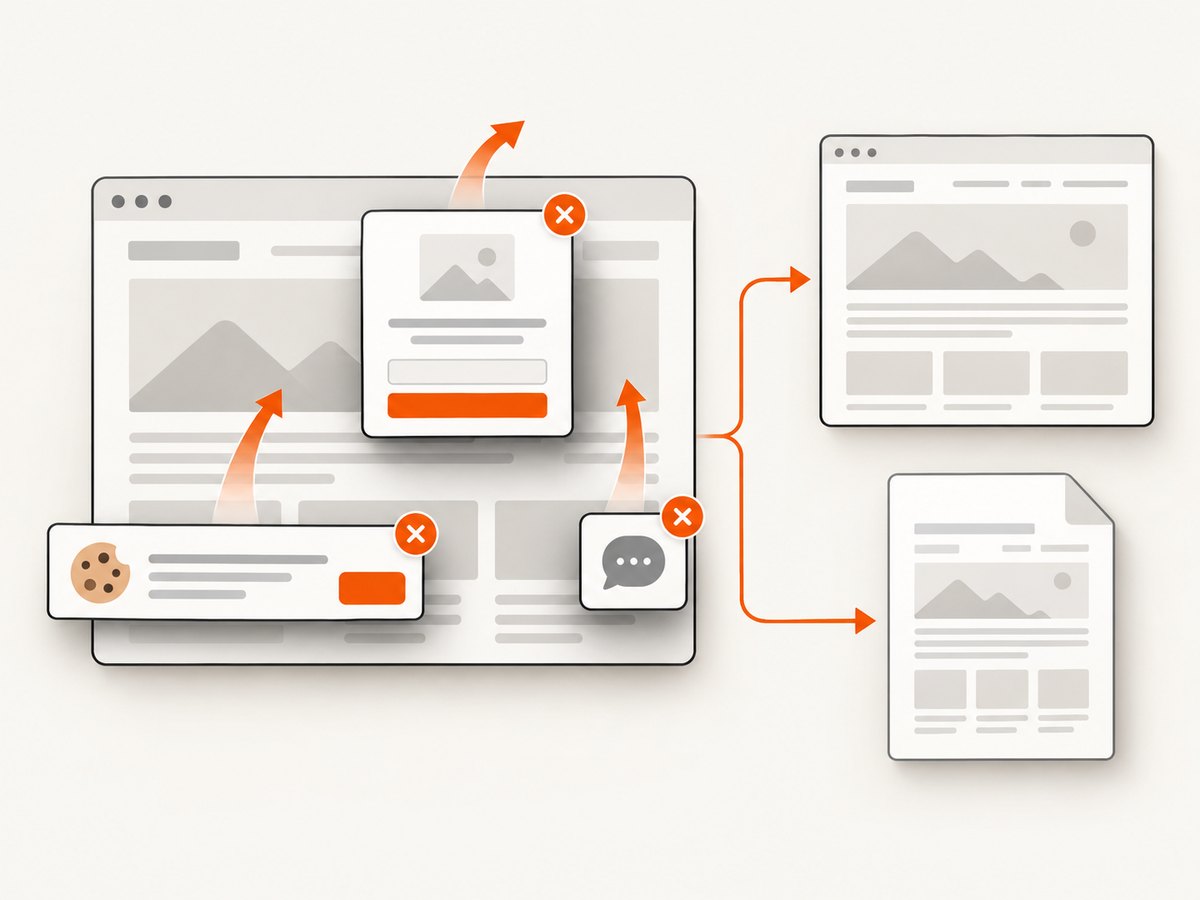
const res = await fetch(`https://api.screenshotneo.com/v1/shot?${q}`);Cookie and consent banners are accepted and removed before capture, along with more than 60 known consent platforms, newsletter popups, and chat widgets; each step can be disabled. Bot checks, blank pages, timeouts, failed loads, and cache hits cost nothing, and the response identifies the result with X-Page-Verdict and X-Billed headers. An MCP server lets Claude, Cursor, and other MCP clients call take_screenshot, get_page_info, and capture_pdf. The free plan includes 1,000 screenshots per month with no card; paid plans start at $5 for 3,000 shots.
Create a free ScreenshotNeo account and start with 1,000 screenshots per month at no charge.
13. FAQ
Should I set Dompdf to 72 DPI?
Only when a controlled comparison shows that the px-to-point conversion is the cause. Changing DPI also changes pixel-defined dimensions and image resolution.
Why does the same HTML fit in Chrome but not on A4?
A browser viewport and an A4 page have different usable widths. Margins, paper orientation, and unsupported CSS can reduce the available layout space further.
Can a missing font cause a different number of pages?
Yes. Font substitution changes glyph widths and line wrapping, which can change block heights and pagination.
Is a larger PDF file evidence that the page rendered larger?
No. File bytes and visual dimensions are separate measurements. Inspect embedded images, fonts, and metadata independently.
When should I rebuild Dompdf font metadata?
When logs or output show that generated metadata references a stale local path. Rebuild the generated cache file while retaining the distributed template file.


