How to Fix Doubled SVG Text in html2canvas
When SVG lettering overlaps in an html2canvas capture, check for duplicate text-node processing. This guide shows how to reproduce, isolate, and investigate it safely.
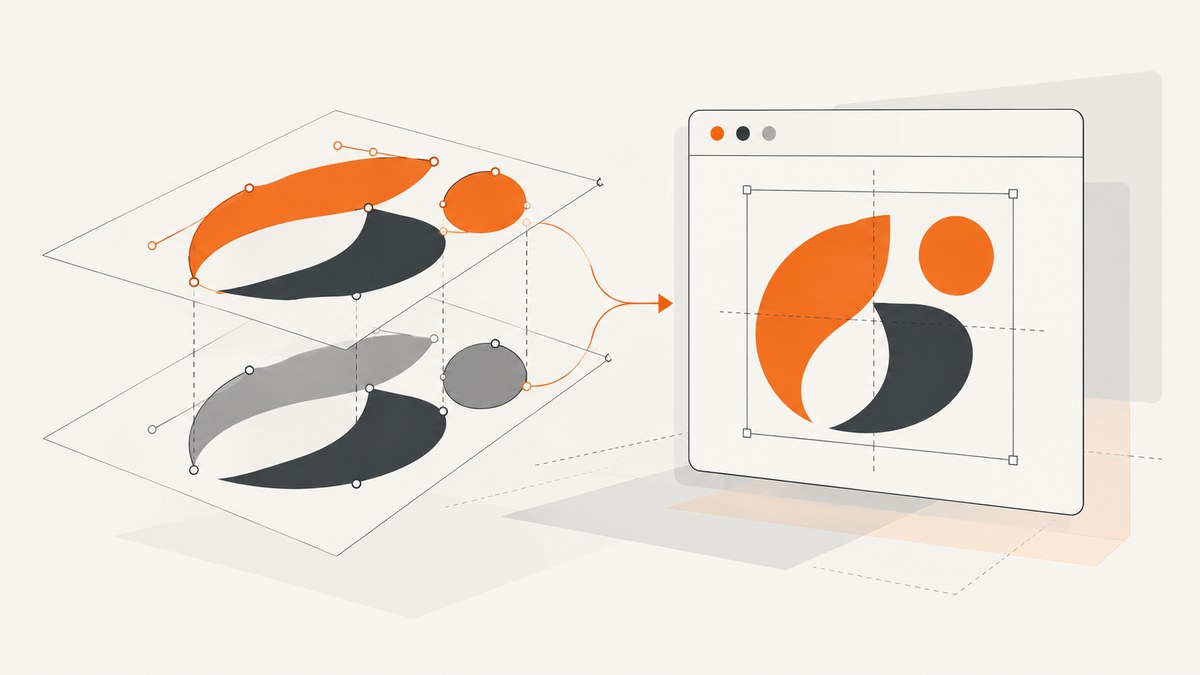
If text inside an SVG appears doubled or overlapped in an html2canvas screenshot, first check whether the SVG <text> characters are being handled twice: once as ordinary DOM text and again by SVG rendering. This is a documented historical failure mode, but reports date to 2015 and do not establish that current releases share it. Record your installed version and reproduce the issue before changing code.
The most reliable path is to make a minimal reproduction, inspect the SVG and the installed parser, then test a narrowly scoped change against the exact version and browsers you support. The documented onclone hook can help isolate the affected content without modifying the live page; it is a diagnostic tool, not a confirmed fix for this defect.
1. What causes doubled SVG text?
SVG text is represented in the document as text inside an SVG <text> element. A historical html2canvas issue described the characters being processed both as a normal text node and as SVG content. Drawing both representations can make letters appear twice or overlap. The issue concerned html2canvas 0.5.0-alpha2 and included transformed SVG text. The report is useful evidence of a failure mode, not proof of a current bug or a guaranteed explanation for every similar screenshot.
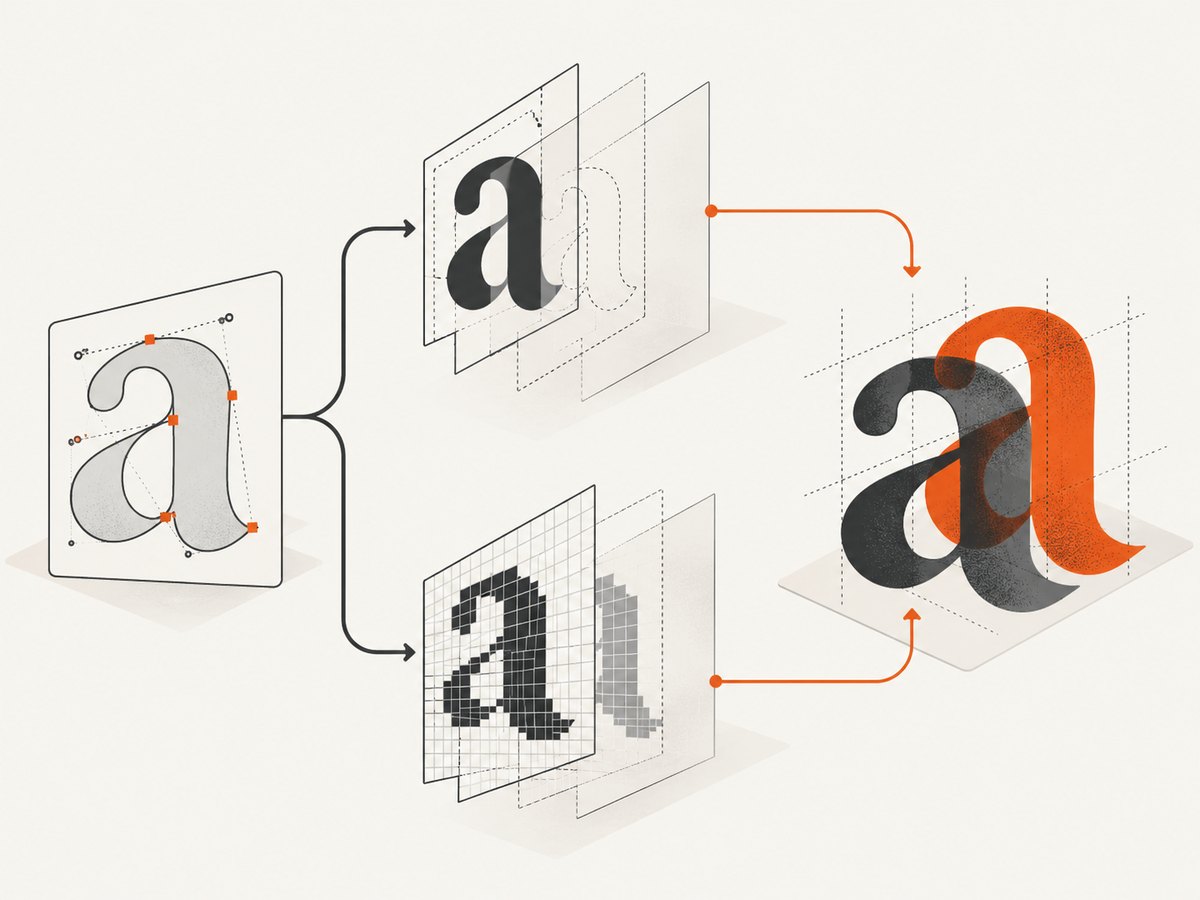
A separate 2015 report suggested the container’s size might be related. It did not establish dimensions as the cause. Treat width and height as variables to test, not as a fix. Likewise, transforms and nested groups can make a reproduction harder to reason about, but the available reports do not show that they are independently responsible.
2. Make a minimal reproduction
Record the exact package version, browser and version, operating system if relevant, SVG markup, container dimensions, and html2canvas options. Then remove unrelated page content until the smallest example that still exhibits the duplicate remains. Start with a simple SVG text node and a capture call:
<div id="capture">
  <svg xmlns="http://www.w3.org/2000/svg" width="320" height="100" viewBox="0 0 320 100">
    <text x="12" y="64" font-size="48">Hello SVG</text>
  </svg>
</div>
<button id="capture-button">Capture</button>
<script type="module">
  import html2canvas from 'html2canvas';

  document.querySelector('#capture-button').addEventListener('click', async () => {
    const canvas = await html2canvas(document.querySelector('#capture'));
    document.body.appendChild(canvas);
  });
</script>
This example assumes html2canvas is installed and your development server supports JavaScript modules. In an application that already loads html2canvas, use its existing import or script setup and keep the test markup and capture target the same. Compare the resulting canvas with the original page at the same zoom level. Save the screenshot and note whether the duplication happens in the browser display too, or only in the captured canvas.
Keep a reproduction record
- Version: Check the package lockfile or run
npm ls html2canvasin an npm project. Record the resolved version, not just the version range inpackage.json. - Browser: Record browser name and version. Test only browsers your application supports, and do not assume every supported browser reproduces this historical issue.
- Input: Keep the SVG markup, styles, dimensions, and relevant transforms. Remove unrelated scripts and page elements.
- Capture settings: Record the options passed to
html2canvas, including scale, width, height, and rendering-window settings if supplied. - Result: Save both the page view and captured output so you can compare the visible SVG to the canvas.
3. Inspect SVG text and isolate the variable
Use browser developer tools to inspect the SVG DOM. Confirm that the visible characters are descendants of the expected <text> element, then simplify the example one change at a time:
- Remove other SVG elements and keep one
<text>element. - Remove nested
<g>elements and transforms, then add them back individually. - Keep the text and styles fixed while varying the container’s width and height. A size relationship was suggested in one old report, but was not proven.
- Compare a page where the SVG is rendered inline with one where the SVG is omitted. This helps distinguish the SVG path from other capture problems.
- Repeat the same reproduction after upgrading or changing versions, and record which version produced each result.
The key question is whether the installed html2canvas code traverses the text under SVG as an ordinary text node in addition to processing SVG content. Do not infer duplicate traversal solely from a blurry or overlapping image: inspect the reproduction and parser behavior.
4. Use onclone to test the diagnosis
html2canvas documents onclone as a callback for modifying the cloned document before rendering. You can use it to remove the affected SVG text temporarily. If the duplicate lettering disappears while the rest of the output remains, that supports the diagnosis that this content is involved. It does not prove the library’s internal cause or repair the underlying behavior.

const target = document.querySelector('#capture');

const canvas = await html2canvas(target, {
  onclone(clonedDocument) {
    const clonedText = clonedDocument.querySelector('#capture svg text');
    clonedText?.remove();
  }
});

document.body.appendChild(canvas);
Run this only as an isolation experiment. The callback changes the cloned document used for that render; the example deliberately removes text and therefore is not a production fix. To test a specific text node, add a stable ID to that SVG element and select it in the clone. If the SVG contains several text elements, test them individually so you know which one changes the output.
The documented data-html2canvas-ignore attribute can exclude an element from capture. That may be useful to confirm whether a region is involved, but excluding the text also excludes the content you need. Neither this attribute nor onclone is documented as a specific fix for doubled SVG text.
5. Choose a version-specific fix
If the reproduction and source inspection confirm duplicate parsing in your installed version, compare that version’s implementation with the historical reports. Those reports describe a parser change that avoids representing text nodes under SVG as ordinary TextContainer objects. One repository discussion also mentions checking that the text node is not parented by a <text> tag. These are clues for investigation, not supported instructions for current versions.
Before changing application code or patching a dependency, check the current package source and release history for your installed version. The research available for this article does not identify a current release containing the historical change, establish that the old patch still applies, or confirm a universal fix. Avoid copying an old NodeParser.prototype.getChildren override into a modern package without verifying its method signature, internal data structures, and effect on other SVG content.
If you maintain a fork or apply a local patch, keep it minimal and scoped to text nodes under SVG. Add a regression reproduction for the specific markup that failed, then inspect other SVG content your application captures. A parser change that affects all text nodes could cause missing or altered content elsewhere. If a newer version resolves the issue, verify your reproduction against that version before shipping the upgrade.
6. Understand the capture options and their limits
The html2canvas configuration documentation describes options that control cloning, ignored elements, scale, dimensions, and the rendering window. They may help you build a controlled reproduction or tune output, but the documentation does not claim that these options fix duplicated SVG text.
| Option or feature | What it does | Relevance to this symptom |
|---|---|---|
onclone |
Lets a callback modify the cloned document before rendering. | Useful for diagnosis or controlled clone-only experiments; not a documented duplicate-text fix. |
data-html2canvas-ignore |
Excludes marked elements from the capture. | Can test whether a region is involved, but the excluded content will be absent. |
scale |
Controls output scaling; its documented default is window.devicePixelRatio. |
Can affect sharpness and canvas dimensions. The docs do not identify it as a fix for duplicate SVG text. |
width and height |
Control output dimensions. | Useful when reproducing a reported size-dependent behavior; dimensions are not an established root cause. |
| Rendering-window options | Control the window dimensions used for capture layout. | May affect layout. No supplied source connects them to a general fix for doubled SVG lettering. |
html2canvas runs in the browser and is subject to browser security restrictions. Its getting-started documentation notes that it cannot bypass cross-origin restrictions. It also notes browser canvas size limits. Those constraints can lead to missing cross-origin content or cutoffs; the cited documentation does not connect either issue to duplicate SVG text. Keep those symptoms separate while debugging.
7. Troubleshooting
| Symptom | Likely area to check | Next step |
|---|---|---|
| Text is doubled only in the canvas. | Capture-time parsing or rendering. | Reduce to one SVG <text> node and inspect the installed parser for duplicate handling. |
| Text is doubled on the page and in the canvas. | The source markup or styles may already render the text twice. | Inspect the DOM for duplicate SVG nodes, overlapping layers, and CSS that creates another visible copy before blaming capture. |
| The old parser patch throws an error. | Internal APIs may have changed since the historical example. | Do not assume an override is compatible. Inspect the installed source and use a version-matched fix or upgrade. |
Text disappears after an onclone experiment. |
The callback selected and removed the cloned text node. | That confirms the selected content affects output, not that the callback fixes duplication. Remove the diagnostic alteration after the experiment. |
| The capture is blurry, clipped, or missing remote images. | Scale, canvas dimension limits, or cross-origin restrictions. | Investigate output sizing and image origin separately. These are documented general limitations, not evidence of the SVG duplication bug. |
| The issue appears only at one container size. | A size-sensitive reproduction, layout change, or coincidental variable. | Vary one dimension at a time and keep SVG markup and capture options fixed. Historical reports do not prove size is the cause. |
| The issue occurs in one browser only. | Browser-specific rendering or environment differences. | Record exact versions and retest the same minimal reproduction. Do not generalize from a single browser. |
8. Performance, reliability, and cost considerations
For a local html2canvas capture, keep the reproduction small while debugging. A minimal SVG makes it faster to compare versions and reduces unrelated layout work. Avoid repeatedly rendering a very large page when one small target can show whether the SVG text is duplicated. The supplied documentation notes canvas dimension limits, so large captures may also encounter browser-specific size constraints.
For reliability, pin or record the dependency version while investigating, retain the minimal reproduction, and check the browsers your application supports. If you change the parser or upgrade the package, verify both the formerly failing SVG and nearby content. The available evidence does not quantify how common this bug is, establish a current browser/version reproduction matrix, or provide performance benchmarks.
html2canvas is a client-side library; the supplied sources do not specify a usage price. The engineering cost is the time to reproduce, isolate, and maintain a version-specific change. If the requirement is simply to produce a website screenshot rather than debug an in-page canvas pipeline, a screenshot API is another implementation route.
Or skip the browser setup
ScreenshotNeo is a website screenshot API and MCP server from Yorker Media. One GET request can return a PNG, JPEG, WebP, or PDF. Its API accepts the common parameter names used by other screenshot APIs, which can make switching easier. See the ScreenshotNeo API documentation for request details.
curl -G "https://api.screenshotneo.com/v1/shot" -d access_key=YOUR_API_KEY --data-urlencode url=https://stripe.com -o shot.webpimport requests
r = requests.get(
"https://api.screenshotneo.com/v1/shot",
params={"access_key": "YOUR_API_KEY", "url": "https://stripe.com"},
timeout=90,
)
open("shot.webp", "wb").write(r.content)const q = new URLSearchParams({ access_key: 'YOUR_API_KEY', url: 'https://stripe.com' });
const res = await fetch(`https://api.screenshotneo.com/v1/shot?${q}`);- Cookie and consent banners are accepted, and 60+ known consent platforms, newsletter popups, and chat widgets are removed before the shot; each step can be turned off.
- Bot checks and CAPTCHAs, blank pages, timeouts, failed loads, and cache hits cost nothing. Response headers report the page verdict and billing status.
- An MCP server gives AI agents, including Claude, Cursor, and other MCP clients, the tools
take_screenshot,get_page_info, andcapture_pdf. - The Free plan includes 1,000 shots a month with no card. Paid plans start at $5 for 3,000 shots; every feature is available on every plan.
Sign up for ScreenshotNeo’s free 1,000 screenshots a month, with no card.
FAQ
Does changing the SVG container size fix doubled text?
There is no established general fix based on container size. One historical report suggested a relationship, but did not prove it. Test dimensions as a controlled variable in your own reproduction.
Can I paste the old NodeParser override into my app?
Do not assume it applies to a current release. The historical code is not confirmed as compatible with modern internals. Inspect the exact installed source and validate any scoped change against a regression reproduction.
Does onclone solve this html2canvas bug?
The documented hook lets you alter the cloned document before rendering. It can help isolate the SVG text, but the documentation does not identify it as a specific repair for duplicate parsing.
Could cross-origin images be causing the doubled letters?
The supplied documentation discusses cross-origin restrictions as a cause of image access or rendering problems, not duplicated SVG text. Diagnose missing images separately from overlapping text.


