How to Fix Emoji Modifier Rendering in html2canvas
Diagnose skin-tone emoji rendering differences in html2canvas, test the available workarounds, and choose a reliable fallback for your browser and output needs.
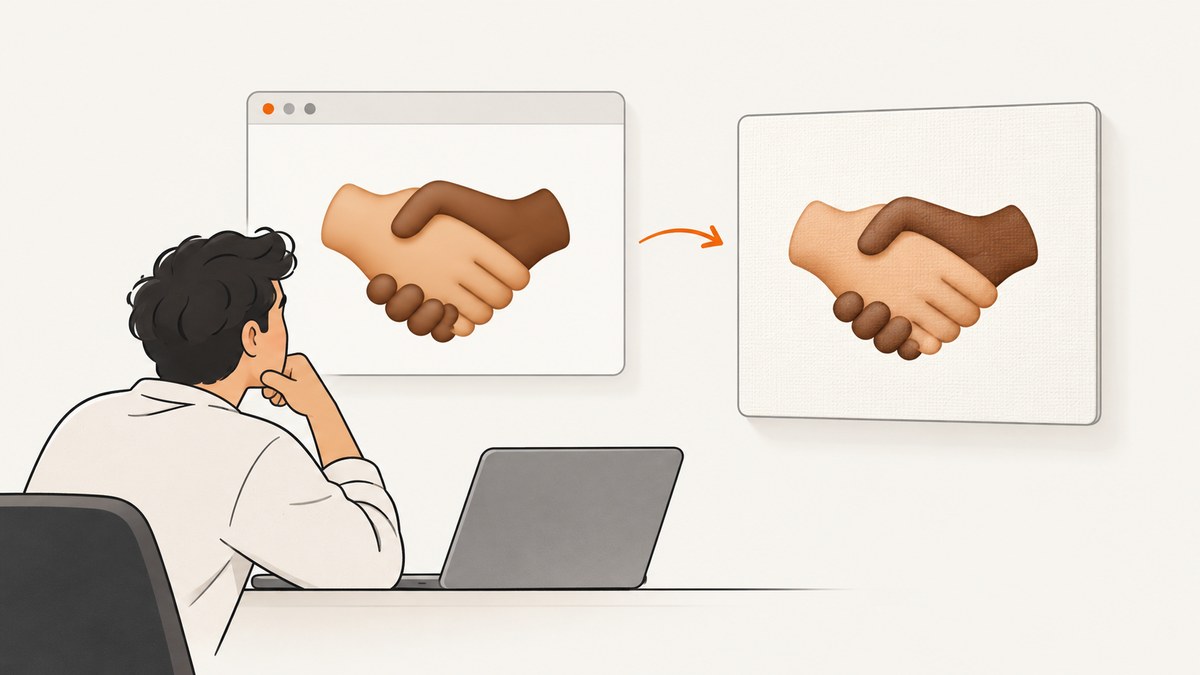
If html2canvas renders a skin-tone emoji incorrectly, first reproduce the exact emoji sequence with your installed package and target browser. Then compare the default renderer with foreignObjectRendering. Neither option is established by the sources here as a universal fix for modifier sequences. A matching Firefox report from 2018 said html2canvas v0.5.0-beta4 appeared to work, but that is historical, user-reported evidence—not a current version recommendation.
html2canvas reconstructs a page from the DOM and the CSS properties it implements; it does not capture the browser’s already-painted pixels. That means a browser can show an emoji correctly while html2canvas produces a different result. If exact appearance matters, compare your output with a real-browser screenshot in the same browser and font environment. The html2canvas FAQ explains these implementation limits.
1. Reproduce the exact emoji and compare the two renderings
A skin-tone emoji modifier is part of an emoji sequence. Unicode’s emoji standard describes the sequences and which emoji support skin-tone variation; test the full sequence as it appears in your content rather than treating the modifier as an unrelated decoration. Unicode Technical Standard #51 is the normative reference.
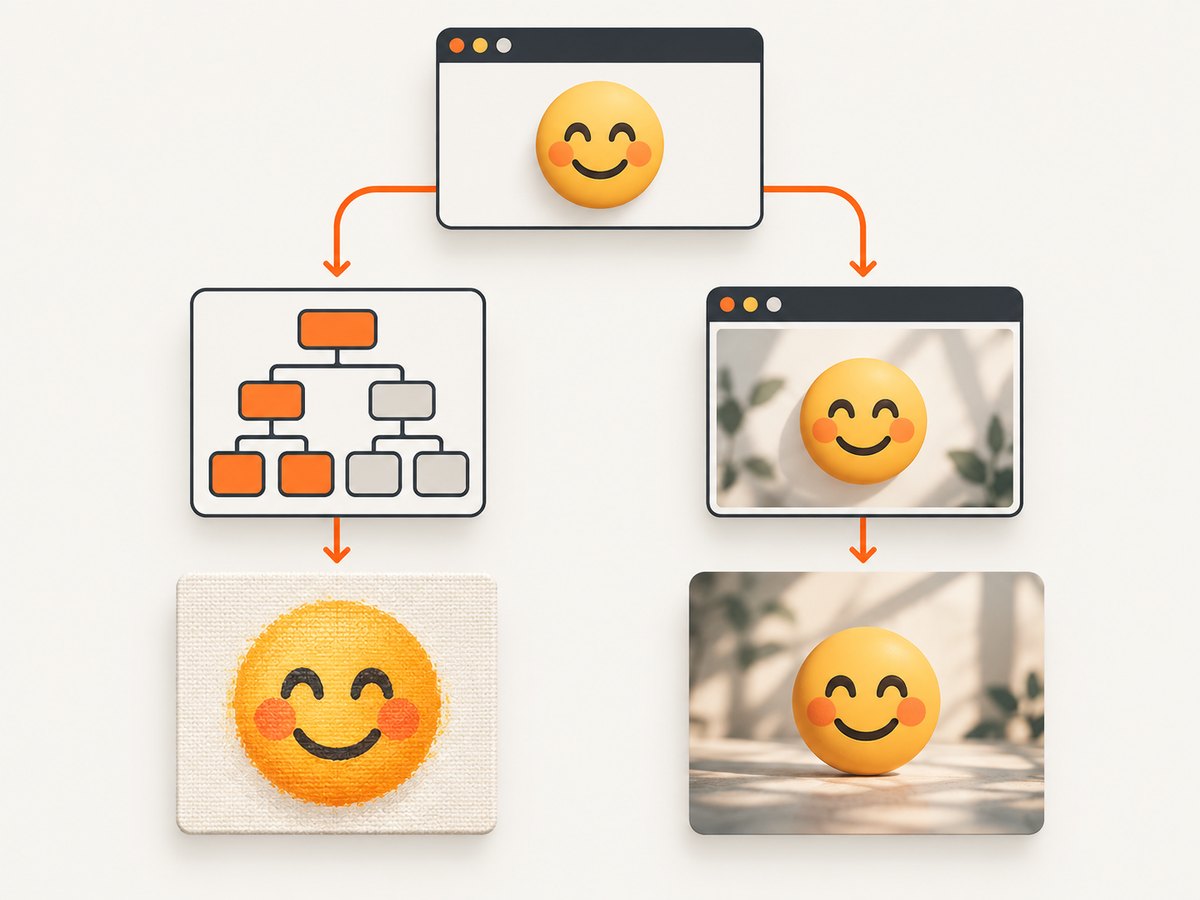
The 2018 report that matches this issue used Firefox and the sequence WOMAN followed by U+1F3FF (dark skin-tone modifier). The most useful first check is to render that sequence in a minimal page using your own package version, browser, operating system, and fonts.
- Record the installed html2canvas package and version. Current installation guidance uses the
@html2canvas/html2canvaspackage; check the getting-started documentation before changing dependencies. - Make a small page with the exact affected emoji and no unrelated styles. Include both the emoji copied from the source content and an explicit code-point version if the result differs.
- Look at the source element in the browser, then compare it with the html2canvas output from the same session. If the source element is already wrong, investigate the browser, operating system, or available fonts. If only the canvas differs, focus on html2canvas’s reconstruction path.
- Repeat the reproduction in each browser and platform you support. Record browser and OS versions and the font environment; emoji appearance can depend on that environment.
<!doctype html>
<html lang="en">
<meta charset="utf-8">
<title>Emoji rendering check</title>
<div id="sample" style="font: 48px sans-serif">👩🏿</div>
<button id="capture">Render with html2canvas</button>
<div id="output"></div>
<script type="module">
  import html2canvas from 'https://cdn.jsdelivr.net/npm/@html2canvas/html2canvas/+esm';

  document.querySelector('#capture').addEventListener('click', async () => {
    const canvas = await html2canvas(document.querySelector('#sample'));
    document.querySelector('#output').replaceChildren(canvas);
  });
</script>
</html>
This browser example uses the package through a CDN module URL for a quick reproduction. In a project, install the package according to the current official instructions and import it from your package setup. The promise-based html2canvas(element, options) call is the same. If your browser blocks module imports from a local file, serve the page from a local development server.
2. Check the package and browser before changing the workaround
Do not pin to an old beta solely because it appears in search results. Blue’s accepted answer on the matching Stack Overflow question said in October 2018 that v0.5.0-beta4 “seems to work.” That describes the author’s test at the time. It does not establish that the beta is suitable for a current app, that it fixes all modifier sequences, or that a present-day release has a confirmed fix.
Start with the current package, reproduce the bug, and change one variable at a time. If an update changes the result, save the small reproduction and test it against your supported browsers before shipping. The project’s current documentation describes modern evergreen browser support, but does not identify a current release as a specific fix for this skin-tone case.
3. Compare the documented rendering options
The options below are candidates to test, not guaranteed modifier-specific solutions. The project documents foreignObjectRendering and onclone in its configuration options.

Try foreignObjectRendering
Use it as a controlled comparison. This path can behave differently from the default renderer, but the documentation does not claim it fixes skin-tone emoji. Support and output can depend on the browser. Compare the result with the default call in the exact environment where your application runs.
import html2canvas from '@html2canvas/html2canvas';

const element = document.querySelector('#sample');
const canvas = await html2canvas(element, {
  foreignObjectRendering: true
});
document.querySelector('#output').replaceChildren(canvas);
Keep the default result too, so you can determine whether this option changes the output. If the option causes other content or styles to differ, it may not be a viable fix for the page as a whole.
Use onclone for a targeted fallback
The onclone callback lets you adjust the cloned document used for rendering without changing the live page. One possible fallback is to replace only the failing emoji in the clone with a tested image representation. This is an implementation suggestion, not a strategy prescribed by the library, and it needs testing with your content and browsers.
import html2canvas from '@html2canvas/html2canvas';

const element = document.querySelector('#sample');
const canvas = await html2canvas(element, {
  onclone(clonedDocument) {
    const clonedSample = clonedDocument.querySelector('#sample');
    if (!clonedSample) return;

    // Substitute a pre-approved representation only in the render clone.
    const image = clonedDocument.createElement('img');
    image.src = '/assets/emoji-woman-dark-skin.png';
    image.alt = '👩🏿';
    image.width = 48;
    image.height = 48;
    clonedSample.replaceChildren(image);
  }
});

document.querySelector('#output').replaceChildren(canvas);
Only use an image asset you have rights to use and have verified at the required sizes. If the captured content is user-generated, a replacement system must map supported sequences carefully; replacing every modifier blindly can change meaning. The example assumes your app serves the asset at the stated path and that it loads before capture.
4. Pick a workaround based on fidelity and maintenance
| Approach | What to verify | Trade-off |
|---|---|---|
| Default html2canvas renderer | Does the exact sequence match the visible source element? | Simple integration, but reconstruction support may differ from the browser’s paint. |
foreignObjectRendering |
Does it match in each browser and with the page’s styles? | Documented option to test; no modifier-specific guarantee. |
| Clone-only substitution | Does the replacement preserve the intended sequence, size, and alignment? | More application logic; can be targeted without editing the live DOM. |
| Real-browser screenshot automation | Does the browser screenshot match the target browser, fonts, and OS? | Captures browser-rendered pixels, but needs browser automation and environment management; output is rasterized. |
If the canvas is used for a preview and minor variation is acceptable, the default path may be enough. For exported assets where visual fidelity matters, compare against an actual browser screenshot. The html2canvas FAQ points to Puppeteer or Playwright for server-side screenshots because they drive a real browser. A real browser still needs a controlled font and browser environment to give repeatable results.
5. Troubleshoot common causes
| Symptom | Likely cause | What to do |
|---|---|---|
| The emoji is wrong before capture too. | The browser or system font environment does not render the sequence as expected. | Check the source element in the target browser and compare supported platforms and fonts before changing html2canvas settings. |
| The browser looks right, but the canvas differs. | The DOM reconstruction path does not reproduce this rendering the same way. | Test foreignObjectRendering, then compare with browser automation if fidelity is required. |
| The copied emoji works but the explicit sequence does not, or vice versa. | The content may contain different code points or sequence composition. | Inspect the actual string and preserve the exact code points in the reproduction; do not normalize or strip modifiers without checking semantics. |
| The clone replacement is missing. | The selector did not match in the cloned document, or the image was unavailable at capture time. | Confirm the selector, use a same-origin reachable asset, and verify the image has loaded before rendering. |
| The output changes between machines. | Browser version, OS, or fonts differ. | Record and control those inputs; test every supported environment rather than relying on one machine. |
| A property or style is missing in the captured result. | html2canvas implements CSS properties individually and does not support every browser rendering behavior. | Create a minimal test case, check the configuration docs, and report an incomplete feature to the project with the reproduction. |
| The capture is blank or fails from a page. | The reproduction may have a general capture, loading, or browser setup problem rather than an emoji-only issue. | Reduce the page to one element, check the browser console, and ensure scripts and assets are loaded before invoking the capture. |
The project FAQ recommends creating a test case when support is missing or incomplete. A small reproduction with the emoji, package version, browser, OS, and observed output gives maintainers a concrete behavior to investigate.
6. Performance, reliability, and output considerations
Keep the reproduction focused: render only the affected element while diagnosing. Rendering a large page requires more DOM and style work than rendering one small node, and capturing the whole page can make it harder to see whether the emoji itself is the issue. Once the cause is understood, test the real page because layout, font loading, and surrounding styles may affect the result.
Wait until the relevant content and fonts are ready before capturing. If a clone-only image substitution is used, wait for that image to load too. For repeatable output, hold browser, operating system, fonts, viewport, and content constant. Save both the browser-visible source and the generated image during debugging so regressions are easy to compare.
html2canvas produces a canvas representation, so the result is raster output rather than editable text. Browser automation also produces a screenshot image. If the emoji must remain selectable text in the final artifact, an image-based capture path will not preserve that property. There are no modifier-specific performance benchmarks or comparative results in the sources cited here, so measure the page and environment you plan to use.
7. Or skip the browser setup
If you need a website screenshot rather than a canvas generated inside your app, ScreenshotNeo is a website screenshot API and MCP server. One GET request returns an image or PDF. It is a separate capture path from html2canvas: it does not repair the canvas output in your own page, but it can avoid setting up browser automation for URL-based screenshots. See the ScreenshotNeo API documentation.
curl -G "https://api.screenshotneo.com/v1/shot" -d access_key=YOUR_API_KEY --data-urlencode url=https://stripe.com -o shot.webpimport requests
r = requests.get(
"https://api.screenshotneo.com/v1/shot",
params={"access_key": "YOUR_API_KEY", "url": "https://stripe.com"},
timeout=90,
)
open("shot.webp", "wb").write(r.content)const q = new URLSearchParams({ access_key: 'YOUR_API_KEY', url: 'https://stripe.com' });
const res = await fetch(`https://api.screenshotneo.com/v1/shot?${q}`);
if (!res.ok) throw new Error(`Screenshot request failed: ${res.status}`);
const bytes = new Uint8Array(await res.arrayBuffer());
await import('node:fs/promises').then(fs => fs.writeFile('shot.webp', bytes));- Cookie banners, newsletter popups, and chat widgets are removed before the shot; each cleanup step can be turned off.
- Bot checks or CAPTCHAs, blank pages, timeouts, failed loads, and cache hits are never billed. The response identifies the page verdict and billing status in headers.
- An MCP server provides
take_screenshot,get_page_info, andcapture_pdftools for Claude, Cursor, and other MCP clients. - The Free plan includes 1,000 screenshots a month with no card. Paid plans start at $5 for 3,000 screenshots; every feature is on every plan.
Sign up for ScreenshotNeo’s free 1,000 screenshots a month—no card required.
8. Frequently asked questions
Does html2canvas currently have a confirmed fix for skin-tone modifiers?
The sources reviewed do not identify a current release that specifically fixes this case. Verify the package you use in your target environment.
Should I remove modifiers before rendering?
Only if changing the emoji’s meaning and appearance is acceptable for your use case. Prefer a targeted, tested substitution in the clone over silently altering the original content.
Does foreignObjectRendering guarantee correct emoji output?
No. It is a documented option worth testing, but the project does not claim it fixes this modifier issue.
When should I switch to browser automation?
Use it when matching the browser’s rendered pixels matters more than keeping the output as canvas-rendered content. Control the browser and font environment and verify the result on supported platforms.


