How to Fix Empty HTML and Screenshots in RSpec, Capybara, and Poltergeist
Diagnose empty Capybara HTML, blank Poltergeist screenshots, missing failure artifacts, async rendering, and broken asset paths.
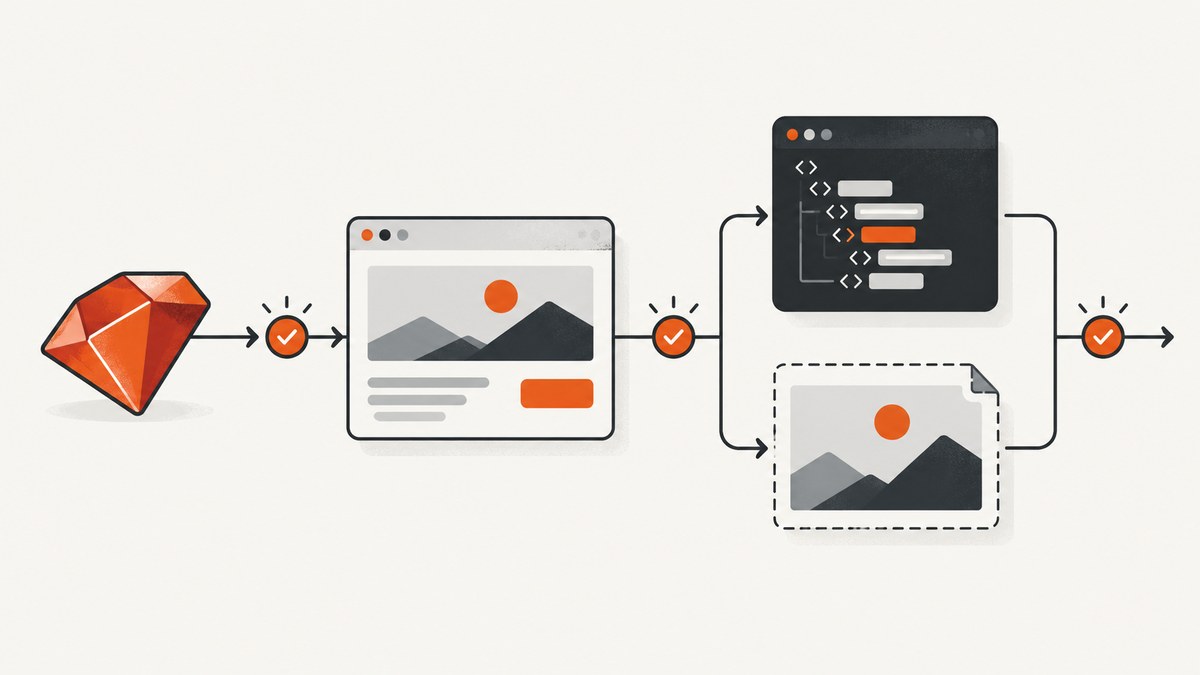
Direct answer: an empty page.html or blank screenshot usually comes from the wrong Capybara driver, capturing before JavaScript finishes, resetting the session before the failure hook runs, or opening an artifact whose CSS and images cannot resolve. Print the page state before the failing expectation, verify the driver, wait for a semantic element, save the HTML and screenshot immediately, and then check asset paths.
Rack::Test can exercise Rack requests, but it does not render a browser page or produce browser screenshots. JavaScript examples need a JavaScript-capable driver such as Poltergeist. Capybara documents page.html, save_and_open_page, and page.save_screenshot in its official README.
1. Capture the failing state before changing it
Put this diagnostic block immediately before the expectation that fails. It records the URL, DOM, body text, and a screenshot while the session still contains the useful state.
puts "URL: #{page.current_url}"
puts "HTML:\n#{page.html}"
puts "BODY:\n#{page.body}"

save_page("tmp/capybara-debug.html")
page.save_screenshot("tmp/capybara-debug.png", full: true)

expect(page).to have_css("main")
expect(page).to have_text("Loaded")
save_page writes an HTML artifact under the configured save path (or to the explicit path above). save_screenshot delegates to the selected driver, so supported options vary by driver. The semantic assertions are deliberate: Capybara finder methods wait for asynchronous content, while inspecting a raw HTML string can race the application. Capybara maintainers recommend expressive finders instead of testing the contents of page.html directly.
2. Confirm the driver is capable of rendering JavaScript
Check the active driver from inside the failing example:
puts "Current driver: #{Capybara.current_driver}"
puts "JavaScript driver: #{Capybara.javascript_driver}"
If the current driver is :rack_test, an empty screenshot is expected because Rack::Test does not control a browser. Mark the example for JavaScript and configure the intended driver:
# spec/rails_helper.rb or spec/spec_helper.rb
require "capybara/rspec"
require "capybara/poltergeist"

Capybara.javascript_driver = :poltergeist

# spec/features/example_spec.rb
RSpec.describe "dashboard", type: :feature, js: true do
  it "renders the loaded dashboard" do
    visit "/dashboard"
    expect(page).to have_css("main.dashboard")
    page.save_screenshot("tmp/dashboard.png", full: true)
  end
end
Use the JavaScript driver only for examples that need browser behavior. Keeping simple request specs on Rack::Test makes failures easier to interpret.
3. Wait for the rendered state, then capture
A screenshot taken directly after click_button can contain the pre-rendered shell. Wait for an element or text that proves the asynchronous work completed:
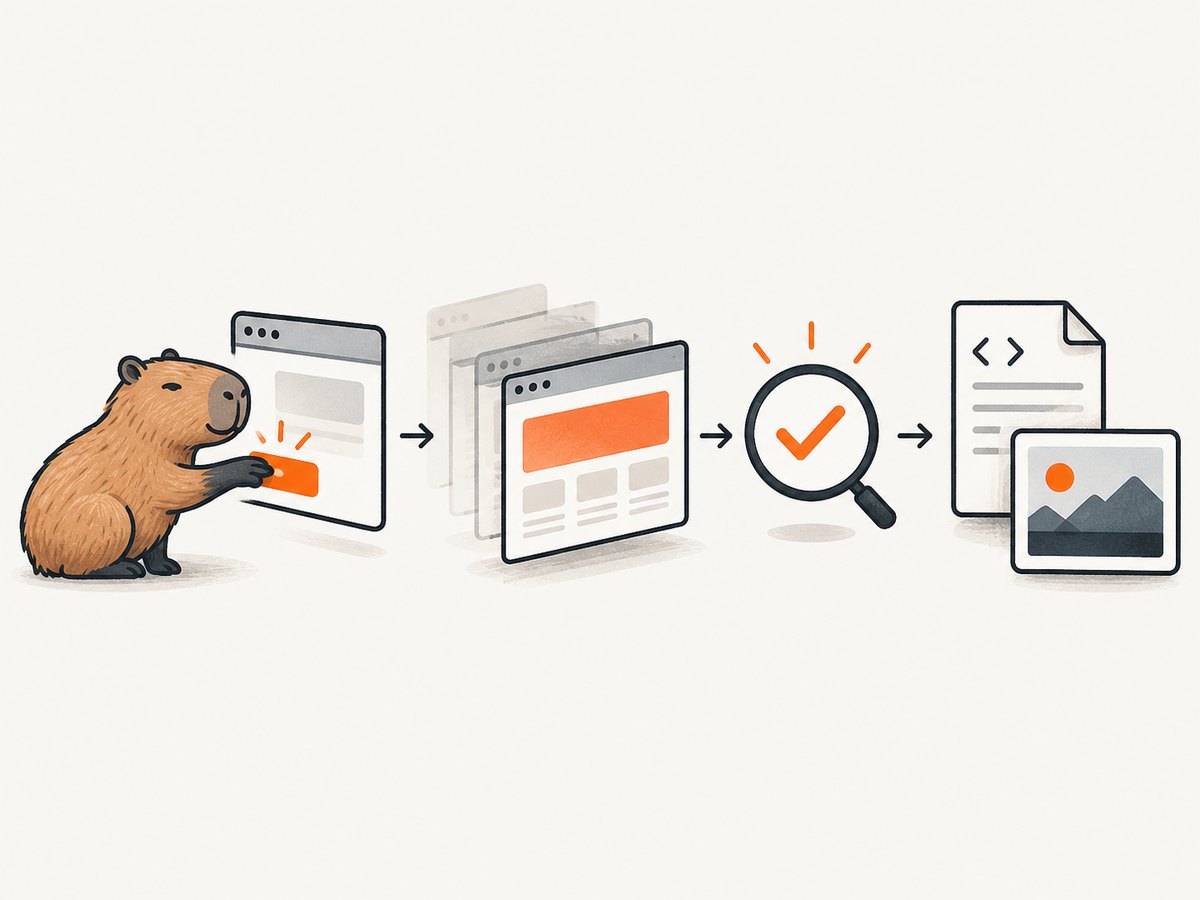
click_button "Load report"

expect(page).to have_css("[data-testid='report']")
expect(page).to have_text("Revenue")

page.save_screenshot("tmp/report.png", full: true)
Prefer a stable semantic marker over an arbitrary sleep. A sleep hides timing problems and makes the suite slower. If the application has a loading indicator, assert that the final content exists (and, when useful, that the indicator disappears).
expect(page).to have_css(".loading")
expect(page).to have_no_css(".loading")
expect(page).to have_css("main")
page.save_screenshot("tmp/after-load.png")
4. Make Poltergeist screenshots deterministic
Poltergeist is a legacy driver built around PhantomJS. Verify that the PhantomJS executable is available and compatible with the Poltergeist version in your bundle. The project documentation warns: “DO NOT use phantomjs from the official Ubuntu repositories, since it doesn’t work well with poltergeist.” Use a compatible PhantomJS installation instead.
require "capybara/poltergeist"

Capybara.register_driver :poltergeist_debug do |app|
  options = {
    js_errors: true,
    timeout: 30
  }
  Capybara::Poltergeist::Driver.new(app, options)
end

Capybara.javascript_driver = :poltergeist_debug
When narrowing a visual failure, capture only the relevant element. Poltergeist supports a full-page capture and selector-based capture:
page.save_screenshot("tmp/full.png", full: true)
page.save_screenshot("tmp/sidebar.png", selector: ".sidebar")
If the full image is blank but a selector image works, inspect page height, overflow rules, and whether the application renders content inside an iframe. If both are blank, return to the driver and timing checks.
5. Fix missing automatic failure screenshots
capybara-screenshot can save a page and screenshot when an RSpec example fails. Require the RSpec integration and ensure the failure hook runs before the session is reset. The project documents screenshot_and_save_page, manual captures, and configuration through Capybara::Screenshot.save_path.
# Gemfile
gem "capybara-screenshot"

# spec/rails_helper.rb
require "capybara-screenshot/rspec"

Capybara::Screenshot.save_path = "tmp/capybara-screenshots"

RSpec.configure do |config|
  config.append_after do
    # Keep this hook after the screenshot integration.
    Capybara.reset_sessions!
  end
end
Using append_after matters because an earlier Capybara.reset_sessions! clears the page before the screenshot hook can inspect it. If artifacts are still missing, print the configured save path and verify the process can write there:
puts Capybara::Screenshot.save_path
puts File.writable?(Capybara::Screenshot.save_path.to_s)
6. Distinguish empty markup from a blank-looking page
Open the saved HTML file and inspect its source. If it contains the expected elements but looks empty in a normal browser, the data is present and the presentation assets are missing. Relative CSS, JavaScript, font, and image URLs often fail when the file is opened as file://.
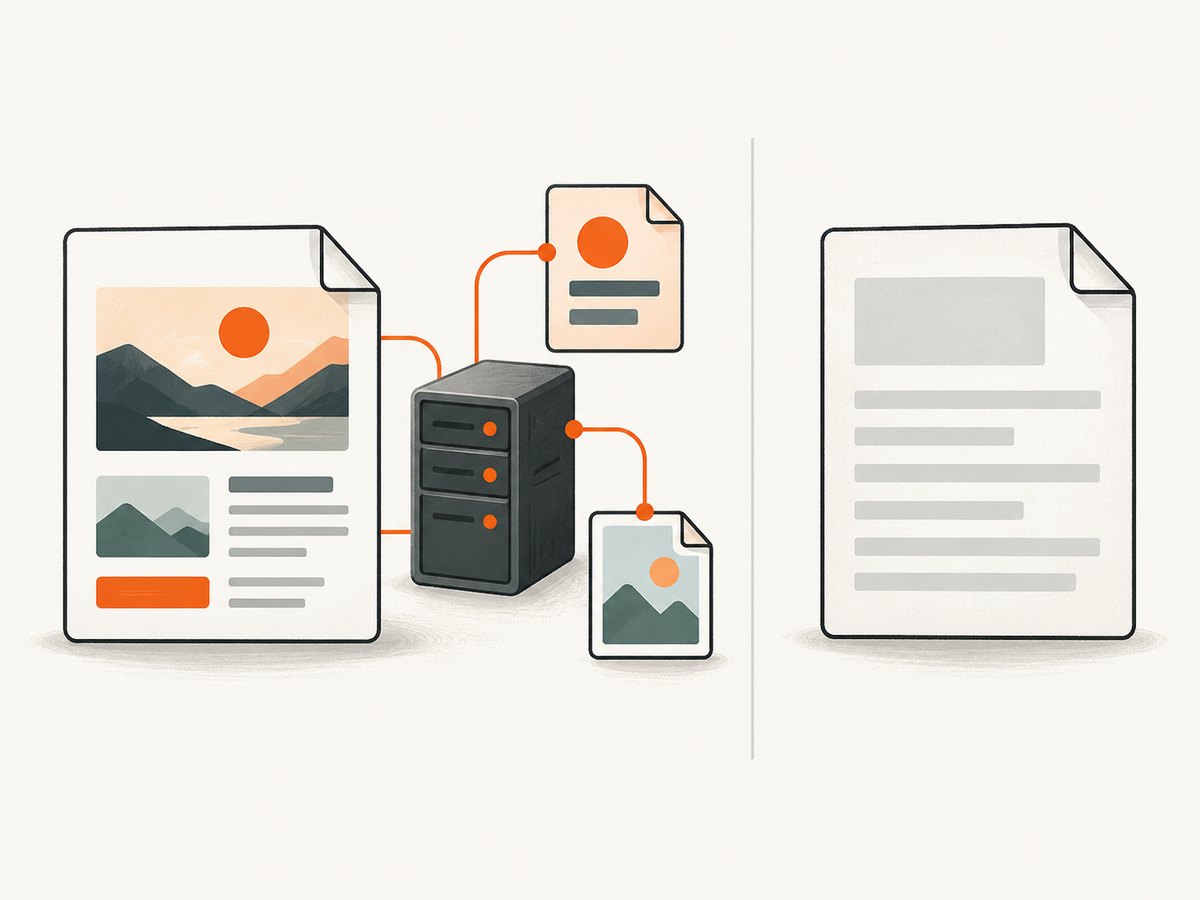
Configure an asset host and run an asset-serving application while inspecting the page:
# config/environments/test.rb
config.action_controller.asset_host = "http://127.0.0.1:3000"
Capybara.asset_host = "http://127.0.0.1:3000"

# Keep the Rails/test asset server running while opening tmp/capybara-debug.html.
Capybara injects an asset-host base tag when asset_host is set. A screenshot taken by the browser driver can still be correct even when the exported HTML looks unstyled outside the running application.
7. A complete RSpec debugging example
require "rails_helper"
require "capybara/poltergeist"

Capybara.javascript_driver = :poltergeist

RSpec.describe "reports", type: :feature, js: true do
  it "renders the report after loading" do
    visit "/reports"
    expect(page).to have_css("main")

    click_button "Load report"
    expect(page).to have_css("[data-testid='report']")

    begin
      expect(page).to have_text("Revenue")
    rescue RSpec::Expectations::ExpectationNotMetError
      warn "URL: #{page.current_url}"
      warn "HTML:\n#{page.html}"
      save_page("tmp/reports-failure.html")
      page.save_screenshot("tmp/reports-failure.png", full: true)
      raise
    end
  end
end
This separates four failure classes: the server returned no markup, JavaScript never ran, JavaScript ran but had not finished, or the page rendered correctly but external assets were unavailable in the saved file.
8. Troubleshooting checklist
| Symptom | Likely cause | Fix |
|---|---|---|
page.html is empty |
Wrong endpoint, failed visit, or session reset | Print page.current_url; capture immediately after visit; check the driver and server logs. |
| Screenshot is blank with Rack::Test | Rack::Test does not render screenshots | Tag the example js: true and use a JavaScript-capable driver. |
| HTML has a shell but no data | Capture occurred before asynchronous rendering | Assert on a final selector or text before saving. |
| HTML has markup but looks unstyled | Relative assets cannot resolve from a local file | Set Capybara.asset_host and serve assets while inspecting. |
| Failure image is missing | Integration not required or session reset too early | Require the RSpec integration and use append_after. |
| Poltergeist cannot start | Missing/incompatible PhantomJS | Check the executable and version; avoid the official Ubuntu PhantomJS package. |
| Full-page image is clipped | Driver or page layout limits full capture | Try full: true, then capture a specific selector:. |
9. Performance, reliability, and cost considerations
- Use Rack::Test for non-JavaScript specs and reserve Poltergeist for browser behavior.
- Replace fixed sleeps with Capybara’s waiting finders so captures happen as soon as the required state exists.
- Capture only on failure in large suites; save routine artifacts to a predictable temporary directory.
- Keep screenshots and HTML from the same moment. Saving them in separate hooks can produce misleading evidence.
- Pin compatible Poltergeist and PhantomJS versions, because Poltergeist is legacy software.
- Serve assets locally in CI and ensure the artifact directory is retained by the CI job.
10. Or skip the browser setup
If the goal is a clean screenshot artifact rather than browser-driver debugging, ScreenshotNeo accepts one GET request and returns a PNG, JPEG, WebP, or PDF. See the ScreenshotNeo API documentation for request options.
curl -G "https://api.screenshotneo.com/v1/shot" -d access_key=YOUR_API_KEY --data-urlencode url=https://stripe.com -o shot.webpimport requests
r = requests.get(
"https://api.screenshotneo.com/v1/shot",
params={"access_key": "YOUR_API_KEY", "url": "https://stripe.com"},
timeout=90,
)
r.raise_for_status()
open("shot.webp", "wb").write(r.content)const q = new URLSearchParams({ access_key: 'YOUR_API_KEY', url: 'https://stripe.com' });
const res = await fetch(`https://api.screenshotneo.com/v1/shot?${q}`);
if (!res.ok) throw new Error(`Screenshot failed: ${res.status}`);
const data = Buffer.from(await res.arrayBuffer());
require('fs').writeFileSync('shot.webp', data);Cookie banners, newsletter popups, and chat widgets are removed before the shot. Bot checks, blank pages, failed loads, timeouts, and cache hits are never billed, and the response identifies the result with X-Page-Verdict and X-Billed headers. ScreenshotNeo also provides an MCP server so Claude, Cursor, and other MCP clients can use take_screenshot, get_page_info, and capture_pdf. The Free plan includes 1,000 screenshots a month with no card; paid plans start at $5 for 3,000. Create a free ScreenshotNeo account.
11. FAQ
Why does save_and_open_page show nothing?
It saves the current session. If the session uses Rack::Test for a JavaScript page, or if the session was reset first, there is no rendered browser state to display. Capture before reset and use a JavaScript driver when needed.
Should I assert on page.html?
Usually no. Use have_css, have_text, and other finder matchers so Capybara can wait for asynchronous rendering. Keep page.html for diagnostics.
Can I use Poltergeist for new test suites?
It is a legacy dependency. If you must support it, verify PhantomJS compatibility and installation. For existing suites, the diagnostic sequence above still identifies whether the failure is driver, timing, reset, or asset related.
Why does the screenshot work in CI but look blank when downloaded?
The captured image may be correct while the saved HTML loses relative assets outside the running application. Set an asset host and inspect the HTML through an asset-serving process.


