How to Fix Missing Images in EvoPdf HTML-String Conversion
Fix blank images in EvoPdf HTML-to-PDF conversion with base URLs, authentication, local files, lazy loading and JavaScript timing.
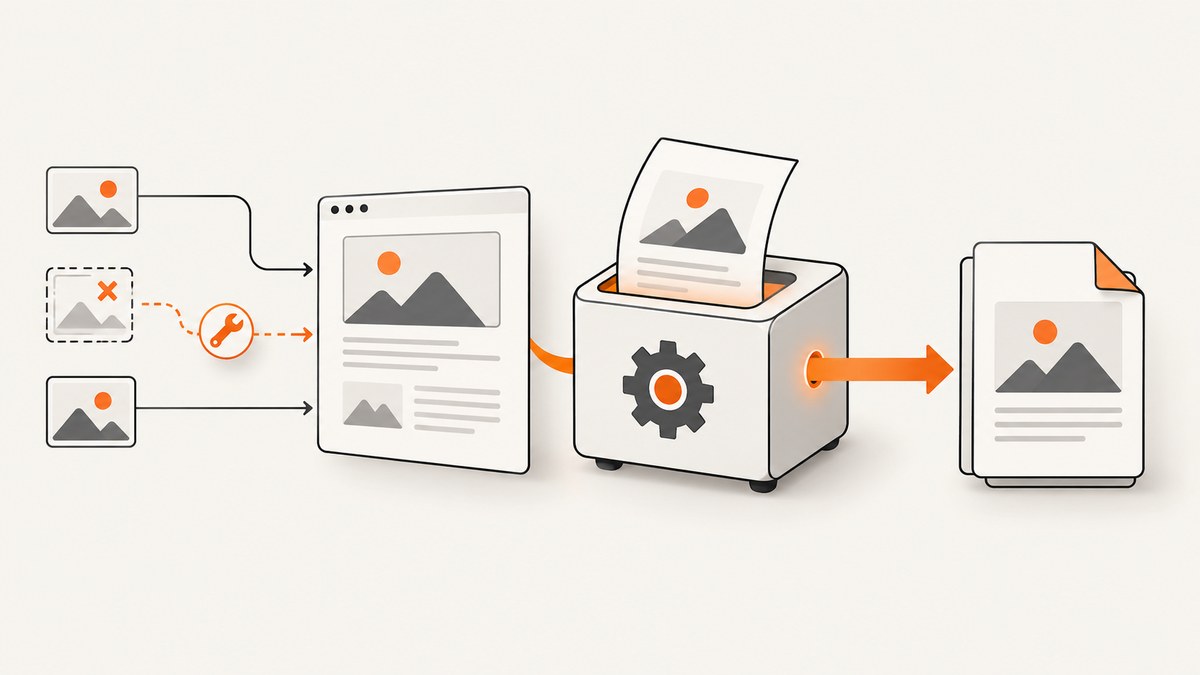
Direct answer: EvoPdf cannot resolve a relative image URL when the source is only an HTML string. Pass a base URL as the second argument to ConvertHtml, add a <base href> element, or use an absolute URL. If images still fail, test the fully resolved URL from the EvoPdf machine and check authentication, permissions, network access, lazy loading, and JavaScript timing.
1. Give relative URLs a base
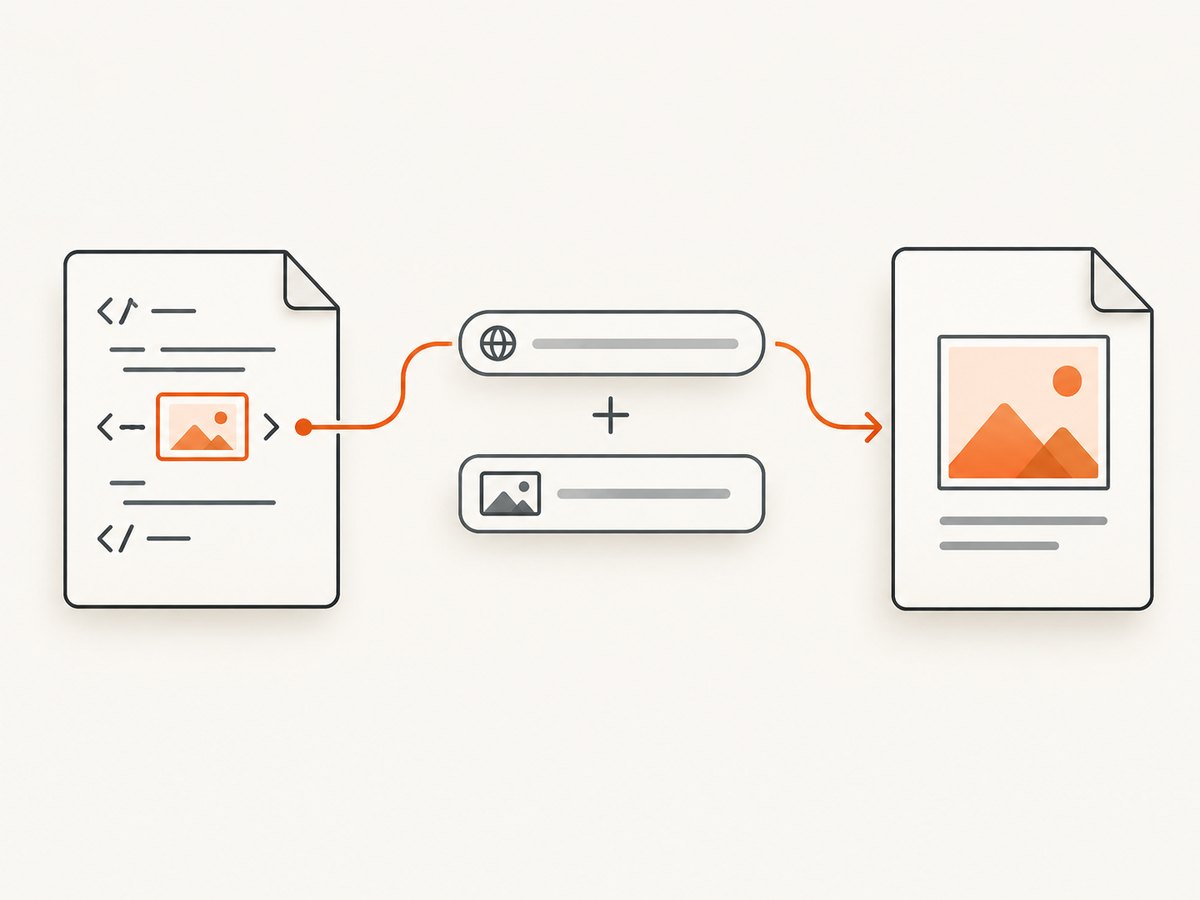
A browser normally resolves images/logo.png against the page URL. An HTML string has no page URL. EvoPdf documents the second ConvertHtml argument as the base for images, CSS, JavaScript, and web fonts.
string html = @"<html><body>
  <img src=\"images/logo.png\" alt=\"Logo\">
</body></html>";
string baseUrl = "https://example.com/reports/";
byte[] pdf = converter.ConvertHtml(html, baseUrl);
File.WriteAllBytes("report.pdf", pdf);
The image resolves to https://example.com/reports/images/logo.png. Use a trailing slash when the base is a directory.
Other valid forms
string html = @"<html><head>
  <base href=\"https://example.com/reports/\">
</head><body>
  <img src=\"images/logo.png\">
</body></html>";
byte[] pdf = converter.ConvertHtml(html, null);
Or make the source absolute: <img src="https://example.com/reports/images/logo.png">.
2. Verify the URL from the conversion host
- Construct the expected absolute URL yourself.
- Request it from the machine running EvoPdf, using the same proxy, DNS, TLS trust and identity.
- Check status, redirects, content type and response bytes. A browser on your laptop may have access the converter lacks.
This distinguishes URL resolution from reachability. Fixing HTML cannot repair a firewall, DNS, certificate or permission failure.
3. Choose the fix by resource type
| Case | Cause | Fix |
|---|---|---|
| Relative web path | No document context | Base URL, <base>, or absolute URL. |
| Absolute URL blank | Converter host cannot fetch it | Check DNS, firewall, proxy, TLS and redirects from that host. |
| Private image | Missing session or authorization | Configure EvoPdf HTTP/forms authentication or forward required cookies/headers. |
| Local image | Bad file URL or service permissions | Use file:///... and grant the conversion account read access. |
| Lazy image | Placeholder never becomes an image | Keep lazy-image loading enabled. |
| Script-created image | Conversion starts too early | Increase ConversionDelay or trigger conversion manually after load. |
4. Authenticated and local assets
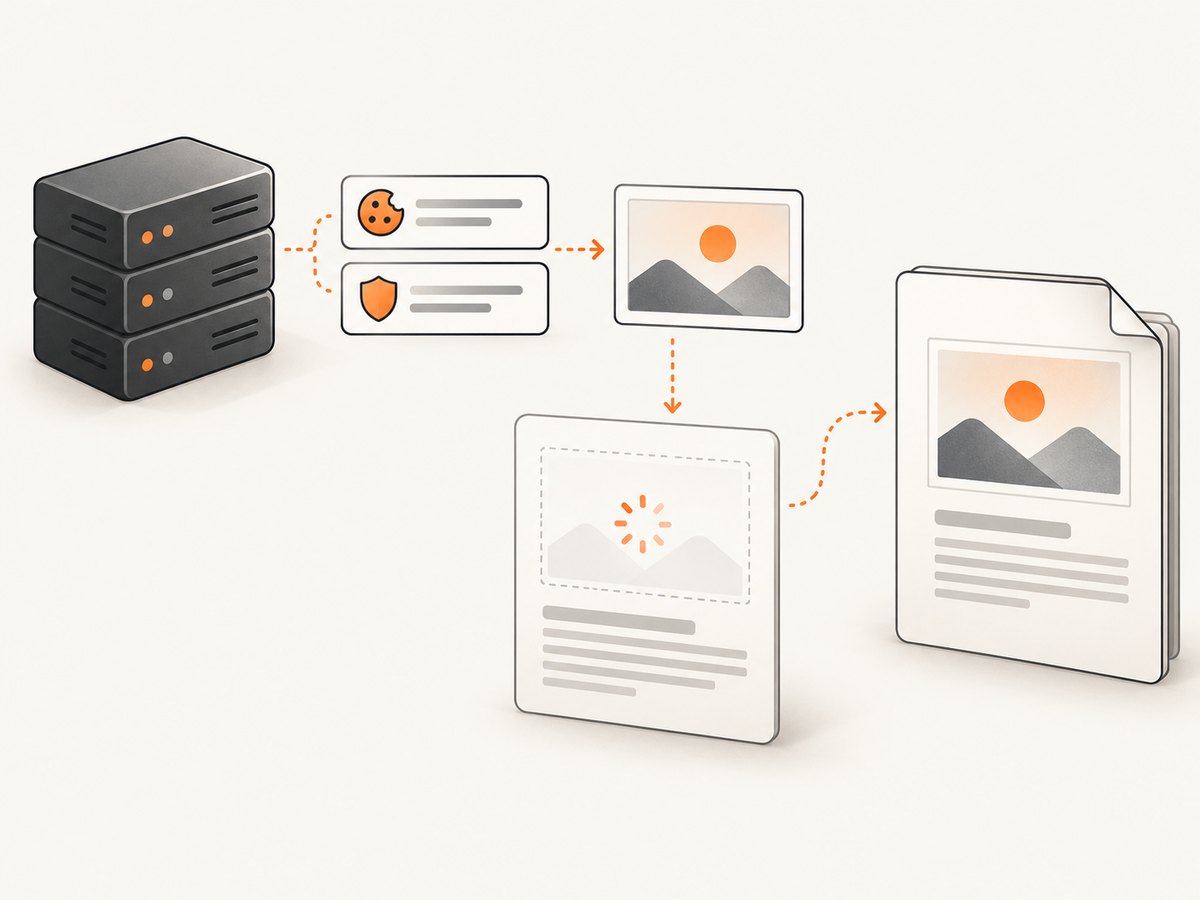
HTML and image requests are separate. A page can load while its image receives a login page, 401, or 403. Configure the converter’s documented authentication options, or forward the cookies and headers required by the image endpoint. Confirm the response is an image, not HTML.
string html = @"<html><body>
  <img src=\"file:///C:/images/logo.jpg\">
</body></html>";
byte[] pdf = converter.ConvertHtml(html, null);
For Linux use a URL such as file:///opt/app/images/logo.jpg. The service account must traverse parent directories and read the file.
5. Lazy loading and JavaScript timing
EvoPdf Next documents HtmlToPdfConverterLoadLazyImages as true by default and exposes a lazy-image load mode. Keep it enabled unless you intentionally manage lazy loading yourself.
converter.HtmlToPdfConverterLoadLazyImages = true;
string html = @"<html><body>
  <img data-src=\"https://example.com/images/chart.png\">
</body></html>";
byte[] pdf = converter.ConvertHtml(html, "https://example.com/");
For JavaScript-generated images, increase ConversionDelay. A fixed delay can be too short on a slow run. Manual triggering is deterministic: call evoPdfConverter_startConversion() only after the image has loaded.
<script>
const image = new Image();
image.onload = () => { document.body.appendChild(image); evoPdfConverter_startConversion(); };
image.src = "https://example.com/images/chart.png";
</script>
Use the exact setup required by the EvoPdf package/version in your project.
6. Troubleshooting checklist
| Symptom | Cause | Fix |
|---|---|---|
| All relative images missing | No base | Pass baseUrl or add <base href>. |
| One folder missing | Wrong directory base | Correct the base so the joined path exists. |
| Absolute URL works locally only | Network or TLS difference | Fetch from the EvoPdf host and fix routing or trust. |
| Login page in image area | Missing cookie/header | Configure authentication and forward credentials safely. |
| Local file fails | Malformed URL or permissions | Use a full file URL and grant read access. |
| Intermittent blanks | Lazy/async race | Enable lazy loading, add delay, or use manual triggering. |
7. Reliability, performance and cost
- Reliability: log the resolved URL, response status and converter host. Test private resources with production credentials.
- Performance: every external image adds a request. Long delays increase latency; manual triggering avoids guessing.
- Security: forward only required cookies or headers. Restrict local file permissions.
- Cost: large images, redirects and slow origins increase conversion and hosting time. A longer delay cannot fix an unreachable URL.
8. Or skip the browser setup
If you need a clean capture of a web page, ScreenshotNeo handles the capture with one request. Cookie and consent banners, newsletter popups and chat widgets are removed before the shot; bot checks, blank pages and failed loads are never billed. Its MCP server lets AI agents take screenshots. The free plan includes 1,000 screenshots a month with no card; paid plans start at $5 for 3,000.
See the ScreenshotNeo docs for options.
curl -G "https://api.screenshotneo.com/v1/shot" -d access_key=YOUR_API_KEY --data-urlencode url=https://example.com -o shot.webpimport requests
r = requests.get("https://api.screenshotneo.com/v1/shot", params={"access_key": "YOUR_API_KEY", "url": "https://example.com"}, timeout=90)
open("shot.webp", "wb").write(r.content)const q = new URLSearchParams({ access_key: 'YOUR_API_KEY', url: 'https://example.com' });
const res = await fetch(`https://api.screenshotneo.com/v1/shot?${q}`);Create a free ScreenshotNeo account for 1,000 screenshots each month with no card.
9. FAQ
Does an absolute URL guarantee an image?
No. The converter still needs network access, valid TLS, authorization and an image response.
Why does HTML load while its image fails?
They are separate requests and may not share cookies, headers or network permissions.
Can I inline images as base64?
It removes a network dependency but increases HTML size and does not solve images created later by JavaScript.
How do I prove the issue is environmental?
Fetch the resolved URL from the same machine and service identity that performs conversion and compare status, headers and bytes.


