How to Fix Excessive Letter Spacing in Wkhtmltopdf
Excessive letter spacing in wkhtmltopdf can come from CSS, font selection, or the rendering environment. Use a minimal comparison to isolate the cause before changing production styles.

Excessive letter spacing in wkhtmltopdf has no single confirmed fix that works across every build and host. First check the page’s computed letter-spacing and font selection. Then render the same small HTML test in a browser and with the exact wkhtmltopdf binary used in production. If the browser looks right and the PDF does not, investigate the binary, operating system, fonts, and font-rendering environment before changing styles across the document.
“Letter spacing” (or tracking) means a general gap between letters. Kerning adjusts the spacing of particular letter pairs. The distinction helps describe the symptom, but a PDF that looks too expanded or too condensed does not by itself tell you which part of the rendering stack is responsible. A long-running wkhtmltopdf issue about bad kerning reports different results across builds and systems; its discussion does not establish one root cause or universal CSS remedy.
1. Check the CSS and font first
Start with the affected element, not the whole stylesheet. Look for an explicit letter-spacing value inherited from a reset, theme, component, or print stylesheet. Also check font-family, font-weight, and whether the intended web font actually loads in the environment that runs wkhtmltopdf. A fallback font can have different glyph widths and kerning, which may change both perceived spacing and line wrapping.
Use your browser’s developer tools to inspect computed styles for a short affected line. Then temporarily remove explicit tracking and reduce the page to the smallest markup that still shows the problem. These steps isolate likely causes; setting letter-spacing: normal is a useful diagnostic, not a guaranteed fix for renderer-level differences.
<!doctype html>
<html lang="en">
<head>
  <meta charset="utf-8">
  <style>
    body { font-family: Arial, sans-serif; font-size: 16px; }
    .sample { letter-spacing: normal; }
  </style>
</head>
<body>
  <p class="sample">AVATAR minimum office typography</p>
</body>
</html>
Save this as spacing.html. Replace the sample line and font with the smallest version of your actual case if the issue disappears. Include words with potentially sensitive pairs such as “AV” and “To,” along with ordinary text. Do not change font, size, tracking, and renderer settings at the same time: that makes the result hard to interpret.
2. Compare the browser with the production renderer
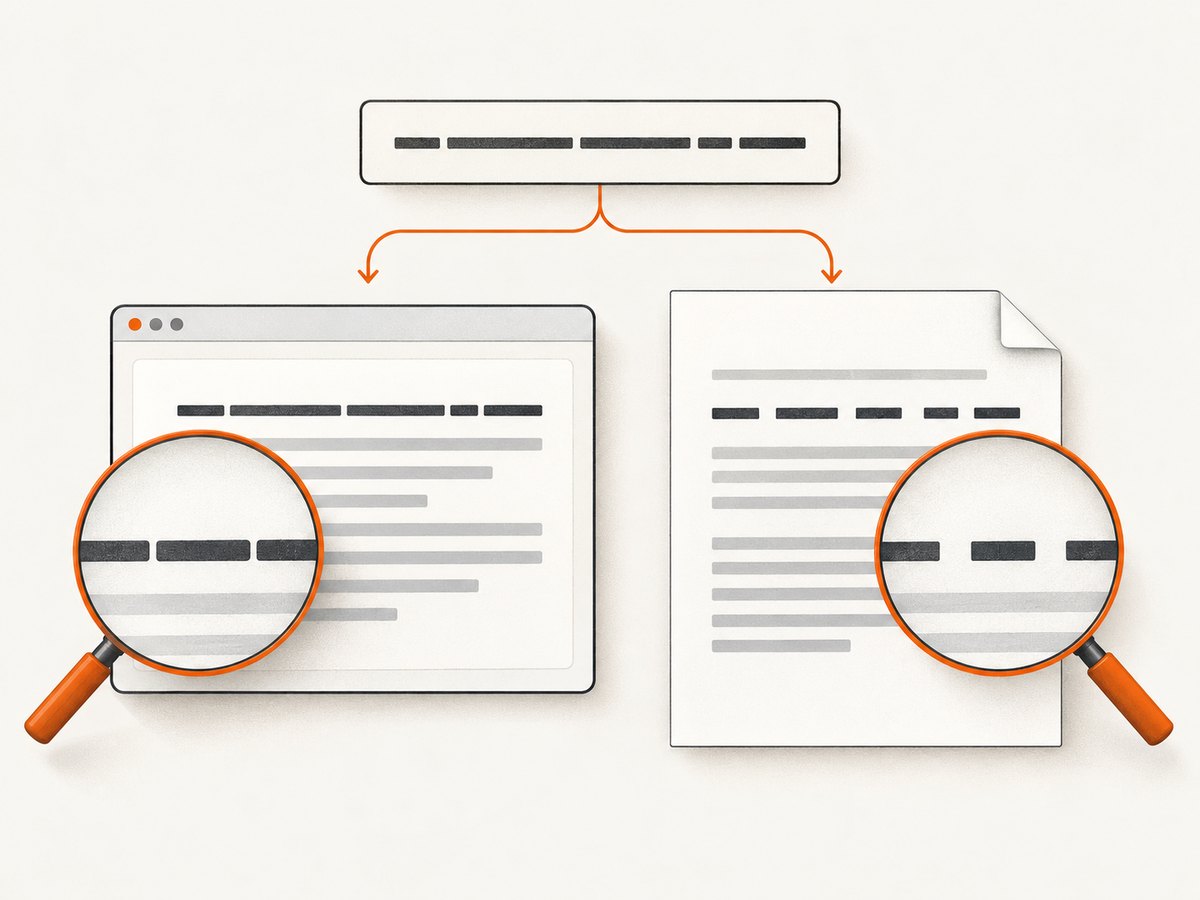
Open spacing.html in a current browser and save it to PDF using the exact wkhtmltopdf executable and host that generate the affected document. Keep the HTML, font files, viewport assumptions, and font size the same. Compare a line at a time, including its wrapping. A browser PDF made by a different engine is a comparison point, not proof that wkhtmltopdf must render identically.
wkhtmltopdf --version
wkhtmltopdf spacing.html spacing.pdf
If the page uses local resources, reproduce the same resource access conditions as production. For a local test file that refers to local assets, wkhtmltopdf may need its local-file-access option enabled. Only enable access that the document requires, and make sure relative asset paths resolve from the location where the command runs.
Interpret the comparison this way:
- Both outputs look wrong: inspect CSS tracking, font choice, font size, and whether the chosen font itself has the expected metrics.
- Browser looks right; wkhtmltopdf differs: focus on the installed wkhtmltopdf build, host, fonts, fontconfig, and runtime libraries.
- Only some characters or words differ: test the actual font and affected glyph pairs, and check for inline font changes, links, or code spans.
- Spacing changes with line wrapping: record both. A workaround that alters font metrics can affect page breaks and layout as well as appearance.
3. Record the environment so the result is reproducible
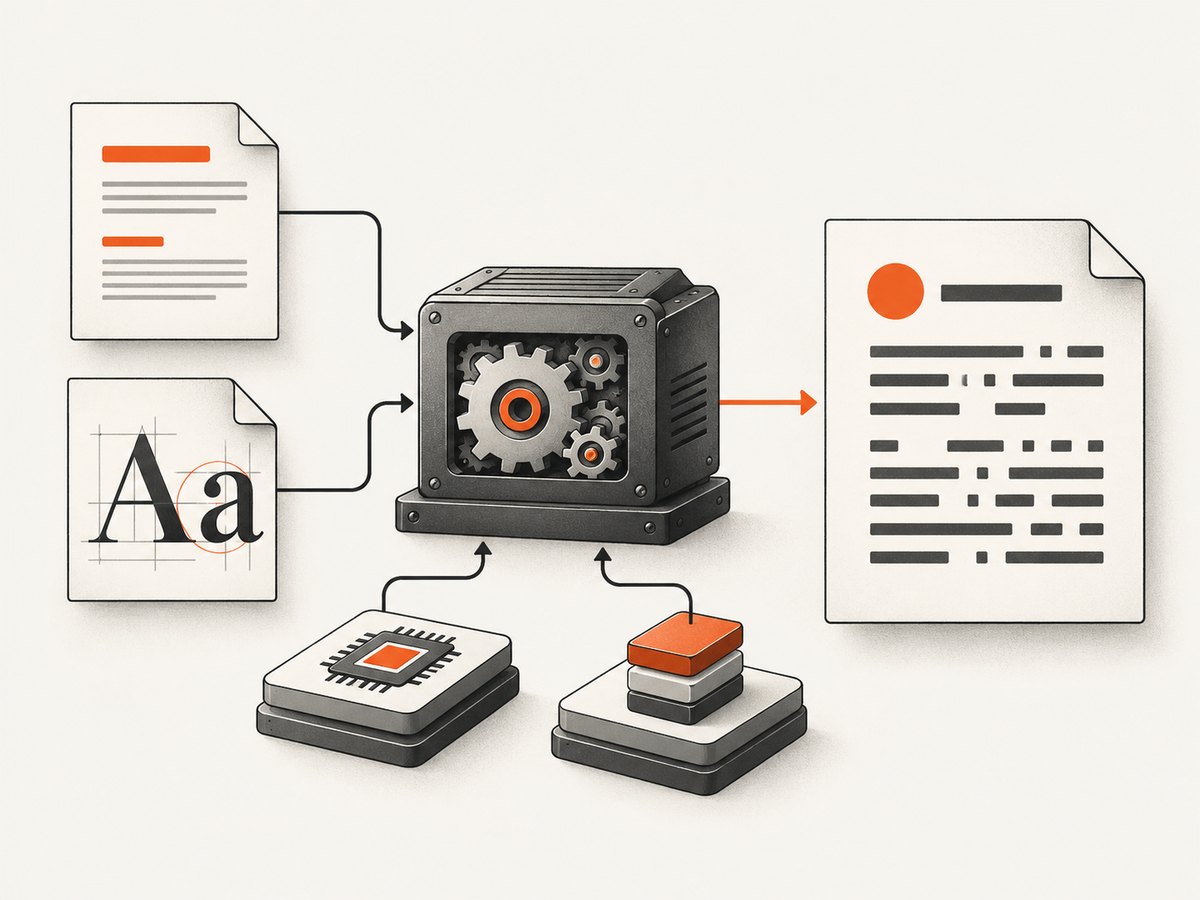
Before trying machine-specific workarounds, save the exact version output and capture these details:
- wkhtmltopdf version, including whether the build reports patched Qt
- Operating system and distribution, architecture, and container or deployment image
- How wkhtmltopdf was installed or built, including package or binary source
- Font family, weight, and format used by the page; whether it is installed or loaded as a web font
- Font files visible to the process and the fontconfig configuration, where applicable
- Relevant FreeType and runtime library versions, if the host uses them
- The minimal HTML, CSS, font assets, command line, and a short description of expected versus actual output
Run the command in the same user account and container as the production job. Fonts installed for an interactive user may not be visible to a service account. If production runs in a container, inspect fonts inside that container rather than on the host machine. These checks help distinguish a document issue from a deployment difference.
4. Try workarounds as controlled experiments
Remove explicit tracking temporarily
For diagnosis, apply letter-spacing: normal to the smallest affected selector, or remove the declaration entirely. If the output changes, trace where the original value came from and determine whether it was intended for screen, print, or both. Avoid compensating with a negative tracking value until you have confirmed the font and renderer: a compensating value can fix one line and damage other fonts, sizes, or scripts.
Test a different font stack
Temporarily switch to a commonly available font, then compare with the intended font installed in the same runtime environment. If the output changes, verify font availability and that the renderer selects the font you expect. A fallback can have different metrics; seeing improvement with another font does not prove that the original font file is defective.
Test hinting, FreeType, or platform settings one at a time
The issue discussion includes user reports of improvement after changing FreeType versions, fontconfig hinting, font format, or Windows DPI. These are reports from particular setups, not a validated general recipe. Record the original configuration, alter one variable, and compare letter spacing, line wrapping, and page breaks. Revert a change that improves one line but disrupts the rest of the document.
Use text-rendering suggestions only for a matching symptom
A separate report about malformed glyph output—not a general report about excessive spacing—suggested testing text-rendering: optimizeLegibility or text-rendering: geometricPrecision. The original reporter said the suggestion fixed that case, and another commenter described using a user stylesheet for pages whose styles they could not change. Treat this as a narrow experiment, not a universal letter-spacing fix. See wkhtmltopdf issue 1734.
/* Diagnostic experiment only: verify output and wrapping on your build. */
body {
  text-rendering: optimizeLegibility;
}
When you control the command line, the same style can be tested through a user stylesheet:
wkhtmltopdf --user-style-sheet test.css spacing.html spacing.pdfDo not assume that a document-level stylesheet affects every separately rendered component. For example, a table of contents generated from an XSL stylesheet may need its own style change. Confirm the behavior in the actual output.
Avoid rebuilding Qt as the first response
A historical developer-list discussion describes recompiling Qt and wkhtmltopdf after changing font-metric behavior. That is a build-level workaround tied to old implementation details, not a routine CSS fix. Consider that cost only when you control the complete build and have a reproducible defect that justifies maintaining a custom binary.
5. Decide whether to keep or replace wkhtmltopdf
The project’s status page says Qt 4 has been unsupported since 2015 and the WebKit code used by wkhtmltopdf has not been updated since 2012. If your team cannot make the existing output reliable, evaluate a maintained HTML-to-PDF engine against representative documents. There is no source-backed universal replacement winner for this specific spacing problem.
Compare candidates with real production pages and fonts. Check glyph appearance, font availability and embedding, line wrapping, page breaks, headers and footers, deployment compatibility, security and maintenance requirements, and the effort needed to reproduce existing layouts. A migration is an engineering choice based on your documents and runtime constraints, not an automatic fix for every spacing defect.
6. Troubleshooting common symptoms
| Symptom | Likely area to inspect | Next step |
|---|---|---|
| Every letter seems too far apart | Explicit tracking, font fallback, or renderer metrics | Inspect computed letter-spacing; compare the same minimal page and font in both renderers. |
| Some pairs look wrong, while others look normal | Pair kerning, font metrics, or font selection | Test short strings containing the affected pairs and verify the actual selected font. |
| Only production has the problem | Different binary, OS, fonts, user account, or libraries | Collect version and host details from the production process and reproduce inside its runtime. |
| The web font works in the browser but not in the PDF | Font loading, file access, network access, or fallback | Check whether wkhtmltopdf can access the font resource and whether the intended font is available when rendering starts. |
| A CSS experiment fixes text but changes page breaks | Changed glyph widths or wrapping | Compare full representative documents and revert if layout regressions outweigh the improvement. |
| The problem appears in a generated table of contents | Separately styled or generated content | Inspect the TOC stylesheet or XSL output and test its styles independently. |
7. Reliability, performance, and cost considerations
For a reliable fix, preserve a small regression document with the relevant text, CSS, and font assets. Render it whenever the wkhtmltopdf binary, base image, fonts, or runtime libraries change. Compare the PDF at a consistent zoom and inspect wrapping as well as individual glyph gaps. This is especially useful when production hosts differ from developer machines.
Keep the first reproduction small: a one-page test is faster to render and easier to compare than a complete report. Once a change looks promising, render representative long documents as well. Font changes and rendering flags can affect layout, so a quick single-line improvement does not establish that a production document remains correct.
There is no general cost figure for fixing this issue. The cost depends on whether the cause is a stylesheet declaration, missing font, runtime mismatch, or a limitation of the legacy renderer. A CSS correction may be simple; standardizing a host or maintaining a custom build has ongoing deployment work; replacing the engine requires layout validation and migration effort. Estimate with your own documents and release process.
Or skip the browser setup
If your task is to inspect a webpage visually rather than generate a PDF with wkhtmltopdf, ScreenshotNeo provides a website screenshot API and MCP server. One GET request returns an image or PDF. For current request options, see the ScreenshotNeo API documentation.
curl -G "https://api.screenshotneo.com/v1/shot" \
  -d access_key=YOUR_API_KEY \
  --data-urlencode url=https://stripe.com \
  -o shot.webp
import requests
r = requests.get(
"https://api.screenshotneo.com/v1/shot",
params={"access_key": "YOUR_API_KEY", "url": "https://stripe.com"},
timeout=90,
)
open("shot.webp", "wb").write(r.content)const q = new URLSearchParams({
access_key: 'YOUR_API_KEY',
url: 'https://stripe.com'
});
const res = await fetch(`https://api.screenshotneo.com/v1/shot?${q}`);ScreenshotNeo accepts cookie or consent banners and removes more than 60 known consent platforms, newsletter popups, and chat widgets before the shot; each step can be turned off. Bot checks, blank pages, timeouts, failed loads, and cache hits are not billed, and response headers indicate the page verdict and billing status. Its MCP server gives AI agents tools to take screenshots, get page information, and capture PDFs. The free plan includes 1,000 shots a month with no card; paid plans start at $5 for 3,000 shots. For the detailed feature list and plan terms, use the documentation.
Sign up free for 1,000 screenshots a month, with no card required.
FAQ
Is letter-spacing the same as kerning?
No. Letter spacing adds general space between letters; kerning adjusts specific pairs. A visual spacing problem can involve either, but the appearance alone does not identify the cause.
Will letter-spacing: normal always fix it?
No. It helps identify an explicit CSS tracking rule. It cannot guarantee that different fonts, binaries, operating systems, or rendering environments will produce identical output.
Should I upgrade FreeType or change DPI?
Only test those as environment-specific experiments with a reproducible case. Community reports describe improvements in particular setups, but do not establish a general fix.
When should I migrate away from wkhtmltopdf?
Consider migration when a reproducible defect remains and you cannot control the renderer’s environment well enough to make output dependable. Validate candidate engines against your actual documents before committing.


