How to Fix Incomplete Facebook Mobile Rendering in PhantomJS
Diagnose incomplete Facebook mobile pages in PhantomJS by checking request identity, resources, JavaScript errors, and DOM readiness.
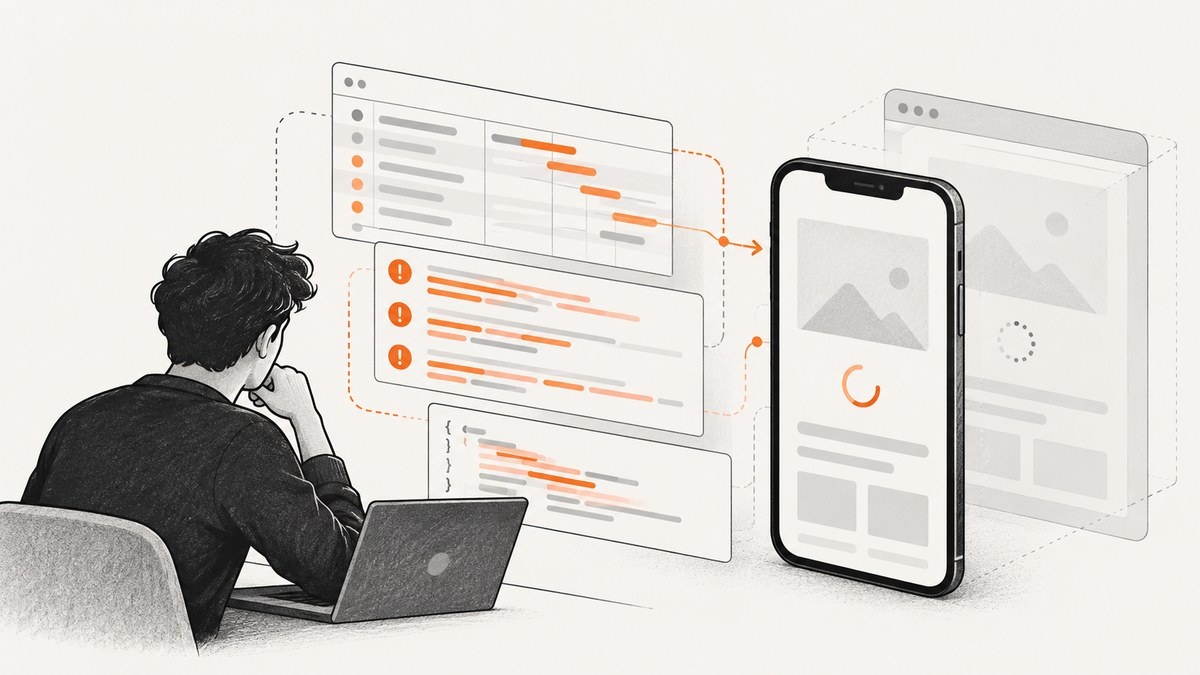
Incomplete Facebook rendering in PhantomJS is usually a diagnosis problem, not a single missing flag. Check three layers separately: the request variant Facebook serves, whether required resources load, and whether scripts have finished producing the content your automation needs.
Set PhantomJS page settings before page.open, log requests and JavaScript errors, and wait for a DOM condition that represents readiness. A user-agent change can alter server-side content selection, but the available PhantomJS documentation does not identify a current Facebook mobile user-agent string that guarantees a complete page.
1. Record a baseline before changing settings
Write down the PhantomJS version, URL, navigation status, final URL, viewport, and the exact symptom. “Incomplete” might mean missing text, an unstyled document, a blank page, or a page whose later modules never initialize.
phantomjs --versionCapture the output and preserve a screenshot, page source, and console log for the failing run. A historical Facebook issue reported missing Bootloader, ServerJS, and InitialJSLoader references, but that 2013 report is anecdotal and does not describe Facebook’s current behavior (issue #11156).
2. Configure the page before navigation
PhantomJS settings apply during the initial page.open call. Set the user agent, JavaScript flag, viewport, and resource timeout before opening the URL (WebPage settings documentation).

var page = require('webpage').create();
var system = require('system');

var url = system.args[1] || 'https://m.facebook.com/';

page.viewportSize = { width: 390, height: 844 };
page.settings.javascriptEnabled = true;
page.settings.resourceTimeout = 30000;
// Replace this with the mobile browser identity you intend to test.
page.settings.userAgent = 'YOUR_TEST_MOBILE_USER_AGENT';

page.open(url, function (status) {
  console.log(JSON.stringify({
    status: status,
    finalUrl: page.url,
    title: page.title,
    viewport: page.viewportSize
  }));

  if (status !== 'success') {
    phantom.exit(1);
    return;
  }

  page.render('facebook-baseline.png');
  phantom.exit();
});
Run it with:
phantomjs baseline.js https://m.facebook.com/Do not assume that a mobile user agent and a narrow viewport describe the same scenario. Test combinations deliberately and change one variable at a time.
3. Monitor requests and responses
Missing CSS, JavaScript, images, or redirected resources can leave the document looking partial. PhantomJS troubleshooting guidance recommends request monitoring when data is not transferred as expected (troubleshooting documentation).
var page = require('webpage').create();
var system = require('system');
var url = system.args[1] || 'https://m.facebook.com/';

page.viewportSize = { width: 390, height: 844 };
page.settings.javascriptEnabled = true;
page.settings.resourceTimeout = 30000;
page.settings.userAgent = 'YOUR_TEST_MOBILE_USER_AGENT';

page.onResourceRequested = function (requestData, networkRequest) {
  console.log('REQUEST ' + requestData.method + ' ' + requestData.url);
};

page.onResourceReceived = function (response) {
  if (response.stage === 'end') {
    console.log('RESPONSE ' + response.status + ' ' + response.url);
  }
};

page.onResourceError = function (error) {
  console.log('RESOURCE_ERROR ' + JSON.stringify({
    errorCode: error.errorCode,
    errorString: error.errorString,
    url: error.url
  }));
};

page.open(url, function (status) {
  console.log('OPEN ' + status + ' ' + page.url);
  if (status === 'success') {
    page.render('facebook-network.png');
  }
  phantom.exit(status === 'success' ? 0 : 1);
});
Look for failed requests, repeated redirects, resources that never reach an ending response, and a final URL different from the one requested. A successful navigation status does not prove that every later resource succeeded.
4. Capture JavaScript errors
Install page.onError before navigation. Syntax errors, runtime exceptions, and missing browser APIs can stop the code that builds the mobile interface.
page.onError = function (message, trace) {
  console.log('PAGE_ERROR ' + message);
  trace.forEach(function (frame) {
    console.log('  at ' + frame.file + ':' + frame.line +
      (frame.function ? ' in ' + frame.function : ''));
  });
};
Combine this handler with the request logger. A failed script request points to a network or response problem; a loaded script followed by an exception points to an execution or compatibility problem.
5. Wait for the content your script needs
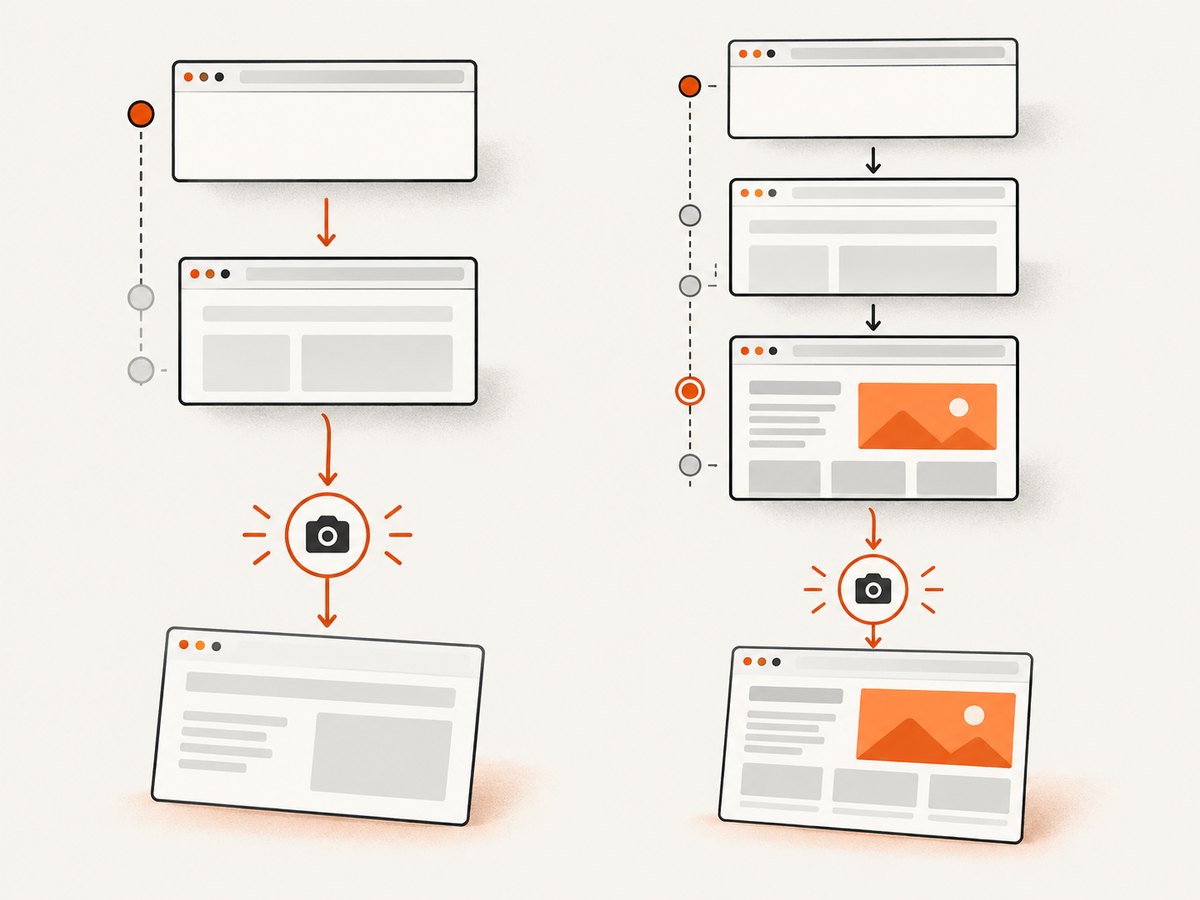
The callback passed to page.open reports navigation completion. It is not proof that asynchronous updates have finished. Define readiness around a DOM condition, such as a required element or a minimum text length. PhantomJS’s page-automation examples demonstrate delaying work before rendering, but they do not establish a universal Facebook wait time (Page Automation documentation).
var page = require('webpage').create();
var system = require('system');
var url = system.args[1] || 'https://m.facebook.com/';
var deadline = Date.now() + 30000;
var pollTimer;

page.viewportSize = { width: 390, height: 844 };
page.settings.javascriptEnabled = true;
page.settings.resourceTimeout = 30000;
page.settings.userAgent = 'YOUR_TEST_MOBILE_USER_AGENT';

function ready() {
  return page.evaluate(function () {
    // Replace this predicate with the content your job actually needs.
    var body = document.body;
    return !!body && body.innerText.length > 500;
  });
}

page.open(url, function (status) {
  if (status !== 'success') {
    console.log('Navigation failed: ' + status);
    phantom.exit(1);
    return;
  }

  pollTimer = setInterval(function () {
    var isReady = false;
    try {
      isReady = ready();
    } catch (error) {
      console.log('Readiness check failed: ' + error);
    }

    if (isReady) {
      clearInterval(pollTimer);
      page.render('facebook-ready.png');
      phantom.exit(0);
      return;
    }

    if (Date.now() >= deadline) {
      clearInterval(pollTimer);
      console.log('Readiness timeout; saving diagnostic render');
      page.render('facebook-timeout.png');
      phantom.exit(2);
    }
  }, 250);
});
Use a selector or text predicate that proves the information needed by your job exists. A fixed sleep can help compare runs, but it is a diagnostic experiment rather than a guaranteed solution.
6. A complete diagnostic script
This script combines configuration, request logging, JavaScript error capture, a bounded readiness check, and a final status report.
var page = require('webpage').create();
var system = require('system');
var url = system.args[1] || 'https://m.facebook.com/';
var timeoutMs = 30000;
var started = Date.now();
var timer;

page.viewportSize = { width: 390, height: 844 };
page.settings.javascriptEnabled = true;
page.settings.resourceTimeout = timeoutMs;
page.settings.userAgent = 'YOUR_TEST_MOBILE_USER_AGENT';

page.onResourceRequested = function (r) {
  console.log('REQUEST ' + r.method + ' ' + r.url);
};
page.onResourceError = function (e) {
  console.log('RESOURCE_ERROR ' + e.errorCode + ' ' + e.errorString + ' ' + e.url);
};
page.onError = function (message, trace) {
  console.log('PAGE_ERROR ' + message);
  trace.forEach(function (frame) {
    console.log('  at ' + frame.file + ':' + frame.line);
  });
};

function hasRequiredContent() {
  return page.evaluate(function () {
    var body = document.body;
    return !!body && body.innerText.indexOf('YOUR_REQUIRED_TEXT') !== -1;
  });
}

page.open(url, function (status) {
  console.log('OPEN ' + JSON.stringify({ status: status, finalUrl: page.url }));
  if (status !== 'success') {
    phantom.exit(1);
    return;
  }

  timer = setInterval(function () {
    var ready = false;
    try { ready = hasRequiredContent(); } catch (e) {
      console.log('READINESS_ERROR ' + e);
    }

    if (ready || Date.now() - started >= timeoutMs) {
      clearInterval(timer);
      page.render(ready ? 'facebook-final.png' : 'facebook-incomplete.png');
      console.log(JSON.stringify({ ready: ready, elapsedMs: Date.now() - started }));
      phantom.exit(ready ? 0 : 2);
    }
  }, 250);
});
7. Troubleshooting checklist
| Symptom | Likely layer | What to check | Fix or next test |
|---|---|---|---|
| Different markup from a phone | Request variant | User agent, viewport, redirects | Set the intended user agent before page.open; test viewport and identity as separate variables. |
| Unstyled or partially styled page | Resources | CSS responses, errors, timeouts | Inspect request and resource-error logs; increase the deliberate resource timeout only after identifying slow or failed requests. |
| Text appears after the screenshot | Readiness | DOM condition and elapsed time | Poll for the required selector or text with a bounded timeout. |
| Modules never initialize | JavaScript | page.onError output and failed script requests |
Fix the failing dependency if possible; determine whether the page requires browser features PhantomJS lacks. |
| Navigation says success but output is blank | Redirect or script state | Final URL, body text, resource log | Save source and a diagnostic render; verify the readiness predicate is meaningful. |
| Results vary between runs | Timing or server variant | Request identity, response sequence, elapsed time | Log every run, change one setting at a time, and use a content-based readiness check. |
8. Performance and reliability considerations
- Bound every wait. Resource and readiness timeouts prevent a stalled request from holding the process forever.
- Keep diagnostics selectable. Request and error logging are valuable while investigating but add output and storage overhead in production.
- Render only after readiness. Repeated fixed delays waste time on fast runs and still fail on slow runs.
- Record final URLs. Redirects can change the page variant and explain differences that look like rendering failures.
- Plan for compatibility drift. PhantomJS development is suspended, and its repository is archived; its latest stable release is 2.1 (PhantomJS repository). If current Facebook code depends on browser features PhantomJS does not implement, settings and delays cannot turn it into a current browser.
9. When to migrate from PhantomJS
After logging identity, resources, errors, and readiness, compare the remaining failure with the browser engine’s capabilities. Keep PhantomJS when its runtime and deployment constraints are fixed and the page works reliably under a documented configuration. Test a maintained automation browser when failures point to unsupported features or when Facebook changes break recurring jobs. Choose the replacement based on language support, runtime footprint, deployment requirements, and the page features your job needs; the cited sources do not rank a particular replacement.
Or skip the browser setup
If the goal is a clean image or PDF of a page rather than controlling PhantomJS itself, ScreenshotNeo provides a one-call screenshot API and MCP server. Cookie and consent banners are accepted and removed before capture, along with 60+ known consent platforms, newsletter popups, and chat widgets. Bot checks, blank pages, timeouts, failed loads, and cache hits are not billed, and response headers report the page verdict and billing result. AI agents can use the MCP tools take_screenshot, get_page_info, and capture_pdf.
See the ScreenshotNeo API documentation for all options.
curl -G "https://api.screenshotneo.com/v1/shot" -d access_key=YOUR_API_KEY --data-urlencode url=https://m.facebook.com/ -o shot.webpimport requests
r = requests.get("https://api.screenshotneo.com/v1/shot", params={"access_key": "YOUR_API_KEY", "url": "https://m.facebook.com/"}, timeout=90)
open("shot.webp", "wb").write(r.content)const q = new URLSearchParams({ access_key: 'YOUR_API_KEY', url: 'https://m.facebook.com/' });
const res = await fetch(`https://api.screenshotneo.com/v1/shot?${q}`);ScreenshotNeo supports full-page and element captures, device presets or custom viewports, retina scale, dark mode, custom CSS and JavaScript, waits, request blocking, headers, cookies, user agents, authorization, timezone, geolocation, caching, signed links, asynchronous jobs, bulk capture, PDFs, HTML/CSS rendering, and a usage API. The free plan includes 1,000 screenshots per month with no card; paid plans start at $5 for 3,000. Create a free ScreenshotNeo account.
FAQ
Will changing the user agent always fix Facebook?
No. It can influence server-side variant selection, but it does not repair failed resources, JavaScript errors, or unsupported browser features.
How long should PhantomJS wait?
There is no Facebook-specific duration established by the cited documentation. Wait for the content your script needs and enforce a maximum timeout.
Does a successful page.open mean the page is complete?
No. Later asynchronous work can still be pending or failed. Check the DOM, request log, and JavaScript errors.
Is the old Facebook issue proof of a current bug?
No. The 2013 issue is historical evidence of one reported failure, not a current Facebook diagnosis or verified fix.
When should I stop tuning PhantomJS?
When logs show that the page depends on browser behavior PhantomJS cannot provide, or when recurring site changes make the suspended project unsuitable for maintenance.


