How to Fix Cross-Origin SecurityError in Firefox When Taking Selenium Screenshots
Fix Firefox SecurityError errors by identifying canvas tainting, configuring CORS correctly, or using Selenium’s browser screenshot APIs.
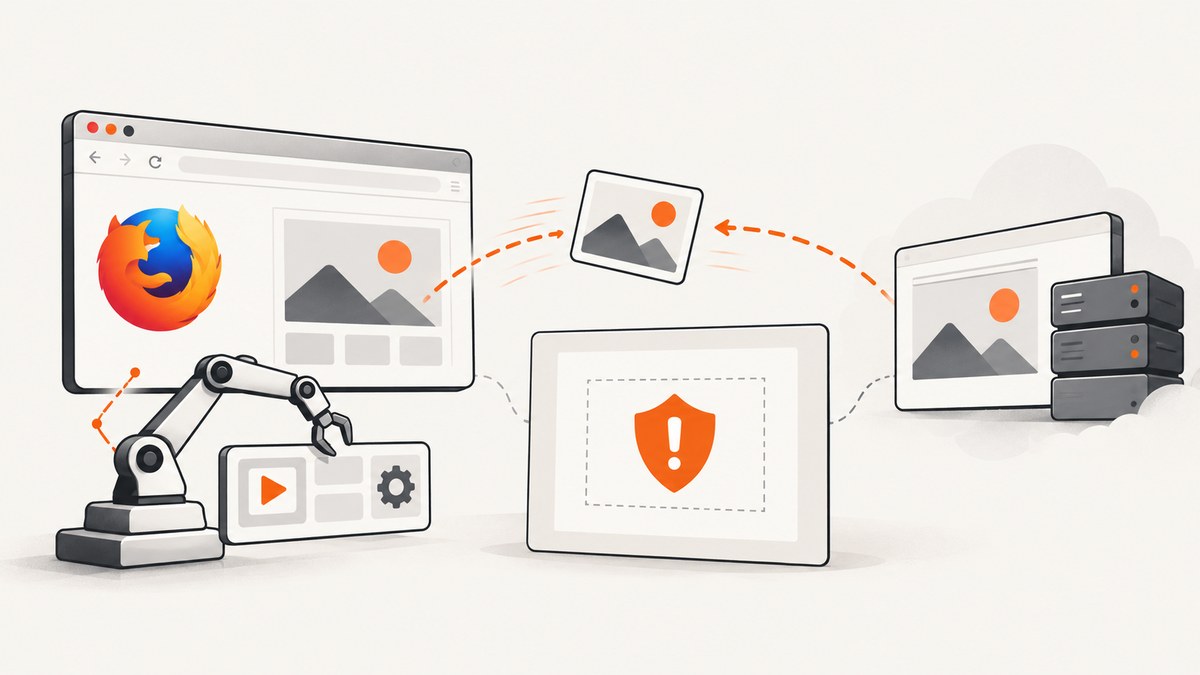
Direct answer: first identify which operation throws SecurityError. If the failing call is canvas.getImageData(), canvas.toBlob(), or canvas.toDataURL() after drawing an image from another origin, Firefox is reporting a tainted canvas. The remote image was displayed, but the page was not authorized to read its pixels. Configure CORS on the image server and request the image with CORS enabled. If your goal is only to save what Firefox displays, skip canvas export and use Selenium’s WebDriver screenshot methods instead.
This distinction matters because a Selenium command such as driver.save_screenshot() fails for different reasons. Canvas origin rules do not automatically explain a WebDriver exception. Capture the complete exception, method name, Firefox version, geckodriver version, and a minimal test page before changing browser preferences.
Understand the two different screenshot paths
Canvas pixel export
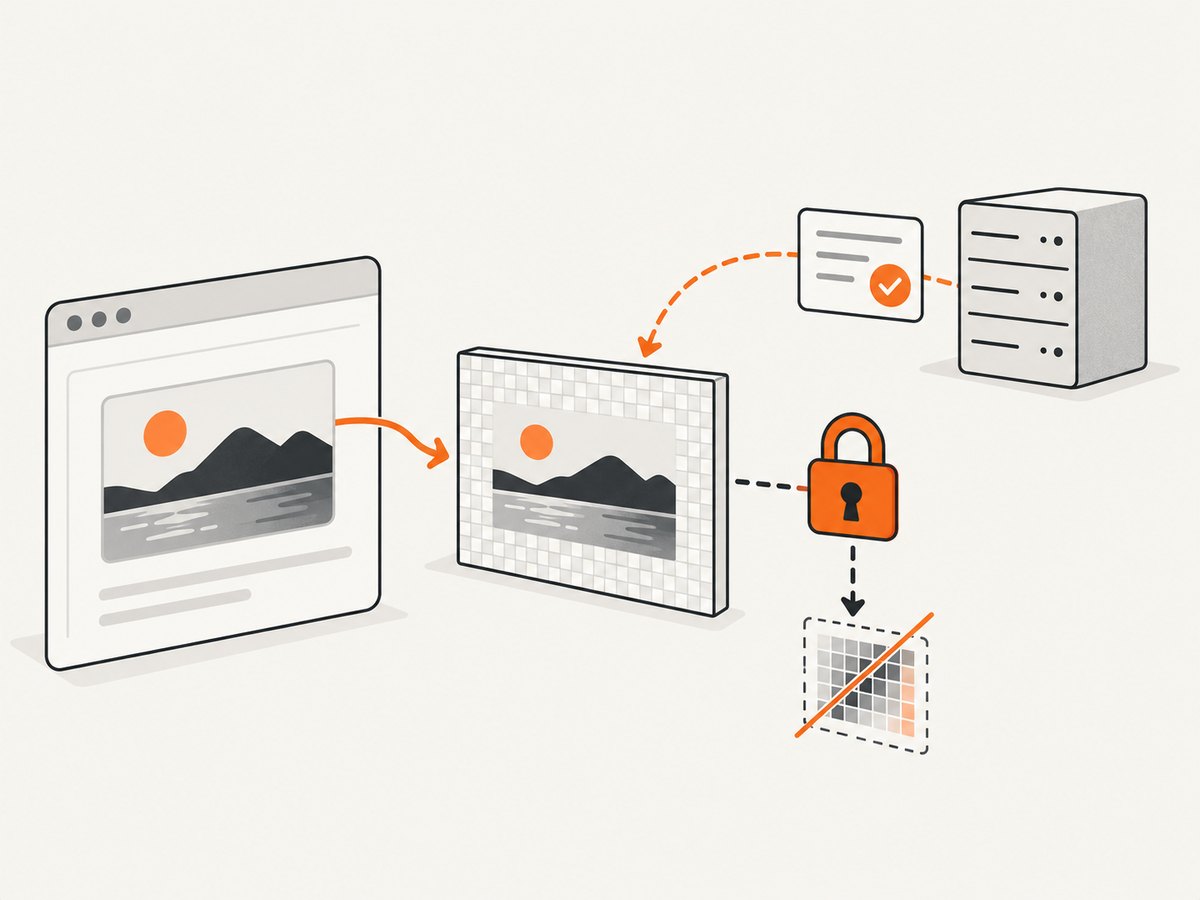
Page JavaScript can draw an image into a canvas and then export pixels. When the image came from another origin without CORS approval, the canvas becomes tainted. Firefox blocks readback operations including getImageData(), toBlob(), and toDataURL(). A visible image therefore does not imply that JavaScript may inspect or export its pixels. MDN documents this restriction in Use cross-origin images in a canvas.
WebDriver screenshot capture
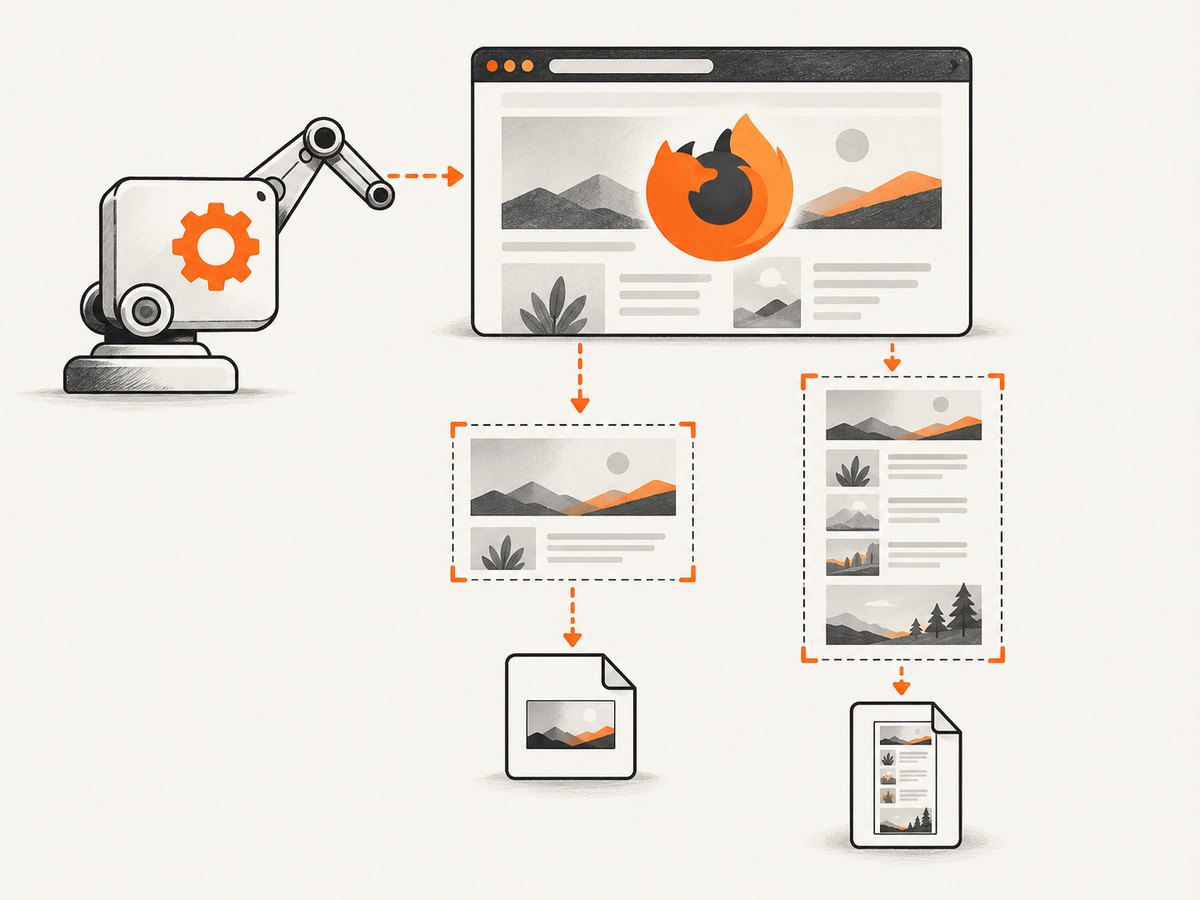
Selenium asks the browser to capture the rendered page. In Python, driver.save_screenshot() writes a viewport image and driver.get_screenshot_as_png() returns bytes. Firefox’s driver also provides full-document methods such as get_full_page_screenshot_as_png() and get_full_page_screenshot_as_file(). These APIs are separate from page-level canvas readback; use them when you need a browser capture rather than pixel access inside application JavaScript. See the Selenium Firefox WebDriver API.
Diagnose the failing operation
- Record the exact method in the stack trace. Categorize it as canvas export, WebDriver screenshot, or another operation.
- Check the image URL’s origin: scheme, host, and port all participate.
https://cdn.example.comis different fromhttps://app.example.com. - Inspect the image response in browser developer tools or with an HTTP client. For an authorized CORS read, the response needs an
Access-Control-Allow-Originvalue that permits your page. - Reduce the page to one image, one canvas, and one export call. This separates CORS from lazy loading, CSP, redirects, authentication, and timing problems.
Common messages include “The canvas has been tainted by cross-origin data” and “SecurityError.” Exact wording varies by Firefox release and by the operation that failed. Include the failing method and stack trace when reporting the issue.
Fix authorized canvas pixel access with CORS
A legitimate canvas fix needs both halves of the protocol: the browser must make a CORS-enabled request, and the image server must grant permission. Client JavaScript cannot grant itself access to pixels hosted by a server it does not control.
Browser code
<canvas id="preview" width="1200" height="800"></canvas>
<script>
  const image = new Image();
  image.crossOrigin = "anonymous"; // set before src
  image.onload = () => {
    const canvas = document.getElementById("preview");
    const context = canvas.getContext("2d");
    context.drawImage(image, 0, 0, canvas.width, canvas.height);

    // These calls work only when the image response permits CORS.
    canvas.toBlob(blob => {
      if (!blob) throw new Error("Canvas export returned no blob");
      const link = document.createElement("a");
      link.href = URL.createObjectURL(blob);
      link.download = "preview.png";
      link.click();
      URL.revokeObjectURL(link.href);
    }, "image/png");
  };
  image.onerror = () => console.error("Image failed to load");
  image.src = "https://cdn.example.com/authorized-image.jpg";
</script>
The order is important: assign crossOrigin before src. If src is assigned first, the browser may begin a non-CORS request and the resulting canvas remains tainted.
Response headers
Configure the image host to return an allow-origin header for the requesting site. For a public asset that any site may read, the response can use:
Access-Control-Allow-Origin: *For a restricted application, return the specific origin, such as https://app.example.com, and add Vary: Origin when the value changes by request. If credentials such as cookies are required, use an explicit origin and the appropriate credential policy; a wildcard allow-origin cannot be combined with credentialed CORS. Your CDN, object-storage bucket, reverse proxy, and application server must all preserve the header through redirects and cached responses.
Verify the complete request chain
- Check every redirect. A redirecting host must not silently drop CORS headers.
- Confirm the final response has the expected
Content-Typeand is actually an image. - Make sure the CDN cache key varies on
Originwhen responses differ by origin. - If authentication is required, confirm the browser sends credentials and the server explicitly allows them.
- Set
crossOriginbefore each image load, including images created by libraries.
Use Selenium when you need the displayed screenshot
If the requirement is “save the page as Firefox renders it,” do not copy pixels through a page canvas. Let WebDriver capture the browser output.
Viewport screenshot in Python
from pathlib import Path
from selenium import webdriver
from selenium.webdriver.firefox.options import Options

options = Options()
options.add_argument("-headless")

driver = webdriver.Firefox(options=options)
try:
    driver.set_window_size(1440, 1000)
    driver.get("https://example.com")
    driver.save_screenshot("shot.png")
finally:
    driver.quit()

assert Path("shot.png").exists()
Screenshot bytes
from selenium import webdriver
from selenium.webdriver.firefox.options import Options

options = Options()
options.add_argument("-headless")
driver = webdriver.Firefox(options=options)
try:
    driver.get("https://example.com")
    png_bytes = driver.get_screenshot_as_png()
    with open("shot.png", "wb") as output:
        output.write(png_bytes)
finally:
    driver.quit()
Full-document Firefox capture
from selenium import webdriver
from selenium.webdriver.firefox.options import Options

options = Options()
options.add_argument("-headless")
driver = webdriver.Firefox(options=options)
try:
    driver.get("https://example.com")
    driver.get_full_page_screenshot_as_file("full-page.png")
finally:
    driver.quit()
Choose viewport capture for the visible window and full-document capture for a page-length image. Full-page output can be very tall; downstream image viewers, memory limits, and maximum bitmap dimensions still apply.
Element screenshots
from selenium.webdriver.common.by import By

element = driver.find_element(By.CSS_SELECTOR, "main article")
element.screenshot("article.png")
Wait until the element is present and visually ready. If it is outside the viewport, Selenium or Firefox may scroll it into view. Fixed headers, animations, and sticky elements can therefore differ between viewport and element captures.
Firefox preferences: what they can and cannot do
Firefox Source Docs describe remote.screenshot.use_readback as a WebRender debugging aid. When enabled, WebDriver and Marionette screenshots read the composited foreground-tab framebuffer instead of using the software drawSnapshot path. The documented limitation is significant: only currently composited foreground pixels can be read, so full-document, clipped, and element captures can degrade to the viewport. The documented default is false. This preference is not a CORS bypass and is not a general remedy for canvas SecurityError; see the Firefox remote preferences documentation.
Timing, lazy content, and deterministic captures
A successful screenshot command can still produce an incomplete image. Wait for a meaningful readiness condition instead of relying on a fixed sleep:
from selenium.webdriver.support.ui import WebDriverWait

wait = WebDriverWait(driver, 30)
driver.get("https://example.com/dashboard")
wait.until(lambda d: d.execute_script("return document.readyState") == "complete")
wait.until(lambda d: d.find_element("css selector", "main[data-ready='true']"))
driver.save_screenshot("ready.png")
For pages with lazy images, scroll in controlled increments, wait for image completion, then capture. Disable animations in a test stylesheet when visual consistency matters. Network-idle heuristics are imperfect because analytics and streaming connections may never become idle.
Troubleshooting checklist
| Symptom | Likely cause | Fix |
|---|---|---|
SecurityError at toDataURL or toBlob |
Tainted canvas | Set crossOrigin before src and add permitting CORS headers on the image response. |
| Image displays but canvas readback fails | Display permission is not pixel-read permission | Obtain authorization from the image server or stop using canvas export. |
save_screenshot throws |
Driver, browser, session, or filesystem issue | Inspect the full exception; verify Firefox/geckodriver compatibility, session health, output permissions, and a minimal URL. |
| Screenshot is blank | Capture occurred before navigation or rendering completed | Wait for document readiness and a page-specific selector; check redirects and headless rendering. |
| Full-page method returns viewport only | Readback preference or driver limitation | Remove experimental readback settings, update compatible Selenium/geckodriver/Firefox versions, and test the standard full-page API. |
| CORS works locally but not in production | Different origin, CDN cache, or redirect | Inspect the production response chain and configure Vary: Origin where required. |
| Intermittent missing images | Lazy loading, animation, or network timing | Scroll to trigger loads, wait for image completion, and use stable readiness selectors. |
Performance, reliability, and cost considerations
Canvas export adds a pixel-copy step and may allocate another full bitmap. Large full-page screenshots consume memory in Firefox, Selenium, and your image-processing process. Capture only the needed element or viewport when possible, choose a practical window size, and write bytes directly to storage instead of retaining multiple copies.
For reliable automation, pin compatible browser and driver versions, always call quit() in a finally block, use explicit waits, and preserve the URL and exception for retries. Retry navigation failures with a bounded policy, but do not blindly retry deterministic CORS failures: the server response must change first.
Selenium itself has no per-screenshot service charge, but you pay for the machines, browser processes, bandwidth, storage, and maintenance. A hosted screenshot API can move those operational costs out of your application and provide HTTP-level status signals.
Or skip the browser setup
ScreenshotNeo provides a single GET request for PNG, JPEG, WebP, or PDF output. It captures the rendered page without requiring you to manage Firefox, geckodriver, canvas code, or CORS headers for the screenshot itself. Cookie and consent banners, newsletter popups, and chat widgets are removed before capture; bot checks, blank pages, failed loads, timeouts, and cache hits are not billed. An MCP server lets Claude, Cursor, and other MCP clients call take_screenshot, get_page_info, and capture_pdf.
See the ScreenshotNeo API documentation for all options.
cURL
curl -G "https://api.screenshotneo.com/v1/shot" -d access_key=YOUR_API_KEY --data-urlencode url=https://stripe.com -o shot.webpPython
import requests
r = requests.get("https://api.screenshotneo.com/v1/shot", params={"access_key": "YOUR_API_KEY", "url": "https://stripe.com"}, timeout=90)
open("shot.webp", "wb").write(r.content)
Node.js
const q = new URLSearchParams({ access_key: 'YOUR_API_KEY', url: 'https://stripe.com' });
const res = await fetch(`https://api.screenshotneo.com/v1/shot?${q}`);
ScreenshotNeo exposes headers identifying the result, including X-Page-Verdict and X-Billed, so your job can distinguish a clean billed capture from a failed or cache response. Plans include 1,000 shots per month free with no card; paid plans start at $5 for 3,000 shots. Create a free ScreenshotNeo account.
FAQ
Can I fix a tainted canvas with a Firefox flag?
No. Browser security flags do not authorize a remote server’s pixels. Configure CORS on a server you control or use a browser-level screenshot API.
Does setting mode: no-cors make canvas pixels readable?
No. A no-cors fetch produces an opaque response that page JavaScript cannot read and does not make an image origin-clean for canvas export.
Should I enable remote.screenshot.use_readback?
Only for a specific compositing investigation. It is documented as a debugging aid, can limit captures to the foreground viewport, and does not solve canvas CORS errors.
Why does the same URL work in Chrome but fail in Firefox?
Compare the exact failing operation, response headers, redirects, credentials, and browser versions. A permissive display path can still fail pixel readback, and timing differences can expose a race.
Can Selenium capture a cross-origin iframe?
WebDriver can capture the rendered page, but page JavaScript cannot freely inspect an iframe from another origin. For element-level actions inside it, switch to the frame through Selenium and respect its access rules.


