How to Fix Firefox Insecure Connection Errors in Selenium WebDriver
Diagnose Firefox certificate errors in Selenium, use acceptInsecureCerts safely, and fix trust, proxy, HSTS, and remote WebDriver problems.
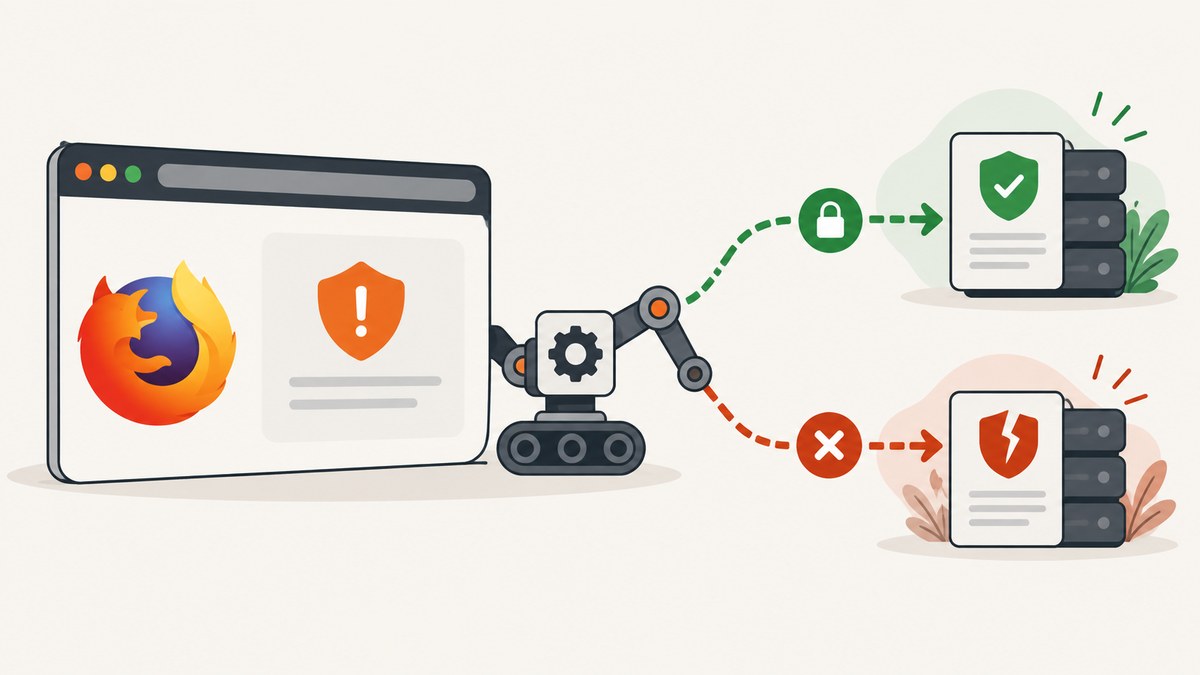
Short answer: Firefox shows an insecure connection error when it cannot validate a site’s TLS certificate. First record the exact error code and determine whether the failure affects one site or many. For a controlled test target, create the Selenium session with the standard acceptInsecureCerts capability. That lets Firefox navigate past invalid certificates for that session. It does not repair the certificate, and it reduces the value of tests that are supposed to verify certificate behavior.
The durable solution is to fix the certificate chain, install the correct trust anchor in the browser used by the test, or correct the network device that is intercepting TLS. Use the Selenium bypass only when the invalid certificate is expected and the test environment is controlled.
What the Firefox error means
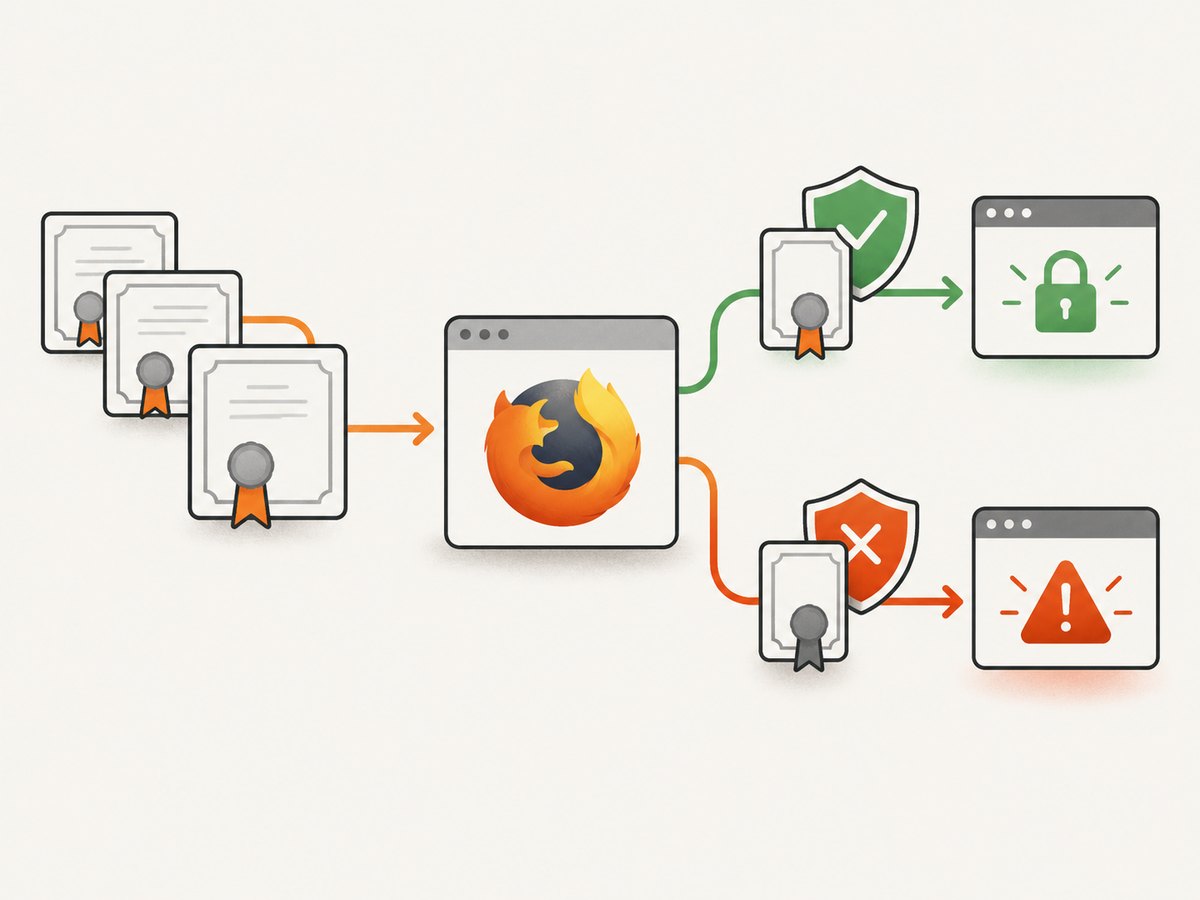
Firefox validates a website certificate before allowing a secure connection. Mozilla describes this check as a way to ensure that a site is legitimate and that the connection is encrypted. A warning therefore says that validation failed; it does not identify the cause by itself. The code on the warning page is the most useful diagnostic clue.
| Firefox code or symptom | Likely direction | What to check |
|---|---|---|
SEC_ERROR_UNKNOWN_ISSUER |
Issuer is not trusted | Missing CA or intermediate certificate, corporate TLS inspection, or an incorrectly installed local CA |
MOZILLA_PKIX_ERROR_MITM_DETECTED |
Possible interception | Work network, antivirus HTTPS scanning, proxy, or another device terminating TLS |
ERROR_SELF_SIGNED_CERT |
Self-signed certificate | Whether the test environment intentionally uses a local certificate and Firefox trusts its root |
| Failure on one hostname | Site-specific configuration | Hostname, expiry, certificate chain, and server configuration |
| Failure on many HTTPS sites | Environment-wide cause | Proxy, antivirus, system clock, enterprise policy, or device trust store |
Mozilla’s guidance on these codes is in Troubleshoot security error codes on secure websites. Treat the code as evidence to investigate, not as permission to disable validation globally.
Diagnose before changing Selenium
- Open the same URL manually in the same Firefox installation and record the complete warning code and text.
- Check the URL, hostname, port, and system clock. A certificate for a different hostname or an expired certificate will fail even when the server is reachable.
- Try another secure site. A single-site failure points toward that site’s chain or certificate. Widespread failures point toward interception or local trust.
- Inspect the certificate’s issuer and chain in Firefox. A server that omits an intermediate certificate can work in one client and fail in another.
- Identify where the browser runs. A remote Selenium Grid uses the remote host’s Firefox profile, certificates, proxy, and clock; your workstation’s trust settings do not automatically carry over.
- Write down Selenium, Firefox, geckodriver, and language-binding versions, plus whether execution is local or remote. Selenium’s Firefox documentation states that Selenium 4 requires Firefox 78 or newer and recommends the latest geckodriver; it is not a complete compatibility matrix.
Use acceptInsecureCerts for a controlled test
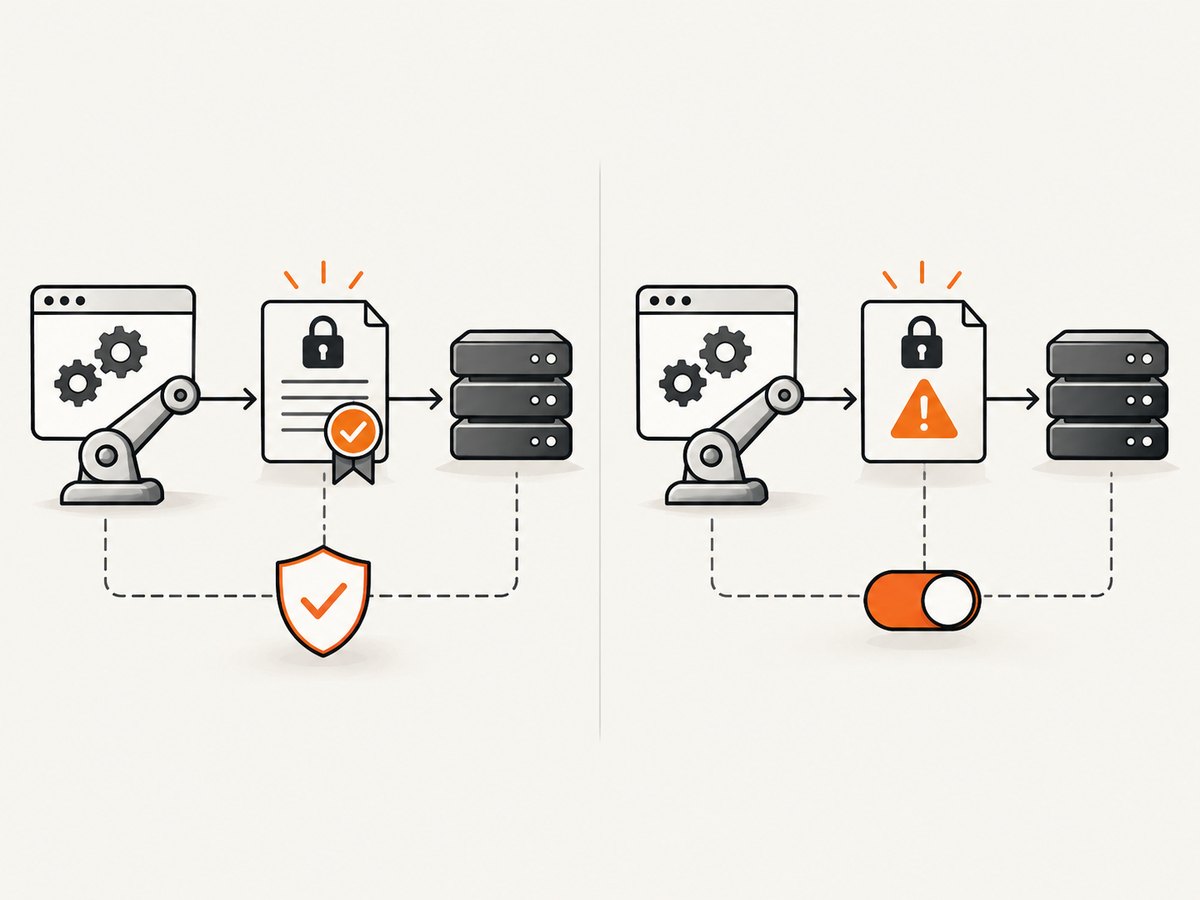
acceptInsecureCerts is a WebDriver session capability. When it is true, Firefox accepts invalid certificates during that session. Selenium documents the setting as session-wide, so set it while creating the driver rather than expecting it to affect an already-running browser.
Python
from selenium import webdriver
from selenium.webdriver.firefox.options import Options

options = Options()
options.accept_insecure_certs = True

driver = webdriver.Firefox(options=options)
try:
    driver.get('https://dev.example.test')
    print(driver.title)
finally:
    driver.quit()
The corresponding Selenium Python property is documented in the Firefox WebDriver documentation. Keep this option limited to the test that needs it.
JavaScript with selenium-webdriver
const { Builder } = require('selenium-webdriver');
const firefox = require('selenium-webdriver/firefox');

(async function () {
  const options = new firefox.Options();
  options.setAcceptInsecureCerts(true);

  const driver = await new Builder()
    .forBrowser('firefox')
    .setFirefoxOptions(options)
    .build();

  try {
    await driver.get('https://dev.example.test');
    console.log(await driver.getTitle());
  } finally {
    await driver.quit();
  }
}());
Binding method names vary by release. If your installed binding does not expose setAcceptInsecureCerts, set the standard acceptInsecureCerts capability through that binding’s current Firefox options API.
Java
import org.openqa.selenium.WebDriver;
import org.openqa.selenium.firefox.FirefoxOptions;
import org.openqa.selenium.firefox.FirefoxDriver;

FirefoxOptions options = new FirefoxOptions();
options.setAcceptInsecureCerts(true);
WebDriver driver = new FirefoxDriver(options);
try {
    driver.get("https://dev.example.test");
    System.out.println(driver.getTitle());
} finally {
    driver.quit();
}
Remote WebDriver
from selenium import webdriver
from selenium.webdriver.firefox.options import Options

options = Options()
options.accept_insecure_certs = True
# The profile, CA certificates, proxy, and clock must be configured on the
# machine where this remote Firefox instance actually runs.
driver = webdriver.Remote(
    command_executor='http://grid.example.test:4444',
    options=options,
)
Confirm the remote node accepted the capability in its session details. A local Firefox profile or locally installed CA does not automatically exist on the grid node.
Fix the underlying certificate or trust
If you own the site
Replace an expired or wrong-host certificate, configure the complete server chain, and serve the required intermediate certificates. Test the exact hostname used by Selenium. A certificate that is valid for www.example.test does not validate api.example.test unless its subject alternative names include that hostname.
If a local or corporate CA is intentional
Ask the network or security administrator for the correct root certificate and configure Firefox to trust it. For a managed test image, install that CA as part of image provisioning and keep the installation auditable. MDN’s WebDriver insecure certificate error documentation describes disabling checks as a weakness in the test environment; trusting the intended CA preserves more realistic certificate behavior.
Do not copy a certificate from an unverified source. Installing the wrong root can make the browser trust an unintended intermediary.
Firefox profiles and preferences
Selenium’s Python API supports Firefox preferences with Options.set_preference, and the moz:firefoxOptions capability can carry profile configuration, including custom certificates. Use a dedicated profile for automation. For remote execution, configure the profile on the browser host and verify that the grid permits it.
from selenium import webdriver
from selenium.webdriver.firefox.options import Options

options = Options()
options.set_preference('network.proxy.type', 0)
# Add only documented preferences required by your environment.
driver = webdriver.Firefox(options=options)
Preferences do not repair a bad server chain. They only change how the browser is configured to use the environment you have chosen.
Why the manual bypass may be unavailable
Firefox may not show an “Accept the Risk and Continue” control for HSTS sites, critical certificate errors, or installations managed by enterprise policy. This is expected behavior. HSTS deliberately prevents a user bypass in many cases. Find the failed certificate condition and fix the server or trust configuration, or use acceptInsecureCerts only for a controlled test where ignoring that failure is intentional.
Common errors and fixes
| Observed problem | Cause | Fix |
|---|---|---|
| Setting appears to do nothing | Capability was added after the session started, or the wrong option object was passed | Create a new driver with the capability attached to Firefox options and inspect the negotiated session capabilities. |
| Works locally, fails on Grid | Remote node lacks the CA, uses another proxy, or has a different clock | Install/configure trust on the node, compare proxy and time settings, and run the same URL there. |
| Only one hostname fails | Wrong hostname, missing intermediate, expiry, or server misconfiguration | Inspect that host’s certificate and chain; do not enable a global bypass as the permanent fix. |
| Many sites fail with MITM code | Antivirus or corporate proxy intercepts TLS | Confirm the interception policy and install the organization’s approved CA in the Firefox profile. |
| Manual exception is missing | HSTS, critical error, or enterprise policy | Repair trust or use a controlled session capability when the test explicitly allows it. |
| Tests pass after bypass but users still see warnings | Certificate validation was removed from the test’s behavior | Maintain a separate validation test or environment that uses normal certificate checks. |
| Driver cannot start | Firefox, Selenium, or geckodriver incompatibility | Record versions, use Selenium’s supported Firefox baseline, and update geckodriver as recommended by Selenium. |
Security and test-fidelity trade-offs
Accepting invalid certificates reduces protection against an intercepted connection and allows tests to proceed through a condition a real user would see. It also means a test may miss an expired certificate, missing intermediate, or hostname error. Use the capability for local development, ephemeral environments with intentionally self-signed certificates, or a test whose purpose is to exercise application behavior behind that certificate. Keep certificate validation enabled in tests that verify deployment readiness.
Scope the setting as narrowly as possible: one driver, one suite, or one environment. Do not add it to a shared base fixture without documenting why every test needs it. Log the URL, Firefox error code, capability value, and environment so a passing test cannot hide a trust regression.
Performance and reliability considerations
- Certificate acceptance does not make a slow server fast. Separate TLS negotiation, DNS, proxy, page load, and application waits when diagnosing timeouts.
- Use a fresh, deterministic Firefox profile for CI. Reusing a developer profile can introduce extensions, cached exceptions, proxy settings, or stale certificates.
- Pin the browser image and record Selenium and geckodriver versions. Upgrade deliberately, then rerun certificate-focused tests.
- For remote sessions, place the browser near the target network when appropriate and capture node logs. Network interception can differ between local and CI hosts.
- Keep one smoke test with normal certificate validation. A second test can use
acceptInsecureCertswhen the application itself must be exercised behind a known test certificate.
Or skip the browser setup
If your goal is a clean image or PDF of a page rather than interactive browser testing, ScreenshotNeo provides a website screenshot API and MCP server. It accepts consent banners before capture and removes more than 60 known consent platforms, newsletter popups, and chat widgets; each step can be disabled. Bot checks, blank pages, timeouts, failed loads, and cache hits are not billed, and the response reports the result with X-Page-Verdict and X-Billed headers. Its MCP server gives Claude, Cursor, and other MCP clients take_screenshot, get_page_info, and capture_pdf tools.
See the ScreenshotNeo API documentation for the complete option list.
cURL
curl -G "https://api.screenshotneo.com/v1/shot" \
  -d access_key=YOUR_API_KEY \
  --data-urlencode url=https://stripe.com \
  -o shot.webp
Python
import requests

r = requests.get(
    "https://api.screenshotneo.com/v1/shot",
    params={"access_key": "YOUR_API_KEY", "url": "https://stripe.com"},
    timeout=90,
)
r.raise_for_status()
open("shot.webp", "wb").write(r.content)
Node.js
const q = new URLSearchParams({ access_key: 'YOUR_API_KEY', url: 'https://stripe.com' });
const res = await fetch(`https://api.screenshotneo.com/v1/shot?${q}`);
if (!res.ok) throw new Error(`HTTP ${res.status}`);
const fs = require('node:fs');
fs.writeFileSync('shot.webp', Buffer.from(await res.arrayBuffer()));
ScreenshotNeo also supports full-page captures with lazy images, CSS element capture, dark mode, device presets, arbitrary viewports, retina scale, PDF paper and margin settings, custom CSS and JavaScript, clicks, selector or network-idle waits, request blocking, headers, cookies, user agents, authorization, timezone, geolocation, transparent backgrounds, resizing, chosen cache TTLs, signed image links, asynchronous jobs with signed webhooks, bulk capture of up to 100 URLs per call, a usage API, and an OpenAPI specification. Parameter names used by other screenshot APIs also work, which can simplify migration.
There are 1,000 free screenshots each month with no card. Paid plans start at $5 for 3,000 screenshots, and every feature is available on every plan. Create a free ScreenshotNeo account.
FAQ
Does acceptInsecureCerts install a certificate?
No. It changes validation behavior for one WebDriver session. The server certificate and Firefox trust store remain unchanged.
Should I use it in production monitoring?
Usually no. Monitoring should detect certificate failures that users would encounter. Reserve the capability for an explicitly controlled environment.
Can I bypass an HSTS error manually?
Often no. HSTS and critical errors can remove Firefox’s bypass control. Fix the certificate or configure the intended trust anchor.
Why does a certificate work in Chrome but not Firefox?
Different browsers can use different profiles, trust stores, policies, and chain-building behavior. Compare the actual certificate chain and browser environment rather than assuming the server is valid everywhere.
What should I collect for a bug report?
Include the exact URL, Firefox error code, certificate issuer and dates, Selenium and geckodriver versions, Firefox version, proxy or interception details, and whether the session is local or remote.


