How to Fix Font Awesome Icons Missing From html2canvas on iOS
Diagnose why Font Awesome icons disappear from html2canvas on iOS, then test practical fixes for fonts, SVG fallbacks, cross-origin assets and clipping.
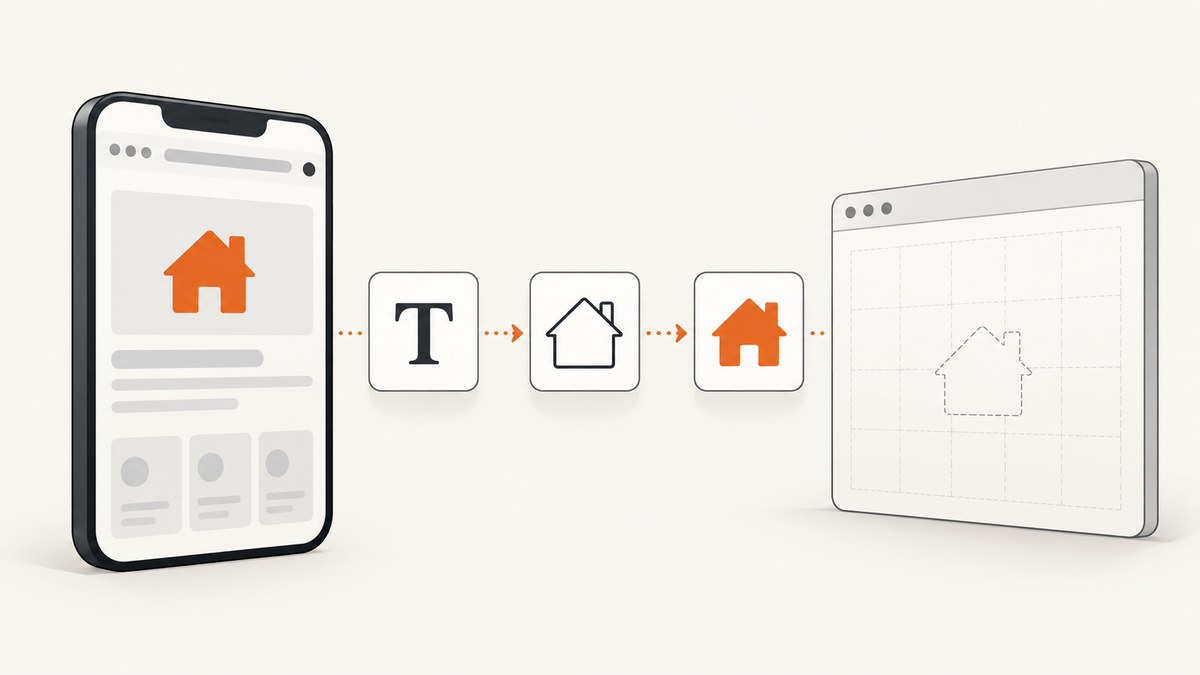
If a Font Awesome icon is missing from an html2canvas image on iPhone or iPad, first check whether it is also missing from the live page. If it is missing live, fix the Font Awesome setup or failed asset request. If it appears live but disappears in the output, investigate html2canvas’s DOM reconstruction and test a literal inline SVG or text fallback in the cloned document with onclone. That is a diagnostic technique, not a guaranteed fix for every iOS version or project.
html2canvas does not capture the browser’s finished pixels like a screenshot tool. It walks the DOM and rebuilds an image from the properties it supports, so the result can differ from what Safari displayed. Its browser support does not guarantee that every icon rendering path looks identical on every device. html2canvas explains its rendering model.
1. Identify which rendering path is failing
Font Awesome icons can be rendered through webfont glyphs or SVG. A missing icon can therefore originate in setup, resource loading, html2canvas reconstruction, or a separate clipping issue. Determine which case applies before changing options.
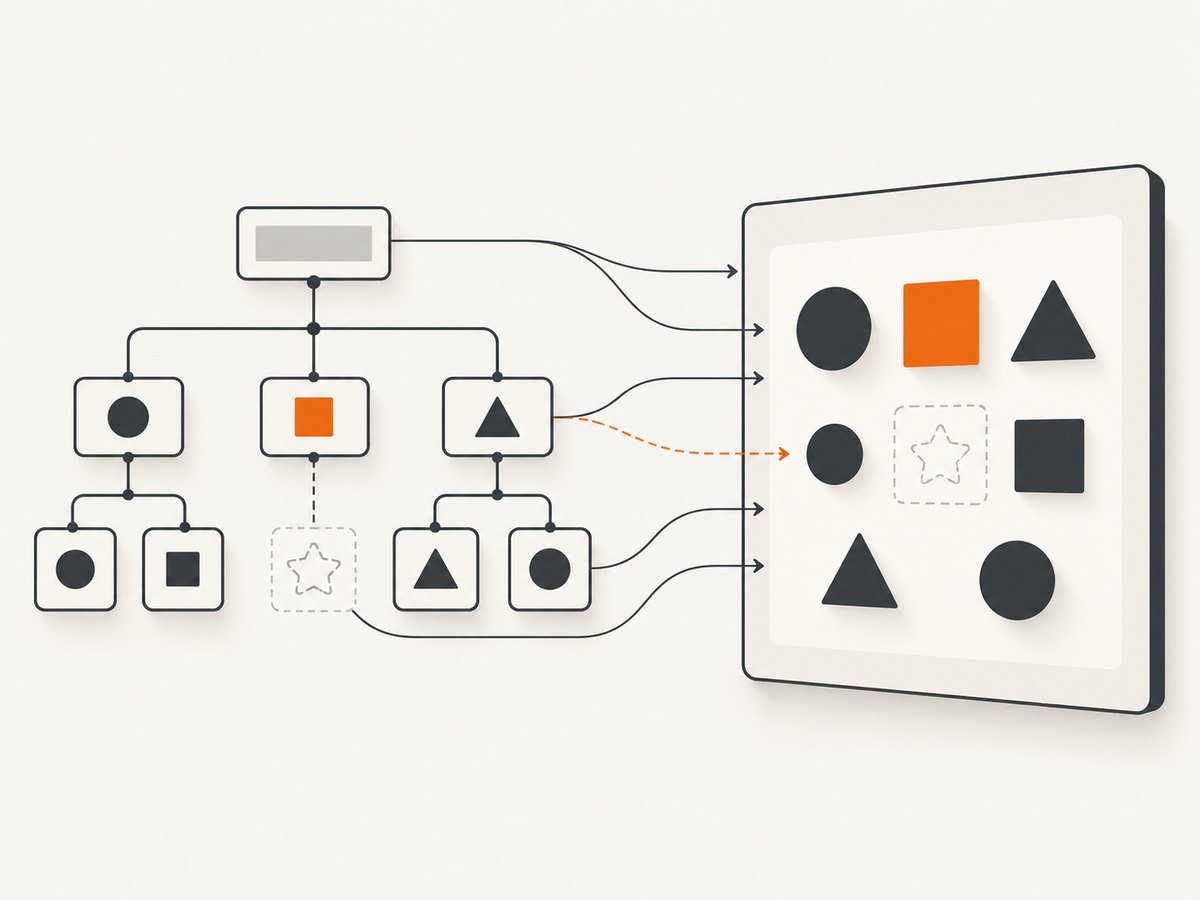
- On the affected iPhone or iPad, load the original page and inspect the icon before calling html2canvas.
- Record iOS or iPadOS version, browser version, html2canvas version, Font Awesome version, and whether the icon uses a Kit, webfont CSS, SVG+JS, or inline SVG.
- Check whether the icon’s CSS, font, or SVG request succeeded. Note its URL and whether it is same-origin or cross-origin.
- Reduce the page to one icon inside the smallest practical container, then generate the canvas again.
| What you see | Likely area to investigate | Next check |
|---|---|---|
| Icon is absent on the live page and in canvas | Font Awesome setup, class name, style, or asset loading | Verify the Kit or stylesheet, icon name and style, and CSS/font/SVG responses. |
| Icon is visible live but absent in canvas | html2canvas reconstruction or resource restrictions | Make a minimal case; try an inline SVG or text fallback in onclone. |
| Icon is present but its edges are cut off | Container dimensions or overflow | Check line height, parent height, vertical padding, and overflow:hidden. |
| The whole canvas operation fails or cannot be read | Canvas security, memory, or another rendering error | Inspect console errors and investigate cross-origin images separately. |
2. Fix an icon that is missing from the live page
html2canvas cannot render an icon the browser never received or displayed. Follow the Font Awesome troubleshooting guidance and check these basics:
- Stylesheet or Kit: confirm the intended Font Awesome stylesheet or Kit is loaded on this route, not only on another page or after the capture begins.
- Name and style: verify the icon name and the class for the style you actually include, such as solid or regular. A valid name with a style you did not load may render blank.
- Asset responses: inspect the network result for the CSS and the font or SVG resource it references. A stylesheet can load while a font path inside it fails.
- Timing: make sure the capture runs after the icon and its required resources are ready. If the page inserts icons asynchronously, wait for the relevant element rather than relying on a short fixed delay.
- Fallback behavior: retain useful accessible labeling if the visual icon is decorative or conveys meaning. An icon alone should not be the only source of important information.
Font Awesome documents both webfont and SVG approaches; the choice affects which asset and rendering path you need to inspect. See its browser support notes and rendering approach documentation. First make the icon work on the live page, then compare that behavior with the canvas.
3. Reproduce the capture with html2canvas
Use a small, same-page test so that unrelated layout and asset loading do not obscure the result. The example below assumes html2canvas is already loaded by your application and that the target element contains one visible Font Awesome icon. It can be run from your page’s JavaScript bundle or console.
const target = document.querySelector("#capture");
if (!target) throw new Error("Missing #capture element");

const canvas = await html2canvas(target, {
  backgroundColor: "#ffffff",
  scale: window.devicePixelRatio || 1,
  logging: true,
  useCORS: true
});

document.body.appendChild(canvas);
console.log("Canvas size:", canvas.width, canvas.height);
This is a diagnostic baseline, not a set of magic icon switches. useCORS controls cross-origin image loading in html2canvas; it is not a universal font or icon repair option. The remote server must also allow the relevant cross-origin image access. Review the html2canvas options before changing configuration.
Keep the scale modest while isolating the issue. A higher scale increases output dimensions and memory demand, especially for full-page captures on mobile devices. If the generated image is large, use a smaller target element or a lower scale to separate memory pressure from the icon problem.
4. Test an SVG or text fallback in the cloned document
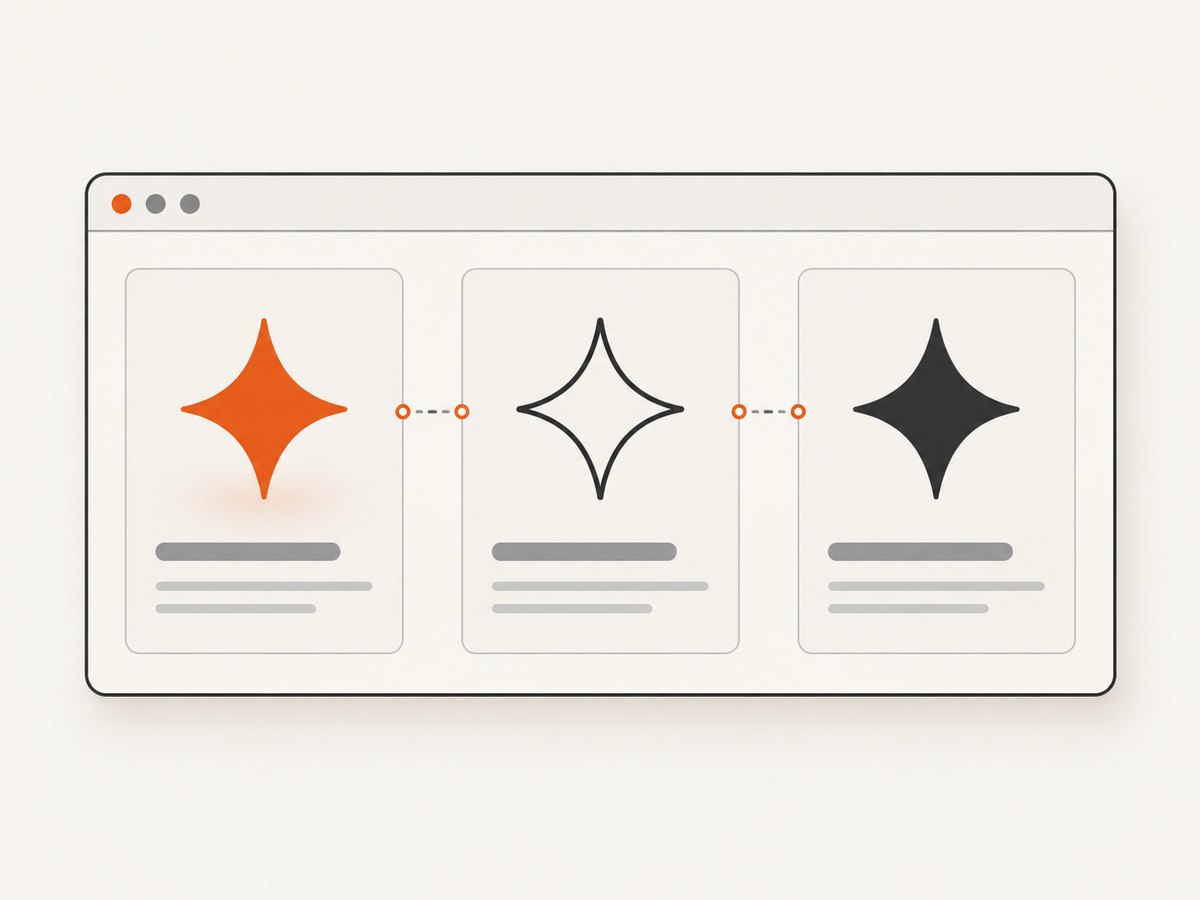
When the original icon displays but the canvas omits it, test whether replacing that one icon in html2canvas’s cloned DOM changes the result. The onclone callback is documented for modifying the cloned document before rendering. Use an inline SVG that represents the intended icon, or ordinary text as a diagnostic fallback. This approach tests the rendering path; it is not a vendor-guaranteed iOS fix.
const target = document.querySelector("#capture");
if (!target) throw new Error("Missing #capture element");

const canvas = await html2canvas(target, {
  backgroundColor: "#ffffff",
  onclone(clonedDocument) {
    const icon = clonedDocument.querySelector("#capture .fa-example");
    if (!icon) return;

    // Diagnostic substitute: replace with your own verified inline SVG.
    const svg = clonedDocument.createElementNS(
      "http://www.w3.org/2000/svg",
      "svg"
    );
    svg.setAttribute("viewBox", "0 0 24 24");
    svg.setAttribute("width", "24");
    svg.setAttribute("height", "24");
    svg.setAttribute("aria-hidden", "true");

    const path = clonedDocument.createElementNS(
      "http://www.w3.org/2000/svg",
      "path"
    );
    path.setAttribute("d", "M4 12h16"); // Replace with the icon's path.
    path.setAttribute("fill", "none");
    path.setAttribute("stroke", "currentColor");
    path.setAttribute("stroke-width", "2");
    svg.appendChild(path);
    icon.replaceWith(svg);
  }
});

document.body.appendChild(canvas);
The path above is only a visible test mark, not a Font Awesome icon. Substitute a verified path if you need to compare the final icon shape. An ordinary text fallback is another useful test: if text appears but the webfont glyph does not, that points toward the glyph/font reconstruction path. Verify the output on the affected iOS device and check the icon’s accessible label in the live interface independently.
5. Separate cross-origin problems from icon rendering
Cross-origin restrictions remain in force. html2canvas cannot bypass them. A tainted canvas is usually a problem with a cross-origin image drawn into the canvas, not proof that a Font Awesome font is broken. The useCORS option is documented for images; do not treat it as a general permission to read remote assets or as a universal webfont fix.
- Check console messages and network failures for the exact resource involved.
- For a cross-origin image, confirm that its server sends suitable CORS headers. A client option cannot create those server headers.
- html2canvas documents a proxy route for eligible images; use it only where you control or trust the proxy and can satisfy the source’s access rules.
- Retest the icon with unrelated remote images removed. This distinguishes a canvas-wide security failure from a missing glyph.
See the html2canvas FAQ for browser restrictions and platform limits. iOS Safari canvas limits can depend on device memory, so large canvases may fail even when a small reproduction succeeds.
6. Fix clipping separately
If the icon exists but looks shaved off at the top, bottom, or sides, inspect its box rather than replacing the icon asset. Font Awesome documents clipping when icon padding meets a tight-height parent with overflow:hidden. Try allowing more height or vertical padding, then capture again.
.icon-capture-container {
  min-height: 2.5rem;
  padding-block: 0.25rem;
  overflow: visible;
  line-height: 1.4;
}
Adjust the values to fit your layout. This remedy addresses clipped edges; it does not explain a completely blank icon. See Font Awesome’s icon canvas notes.
7. Troubleshooting checklist
| Symptom or error | Common cause | What to do |
|---|---|---|
| Icon missing both live and in output | Wrong class/style, missing Kit or stylesheet, failed asset | Confirm the icon and style are supported by the loaded setup; inspect CSS and font/SVG requests. |
| Icon live, blank only in canvas | DOM reconstruction differs from browser painting | Reduce to one icon; try SVG or text in onclone; compare output on the target device. |
| Some icons work, one does not | Incorrect name/style or icon-specific markup | Compare its classes and markup with a known working icon using the same style. |
| Canvas becomes unreadable after a remote image | Cross-origin image taint | Check image response headers and html2canvas’s image CORS/proxy options. Do not expect these to repair fonts. |
| Top or bottom of glyph is cut off | Parent too short, restrictive line height, or hidden overflow | Increase available height or padding and inspect overflow. |
| Small capture works; full page fails on iOS | Canvas dimensions or device memory pressure | Capture smaller regions, lower scale, or reduce output dimensions. |
| Behavior differs between devices | Different browser, OS, dependency version, font availability, or timing | Record exact versions and resource origins; keep a minimal reproducible case for each target. |
8. Performance, reliability, and cost considerations
html2canvas runs in the user’s browser and spends work traversing and reconstructing the selected DOM. Large targets and high pixel ratios increase canvas size and memory use; on iOS, test the actual device and keep captures as small as the feature allows. Waiting for every network request can add latency, while capturing too early can omit fonts or delayed content. Prefer a readiness condition tied to the target icon or page state.
For reliability, treat browser and dependency versions as part of the reproduction. Keep a small test page with one icon, one capture target, and a recorded configuration. Do not promise that one fallback or option works across all current iOS releases: the reviewed sources do not establish a universal fix. A 2018 issue describes html2canvas 1.0.0-alpha.12 on Safari 10.1.2 on OS X Yosemite, which is historical desktop evidence, not proof of a current iOS defect: issue #1610.
html2canvas itself has no per-capture service charge, but client-side rendering uses device resources and engineering time. If you need server-side website images instead of an in-browser capture, compare the operational cost of maintaining browser infrastructure with a screenshot API’s usage pricing. That is a different workflow: an API captures a URL, not the already-rendered, private DOM state in a user’s page.
Or skip the browser setup
ScreenshotNeo is a website screenshot API and MCP server from Yorker Media. One GET request captures a URL as PNG, JPEG, WebP, or PDF. It does not replace html2canvas when you must capture private client-side state already present in the user’s browser, but it can avoid browser setup for URL-based captures. See the ScreenshotNeo API documentation.
curl -G "https://api.screenshotneo.com/v1/shot" \
  -d access_key=YOUR_API_KEY \
  --data-urlencode url=https://stripe.com \
  -o shot.webp
import requests
r = requests.get(
"https://api.screenshotneo.com/v1/shot",
params={"access_key": "YOUR_API_KEY", "url": "https://stripe.com"},
timeout=90,
)
open("shot.webp", "wb").write(r.content)const q = new URLSearchParams({
access_key: 'YOUR_API_KEY',
url: 'https://stripe.com'
});
const res = await fetch(`https://api.screenshotneo.com/v1/shot?${q}`);
if (!res.ok) throw new Error(`Screenshot request failed: ${res.status}`);
const bytes = new Uint8Array(await res.arrayBuffer());
await Bun.write("shot.webp", bytes);ScreenshotNeo accepts cookie or consent banners like a visitor and removes 60+ known consent platforms, newsletter popups, and chat widgets before the shot; each step can be turned off. Bot checks or CAPTCHAs, blank pages, timeouts, failed loads, and cache hits cost nothing, and response headers report the page verdict and whether it was billed. Its MCP server gives AI agents tools to take screenshots, inspect page information, and capture PDFs. The Free plan includes 1,000 screenshots per month without a card; paid plans start at $5 for 3,000. Sign up for 1,000 free screenshots a month, no card required.
FAQ
Does useCORS: true fix Font Awesome fonts?
No. html2canvas documents it for image loading. Diagnose the font or SVG request and the reconstruction path separately.
Is this a confirmed current iOS Safari bug?
The reviewed evidence does not prove a universal current-iOS defect. Test the exact device, browser, html2canvas version, and Font Awesome rendering method.
Should I switch every icon to SVG?
Not based on this symptom alone. Test one SVG in the cloned document to learn whether changing the rendering path addresses your case.
Can I use ScreenshotNeo to capture an icon rendered only in my app state?
It captures a website URL. It does not automatically receive private DOM state that exists only in the current browser session.


