How to Fix Font Awesome Icons Missing in Firefox With html2canvas
Learn why html2canvas misses Font Awesome icons in Firefox and follow a practical diagnostic flow for fonts, CSS, cross-origin assets, and timing.
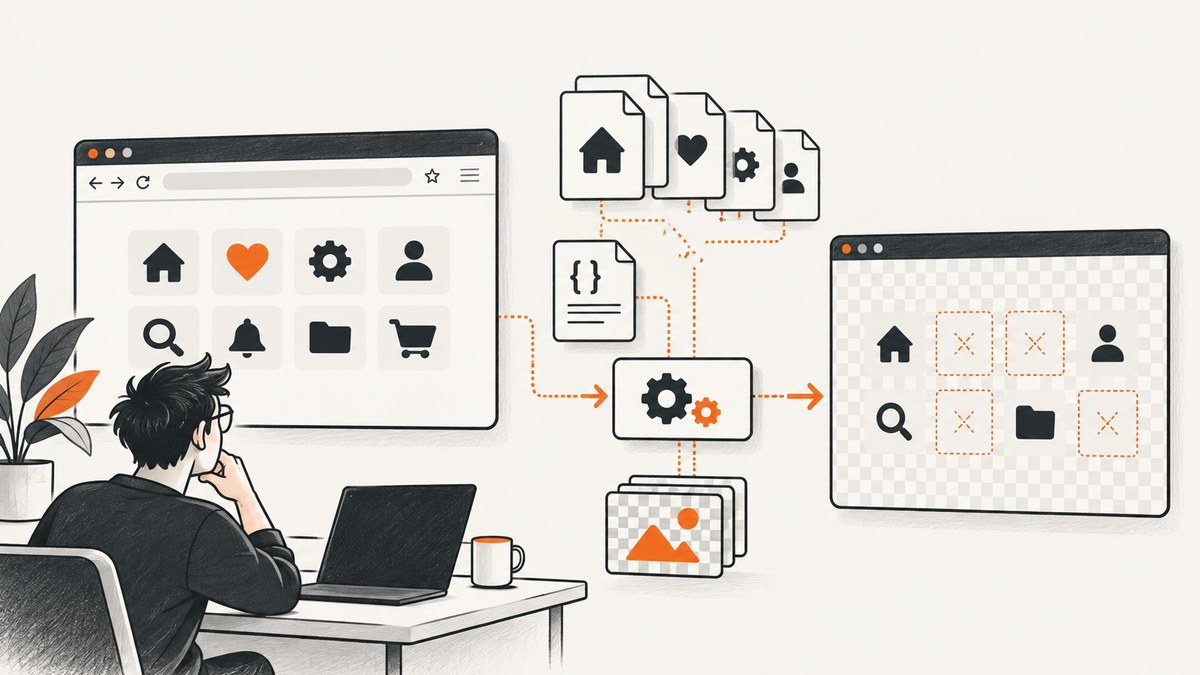
When Font Awesome icons appear on the live page but disappear in a Firefox canvas produced by html2canvas, the problem is usually a rendering-path mismatch. html2canvas rebuilds a picture from the DOM and styles it can read; it does not ask Firefox for a native screenshot. A font icon inserted through CSS, a pseudo-element, a delayed web font, or a blocked cross-origin resource can therefore be visible in the browser and absent from the canvas.
The reliable fix is to identify which of those paths your project uses, reduce the capture to a small reproduction, and verify each asset before changing implementation. Firefox is a supported browser for html2canvas, and Font Awesome supports recent Firefox and Gecko releases, but neither project promises pixel-perfect reproduction of every CSS feature or icon path. See the html2canvas documentation, its browser support and FAQ, and Font Awesome’s browser-support statement.
First, determine where the icon disappears
- Compare the live page and the canvas. If the icon is missing in both, fix Font Awesome loading or configuration first. If it is visible live but missing only in the canvas, continue with html2canvas diagnostics.
- Capture only the smallest element that reproduces the issue. Remove unrelated layout, animations, and application code. A ten-line reproduction tells you more than a full dashboard.
- Inspect the console and network panel. Confirm the expected Font Awesome CSS and font files return successfully, and check whether any image or stylesheet comes from another origin.
- Wait for the real assets. Capture after the document’s fonts are ready, then repeat in the Firefox version used by your users.
- Compare implementations. If you use Web Fonts + CSS, test Font Awesome’s SVG + JS approach in the same minimal reproduction. Treat this as an experiment, not a guaranteed cure.
How html2canvas and Font Awesome interact
html2canvas walks the DOM, reads computed styles, and paints the properties it understands onto a canvas. Its documentation explicitly says it cannot render every CSS property. Font Awesome Web Fonts + CSS commonly place an icon in a pseudo-element such as ::before, using a private-use Unicode character and a font-family declaration. That means the final pixels depend on CSS selectors, generated content, font-face rules, font loading, and the browser’s computed-style results. A missing piece can produce an empty box while the live page still looks correct.
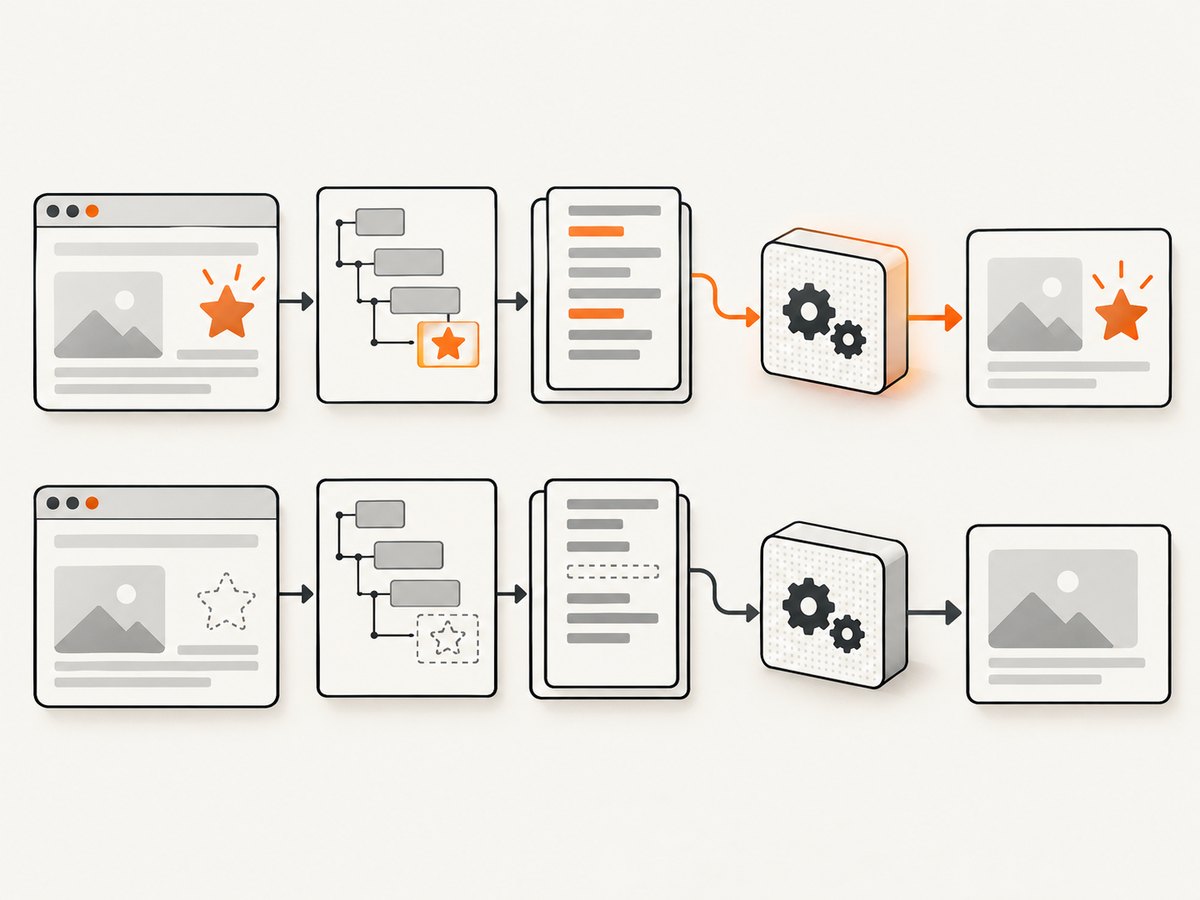
SVG + JS inserts an actual SVG element into the document. That changes the capture path: the icon is no longer only generated content from a font. It can be easier to inspect in the DOM, but it still must be tested with your html2canvas version, styles, and asset policy. Font Awesome describes both approaches in its Web Fonts versus SVG guide.
Check Font Awesome before blaming Firefox
Verify version, plan, style, and subset
Look up the icon name in the exact Font Awesome release loaded by the page. An icon can be absent because it was introduced later, belongs to a different style (solid, regular, light, thin, or brands), or requires Pro or Pro+ access. A Kit can also be subsetted and omit an icon that exists in the general catalog. Font Awesome’s web troubleshooting guidance recommends checking these configuration details.
Verify the generated CSS and font files
Open the CSS response in developer tools and search for the icon’s selector and its @font-face declarations. In the network panel, filter by font and confirm every requested file returns a successful response with a usable content type. A 404, blocked request, incorrect MIME type, or a restrictive policy can leave the live page showing a fallback or an icon loaded from a different path than you expect.
/* Minimal Web Fonts + CSS check */
.fa-test::before {
  font-family: "Font Awesome 6 Free";
  font-weight: 900;
  content: "\\f00c"; /* use a codepoint valid for your loaded release */
}
Do not copy that codepoint blindly. Use the value generated by your installed Font Awesome CSS. If the minimal icon does not appear in Firefox, solve the Font Awesome setup first; html2canvas cannot capture pixels that the page never rendered.
Wait for fonts before calling html2canvas
Font timing is a useful diagnostic when the icon appears after a short delay or changes from a fallback glyph. Wait for the document’s font set and for the target element to be present, then capture. This sequence does not prove a Firefox-specific defect, and historical reports cover multiple browsers and older html2canvas releases. Use it to establish whether timing is involved in your current project.
import html2canvas from "html2canvas";

async function captureAfterFonts(element) {
  if (document.fonts && document.fonts.ready) {
    await document.fonts.ready;
  }
  // Force layout after fonts resolve.
  void element.offsetWidth;
  return html2canvas(element, {
    backgroundColor: "#ffffff",
    useCORS: true,
    logging: true
  });
}

const target = document.querySelector(".icon-card");
if (!target) throw new Error(".icon-card was not found");
const canvas = await captureAfterFonts(target);
document.body.appendChild(canvas);
For a stronger test, add a visible status element that reports whether document.fonts.check() returns true for the family and weight you use. Also disable CSS transitions and blinking animations during capture; a moving state can make a font appear intermittently missing.
Inspect pseudo-elements and computed styles
Many Font Awesome Web Font icons are generated with ::before or ::after. Inspect the element and read the pseudo-element’s computed content, font-family, font-weight, and display. If content is none or empty, the issue is CSS or Font Awesome configuration. If all values look correct and the live page shows the icon, create a reproduction containing only the element, its Font Awesome CSS, and the html2canvas call.
const el = document.querySelector(".icon-card");
const before = getComputedStyle(el, "::before");
console.table({
  content: before.content,
  fontFamily: before.fontFamily,
  fontWeight: before.fontWeight,
  display: before.display
});
html2canvas’s FAQ says: “If a property is missing or incomplete, create a test case and open an issue.” That is the appropriate next step when a minimal, valid CSS path works in Firefox but is not reproduced by the canvas.
Rule out cross-origin resources carefully
Cross-origin restrictions matter for images and other resources that end up in a canvas. They are not the default explanation for a web-font icon; first establish that the font, stylesheet, or an image used by the captured element is actually served from another origin. html2canvas documents the same-origin policy, server permissions, and proxy options in its getting-started guide.
If an external resource is involved, check the response’s CORS headers and test with the relevant html2canvas option:
html2canvas(element, {
  useCORS: true,
  allowTaint: false,
  logging: true
});
useCORS asks the browser to request resources with CORS enabled; it cannot grant permission that the server does not provide. allowTaint can permit a tainted canvas, but a tainted canvas cannot be exported safely with methods such as toDataURL. A proxy is a server-side alternative when you control the deployment and understand the security implications. Never add a proxy merely because Firefox is involved.
Try SVG + JS as a controlled comparison
Font Awesome supports Web Fonts + CSS and SVG + JS. Compare them in a minimal reproduction using the same icon, dimensions, html2canvas version, and Firefox build. Record which resources load and whether the SVG node exists before capture. If SVG succeeds, decide whether your markup, accessibility, styling, and bundle constraints allow that approach. If both fail, inspect the element’s layout, visibility, transforms, and capture timing instead of assuming the font method is the root cause.
Minimal reproducible test page
<!doctype html>
<html>
<head>
  <meta charset="utf-8">
  <link rel="stylesheet" href="/path/to/fontawesome.min.css">
  <style>
    .icon-card { width: 240px; padding: 24px; background: white; }
    .icon-card .fa-check::before { margin-right: 8px; }
  </style>
</head>
<body>
  <div id="capture" class="icon-card">
    <i class="fa-solid fa-check" aria-hidden="true"></i>
    Loaded icon
  </div>
  <button id="go">Capture</button>
  <script src="/path/to/html2canvas.min.js"></script>
  <script>
    document.querySelector('#go').onclick = async () => {
      await document.fonts.ready;
      const canvas = await html2canvas(document.querySelector('#capture'), {
        useCORS: true,
        logging: true
      });
      document.body.append(canvas);
    };
  </script>
</body>
</html>
Replace the stylesheet and class names with the exact assets from your project. Test this page from the same protocol and host arrangement as production. A reproduction that omits your Font Awesome version, style, subset, and loading method cannot distinguish a library issue from an application configuration issue.
Troubleshooting checklist
| Symptom | Likely cause | Fix or next check |
|---|---|---|
| Icon missing on live page and canvas | Wrong icon name, style, plan, or subset | Confirm the icon exists in the loaded release and that its CSS and font files load successfully. |
| Live page shows icon; canvas is blank | Pseudo-element or unsupported CSS path | Inspect computed ::before/::after values and reproduce with one element. |
| Works after reload but not immediately | Font has not finished loading | Await document.fonts.ready, disable transitions, and capture after layout settles. |
| Console reports blocked resource or tainted canvas | Cross-origin asset without suitable CORS | Inspect the actual request, configure server CORS, or use a controlled proxy. |
| Only one Firefox release differs | Browser, font, or html2canvas version interaction | Record versions and test the minimal reproduction before upgrading or switching implementation. |
| SVG comparison also fails | Visibility, layout, transform, or timing issue | Check bounding boxes, computed styles, and whether the node exists before capture. |
Performance and reliability considerations
Capture the smallest element that meets your requirement. Full-page DOM traversal costs more time and memory than a card or toolbar, especially when the page contains large images, shadows, filters, or thousands of nodes. Disable animations, lazy-load only the content you need, and avoid repeatedly creating canvases without releasing references. For repeatable output, set an explicit background color, viewport dimensions, and scale rather than relying on browser defaults.
Reliability comes from controlling state: wait for fonts and critical images, use a deterministic URL or local fixture, freeze dynamic data, and log html2canvas warnings. Keep the html2canvas and Font Awesome versions pinned while diagnosing. When upgrading either library, rerun the minimal reproduction in Firefox and at least one other supported browser. There is no universal Firefox-only fix or timing guarantee for this symptom.
html2canvas runs in the user’s browser, so there is no screenshot API charge. Your costs are client CPU, memory, bandwidth for fonts and images, and engineering time maintaining a browser-rendering path. If you need server-side captures, a managed API can move that browser setup out of your application.
Or skip the browser setup
ScreenshotNeo is a website screenshot API and MCP server. It loads the URL and returns a PNG, JPEG, WebP, or PDF, so your application does not need to coordinate Firefox, html2canvas, Font Awesome font timing, or pseudo-element reconstruction.
One GET request is enough:
curl -G "https://api.screenshotneo.com/v1/shot" -d access_key=YOUR_API_KEY --data-urlencode url=https://stripe.com -o shot.webpPython:
import requests
r = requests.get("https://api.screenshotneo.com/v1/shot", params={"access_key": "YOUR_API_KEY", "url": "https://stripe.com"}, timeout=90)
open("shot.webp", "wb").write(r.content)
Node.js:
const q = new URLSearchParams({ access_key: 'YOUR_API_KEY', url: 'https://stripe.com' });
const res = await fetch(`https://api.screenshotneo.com/v1/shot?${q}`);
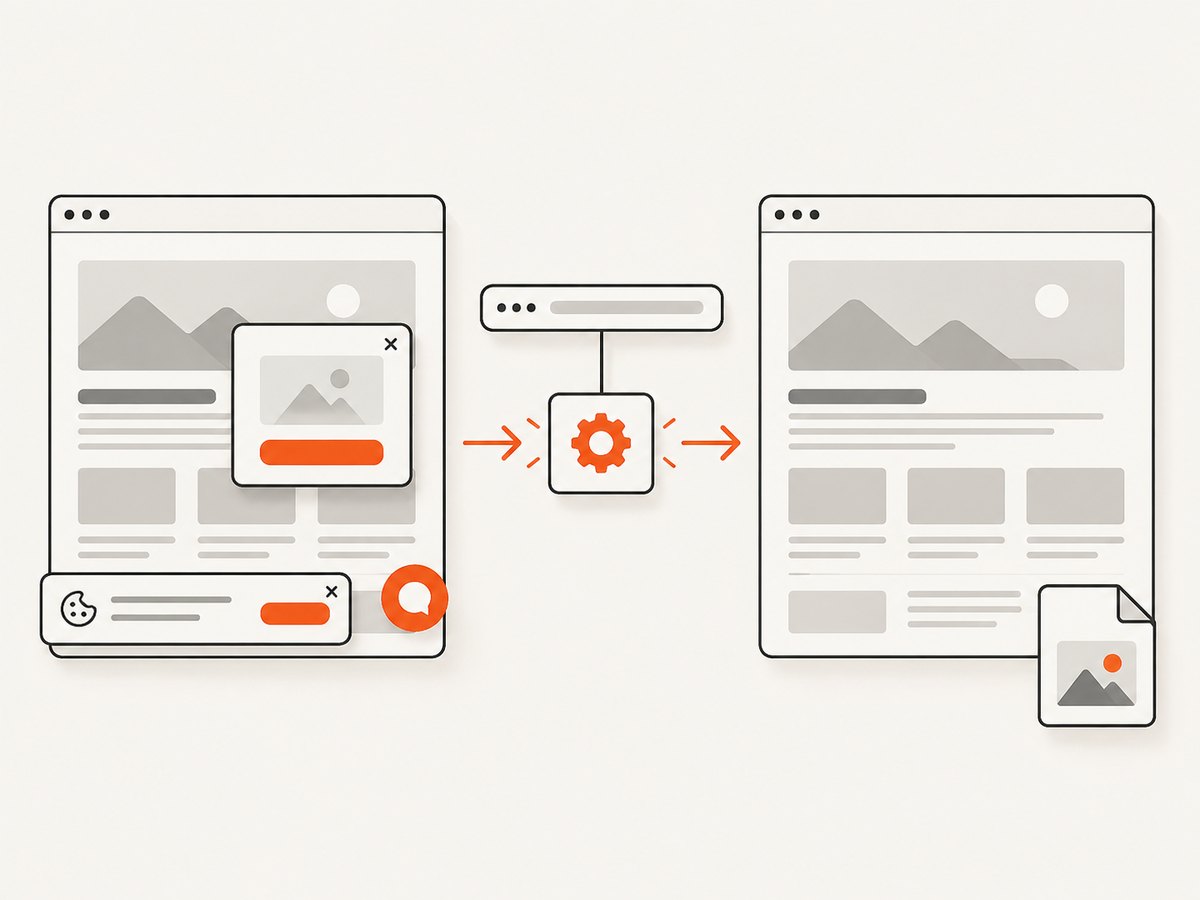
See the ScreenshotNeo API documentation for parameters and response handling. Before capture it accepts consent banners and removes more than 60 known consent platforms, newsletter popups, and chat widgets; each step can be disabled. Bot checks or CAPTCHAs, blank pages, timeouts, failed loads, and cache hits are not billed, and response headers report the page verdict and whether the shot was billed. ScreenshotNeo also provides an MCP server with take_screenshot, get_page_info, and capture_pdf for Claude, Cursor, and other MCP clients.
The Free plan includes 1,000 screenshots per month with no card. Paid plans start at $5 for 3,000 shots, and every feature is included on every plan. Create a free ScreenshotNeo account and start with the no-card allowance.
FAQ
Is Firefox unsupported by html2canvas?
No. Firefox is listed among supported modern browsers. Support means the browser is a target, not that every CSS property, font, or pseudo-element will render identically.
Should I immediately switch from Web Fonts to SVG?
No. Test both paths in a minimal reproduction with your current versions. Choose the approach that fits your markup and produces reliable captures.
Does useCORS: true fix missing Font Awesome icons?
Only when a cross-origin resource is actually involved and the server permits CORS. It cannot repair a missing icon, wrong subset, or unsupported CSS path.
What should I include in an html2canvas issue?
Provide a minimal test case, browser and library versions, the relevant HTML and CSS, console and network errors, and whether the icon is visible before capture. The html2canvas FAQ specifically asks for a reproduction when a property is missing or incomplete.


