How to Fix Gray Emojis in Headless Chrome PDF Output
Gray emojis in Puppeteer PDFs usually come from print media colors or missing Linux color fonts. Use this checklist and runnable fixes.
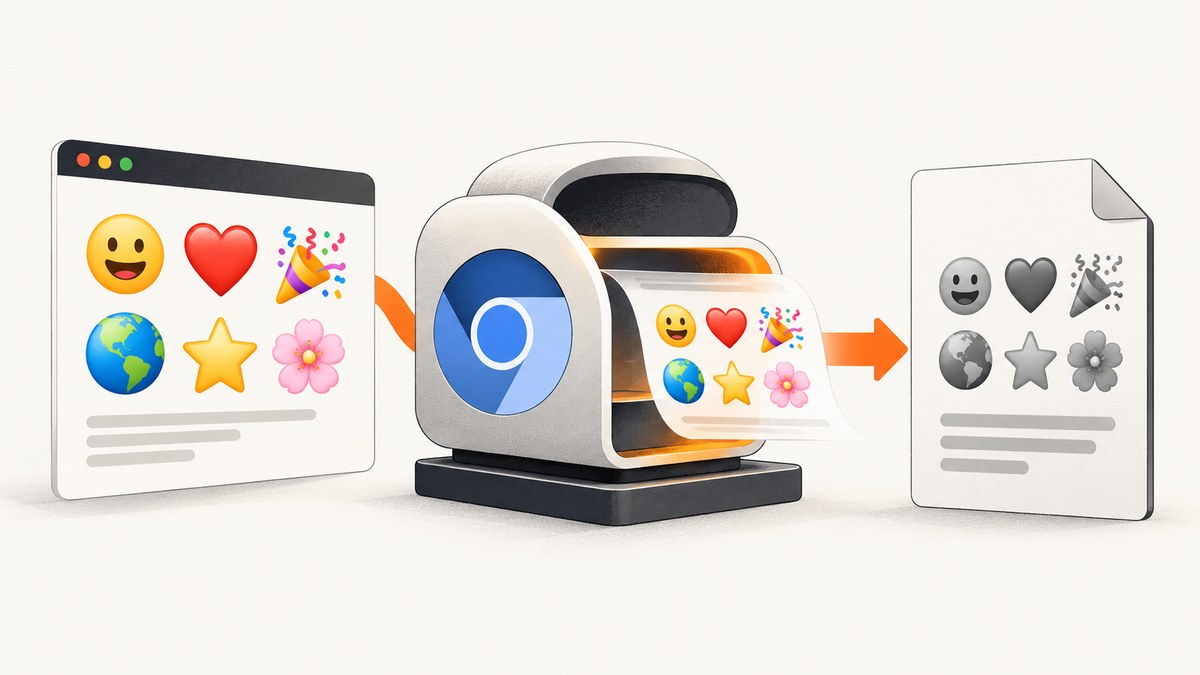
Gray or monochrome emoji in a Puppeteer or headless Chrome PDF usually has two causes: PDF generation switches the page to print media, and the capture environment cannot resolve a compatible color emoji font. Fix the media mode and print color rules first, then make the emoji font deterministic. If the output still varies between machines, replace the affected glyphs with SVG or PNG assets.
This guide explains the complete diagnostic path, with runnable Puppeteer, command-line, Python, and Node.js examples. It also covers Linux font configuration, emoji sequences, readiness, PDF options, troubleshooting, performance, and production reliability.
Why emojis turn gray in a PDF
page.pdf() generates using the print CSS media type by default. Puppeteer documents that you can call page.emulateMediaType('screen') when the PDF should match the screen rendering. Puppeteer also notes that PDF output modifies colors for printing unless you use -webkit-print-color-adjust to request exact colors (Puppeteer PDF documentation).
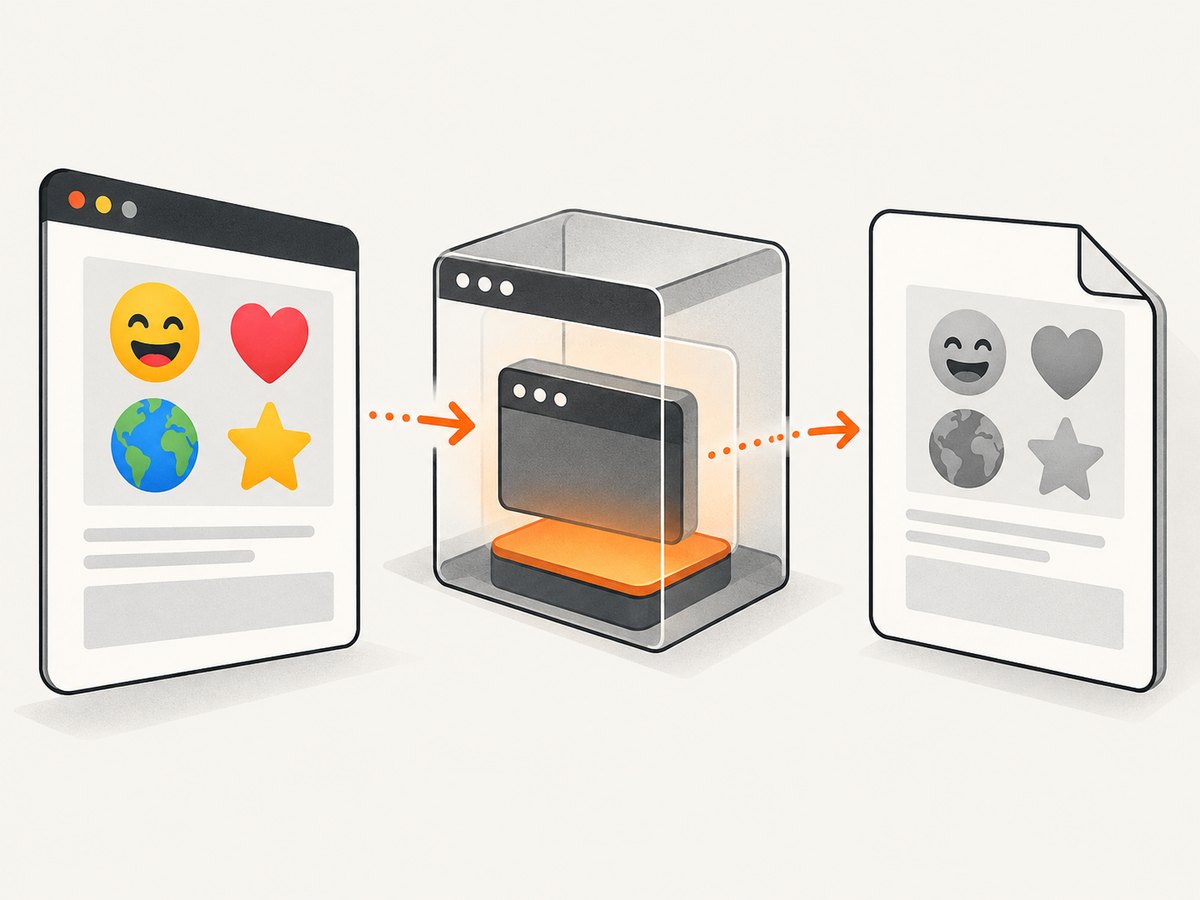
Emoji color is a separate dependency. Chrome needs a color emoji font and a fallback chain that supports the font format installed on the operating system. Noto Color Emoji uses the CBDT/CBLC color-font format; the Noto project says support and fontconfig setup differ on Linux (Noto Emoji project). A desktop Chrome session can therefore show color emoji while a Linux container creates gray glyphs or substitutes a monochrome font.
Emoji sequences add another variable. A single code point such as 😀 is simpler than a ZWJ sequence such as a family, profession, or gendered emoji. Skin-tone modifiers, regional flags, variation selectors, and joined sequences can each exercise a different fallback path. Test the exact strings your application emits.
The reliable fix sequence
- Preserve print colors. Add
-webkit-print-color-adjust: exactand the standardprint-color-adjust: exactin print CSS. - Select the intended media type. Use
screenwhen the PDF should resemble the browser view. Keepprintwhen you intentionally use print-specific layout. - Wait for fonts. Await
document.fonts.readyafter navigation and before generating the PDF. - Control the emoji font. Install or bundle a tested color emoji font, define a controlled fallback list, and inspect fontconfig on Linux.
- Use an asset fallback. For a fixed emoji set, inline SVG or PNG assets remove color-font and fallback uncertainty.
- Validate the exact runtime. Test the same Chromium build, operating system image, PDF viewer, and locale used in production.
Minimal Puppeteer solution
Install Puppeteer, save the following as emoji-pdf.js, and run it with a URL. The example waits for network activity and fonts, uses screen media, preserves colors, and enables PDF backgrounds.
const puppeteer = require('puppeteer');

(async () => {
  const browser = await puppeteer.launch({headless: 'new'});
  const page = await browser.newPage();

  await page.goto('https://example.com/emoji-page', {
    waitUntil: 'networkidle0',
    timeout: 90000
  });

  await page.emulateMediaType('screen');
  await page.addStyleTag({content: `
    @media print {
      *, *::before, *::after {
        -webkit-print-color-adjust: exact;
        print-color-adjust: exact;
      }
    }
  `});

  await page.evaluate(() => document.fonts.ready);

  await page.pdf({
    path: 'emoji.pdf',
    format: 'A4',
    printBackground: true,
    preferCSSPageSize: true
  });

  await browser.close();
})();
The screen media setting is the key choice when the interactive page already displays the desired emoji. printBackground: true affects backgrounds and other painted colors; it does not install a color emoji font.
Make the font deterministic
Declare a deliberate fallback list
Use an explicit family only after testing it in your target image. A generic fallback can be safer than forcing a family that has spacing or shaping problems in a particular Chrome build.
body {
  font-family: system-ui, sans-serif;
}

.emoji {
  font-family: 'Noto Color Emoji', 'Apple Color Emoji',
               'Segoe UI Emoji', sans-serif;
}
Noto documentation describes Linux support as dependent on fontconfig and the installed font format. Install the font in the image used for capture, rebuild the font cache, and verify that Chromium can see it. Do not assume that a font name available on macOS or Windows exists in a Linux container.
Wait for web fonts and asynchronous assets
If the page loads an emoji webfont, wait for the font promise and, when necessary, for a known selector that indicates the content is ready.
await page.goto(url, {waitUntil: 'domcontentloaded', timeout: 90000});
await page.waitForSelector('.report-ready', {timeout: 30000});
await page.evaluate(() => document.fonts.ready);
await page.waitForTimeout(250);
A short delay is useful for late layout changes, but it cannot repair a missing font. Use a readiness signal that your application controls instead of relying only on a fixed sleep.
Inspect the actual font
In Chromium DevTools, inspect the emoji element and open the rendered-fonts section. In a Linux container, inspect installed font files and fontconfig rules. If Chrome resolves a monochrome fallback, fix the image or CSS rather than changing PDF flags. Noto’s issue tracker also records cases where explicitly selecting “Noto Color Emoji” changes spacing; compare explicit and fallback configurations with your real content (Noto issue 350).
Use SVG or PNG when font rendering is unstable
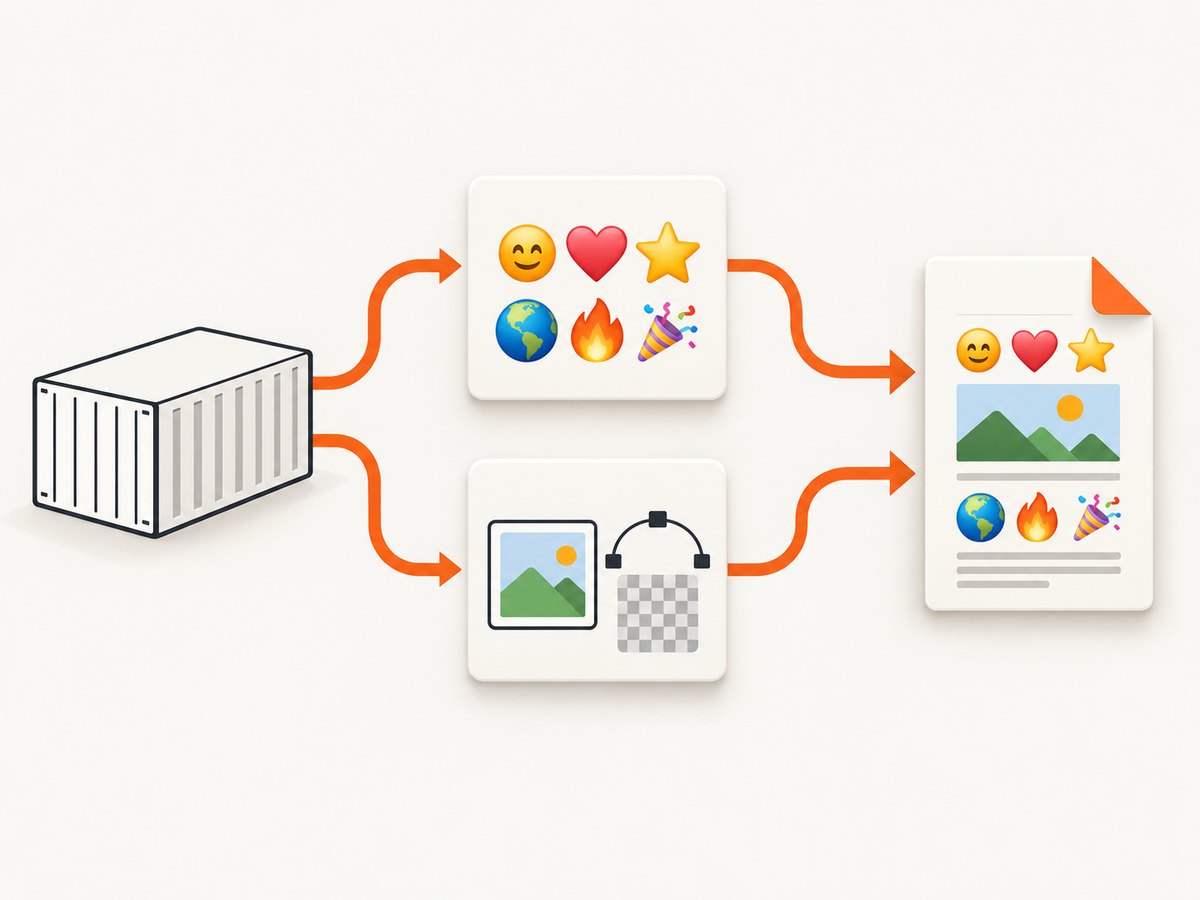
For a known set of icons, replace the text glyph before capture with an inline SVG or PNG generated from an approved emoji asset library. This is an engineering fallback inferred from the documented variability of print color handling and color-font support. It trades font dependence for asset management, file size, and licensing responsibilities.
<span class='emoji-fallback' aria-label='rocket'>
  <img src='/assets/emoji/rocket.png' width='24' height='24' alt=''>
</span>
Keep the visual style consistent, provide an accessible label outside the decorative image, and verify that the asset license permits PDF distribution. SVG and PNG are especially useful for logos, status markers, and a small fixed vocabulary. They are less practical for arbitrary user-generated emoji text.
Command-line headless Chrome controls
Chrome’s headless reference documents PDF output, timeout, and virtual-time controls (Chrome Headless mode documentation). These controls regulate capture timing; they do not install or select a color emoji font.
google-chrome --headless --no-sandbox \
  --disable-gpu \
  --print-to-pdf=emoji.pdf \
  --timeout=90000 \
  --virtual-time-budget=5000 \
  'https://example.com/emoji-page'
Use --virtual-time-budget when scripts or webfont loading need additional virtual time. If the page requires authentication, custom headers, cookies, or a post-load action, Puppeteer gives you more control than a single CLI command.
PDF options that affect visual fidelity
| Option | Use it when | What it does not solve |
|---|---|---|
emulateMediaType('screen') |
The PDF should match screen CSS | Missing fonts or unsupported glyphs |
printBackground: true |
Background colors and images must print | Font fallback |
preferCSSPageSize: true |
Your document defines @page size |
Emoji color |
format, margin, scale |
You need consistent paper geometry | Color-font installation |
pageRanges |
You are exporting selected pages | Rendering differences on omitted pages |
Keep page geometry stable while diagnosing emoji. Changing scale or paper size can alter line wrapping and make a font problem look like a layout problem.
Common errors and fixes
| Symptom | Likely cause | Fix |
|---|---|---|
| Color on screen, gray in PDF | Print media color adjustment | Use screen media or add both print-color-adjust declarations. |
| Gray only in CI or Docker | Color emoji font absent or inaccessible | Install a tested font, rebuild fontconfig cache, and verify rendered fonts. |
| Some emoji are gray | ZWJ, skin-tone, or variation sequence unsupported | Test exact sequences and use SVG/PNG for unstable cases. |
| Emoji missing entirely | No fallback glyph in the selected fonts | Add a fallback family or replace the glyph with an asset. |
| Spacing changes after adding Noto | Explicit family alters shaping or metrics | Compare controlled fallback lists and avoid hard-coding the family without testing. |
| PDF captures before emoji appears | Font or content loads after navigation | Await document.fonts.ready and a page-specific readiness selector. |
| Colors still differ from browser | Viewer color management or print CSS | Compare in the target PDF viewer and inspect computed print styles. |
| CLI output is incomplete | Asynchronous page work exceeds the default window | Increase timeout or virtual-time budget; use Puppeteer for event-based waits. |
Testing checklist for production
- Capture plain emoji, variation-selector emoji, skin-tone modifiers, flags, and representative ZWJ sequences.
- Run the same test page in the production container and on a developer machine.
- Check both
screenandprintmedia if your product supports both. - Open generated PDFs in the viewers your users actually use.
- Record the Chromium version, operating system image, installed fonts, locale, and fontconfig configuration.
- Keep a known-good raster or SVG fixture so a dependency upgrade can be compared byte-for-byte visually.
- Set navigation and font waits with explicit timeouts, and report which stage failed.
Performance, reliability, and cost considerations
Font installation and cache setup happen once per container image; doing them at runtime increases cold-start time and creates inconsistent results. Reusing a browser process is generally faster than launching Chromium for every PDF, but isolate pages and close them after capture to prevent state leakage. Network-idle waits can be slow on pages with analytics or long-lived connections, so combine a practical readiness selector with a bounded timeout.
Font-based emoji keeps HTML compact and supports arbitrary text, but depends on operating-system behavior. Image fallbacks increase document bytes and asset work while making glyph appearance more predictable. Choose per content type: use a tested color font for broad user text and assets for a small set of critical symbols.
If PDF generation is a recurring infrastructure task, an API can remove browser installation and font maintenance from your application. ScreenshotNeo is a website screenshot API and MCP server; its PDF capture supports paper size, margins, landscape mode, and page ranges. It also accepts custom CSS and JavaScript, so you can apply the same print-color rule before capture.
Or skip the browser setup
ScreenshotNeo can capture a URL as a PDF or image with one request. See the ScreenshotNeo API documentation for parameters and response handling.
curl -G 'https://api.screenshotneo.com/v1/shot' \
  -d access_key=YOUR_API_KEY \
  --data-urlencode url=https://example.com/emoji-page \
  -d format=pdf \
  -o emoji.pdf
import requests
r = requests.get(
'https://api.screenshotneo.com/v1/shot',
params={
'access_key': 'YOUR_API_KEY',
'url': 'https://example.com/emoji-page',
'format': 'pdf'
},
timeout=90
)
r.raise_for_status()
open('emoji.pdf', 'wb').write(r.content)const q = new URLSearchParams({
access_key: 'YOUR_API_KEY',
url: 'https://example.com/emoji-page',
format: 'pdf'
});
const res = await fetch(`https://api.screenshotneo.com/v1/shot?${q}`);
if (!res.ok) throw new Error(`HTTP ${res.status}`);
const fs = require('node:fs');
fs.writeFileSync('emoji.pdf', Buffer.from(await res.arrayBuffer()));Cookie banners, newsletter popups, and chat widgets are removed before the shot, with each cleanup step configurable. Bot checks, blank pages, failed loads, timeouts, and cache hits are not billed; response headers report the page verdict and whether the request was billed. An MCP server provides take_screenshot, get_page_info, and capture_pdf tools for Claude, Cursor, and other MCP clients. The free plan includes 1,000 screenshots each month with no card; paid plans start at $5 for 3,000 shots, and every feature is available on every plan. Create a free account at ScreenshotNeo.
FAQ
Does printBackground make emoji colorful?
No. It preserves painted backgrounds. Color emoji still require a compatible color font or an image fallback.
Should I always use screen media?
Use screen when visual parity with the browser matters. Use print when your document has intentional print layout, then keep the exact-color declarations.
Can a newer Chrome version fix this automatically?
There is no universal Chrome-version fix. Validate the exact browser, operating system, font configuration, and PDF viewer in your pipeline.
Are SVG emoji always better?
No. They are more deterministic for a fixed set, but require asset licensing, accessibility handling, and larger markup or files.
Why does the same PDF look different in two viewers?
PDF viewers can apply different color-management and font-rendering behavior. Compare in the viewer used by your audience and keep a rasterized visual regression fixture.


