How to Fix Grey Leaflet Map Captures with MapKit JS and dom-to-image
Fix grey Leaflet exports by checking tile CORS, capture timing, and library limits. Includes dom-to-image code, diagnostics, proxies, and ScreenshotNeo.
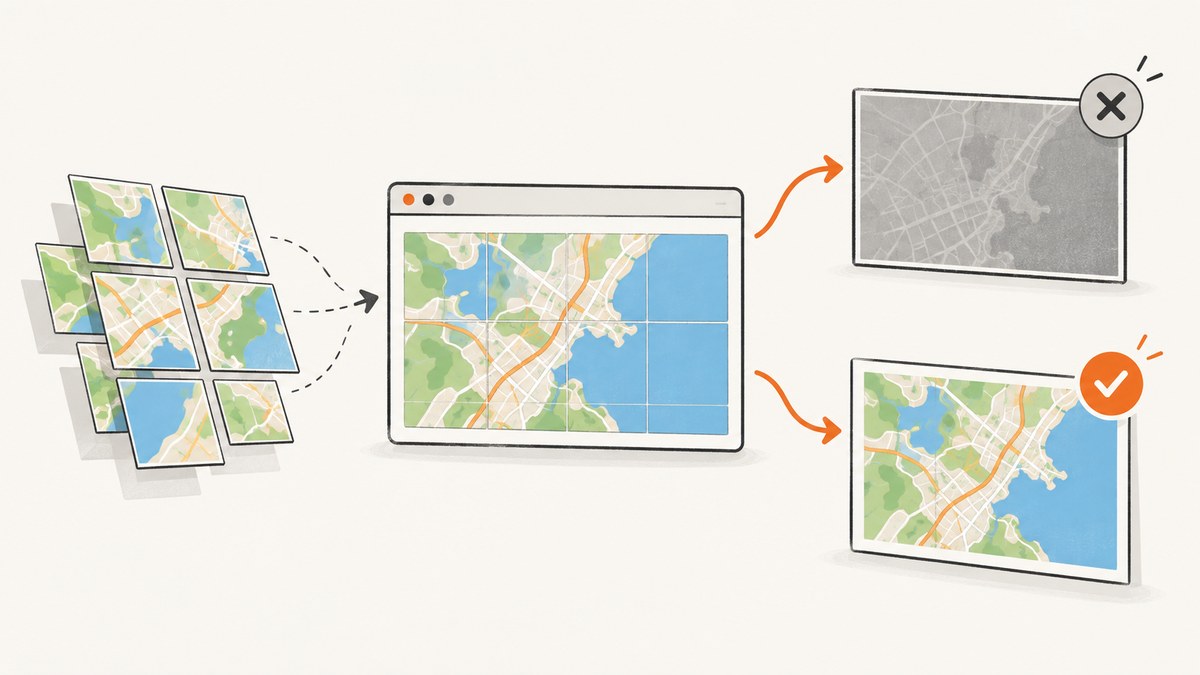
A grey or missing Leaflet map in a dom-to-image export is usually caused by cross-origin tile images. Browsers may display those tiles normally while still preventing a canvas from reading their pixels. Check the tile responses for CORS headers, request tiles with CORS enabled, and start the export only after every tile has loaded. If the tile provider does not permit this, use an authorized same-origin proxy or a capture service.
Leaflet, MapKit JS and dom-to-image are separate pieces. Confirm which framework creates the map, which package performs the export, and which tile or image provider supplies the pixels before changing code. MapKit JS documentation covers CORS for cross-origin image sources; it does not establish a Leaflet plus dom-to-image integration fix.
1. Why the map turns grey
Canvas security has two distinct requirements:
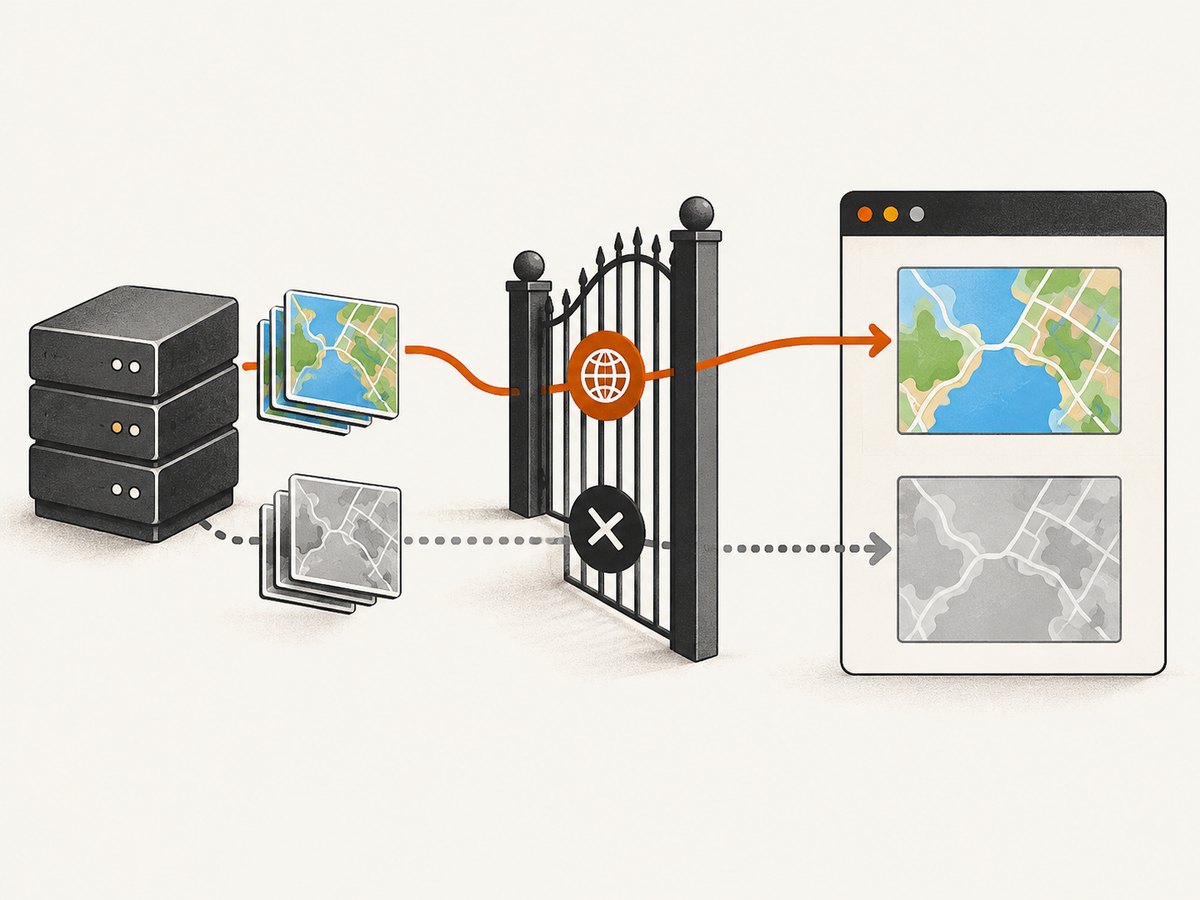
- The tiles must finish loading. Capturing during a tile-loading race can produce blank or partially rendered areas.
- The tile origin must permit pixel access. A tile response needs appropriate CORS headers. Setting a client-side attribute cannot make a server add those headers.
When a cross-origin image is drawn without permission, the canvas becomes tainted and pixel-reading or export operations fail. The html2canvas FAQ describes this behavior, and its documentation explains that the output is reconstructed from the DOM rather than being a native browser screenshot.
MapKit JS has the same browser constraint for cross-origin image sources. See Apple’s ImageSource documentation when MapKit JS itself supplies image layers.
2. Diagnose the exact failure
- Open DevTools and reload the page with the Network and Console panels visible.
- Filter requests for the tile URL pattern, commonly ending in
{z}/{x}/{y}.png,.jpgor.webp. - Open a representative tile response. Record its status,
Access-Control-Allow-Originheader, authentication or referrer requirements, and whether it redirects. - Look for console messages mentioning a tainted canvas, blocked origin, failed image load, CSP, 401/403 responses or mixed content.
- Check Leaflet’s load state. A successful map display does not prove that every tile has completed before your export starts.
- Confirm the exporter and version.
dom-to-image,html2canvasandleaflet-imagehave different APIs and limitations.
| Symptom | Likely cause | Next check |
|---|---|---|
| Grey map, console says tainted canvas | Tile response lacks usable CORS headers | Inspect response headers and provider policy |
| Blank tiles but no CORS error | Capture began before tiles loaded | Wait for tile lifecycle events and verify requests ended |
| Some tiles missing | 401/403, rate limit, referrer rule or failed network request | Open the failed tile URL and inspect status and response |
| Controls appear but map imagery does not | DOM reconstruction cannot read tile pixels | Test a CORS-enabled provider or authorized proxy |
3. Configure Leaflet for CORS
Leaflet’s TileLayer supports a crossOrigin option for workflows that need tile pixel access. This changes how the browser requests the image; the tile server must still send an allowing CORS response. The option is documented in the Leaflet TileLayer reference.
const map = L.map('map', { preferCanvas: true }).setView([37.7749, -122.4194], 12);

const tiles = L.tileLayer(
  'https://tiles.example.com/{z}/{x}/{y}.png',
  {
    crossOrigin: 'anonymous',
    attribution: '© Tile provider'
  }
).addTo(map);
Use the value required by the provider. Do not add credentials to a public tile URL unless the provider explicitly supports that mode, and do not assume crossOrigin repairs a missing response header.
4. Capture after all tiles load with dom-to-image
The exact waiting API depends on the dom-to-image package and version. A reliable pattern is to count Leaflet tile events, wait for the map to settle, then call domtoimage.toPng (or the equivalent method exposed by your package).
import domtoimage from 'dom-to-image';

const mapElement = document.getElementById('map');
const tileLayer = tiles;

function waitForTiles(layer, timeoutMs = 15000) {
  return new Promise((resolve, reject) => {
    let timer;
    const finish = () => {
      clearTimeout(timer);
      layer.off('load', finish);
      layer.off('tileerror', onError);
      resolve();
    };
    const onError = (event) => {
      clearTimeout(timer);
      layer.off('load', finish);
      layer.off('tileerror', onError);
      reject(new Error(`Tile failed: ${event.tile?.src || 'unknown URL'}`));
    };

    layer.once('load', finish);
    layer.once('tileerror', onError);
    timer = setTimeout(() => {
      layer.off('load', finish);
      layer.off('tileerror', onError);
      reject(new Error('Timed out waiting for Leaflet tiles'));
    }, timeoutMs);
  });
}

await waitForTiles(tileLayer);
await new Promise(requestAnimationFrame);

const dataUrl = await domtoimage.toPng(mapElement, {
  cacheBust: true,
  bgcolor: '#ffffff'
});

document.querySelector('#result').src = dataUrl;
If your package exposes a different method or option set, use that package’s documentation. Do not copy html2canvas option names into dom-to-image without checking compatibility.
5. html2canvas users: direct CORS or a proxy
If the project actually uses html2canvas, its documented useCORS option attempts CORS image loading, while proxy enables a same-origin proxy approach. The default for useCORS is false.
import html2canvas from 'html2canvas';

const canvas = await html2canvas(document.getElementById('map'), {
  useCORS: true,
  backgroundColor: '#ffffff',
  imageTimeout: 15000
});

document.querySelector('#result').src = canvas.toDataURL('image/png');
useCORS: true is an attempt, not a bypass. The tile server must return a compatible Access-Control-Allow-Origin header. allowTaint: true does not make an unreadable canvas exportable; it can permit drawing while leaving pixel reads blocked.
A proxy can work when direct CORS is unavailable, but it must be authorized by the tile provider and restricted to approved origins and resources. Validate URLs, prevent access to internal network addresses, avoid forwarding private credentials, cache responsibly, and never deploy an unrestricted public image proxy.
6. MapKit JS considerations
First establish whether MapKit JS supplies the map imagery. A Leaflet map normally uses a Leaflet TileLayer; MapKit JS has its own map and image-source APIs. If MapKit JS provides a custom cross-origin image source, follow Apple’s CORS requirements for that source. If Leaflet supplies the tiles, configure and diagnose the Leaflet layer instead.
Do not treat MapKit JS guidance as proof that a particular dom-to-image version can export Leaflet internals. The browser still evaluates the actual tile response and the exporter still has its own reconstruction limits.
7. leaflet-image as an export-specific option
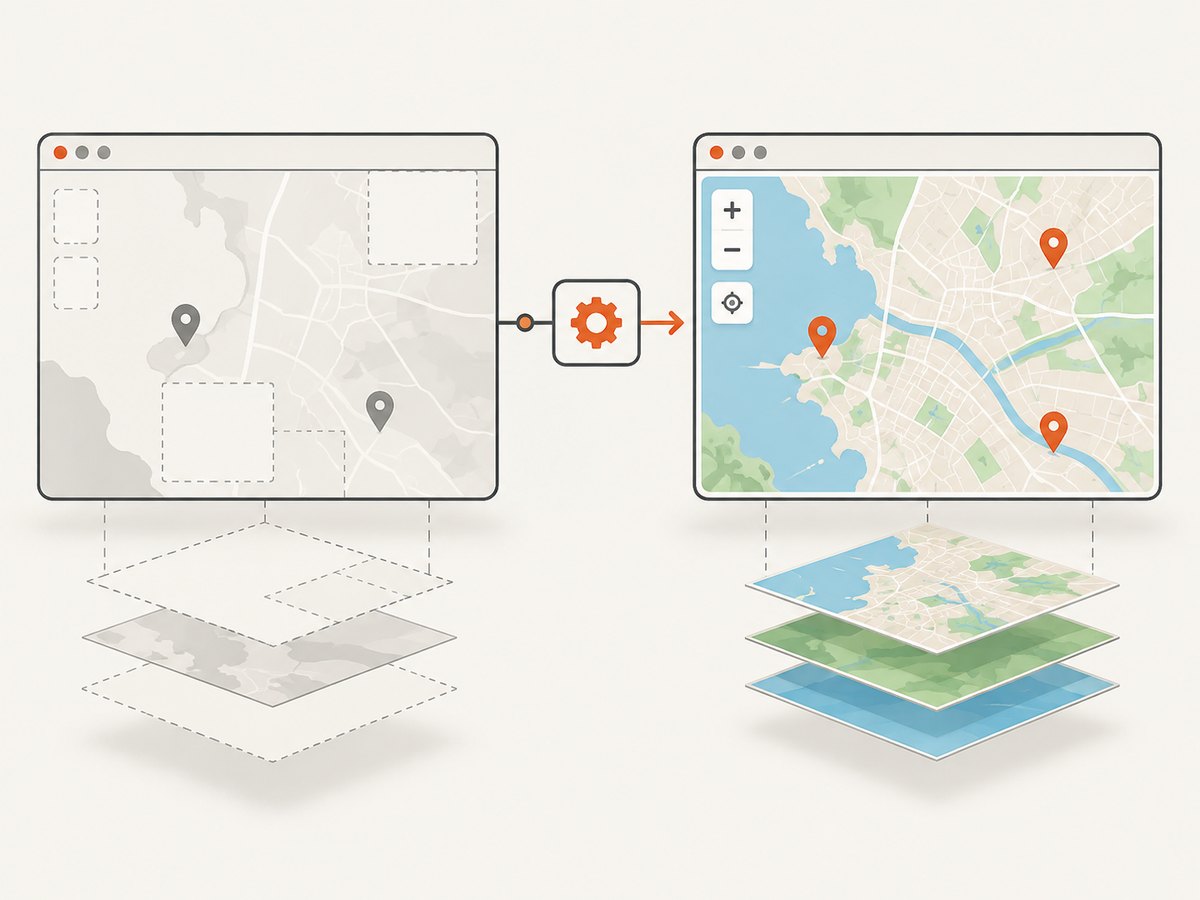
leaflet-image is designed for Leaflet exports but has separate constraints: tile and marker sources must support CORS; Leaflet 1.x vector layers intended for export need Canvas rendering; HTML controls and HTML-based markers are not rasterized by the library. Choose it when those constraints match your map, not as a universal replacement for dom-to-image.
import leafletImage from 'leaflet-image';

leafletImage(map, (error, canvas) => {
  if (error) {
    console.error(error);
    return;
  }
  document.querySelector('#result').src = canvas.toDataURL('image/png');
});
8. A repeatable troubleshooting checklist
CORS or origin-policy errors
Cause: the response lacks an allowing CORS header, uses the wrong allowed origin, redirects to a host with different headers, or requires credentials that are not configured.
Fix: ask the provider for its browser CORS requirements, set Leaflet’s crossOrigin mode accordingly, and verify the final response in DevTools. If direct access is not supported, use an authorized proxy or a provider that supports browser pixel access.
Capture runs too early
Cause: the export starts while tile requests are pending.
Fix: wait for the tile layer’s load event, handle tileerror, add a timeout, and wait one animation frame after the final tile before exporting. A delay alone cannot cure denied CORS.
Tiles return 401, 403 or 429
Cause: missing API key, disallowed referrer, expired token, usage limit or provider rate limit.
Fix: correct the provider configuration, keep secrets out of client code where required, reduce concurrent captures and follow the provider’s terms.
Only vectors or markers disappear
Cause: the selected exporter does not rasterize SVG, Canvas or HTML layers in the same way as the live map.
Fix: enable Canvas rendering where the exporter requires it, replace HTML markers with supported layers, or use a native browser screenshot for pixel fidelity.
Map is correct but the export still differs
Cause: DOM reconstruction libraries approximate layout, fonts, filters and browser rendering.
Fix: compare the exporter output with a browser screenshot, simplify unsupported effects, wait for fonts and images, or use a screenshot service that renders the page in a browser.
9. Performance, reliability and security
- Reduce work: capture only the map element when a full-page image is unnecessary. Avoid repeatedly rebuilding the map for every export.
- Control concurrency: tile providers may rate-limit bursts. Queue captures and reuse cached tiles where provider terms allow.
- Use bounded waits: every tile wait needs a timeout and an error path so a single failed tile cannot hang a job forever.
- Make readiness observable: log tile status, response status, elapsed time and exporter errors without logging private tokens.
- Protect proxies: allowlist hosts, validate URLs, enforce size and time limits, and block access to internal addresses.
- Choose fidelity deliberately: DOM reconstruction is convenient for client-side workflows; a browser screenshot is usually more faithful for complex maps and controls.
10. Or skip the browser setup
ScreenshotNeo renders a URL through a screenshot API, so your code does not need to coordinate Leaflet tiles, CORS headers or a DOM export package. See the ScreenshotNeo documentation for request options.
cURL
curl -G "https://api.screenshotneo.com/v1/shot" -d access_key=YOUR_API_KEY --data-urlencode url=https://stripe.com -o shot.webpPython
import requests

r = requests.get("https://api.screenshotneo.com/v1/shot", params={"access_key": "YOUR_API_KEY", "url": "https://stripe.com"}, timeout=90)
open("shot.webp", "wb").write(r.content)
Node.js
const q = new URLSearchParams({ access_key: 'YOUR_API_KEY', url: 'https://stripe.com' });
const res = await fetch(`https://api.screenshotneo.com/v1/shot?${q}`);
ScreenshotNeo removes cookie and consent banners, newsletter popups and chat widgets before capture. Bot checks, blank pages and failed loads are never billed, and response headers identify the page verdict and billing result. Its MCP server lets AI agents use take_screenshot, get_page_info and capture_pdf. The free plan includes 1,000 screenshots each month with no card; paid plans start at $5 for 3,000.
Create a free ScreenshotNeo account and start with 1,000 screenshots a month at no charge.
11. FAQ
Does adding crossOrigin always fix a grey map?
No. It requests the image in a mode suitable for CORS, but the tile response must permit your origin.
Can a longer timeout solve the problem?
It can solve a loading race. It cannot solve a server that denies cross-origin pixel access.
Should I switch from dom-to-image to html2canvas?
Only after checking the requirements of both packages. Their options and rendering behavior differ; use html2canvas’s documented CORS or proxy settings only when html2canvas is the exporter.
Why does the map work interactively if export is blocked?
Displaying an image and reading its pixels are governed by different browser security checks.
Will a proxy expose my tile API key?
It can if implemented carelessly. Keep private credentials server-side, validate destinations and restrict the proxy to authorized use.


