How to Fix Headers Not Showing in Wicked PDF
A missing Wicked PDF header can come from render options, page spacing, template assets, JavaScript, or the converter build. Follow these checks in order.
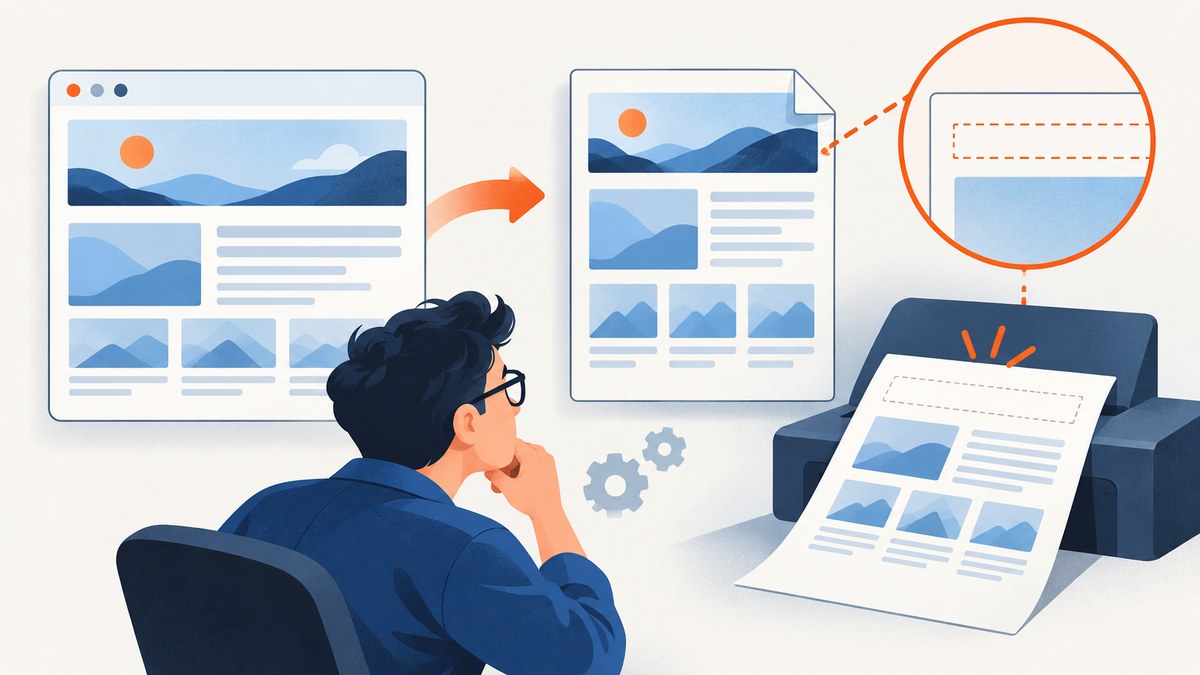
If a header is missing from a Wicked PDF, first confirm that the PDF render passes a header option and that the HTML template is valid. Then check the top margin and header spacing together, verify the template and its assets are reachable by the converter, and inspect JavaScript timing, the PDF object type, and the exact wkhtmltopdf binary. There is no single setting that fixes every case: the cause can be in Rails, the template, resource loading, or the converter build.
Wicked PDF is a Rails plugin that invokes the wkhtmltopdf shell utility to convert HTML to PDF. The header is therefore produced through the Rails render options and the converter’s layout and resource-loading behavior. This guide narrows down the cause without assuming a particular app setup.
1. Confirm the render call supplies a header
Start at the controller or service that renders the PDF. Find the options passed to Wicked PDF and check that the relevant header setting is present on the request that produces the PDF. wkhtmltopdf supports text headers such as header-left, header-center, and header-right, as well as an HTML header supplied with header-html. A header line is only a decoration; enabling it does not create header content. [Wicked PDF documentation; wkhtmltopdf usage manual]
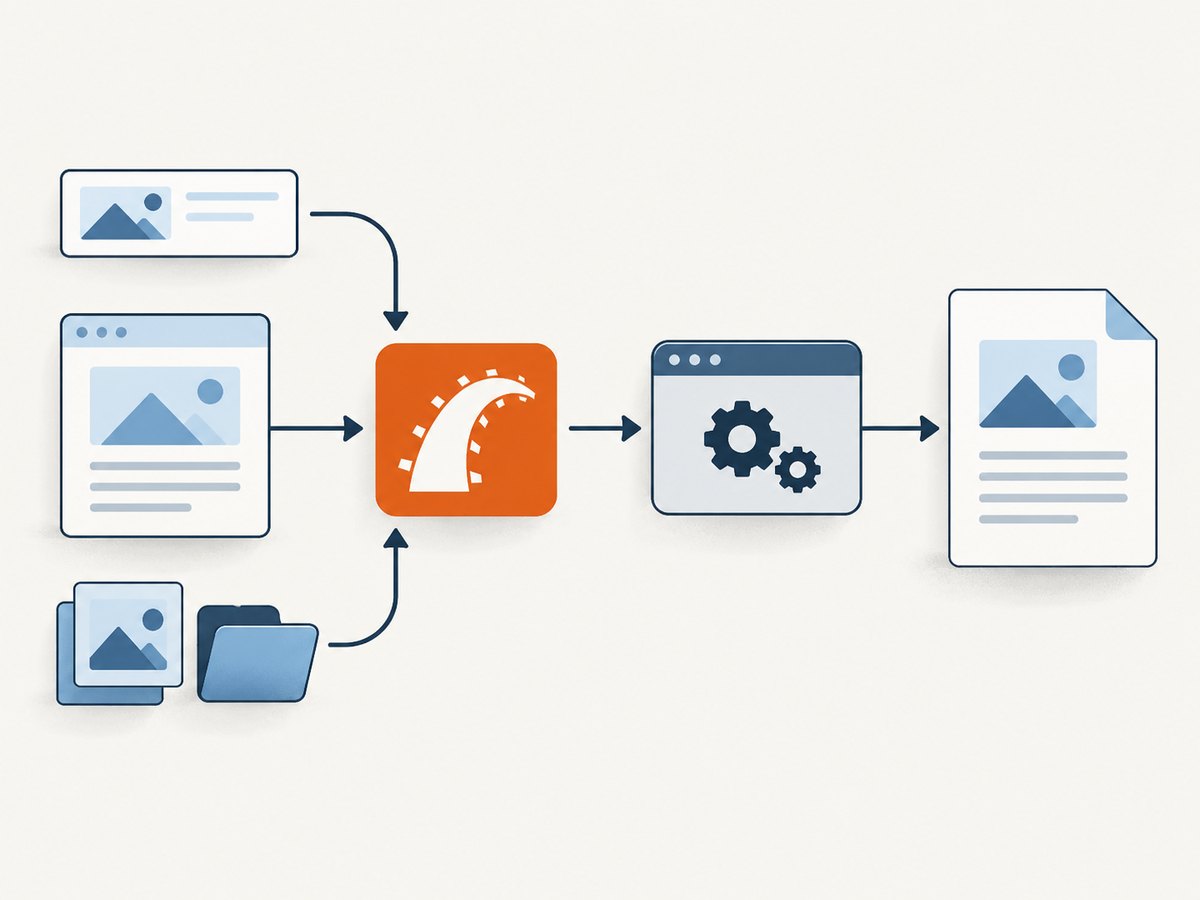
For example, a Rails render can pass text header options like this:
format.pdf do
  render pdf: "invoice",
         header: {
           left: "Acme",
           center: "Invoice",
           right: "[page] of [topage]"
         },
         margin: { top: 20 }
end
Wicked PDF’s Ruby option names and helper conventions depend on the installed version. Compare the exact option shape with the project documentation for your version and inspect the generated converter command or diagnostics if the options appear not to reach wkhtmltopdf.
For an HTML header, point the renderer at the header template or URL that your app actually provides. Keep the initial diagnostic simple: temporarily use a static text header. If that appears, the PDF path is accepting header settings and attention can move to the HTML document, styles, and assets.
2. Check top margin and header spacing together
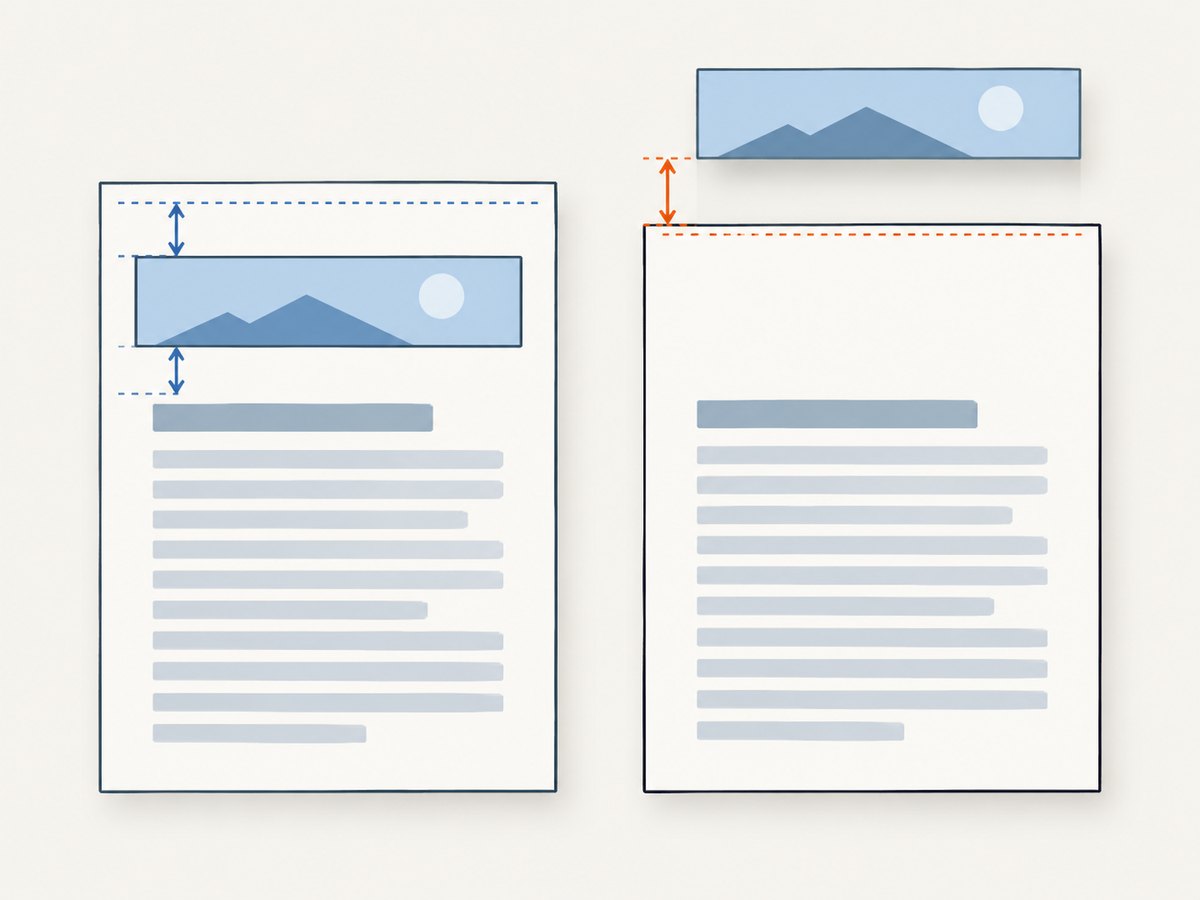
Look at the top page margin and the header spacing as a pair. The spacing setting controls the gap between the header and the body content. wkhtmltopdf warns that excessive spacing can position a header outside the page; increasing the top margin may be needed to reserve room. Its manual lists --margin-top and --header-spacing, and documents the default header spacing as 0 mm. [wkhtmltopdf usage manual; settings reference]
| What you see | What to inspect | Adjustment to try |
|---|---|---|
| Header is absent | Top margin and header spacing | Reduce excessive spacing and reserve enough top margin for the header. |
| Header is clipped | Header height and page boundary | Increase top margin or reduce header content/spacing. |
| Header overlaps the body | Gap between header and content | Increase spacing carefully, then confirm the header remains on the page. |
There is no universal numeric margin: paper size, header height, and template layout determine what fits. Change one dimension at a time and inspect the generated PDF after each adjustment.
3. Validate the HTML header and its assets
Check that the header template path or URL is exactly the one passed to the converter and that it returns valid HTML. Wicked PDF documents passing header/footer template content into PDF generation; if the template is used without a layout, it must provide a valid HTML document. [Wicked PDF documentation]
Next check every referenced stylesheet, image, and font from the converter process’s point of view. A path that works in a browser or in the Rails process may not be accessible to wkhtmltopdf. Local-file access is controlled by converter options; allow only the paths needed for the document and verify the effective policy rather than assuming access. [wkhtmltopdf usage manual]
Pay special attention to relative paths. A relative CSS or image URL can resolve differently when the header is loaded as its own document. Prefer a path whose resolution is unambiguous in the converter’s environment, and review converter diagnostics for failed loads.
4. Check scripts and resource loading
If JavaScript fills in the header, confirm JavaScript is enabled and that the content is ready before conversion starts. The wkhtmltopdf manual documents JavaScript as enabled by default and a default JavaScript delay of 200 milliseconds. That default is not a guarantee that an asynchronous script, API request, or late-loading font has finished. [wkhtmltopdf usage manual]
Use an application-specific readiness condition where possible, or set an appropriate delay when the content has a known completion time. Avoid increasing the delay blindly: it adds time to every conversion and may still miss unpredictable network work. Check the converter output for template or asset load errors. The settings reference describes error handling modes such as abort, skip, or ignore; those modes govern what happens after a load failure, they do not make a resource load successfully. [settings reference]
5. Verify the PDF object and converter build
Confirm that the page where the header is missing is a normal page object, not a cover. The wkhtmltopdf manual says a cover object does not have headers or footers. If the PDF includes a cover and regular pages, compare the affected page type before changing header settings. [wkhtmltopdf usage manual]
Also identify the exact converter executable invoked by the Rails process. A shell session and an application service can resolve different binaries or environments. Record the version/build and compare it with the assumptions in your configuration and deployment. The manual referenced here describes wkhtmltopdf 0.12.6 with patched Qt; that does not establish which build is installed in your application. [wkhtmltopdf usage manual]
6. Use HTML debug mode, then compare the PDF
Wicked PDF documents a show_as_html debugging path, enabled through a debug parameter, for inspecting the rendered HTML. Use it to check whether the main page and expected header markup are present. Then compare that view with the actual PDF and the converter logs: HTML debug mode is not the same execution path as the conversion. [Wicked PDF documentation]
In particular, Wicked PDF notes that file-URL assets can behave differently in the browser-based debug view because of cross-domain protections. An asset missing in that view does not by itself prove that the converter omitted it, and a successful debug view does not prove that wkhtmltopdf can load it. Confirm asset behavior in the generated PDF and converter diagnostics.
7. A practical diagnostic sequence
- Reproduce the PDF request and locate its Wicked PDF options.
- Pass a static text header to establish whether any header reaches the converter.
- Restore the HTML header and validate its document structure and URL/path.
- Check stylesheet, image, font, and local-file access from the converter’s runtime environment.
- Adjust top margin and header spacing together while inspecting clipping and overlap.
- If scripts populate the header, verify JavaScript and wait for the known readiness condition.
- Check whether the affected page is a cover object and record the converter binary/version.
- Use HTML debug mode and converter logs, then confirm every proposed fix against the produced PDF.
Common errors and fixes
| Symptom or cause | Why it happens | Fix |
|---|---|---|
| No header option in the PDF render | The option was omitted or is only set on a different response path. | Pass the appropriate text or HTML header option in the PDF render call. |
| Header template is a fragment without a layout | The converter receives incomplete HTML. | Provide a valid HTML document or render the template with the expected layout. |
| Header is outside the page | Spacing and available top margin do not fit the header. | Reduce spacing and/or reserve more top margin; inspect the output for clipping. |
| Logo, font, or stylesheet is missing | The converter cannot resolve the URL or access a local file. | Verify each resource path and the converter’s local-file policy. |
| Dynamic header is blank or incomplete | JavaScript or an asynchronous resource was not ready at conversion time. | Confirm JavaScript is enabled and wait for a known readiness condition. |
| Only the cover lacks a header | wkhtmltopdf cover objects do not have headers or footers. | Check the regular page object separately and design the cover content accordingly. |
| HTML debug view disagrees with the PDF | Browser debug mode and converter resource loading differ. | Use the debug view to inspect markup, then trust the PDF and converter logs for conversion behavior. |
Performance, reliability, and cost considerations
Each troubleshooting change should isolate one part of the pipeline: render options, layout, resource access, script readiness, or binary behavior. A longer JavaScript delay can slow every generated document, while repeated external asset loads can add latency or fail when a dependency is unavailable. Where practical, keep header resources deterministic and accessible to the converter, and capture diagnostics alongside failed PDF jobs so the next failure can be compared.
Spacing changes can fix visibility while introducing clipping or overlap, so inspect more than the first page and include pages with different content lengths. Resource error policies can let conversion continue, but an apparently successful PDF may still omit the header asset. Treat the generated PDF as the output to verify, not merely a successful Rails response.
Wicked PDF uses the wkhtmltopdf executable, so operational cost depends on the app’s own conversion workload, runtime, and infrastructure. The supplied project/manual sources do not establish a universal cost or performance figure. Measure with your document templates and deployment environment rather than relying on a generic benchmark.
Or skip the browser setup
If you only need a clean screenshot or PDF of a web page, ScreenshotNeo offers a website screenshot API and MCP server. One GET request returns PNG, JPEG, WebP, or PDF. Its clean-capture steps accept cookie/consent banners and remove more than 60 known consent platforms, newsletter popups, and chat widgets; each step can be turned off. Bot checks/CAPTCHAs, blank pages, timeouts, failed loads, and cache hits cost nothing, and response headers report the page verdict and billing status. Its MCP server exposes take_screenshot, get_page_info, and capture_pdf for Claude, Cursor, and other MCP clients. The free plan includes 1,000 shots a month with no card; paid plans start at $5 for 3,000 shots. All features are available on every plan. See the ScreenshotNeo API documentation.
curl -G "https://api.screenshotneo.com/v1/shot" -d access_key=YOUR_API_KEY --data-urlencode url=https://stripe.com -o shot.webpimport requests
r = requests.get(
"https://api.screenshotneo.com/v1/shot",
params={"access_key": "YOUR_API_KEY", "url": "https://stripe.com"},
timeout=90,
)
open("shot.webp", "wb").write(r.content)const q = new URLSearchParams({ access_key: 'YOUR_API_KEY', url: 'https://stripe.com' });
const res = await fetch(`https://api.screenshotneo.com/v1/shot?${q}`);Get 1,000 free screenshots a month with no card.
FAQ
Does adding a header line make the header appear?
No. The line is a separate decoration. Supply header content through a text or HTML header option.
Can I use page-number placeholders?
The manual documents placeholders such as [page] and [topage] for header text. HTML headers receive page data through query parameters, as shown in the manual.
Is 200 milliseconds enough for a JavaScript header?
Not necessarily. It is the documented default delay, not a guarantee that custom scripts or asynchronous requests have completed.
Why does the cover page have no header?
wkhtmltopdf documents that cover objects do not have headers or footers. Put cover-specific content in the cover itself.
Does a successful HTML debug view prove the PDF will match?
No. The browser view and converter can resolve resources differently, especially file URLs. Compare against the produced PDF and conversion diagnostics.


