How to Fix Headless Chrome Launcher Errors with –window-size
Separate Chrome startup failures from viewport bugs, then fix --window-size issues in Selenium, Puppeteer, containers, and CI.
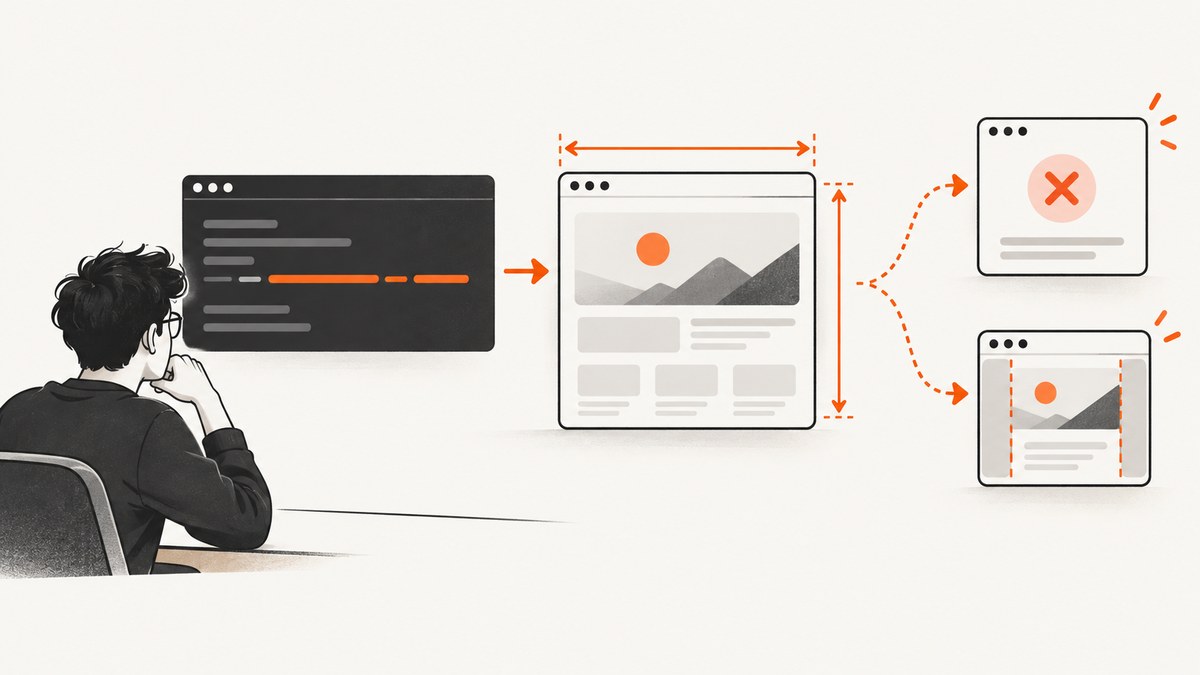
--window-size changes Chrome’s viewport dimensions; it cannot fix a browser that exits before your automation framework connects. First determine whether Chrome fails during startup or launches with the wrong viewport. Then check executable paths, Chrome and ChromeDriver compatibility, framework argument handling, headless mode, runtime libraries, writable directories, and sandbox settings.
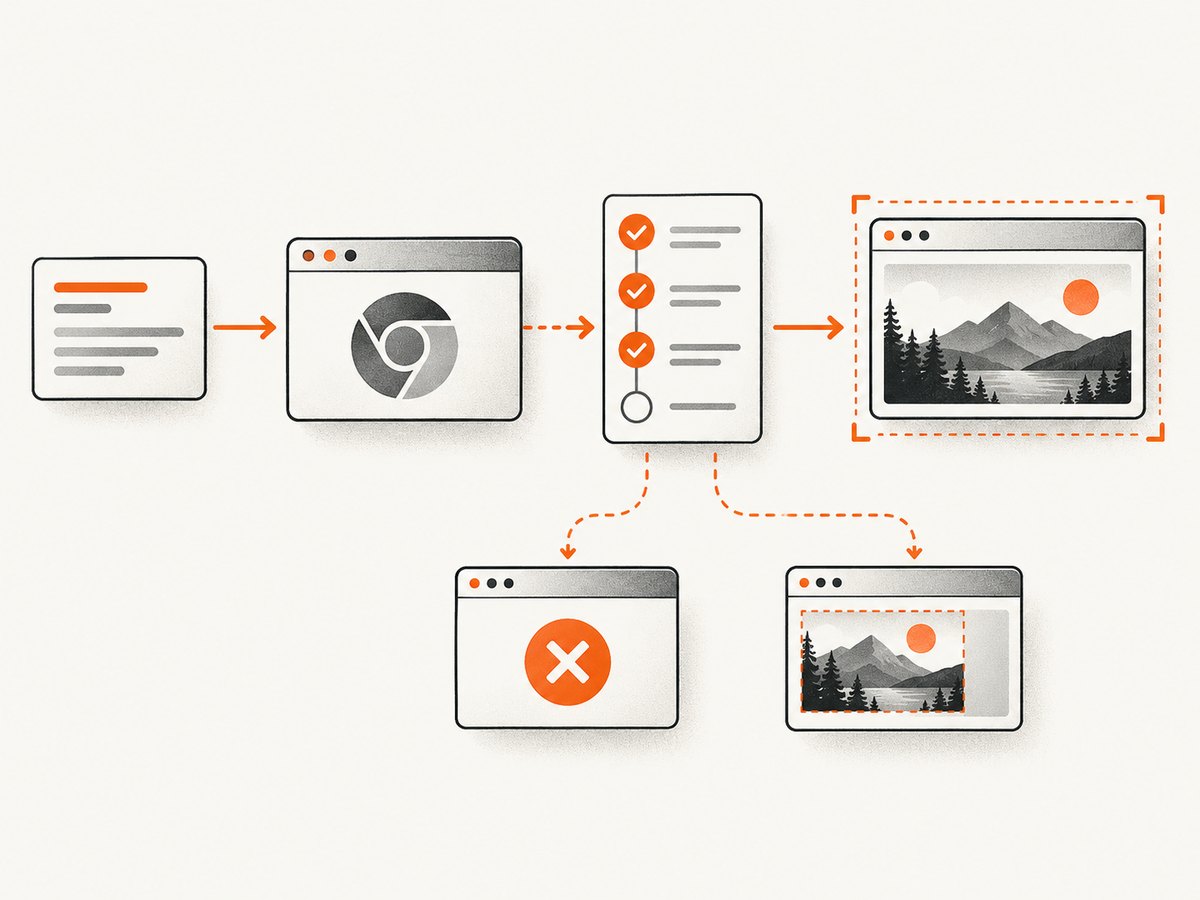
1. Identify which failure you have
Capture the complete error output and classify the failure:
| Symptom | Likely stage | What to inspect |
|---|---|---|
| “Chrome failed to start”, “DevToolsActivePort file doesn’t exist”, process exited, or session creation failed | Before the automation session exists | Executable path, ChromeDriver compatibility, shared libraries, profile permissions, sandbox, and launch logs |
| Session starts, but screenshots have unexpected dimensions | After launch | Argument delivery, headless mode, viewport overrides, device emulation, and the actual viewport reported by the page |
| Visible window is blank or behaves differently in headless mode | Browser-mode or page-load issue | Unified Headless versus chrome-headless-shell, page errors, waits, and framework version |
The distinction matters because a dimension switch is relevant to the second and third cases, not to a missing binary, incompatible driver, unavailable library, unwritable profile, or sandbox failure.
2. Record versions and launch details
- Record the operating system and whether the run is local, containerized, or CI.
- Record Chrome or Chromium, ChromeDriver, Selenium or Puppeteer versions.
- Save the exact executable path, launch arguments, and complete stderr output.
- Check whether a framework, device emulation setting, or later viewport call overrides
--window-size.
Selenium documents that Chrome and ChromeDriver major versions should match. Its Chrome options API passes command-line switches through addArguments; disabling the build check is not a routine compatibility fix. See the Selenium Chrome documentation.
3. Pass --window-size through the supported API
Selenium with Python
from selenium import webdriver
from selenium.webdriver.chrome.options import Options

options = Options()
options.add_argument('--headless=new')
options.add_argument('--window-size=1365,768')
# Add this only when your environment requires it:
# options.add_argument('--no-sandbox')
# options.add_argument('--disable-dev-shm-usage')

driver = webdriver.Chrome(options=options)
try:
    driver.get('https://example.com')
    print(driver.execute_script('return [window.innerWidth, window.innerHeight]'))
    driver.save_screenshot('shot.png')
finally:
    driver.quit()
Keep the switch and its value together. If your wrapper accepts a list of arguments, pass one item such as --window-size=1365,768. After launch, inspect window.innerWidth and window.innerHeight; do not assume that an accepted argument produced the requested viewport.
Selenium with Node.js
const { Builder } = require('selenium-webdriver');
const chrome = require('selenium-webdriver/chrome');

(async () => {
  const options = new chrome.Options()
    .addArguments('--headless=new', '--window-size=1365,768');
  const driver = await new Builder()
    .forBrowser('chrome')
    .setChromeOptions(options)
    .build();
  try {
    await driver.get('https://example.com');
    console.log(await driver.executeScript(
      'return [window.innerWidth, window.innerHeight]'));
    await driver.takeScreenshot().then(data =>
      require('fs').writeFileSync('shot.png', data, 'base64'));
  } finally {
    await driver.quit();
  }
})();
Puppeteer with Node.js
const puppeteer = require('puppeteer');

(async () => {
  const browser = await puppeteer.launch({
    headless: true,
    args: ['--window-size=1365,768']
  });
  const page = await browser.newPage();
  await page.goto('https://example.com', { waitUntil: 'networkidle2' });
  console.log(await page.evaluate(() => [innerWidth, innerHeight]));
  await page.screenshot({ path: 'shot.png' });
  await browser.close();
})();
Puppeteer exposes the current unified Headless implementation with headless: true. It also supports headless: 'shell' for the separate shell binary. The shell does not completely match regular Chrome behavior; choose it deliberately and record that choice in diagnostics. See the Puppeteer Headless modes guide.
4. Test the browser outside the framework
A direct invocation separates Chrome problems from Selenium or Puppeteer configuration:
google-chrome --headless=new --disable-gpu \
  --window-size=1365,768 \
  --screenshot=shot.png \
  https://example.com
Use the installed binary name on your system, such as chromium or chromium-browser. If this command fails, inspect the browser and runtime. If it works but the framework fails, compare the framework’s final arguments and selected binary.
5. Check Chrome, ChromeDriver, and Headless mode
Selenium’s documented compatibility requirement is that Chrome and ChromeDriver major versions match. Update or pin them together, then retry with a minimal options object. Chrome’s Headless implementation has changed over time: Chrome now has unified Headless and headful modes, and since Chrome 132.0.6793.0 the old Headless implementation is distributed separately as chrome-headless-shell. Read the Chrome Headless documentation and the Puppeteer mode notes for version-specific behavior.
Older issue reports must be treated as version-specific. Selenium issue #11706 described Chrome 110, ChromeDriver 110.0.5481.77, Selenium 4.1.2, and Windows 10, where the requested dimensions were not reflected. It was tagged as requiring ChromeDriver fixes; it does not prove that current combinations have the same defect. A separate Puppeteer report about a blank visible window on Windows was closed as not planned and does not establish that --window-size caused a general launch error.
6. Fix environment-specific startup blockers
Linux libraries
On minimal Linux images, Chrome can exit before the framework connects because required shared libraries are absent. Compare the error with Puppeteer’s troubleshooting guide and install the dependencies appropriate for your distribution. Do not add unrelated flags until the error identifies a dependency problem.
Writable profile, cache, and configuration directories
Chrome needs writable locations for its profile and runtime files. In CI or containers, create a writable temporary directory and pass it explicitly:
mkdir -p /tmp/chrome-profile
chmod 700 /tmp/chrome-profile
For Selenium, use a unique temporary profile when parallel jobs share a machine. For Puppeteer, verify that the user running the process can write its cache and configuration directories.
Sandbox and shared memory
Sandbox failures are common in restricted containers. Prefer a correctly configured sandbox. Only when the environment and error require it, evaluate --no-sandbox; it changes Chrome’s security boundary and should not be a blind default. If the container has a small /dev/shm, address that runtime limit or use --disable-dev-shm-usage when appropriate to your deployment.
7. When Chrome launches but the viewport is wrong
- Print
window.innerWidth,window.innerHeight,devicePixelRatio, andscreen.width. - Remove device emulation and later viewport calls, then reproduce with only the window-size argument.
- Compare a framework run with the direct Chrome command.
- Check whether a full-page screenshot tool is stitching or resizing output after capture.
- Set the viewport through the framework’s documented API when emulation is intentional.
The requested window size, CSS viewport, screenshot pixel dimensions, and device scale factor are different values. A retina or device-scale setting can increase image pixels without changing CSS layout dimensions.
8. Troubleshooting checklist
| Error or symptom | Cause to test | Fix |
|---|---|---|
| Chrome binary not found | Missing package or incorrect executable path | Install Chrome/Chromium or set the framework’s binary location explicitly. |
| Session not created; only major version is supported | ChromeDriver and Chrome major versions differ | Install matching major versions and pin them in CI. |
| DevToolsActivePort file doesn’t exist | Early process exit, profile permissions, sandbox, or missing libraries | Read stderr, use a writable unique profile, verify dependencies, then investigate sandbox settings. |
| Unknown option or argument ignored | Switch passed to the wrong API or split incorrectly | Use Selenium Chrome options or Puppeteer launch({args}); keep the value with the switch. |
| Browser starts but dimensions stay at defaults | Later viewport or emulation setting overrides the flag | Remove overrides and inspect the actual CSS viewport. |
| Blank page or blank visible window | Page failure, headless-mode difference, or a version-specific issue | Check page errors and network waits, compare unified Headless with the shell, and reproduce on current pinned versions. |
| Works locally, fails in CI | Different binary, libraries, permissions, sandbox, or shared memory | Log versions and paths in CI and compare runtime conditions line by line. |
9. Reliability, performance, and cost considerations
- Reliability: Pin browser, driver, and framework versions; log the final arguments; use isolated profiles for parallel jobs; and classify failures by startup versus post-launch stage.
- Performance: Reuse a browser process when safe, avoid unnecessary full-page captures, and wait for the smallest reliable condition instead of using long fixed delays.
- Reproducibility: Record headless mode, viewport, device scale, operating system, and URL. A screenshot’s pixel dimensions alone do not identify its CSS viewport.
- Cost: Self-hosted Chrome consumes compute, storage, maintenance, and CI time. Estimate those resources from your workload rather than assuming
--window-sizechanges cost.
Or skip the browser setup
ScreenshotNeo provides a website screenshot API and MCP server. One request returns a PNG, JPEG, WebP, or PDF, so you do not need to install Chrome, ChromeDriver, or a container image for a basic capture. See the ScreenshotNeo API documentation.
cURL
curl -G "https://api.screenshotneo.com/v1/shot" -d access_key=YOUR_API_KEY --data-urlencode url=https://stripe.com -o shot.webpPython
import requests
r = requests.get("https://api.screenshotneo.com/v1/shot", params={"access_key": "YOUR_API_KEY", "url": "https://stripe.com"}, timeout=90)
open("shot.webp", "wb").write(r.content)
Node.js
const q = new URLSearchParams({ access_key: 'YOUR_API_KEY', url: 'https://stripe.com' });
const res = await fetch(`https://api.screenshotneo.com/v1/shot?${q}`);
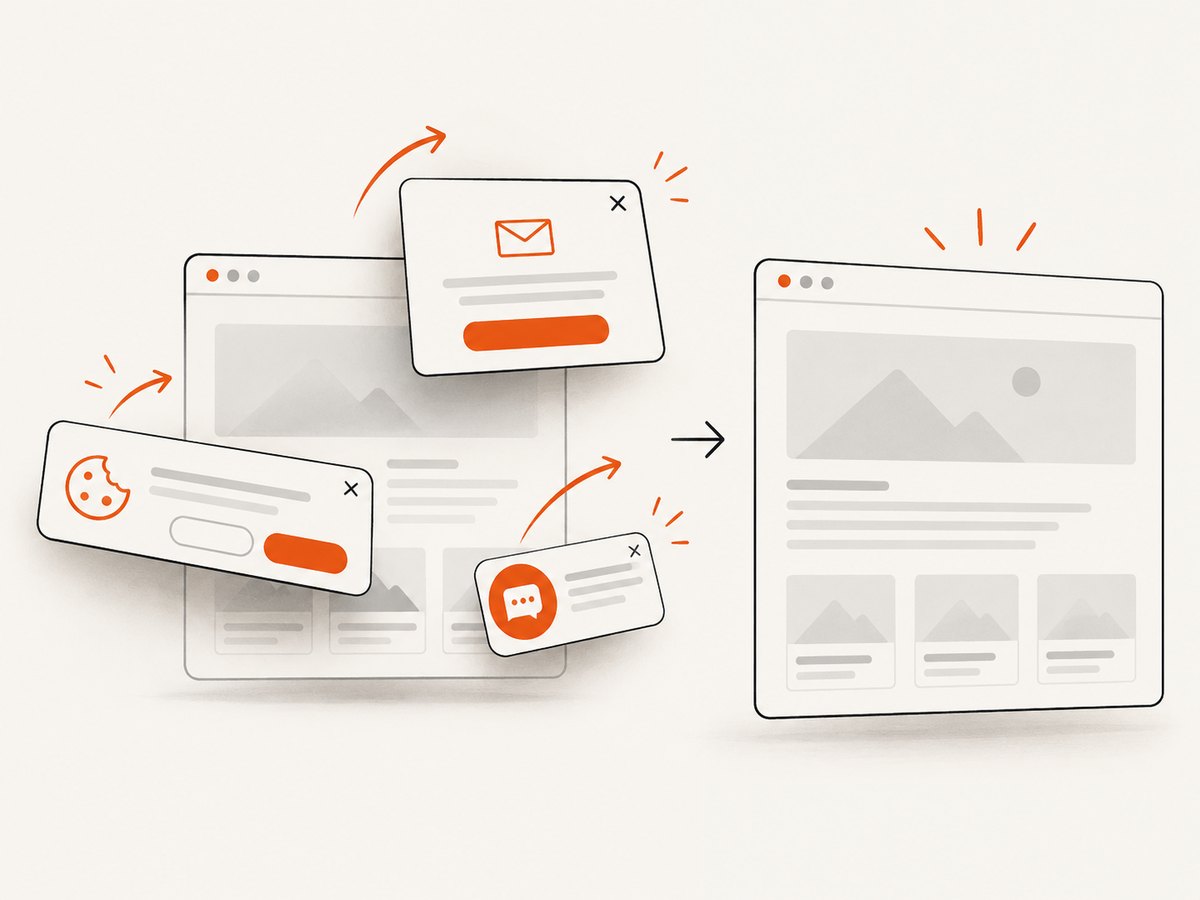
ScreenshotNeo removes cookie and consent banners, newsletter popups, and chat widgets before capture. Bot checks, blank pages, timeouts, failed loads, and cache hits are not billed, and response headers identify the page verdict and billing result. Its MCP server includes take_screenshot, get_page_info, and capture_pdf for Claude, Cursor, and other MCP clients. The Free plan includes 1,000 screenshots per month with no card; paid plans start at $5 for 3,000.
Create a free ScreenshotNeo account.
FAQ
Does --window-size set screenshot pixel dimensions?
It requests a browser window or viewport size. CSS dimensions, device scale factor, and post-processing determine the final image pixels.
Should I use --headless or --headless=new?
Use the mode documented for your installed Chrome and framework, then record it. Current Puppeteer exposes unified Headless with headless: true and the separate shell with headless: 'shell'.
Can --window-size repair a Chrome launch error?
No. It addresses dimensions after startup. Fix the executable, versions, dependencies, permissions, or sandbox based on the actual error.
Why does Selenium ignore my dimensions?
The argument may not reach Chrome, or a later emulation or viewport setting may override it. Print the actual viewport and reduce the options to a minimal reproduction.
Is an old Selenium issue proof that the flag is broken?
No. Issue #11706 concerns a specific Chrome 110, ChromeDriver 110, Selenium 4.1.2 combination and should not be generalized to current versions.


