How to Fix Headless ChromeDriver Not Working with Selenium
Fix ChromeDriver headless failures in Selenium: version mismatches, DevToolsActivePort errors, profiles, binaries, CI containers, and reliable diagnostics.
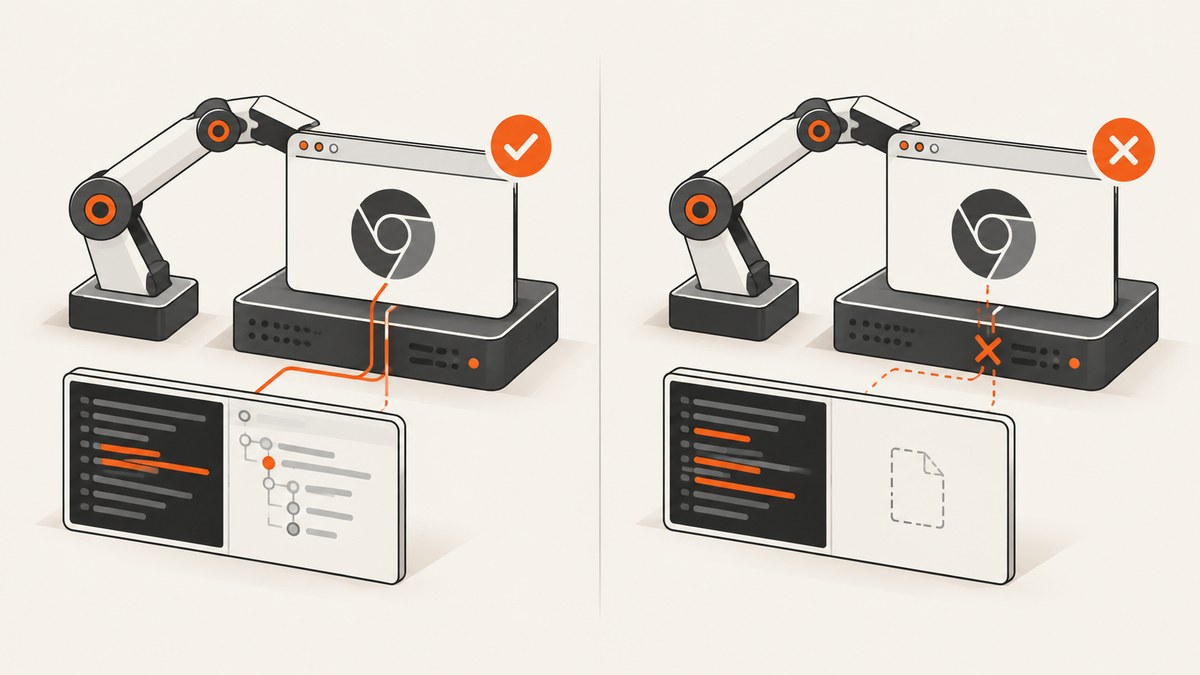
Direct answer: Headless ChromeDriver failures usually come from a Chrome and ChromeDriver major-version mismatch, an outdated headless flag, an inaccessible Chrome binary, a reused or unwritable profile, or a CI/container runtime that cannot start Chrome. Start with Selenium 4.6 or later so Selenium Manager can resolve a compatible driver, use --headless=new for current Chrome, give parallel sessions separate writable profiles, and enable driver logs before adding deployment-specific flags.
This guide walks from the smallest working example to version checks, explicit paths, parallel runs, containers, diagnostics, performance, and recurring failure fixes. The examples use Python, followed by equivalent cURL and Node.js options where they are useful for screenshot automation.
1. Start with a minimal known-good session
Remove custom profiles, extensions, experimental options, and old driver paths first. This isolates whether Chrome can start at all.
from selenium import webdriver
from selenium.webdriver.chrome.options import Options

options = Options()
options.add_argument("--headless=new")

# Set this only if Chrome is installed somewhere nonstandard.
# options.binary_location = "/path/to/chrome"

# Add a unique writable profile for parallel or repeated sessions.
# options.add_argument("--user-data-dir=/tmp/selenium-profile-unique")

driver = webdriver.Chrome(options=options)
try:
    driver.get("https://example.com")
    print(driver.title)
finally:
    driver.quit()
Current Chrome uses --headless=new. Selenium’s headless transition guidance records that Chrome 96–108 used --headless=chrome, while Chrome 109 and later use --headless=new. Chrome options are documented by Selenium in its Chrome WebDriver guide and headless documentation.
If this script fails, do not add five flags at once. Record versions and paths, then apply one change at a time.
2. Check every version and executable path
Chrome and ChromeDriver must match at the major-version level. For example, Chrome 128 should use a ChromeDriver whose major version is 128. A patch-level difference is often acceptable, but a major-version mismatch commonly produces session-creation errors.
Find the installed versions
Use the command appropriate to your operating system:
# Linux
 google-chrome --version
 chromium --version
 chromedriver --version

# macOS (common Homebrew locations)
 /Applications/Google\ Chrome.app/Contents/MacOS/Google\ Chrome --version
 chromedriver --version

# Windows PowerShell (adjust paths if needed)
 & "C:\Program Files\Google\Chrome\Application\chrome.exe" --version
 chromedriver.exe --version
Also record the Selenium binding version:
python -m pip show seleniumWrite down:
- Chrome or Chromium version and path.
- ChromeDriver version and path.
- Selenium version.
- The account running the process.
- The operating system, container image, or CI runner.
When a driver is not on PATH, add its directory to PATH or provide an explicit Selenium service path. Do not leave an old driver somewhere earlier on PATH; it can silently override the version you intended to use.
3. Let Selenium Manager resolve the driver
Selenium Manager is the supported automatic driver-management path in current Selenium. It ships with Selenium 4.6 and later. When you do not supply a driver, it can discover the installed browser, resolve a matching driver, download it, and cache it.
Upgrade the Python binding and remove stale manually downloaded drivers when your deployment allows it:
python -m pip install --upgrade seleniumThen create the driver without a Service object:
from selenium import webdriver
from selenium.webdriver.chrome.options import Options

options = Options()
options.add_argument("--headless=new")
driver = webdriver.Chrome(options=options)
Selenium Manager needs network access the first time it resolves and downloads a driver. In an offline build, pin and ship a compatible driver instead, or warm the cache during image construction. Automatic management reduces maintenance; manual management gives you tighter control over pinned binaries and network access.
4. Configure ChromeOptions correctly
Use the correct headless mode
options.add_argument("--headless=new")Use the historical --headless=chrome only for Chrome versions in the 96–108 range. A bare --headless may map differently across versions, so an explicit value makes the intended mode clear.
Set a nonstandard browser binary
ChromeDriver can be present and compatible while the browser itself is missing or installed outside the default location. Set binary_location to the executable, not its containing directory:
options.binary_location = "/opt/google/chrome/google-chrome"Verify that the Selenium process can execute that file under the same user that runs your application.
Use a unique writable profile
Chrome stores temporary state in its profile. Two sessions that share a profile can fail during startup, especially in parallel jobs or when a previous process left a lock behind.
import tempfile
from selenium import webdriver
from selenium.webdriver.chrome.options import Options

profile_dir = tempfile.mkdtemp(prefix="selenium-profile-")
options = Options()
options.add_argument("--headless=new")
options.add_argument(f"--user-data-dir={profile_dir}")

driver = webdriver.Chrome(options=options)
try:
    driver.get("https://example.com")
finally:
    driver.quit()
The directory must exist or be creatable, writable by the runtime account, and unique per concurrent session. Clean it after the process exits if your environment does not remove temporary directories automatically.
Keep deployment flags deliberate
Container and CI images sometimes need additional runtime arguments because of their sandbox, shared-memory, or user configuration. Do not copy a long list of flags from an unrelated environment. First inspect the startup log and confirm the specific runtime constraint. Every extra flag changes browser behavior and can hide the real cause.
5. Diagnose “DevToolsActivePort file doesn’t exist”
This message means Chrome exited before ChromeDriver could connect to its DevTools endpoint. The message describes the failed handshake; it does not identify one universal cause.
- Confirm Chrome and ChromeDriver major versions.
- Confirm the browser binary exists and is executable.
- Give the session a fresh writable
--user-data-dir. - Use
--headless=newwith modern Chrome. - Check permissions for the temporary directory and the account running Chrome.
- Inspect the container or CI image for the libraries Chrome requires.
- Enable driver logging and read the complete startup error.
A minimal diagnostic configuration can write ChromeDriver output to a file:
from selenium import webdriver
from selenium.webdriver.chrome.options import Options
from selenium.webdriver.chrome.service import Service

options = Options()
options.add_argument("--headless=new")
service = Service(log_output="chromedriver.log")

driver = webdriver.Chrome(service=service, options=options)
try:
    driver.get("https://example.com")
finally:
    driver.quit()
Read the log together with the browser and driver versions. Selenium's installation guidance recommends enabling logging and inspecting the complete startup message when a current installation still fails.
6. Common errors and fixes
| Error or symptom | Likely cause | Fix |
|---|---|---|
SessionNotCreatedException with “only supports Chrome version …” |
ChromeDriver and Chrome major versions differ. | Upgrade or pin matching versions, or let Selenium Manager resolve the driver. |
| “DevToolsActivePort file doesn't exist” | Chrome exited before connection; common causes are profile locks, bad paths, permissions, or runtime dependencies. | Use a unique writable profile, verify the binary, use --headless=new, and inspect logs. |
| “Chrome failed to start” | Browser binary is absent, not executable, or cannot load required libraries. | Set binary_location when needed and check the CI/container runtime. |
| “Unable to obtain driver” | Selenium Manager cannot resolve/download a driver, or a supplied path is invalid. | Check Selenium version, network access, browser detection, and PATH; otherwise supply an explicit compatible driver. |
| Works locally but fails in CI | Different user, paths, permissions, libraries, or profile reuse. | Print versions and paths in CI, use a writable temporary profile, and compare the runtime image. |
| Fails only with parallel tests | Sessions share a profile or temporary directory. | Create one unique --user-data-dir per worker and always call quit(). |
| Blank or incomplete page | Navigation finished before application content or lazy resources were ready. | Wait for a specific element or application condition; do not assume a fixed sleep is sufficient. |
| Driver starts, then hangs | Network, page script, or browser process is not completing within your timeout. | Set page and script timeouts, capture logs, and distinguish navigation failure from browser startup failure. |
7. A repeatable troubleshooting checklist
- Reproduce with the minimal script. Remove extensions, custom user agents, proxies, and experimental options.
- Print versions and paths. Check Chrome, ChromeDriver, Selenium, and the actual binary selected by the process.
- Fix the major version. Use Selenium Manager or install a driver with the same Chrome major version.
- Update headless mode. Use
--headless=newfor Chrome 109 and newer. - Isolate the profile. Assign a fresh writable profile to each concurrent session.
- Turn on logs. Preserve the complete ChromeDriver startup message from the failing environment.
- Compare environments. Check user permissions, filesystem paths, libraries, and container image differences.
- Add only required options. Retest after each change so the successful fix is identifiable.
8. Reliability and performance considerations
Driver resolution affects startup reliability. Selenium Manager removes a recurring manual download step, but the first resolution can require network access. Manual pinning is predictable for locked-down builds, provided the pinned browser and driver remain aligned.
Profile creation and browser startup are per-session costs. Reusing one driver for a sequence of pages can reduce startup overhead, but never share one driver concurrently between workers. Parallel workers should have independent profiles and isolated temporary directories.
Headless mode generally suits CI and server workloads because it does not require a visible desktop. It still consumes browser CPU, memory, storage, and network resources. Set realistic page-load, script, and command timeouts, and close every driver in a finally block so failed jobs do not leave Chrome processes behind.
For screenshot pipelines, wait for the condition that defines a usable page rather than adding a large fixed delay. A selector wait is usually easier to reason about than guessing how long a page needs, especially when network speed varies.
9. Or skip the browser setup
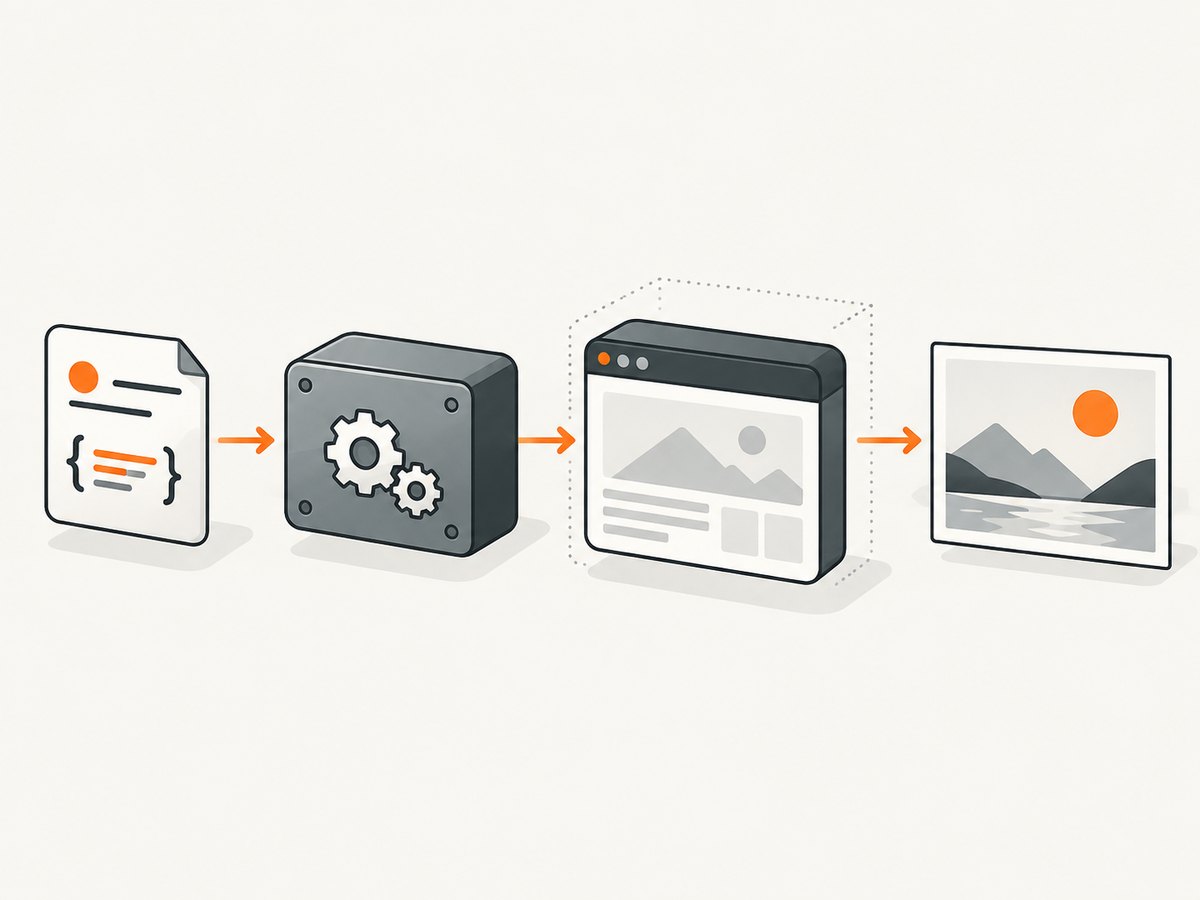
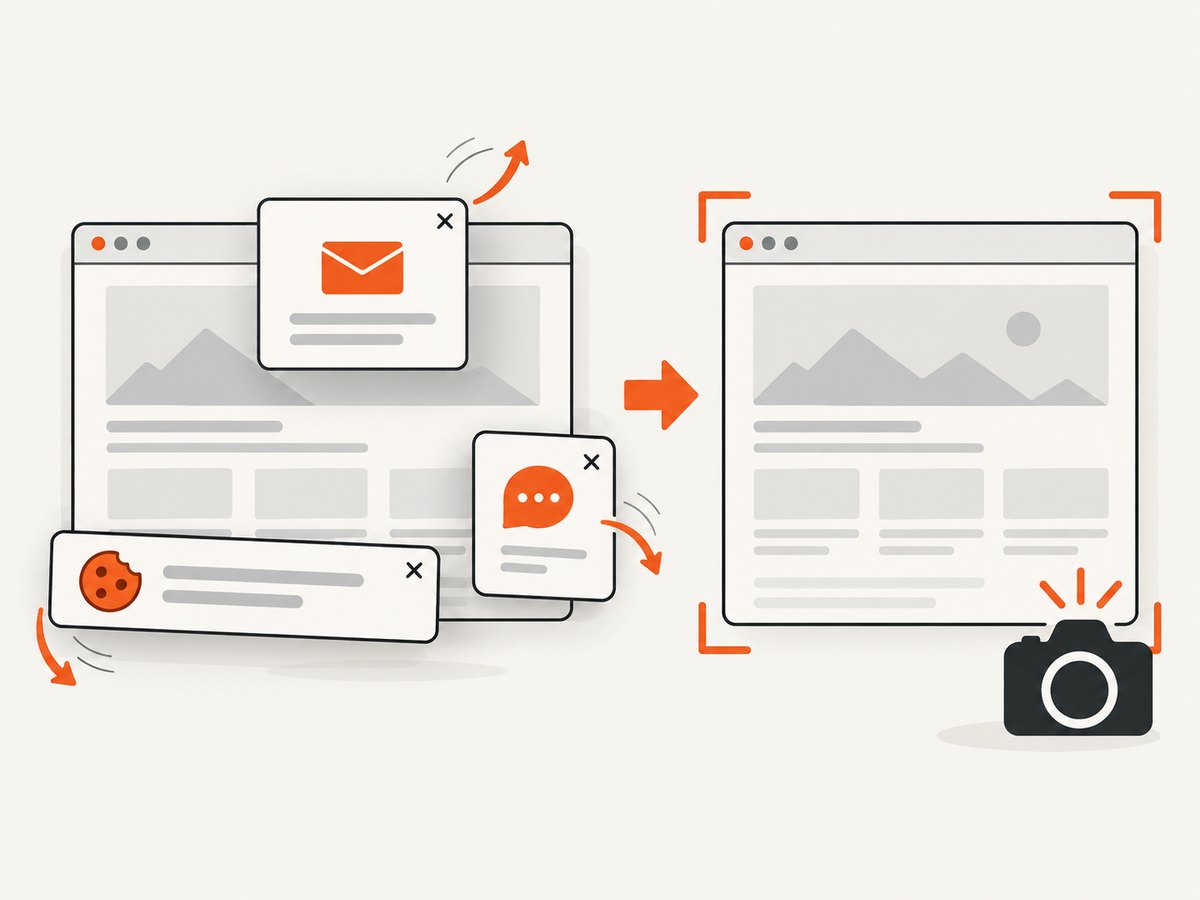
If your goal is a clean website image or PDF rather than browser-driver control, ScreenshotNeo provides a single HTTP request. Its API accepts a URL and returns PNG, JPEG, WebP, or PDF. Before capture, it accepts cookie or consent banners and removes more than 60 known consent platforms, newsletter popups, and chat widgets. Each step can be turned off.
Only clean shots are billed. Bot checks or CAPTCHAs, blank pages, timeouts, failed loads, and cache hits cost nothing, and the response identifies the result with X-Page-Verdict and X-Billed headers. An MCP server provides take_screenshot, get_page_info, and capture_pdf tools for Claude, Cursor, and other MCP clients.
See the ScreenshotNeo API documentation for the complete option list.
cURL
curl -G "https://api.screenshotneo.com/v1/shot" -d access_key=YOUR_API_KEY --data-urlencode url=https://stripe.com -o shot.webpPython
import requests

r = requests.get(
    "https://api.screenshotneo.com/v1/shot",
    params={"access_key": "YOUR_API_KEY", "url": "https://stripe.com"},
    timeout=90,
)
r.raise_for_status()
open("shot.webp", "wb").write(r.content)
Node.js
const q = new URLSearchParams({ access_key: 'YOUR_API_KEY', url: 'https://stripe.com' });
const res = await fetch(`https://api.screenshotneo.com/v1/shot?${q}`);
if (!res.ok) throw new Error(`Screenshot failed: ${res.status}`);
const fs = await import('node:fs/promises');
await fs.writeFile('shot.webp', Buffer.from(await res.arrayBuffer()));
ScreenshotNeo also supports full-page captures with lazy images loaded, CSS element capture, device presets and custom viewports, retina scale, dark mode, PDF paper sizes and page ranges, custom CSS and JavaScript, clicks, selector waits, network-idle waits, request blocking, headers, cookies, user agents, authorization, timezone, geolocation, transparent backgrounds, resizing, caching with a chosen TTL, signed links, asynchronous jobs with signed webhooks, bulk capture for up to 100 URLs per call, a usage API, and an OpenAPI specification.
The Free plan includes 1,000 shots per month with no card. Paid plans start at $5 for 3,000 shots; yearly billing gives two months free. Create a free ScreenshotNeo account and start without a card.
10. FAQ
Do I need to download ChromeDriver manually?
No. Selenium Manager is included with Selenium 4.6 and later and can resolve and cache a compatible driver when you do not provide one. Manual pinning remains useful for offline or tightly controlled builds.
Should I use --headless or --headless=new?
Use --headless=new with current Chrome. The historical --headless=chrome mode applies to Chrome 96–108.
Why does the script work with a visible browser but not headless?
Headless startup can expose profile, binary, permission, and runtime dependency problems. Compare logs and paths, then test the minimal configuration with a unique profile.
Can two Selenium sessions share one Chrome profile?
Use a separate writable --user-data-dir for each concurrent session. Sharing a profile can create locks and startup failures.
What should I do when Chrome exits immediately?
Enable ChromeDriver logging, verify the browser binary and permissions, compare Chrome and ChromeDriver major versions, and inspect the container or CI libraries.


