How to Fix Hindi and Bengali Text Rendering in EvoPDF HTML-to-PDF
Fix missing Hindi and Bengali glyphs in EvoPDF with Indic fonts, OpenType shaping, embedding, diagnostics, and reliable deployment steps.
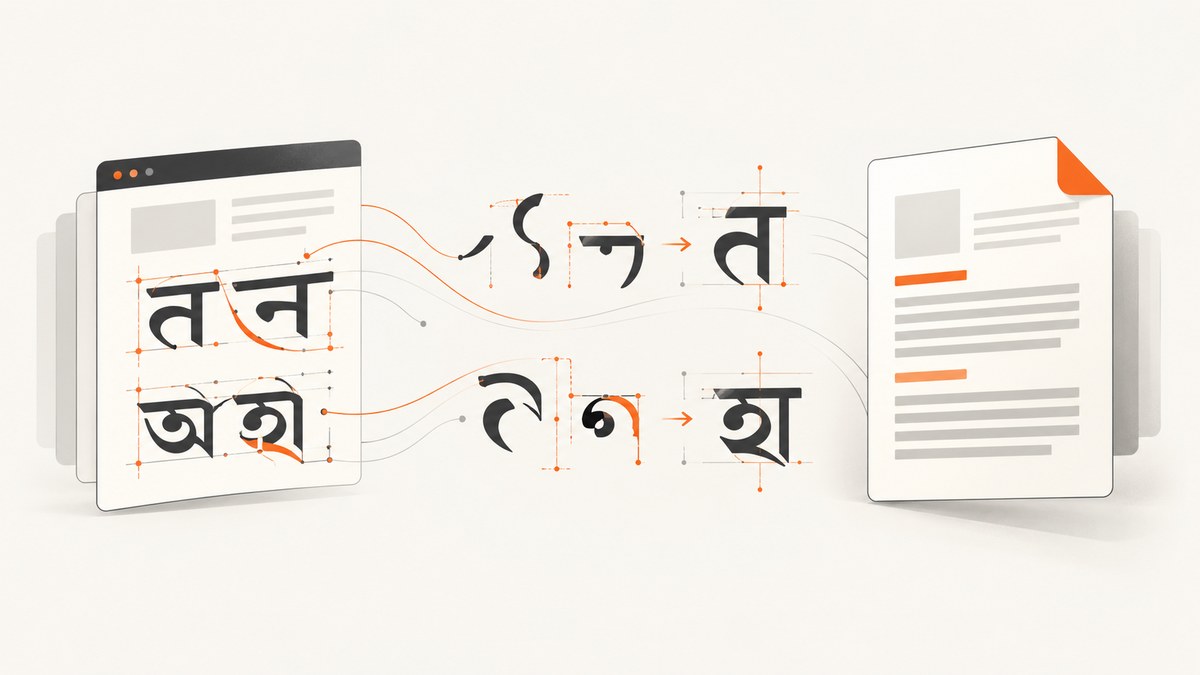
Use an Indic-capable TrueType font, make EvoPDF load it, enable font embedding, and verify shaping with real conjuncts and vowel marks. Hindi uses Devanagari and Bengali uses the Bengali script. Both require more than Unicode code points: the font must contain the glyphs, and the converter must apply OpenType shaping for conjuncts, reordering, and contextual forms.
1. Why Hindi or Bengali looks wrong in EvoPDF
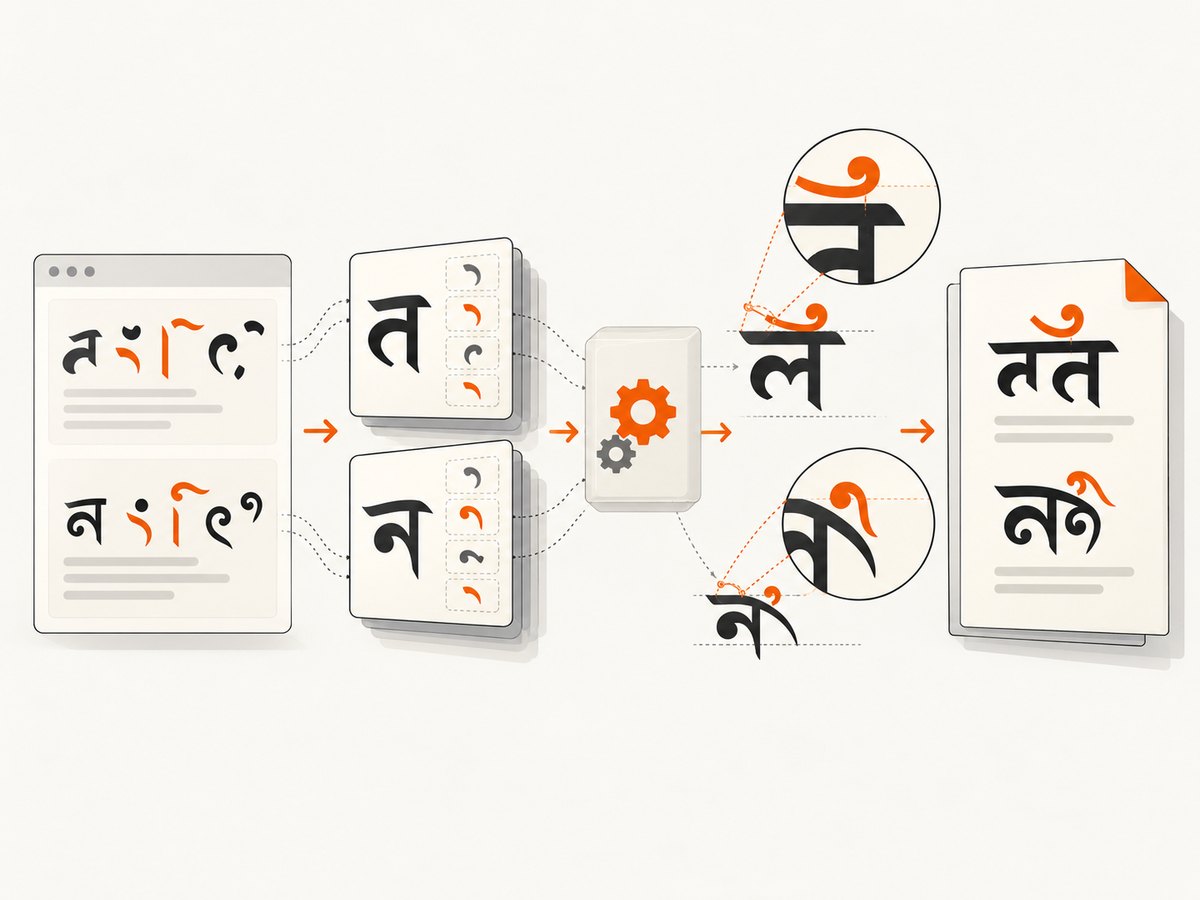
Typical symptoms include empty boxes, Latin substitutions, missing vowel signs, separated consonants, or marks appearing on the wrong side of a letter. The usual causes are:
- The selected font has no Devanagari or Bengali glyphs.
- The intended font is declared by name but is not installed or visible to the account running EvoPDF.
- A web font URL cannot be reached by the converter.
- The font has glyphs but the conversion path does not apply the required OpenType shaping.
- Bold or italic was requested even though that face is absent, causing substitution.
- The PDF is being viewed on a machine without the font because it was not embedded.
FitWidth, page width, or margins scale the page and make text appear unusually small after the glyph problem is fixed.
EvoPDF’s support guidance is explicit: the font used for Unicode text must support that language. Unicode encoding alone cannot supply missing glyphs or shaping behavior.
2. Choose a font that covers the scripts
Select a TrueType-outline TTF or a compatible OTF family with the required coverage. If one family does not contain both scripts, define separate fallbacks.
| Requirement | What to verify |
|---|---|
| Glyph coverage | Devanagari for Hindi and Bengali/Bangla for Bengali, plus punctuation and symbols used in the document. |
| Shaping data | OpenType tables that support conjunct formation, contextual substitutions, and mark positioning. |
| Outline format | TrueType fonts, or OpenType fonts with TrueType outlines, as supported by EvoPDF. |
| Styles | Actual regular, bold, and italic faces when those styles are requested. |
| Distribution | A license that permits server-side embedding and redistribution in generated PDFs. |
Do not diagnose from isolated characters. Test real text containing Hindi conjuncts, reordered vowel marks, Bengali conjuncts, Bengali vowel signs, punctuation, numbers, and mixed Latin plus Indic text.
3. Declare the font in HTML and CSS
The most portable method is a reachable @font-face. EvoPDF can download a web font declared this way and embed it when the conversion is configured for embedding.
<!doctype html>
<html lang="hi">
<head>
  <meta charset="utf-8">
  <style>
    @font-face {
      font-family: "IndicText";
      src: url("https://your-domain.example/fonts/indic-text.ttf") format("truetype");
      font-weight: 400;
      font-style: normal;
    }
    @font-face {
      font-family: "IndicText";
      src: url("https://your-domain.example/fonts/indic-text-bold.ttf") format("truetype");
      font-weight: 700;
      font-style: normal;
    }
    body {
      font-family: "IndicText", sans-serif;
      font-size: 16px;
      line-height: 1.6;
    }
  </style>
</head>
<body>
  <h1>हिन्दी और বাংলা</h1>
  <p>हिन्दी में संयुक्ताक्षर और मात्रा का परीक्षण करें। বাংলায় যুক্তাক্ষর ও স্বরচিহ্ন পরীক্ষা করুন।</p>
  <p>Mixed Latin text: Invoice 2026 — कुल ₹1,250</p>
</body>
</html>
Use an HTTPS URL reachable from the conversion host. Check redirects, authentication, TLS certificates, response status, and the returned content type. A browser loading the page successfully does not prove that the server-side converter can fetch the font.
4. Make the font visible to EvoPDF
Option A: install a system font
Install the font for the operating-system account that runs EvoPDF. On Linux, place it in a system or account font directory and refresh fontconfig.
sudo install -m 644 indic-text.ttf /usr/local/share/fonts/indic-text.ttf
sudo fc-cache -f -v
fc-match "IndicText"
On Windows, install the font for the service account rather than only for an interactive administrator. Restart the service or application after installation so EvoPDF discovers the new font.
Option B: load an explicit font file
If your EvoPDF version exposes an explicit font-loading or Document.AddFont API, add the font file from a known application path and use the same family name in CSS. This is usually more deterministic in containers and offline deployments than relying on machine-wide installation.
Option C: use @font-face
Use this when outbound network access is reliable and the font can be served without authentication. For repeatable builds, package the font with the application or host it on infrastructure you control.
5. Embed the font in the PDF
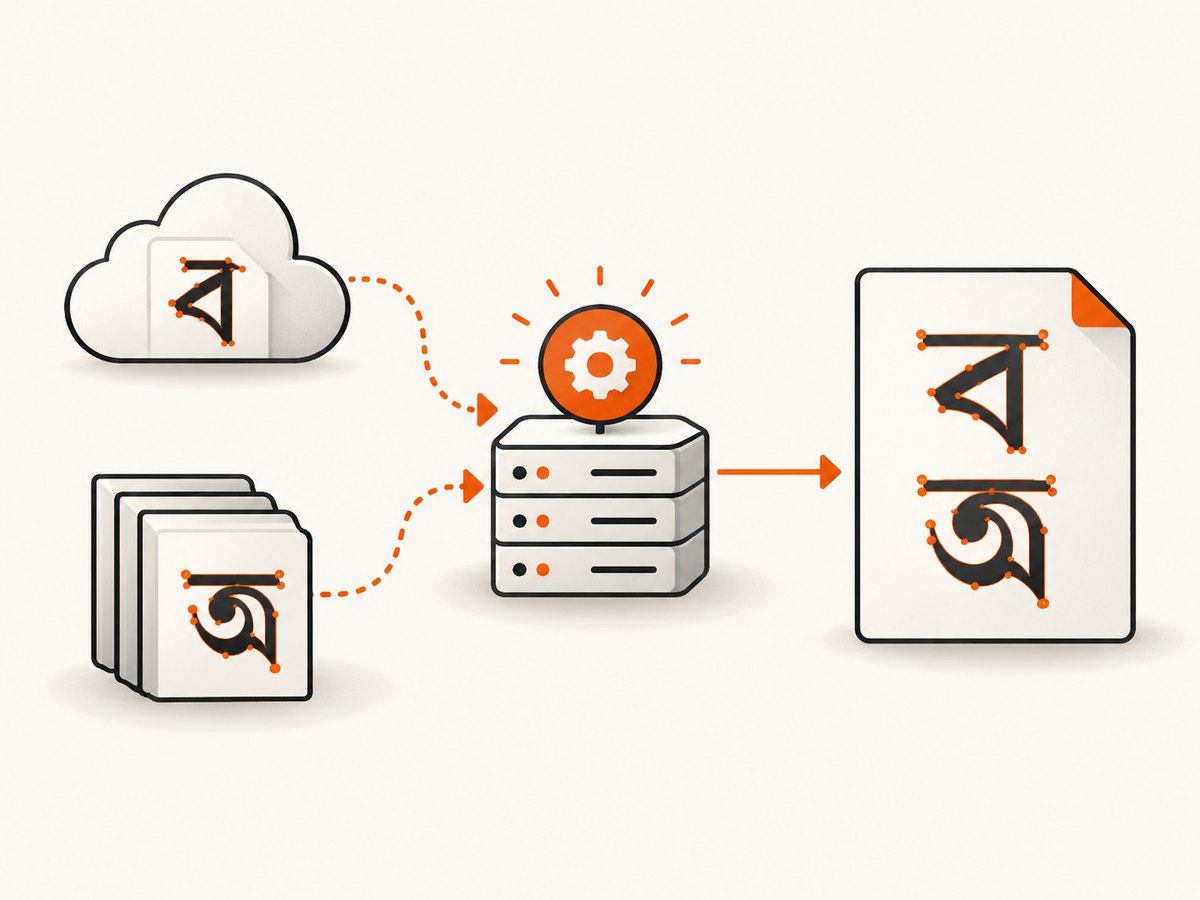
Set PdfConverter.PdfDocumentOptions.EmbedFonts = true, or the corresponding embedding option on the HtmlToPdfElement or document API used by your EvoPDF version. The newer Document.AddFont API documents embedding by default. Confirm the exact property for the API and version in your project.
// C# outline; keep the converter setup used by your EvoPDF version.
var converter = new PdfConverter();
converter.PdfDocumentOptions.EmbedFonts = true;

// Supply HTML that references the installed or @font-face font.
converter.SavePdfFromUrlToFile("https://your-domain.example/report.html", "report.pdf");
Embedding prevents the recipient’s computer from substituting a different font. It also makes archived PDFs reproducible when the original font is not installed on the viewing machine.
6. A complete diagnostic HTML fixture
Save this as a standalone HTML file and convert it before changing your production template. It separates font availability problems from application layout problems.
<!doctype html>
<html>
<head>
  <meta charset="utf-8">
  <style>
    @font-face {
      font-family: "IndicText";
      src: url("https://your-domain.example/fonts/indic-text.ttf") format("truetype");
    }
    body { font-family: "IndicText", sans-serif; margin: 24px; }
    .sample { margin: 12px 0; font-size: 20px; }
  </style>
</head>
<body>
  <div class="sample">Hindi: हिन्दी क्ष त्र ज्ञ श्र प्र क्त</div>
  <div class="sample">Hindi marks: कि की कु कृ के कै को कौ</div>
  <div class="sample">Bengali: বাংলা ক্ক ক্ষ জ্ঞ শ্র প্র ত্র</div>
  <div class="sample">Bengali marks: কি কী কু কৃ কে কৈ কো কৌ</div>
  <div class="sample">Mixed: Report 2026 — कुल ₹1,250 — মোট ৳১,২৫০</div>
</body>
</html>
Inspect the resulting PDF at 100% zoom and extract its text if your workflow permits. Correct code points with visibly broken placement indicate shaping or font substitution, not an HTML encoding error.
7. Troubleshooting common failures
| Symptom | Likely cause | Fix |
|---|---|---|
| Boxes or tofu glyphs | Font lacks the script or was not loaded. | Choose a font with Devanagari/Bengali coverage; verify the URL or installation with the converter’s runtime account. |
| Latin letters appear instead | CSS fallback selected another family. | Check the computed family, spelling, weight, and whether the intended font is actually visible to EvoPDF. |
| Characters exist but vowel marks are misplaced | Shaping data was not applied or an incompatible font outline was used. | Use a TrueType-outline TTF/OTF with Indic OpenType data and test the same fixture through the supported EvoPDF path. |
| Regular works, bold fails | Bold face is missing and being substituted. | Provide a real bold face with @font-face, or remove the unsupported weight. |
| Browser is correct, PDF is wrong | The converter cannot reach the font, or its runtime has different installed fonts. | Test the font URL from the conversion host, inspect redirects and permissions, or package/install the font locally. |
| Works locally, fails in Linux container | Font is outside the container or fontconfig cache is stale. | Copy the font into the image, run fc-cache, verify with fc-match, and restart the process. |
| Works after deployment only sometimes | Long-lived workers cached the old font set. | Restart workers after font changes and keep font files at immutable, versioned paths. |
| Text is tiny after fixing glyphs | Page scaling from FitWidth, page width, or margins. |
Set page dimensions and margins deliberately; compare at 100% zoom before adjusting CSS sizes. |
| PDF shows correct glyphs on one computer only | Font was not embedded. | Enable the relevant EmbedFonts option and regenerate the PDF. |
8. Deployment checklist
- Use UTF-8 HTML with an explicit
<meta charset="utf-8">. - Choose a licensed font with the required Devanagari and Bengali glyphs.
- Confirm OpenType shaping support for conjuncts, reordering, and marks.
- Make the font available through
@font-face, system installation, or explicit font loading. - Run the converter under the same account and image used in production.
- Enable font embedding.
- Test mixed Latin, Hindi, Bengali, punctuation, currency, and numeric content.
- Restart services after installing or replacing fonts.
- Check page scaling only after glyph and shaping output is correct.
9. Performance, reliability, and cost considerations
Remote web fonts add a network dependency to every cold conversion. A packaged or installed font removes that dependency and gives container builds more repeatable output. Keep font files cached by the application where appropriate, but invalidate the cache when changing font versions.
Embedding increases PDF size, especially when multiple weights or large Unicode ranges are included. Subsetting can reduce size if supported by your EvoPDF version, but verify that all required Indic glyphs remain present. Avoid using a single oversized family when two smaller, script-specific fallbacks meet your needs.
For reliability, log the converter version, operating system, font file version, selected CSS family, and whether embedding was enabled. Retain the diagnostic fixture as a deployment smoke test. A successful browser preview is not sufficient evidence because the browser and EvoPDF may have different font access and shaping environments.
10. Or skip the browser setup
If you need a clean image or PDF of a rendered page rather than a locally managed EvoPDF pipeline, ScreenshotNeo provides a website screenshot API. It removes cookie banners, newsletter popups, and chat widgets before capture; bot checks, blank pages, timeouts, failed loads, and cache hits are not billed; and its MCP server lets AI agents use take_screenshot, get_page_info, and capture_pdf.
See the ScreenshotNeo API documentation for options such as full-page capture, custom CSS and JavaScript, waiting for selectors or network idle, custom headers and cookies, PDF paper settings, and signed webhooks.
cURL
curl -G "https://api.screenshotneo.com/v1/shot" \
  -d access_key=YOUR_API_KEY \
  --data-urlencode url=https://your-domain.example/report \
  -o report.webp
Python
import requests

r = requests.get(
    "https://api.screenshotneo.com/v1/shot",
    params={"access_key": "YOUR_API_KEY", "url": "https://your-domain.example/report"},
    timeout=90,
)
r.raise_for_status()
open("report.webp", "wb").write(r.content)
Node.js
const q = new URLSearchParams({
  access_key: 'YOUR_API_KEY',
  url: 'https://your-domain.example/report'
});
const res = await fetch(`https://api.screenshotneo.com/v1/shot?${q}`);
if (!res.ok) throw new Error(`Screenshot failed: ${res.status}`);
const data = Buffer.from(await res.arrayBuffer());
require('fs').writeFileSync('report.webp', data);
ScreenshotNeo returns verdict and billing information in X-Page-Verdict and X-Billed headers. The free plan includes 1,000 screenshots per month with no card; paid plans start at $5 for 3,000. Create a free ScreenshotNeo account.
11. FAQ
Do I need to convert Hindi and Bengali text to images?
No. Keep the text as Unicode and provide a font with the required glyphs and shaping data. Rasterizing text removes searchability and accessibility.
Can any Unicode font render both scripts?
No. Unicode identifies characters; the font still needs glyph coverage and OpenType behavior for each script.
Why does adding lang="hi" not fix the PDF?
The language tag provides metadata, but it cannot add missing glyphs or make an unavailable font visible to EvoPDF.
Should I prefer a local font or a web font?
Use a local or explicitly packaged font for deterministic offline and containerized builds. Use @font-face when reliable network access and centralized font hosting are acceptable.


