How to Fix HostNotFoundError in Python PDFKit
Diagnose and fix PDFKit HostNotFoundError by checking DNS, renderer reachability, security policy, binaries, and localhost networking.
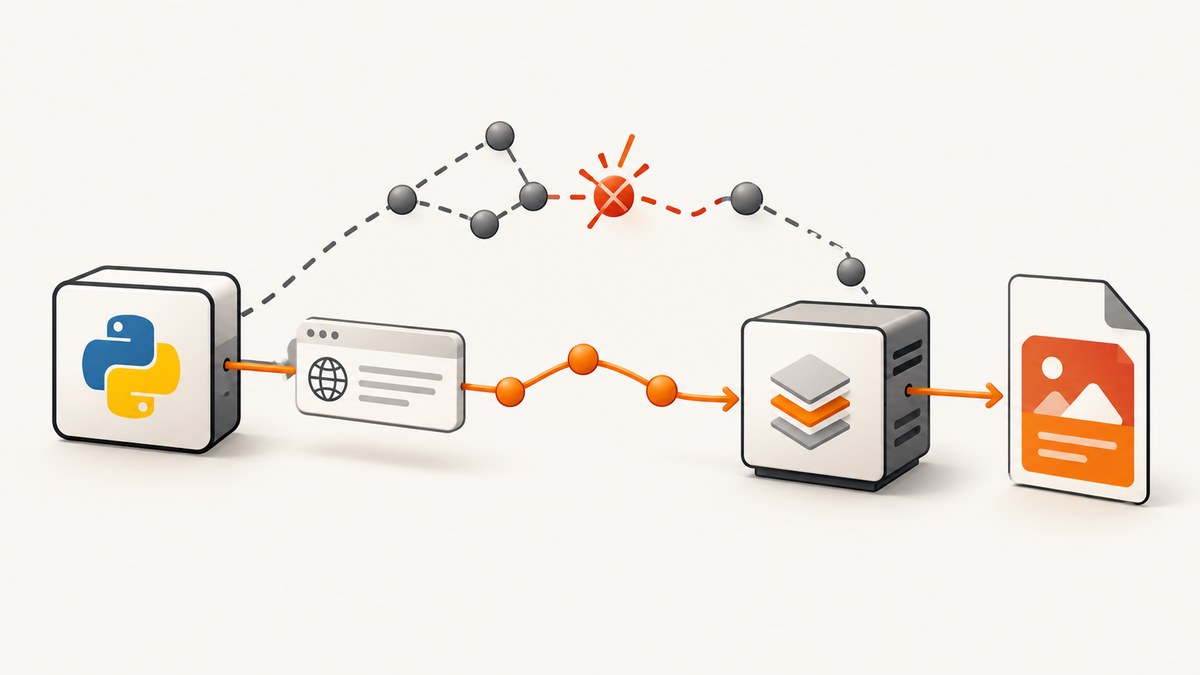
HostNotFoundError means the wkhtmltopdf process could not resolve or reach the hostname in the input URL. Python pdfkit is only a wrapper: it starts the separate wkhtmltopdf executable, and that renderer loads the page. Start by enabling verbose output, then run the same URL directly with wkhtmltopdf inside the same container, host, user account, and security profile as your application. This separates a URL or DNS problem from a PDFKit configuration problem.
The fix is usually one of these: correct the URL, make the name resolvable from the renderer’s runtime, expose a localhost service on a reachable interface, allow name-service traffic through AppArmor or another sandbox, or install a wkhtmltopdf binary compatible with the operating system. An option such as --load-error-handling ignore can hide a failed resource, but it cannot repair DNS or supply missing page content.
What the error means
When you call pdfkit.from_url(), PDFKit builds a command and launches wkhtmltopdf. The renderer performs DNS lookup, opens the connection, downloads HTML and assets, executes its supported page-loading behavior, and writes the PDF. A failure naming a host therefore occurs below the Python import layer.
import pdfkit

pdfkit.from_url("https://example.com", "example.pdf", verbose=True)
A missing executable normally produces an error such as “No wkhtmltopdf executable found” or a file-not-found exception. A HostNotFoundError points toward the URL and the renderer’s network environment. The distinction matters: changing configuration() cannot make an unresolvable hostname work.
First response: expose the real renderer error
- Enable
verbose=Truein the PDFKit call and save the complete stderr output. - Record the exact URL after redirects, including its scheme, port, and hostname.
- Run the renderer directly with that URL from the same runtime.
- Test DNS and HTTPS from that runtime, not from your laptop browser.
import pdfkit

options = {
    "quiet": False,
    "load-error-handling": "abort",
    "load-media-error-handling": "abort",
}

pdfkit.from_url(
    "https://www.example.com/",
    "out.pdf",
    options=options,
    verbose=True,
)
PDFKit’s documentation recommends verbose mode while debugging because it normally suppresses the renderer’s diagnostic output. See the PDFKit project documentation for wrapper behavior and configuration examples.
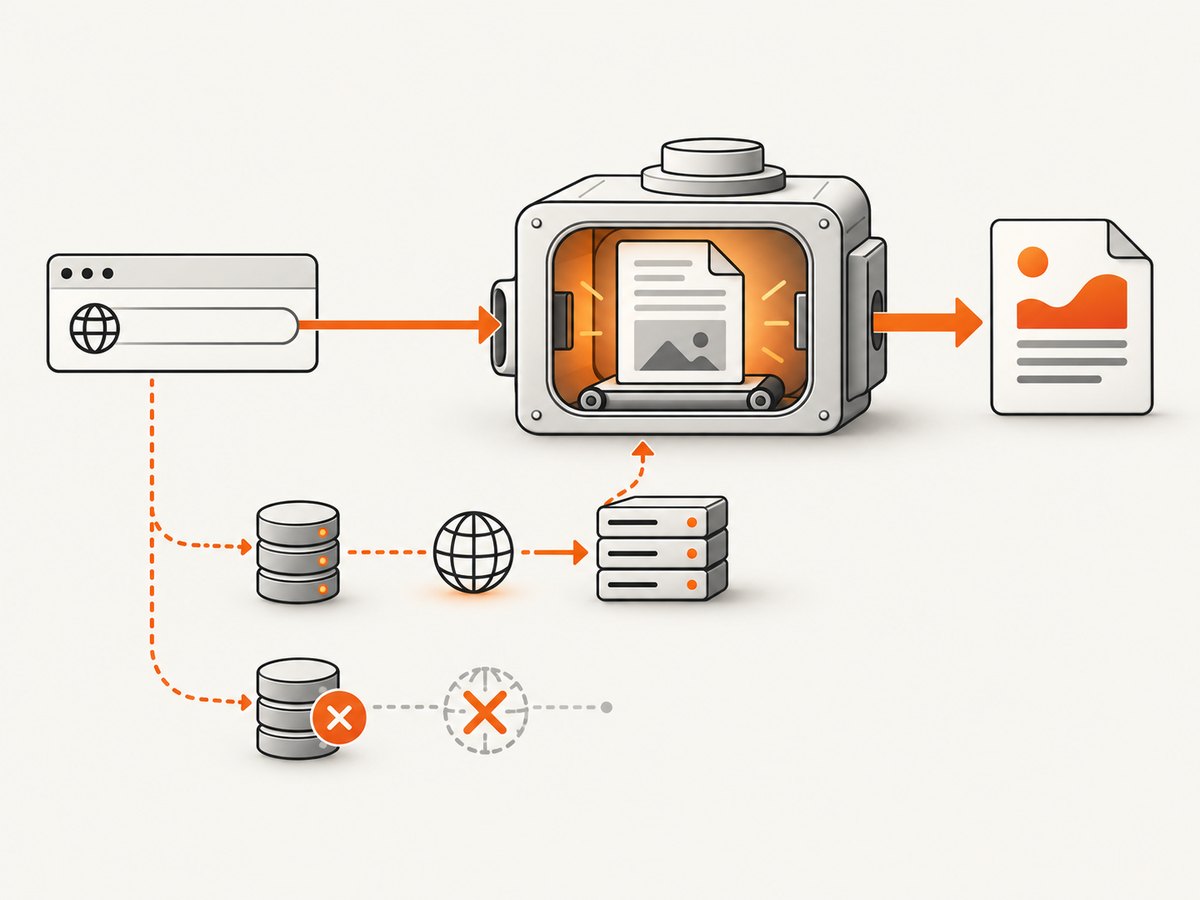
Reproduce the request without Python
Find the executable path first:
command -v wkhtmltopdf
wkhtmltopdf --version
Then run the same URL and output file:
wkhtmltopdf --load-error-handling abort \
  --load-media-error-handling abort \
  "https://www.example.com/" output.pdf
If this command fails with the same host error, PDFKit is not the cause. If it succeeds, compare the Python process’s URL, environment variables, working container, user, options, and executable path with the shell where you tested it. A direct invocation is also useful for seeing redirects, TLS messages, blocked resources, and the exact hostname that failed.
Check the URL and DNS path
Validate the hostname and scheme
- Use a complete URL such as
https://example.com/path; do not pass a bare hostname when your application expects a URL. - Check for misspellings, trailing punctuation, an unintended proxy hostname, or a port that is not open.
- Confirm that the URL is not an internal name available only through your laptop’s VPN or
/etc/hosts. - Test both IPv4 and IPv6 if your DNS publishes both. A broken IPv6 route can look like an intermittent host failure.
getent hosts example.com
python - <<'PY'
import socket
print(socket.getaddrinfo("example.com", 443, type=socket.SOCK_STREAM))
PY
curl -vI --connect-timeout 10 https://example.com/
Run these commands inside the application container or VM. A successful lookup on the host does not prove that the container has the same resolver, DNS search domains, route table, or firewall permissions.
Check proxy and resolver settings
Corporate environments often require an HTTP or HTTPS proxy. Inspect HTTP_PROXY, HTTPS_PROXY, and NO_PROXY in the service environment. A proxy setting that points to an unresolvable name produces the same class of symptom. Conversely, putting an internal hostname in NO_PROXY can make a request bypass the only route that works.
Inspect /etc/resolv.conf, the container’s DNS configuration, and outbound firewall rules. Kubernetes users should check the pod’s DNS policy and whether NetworkPolicy allows egress to the DNS service and destination port 443.
When the URL is localhost
localhost always means the machine or network namespace where wkhtmltopdf runs. In Docker, it means the renderer’s container, not the host and not another container. In a Kubernetes pod, it means that pod’s network namespace. A historical PDFKit issue shows a localhost URL failing during PDF generation; it is useful as an example, not proof of a universal cause.
- Confirm the web server is running before starting PDFKit.
- Make it listen on a reachable interface, often
0.0.0.0inside a container rather than only127.0.0.1. - Use the service name and port when the app and renderer are separate containers, for example
http://web:8000/report. - From the renderer container, run
curl http://web:8000/reportandgetent hosts web.
Do not “fix” this by exposing a private service publicly. Use the smallest network path required by the renderer and authenticate internal endpoints when they contain sensitive data.
Security confinement: AppArmor and similar policies
A sandbox can deny DNS even when ordinary shell tools work. The official wkhtmltopdf AppArmor guidance includes the nameservice abstraction in its example profile; without the required name-service permissions, network attempts can be denied. Review audit logs for the profile that confines the renderer and adapt policy to the application’s intended destinations.
sudo journalctl -k | grep -i apparmor
sudo dmesg | grep -i denied
Apply the profile change through your distribution’s policy management, then reload the profile and repeat the direct wkhtmltopdf command. Also check seccomp, SELinux, container capabilities, egress firewalls, and service-account restrictions. Granting broad network access is unnecessary if the PDF only needs a small allowlist of domains.
Binary and platform compatibility
The wkhtmltopdf project documents that generic Linux binaries may fail across distributions. Alpine Linux uses musl libc while many downloadable binaries expect glibc. A binary can start successfully yet fail later with networking, font, or library problems.
- Install a package built for your distribution and architecture, or build and test one in the deployment image.
- Run
wkhtmltopdf --versionand a real HTTPS conversion during image build or startup checks. - Keep the executable path explicit when multiple versions are installed.
- Pin the binary and its dependencies so a base-image update does not silently change renderer behavior.
import pdfkit

config = pdfkit.configuration(wkhtmltopdf="/usr/local/bin/wkhtmltopdf")
pdfkit.from_url("https://example.com/", "out.pdf", configuration=config, verbose=True)
Only configure a custom path after verifying that path discovery is actually the problem. An incorrect path generally fails before any hostname lookup.
Options that affect loading
| Option | Use | Limit |
|---|---|---|
--load-error-handling abort|skip|ignore |
Choose whether a page error stops conversion. | Skip or ignore can produce an incomplete PDF; neither fixes DNS. |
--load-media-error-handling |
Control failures for images, stylesheets, and other media. | Ignoring media errors can hide missing assets. |
--cookie name value |
Send an authenticated session cookie. | Expired or scoped cookies can redirect to a different host. |
--custom-header name value |
Send headers such as authorization or an internal tenant ID. | Never log secrets in verbose output or command history. |
--javascript-delay milliseconds |
Wait for client-rendered content. | It changes timing, not DNS or routing. |
--debug-javascript |
Show JavaScript diagnostics. | JavaScript errors are separate from host lookup errors. |
PDFKit maps option names to command-line switches. Keep values as strings where PDFKit expects strings, and reproduce the generated command directly when an option combination is suspect.
Common errors and fixes
| Symptom | Likely cause | Fix |
|---|---|---|
| HostNotFoundError for a public domain | Container DNS or egress failure | Run getent and curl in the same container; repair resolver or firewall policy. |
| Works locally, fails in production | Different network namespace, proxy, or DNS | Compare environment and direct renderer output in production. |
| Only localhost URLs fail | Wrong namespace or service binds to loopback | Use a reachable service address and bind the server appropriately. |
| Renderer starts but HTTPS fails | Old or incompatible binary, certificate store, or TLS interception | Use a distribution-compatible build and verify CA certificates and proxy settings. |
Changing load-error-handling appears to help |
Failed content is being ignored | Inspect the PDF and logs; fix reachability instead of masking the failure. |
| “No wkhtmltopdf executable found” | Missing package or wrong path | Install the binary or pass pdfkit.configuration(wkhtmltopdf=...). |
| Intermittent failures under load | Ephemeral DNS, connection limits, or overloaded renderer processes | Measure resolver errors, cap concurrency, retry transient failures, and keep a bounded worker pool. |

Reliability, performance, and cost considerations
Launching a renderer is expensive compared with a normal HTTP request. Reuse a controlled worker process where your deployment model permits it, cap parallel conversions, and set application-level timeouts shorter than your job queue timeout. A retry should use exponential backoff and a small attempt limit; retrying a misspelled hostname only adds load.
Cache stable source pages or generated PDFs when correctness allows. Record the input URL, renderer version, exit code, duration, and a redacted error class. Do not record cookies, authorization headers, or full private URLs in ordinary logs. For large pages, memory use rises with image count and JavaScript activity; prefer a print-specific route that sends only the content required for the PDF.
PDFKit and wkhtmltopdf have no per-request service price: your costs are compute, memory, storage, bandwidth, and operational work. A managed screenshot or PDF API can shift those costs, but evaluate its billing and failure semantics carefully.
Or skip the browser setup
If you need a reliable page capture rather than a locally managed wkhtmltopdf installation, ScreenshotNeo accepts one GET request and returns PNG, JPEG, WebP, or PDF. It handles the browser runtime for you. Before capture, cookie and consent banners are accepted and more than 60 known consent platforms, newsletter popups, and chat widgets are removed; each step can be turned off.
Only clean shots are billed. Bot checks and CAPTCHAs, blank pages, timeouts, failed loads, and cache hits cost nothing, and the response identifies the result with X-Page-Verdict and X-Billed headers. ScreenshotNeo also provides an MCP server with take_screenshot, get_page_info, and capture_pdf tools for Claude, Cursor, and other MCP clients.
cURL
curl -G "https://api.screenshotneo.com/v1/shot" -d access_key=YOUR_API_KEY --data-urlencode url=https://stripe.com -o shot.webpPython
import requests

r = requests.get(
    "https://api.screenshotneo.com/v1/shot",
    params={"access_key": "YOUR_API_KEY", "url": "https://stripe.com"},
    timeout=90,
)
r.raise_for_status()
open("shot.webp", "wb").write(r.content)
Node.js
const q = new URLSearchParams({ access_key: 'YOUR_API_KEY', url: 'https://stripe.com' });
const res = await fetch(`https://api.screenshotneo.com/v1/shot?${q}`);
if (!res.ok) throw new Error(`HTTP ${res.status}`);
const data = Buffer.from(await res.arrayBuffer());
require('fs').writeFileSync('shot.webp', data);
See the ScreenshotNeo API documentation for request parameters and response details. The API supports full-page capture with lazy images loaded, CSS-element capture, dark mode, 12 device presets or custom viewports, retina scale, PDF paper size and margins, custom CSS and JavaScript, clicks, selector waits, delays, network-idle waits, request blocking, headers, cookies, user agents, authorization, timezone, geolocation, transparent backgrounds, resizing, chosen cache TTLs, signed image links, asynchronous jobs with signed webhooks, bulk capture of up to 100 URLs per call, a usage API, and an OpenAPI specification.
Plans include 1,000 screenshots per month free with no card; paid plans start at $5 for 3,000 shots. Yearly billing gives two months free, and every feature is available on every plan. Create a free ScreenshotNeo account.
FAQ
Does installing the Python package install wkhtmltopdf?
No. PDFKit is a wrapper and requires the separate executable to be installed and discoverable.
Can DNS work in Python but fail in wkhtmltopdf?
Yes. The processes may use different containers, users, sandboxes, proxy variables, or resolver permissions. Test from the renderer’s exact runtime.
Should I use --load-error-handling ignore in production?
Only when partial output is explicitly acceptable and you verify which resources failed. It does not fix a missing host.
Why does a browser open the URL while the PDF job cannot?
Your browser may have VPN access, cached DNS, authentication cookies, or a different network route. Those conditions do not automatically exist for the service account running the renderer.
When should I replace wkhtmltopdf?
Consider a managed API or another renderer when you cannot provide a compatible binary, need modern browser behavior, or want to avoid maintaining DNS, sandbox, fonts, and concurrency in your own deployment.


