How to Fix HTML in Anchor Text with wkhtmltopdf
Make wkhtmltopdf links clickable by separating escaped text, nested markup, internal targets, and URL problems with a minimal test case.
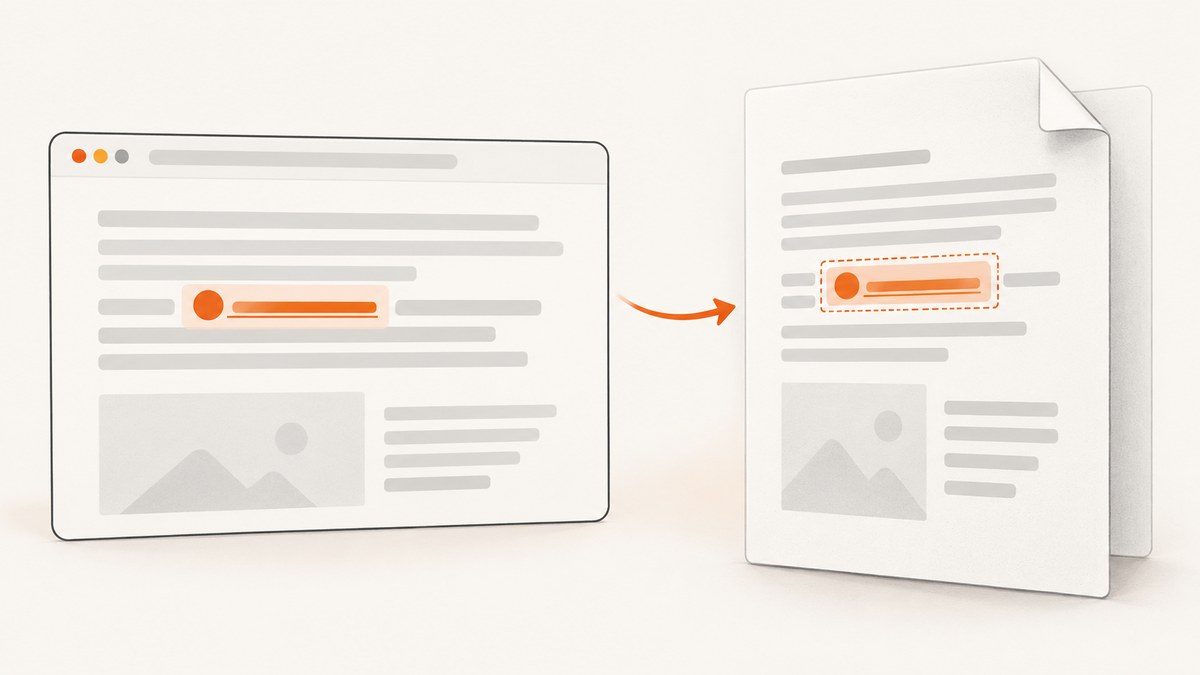
When HTML inside an anchor renders in a wkhtmltopdf PDF but the text is not clickable, first determine which failure you have: escaped markup, unsupported or problematic nested content, a missing internal-link target, or a destination URL that was rewritten. The report that most closely matches this symptom concerns wkhtmltopdf 0.12.3.2 with patched Qt on Windows 8 and an internal anchor containing nested div and span elements. Treat that as a version-specific report, not proof that every wkhtmltopdf build has the same defect.
Quick fix path
- Record the exact output of
wkhtmltopdf --version, your operating system, and whether the binary uses patched Qt. - Save the exact HTML passed to wkhtmltopdf. Confirm that the anchor contains real elements, not escaped text such as
<span>. - Reduce the document to one anchor and one target. Test plain text first, then a simple inline element, then your original nested markup.
- For an internal link, add
--enable-internal-linksand make sure the target exists in the same HTML document. - Inspect clickability and the destination separately. A clickable link with a wrong URL is a different defect from a missing PDF link annotation.
<!doctype html>
<html>
<body>
  <p><a href="#details">Read the details</a></p>
  <h2 id="details">Details</h2>
</body>
</html>
wkhtmltopdf --enable-internal-links input.html output.pdfThe matching wkhtmltopdf issue report shows the historical version, platform, nested anchor example, and internal-link option. The project’s support guidance asks for the version and a detailed HTML, CSS, and JavaScript reproduction when reporting a problem.
What “HTML in anchor text” can mean
There are two different inputs that look similar in application code:
| Input received by wkhtmltopdf | What the PDF should show | What to check |
|---|---|---|
<a href="/docs"><strong>Docs</strong></a> |
Literal <strong>Docs</strong> |
Your template escaped the label. This is not a link-annotation bug. |
<a href="/docs"><strong>Docs</strong></a> |
Bold “Docs” | Test whether this build creates an annotation for the nested content. |
Log or save the final HTML string immediately before conversion. Do not debug only the template source; a sanitiser, Markdown renderer, JSON encoder, or HTML-escape helper may have changed it.
How anchors work in HTML
The WHATWG HTML Standard states: “If the a element has an href attribute, then it represents a hyperlink (a hypertext anchor) labeled by its contents.” Anchor contents can include normal nested markup, but an anchor cannot contain another a element or other interactive descendants. Invalid nesting can produce unpredictable converter output even when a browser appears to repair it.

Build a minimal reproduction
1. Start with plain text
<a href="https://example.com/docs">Documentation</a>Convert this file and verify that the PDF viewer highlights the text and opens the expected URL.
2. Add one inline element
<a href="https://example.com/docs"><span>Documentation</span></a>If plain text works but this does not, the issue is narrowed to nested-label handling in the selected build or viewer.
3. Reintroduce formatting one element at a time
<a href="https://example.com/docs">
  <span class="label"><strong>Documentation</strong></span>
</a>
Remove block elements, scripts, pseudo-elements, and event handlers while narrowing the case. A div inside an anchor is especially worth removing because it conflicts with older HTML content models and converter assumptions.
4. Test an internal target
<a href="#pricing">See pricing</a>
...
<h2 id="pricing">Pricing</h2>
wkhtmltopdf --enable-internal-links reproduction.html reproduction.pdfThe target must be in the same input document and its fragment must match exactly. Test an external URL separately so internal-target handling does not obscure a general annotation problem.
Complete command examples
External links
wkhtmltopdf --enable-local-file-access input.html output.pdfUse --enable-local-file-access only when the document needs local stylesheets, fonts, images, or scripts. It does not repair anchor annotations; it prevents local resources from being blocked.
JavaScript-generated labels
wkhtmltopdf --javascript-delay 500 input.html output.pdfIf JavaScript inserts the anchor or its label, wait for the DOM to be populated. Keep the delay as short as the page allows and verify that the final saved HTML would contain the same anchor.
Debug output
wkhtmltopdf --log-level info input.html output.pdfCapture stderr and the exit code in your build system. A successful process exit only means conversion completed; it does not prove that every expected annotation exists.
Separate clickability from the destination URL
Inspect these questions independently:
- Does the PDF viewer show a link highlight or respond to a click?
- When clicked, does it open the intended absolute URL or fragment?
A separate wkhtmltopdf report describes valid URL characters, including query and fragment characters, being escaped again in a generated PDF link. That report concerns destination encoding; it does not establish the cause of a missing annotation caused by nested label markup.
Common errors and fixes
| Symptom | Likely cause | Fix |
|---|---|---|
| Markup appears literally in the PDF | Anchor text was HTML-escaped before conversion | Inspect the final HTML and pass real elements only where trusted and intended. |
| Plain text link works, nested label does not | Build-specific handling of nested content | Reduce to a simple span, remove block or interactive descendants, and compare another wkhtmltopdf build. |
| Internal link has no action | Missing option or target | Use --enable-internal-links and provide a matching id in the same document. |
| External link clicks but opens the wrong page | URL escaping or rewriting | Inspect the generated destination separately; test a fully encoded absolute URL. |
| Link works in one viewer only | PDF viewer annotation support or display settings | Check the PDF in a second standards-compliant viewer and inspect annotations with a PDF tool. |
| Styles or fonts disappear | Local-resource restrictions | Use accessible absolute resources or enable local file access when appropriate. |
| Anchor is created after conversion starts | JavaScript timing | Wait with a suitable JavaScript delay, then confirm the generated DOM. |
Performance and reliability considerations
- Minimal HTML reduces rendering time and makes failures reproducible. Keep a small regression fixture containing one external link and one internal link.
- Pin the wkhtmltopdf binary and record its version and patched-Qt status in build logs. A distribution package and an upstream binary can behave differently.
- Run conversion with deterministic CSS and fonts. Missing fonts or late-loading resources can change line boxes and the clickable area.
- Set process timeouts in CI and retain stderr, input HTML, and output PDF when a link check fails.
- Validate both annotation presence and destination URL. Visual inspection alone can miss a link that covers only part of the label.

When simplifying the markup is not enough
If a minimal plain-text anchor still fails with a known-good external URL, the problem is probably outside the nested label: the PDF viewer, the selected wkhtmltopdf build, or a broader conversion configuration. Compare the same fixture on another supported build, then prepare a report with:
- Exact
wkhtmltopdf --versionoutput - Operating system and binary source
- Whether the build uses patched Qt
- Smallest HTML, CSS, and JavaScript files that reproduce the issue
- Command line and exit output
- Whether the failure is missing clickability, an incorrect destination, or both
Or skip the browser setup
If your goal is a reliable screenshot or PDF capture rather than maintaining a wkhtmltopdf runtime, ScreenshotNeo provides a single HTTP request for a clean screenshot or PDF. See the ScreenshotNeo API documentation for all options.
curl -G "https://api.screenshotneo.com/v1/shot" -d access_key=YOUR_API_KEY --data-urlencode url=https://stripe.com -o shot.webpimport requests
r = requests.get("https://api.screenshotneo.com/v1/shot", params={"access_key": "YOUR_API_KEY", "url": "https://stripe.com"}, timeout=90)
open("shot.webp", "wb").write(r.content)const q = new URLSearchParams({ access_key: 'YOUR_API_KEY', url: 'https://stripe.com' });
const res = await fetch(`https://api.screenshotneo.com/v1/shot?${q}`);Before capture, ScreenshotNeo accepts cookie or consent banners and removes more than 60 known consent platforms, newsletter popups, and chat widgets; each step can be turned off. Bot checks, blank pages, timeouts, failed loads, and cache hits are not billed, and response headers identify the page verdict and billing status. Its MCP server lets Claude, Cursor, and other MCP clients call take_screenshot, get_page_info, and capture_pdf. The Free plan includes 1,000 screenshots per month with no card; paid plans start at $5 for 3,000 shots. Create a free ScreenshotNeo account.
FAQ
Does nested HTML make an anchor invalid?
No. The HTML Standard allows broad anchor contents, subject to restrictions such as no nested anchors or other interactive descendants. A converter may still handle particular structures differently.
Should I remove all formatting from links?
No. Use the smallest inline structure that your chosen wkhtmltopdf build converts reliably, then add formatting incrementally and keep a regression test.
Is --enable-internal-links required for every link?
It is relevant to links targeting locations in the same document. External HTTP or HTTPS links are a separate path and should be tested independently.
Can a successful exit code prove links work?
No. Conversion can finish successfully while annotations are missing or destinations are wrong. Validate the generated PDF.


