How to Fix Underline and Strikethrough Rendering in HTML-to-PDF Files
Fix missing underlines and strikethroughs in HTML-to-PDF output by checking print CSS, cascade order, renderer support, fonts, and reproducibility.
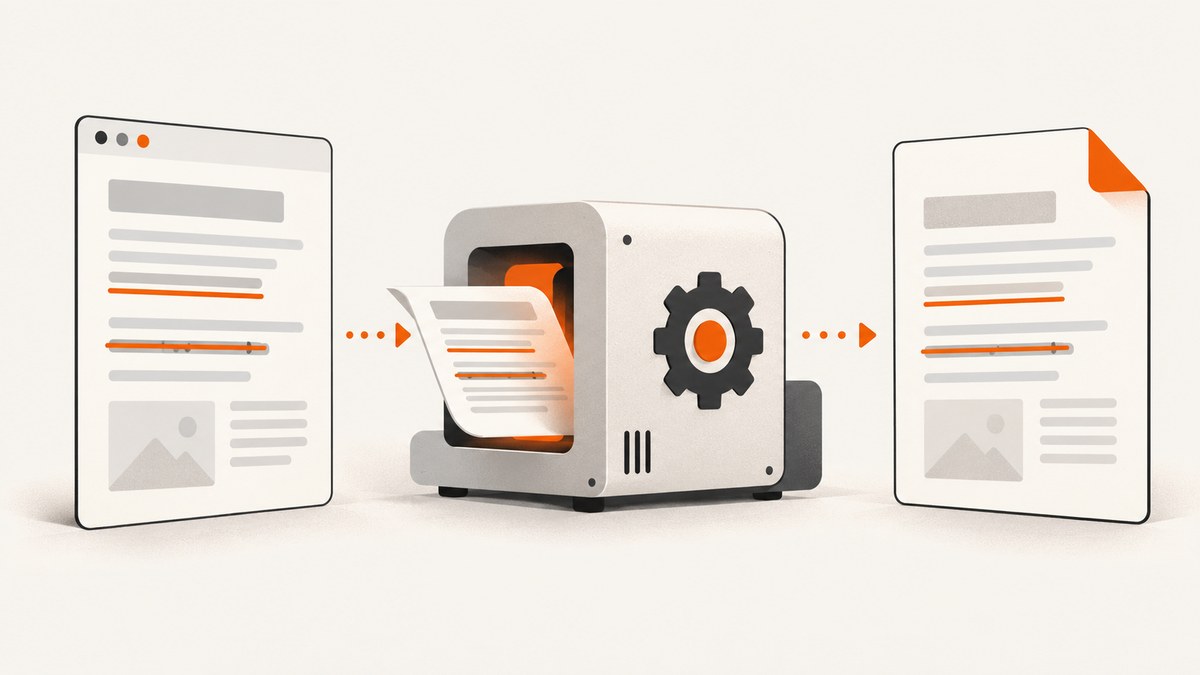
Direct answer: identify the HTML-to-PDF renderer and version, inspect the CSS applied in print mode, verify the cascade and computed styles, and confirm that your renderer supports the decoration properties you use. A browser preview is not proof that the PDF will match it: Puppeteer’s Page.pdf() uses print CSS media by default.
1. Start with a minimal, explicit declaration
Use semantic text and explicit CSS before investigating complex layout rules:
<!doctype html>
<html>
<head>
  <meta charset="utf-8">
  <style>
    .underlined {
      text-decoration-line: underline;
      text-decoration-style: solid;
      text-decoration-color: #111;
      text-decoration-thickness: 1px;
      text-underline-offset: 0.12em;
    }

    .deleted {
      text-decoration-line: line-through;
      text-decoration-style: solid;
      text-decoration-color: #555;
      text-decoration-thickness: 1px;
    }
  </style>
</head>
<body>
  <p><span class="underlined">This should be underlined.</span></p>
  <p><span class="deleted">This should be struck through.</span></p>
</body>
</html>
The shorthand is also valid:
.underlined { text-decoration: underline; }
.deleted { text-decoration: line-through; }
.both { text-decoration-line: underline line-through; }
If this small file renders correctly, add your production styles back in groups until the failure returns. That identifies the rule or feature causing the mismatch.
2. Check print CSS before changing the renderer
HTML-to-PDF engines commonly apply a print media context. Search every stylesheet for rules that reset or replace decoration:
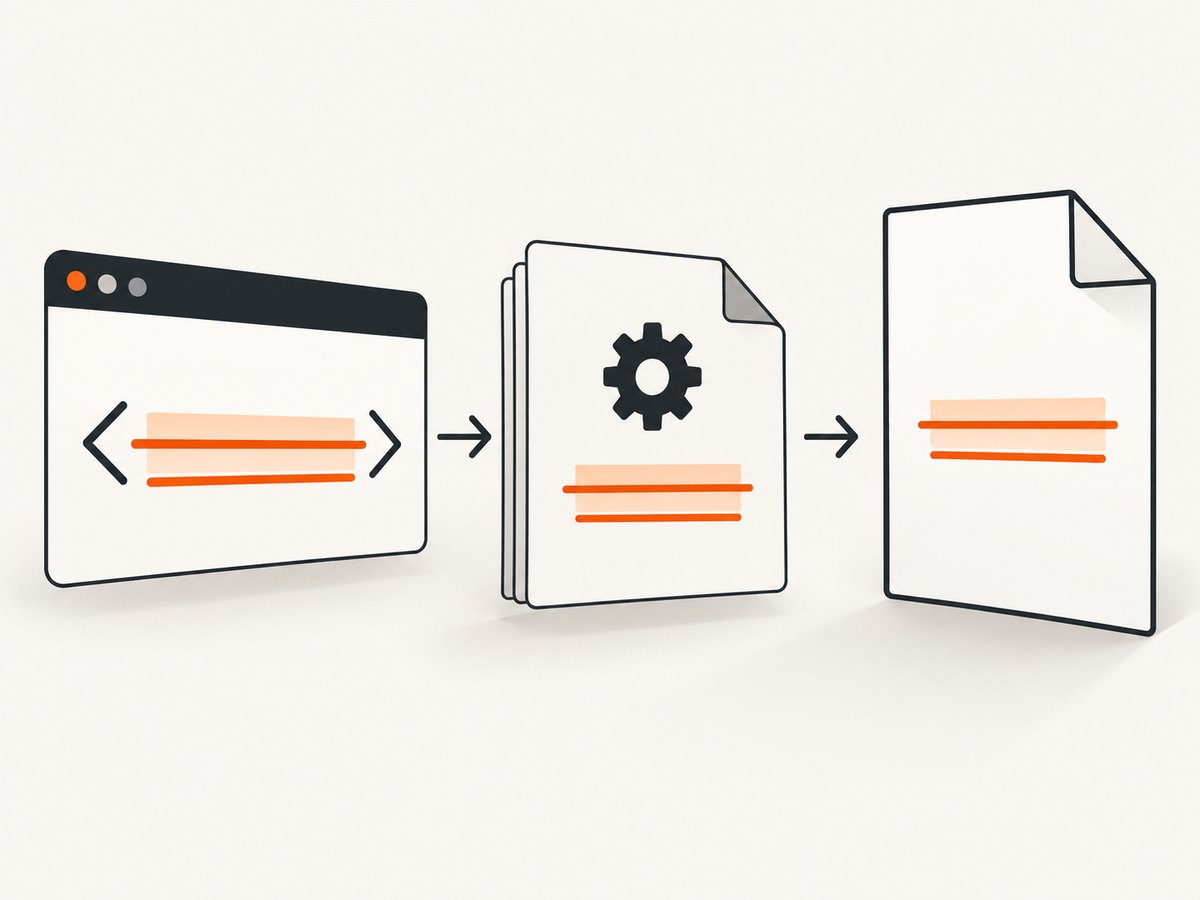
@media print {
  /* A rule like this removes the line in the PDF. */
  a { text-decoration: none; }

  /* Restore the intended result for printed output. */
  .underlined { text-decoration: underline; }
  .deleted { text-decoration: line-through; }
}
In Puppeteer, keep the default print behavior when your print stylesheet is authoritative:
import puppeteer from 'puppeteer';

const browser = await puppeteer.launch();
const page = await browser.newPage();
await page.goto('file:///absolute/path/example.html', { waitUntil: 'networkidle0' });
await page.pdf({ path: 'output.pdf', format: 'A4', printBackground: true });
await browser.close();
If the document is intentionally designed for screen media, select it explicitly before generating the PDF:
await page.emulateMediaType('screen');
await page.pdf({ path: 'output.pdf', format: 'A4', printBackground: true });
Choose one media design deliberately. Switching to screen media can hide legitimate print-only layout changes.
3. Inspect the cascade and computed style
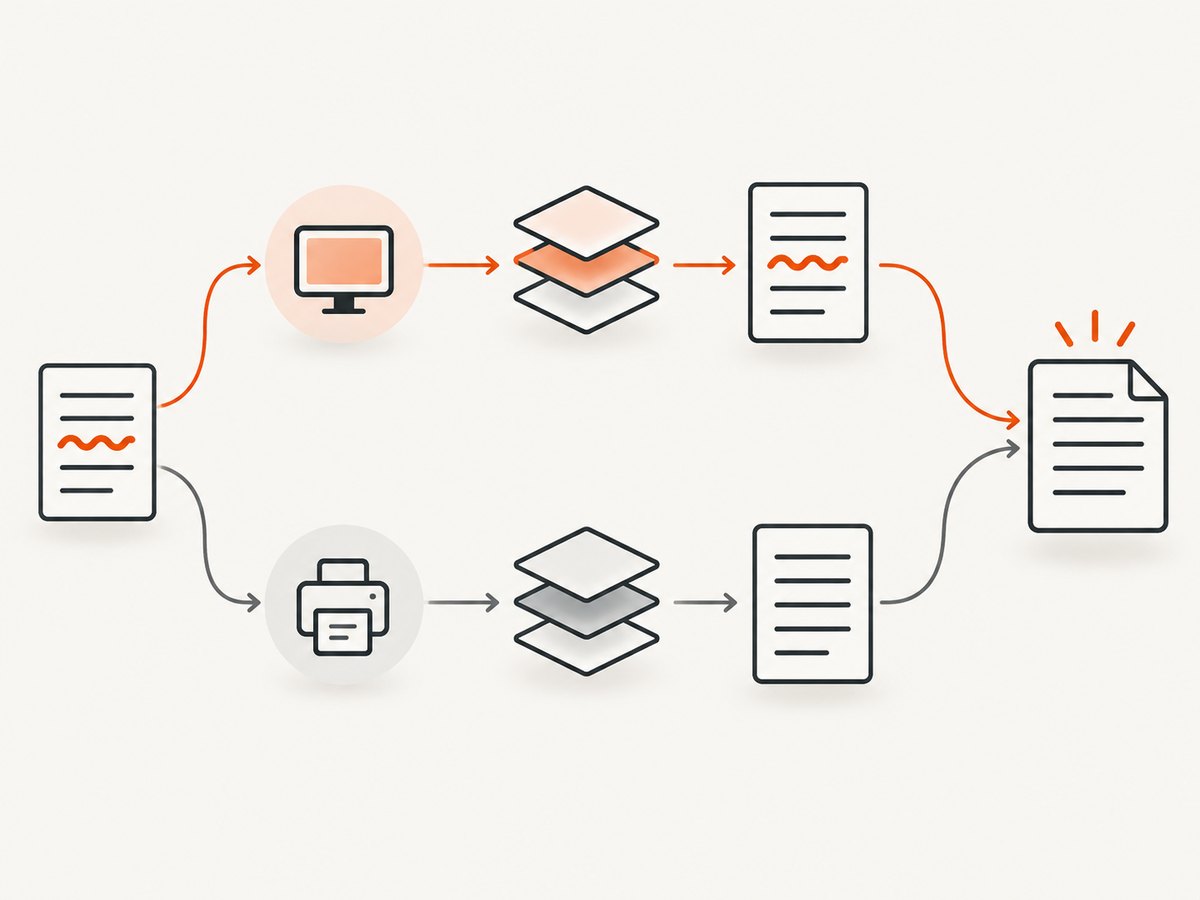
The declaration may exist in your source while a later or more specific selector wins. Inspect the exact element in the same renderer and media context used for PDF generation:
const result = await page.$eval('.underlined', element => {
  const style = getComputedStyle(element);
  return {
    textDecoration: style.textDecoration,
    textDecorationLine: style.textDecorationLine,
    textDecorationStyle: style.textDecorationStyle,
    textDecorationColor: style.textDecorationColor,
    textDecorationThickness: style.textDecorationThickness,
    textUnderlineOffset: style.textUnderlineOffset
  };
});
console.log(result);
Check for these common overrides:
- A later
text-decoration: nonedeclaration. - A more specific selector such as
.invoice aoverriding a utility class. - An inline style that wins over your stylesheet.
- A print rule that moves the class to a wrapper while the text itself has no decoration.
- A reset or component library rule that changes links, emphasis, or deleted text.
Use !important only as a diagnostic or where your stylesheet architecture requires it:
@media print {
  .invoice .deleted {
    text-decoration-line: line-through !important;
  }
}
4. Confirm renderer support
There is no single HTML-to-PDF implementation. wkhtmltopdf uses Qt WebKit; Chromium-based tools and WeasyPrint have different CSS coverage and pagination behavior.
Current stable WeasyPrint documentation lists support for text-decoration-line, text-decoration-style, text-decoration-color, text-decoration-thickness, text-underline-offset, and the text-decoration shorthand. It lists text-underline-position as unsupported. Check the documentation for the exact version installed in your deployment.
Prefer the simplest supported values when portability matters:
/* Portable baseline */
.u { text-decoration: underline; }
.s { text-decoration: line-through; }

/* Add advanced controls only after the baseline works */
.u {
  text-decoration-line: underline;
  text-decoration-style: solid;
  text-decoration-thickness: 1px;
  text-underline-offset: 0.12em;
}
5. Reproduce with WeasyPrint (Python)
WeasyPrint uses CSS and can require explicit font configuration when you load web fonts:
from weasyprint import HTML, CSS
from weasyprint.text.fonts import FontConfiguration

font_config = FontConfiguration()
HTML(filename="example.html").write_pdf(
    "output.pdf",
    stylesheets=[CSS(filename="print.css", font_config=font_config)],
    font_config=font_config,
)
Keep font troubleshooting separate from decoration troubleshooting. First prove that a system font renders the line, then add @font-face and resource loading back in.
6. Use semantic elements when they express the meaning
<del> communicates deleted content and may be styled by user-agent CSS. If you need a predictable result, set the decoration yourself:
del {
  text-decoration-line: line-through;
  text-decoration-style: solid;
}
ins {
  text-decoration-line: underline;
  text-decoration-style: solid;
}
Do not rely on a browser’s default stylesheet when PDFs must be identical across environments.
7. Check fonts and resources only when evidence points there
A missing web font, blocked stylesheet, or failed resource can change metrics and make a thin decoration hard to see. Verify:
- The PDF process can reach every stylesheet and font URL.
- Font files return the expected content type and status.
- Relative URLs resolve from the PDF process’s working directory.
- The deployed container includes the required system fonts.
- The renderer waits for fonts and other resources before printing.
In Puppeteer, wait for document readiness and, when applicable, fonts:
await page.goto(url, { waitUntil: 'networkidle0' });
await page.evaluate(() => document.fonts.ready);
await page.pdf({ path: 'output.pdf', format: 'A4' });
8. Build a reproducible test case
Record the renderer name and version, operating system, PDF options, input HTML/CSS, and PDF viewer. Keep the smallest file that demonstrates the problem:
<span class="case">Underline and strike</span>
<style>
.case { text-decoration: underline line-through; }
</style>
If the minimal case fails, the issue is likely renderer support or a version-specific defect. If it passes, reintroduce layout, components, print rules, fonts, and scripts one group at a time.
9. Troubleshooting checklist
| Symptom | Likely cause | Fix |
|---|---|---|
| Works in browser, missing in PDF | Print media rule or print-only cascade | Inspect computed styles under print media; add an explicit @media print declaration. |
| Underline disappears only on links | Link reset such as a { text-decoration: none } |
Override the link selector in print CSS. |
| Strikethrough appears on the wrapper, not text | Decoration applied to the wrong element or replaced by layout styling | Apply it directly to the text span and inspect computed style. |
| Advanced underline options do nothing | Unsupported property or value in the installed engine | Use the basic shorthand, then consult the renderer’s versioned support documentation. |
| Line is too faint or offset | Font metrics, thickness, color, or zoom differences | Set explicit color and thickness; test with a system font and a larger thickness. |
| Only production fails | Different renderer version, OS, fonts, or resource access | Capture environment details and compare the production computed style with local output. |
| Fonts fail and decoration looks wrong | Missing @font-face configuration or blocked font URL |
Verify network responses and pass WeasyPrint’s FontConfiguration where required. |
| PDF is generated before styles load | Navigation or resource wait is too short | Wait for network idle and document fonts before calling the PDF method. |
10. Performance, reliability, and cost
- Performance: minimize external resources, reuse a long-lived browser process, and avoid unnecessary JavaScript before capture. Wait only for the readiness condition your page needs.
- Reliability: pin the renderer version and operating system image. A browser, PDF viewer, or font update can alter line placement.
- Pagination: test decorations near page breaks, flex and grid containers, transformed text, and clipped overflow. A line can be technically present but clipped by an ancestor.
- Validation: inspect generated PDFs from the deployed environment, not only screenshots of a local browser.
- Cost: self-hosted renderers consume compute and maintenance time. A hosted capture service can remove browser setup when you need repeatable URL-to-image or URL-to-PDF requests.
11. Or skip the browser setup
ScreenshotNeo provides a URL-to-screenshot and PDF API. It accepts a URL in one GET request and supports PNG, JPEG, WebP, or PDF output. See the ScreenshotNeo API documentation for the complete option list.
curl -G "https://api.screenshotneo.com/v1/shot" -d access_key=YOUR_API_KEY --data-urlencode url=https://stripe.com -o shot.webpimport requests
r = requests.get("https://api.screenshotneo.com/v1/shot", params={"access_key": "YOUR_API_KEY", "url": "https://stripe.com"}, timeout=90)
open("shot.webp", "wb").write(r.content)const q = new URLSearchParams({ access_key: 'YOUR_API_KEY', url: 'https://stripe.com' });
const res = await fetch(`https://api.screenshotneo.com/v1/shot?${q}`);Before capture, cookie and consent banners are accepted and removed along with more than 60 known consent platforms, newsletter popups, and chat widgets; each cleanup step can be turned off. Bot checks, blank pages, timeouts, failed loads, and cache hits are not billed, and the response identifies the result with X-Page-Verdict and X-Billed headers. ScreenshotNeo also offers PDF controls, custom CSS and JavaScript, waits, request blocking, headers and cookies, device presets, element capture, caching, signed links, asynchronous jobs, bulk capture, usage reporting, and an MCP server with take_screenshot, get_page_info, and capture_pdf for AI agents.
There are 1,000 free screenshots per month with no card. Paid plans start at $5 for 3,000 shots, and every feature is included on every plan. Create a free ScreenshotNeo account.
12. FAQ
Does text-decoration work in every HTML-to-PDF engine?
No. Engines implement different CSS subsets and versions. Verify the exact properties against the documentation for your installed renderer.
Should I use screen or print media for PDFs?
Use print media when the document has print-specific styles. Use screen media only when the screen design is the intended PDF design.
Is <s> the same as <del>?
Both can display a line through text, but they communicate different semantics. Style the chosen element explicitly for predictable PDF output.
Can a PDF viewer hide a valid decoration?
Yes, viewer zoom, antialiasing, and rendering differences can make a thin line hard to see. Check the PDF at multiple zoom levels or inspect it in another viewer.
What information should accompany a bug report?
Include renderer and version, operating system, generation options, viewer, minimal HTML/CSS, and the generated PDF or a precise description of the mismatch.


