How to Fix html2canvas in Angular Applications
Fix html2canvas in Angular: imports, CORS images, tainted canvases, blank output, SSR, sizing limits, debugging, and a ScreenshotNeo alternative.
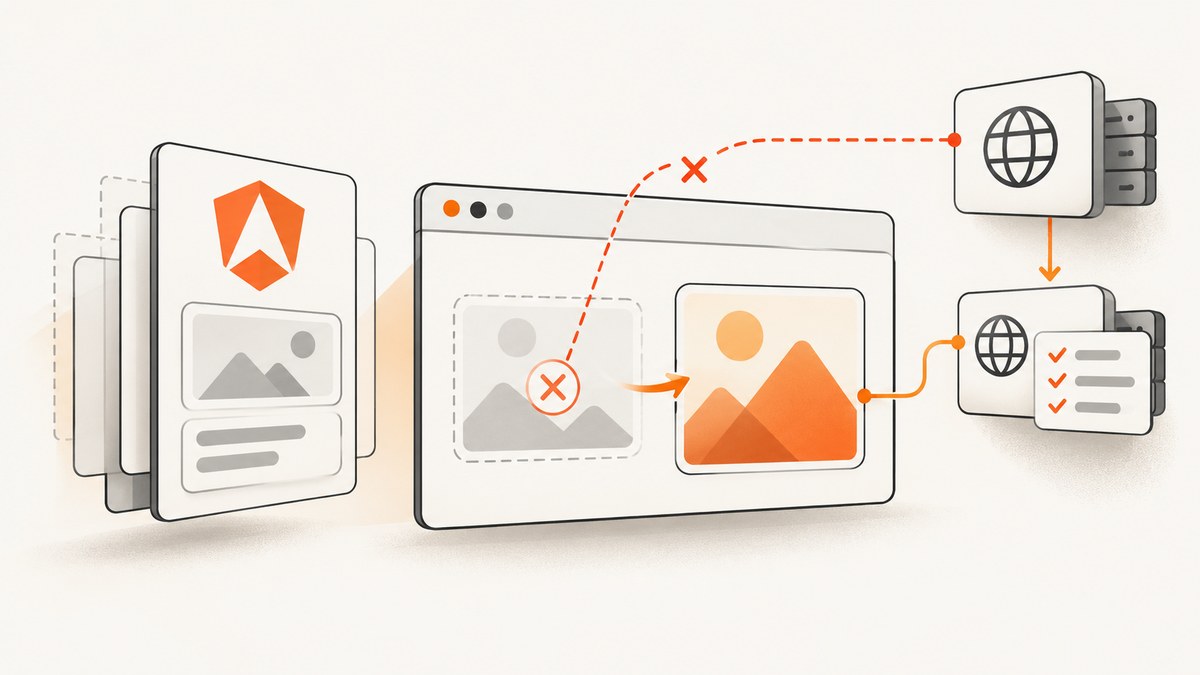
Short answer: install the maintained package, import its default export, and call it only after Angular has rendered the target element in a browser. Most failures come from cross-origin images, SSR execution, unsupported CSS, or a canvas that exceeds browser dimensions.
This guide fixes the common Angular errors—missing images, tainted canvases, blank or clipped output, low resolution, and “lacks a call signature”—with runnable code and a repeatable debugging process.
1. Install and import html2canvas correctly
The current package documented by the project is @html2canvas/html2canvas. Install it with:
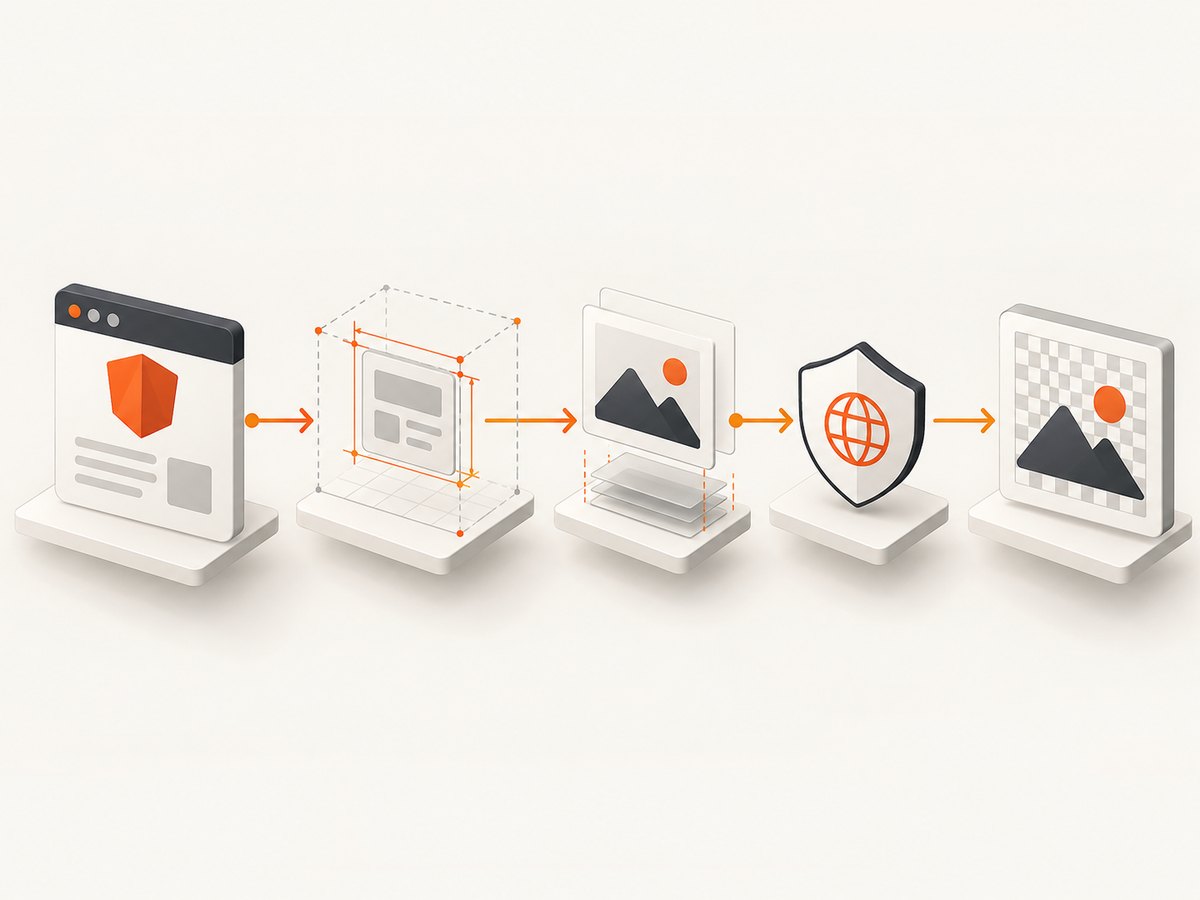
npm install @html2canvas/html2canvasUse the package’s default import. The call returns a Promise, so use async/await:
import { Component, ElementRef, ViewChild } from '@angular/core';
import html2canvas from '@html2canvas/html2canvas';

@Component({
  selector: 'app-report',
  template: `
    <section #capture class="report">
      <h1>Monthly report</h1>
      <p>This content becomes a PNG.</p>
    </section>
    <button type="button" (click)="savePng()">Save PNG</button>
  `
})
export class ReportComponent {
  @ViewChild('capture', { static: false })
  capture!: ElementRef<HTMLElement>;

  async savePng(): Promise<void> {
    const element = this.capture.nativeElement;
    const canvas = await html2canvas(element, {
      backgroundColor: '#ffffff',
      useCORS: true,
      windowWidth: element.scrollWidth,
      windowHeight: element.scrollHeight,
      logging: true,
      onError: error => console.warn('html2canvas resource failed:', error.message)
    });

    const link = document.createElement('a');
    link.download = 'report.png';
    link.href = canvas.toDataURL('image/png');
    link.click();
  }
}
The official getting-started guide uses this default import and Promise pattern. If TypeScript reports that the imported value has no compatible call signature, check the installed package and import before changing capture options.
2. Capture at the right Angular lifecycle point
A ViewChild is unavailable before the view exists when static: false is used. Capture from a click handler, or from ngAfterViewInit after the view is attached. If content is created by an *ngIf, wait until that condition has rendered:
showReport = false;

async openAndCapture(): Promise<void> {
  this.showReport = true;
  await new Promise(requestAnimationFrame);
  await new Promise(requestAnimationFrame);
  await this.savePng();
}
Two animation frames allow Angular’s DOM update and the browser’s layout/paint pass to complete. For images or web fonts loaded asynchronously, wait for those resources too:
async waitForImages(root: HTMLElement): Promise<void> {
  const images = Array.from(root.querySelectorAll('img'));
  await Promise.all(images.map(image => {
    if (image.complete) return Promise.resolve();
    return new Promise<void>(resolve => {
      image.addEventListener('load', () => resolve(), { once: true });
      image.addEventListener('error', () => resolve(), { once: true });
    });
  }));
}

async saveAfterAssets(): Promise<void> {
  const element = this.capture.nativeElement;
  await this.waitForImages(element);
  if (document.fonts?.ready) await document.fonts.ready;
  const canvas = await html2canvas(element, { useCORS: true });
  // encode or download canvas here
}
3. Fix missing images and tainted canvases
Browsers enforce the same-origin policy. html2canvas cannot bypass it; its FAQ states that it “cannot circumvent content policy restrictions set by your browser.” useCORS: true works only when the image response includes an appropriate Access-Control-Allow-Origin header.
Check the actual image request
- Open DevTools, select the Network tab, and reload the page.
- Inspect every
<img>, CSS background, SVG image, and nested canvas. - Follow redirects and inspect the final response URL and CORS headers.
- Enable
useCORSand retry.
const canvas = await html2canvas(element, {
  useCORS: true,
  allowTaint: false,
  logging: true
});

try {
  const png = canvas.toDataURL('image/png');
} catch (error) {
  console.error('Canvas is tainted by a cross-origin resource', error);
}
If you control the asset server, return a suitable Access-Control-Allow-Origin value for the Angular application’s origin. If you do not, fetch the asset through a controlled server-side proxy that returns it from a same-origin endpoint, or pre-embed it as a data URL. A redirect can defeat an apparently correct setup: a URL that begins on your origin may redirect to a CDN before html2canvas enables CORS handling. Use the final CDN URL, configure the redirect target, or proxy it.
allowTaint: true is not a readback fix. It permits drawing an image that taints the canvas, but a tainted canvas still cannot be passed safely to toDataURL() or similar APIs.
Exclude one problematic resource
When an image is optional, exclude its element with the data-html2canvas-ignore attribute:
<img src="https://third-party.example/chart.png" data-html2canvas-ignore>Or use a predicate:
const canvas = await html2canvas(element, {
  ignoreElements: node =>
    node.matches('.video, .live-chat, [data-no-capture]')
});
4. Fix blank, clipped, or low-resolution output
Browsers have maximum canvas width, height, and total pixel-area limits. When a canvas exceeds a limit, the browser can silently return a blank or partially rendered result. This is especially common with tall reports and large scale values.

const canvas = await html2canvas(element, {
  windowWidth: element.scrollWidth,
  windowHeight: element.scrollHeight,
  scale: Math.min(window.devicePixelRatio || 1, 2),
  backgroundColor: '#ffffff'
});
If it remains blank or clipped:
- Lower
scaleto1or below. - Capture sections separately and combine them into pages.
- Reduce excessive fixed widths and heights in the target.
- Do not capture an element while it is
display: noneor detached. - Use a paginated export for very tall documents.
Dimension limits vary by browser and device, so treat any numeric limit as guidance rather than a guarantee. The html2canvas FAQ documents the silent blank-output behavior.
5. Handle Angular SSR and Angular Universal
html2canvas depends on window, document, computed styles, and other browser APIs. It is not a Node.js or server-side rendering library. Do not execute it while Angular Universal is rendering.
import { isPlatformBrowser } from '@angular/common';
import { Inject, PLATFORM_ID } from '@angular/core';

constructor(@Inject(PLATFORM_ID) private platformId: object) {}

async savePng(): Promise<void> {
  if (!isPlatformBrowser(this.platformId)) return;

  const { default: html2canvas } =
    await import('@html2canvas/html2canvas');
  const canvas = await html2canvas(this.capture.nativeElement);
  // download canvas here
}
Dynamic import keeps the browser-only library out of the server execution path. A user-triggered method is usually the safest place to call it.
6. Unsupported CSS, iframes, and dynamic widgets
html2canvas reconstructs the DOM rather than reading the browser’s final pixels. Unsupported CSS properties may be missing, plugin content is not rendered, cross-origin iframe contents are inaccessible, and a child canvas already tainted by cross-origin content remains unreadable.
Replace or remove content in the cloned document
onclone lets you change the cloned document without changing the live Angular view:
const canvas = await html2canvas(element, {
  onclone: clonedDocument => {
    clonedDocument
      .querySelectorAll('.live-widget, video, .capture-controls')
      .forEach(node => node.remove());

    const placeholder = clonedDocument.createElement('div');
    placeholder.textContent = 'Chart unavailable in export';
    placeholder.className = 'chart-placeholder';
    clonedDocument.querySelector('.chart')?.replaceWith(placeholder);
  }
});
foreignObjectRendering can improve support for some browser-dependent HTML/CSS cases, but it is optional and not a universal CSS compatibility switch. Compare it only in browsers that support the required SVG foreignObject behavior.
7. Options worth knowing
| Option | Use | Caution |
|---|---|---|
backgroundColor |
Set a predictable background such as #fff. |
Use null when transparency is required. |
useCORS |
Request images with CORS enabled. | Requires server response headers. |
proxy |
Route resources through a CORS-capable proxy. | Account for security, privacy, and latency. |
allowTaint |
Allow drawing cross-origin images. | Canvas readback can fail afterward. |
scale |
Control output pixel density. | Higher values consume more memory. |
windowWidth/windowHeight |
Set the virtual viewport. | Use scroll dimensions for full elements. |
ignoreElements |
Skip videos, controls, or unsupported nodes. | Skipped content is absent from output. |
onclone |
Modify only the cloned DOM. | Changes do not affect the live page. |
logging/onError |
Diagnose failed resources. | Disable verbose logging in production. |
foreignObjectRendering |
Try browser-native HTML rendering. | Browser support varies. |
8. A repeatable debugging checklist
- Confirm the target element is attached, visible, and populated when capture starts.
- Confirm the package version and default import compile successfully.
- Run only in a browser path, never during SSR.
- Enable
loggingand addonError. - Inspect every image, CSS background, SVG, iframe, and nested canvas.
- Try
useCORS: trueand inspect headers on the final URL after redirects. - If CORS cannot be enabled, use a controlled proxy or same-origin/data assets.
- Set viewport dimensions from
scrollWidth/scrollHeight. - Reduce
scaleor capture smaller sections when output is blank. - Exclude unsupported nodes and compare
foreignObjectRenderingonly where supported.
9. Common errors and fixes
| Symptom | Likely cause | Fix |
|---|---|---|
| “Cannot invoke an expression whose type lacks a call signature” | Wrong import form, old release candidate, or module interop mismatch. | Install @html2canvas/html2canvas, use the default import, and review TypeScript interop settings. |
| Images are missing | Remote response lacks CORS headers or the URL redirects. | Configure the final asset server, use a proxy, or embed same-origin/data assets. |
SecurityError from toDataURL() |
The canvas is tainted. | Fix CORS; allowTaint does not make readback safe. |
| Blank canvas with no exception | Canvas exceeds browser dimensions or target is hidden. | Check visibility, reduce scale, size from scroll dimensions, or split the capture. |
| Only the viewport is captured | Virtual window dimensions are smaller than the element. | Pass element.scrollWidth and element.scrollHeight. |
| Crash during Angular Universal render | Browser APIs executed on the server. | Guard with isPlatformBrowser and dynamically import. |
| Charts, videos, or iframes are empty | DOM reconstruction cannot render plugin content or cross-origin frames. | Replace with a static representation using onclone, or exclude them. |
10. Performance, reliability, and cost considerations
- Memory: canvas memory grows with width × height × scale². Keep scale capped and split long reports.
- Latency: wait for images, fonts, and widgets deliberately; avoid arbitrary long delays when a resource event is available.
- Reliability: treat failed optional assets as recoverable, but surface a warning when required content is absent.
- Security: a proxy should allow only approved hosts and avoid forwarding sensitive cookies or authorization headers.
- Output: use PNG for sharp text and transparency, JPEG for smaller photographic output, and consider paginated PDF for long documents.
- Browser limits: test the largest real report on the browsers and devices you support; limits are not uniform.
11. Or skip the browser setup
When you need a server-side screenshot rather than a browser canvas, ScreenshotNeo accepts one GET request and returns PNG, JPEG, WebP, or PDF. Cookie and consent banners, newsletter popups, and chat widgets are removed before capture. Bot checks, blank pages, timeouts, failed loads, and cache hits are not billed, and the response identifies the verdict with X-Page-Verdict and X-Billed headers. Its MCP server lets Claude, Cursor, and other MCP clients call take_screenshot, get_page_info, and capture_pdf.
cURL
curl -G "https://api.screenshotneo.com/v1/shot" -d access_key=YOUR_API_KEY --data-urlencode url=https://stripe.com -o shot.webpPython
import requests
r = requests.get("https://api.screenshotneo.com/v1/shot", params={"access_key": "YOUR_API_KEY", "url": "https://stripe.com"}, timeout=90)
open("shot.webp", "wb").write(r.content)
Node.js
const q = new URLSearchParams({ access_key: 'YOUR_API_KEY', url: 'https://stripe.com' });
const res = await fetch(`https://api.screenshotneo.com/v1/shot?${q}`);
See the complete option list and parameter reference in the ScreenshotNeo documentation. It supports full-page and element captures, dark mode, device presets, custom CSS and JavaScript, waits, request blocking, headers, cookies, user agents, timezone and geolocation, resizing, caching, signed links, asynchronous jobs, bulk capture, usage data, and PDFs.
Create a free ScreenshotNeo account: 1,000 screenshots per month with no card. Paid plans start at $5 for 3,000 screenshots.
12. FAQ
Can html2canvas capture a page on the server?
No. It is a browser-side DOM renderer. Use a browser automation service or a screenshot API for server-side work.
Does useCORS bypass CORS?
No. It requests CORS-enabled images; the remote server must grant access.
Why does a same-origin URL still fail?
The URL may redirect to a CDN or another host. Inspect the final request and its headers.
Should I always set allowTaint: true?
No. A tainted canvas cannot be read back safely. Fix the resource origin or proxy it.
How do I export a very tall report?
Capture smaller sections, reduce scale, or generate a paginated PDF so the browser does not exceed canvas limits.
Can I hide Angular controls only during export?
Yes. Use ignoreElements or replace nodes in onclone; the live view remains unchanged.


