How to Fix HTML2Canvas “Unable to Find Element in Cloned Iframe”
This error usually means html2canvas could not map your target into its cloned document. Check attachment, ignore rules, and render timing with this diagnostic guide.

Direct answer: “Unable to find element in cloned iframe” means html2canvas could not find the cloned reference for the element you passed in. It does not, by itself, mean that an iframe belonging to your page failed to load. Check that the target is the current, attached DOM node and that neither it nor an ancestor is excluded by html2canvas ignore rules.
The error can be confusing because it mentions an iframe. In html2canvas, the document cloner looks for the counterpart of your original target, then the library proceeds to create and use its cloned iframe. The source throws this particular error when the cloned reference is missing, before it calls the iframe creation step. Start with the target and the cloning rules rather than debugging your page’s iframe loading. The upstream source check confirms this sequence.
1. What the error means
html2canvas does not simply take a bitmap of the live screen. It clones document content and renders that clone. The node you pass to html2canvas(element) must be associated with a node in the clone. If the cloner has no retained reference for the requested element, the promise rejects with this message.
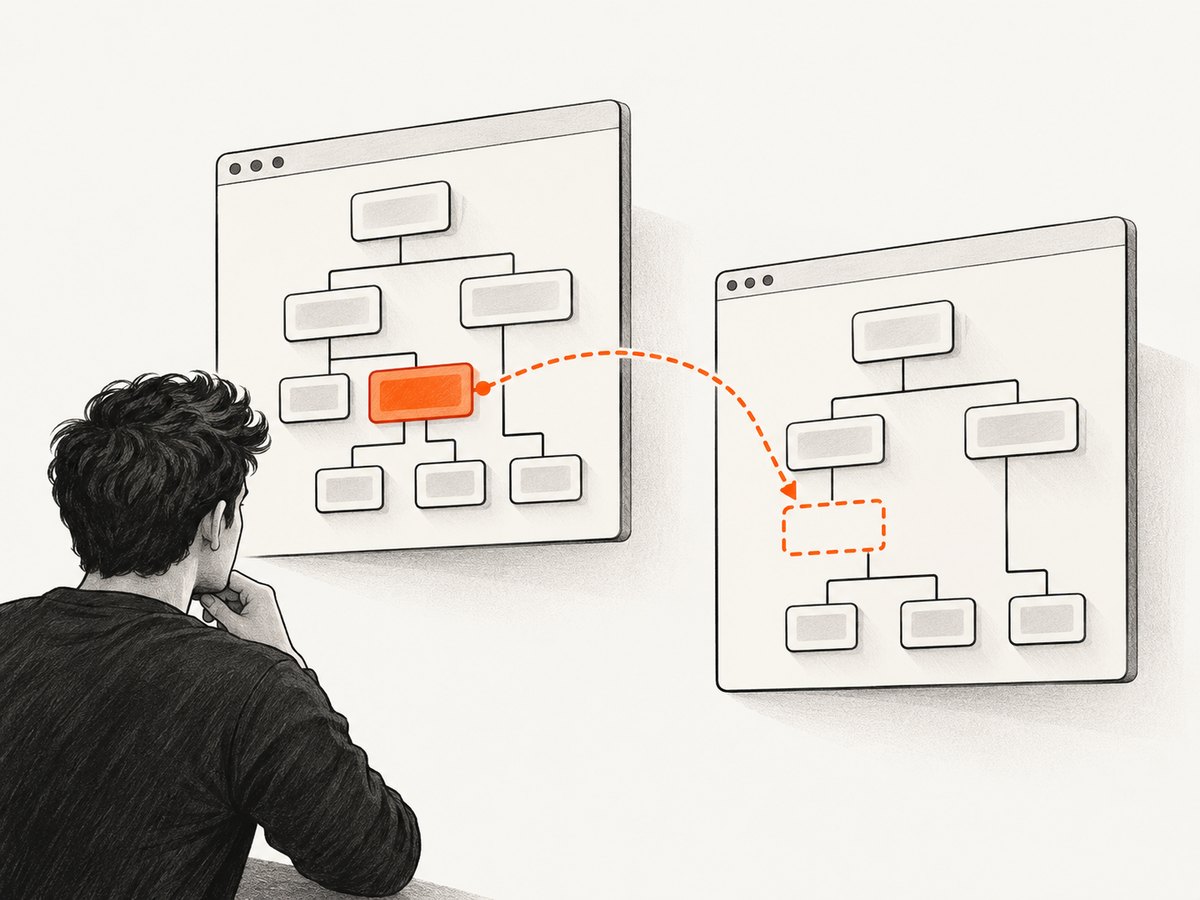
That narrows the first investigation to four observable conditions:
- The lookup returned no element, or the element was detached or replaced before capture.
- The element or an ancestor was excluded using
data-html2canvas-ignore. - A framework has not committed the element to the document when capture starts, or your code holds a stale node reference.
- The target sits at a node boundary or type that deserves a minimal reproduction, such as generated SVG or Shadow DOM. Reports exist, but they do not show a universal defect or fix for these cases.
Start with checks you can prove from your own page. A visible-looking element is not enough: confirm the exact object passed to html2canvas is connected to the document and has not been replaced.
2. Run a minimal target and rejection check
Use this plain JavaScript example in a page where html2canvas is already loaded. It verifies the target immediately before capture and handles the asynchronous rejection:
const target = document.querySelector("#capture-target");

if (!target) {
  throw new Error("Capture target was not found");
}

if (!target.isConnected) {
  throw new Error("Capture target is detached from the document");
}

html2canvas(target)
  .then((canvas) => {
    document.body.appendChild(canvas);
  })
  .catch((error) => {
    console.error("html2canvas capture failed", error);
  });
Example markup:
<section id="capture-target">
  <h1>Capture this section</h1>
  <p>A simple target helps isolate clone problems.</p>
</section>
This check establishes that a target was found and was connected at the time of the check. It does not prove that html2canvas can clone every part of it. If it passes and the error remains, inspect ignore rules next, then reduce the target to simpler content.
Record useful details when diagnosing
Log the element itself, its owner document, and whether it remains connected. If a render or route transition could replace it, reacquire it immediately before capture instead of keeping a reference from an earlier render.
function captureCurrentTarget() {
  const target = document.querySelector("#capture-target");

  console.debug("capture target", {
    target,
    connected: target?.isConnected,
    ownerDocumentIsCurrent: target?.ownerDocument === document,
  });

  if (!target || !target.isConnected) {
    return Promise.reject(new Error("Capture target is missing or detached"));
  }

  return html2canvas(target);
}

captureCurrentTarget().catch((error) => {
  console.error("Capture failed", error);
});
Do not swallow the rejection. An unhandled promise rejection makes it harder to distinguish this clone-reference error from a later rendering or resource failure.
3. Check ignore rules on the target and its ancestors
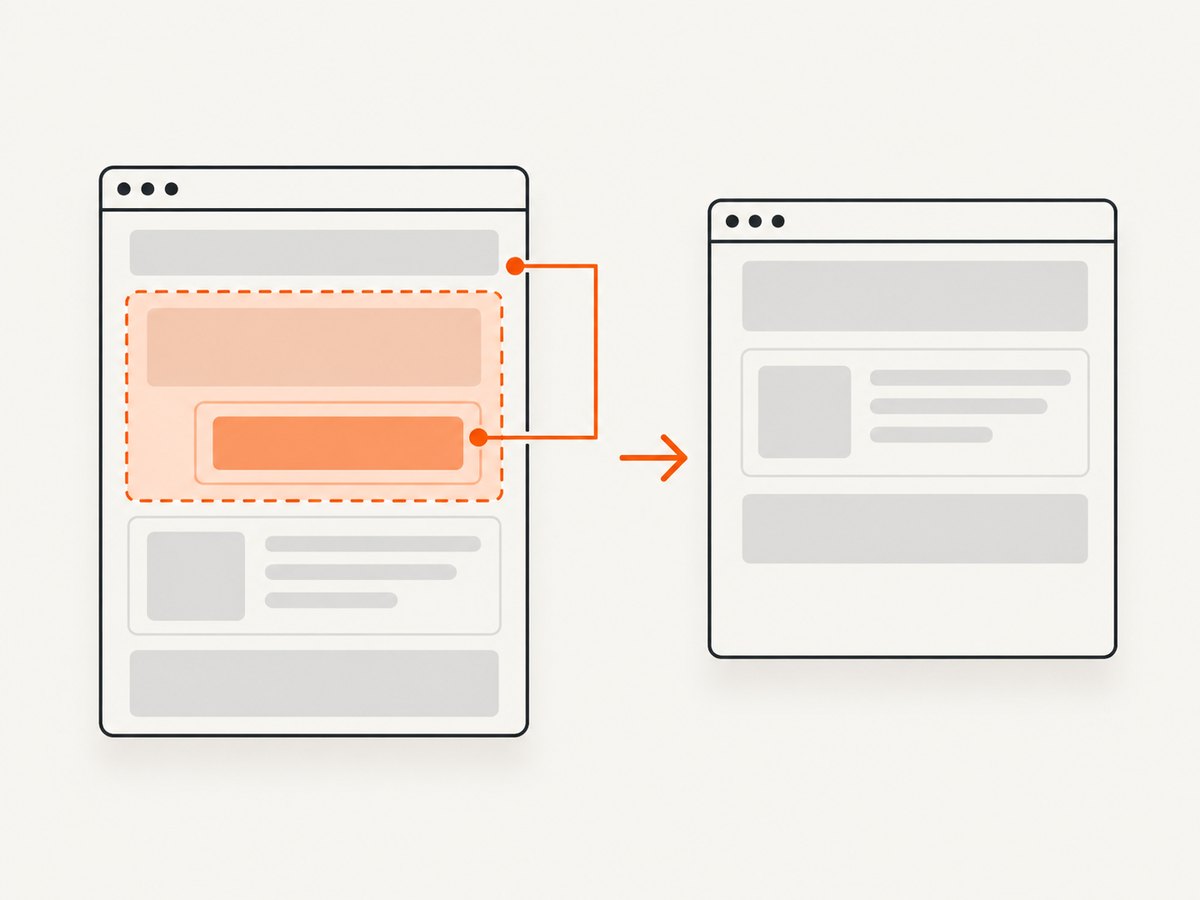
html2canvas supports excluding elements. The target can therefore be omitted from the clone even when your selector finds it in the live page. Inspect both the target and all of its ancestors for data-html2canvas-ignore. An ancestor-level exclusion was the cause in one reported case; removing that attribute fixed that reporter’s capture. That is a documented example, not proof that every occurrence has the same cause.
function ignoredAncestors(element) {
  const matches = [];
  let node = element;

  while (node && node.nodeType === Node.ELEMENT_NODE) {
    if (node.hasAttribute("data-html2canvas-ignore")) {
      matches.push(node);
    }
    node = node.parentElement;
  }

  return matches;
}

const target = document.querySelector("#capture-target");
if (target) {
  console.log("ignored target or ancestors", ignoredAncestors(target));
}
If the logged array contains an element, remove the exclusion if it should be captured. If you need the attribute for another capture, adjust the markup or capture boundary so the desired target is not under an excluded ancestor.
Also inspect any ignoreElements callback passed in the options. It may exclude the target or a structural element needed for the content you intend to render. Temporarily remove the callback to see whether the error changes, then restore it with a narrower predicate.
html2canvas(target, {
  ignoreElements(element) {
    // Keep this predicate narrow. Return true only for elements
    // that should be omitted from the rendered clone.
    return element.matches(".ad-slot, .capture-control");
  },
});
Returning true means that element is ignored. Avoid broad rules such as matching a shared wrapper class if the capture target is inside that wrapper.
4. Capture framework-rendered content after it exists
In Angular, React, Vue, and similar applications, a selector can run before the relevant render is committed, or a component update can replace the node after you saved a reference. Capture after the framework has completed the render step that creates the target, and look it up at capture time.
A report about Angular projected content attributed the failure to elements not being in the document tree. This is a useful lead to check, not a confirmed diagnosis for every Angular page or framework. Verify actual document membership rather than assuming that a component reference means the element is attached.
A framework-neutral approach is to schedule capture from the framework’s post-render lifecycle, reacquire the element there, then apply the same isConnected guard shown above. If a transition or conditional render controls the target, ensure the condition is settled before calling html2canvas.
// Call this from the framework's post-render point.
function captureAfterRender() {
  const target = document.querySelector("#capture-target");
  if (!target || !target.isConnected) {
    console.warn("Target is not in the document yet");
    return;
  }

  html2canvas(target).catch((error) => {
    console.error("Capture failed", error);
  });
}
Do not fix a timing issue by adding an arbitrary long delay first. A delay can hide a race on one machine and fail on another. Tie capture to the actual render completion when possible; if you must wait, wait for a concrete condition such as the target’s presence.
5. Reduce SVG, Shadow DOM, and other complex targets
Issue discussions mention generated SVG and Shadow DOM alongside this message, but the available reports do not establish that SVG or shadow content always causes the error. Treat these as reproduction leads. First verify attachment and ignore rules. Then capture a simple sibling or wrapper and add the complex content back one part at a time.
- Capture a plain attached
divwith text. - Move the target boundary outward or inward to determine whether the failure follows a particular node.
- Add the component, SVG, shadow content, and ignore rules back individually.
- Record the smallest DOM and options combination that still rejects.
This process separates a missing reference from a later rendering limitation. If changing the target boundary avoids the error, that is evidence about the node mapping in your case; it does not establish a general SVG or Shadow DOM workaround.
6. Use options and hooks at the right stage
The two options most relevant to this error are ignoreElements, which can affect what enters the clone, and onclone, which lets you customize the cloned document. These are not interchangeable.
| Option or check | Use it for | Limit |
|---|---|---|
ignoreElements |
Finding or excluding specific elements during cloning. | A broad predicate can exclude content needed for the target. |
data-html2canvas-ignore |
Marking a page element to omit from capture. | An ancestor carrying the attribute can exclude a nested target. |
onclone |
Changing styles or content in the cloned document. | It is not a blanket fix when the target reference is already missing before the iframe cloning step. |
Fresh lookup and isConnected |
Detecting missing, detached, or stale application nodes. | Passing these checks does not guarantee that cloning will succeed. |
Because the reported reference check occurs before the library calls toIFrame, changing clone content in onclone cannot be assumed to restore a reference that failed to survive the earlier lookup. Use the hook for clone customization after confirming the target survives the initial reference check. The source exposes both configuration hooks in its entry point.
7. Troubleshooting by symptom
| Symptom | Likely explanation | Next action |
|---|---|---|
querySelector returns null |
The selector does not match current markup, or the render has not happened. | Verify the selector and call capture after the target is rendered. |
The node exists but isConnected is false |
The node is detached, retained from an old render, or created off-document. | Reacquire the node from the live document at capture time. |
| The target is connected, but the same error remains | An ignore attribute or callback may remove it from the clone. | Check the target and every ancestor; temporarily remove ignoreElements. |
| It works for simple markup but fails for one component | A node boundary, component render, SVG, or shadow-content interaction may be involved. | Reduce the reproduction and add elements back individually. |
Changing onclone has no effect |
The missing reference check can happen before the cloned iframe lifecycle. | Return to target identity, attachment, and exclusion checks. |
| The console shows an unhandled rejection | The returned promise was not caught. | Add a .catch() or use try/catch with await and log the error. |
For asynchronous code, use a caught await so failures remain visible:
async function saveCapture() {
  try {
    const target = document.querySelector("#capture-target");
    if (!target || !target.isConnected) {
      throw new Error("Capture target missing or detached");
    }

    const canvas = await html2canvas(target);
    const dataUrl = canvas.toDataURL("image/png");
    console.log("Capture created", dataUrl.length);
  } catch (error) {
    console.error("Unable to capture target", error);
  }
}
8. Reliability, performance, and practical limits
Make the capture target deterministic before optimizing. Repeatedly retrying the same detached node or excluded subtree will not make the mapping succeed. A fresh lookup, a settled render, and narrow ignore rules reduce avoidable failures.
Keep the capture boundary only as large as the output requires. A smaller subtree generally means less document content to clone and render, although the exact time and memory use depend on the page and cannot be stated as a universal benchmark. For reliability, avoid launching multiple captures while a component is being replaced; serialize captures that depend on the same changing target.
During diagnosis, reduce custom options and add them back one by one. This makes the failing condition observable and avoids mistaking an unrelated rendering issue for the specific missing-reference error. When the cause remains unclear, preserve the exact html2canvas version, browser, minimal DOM, options, and steps to reproduce. One cited Angular report used html2canvas 1.4.1 with Chrome 103 on Windows 11; that historical report does not establish a version-wide or browser-wide fix.
9. Or skip the browser setup
If your goal is to capture a public website rather than render an element from your own application, ScreenshotNeo offers a screenshot API and MCP server. One GET request returns an image or PDF. This avoids setting up an in-page html2canvas capture for that use case; it does not capture a private DOM node inside your running app.
cURL:
curl -G "https://api.screenshotneo.com/v1/shot" \
  -d access_key=YOUR_API_KEY \
  --data-urlencode url=https://stripe.com \
  -o shot.webp
Python:
import requests

r = requests.get(
    "https://api.screenshotneo.com/v1/shot",
    params={"access_key": "YOUR_API_KEY", "url": "https://stripe.com"},
    timeout=90,
)
r.raise_for_status()
open("shot.webp", "wb").write(r.content)
Node.js:
const q = new URLSearchParams({
  access_key: 'YOUR_API_KEY',
  url: 'https://stripe.com',
});
const res = await fetch(`https://api.screenshotneo.com/v1/shot?${q}`);
if (!res.ok) throw new Error(`Screenshot request failed: ${res.status}`);
const fs = await import('node:fs/promises');
await fs.writeFile('shot.webp', Buffer.from(await res.arrayBuffer()));
See the ScreenshotNeo API documentation for request options. Cookie banners, popups, and chat widgets are removed before the shot; bot checks, blank pages, and failed loads are never billed. Its MCP server lets AI agents take screenshots. The free plan includes 1,000 screenshots a month with no card, and paid plans start at $5 for 3,000. Sign up for 1,000 free screenshots a month, with no card.
10. Frequently asked questions
Does the target have to be visible?
The error itself establishes a missing cloned reference, not a general visibility rule. First check that the exact target is connected and not excluded. Visibility or rendering behavior may matter to other capture outcomes, but this message alone does not prove it is the cause.
Is this error proof that my page iframe did not load?
No. The message refers to html2canvas’s clone pipeline. The source checks for the cloned reference before creating the cloned iframe.
Did html2canvas 1.4.1 introduce this error?
The available reports include cases using 1.4.1, but they do not establish that this version introduced a universal defect. Reproduce with your exact DOM and options before drawing a version-wide conclusion.
Can I fix it by adding a delay?
A delay may conceal a render race, but it does not prove the target is current or included in the clone. Prefer the framework’s post-render point and reacquire the element then.
Are SVG and Shadow DOM unsupported?
The cited discussions mention reports involving them, but do not establish a universal support rule. Build a minimal case and test each boundary separately.


