How to Fix CORS Errors When Downloading Images with html2canvas in React
Fix missing images and SecurityError downloads in React: configure CORS, use html2canvas correctly, or proxy permitted assets safely.

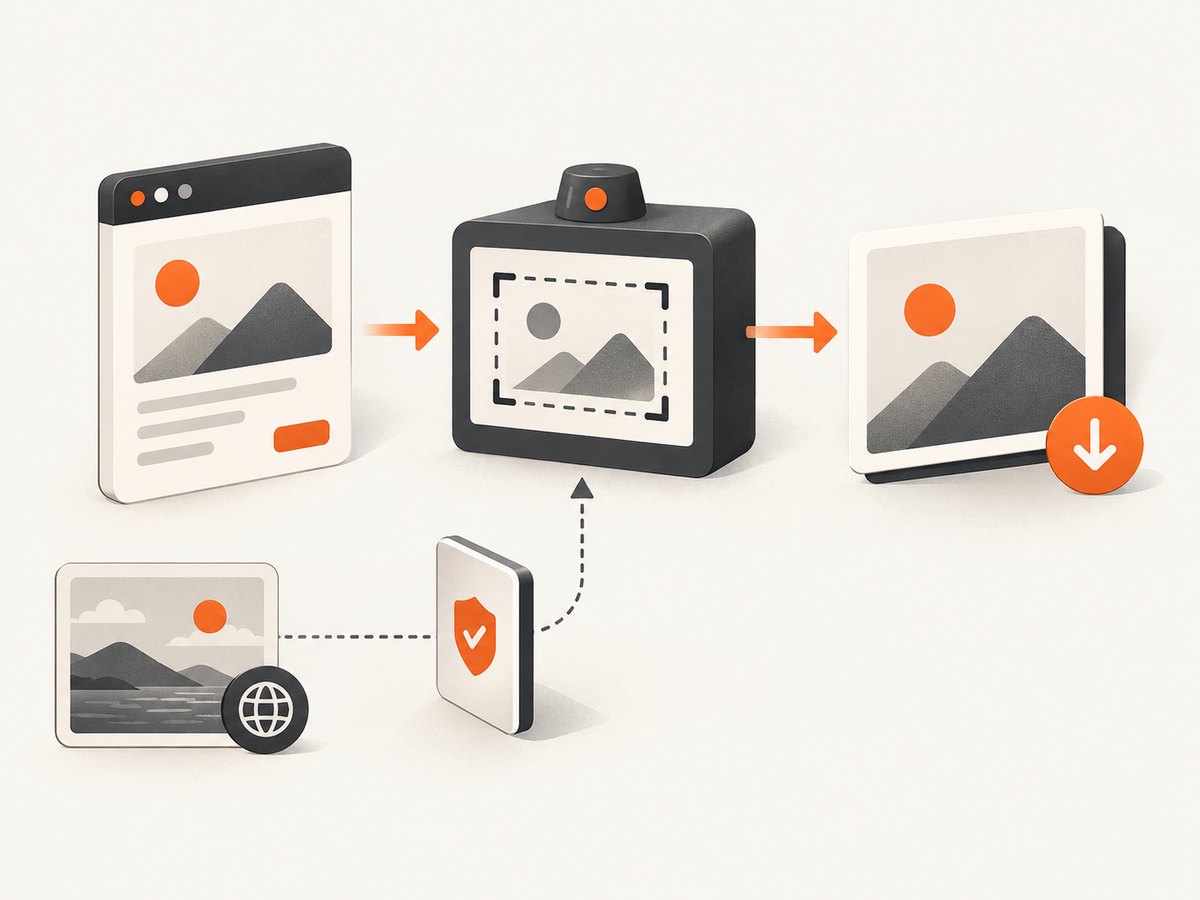
Direct answer: If the element you capture contains an image from another origin, that image host must allow your application origin with an Access-Control-Allow-Origin response header. Then tell html2canvas to request the image with useCORS: true. If you cannot change the image host, fetch authorized assets through a controlled same-origin proxy and pass that proxy to html2canvas. Setting allowTaint: true does not make a tainted canvas downloadable.
React does not change browser CORS or canvas security rules. It only supplies the mounted DOM node that html2canvas reconstructs. A canvas remains exportable only when every drawn image was loaded in a way that keeps the canvas origin-clean. The html2canvas project states that it cannot bypass browser content-policy restrictions (FAQ), and MDN explains that drawing an image from another origin without CORS approval taints the canvas (MDN).
1. Capture and download a React element with CORS enabled
Install html2canvas, keep a reference to the mounted element, wait until its images have loaded, and export the returned canvas.
npm install html2canvasimport { useRef } from 'react';
import html2canvas from 'html2canvas';
export default function Card() {
const cardRef = useRef(null);
async function downloadCard() {
if (!cardRef.current) return;
const canvas = await html2canvas(cardRef.current, {
useCORS: true,
imageTimeout: 15000,
backgroundColor: '#ffffff'
});
const blob = await new Promise((resolve, reject) => {
canvas.toBlob((result) => {
if (result) resolve(result);
else reject(new Error('Canvas export failed'));
}, 'image/png');
});
const link = document.createElement('a');
link.download = 'card.png';
link.href = URL.createObjectURL(blob);
link.click();
URL.revokeObjectURL(link.href);
}
return (
<>
<section ref={cardRef}>
<img
src="https://cdn.example.com/assets/photo.jpg"
alt="Example"
/>
<h1>Downloadable card</h1>
</section>
<button onClick={downloadCard}>Download PNG</button>
</>
);
}useCORS asks the browser to load eligible images in CORS mode. It cannot add permission to a response that lacks the required header. The image response must include a value such as Access-Control-Allow-Origin: https://app.example.com, or * where that wildcard is compatible with the asset and credential model.
Set the image element’s crossorigin attribute when appropriate
If an image is loaded directly in your application, you can request anonymous CORS mode on the element as well:
<img
  src="https://cdn.example.com/assets/photo.jpg"
  crossOrigin="anonymous"
  alt="Example"
/>
This attribute still requires the image server to return a permissive CORS header. Adding crossOrigin="anonymous" alone cannot repair a server response that omits CORS permission. The html2canvas capture option remains useCORS: true.
2. What causes the error?
Origins differ by scheme, hostname, or port. A page at https://app.example.com and an image at https://images.example.com are different origins even though they share a parent domain. The browser may display the image in an <img>, but drawing it into a canvas without CORS approval makes the canvas tainted.
Once tainted, read and export methods such as toDataURL() and toBlob() raise a SecurityError. A visible image therefore is not proof that it can be included in a downloadable canvas.
3. Diagnose which image is failing
- Open browser developer tools and inspect the Network panel while capturing.
- List every image URL inside the captured element, including CSS background images and images inserted by child components.
- Compare each image’s scheme, hostname, and port with the page origin.
- Open the image response and check for
Access-Control-Allow-Origin. - Read the console message and the html2canvas resource log. A failed URL, timeout, authentication redirect, or hotlink block can look like a missing image but has a different fix.
Same-origin files, data: URLs, and CORS-approved remote files follow a different path from an image whose server denies access. Do not assume every blank image is a CORS failure.
4. Configure CORS on an image server you control
Return an origin that is allowed to use the image. For a single application, an explicit origin is easier to reason about:
Access-Control-Allow-Origin: https://app.example.comFor a public, non-credentialed asset, a wildcard may be suitable:
Access-Control-Allow-Origin: *If a CDN caches responses, make sure its cache varies by the request’s Origin header when you return different allowed origins. Also confirm that redirects preserve a CORS-usable response; a redirect to a host with no permission still fails.
Express example for a controlled image route
import express from 'express';

const app = express();
const allowedOrigin = 'https://app.example.com';

app.get('/assets/:name', (req, res) => {
  // Resolve and validate the file name before serving it.
  res.set('Access-Control-Allow-Origin', allowedOrigin);
  res.sendFile(`/srv/assets/${req.params.name}`);
});

app.listen(3000);
The example shows the response header placement; production code must validate file paths and apply your normal authentication and caching rules.
5. Use a controlled same-origin proxy when you cannot change the host
html2canvas supports a proxy option. Your server retrieves only images your application is allowed to fetch, then returns the bytes from your own origin with the correct content type.
const canvas = await html2canvas(element, {
  useCORS: true,
  proxy: '/api/image-proxy',
  imageTimeout: 15000
});
A proxy must not become an unrestricted URL-fetching endpoint. Allowlist destination hosts, validate URLs, reject private network addresses, enforce response-size and time limits, restrict redirects, preserve the correct image content type, and handle upstream failures explicitly. Authentication requirements, hotlink restrictions, redirects, and host policy can still prevent an asset from being usable.
Minimal Node.js proxy shape
import express from 'express';

const app = express();
const allowedHosts = new Set(['images.example.com']);

app.get('/api/image-proxy', async (req, res) => {
  let target;
  try {
    target = new URL(String(req.query.url));
  } catch {
    return res.status(400).send('Invalid URL');
  }

  if (target.protocol !== 'https:' || !allowedHosts.has(target.hostname)) {
    return res.status(403).send('Host not allowed');
  }

  const upstream = await fetch(target, { redirect: 'manual' });
  if (!upstream.ok) return res.status(502).send('Upstream image failed');

  const type = upstream.headers.get('content-type') || '';
  if (!type.startsWith('image/')) return res.status(415).send('Not an image');

  res.set('Content-Type', type);
  res.send(Buffer.from(await upstream.arrayBuffer()));
});

app.listen(3000);
In a real service, add byte limits, request timeouts, redirect validation, logging, and protections against server-side request forgery. Only proxy content your application is authorized to retrieve.
6. Options that affect capture reliability
| Option | Use | Limit |
|---|---|---|
useCORS |
Attempt CORS loading for remote images. | Requires server permission. |
proxy |
Load permitted resources through a same-origin endpoint. | Adds server and security responsibilities. |
allowTaint |
Allows drawing resources that may taint the canvas. | Does not make export or pixel reads legal; avoid it for downloads. |
imageTimeout |
Controls how long html2canvas waits for an image. | A longer timeout cannot fix denied CORS. |
onclone |
Adjust the cloned document before rendering. | Changes the clone, not browser origin policy. |
windowWidth/windowHeight |
Match the capture viewport to a large or scrolling layout. | Very large canvases can hit browser size limits. |
backgroundColor |
Set a solid output background. | Use null only when transparency is required and supported by your export path. |
See the complete html2canvas configuration for the current option names and defaults.
7. Wait for images before capturing
Capture after the React view is mounted and image resources have either loaded or failed. This prevents a timing issue from being mistaken for CORS.
function waitForImages(root) {
  const images = Array.from(root.querySelectorAll('img'));
  return Promise.all(images.map((img) => {
    if (img.complete) return Promise.resolve();
    return new Promise((resolve) => {
      img.addEventListener('load', resolve, { once: true });
      img.addEventListener('error', resolve, { once: true });
    });
  }));
}

await waitForImages(element);
const canvas = await html2canvas(element, {
  useCORS: true,
  imageTimeout: 15000
});
For lazy-loaded images, scroll or otherwise trigger the lazy-load behavior before capture. html2canvas reconstructs content from DOM information; it is not a native pixel screenshot and does not bypass browser policies.
8. Why allowTaint: true is not a download fix
The option name is easy to misread. It permits html2canvas to draw an image that may taint the canvas, but browser security still blocks reading pixels from that canvas. If your goal is a PNG, JPEG, or blob download, keep the canvas origin-clean through CORS-approved loading, a controlled proxy, a same-origin copy, or image exclusion.
9. Common errors and fixes
| Symptom | Likely cause | Fix |
|---|---|---|
| Image is missing in the output | Remote response lacks CORS permission, or the image failed before capture. | Inspect the Network response, add server CORS, use a permitted proxy, and wait for loading. |
SecurityError: Tainted canvases may not be exported |
An unapproved cross-origin image was drawn. | Remove the offending asset or load it with valid CORS/proxy handling. Do not rely on allowTaint. |
useCORS: true changes nothing |
The server does not send Access-Control-Allow-Origin, or a redirect ends on a host that does not. |
Fix the final response headers and verify the exact origin. |
crossOrigin="anonymous" causes the image to fail |
The browser now requests CORS permission and the server denies it. | Configure the image host or use a controlled proxy. |
| Only some images fail | Those URLs use a different CDN, credentials, hotlink policy, or redirect chain. | Compare each failing response and host separately. |
| Images work in the page but not in the capture | They loaded after capture, are lazy-loaded, or are CSS backgrounds from another origin. | Wait for resources, trigger lazy loading, and inspect CSS URLs too. |
| Capture is clipped or fails on a long page | Viewport values or browser canvas limits. | Set windowWidth/windowHeight to the scroll dimensions or capture smaller sections. |
| Proxy returns an unusable result | Wrong content type, upstream authentication, blocked redirect, or oversized response. | Validate status and content type, enforce limits, and handle upstream policy explicitly. |
10. Performance and reliability guidance
- Capture only the required element when a full-page image is unnecessary.
- Use appropriate image dimensions; very large DOM regions increase memory use and may exceed browser canvas limits.
- Set a finite
imageTimeoutand surface failed resources in application logs. - Preload or otherwise trigger critical images before capture, especially with lazy loading.
- Keep proxy destinations allowlisted and cache permitted assets where your authorization and freshness rules allow.
- Retry transient network failures separately from deterministic CORS denials; retries cannot fix a missing response header.
- For repeatable exports, pin the same viewport, fonts, image URLs, and application state before calling html2canvas.
11. Or skip the browser setup
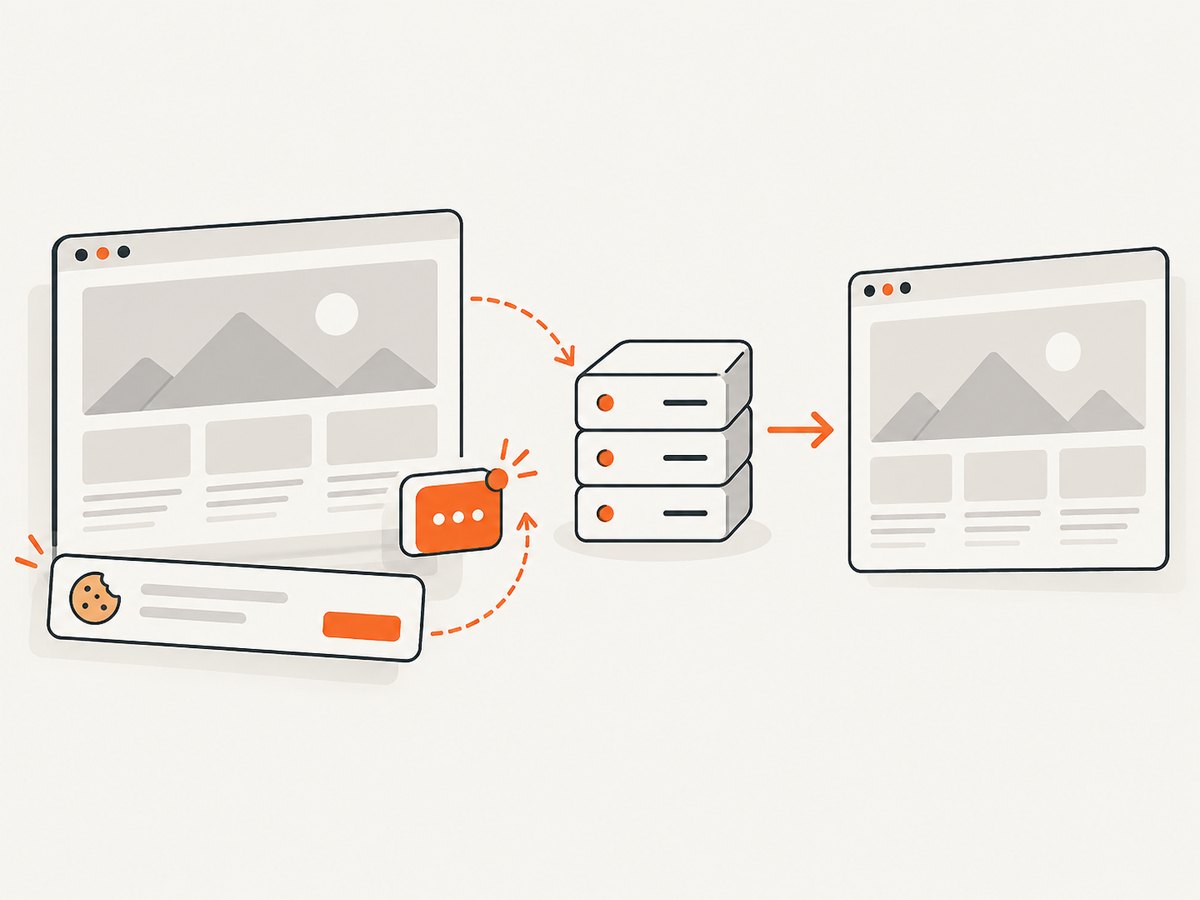
If you need a clean screenshot of a URL rather than a client-side DOM export, ScreenshotNeo provides a GET endpoint that returns PNG, JPEG, WebP, or PDF. Cookie and consent banners, newsletter popups, and chat widgets are removed before the shot. Bot checks, blank pages, failed loads, timeouts, and cache hits are not billed, and the response identifies the result with X-Page-Verdict and X-Billed headers. An MCP server provides take_screenshot, get_page_info, and capture_pdf for Claude, Cursor, and other MCP clients.
Read the ScreenshotNeo API documentation for all options, including full-page and element capture, device presets, custom CSS and JavaScript, waits, request blocking, headers, cookies, user agents, timezone, geolocation, caching, signed links, asynchronous jobs, bulk capture, usage, and PDF settings.
curl -G "https://api.screenshotneo.com/v1/shot" -d access_key=YOUR_API_KEY --data-urlencode url=https://stripe.com -o shot.webpimport requests
r = requests.get("https://api.screenshotneo.com/v1/shot", params={"access_key": "YOUR_API_KEY", "url": "https://stripe.com"}, timeout=90)
open("shot.webp", "wb").write(r.content)const q = new URLSearchParams({ access_key: 'YOUR_API_KEY', url: 'https://stripe.com' });
const res = await fetch(`https://api.screenshotneo.com/v1/shot?${q}`);One thousand screenshots per month are free with no card. Paid plans start at $5 for 3,000 screenshots, and every feature is available on every plan. Create a free ScreenshotNeo account.
12. A practical decision checklist
- Is the image actually cross-origin?
- Does the final image response include permission for your application origin?
- Did you pass
useCORS: truebefore capture? - Did you wait for all relevant images, including lazy and CSS background images?
- Are credentials, redirects, CDN caching, or hotlink rules changing the response?
- If you use a proxy, is it restricted to approved hosts with size, time, and redirect limits?
- Are you exporting only after the canvas remains origin-clean?
- Could the failure instead be a timeout or canvas-size limit?
13. FAQ
Does React need a special CORS setting?
No. Configure the image server or a controlled proxy; React does not override browser canvas rules.
Can I download a canvas after setting allowTaint: true?
Not reliably. A tainted canvas remains blocked from pixel reads and export methods.
Will useCORS work with any public image URL?
No. The image server must explicitly permit your origin, and redirects and credentials must remain compatible.
Is html2canvas a pixel-perfect browser screenshot tool?
No. It reconstructs the page from DOM information and follows browser content policies.
Should I proxy every image?
No. Use a proxy only for permitted assets whose host you cannot configure, and restrict the endpoint carefully.


