How to Fix html2canvas @font-face Rendering Issues in Chrome
Fix missing or fallback @font-face text in html2canvas on Chrome by synchronizing fonts, checking requests, and isolating renderer limits.
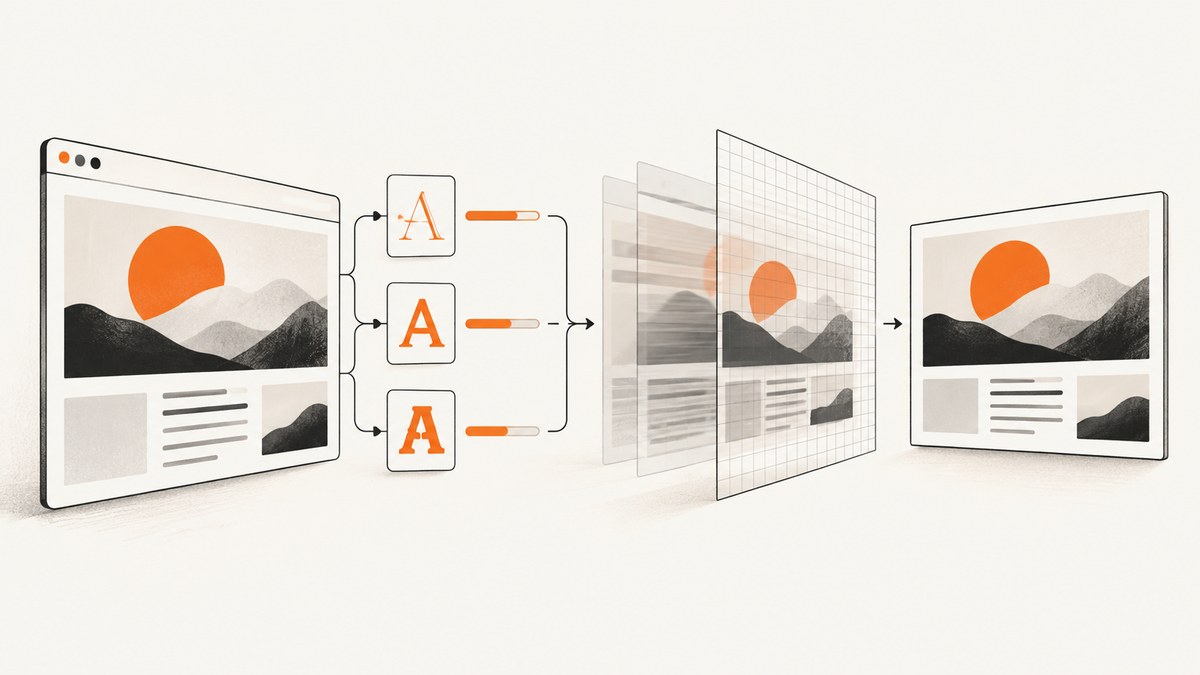
If html2canvas renders fallback text, shifts line breaks, or drops an @font-face in Chrome, wait for the browser’s used fonts before starting the capture. Await document.fonts.ready; explicitly call document.fonts.load() for a required family and weight; then capture with foreignObjectRendering disabled while you diagnose. Also verify the actual font request in DevTools. These steps fix timing and loading problems, while remaining differences can be html2canvas limitations: it reconstructs a canvas from DOM and supported CSS rather than taking a literal screenshot.
Why html2canvas and the page can disagree
html2canvas reconstructs a visual representation from DOM information. It only implements the CSS properties it understands, so Chrome support does not guarantee pixel parity for every font, SVG, or CSS combination. The project’s FAQ states that every CSS property must be implemented manually and that full CSS support is not possible. A font mismatch therefore has three likely causes:
- The capture began while a used webfont was still loading.
- The requested family, weight, style, or URL failed to load.
- The font is ready, but the CSS or element type is outside html2canvas’s implementation.
Minimal working fix
Run this in the page that contains the element you capture:
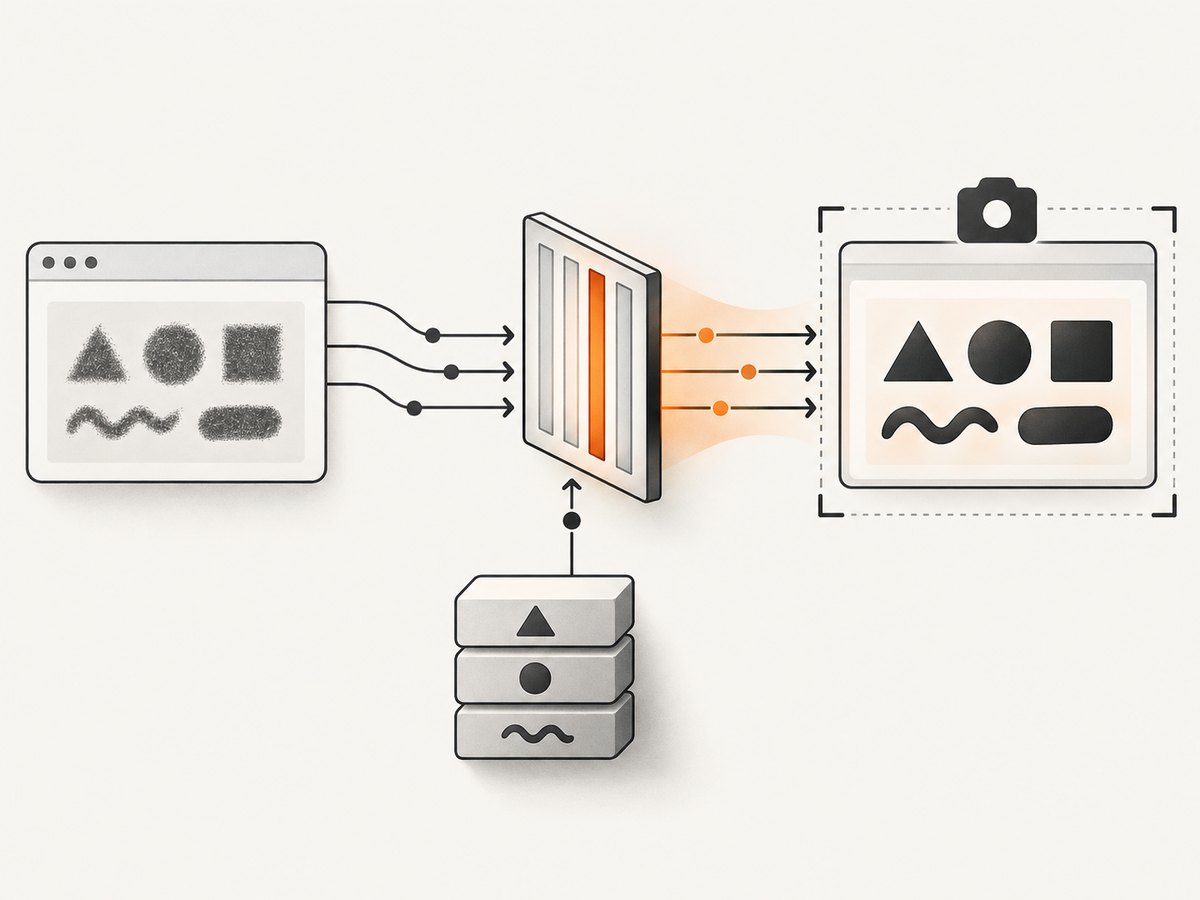
import html2canvas from 'html2canvas';

async function captureWithFonts(element) {
  // Wait for faces used by the document to finish loading.
  await document.fonts.ready;

  // Force-load a face when the captured element depends on it.
  await document.fonts.load('600 16px "Brand Sans"', 'Example text');
  await document.fonts.ready;

  return html2canvas(element, {
    // Keep this false while diagnosing font differences.
    foreignObjectRendering: false
  });
}

const element = document.querySelector('#invoice');
if (!element) throw new Error('Missing #invoice');

try {
  const canvas = await captureWithFonts(element);
  document.body.appendChild(canvas);
} catch (error) {
  console.error('Font or capture failed', error);
}
document.fonts.ready resolves after used fonts finish loading and related layout work settles. It does not force every face declared in CSS to load; unused or optional faces may remain unloaded. See the MDN readiness semantics.
Load the exact family, weight, and style
The CSS font shorthand passed to document.fonts.load() must match the face you intend to use. Include the weight and style, and provide sample text that appears in the capture:
async function prepareFonts() {
  const requests = [
    document.fonts.load('400 16px "Brand Sans"', 'Invoice total'),
    document.fonts.load('600 16px "Brand Sans"', 'Invoice total'),
    document.fonts.load('italic 400 16px "Brand Sans"', 'Terms')
  ];

  const results = await Promise.allSettled(requests);
  const failures = results.filter(result => result.status === 'rejected');
  if (failures.length) {
    throw new Error(`Font load failed: ${failures[0].reason}`);
  }
  await document.fonts.ready;
}

await prepareFonts();
const canvas = await html2canvas(document.querySelector('#invoice'));
A rejected FontFaceSet.load() promise indicates a load failure. MDN documents the promise behavior. Do not use document.fonts.check() as proof that a named family exists: it can return true when fallback rendering can proceed, including for a nonexistent family.
Verify the browser request before changing options
- Open Chrome DevTools, select Network, filter by
font, and reload the page. - Confirm the requested URL returns the expected font file and a successful status.
- Check that the request is for the same family, weight, and style used by the captured element.
- Review the Console for CORS, MIME type, certificate, or policy errors.
- Run the capture only after the request has completed and the layout has settled.
async function reportFontState(family, weight = '400', style = 'normal') {
  const shorthand = `${style} ${weight} 16px "${family}"`;
  const loaded = await document.fonts.load(shorthand, 'Aa 0123');
  console.table({ shorthand, matchingFaces: loaded.length });
  console.log([...document.fonts].map(face => ({
    family: face.family,
    weight: face.weight,
    style: face.style,
    status: face.status
  })));
}

await reportFontState('Brand Sans', '600');
The font set you await must belong to the document containing the captured DOM. Waiting on a parent page while capturing an iframe, or vice versa, does not synchronize the other document’s fonts.
Compare foreignObjectRendering modes
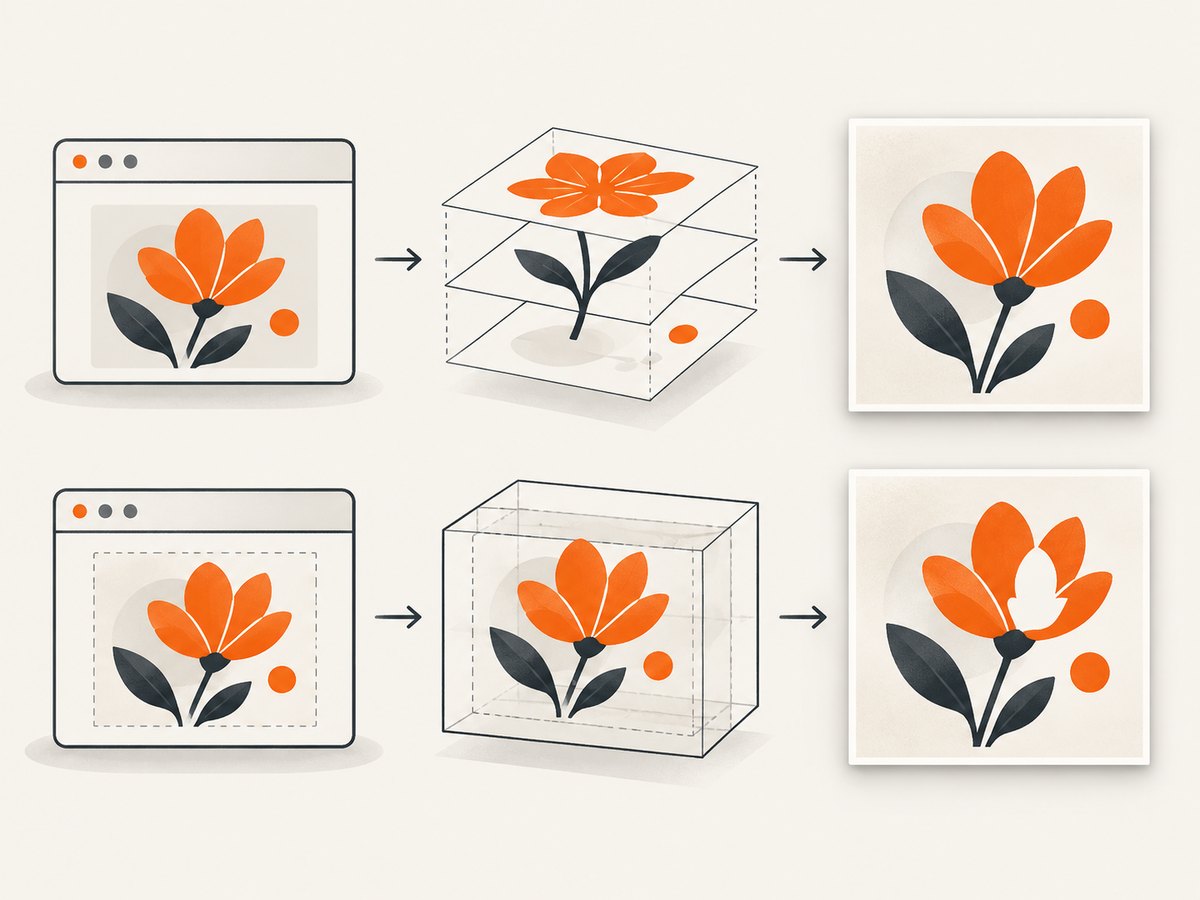
foreignObjectRendering is false by default. Test both modes only after confirming the font request succeeds:
await document.fonts.ready;

const normal = await html2canvas(element, {
  foreignObjectRendering: false
});

const foreignObject = await html2canvas(element, {
  foreignObjectRendering: true
});

document.querySelector('#normal').replaceChildren(normal);
document.querySelector('#foreign-object').replaceChildren(foreignObject);
Older reports described missing Google Fonts or images with foreignObjectRendering: true in Chrome 75, Chrome 77, and Firefox 69. Those reports are version-specific evidence, not proof of a current universal Chrome defect. Record the browser and html2canvas versions when comparing results, and keep the mode that works for your current reproduction. See the configuration reference.
Isolate SVG, CSS, and cross-origin resources
If both renderer modes fail after fonts are ready, reduce the capture to ordinary HTML text and one face. Then add complexity back one piece at a time:
- Capture a small
divcontaining plain text and one@font-face. - Add the second weight and italic face.
- Add icons, SVG text, filters, transforms, and pseudo-elements separately.
- Reintroduce external images and other resources last.
An older issue involving @font-face and SVG text shows why separating SVG from normal HTML can localize the problem. Do not assume that a face that works for HTML text also works for every SVG/font combination.
useCORS is an image-loading option. html2canvas documents it as an attempt to load images with CORS and discusses proxying for cross-origin images. It is not a general @font-face switch. Diagnose fonts through the CSS Font Loading API and the font request itself.
Production capture pattern
import html2canvas from 'html2canvas';

export async function renderInvoice(node) {
  if (!(node instanceof Element)) {
    throw new TypeError('renderInvoice expects a DOM element');
  }

  await document.fonts.load('400 16px "Brand Sans"', 'Invoice');
  await document.fonts.load('600 16px "Brand Sans"', 'Invoice total');
  await document.fonts.ready;

  // Allow a layout frame after fonts resolve.
  await new Promise(requestAnimationFrame);

  return html2canvas(node, {
    foreignObjectRendering: false,
    useCORS: true,
    backgroundColor: '#ffffff',
    logging: true,
    scale: window.devicePixelRatio
  });
}

const canvas = await renderInvoice(document.querySelector('#invoice'));
const link = document.createElement('a');
link.download = 'invoice.png';
link.href = canvas.toDataURL('image/png');
link.click();
Use useCORS only when your images are served with suitable CORS headers. It does not repair a font response. Disable verbose logging after diagnosis if your application does not need it.
Troubleshooting checklist
| Symptom | Likely cause | Fix |
|---|---|---|
| Fallback font or changed line breaks | Capture started before the used face loaded | Await document.fonts.ready; explicitly load the required shorthand and wait one animation frame. |
document.fonts.check() is true but output is wrong |
check() only proves rendering can proceed, often with fallback |
Inspect the Network request and use document.fonts.load() for the exact family, weight, and style. |
| Font promise rejects | Bad URL, CORS, MIME, policy, certificate, or unavailable face | Read the Console and Network response, fix the font response, then retry. |
Works with foreignObjectRendering: false only |
Renderer-specific behavior or unsupported CSS | Keep it disabled if it meets your needs; record current versions and reduce the case before reporting a bug. |
| HTML text works but SVG text does not | SVG/font combination is not reconstructed the same way | Capture the HTML text separately, convert the SVG to a supported form, or use a real browser screenshot. |
| Images are missing alongside text | Cross-origin image response lacks CORS headers | Serve images with CORS or configure an image proxy; do not treat useCORS as a font fix. |
| Only an iframe is wrong | You awaited the parent document’s font set | Run the font-loading code inside the iframe document and capture after its fonts resolve. |
| Result differs after a browser/library upgrade | Version-specific renderer behavior | Record versions, create a minimal reproduction, and compare both renderer modes. |
Performance, reliability, and cost considerations
- Wait once per capture batch, not before every text node. Load the faces needed by all captures, then render them.
- Use a small minimal reproduction to distinguish font timing from unsupported CSS before changing many options.
- Keep font files cacheable and stable; still verify the actual request because a cached or failed response can hide the root cause.
- Choose the smallest capture element that meets your goal. Large full-page DOM reconstruction costs more CPU and memory.
- html2canvas runs in the browser and is sensitive to the current DOM, browser version, and resource state. A deterministic server-side screenshot service can reduce local browser setup when you need repeatable captures.
Or skip the browser setup
ScreenshotNeo returns a screenshot or PDF from one GET request. It accepts and removes cookie consent banners, newsletter popups, and chat widgets before capture. Bot checks, blank pages, timeouts, failed loads, and cache hits are not billed, and the response identifies the page verdict and billing status in headers. Its MCP server provides take_screenshot, get_page_info, and capture_pdf tools for Claude, Cursor, and other MCP clients. One thousand screenshots per month are free with no card; paid plans start at $5 for 3,000 shots. See the API documentation.
curl -G "https://api.screenshotneo.com/v1/shot" -d access_key=YOUR_API_KEY --data-urlencode url=https://stripe.com -o shot.webpimport requests
r = requests.get("https://api.screenshotneo.com/v1/shot", params={"access_key": "YOUR_API_KEY", "url": "https://stripe.com"}, timeout=90)
open("shot.webp", "wb").write(r.content)const q = new URLSearchParams({ access_key: 'YOUR_API_KEY', url: 'https://stripe.com' }); const res = await fetch(`https://api.screenshotneo.com/v1/shot?${q}`);Create a free ScreenshotNeo account and get 1,000 screenshots each month with no card.
FAQ
Does document.fonts.ready load every font declared in CSS?
No. It waits for fonts used by the document. Optional or unused faces can remain unloaded, so explicitly call document.fonts.load() when a particular face matters.
Should I always enable foreignObjectRendering?
No. It is disabled by default. Compare both modes after confirming successful font requests, and choose based on your current browser and library versions.
Will useCORS fix a missing webfont?
No. It targets images. Check the font request, response headers, and CSS Font Loading API instead.
Why does Chrome support not mean pixel-perfect output?
html2canvas reconstructs supported DOM and CSS; it is not a literal browser screenshot engine. Unsupported CSS, SVG text, and resource timing can still produce differences.
When should I use a browser screenshot API?
Use one when you need a capture independent of a user’s local browser setup, or when waiting for fonts and managing page resources in every client is costly. ScreenshotNeo is an option with a single request and an MCP server for AI agents.


