How to Fix html2canvas Layout Differences in IE11 When DevTools Is Closed
Lock IE11’s document mode and viewport, normalize cloned styles, and diagnose html2canvas differences that appear when DevTools closes.
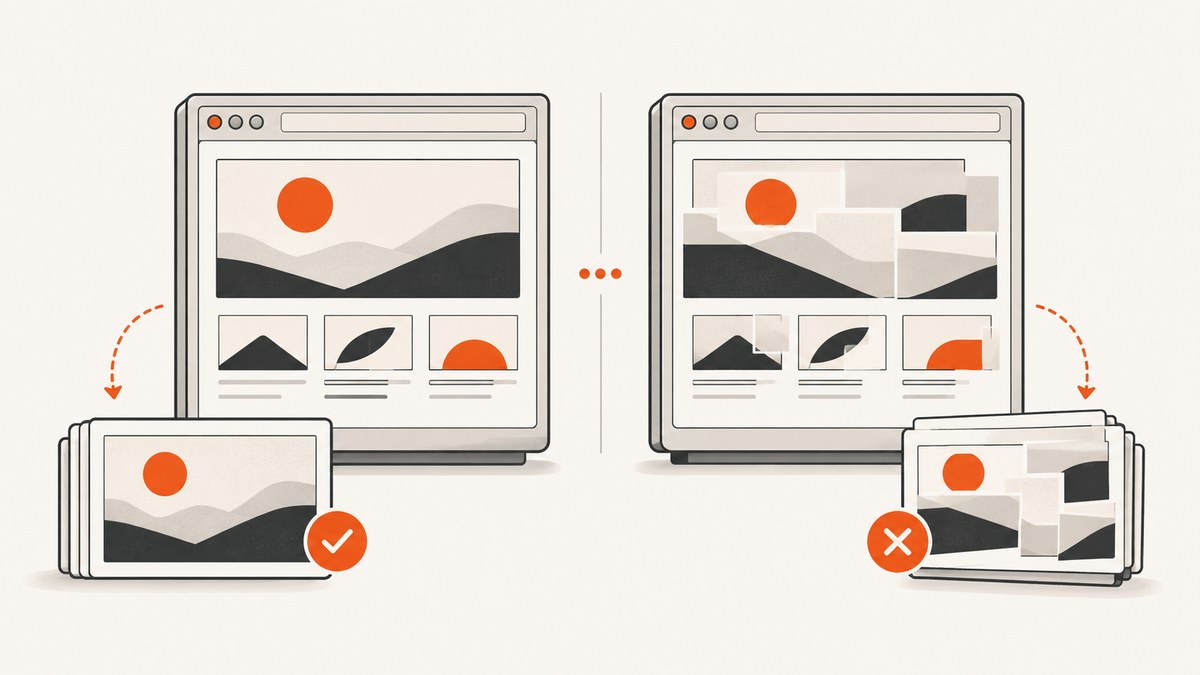
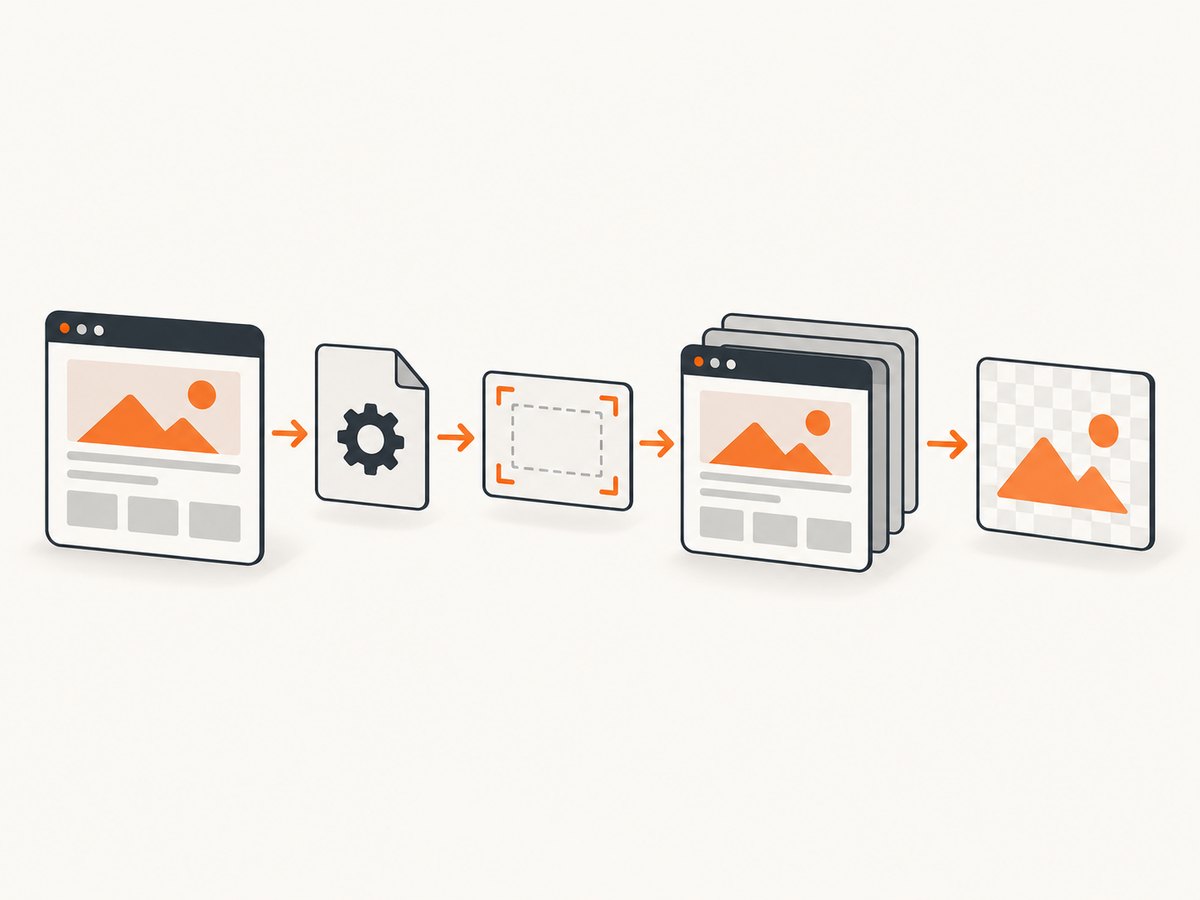
Short answer: IE11 can render a different document mode or viewport when F12 Developer Tools is opened or closed. html2canvas then reconstructs the page from the DOM and computed styles, so a changed environment produces a changed canvas. Lock standards mode with a valid HTML5 doctype, record the viewport and computed styles, pass explicit windowWidth and windowHeight, and use onclone to normalize IE-sensitive CSS in the cloned document.
This guide gives you a reproducible IE11 workflow, a complete capture example, the html2canvas options that matter, failure diagnosis, and a server-side alternative when maintaining an IE11 capture path is not worth the browser setup.
Why closing DevTools changes the image
html2canvas is not a native screenshot engine. It walks the DOM, reads computed properties, and paints an approximation into a canvas. Its documentation warns that a screenshot based on the DOM may not be identical to the browser’s real rendering: html2canvas documentation.
Opening F12 can change two inputs to that reconstruction:
- Document mode: IE’s Emulation panel can override the page’s mode for the lifetime of the tab. A valid doctype normally selects standards mode, but an interactive F12 setting, Compatibility View, or an enterprise compatibility rule can override it.
- Viewport dimensions: a docked Developer Tools pane reduces the content width. Responsive media queries, percentage widths, wrapping, scroll dimensions, and lazy layout code can therefore produce a different tree and different computed styles.
IE11 also has documented interoperability defects. In IE9, IE10, and IE11 modes, getComputedStyle can incorrectly return 0% 0% for inherited background-position values (Microsoft DOM2 Style interoperability notes). html2canvas sees that value and paints from it.
Fix sequence
1. Force one document mode
Make the doctype the first bytes of the response, before whitespace or a byte-order mark:
<!DOCTYPE html>
<html lang="en">
<head>
  <meta charset="utf-8">
  <meta http-equiv="X-UA-Compatible" content="IE=edge">
  <title>IE11 capture fixture</title>
</head>
In F12, open Emulation and verify Document mode: 11. Remove accidental Compatibility View entries and check enterprise site-list rules. Use F12 to diagnose; do not depend on an interactive mode selection as the production fix.
2. Capture metrics with F12 open and closed
Run this before calling html2canvas in both states and save the objects. A changed innerWidth or clientWidth proves that you are comparing different viewports.
function captureMetrics(el) {
  var root = document.documentElement;
  var style = window.getComputedStyle(el);
  return {
    innerWidth: window.innerWidth,
    innerHeight: window.innerHeight,
    clientWidth: root.clientWidth,
    clientHeight: root.clientHeight,
    devicePixelRatio: window.devicePixelRatio,
    scrollWidth: el.scrollWidth,
    scrollHeight: el.scrollHeight,
    width: style.width,
    height: style.height,
    backgroundPosition: style.backgroundPosition,
    font: style.font,
    lineHeight: style.lineHeight
  };
}

var target = document.getElementById('capture');
if (window.console) {
  console.log(captureMetrics(target));
}
3. Pass a deterministic viewport to html2canvas
Set the capture viewport to the target’s scroll dimensions when you need the whole element. The html2canvas FAQ recommends matching window dimensions to element dimensions when output is cut off (html2canvas FAQ).
html2canvas(target, {
  windowWidth: target.scrollWidth,
  windowHeight: target.scrollHeight,
  scrollX: 0,
  scrollY: 0,
  backgroundColor: '#ffffff'
}).then(function (canvas) {
  document.getElementById('result').src = canvas.toDataURL('image/png');
});
For a responsive page, use a fixed fixture width instead of the current window width. For example, pass windowWidth: 1280 and make sure the element’s CSS is tested at that width. The value should represent the layout you intend to reproduce, not whichever width DevTools happens to leave available.
4. Normalize IE-sensitive values with onclone
onclone runs after html2canvas clones the document and before it renders. Change only the clone so the live page is unaffected.
html2canvas(target, {
  windowWidth: target.scrollWidth,
  windowHeight: target.scrollHeight,
  onclone: function (clonedDocument) {
    var clonedTarget = clonedDocument.getElementById('capture');
    if (clonedTarget) {
      clonedTarget.style.backgroundPosition = '0 0';
      clonedTarget.style.width = target.scrollWidth + 'px';
      clonedTarget.style.height = target.scrollHeight + 'px';
    }

    var style = clonedDocument.createElement('style');
    style.type = 'text/css';
    style.appendChild(clonedDocument.createTextNode(
      '#capture { background-position: 0 0 !important; }' +
      '#capture * { box-sizing: border-box; }'
    ));
    clonedDocument.head.appendChild(style);
  }
}).then(function (canvas) {
  canvas.toBlob(function (blob) {
    // Upload or save blob here.
  }, 'image/png');
});
Patch only properties demonstrated by your metric dump. Common candidates are inherited background-position, explicit widths and heights, line height, font fallbacks, and colors that differ between modes.
Complete IE11 fixture
This page gives you a minimal, repeatable test. Pin the html2canvas version used by your application and replace the script URL with that pinned build.
<!DOCTYPE html>
<html lang="en">
<head>
  <meta charset="utf-8">
  <meta http-equiv="X-UA-Compatible" content="IE=edge">
  <meta name="viewport" content="width=device-width, initial-scale=1">
  <title>html2canvas IE11 fixture</title>
  <style>
    #capture {
      width: 720px;
      min-height: 360px;
      padding: 24px;
      color: #172033;
      background: #f3f6fa;
      background-position: 0 0;
      font: 16px/1.5 Arial, sans-serif;
      box-sizing: border-box;
    }
    #capture h1 { margin: 0 0 16px; font-size: 28px; }
    #capture .card { padding: 16px; background: #fff; border: 1px solid #ccd4e0; }
    #result { display: block; max-width: 100%; margin-top: 20px; }
  </style>
</head>
<body>
  <section id="capture">
    <h1>Stable capture fixture</h1>
    <div class="card">Use the same document mode, width, and html2canvas build for every run.</div>
  </section>
  <img id="result" alt="Rendered canvas">
  <script src="/vendor/html2canvas-pinned.js"></script>
  <script>
    (function () {
      var target = document.getElementById('capture');
      html2canvas(target, {
        windowWidth: target.scrollWidth,
        windowHeight: target.scrollHeight,
        scale: 1,
        backgroundColor: '#ffffff',
        logging: true,
        onclone: function (doc) {
          var clone = doc.getElementById('capture');
          if (clone) clone.style.backgroundPosition = '0 0';
        }
      }).then(function (canvas) {
        document.getElementById('result').src = canvas.toDataURL('image/png');
      }, function (error) {
        if (window.console) console.log(error);
      });
    }());
  </script>
</body>
</html>
Options that affect layout and output
| Option | Use | IE11 guidance |
|---|---|---|
windowWidth, windowHeight |
Viewport used while cloning and evaluating media queries. | Set explicit values; use scroll dimensions for full elements or a fixed fixture size for responsive layouts. |
onclone |
Modify the cloned document before painting. | Normalize inherited or unsupported styles without mutating the live page. |
width, height, x, y |
Crop or constrain the rendered area. | Set explicit pixels when auto sizing or fractional layout causes drift. |
scrollX, scrollY |
Controls the scroll position used for fixed elements. | Use 0 for deterministic fixtures; set the intended scroll offset when testing sticky or fixed content. |
scale |
Canvas pixel density; defaults commonly follow device pixel ratio. | Use 1 while diagnosing. Increase only after layout matches, because larger canvases consume more memory. |
backgroundColor |
Canvas background; null preserves transparency. |
Set a color to avoid differences caused by transparent backgrounds. |
useCORS, allowTaint, proxy |
Controls cross-origin images. | Make image responses CORS-enabled or use a proxy. A tainted canvas cannot be exported. |
imageTimeout |
Maximum time to wait for images. | Use a finite value and test slow assets; increasing it does not fix a layout-mode mismatch. |
ignoreElements |
Excludes nodes from the clone. | Remove animations, chat widgets, or third-party nodes that make the fixture nondeterministic. |
removeContainer |
Removes the temporary clone after rendering. | Keep the default cleanup behavior unless inspecting the clone during debugging. |
foreignObjectRendering |
Uses SVG foreignObject where supported. | Do not rely on it for an IE11 compatibility path; use the normal renderer and simpler CSS. |
Refer to the html2canvas configuration reference for the exact option names supported by your pinned build. Options vary by version, so verify against the version bundled by your application.
CSS and asset compatibility checklist
- Use explicit pixel dimensions for the capture root and important children.
- Set inherited backgrounds, colors, fonts, and line heights explicitly.
- Replace fragile filters, complex transforms, and unsupported effects with simple colors, borders, and dimensions in the capture path.
- Wait until web fonts, images, and asynchronous content have loaded before calling html2canvas.
- Disable transitions and animations in the clone so timing does not change the result.
- Use same-origin assets or configure CORS correctly; otherwise export can fail even when the canvas appears correct.
- Keep an IE11 fixture with a pinned html2canvas build and compare both the metric dump and output image after every change.
html2canvas’s FAQ states that CSS properties must be implemented individually by the library to render correctly. Treat unsupported CSS as a compatibility limitation, not as proof that your source layout is wrong.
Troubleshooting
| Symptom | Likely cause | Fix |
|---|---|---|
| Only the closed-DevTools capture is wrong | Different viewport or document mode. | Compare innerWidth, clientWidth, and document mode; add the doctype and explicit window dimensions. |
| Right side is cut off | Clone viewport is narrower than the element. | Set windowWidth: element.scrollWidth and windowHeight: element.scrollHeight; set explicit root width. |
| Background image is in the top-left | IE computed inherited background-position as 0% 0%. |
Set the position explicitly in CSS or in onclone. |
| Text wraps differently | Width, font availability, zoom, or document mode differs. | Fix the viewport, load the same fonts, set explicit line height, and test at IE zoom 100%. |
| Canvas is blank | Unsupported CSS, an exception, failed image load, or a known IE11/library incompatibility. | Enable logging, inspect the console, remove complex effects, test a minimal fixture, and pin a known working build. |
toDataURL throws a security error |
Cross-origin image tainted the canvas. | Serve the image with CORS headers and use useCORS, or route it through a proxy. |
| Capture changes between repeated runs | Animations, late network content, lazy images, or third-party widgets. | Wait for a stable state, disable motion in onclone, and ignore nondeterministic elements. |
| F12 mode says 11 but production differs | Interactive emulation hid a Compatibility View or enterprise rule. | Inspect the deployed response, doctype, headers, and site-list configuration; reproduce outside the F12 override. |
Performance, reliability, and cost
html2canvas runs in the user’s browser. Large full-page captures allocate a large bitmap, and scale: 2 uses roughly four times as many pixels as scale: 1. Capture only the required element, lower the scale while diagnosing, remove unused nodes, and avoid rendering several canvases at once. A full-page capture can also trigger image decoding and layout work for content that is below the fold.
For reliable regression checks, keep the browser version, IE document mode, viewport, zoom, fonts, network fixtures, html2canvas version, and CSS fixture constant. Save the metric object alongside each image so a mismatch can be attributed to layout inputs instead of judged by pixels alone.
There is no universal IE11 fix: current html2canvas documentation focuses on modern evergreen browsers, and IE11 should be treated as a legacy compatibility path with a pinned, tested build and reduced CSS. If you need repeatable screenshots across environments, move capture to a controlled browser service or a server-side browser that you can standardize.
Or skip the browser setup
ScreenshotNeo returns a screenshot or PDF with one GET request, so your application does not need to run html2canvas inside IE11. See the ScreenshotNeo API documentation for all parameters.
curl -G "https://api.screenshotneo.com/v1/shot" -d access_key=YOUR_API_KEY --data-urlencode url=https://stripe.com -o shot.webpimport requests
r = requests.get("https://api.screenshotneo.com/v1/shot", params={"access_key": "YOUR_API_KEY", "url": "https://stripe.com"}, timeout=90)
open("shot.webp", "wb").write(r.content)const q = new URLSearchParams({ access_key: 'YOUR_API_KEY', url: 'https://stripe.com' });
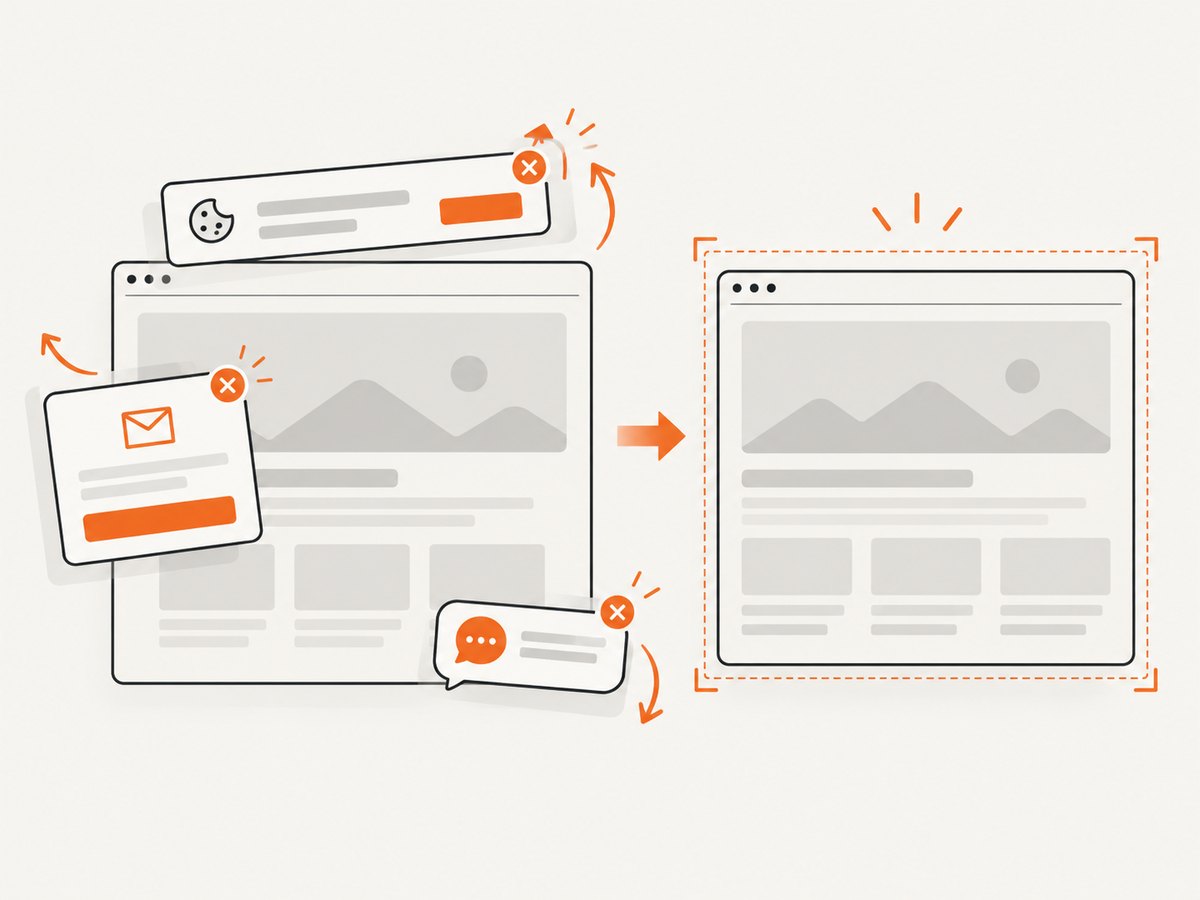
const res = await fetch(`https://api.screenshotneo.com/v1/shot?${q}`);Before capture, ScreenshotNeo accepts consent banners and removes more than 60 known consent platforms, newsletter popups, and chat widgets; each cleanup step can be disabled. Bot checks, blank pages, timeouts, failed loads, and cache hits are not billed, and the response identifies the result with X-Page-Verdict and X-Billed headers. Its MCP server gives Claude, Cursor, and other MCP clients take_screenshot, get_page_info, and capture_pdf tools. The free plan includes 1,000 screenshots each month with no card; paid plans start at $5 for 3,000 shots. Create a free ScreenshotNeo account.
FAQ
Does changing scale fix a layout mismatch?
No. Scale changes bitmap density. Fix document mode, viewport, fonts, and computed styles first.
Should I leave DevTools open in production?
No. Use DevTools to identify the differing mode or width, then encode the intended doctype, deployment settings, and capture dimensions.
Can onclone change my live page?
It receives the cloned document. Changes made there are intended to affect the capture tree only.
Is IE11 fully supported by current html2canvas releases?
The current documentation targets modern evergreen browsers. Treat IE11 as a pinned legacy path and verify the exact build with your fixture.
When should I stop debugging html2canvas?
Stop when the required CSS or browser behavior cannot be reproduced reliably in IE11, or when you need consistent captures from multiple environments. A controlled screenshot API is then simpler to operate.


