How to Fix the html2canvas IndexSizeError
Fix html2canvas IndexSizeError by eliminating zero-sized canvases, waiting for layout and assets, and capturing safely in large or cross-origin pages.
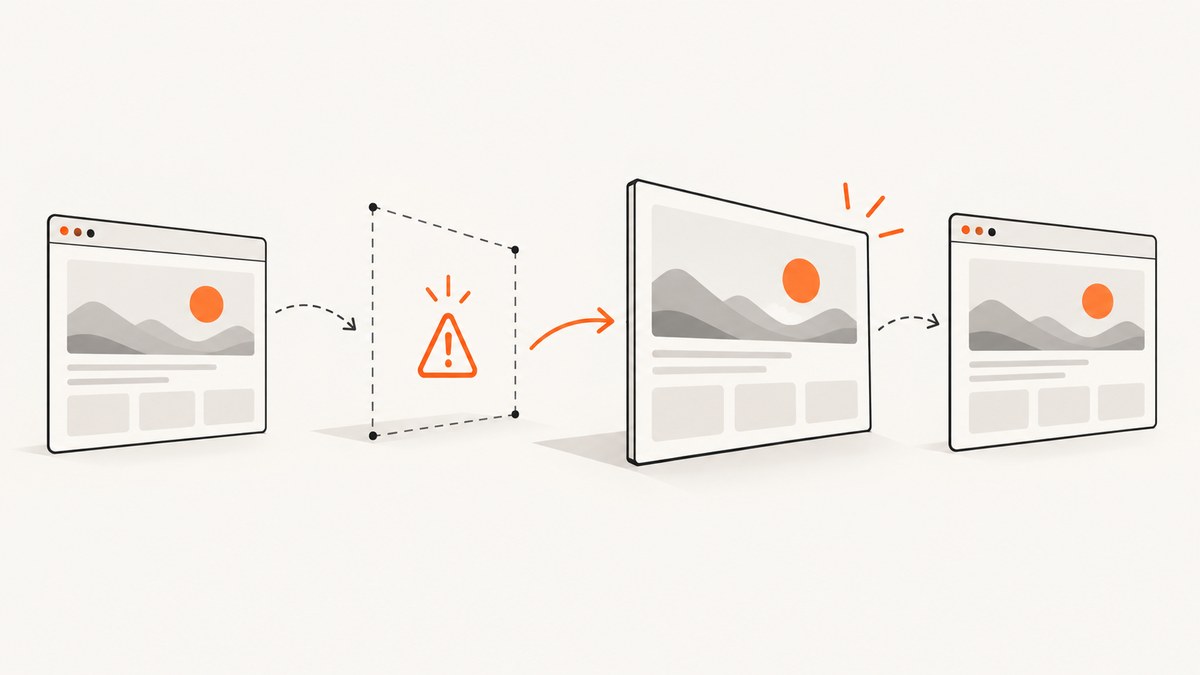
html2canvas throws IndexSizeError when a zero or otherwise invalid width or height reaches the Canvas 2D drawImage() call. The usual causes are a hidden or collapsed capture target, a component that has not finished layout, an empty child canvas, an image with no intrinsic dimensions, or an oversized capture that exceeds browser canvas limits. Fix the dimensions first, wait for layout and assets, then use onclone to make capture-only changes.
This guide shows a defensive capture implementation, explains every relevant option, separates dimension failures from CORS failures, and covers large pages, hidden elements, frameworks, browser extensions and production reliability.
What the error means
IndexSizeError is a Canvas API argument-validation error. A browser raises it when a drawing operation receives an invalid numeric argument, such as a destination rectangle with zero width or height. html2canvas measures DOM elements and images, creates intermediate canvases and passes those measurements to drawImage(). Its image-resizing helper clamps the allocated canvas to at least one pixel, but the subsequent draw can still use the original zero dimensions. The result is an exception even though a canvas object exists.
The html2canvas issue tracker records this exact failure for a canvas image whose width or height is zero. The Canvas 2D specification and MDN document IndexSizeError as an invalid-size argument problem. The html2canvas FAQ also warns that browser canvas limits can produce blank or cut-off output on very large pages; it recommends matching windowWidth and windowHeight to the element’s scroll dimensions.
Fast diagnosis checklist
- Confirm that the selector returns an element.
- Check
getBoundingClientRect(),scrollWidthandscrollHeight; every required dimension must be positive. - Make sure the element and its ancestors are not
display:none, detached, collapsed by flex or grid rules, or inside a closed dialog. - Inspect every child
<canvas>; itswidthandheightattributes must be greater than zero. - Wait for images, fonts and component measurement before calling html2canvas.
- For remote images, use
useCORS:trueonly when the image server sends a suitableAccess-Control-Allow-Originheader, or proxy the images through your origin. - For a very large page, reduce
scale, capture sections, or tile the page.
A defensive html2canvas implementation
Install or load html2canvas using the method already used by your application, then place this function after the target component has mounted:
async function captureElement(selector) {
  const node = document.querySelector(selector);
  if (!node) throw new Error(`Capture target not found: ${selector}`);

  const rect = node.getBoundingClientRect();
  const width = node.scrollWidth;
  const height = node.scrollHeight;
  console.debug('capture dimensions', {
    rect: { width: rect.width, height: rect.height },
    scroll: { width, height }
  });

  if (rect.width <= 0 || rect.height <= 0 || width <= 0 || height <= 0) {
    throw new Error(`Capture target has invalid size: ${width}x${height}`);
  }

  await document.fonts?.ready;

  const images = [...node.querySelectorAll('img')];
  await Promise.all(images.map(async img => {
    if (!img.complete) {
      await new Promise(resolve => {
        img.addEventListener('load', resolve, { once: true });
        img.addEventListener('error', resolve, { once: true });
      });
    }
    if (img.decode) {
      try { await img.decode(); } catch (_) { /* broken images are logged by html2canvas */ }
    }
  }));

  for (const canvas of node.querySelectorAll('canvas')) {
    if (canvas.width <= 0 || canvas.height <= 0) {
      throw new Error(`Child canvas has invalid size: ${canvas.width}x${canvas.height}`);
    }
  }

  return html2canvas(node, {
    windowWidth: width,
    windowHeight: height,
    scale: Math.min(window.devicePixelRatio || 1, 2),
    useCORS: true,
    onclone: clonedDocument => {
      clonedDocument.querySelectorAll('[data-capture-hidden]').forEach(el => {
        el.removeAttribute('hidden');
        el.style.display = 'block';
        el.style.visibility = 'visible';
      });
      clonedDocument.querySelectorAll('*').forEach(el => {
        el.style.animation = 'none';
        el.style.transition = 'none';
      });
    },
    onError: error => console.error('html2canvas resource failed', error)
  });
}

captureElement('#capture').then(canvas => {
  document.body.appendChild(canvas);
}).catch(console.error);
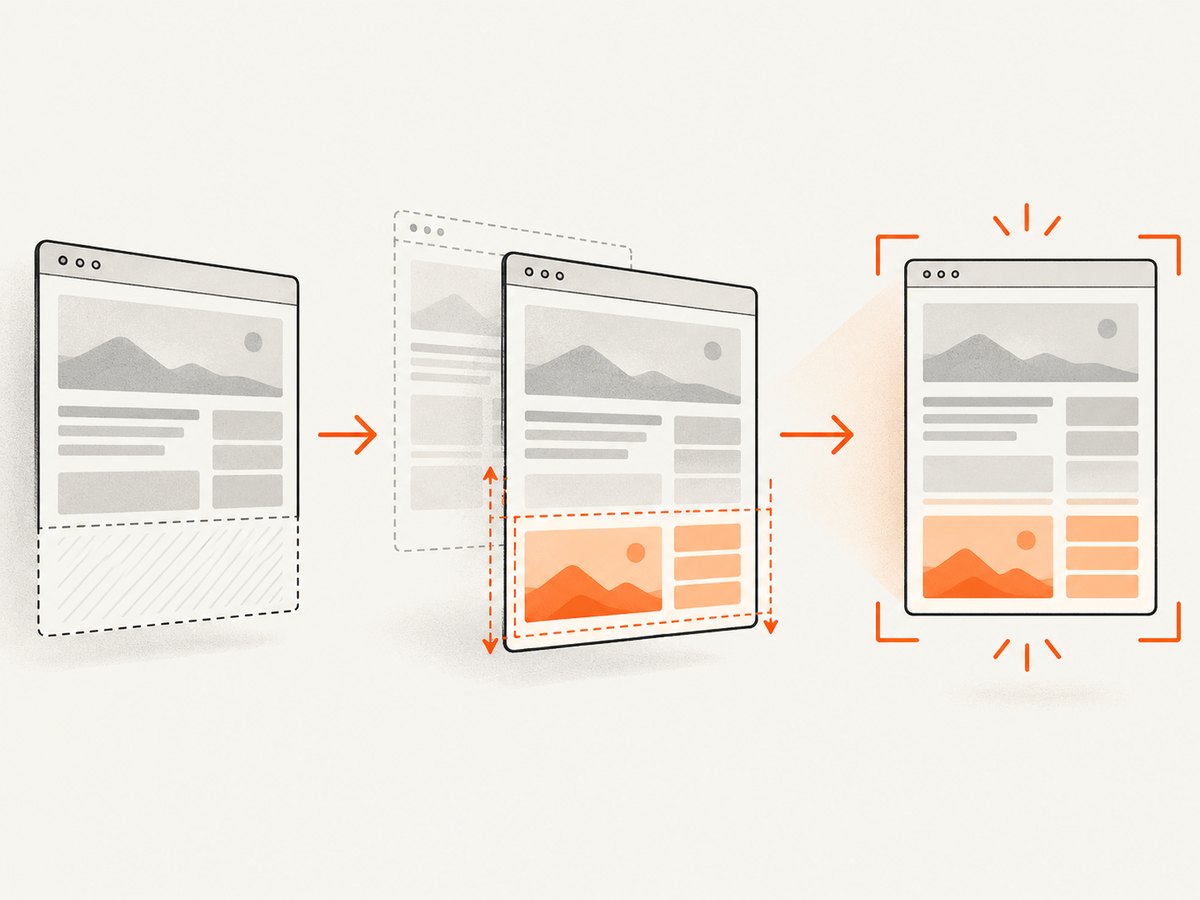
The preflight check turns a cryptic browser exception into an actionable error. Waiting for document.fonts.ready, image decoding and component layout prevents captures during the short interval when a framework has created nodes but has not measured them.
Hidden, collapsed and off-screen elements
html2canvas cannot measure useful geometry from an element or required ancestor with display:none. visibility:hidden, zero-height containers, an unmounted portal and a closed accordion can create the same result. Do not permanently alter your live page just to take a screenshot. The documented onclone option receives a cloned document, so you can reveal capture-only sections there.
When a section is intentionally hidden, mark it with data-capture-hidden and reveal it in onclone. If a tab panel is not rendered at all, mount it before capture. For a modal, render the modal in an off-screen position such as position:fixed; left:-100000px while retaining width and height. Avoid display:none; it removes layout information.
Images, SVG and child canvases
An image can be complete while still having a zero intrinsic size, for example when its source is empty, its CSS collapses it, or a generated placeholder has not been assigned dimensions. Give placeholders explicit width and height, and inspect img.naturalWidth and img.naturalHeight. A child canvas must have positive HTML attributes, not only CSS dimensions:
const chart = document.querySelector('#chart');
chart.width = Math.max(1, chart.clientWidth * devicePixelRatio);
chart.height = Math.max(1, chart.clientHeight * devicePixelRatio);
chart.style.width = `${chart.clientWidth}px`;
chart.style.height = `${chart.clientHeight}px`;
Use useCORS:true for cross-origin images only when the image response permits your origin. A CORS problem usually causes a tainted canvas, skipped image or security exception; it is different from a zero-dimension drawImage call. If you cannot control the image server, fetch it through a same-origin backend proxy and preserve the correct content type.
Large pages and browser canvas limits
The output bitmap consumes roughly width × height × 4 bytes before browser overhead, multiplied by the pixel ratio squared. A full-page capture at a high device scale can therefore exhaust memory or exceed a browser’s maximum canvas area. Symptoms include a blank canvas, a cropped bottom, a tab crash or a second dimension-related exception.
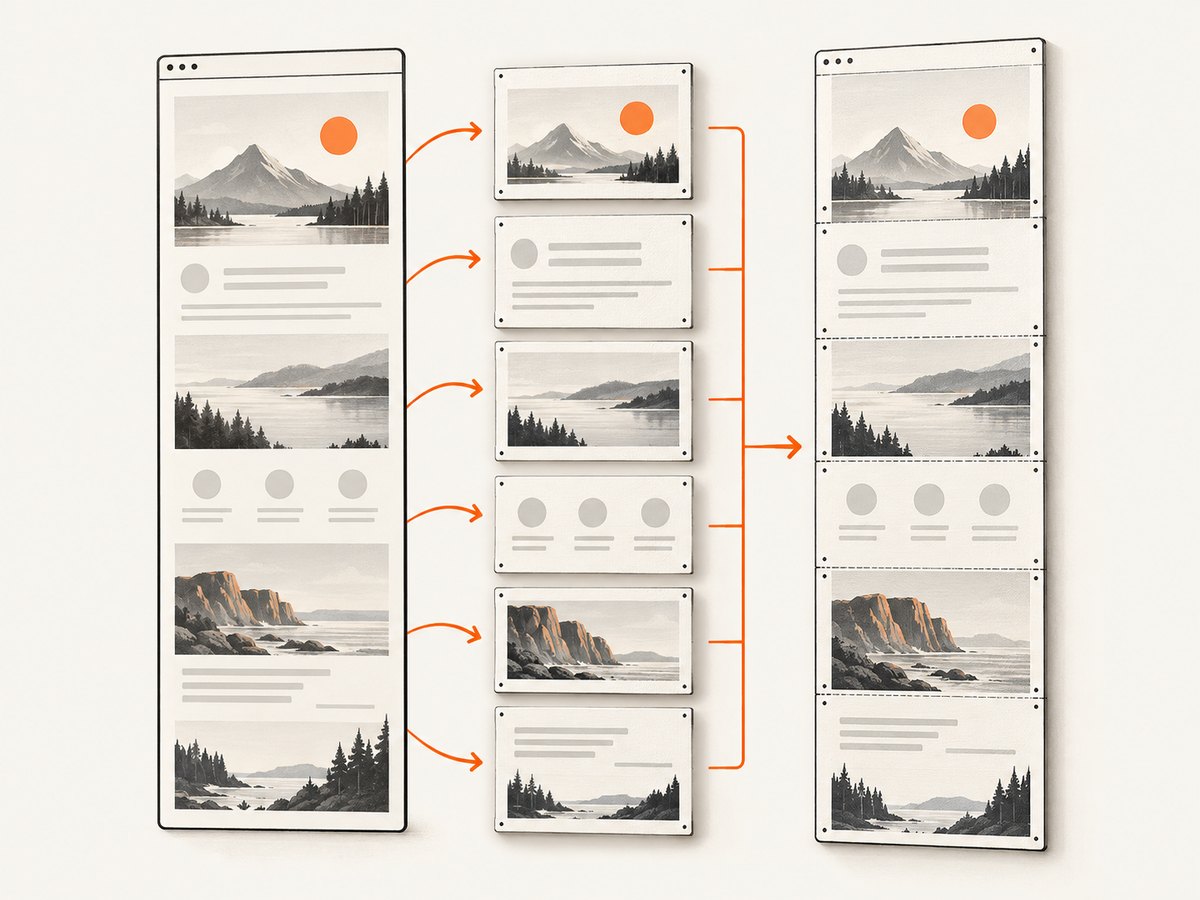
- Set
windowWidthandwindowHeightto the target’s scroll dimensions so html2canvas lays out the clone consistently. - Lower
scaleto 1 for long pages, or cap it at 2 as in the example. - Capture a long document in viewport-sized or section-sized tiles and stitch them server-side.
- Capture only the required element rather than the entire document.
- Test Safari separately; its canvas area behavior can be stricter. A number discussed in an issue report is user-reported, not a universal browser specification.
Framework timing and layout races
In React, Vue, Svelte and similar systems, call capture after the component is mounted and after state that controls size has settled. A single requestAnimationFrame is often enough for styles, while charts and virtualized lists may need an explicit “ready” event. For a CSS transition, wait for transitionend or disable transitions in onclone. Virtualized content that is not in the DOM cannot be captured; temporarily render all rows or capture each rendered page.
await new Promise(requestAnimationFrame);
await new Promise(requestAnimationFrame);
await captureElement('#report');
Relevant html2canvas options
| Option | Use | IndexSizeError considerations |
|---|---|---|
onclone |
Modify the cloned document | Reveal hidden content, set safe placeholder dimensions and disable animation without touching the live page. |
onError |
Observe resource failures | Log the image, SVG or background that precedes the exception. |
windowWidth/windowHeight |
Control cloned viewport | Match scroll dimensions for full-page captures. |
scale |
Set output pixel density | Lower it when memory or maximum-area limits are involved. |
useCORS |
Request cross-origin images | Requires server CORS headers; it does not repair zero dimensions. |
backgroundColor |
Choose a background or transparency | Does not affect layout dimensions. |
ignoreElements |
Skip problematic nodes | Useful for a third-party widget that cannot be made measurable. |
allowTaint |
Permit tainting in limited cases | Does not solve invalid drawImage sizes and can prevent exporting the canvas. |
Common errors and fixes
| Message or symptom | Likely cause | Fix |
|---|---|---|
IndexSizeError: The source width is 0 |
Empty image or child canvas | Wait for loading; assign positive dimensions; inspect naturalWidth, width and height. |
Failed to execute drawImage |
Zero or invalid source or destination rectangle | Log all bounding rectangles and use the preflight checks. |
| Target is 0x0 | display:none, collapsed parent or detached node |
Mount it, reveal it in onclone, or position it off-screen. |
| Blank or cut-off output | Canvas area or memory limit | Lower scale, set window dimensions, crop or tile; test browsers independently. |
| Images missing | CORS policy or failed resource | Enable response CORS, use a same-origin proxy, and inspect onError. |
| Text shifts between runs | Fonts not ready | Await document.fonts.ready and capture after layout settles. |
| Screenshot includes a spinner or animation frame | Capture occurred mid-transition | Disable animation in onclone and wait for data readiness. |
Reliability, performance and cost decisions
Run dimension checks before expensive rendering, reuse a warmed page when taking many captures, and avoid unnecessarily high pixel ratios. Cache stable assets and capture only changed sections when possible. Add a timeout around image and application readiness promises so one stalled resource cannot hold a worker forever. Record the URL, viewport, scale, dimensions and browser in your logs; these fields make intermittent failures reproducible.
For browser extensions, the html2canvas FAQ notes that major browsers expose native screenshot APIs in their extension APIs, which are more reliable and do not have canvas size limits. Those APIs capture browser surfaces rather than reconstructing DOM content, so choose between them based on whether you need DOM styling control or browser-native fidelity. Compare DOM fidelity, cross-origin asset handling, maximum capture area, execution context and maintenance cost before changing approaches.
Or skip the browser setup
If your goal is a dependable URL screenshot rather than a screenshot of a live in-process DOM, ScreenshotNeo handles the browser session for you. It accepts a URL and returns PNG, JPEG, WebP or PDF. Before capture it accepts cookie and consent banners and removes more than 60 known consent platforms, newsletter popups and chat widgets; each cleanup step can be disabled. Bot checks, CAPTCHAs, blank pages, timeouts, failed loads and cache hits are not billed, and response headers report the page verdict and billing status.
See the complete parameter list in the ScreenshotNeo API documentation. A minimal request is:
curl -G "https://api.screenshotneo.com/v1/shot" -d access_key=YOUR_API_KEY --data-urlencode url=https://stripe.com -o shot.webpimport requests
r = requests.get("https://api.screenshotneo.com/v1/shot", params={"access_key": "YOUR_API_KEY", "url": "https://stripe.com"}, timeout=90)
open("shot.webp", "wb").write(r.content)const q = new URLSearchParams({ access_key: 'YOUR_API_KEY', url: 'https://stripe.com' });
const res = await fetch(`https://api.screenshotneo.com/v1/shot?${q}`);The API also supports full-page captures with lazy images loaded, CSS-selector element captures, device presets and custom viewports, dark mode, retina scale, PDF paper and page settings, custom CSS and JavaScript, clicks, selector or network-idle waits, blocked requests and resource types, headers, cookies, user agents, authorization, timezone, geolocation, transparent backgrounds, resizing, chosen cache TTLs, signed image links, asynchronous jobs with signed webhooks, bulk capture of up to 100 URLs per call, a usage API and an OpenAPI specification. Parameter names used by other screenshot APIs are accepted to simplify migration. An MCP server provides take_screenshot, get_page_info and capture_pdf tools for Claude, Cursor and other MCP clients.
The free plan includes 1,000 screenshots each month with no card. Paid plans start at $5 for 3,000 shots; yearly billing provides two months free. Create a free ScreenshotNeo account and start with the 1,000 monthly screenshots.
FAQ
Does setting allowTaint:true fix IndexSizeError?
No. It changes how cross-origin pixels are handled. A zero source or destination dimension still fails validation.
Can I capture an element with display:none?
Not directly. Render it, move it off-screen while preserving dimensions, or reveal it in the cloned document through onclone.
Why does the error happen only in production?
Production timing, font loading, lazy images, responsive breakpoints and minification can change layout order. Log dimensions and resource failures in the production build to identify the first invalid node.
Should I switch to a server-side screenshot service?
Use one when you need repeatable URL captures, cross-origin handling, PDF output, asynchronous jobs or a service that removes consent UI before capture. Keep html2canvas when you specifically need the current in-page DOM and client-side styling control.
How do I prove which node caused the exception?
Run the preflight checks, inspect child canvases and images, enable onError, and temporarily ignore suspected third-party elements. The first node whose dimensions are zero is usually the source.


