How to Fix Html2canvas Input Text Cropping When Fonts Change
Fix cropped input text in html2canvas by waiting for fonts, checking the input content box, and separating glyph clipping from canvas cropping.
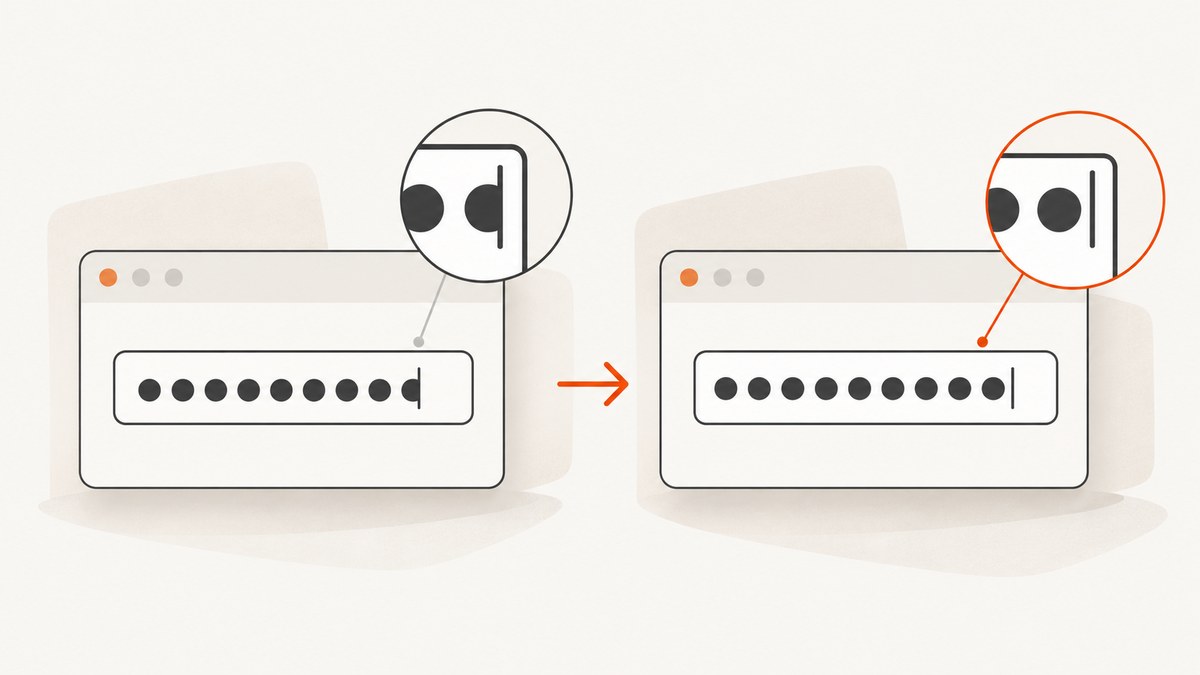
Direct answer: wait until the intended web font has loaded, allow layout to settle, then capture. Next inspect the input’s content-box height, line-height, vertical padding, and borders. html2canvas draws input values itself and clips that drawing to the input content box, so a font swap can expose a geometry problem. If the entire canvas is cut off, investigate canvas dimensions separately; changing windowWidth or windowHeight does not usually fix glyphs clipped inside an input.
1. Reproduce the problem with a controlled capture
Start with a minimal page so font timing, input geometry, and canvas sizing can be tested independently.
<!doctype html>
<html lang="en">
<head>
  <meta charset="utf-8">
  <title>html2canvas font crop test</title>
  <style>
    @font-face {
      font-family: "CaptureFont";
      src: url("/fonts/capture-font.woff2") format("woff2");
      font-display: swap;
    }

    body { font-family: system-ui, sans-serif; padding: 32px; }
    #target { padding: 24px; background: white; }
    input {
      box-sizing: border-box;
      width: 320px;
      height: 40px;
      padding: 6px 10px;
      border: 1px solid #999;
      line-height: 1.2;
      font-family: "CaptureFont", system-ui, sans-serif;
      font-size: 20px;
    }
  </style>
</head>
<body>
  <div id="target">
    <input id="name" value="A value with tall glyphs" aria-label="Name" />
  </div>
  <button id="capture">Capture</button>
  <script src="https://cdn.jsdelivr.net/npm/html2canvas@1.4.1/dist/html2canvas.min.js"></script>
  <script>
    const button = document.querySelector('#capture');
    const input = document.querySelector('#name');

    button.addEventListener('click', async () => {
      await document.fonts.ready;
      await document.fonts.load('20px "CaptureFont"');
      await new Promise(requestAnimationFrame);
      await new Promise(requestAnimationFrame);

      const canvas = await html2canvas(document.querySelector('#target'), {
        backgroundColor: '#fff',
        scale: window.devicePixelRatio || 1
      });
      const link = document.createElement('a');
      link.download = 'capture.png';
      link.href = canvas.toDataURL('image/png');
      link.click();
    });
  </script>
</body>
</html>
The two animation frames give the browser a chance to apply the loaded face and recalculate layout. This is a diagnostic baseline, not a guarantee for every font or browser.
2. Wait for the font before calling html2canvas
A dynamically loaded font may still be pending when capture starts. Check both the loading promise and the computed style:
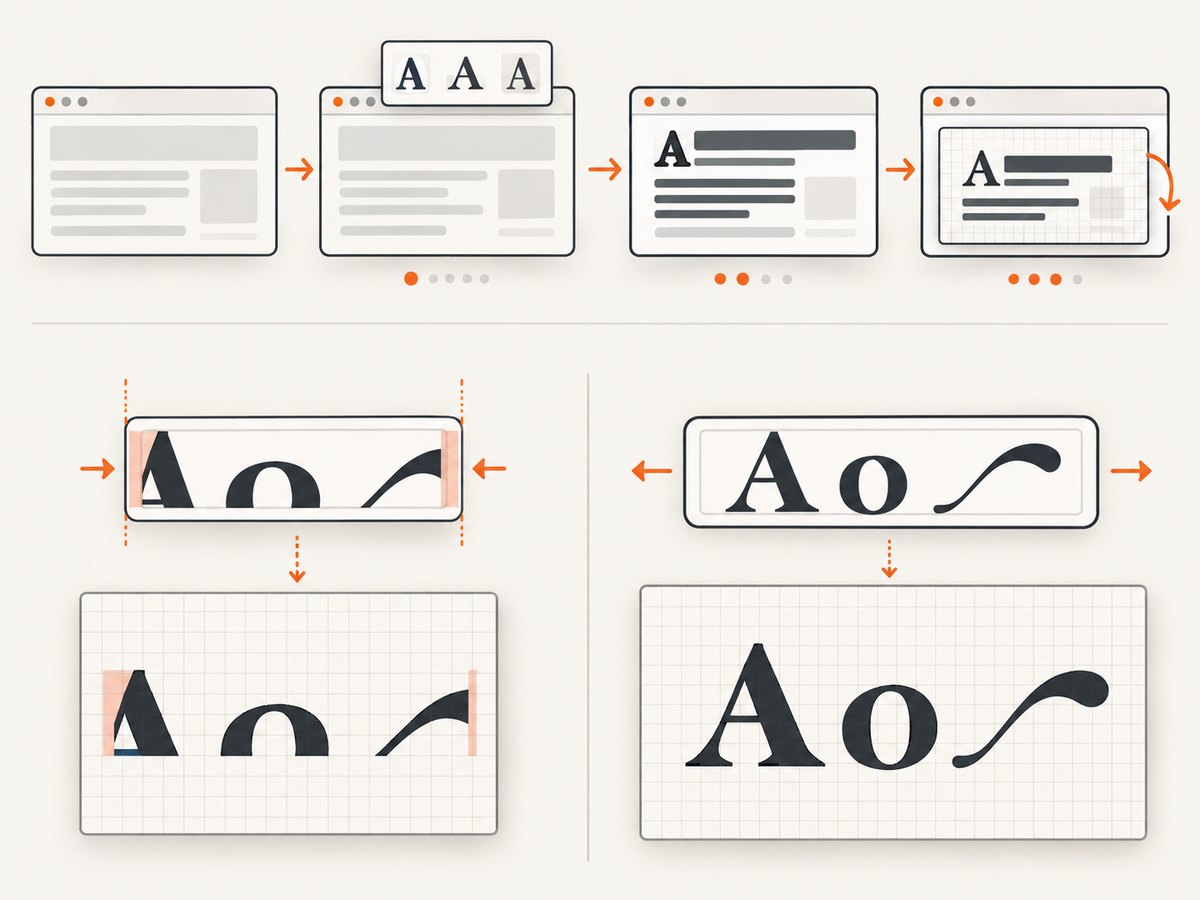
async function waitForCaptureFont(element) {
  await document.fonts.ready;

  const family = getComputedStyle(element).fontFamily;
  const size = getComputedStyle(element).fontSize;
  await document.fonts.load(`${size} ${family}`);

  // Let font application and layout complete.
  await new Promise(requestAnimationFrame);
  await new Promise(requestAnimationFrame);

  return {
    family: getComputedStyle(element).fontFamily,
    status: document.fonts.status
  };
}

const input = document.querySelector('input');
console.log(await waitForCaptureFont(input));
const canvas = await html2canvas(document.querySelector('#target'));
Compare getComputedStyle(input).fontFamily before capture. A fallback face can have different ascent, descent, and baseline metrics even when the CSS size is unchanged. A historical report described changed spacing after a font was loaded with JavaScript, while static CSS loading did not show the same report; it concerned spacing rather than this exact cropping symptom and used html2canvas 1.0.0-rc.5, Chrome 80, and Ubuntu 19. Treat it as context, not proof of a current-release bug.
3. Check the input’s content box
html2canvas’s input renderer obtains computed font styles and metrics, draws the value, and clips it to the input’s content box. That makes these values the next diagnostic targets:
| Property | What to inspect | Useful experiment |
|---|---|---|
height |
Is the control tall enough for the loaded face? | Temporarily increase it by 8–12px. |
line-height |
Does the line box fit the glyph ascent and descent? | Try a unitless value such as 1.3 or an explicit pixel value. |
| Vertical padding | Does padding leave enough content-box height? | Reduce top and bottom padding briefly. |
box-sizing |
Are declared dimensions interpreted as border-box or content-box? | Set box-sizing: border-box and recalculate. |
| Border | Does the border consume space under border-box sizing? | Remove the border for one capture. |
function inspectInput(input) {
  const s = getComputedStyle(input);
  const rect = input.getBoundingClientRect();
  return {
    rectHeight: rect.height,
    height: s.height,
    lineHeight: s.lineHeight,
    paddingTop: s.paddingTop,
    paddingBottom: s.paddingBottom,
    borderTop: s.borderTopWidth,
    borderBottom: s.borderBottomWidth,
    boxSizing: s.boxSizing,
    fontFamily: s.fontFamily,
    fontSize: s.fontSize,
    overflow: s.overflow
  };
}
console.table(inspectInput(document.querySelector('input')));
If increasing the height moves the crop boundary, geometry is implicated. That conclusion follows from the renderer’s content-box clipping behavior; it is an inference from the implementation, not a universal fix.
4. Use onclone for a capture-only diagnostic
The onclone callback changes the cloned document used for rendering, leaving the live page untouched. Use it to test whether a fallback font or larger control removes the crop:
const canvas = await html2canvas(document.querySelector('#target'), {
  onclone: (clonedDocument) => {
    const clonedInput = clonedDocument.querySelector('#name');
    clonedInput.style.fontFamily = 'Arial, sans-serif';
    clonedInput.style.height = '48px';
    clonedInput.style.lineHeight = '1.3';
  }
});
If this works, apply the smallest permanent CSS correction or ensure the original font is ready. Do not treat an onclone override as a general solution without reproducing it on your target browser and font.
5. Distinguish glyph clipping from canvas clipping
There are two different failures:
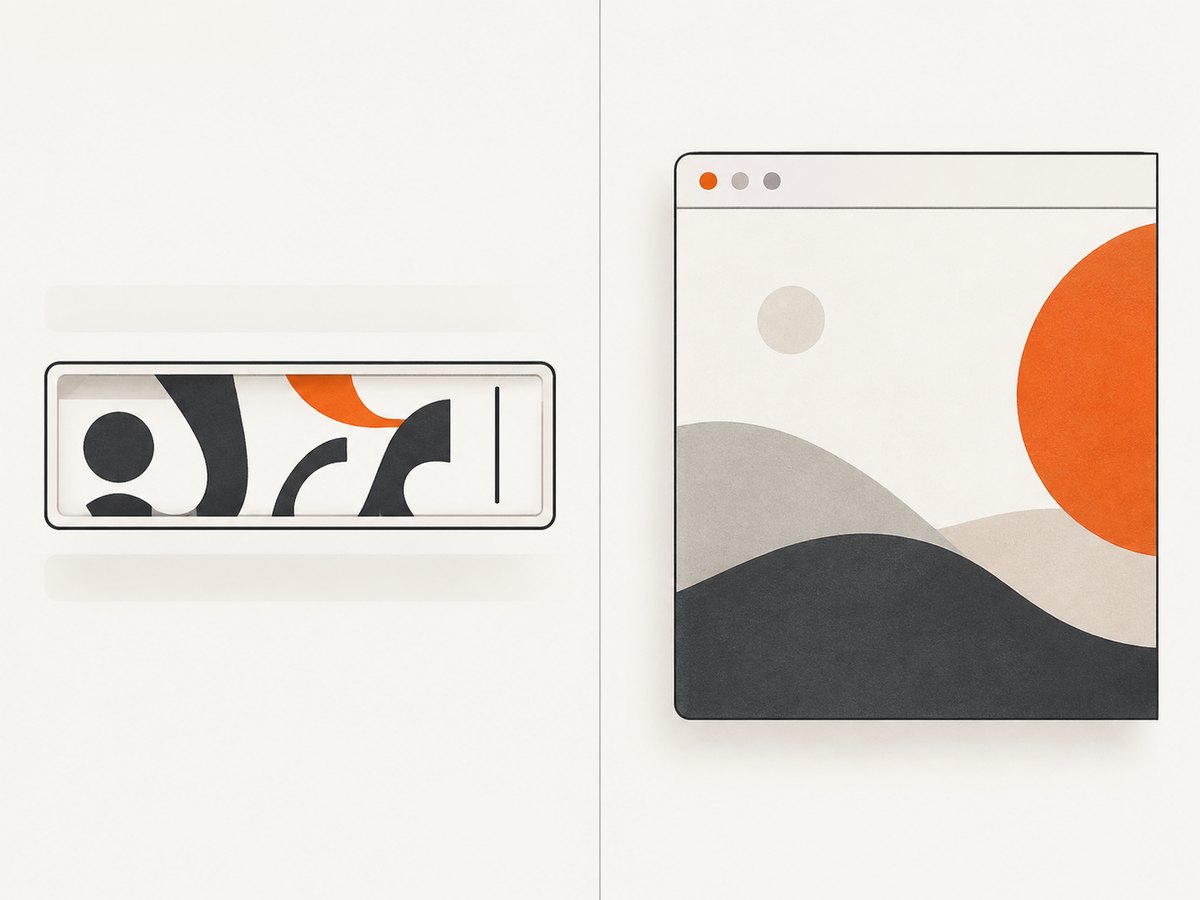
- Input glyph clipping: only letters inside the control are cut at its interior edge. Check font readiness, content-box height, line-height, padding, and borders.
- Canvas or page clipping: the entire right, bottom, or large region of the output is missing or blank. Check the capture element’s dimensions and the FAQ guidance to set
windowWidthandwindowHeightto the element’s scroll dimensions. Browser canvas size limits vary.
const element = document.querySelector('#target');
const canvas = await html2canvas(element, {
  windowWidth: Math.max(document.documentElement.scrollWidth, element.scrollWidth),
  windowHeight: Math.max(document.documentElement.scrollHeight, element.scrollHeight),
  width: element.scrollWidth,
  height: element.scrollHeight,
  x: 0,
  y: 0,
  scale: 1
});
Those options control output dimensions and crop offsets. They are useful for testing canvas boundaries, but they do not change the input’s own content-box clip.
6. A reliable capture sequence
- Apply the final font class or stylesheet.
- Wait for
document.fonts.readyand load the face at the actual computed size. - Wait for one or two animation frames.
- Read computed geometry from the input.
- Capture the smallest element that contains the input.
- Repeat once before and once after the font change to isolate timing.
async function captureAfterFontChange(root, input) {
  await document.fonts.ready;
  const style = getComputedStyle(input);
  await document.fonts.load(`${style.fontStyle} ${style.fontWeight} ${style.fontSize} ${style.fontFamily}`);
  await new Promise(requestAnimationFrame);
  await new Promise(requestAnimationFrame);

  const before = inspectInput(input);
  const canvas = await html2canvas(root, {
    backgroundColor: '#fff',
    scale: Math.min(window.devicePixelRatio || 1, 2)
  });
  return { canvas, before };
}
7. Troubleshooting checklist
| Symptom | Likely cause | Fix |
|---|---|---|
| Crop happens only immediately after changing the font | Font or layout is still pending | Await document.fonts.ready, call document.fonts.load, then wait for animation frames. |
| Crop remains after waiting | Input content box is too short | Increase height, adjust line-height or vertical padding, and verify box sizing. |
| Only one font fails | Font metrics or unsupported style behavior differ | Build a minimal reproduction and compare with a system font. |
| Whole screenshot is cut off | Canvas dimensions or browser limits | Test windowWidth, windowHeight, width, and height; reduce scale if necessary. |
| Input is blank | Capture timing, unsupported rendering behavior, or a failed page state | Confirm the live value exists, capture after layout settles, and test a minimal page. |
| CSS fix works live but not in the capture | html2canvas does not fully support every CSS property | Use a capture-only override and create a reproducible test case for the installed release. |
The project FAQ states that CSS properties must be implemented manually and that support is not complete. For a missing or incomplete property, its guidance is to create a test case and open an issue: html2canvas FAQ.
8. Performance, reliability, and maintenance
- Capture after state changes: avoid repeated captures while a font is still swapping. Debounce font or theme changes and capture once the final state is stable.
- Keep the target small: capturing a component is cheaper and less likely to hit canvas limits than capturing the entire document.
- Control scale: high device-pixel ratios increase memory and encoding time. Use a bounded scale when a large page is involved.
- Cache fonts: serve stable font files with appropriate caching headers so later captures do not repeatedly enter a fallback state.
- Record diagnostics: log browser/version, html2canvas version, font-loading method, computed styles, and whether the failure occurs before or after
document.fonts.ready. - Test real fonts: synthetic bold, variable-font axes, and unusual ascent/descent metrics can expose different geometry than a system fallback.
9. Create a minimal issue report
When the sequence above does not isolate the cause, reduce the page to one input and one font. Include the browser and version, operating system, html2canvas version, input CSS, font-loading method, computed styles, and whether the same font works when loaded statically through CSS. The FAQ recommends a test case for incomplete CSS behavior; these details make the case actionable.
Or skip the browser setup
If you need a dependable image of a page rather than a client-side canvas, ScreenshotNeo captures the rendered URL through an API. Cookie banners, newsletter popups, and chat widgets are removed before the shot; bot checks, blank pages, timeouts, failed loads, and cache hits are not billed. An MCP server lets AI agents take screenshots, inspect pages, and create PDFs.
See the ScreenshotNeo API docs for all options. This one-call example returns a WebP image:
curl -G "https://api.screenshotneo.com/v1/shot" -d access_key=YOUR_API_KEY --data-urlencode url=https://stripe.com -o shot.webpimport requests
r = requests.get("https://api.screenshotneo.com/v1/shot", params={"access_key": "YOUR_API_KEY", "url": "https://stripe.com"}, timeout=90)
open("shot.webp", "wb").write(r.content)const q = new URLSearchParams({ access_key: 'YOUR_API_KEY', url: 'https://stripe.com' });
const res = await fetch(`https://api.screenshotneo.com/v1/shot?${q}`);ScreenshotNeo includes full-page capture, custom CSS and JavaScript, waits for selectors or network idle, device presets, dark mode, element capture, headers and cookies, blocking controls, caching, signed links, asynchronous jobs, bulk capture, PDF output, and HTML/CSS rendering. Every response identifies its page verdict and whether it was billed. The Free plan includes 1,000 screenshots each month with no card; paid plans start at $5 for 3,000 screenshots. Create a free ScreenshotNeo account.
FAQ
Does increasing scale fix cropped input text?
Usually no. Scale changes raster resolution. If glyphs are clipped at the input’s interior boundary, inspect the font state and content-box geometry first.
Should I replace the web font with Arial?
Use a system font as a diagnostic comparison. If it fixes the capture, keep investigating font readiness or metrics before choosing a permanent fallback.
Can windowWidth fix a short input?
No. It addresses the viewport used for rendering and whole-canvas clipping. It does not enlarge an input’s content box.
Is this always an html2canvas bug?
No. The same symptom can come from capturing before a font swap finishes or from an input whose content region is too short. A minimal reproduction on the installed release is needed before assigning blame.


